-
-
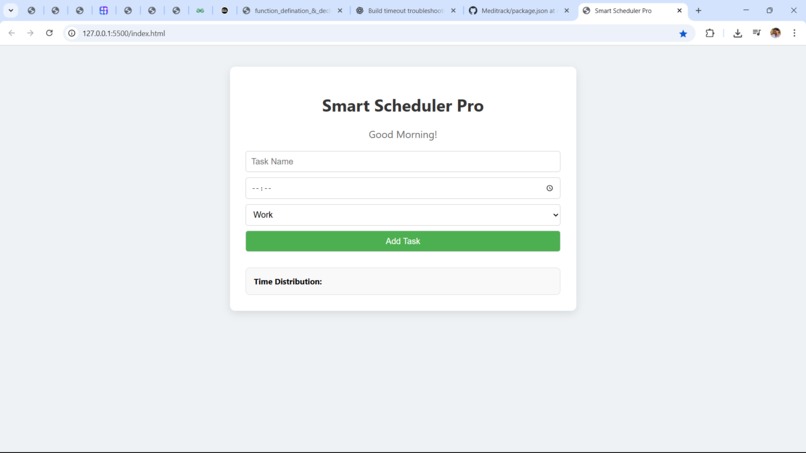
dashboard
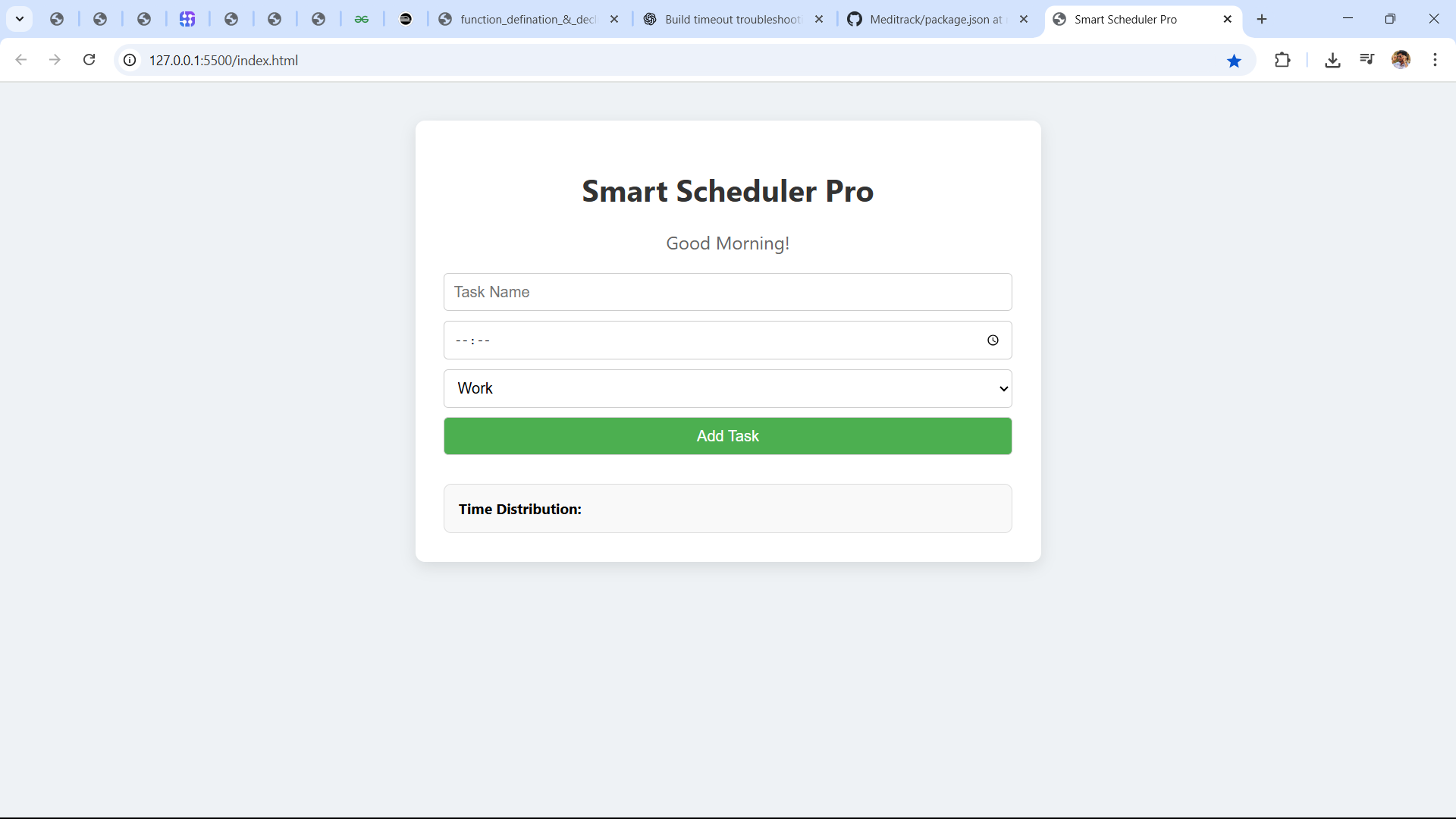
Inspiration
Managing daily tasks effectively is something many people struggle with—myself included. I wanted a simple yet smart tool that could help me plan my day, track my productivity, and visually analyze how I spend my time. That's what led to the creation of Smart Scheduler Pro—a lightweight, intuitive, and customizable daily routine planner.
What it does
Smart Scheduler Pro is a personal time management web app that allows users to: Create and categorize daily tasks (e.g., Work, Study, Exercise, Break) See real-time analytics of how their time is distributed Receive time-based greetings Add and delete tasks dynamically Store and retrieve tasks using the browser’s local storage—no login required It's simple, fast, and ideal for anyone who wants to structure their day effectively.
How we built it
We built Smart Scheduler Pro using the following stack: HTML & CSS for layout and styling Vanilla JavaScript for interactive behavior and logic LocalStorage API for persistent task management without a backend Responsive design principles for mobile and desktop compatibility The app uses modular functions and dynamic DOM updates for smooth interactivity.
Challenges we ran into
Some of the key challenges we faced: Making the interface clean yet functional without using frontend frameworks Ensuring tasks persist and update correctly in LocalStorage Keeping the app responsive while maintaining usability on small screens Managing task state dynamically, especially while adding and deleting tasks
Accomplishments that we're proud of
Built a fully working productivity tool with real-time interactivity Implemented a smart UI with analytics and category tracking Created a modular codebase that's easy to scale Maintained performance without external libraries or backend
What we learned
Handling state with localStorage for offline web apps Dynamic DOM rendering and user input validation Organizing JavaScript code for reusability and clarity Designing simple UI/UX that helps users get things done efficiently
What's next for Smart Scheduler Pro
Future improvements planned: Add edit functionality to modify existing tasks Implement drag-and-drop to rearrange tasks by time Integrate browser notifications for upcoming task reminders Expand to calendar view and support weekly/monthly planning Optional login with Supabase to sync tasks across devices
Built With
- css
- html
- javascript
- localstorageapi


Log in or sign up for Devpost to join the conversation.