Inspiration
We were inspired by our own experiences as students trying to build schedules every semester. What seems like a simple task quickly becomes overwhelming, not just choosing classes, but figuring out how far apart they are, whether the timing is realistic, and whether it actually fits into their schedule.
We realized that students spend hours switching between different tools and still don’t feel confident in their decisions. This is especially true for incoming freshmen who may not even be familiar with the campus environment yet. That frustration pushed us to create something that can benefit all students, a smarter, more intuitive way to plan your schedule.
What it does
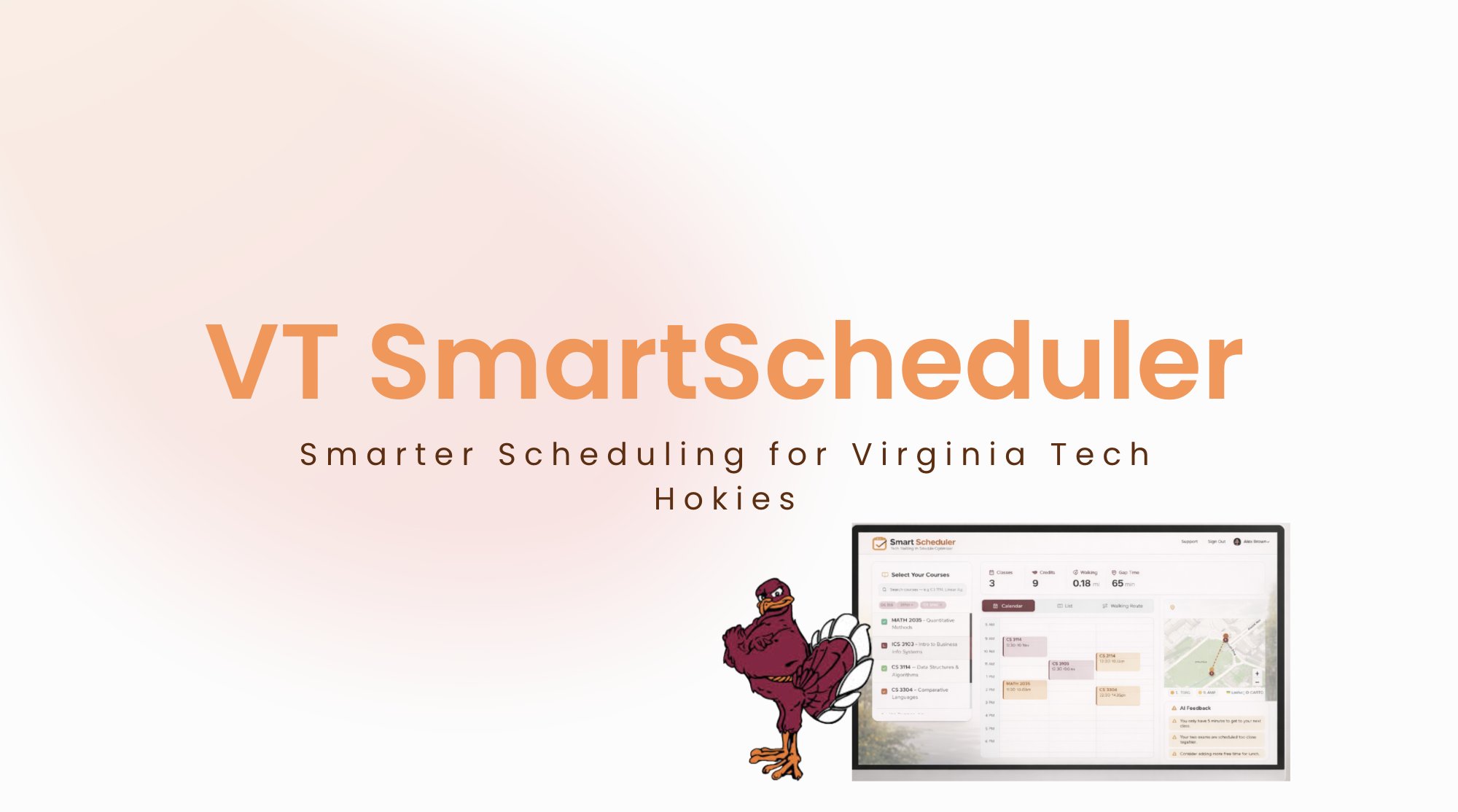
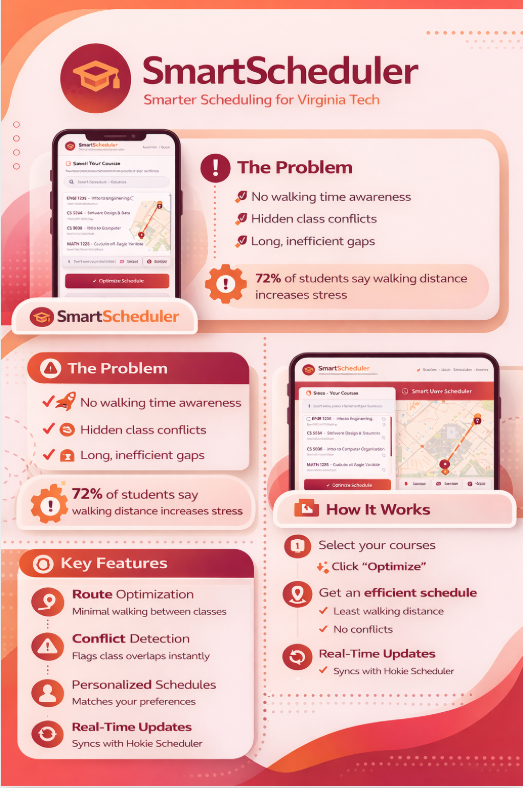
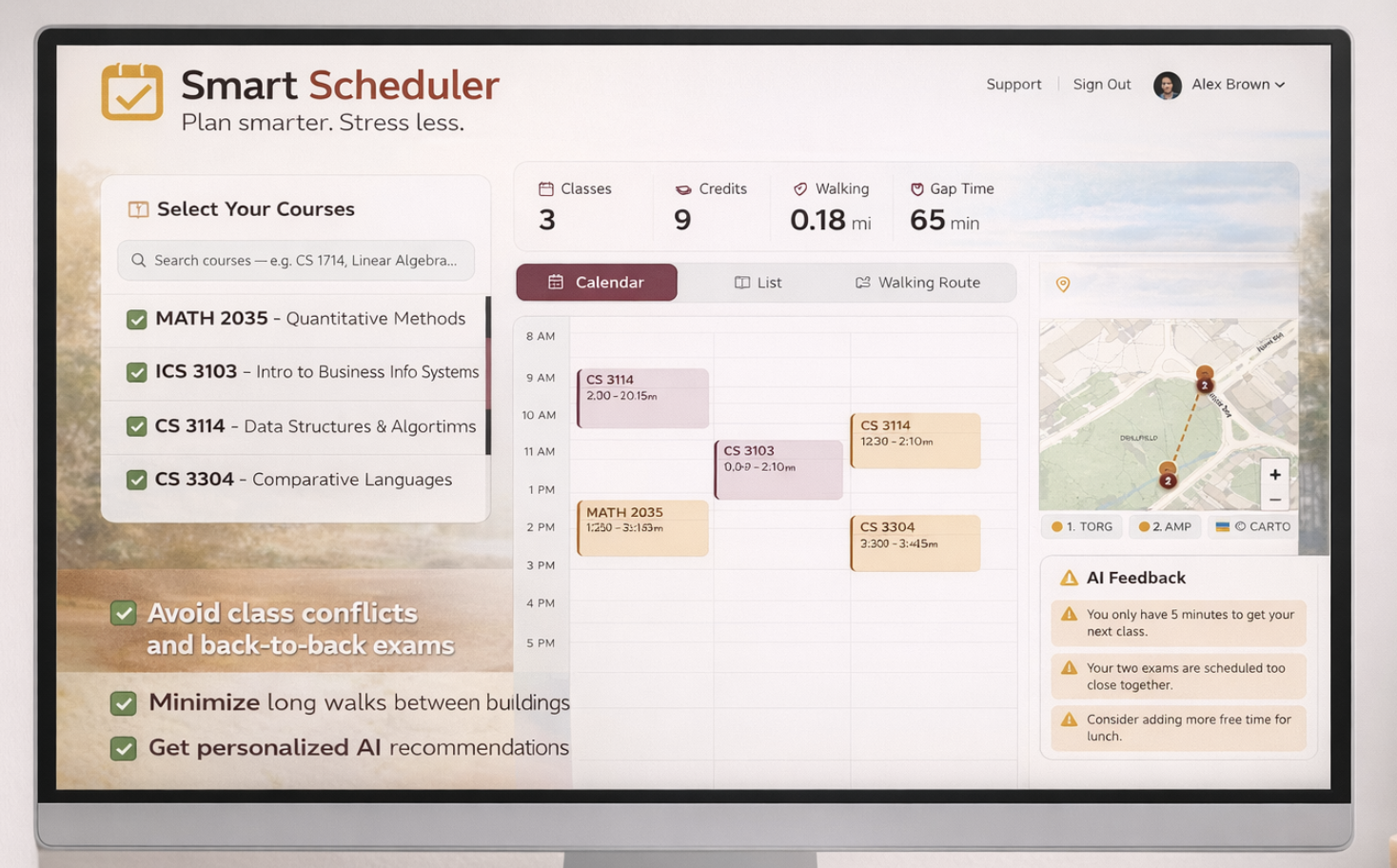
Smart Scheduler is a scheduling tool that helps students build better, more realistic schedules.
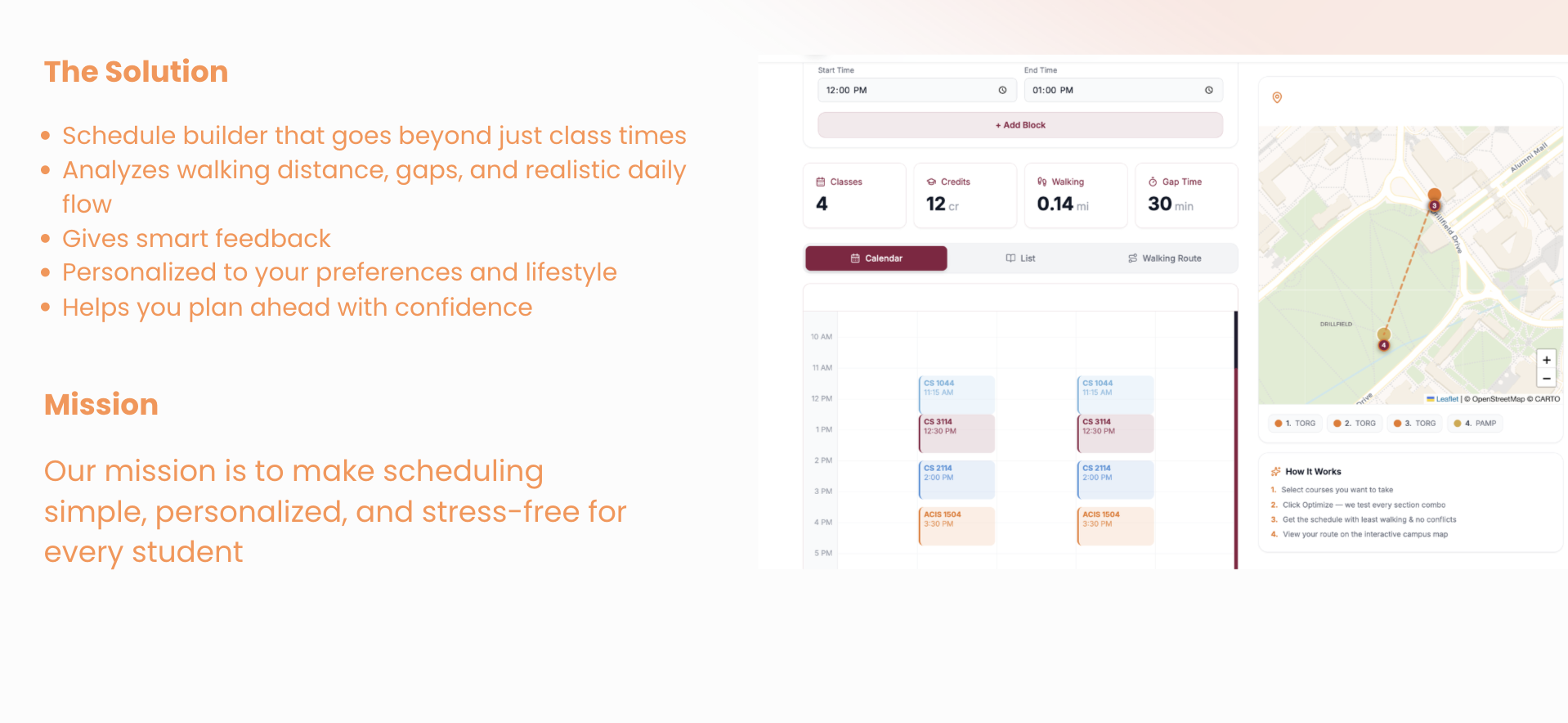
Instead of just picking class times, it lets users see how far apart their classes are, whether their schedule is actually manageable, and how everything fits together. Students can also add their daily plans like clubs, workouts, or other commitments to make sure their schedule works for their real life.
How we built it
We built Smart Scheduler using a full-stack approach that connects the frontend, backend, and database together.
Frontend (React + Tailwind CSS) We used React to handle the logic and user interactions, and Tailwind CSS to design a clean and simple UI. This is what users see like buttons, schedules, maps, and inputs.
Interactive Map (Leaflet) We used Leaflet to display an interactive campus map so students can visually see how far apart their classes are.
Backend (Express.js + Flask) Express.js handles routing and communication between the frontend and database. Flask is used for Python-based logic, such as processing schedule data and running smarter checks.
Database (AWS DynamoDB) We store user schedules and course data in DynamoDB, which allows fast and scalable access to data.
Authentication (Google OAuth) Users sign in with Google, and we securely verify their identity.
Data Flow User selects classes → data is sent to backend → backend processes schedule → results are returned and displayed in the frontend.
Challenges we ran into
Getting accurate class data It was harder than expected to get clean and reliable course data. We had to figure out how to structure it and make sure it actually works with our system.
Working with limited time (hackathon)
Building a meaningful product in a short amount of time was challenging. We had to prioritize what features mattered most.
Accomplishments that we're proud of
We’re proud of being able to build a meaningful and useful product in less than 8 hours. In such a short amount of time, we were able to take an idea based on real student struggles and turn it into something interactive and practical.
We’re also proud of how we used AI throughout the process. AI is becoming a really powerful tool, and we were able to use it to speed up development, solve problems, and bring our ideas to life more efficiently.
What we learned
We learned how to better use AI as a tool, especially how important prompting is. The way you ask for something directly impacts the results you get, and learning how to guide AI effectively made a big difference.
We also learned more about how data flows through an application
What's next for Smart Scheduler
In the future, we hope to further develop Smart Scheduler and integrate it with existing university systems so it can better support students in real use. Our goal is to make it something that students can actually rely on when planning their schedules.
Built With
- amazon-web-services
- express.js
- flask
- javascript
- kiro
- leaflet.js
- next.js
- python
- react
- tailwind
- typescript


Log in or sign up for Devpost to join the conversation.