-
-
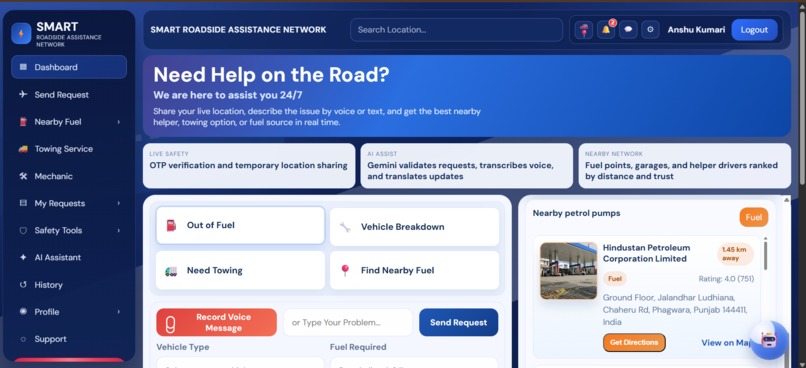
Smart-Roadside-Assistance-AI-System Website images
-
-
Inspiration
What it does
How I built it
Challenges I ran into
Accomplishments that I'm proud of
What I learned
What's next for Smart Roadside Assistance AI System
Inspiration Roadside emergencies are stressful, especially at night or in unfamiliar areas. We wanted to build a system that makes getting help fast, safe, and reliable. The idea was to combine real-time location, nearby helper matching, and AI guidance so people can request assistance in a few taps instead of making multiple calls.
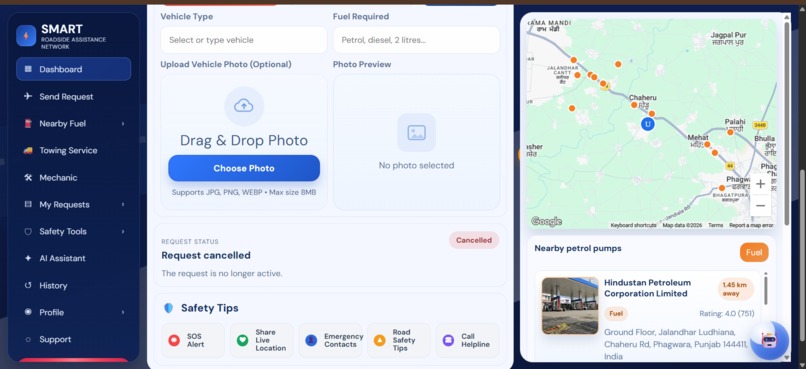
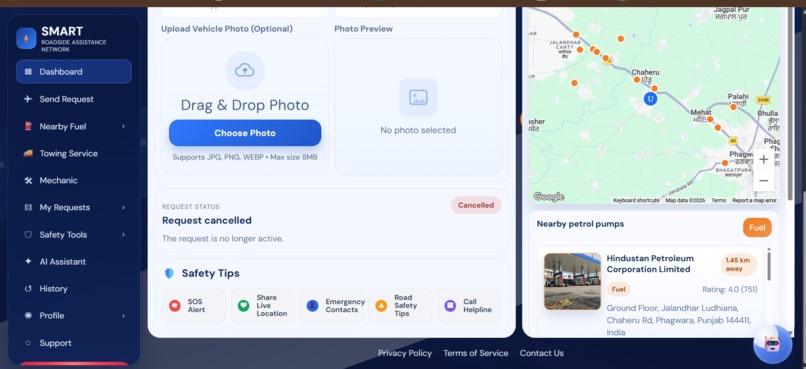
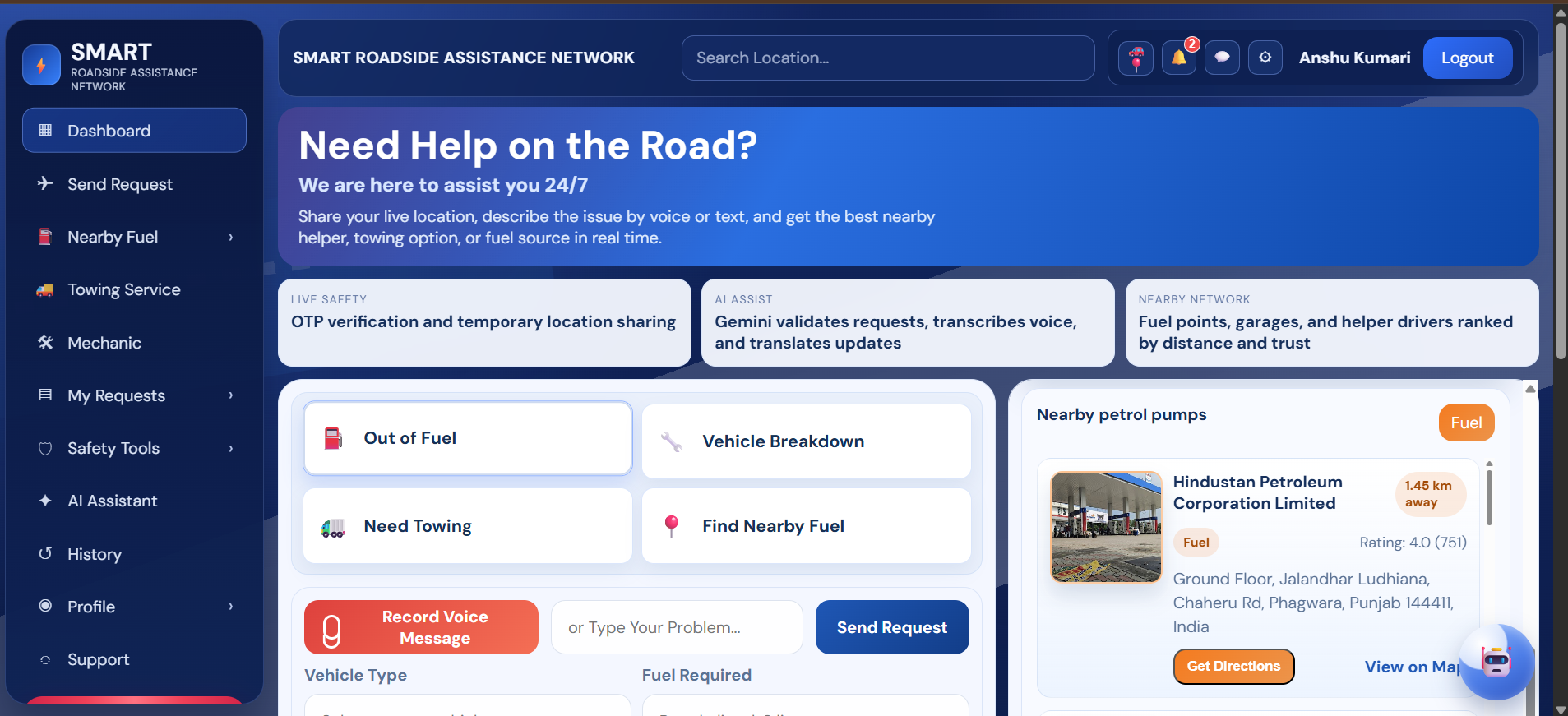
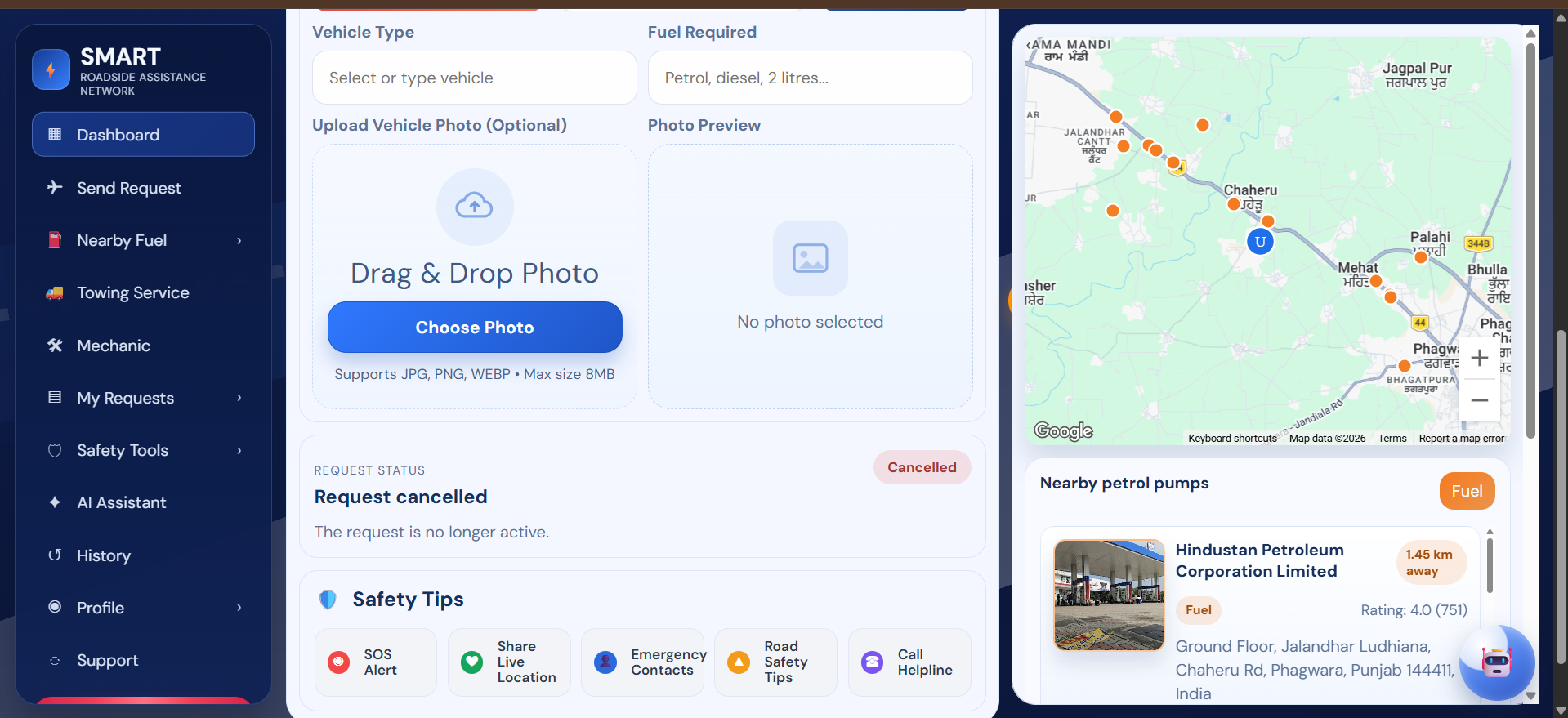
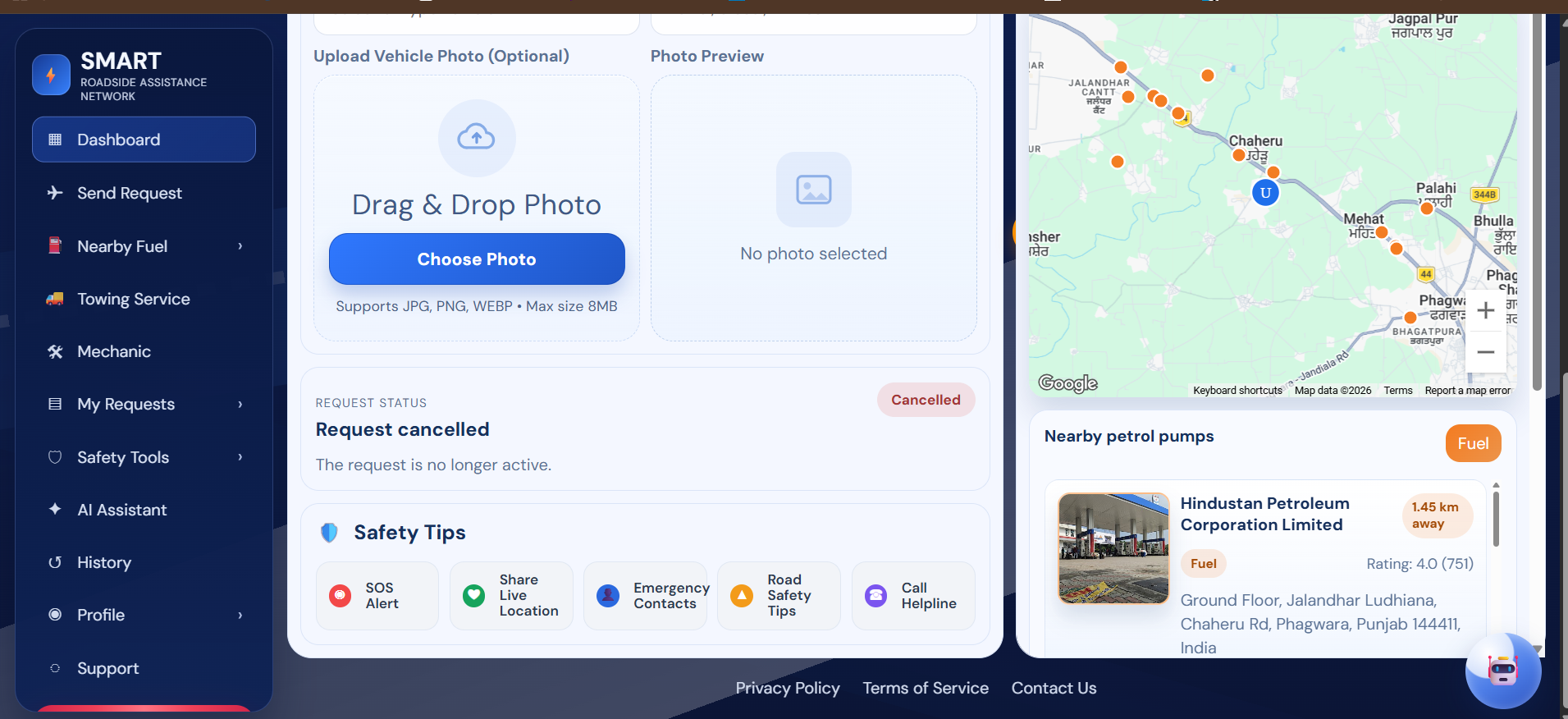
What it does Smart Roadside Assistance AI System connects drivers in distress with nearby helpers for situations like fuel shortage, breakdowns, and towing. Users can submit requests with location, optional photos, and voice input. Helpers receive live updates and can accept requests in real time. The platform also supports OTP-based verification, request tracking, safety-focused interactions, and a rating system after service completion.
How I built it I built the project as a full-stack web application:
Frontend: HTML, CSS, Vanilla JavaScript (responsive dashboard UI) Backend: Node.js, Express.js Database: MongoDB with Mongoose Real-time communication: Socket.IO Maps and location services: Google Maps APIs AI features: Gemini API for request assistance and voice-related flows Auth and security: JWT, OTP workflows Deployment: Vercel (frontend) + Railway (backend) Version control: GitHub
Challenges I ran into,
- Handling separate frontend and backend deployments while keeping API routes correct in production.
- Fixing environment-variable issues across local, Vercel, and Railway.
- Removing accidentally tracked node_modules and cleaning the repository state for stable deployment.
- Managing map initialization and key loading in a static frontend setup.
- Keeping UI interactions smooth (photo guide panel behavior, icon placement consistency) across devices.
Accomplishments that I'm proud of,
- Built a complete end-to-end emergency assistance workflow.
- Implemented real-time request and helper interaction features.
- Integrated AI and maps into a practical use case.
- Deployed successfully on cloud platforms with production-ready configuration.
- Improved UX with a polished dashboard, guided photo upload flow, and safety-focused interaction design.
What I learned,
- How to architect and deploy split frontend/backend apps effectively.
- Best practices for environment management and secret handling.
- Practical debugging of production issues (404s, config mismatches, deployment cache/build problems).
- How to combine AI + geolocation + real-time sockets into one coherent product.
- Importance of iterative UI refinement for trust and usability in emergency-focused products.
What's next for Smart Roadside Assistance AI System?
- Add stronger helper verification and trust scoring.
- Build advanced incident classification and smarter matching with AI.
- Add multilingual voice assistant support for wider accessibility.
- Improve live tracking reliability and ETA prediction.
- Add in-app notifications and escalation flows for no-response cases.
- Launch native mobile apps and integrate emergency service partnerships.
- Add analytics dashboards for response-time and service-quality insights.
Built With
- css
- express.js
- gemini-ai
- google-maps
- html
- javascript
- mongodb
- node.js
- nodemailer
- railway
- socket.io
- vercel

Log in or sign up for Devpost to join the conversation.