Inspiration
- Research workflows today are broken and fragmented.
- People read articles passively without extracting key insights.
- They miss important follow-up questions that could deepen their understanding.
- Research progress is often lost across sessions.
- Many rely on external AI services that compromise privacy while costing money.
- Chrome's built-in AI APIs could solve these problems by bringing AI directly into the browser where research happens.
What it does
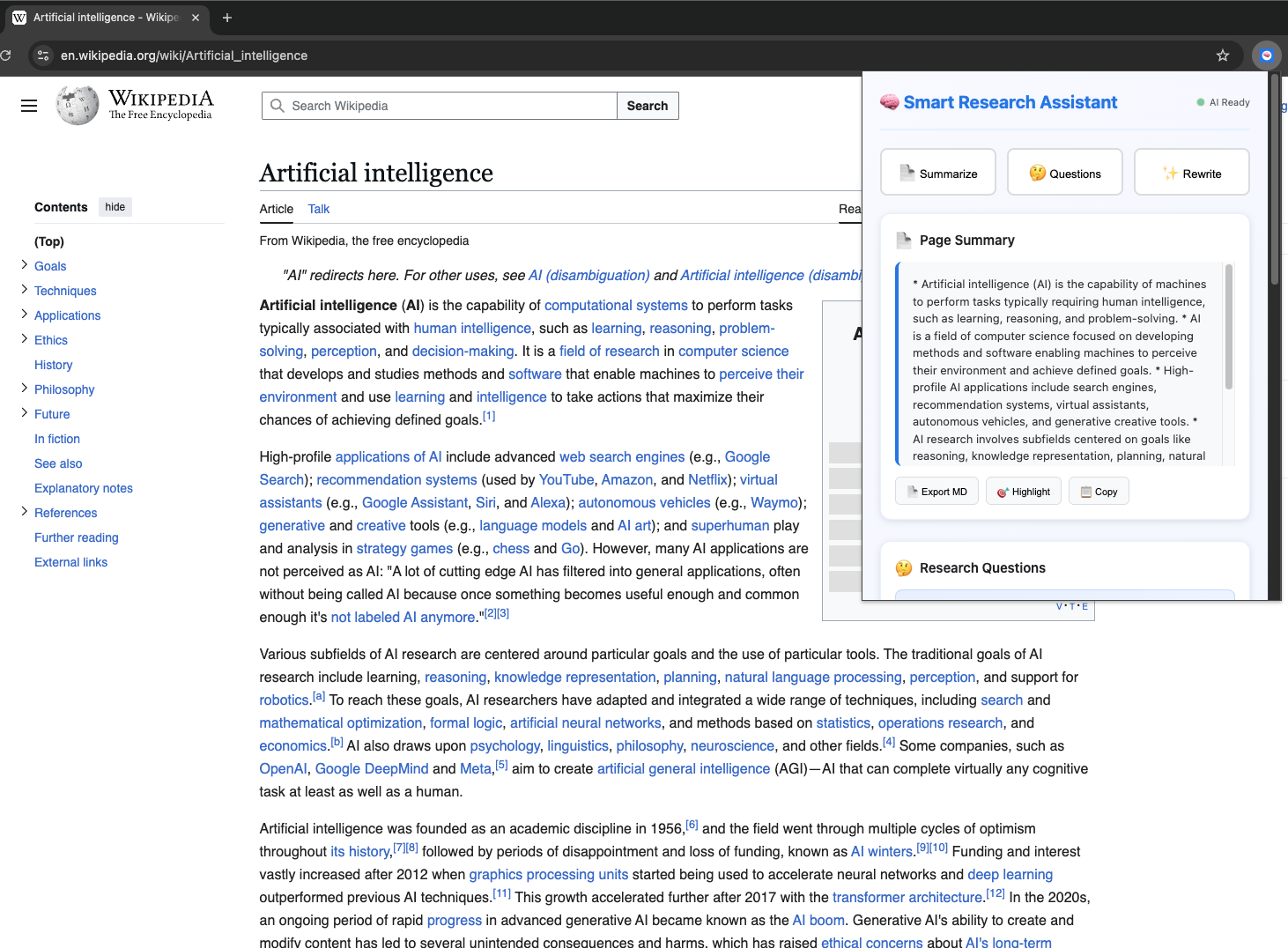
- Transforms passive web browsing into active, intelligent research.
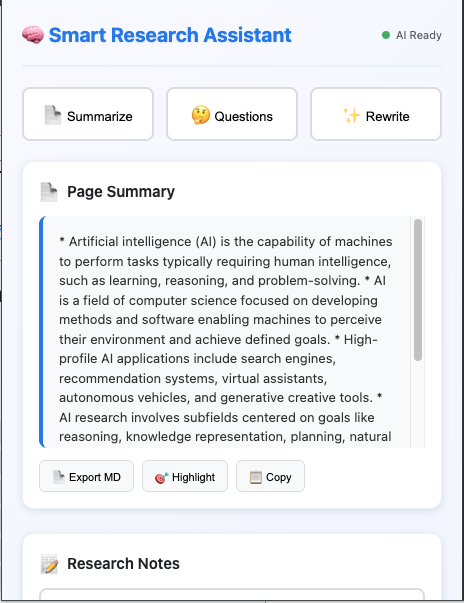
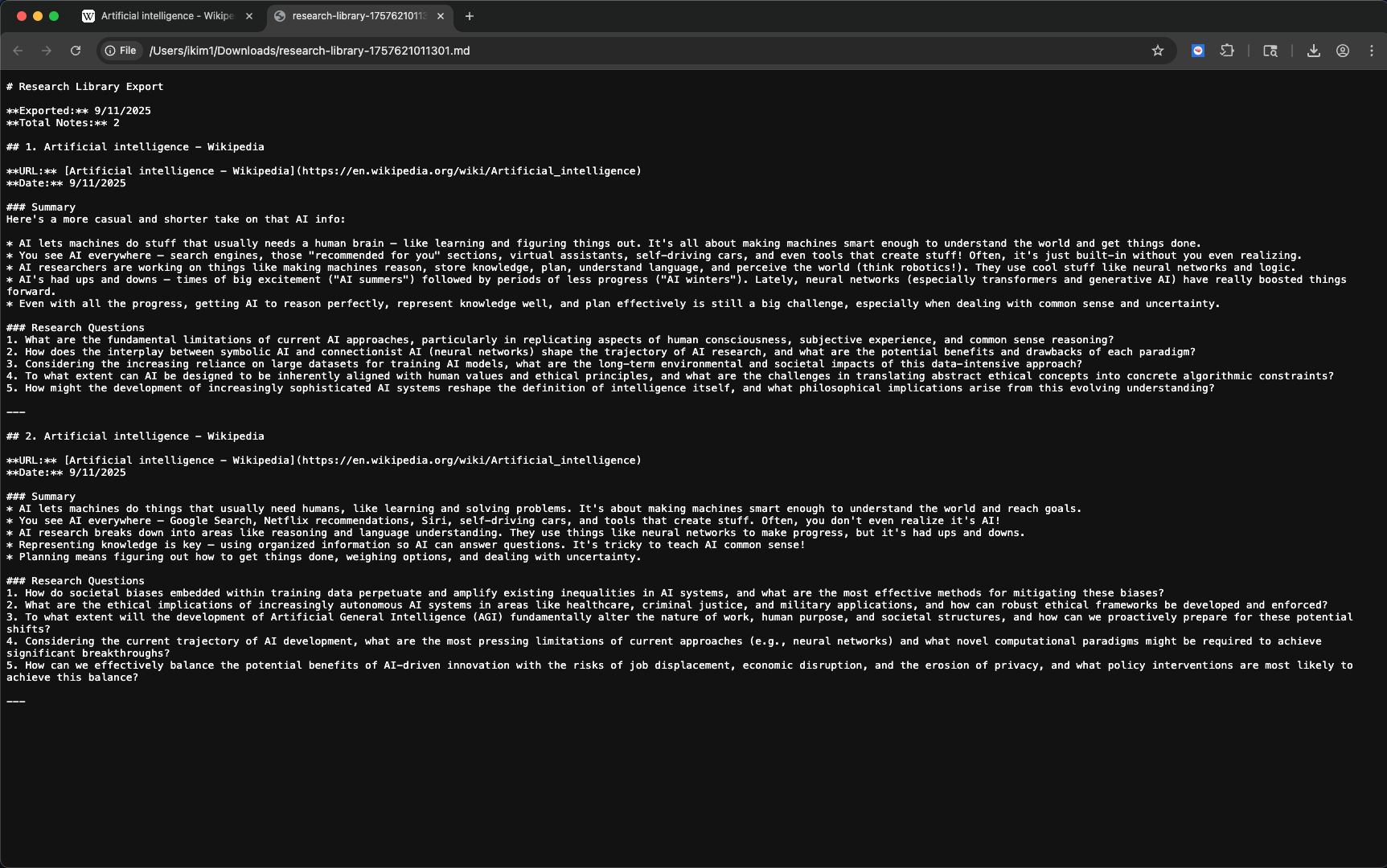
- Uses Chrome's Summarizer API to extract key insights from webpages.
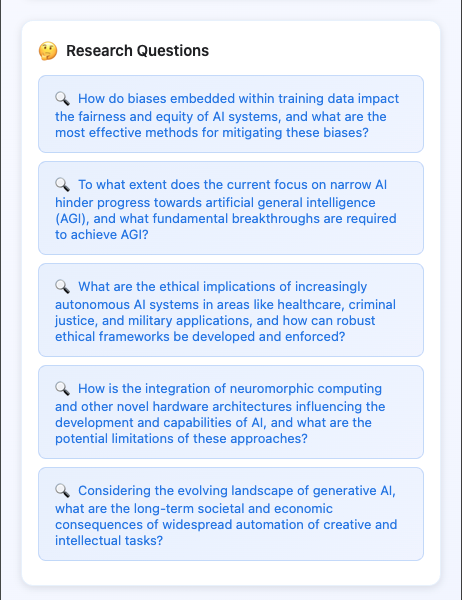
- Generates thoughtful research questions with the Prompt API.
- Provides content rewriting using the Rewriter API for different perspectives.
- Features smart content highlighting that shows what AI found important.
- Includes comprehensive export to Markdown.
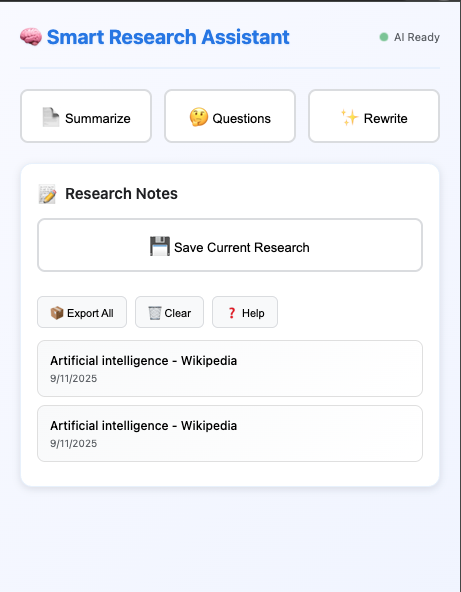
- Offers a complete research note management system.
- Runs entirely locally on the device with full privacy.
How we built it
- Built with vanilla JavaScript and Chrome Extension Manifest V3.
- Core AI processing runs in the content script with Chrome APIs:
- Summarizer API for summaries.
- Prompt API for research questions.
- Rewriter API for content enhancement.
- Summarizer API for summaries.
- Background service worker manages communication between components.
- Popup UI built with CSS Grid, smooth animations, and intuitive UX.
- Local storage used for research notes, no external dependencies.
- Works offline once AI models are downloaded.
Challenges we ran into
- Chrome’s AI APIs were in early preview with limited documentation.
- API formats changed during development.
- Needed robust error handling for different Chrome installations.
- Designed fallback systems when models weren’t downloaded.
- Extracting clean content from diverse websites required advanced parsing.
- Integrating multiple AI APIs while keeping performance high was difficult.
Accomplishments we’re proud of
- Integrated multiple Chrome AI APIs into a cohesive workflow.
- Achieved complete privacy with zero data collection.
- Built intelligent content highlighting linking summaries to source text.
- Designed a comprehensive export system for publication-ready research.
- Added keyboard shortcuts for power users.
- Created a polished UI that rivals commercial applications.
- Maintained strong performance and security.
What we learned
- Local AI processing is powerful for privacy and performance.
- Thoughtful UX design is critical when integrating AI features.
- Robust error handling is essential with preview APIs.
- Combining multiple AI APIs creates emergent capabilities more valuable than the sum of their parts.
What’s next for Smart Research Assistant
- Add multi-language support with Chrome's Translator API.
- Implement research theme categorization with automatic tagging.
- Integrate citation generation and source verification.
- Expand export formats to PDF and DOCX.
- Add collaborative research features.
- Integrate with Notion and Obsidian.
- Provide advanced analytics to reveal research patterns.
- Build a comprehensive research ecosystem to transform how people discover, process, and organize information online.
Built With
- chrome
- chrome-built-in-ai
- css3
- gemini-nano
- html5
- javascript
- manifest-v3
- prompt-api
- rewriter-api
- summarizer-api
- writer-api


Log in or sign up for Devpost to join the conversation.