-
-
section's
-
Dah board
Inspiration
What it does
How we built it📖 About the Project
🌟 Inspiration Managing student attendance manually is time-consuming and error-prone. At St. Joseph College, we wanted a system that was fast, secure, mobile-friendly, and easy to deploy without complex infrastructure. This inspired us to build a QR Code Attendance System that leverages modern web technologies and device cameras to streamline the entire process.
🧠 What We Learned Throughout this project, we deepened our knowledge in:
React.js and TailwindCSS for building responsive UIs
Flask for lightweight backend APIs
Real-time camera integration using html5-qrcode
Managing CSV-based data pipelines
Deploying full-stack apps on Render and Vercel
We also gained hands-on experience with cross-platform optimization and Progressive Web App (PWA) best practices.
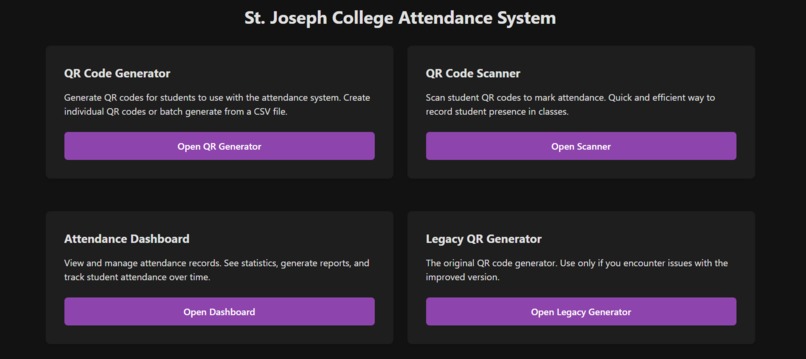
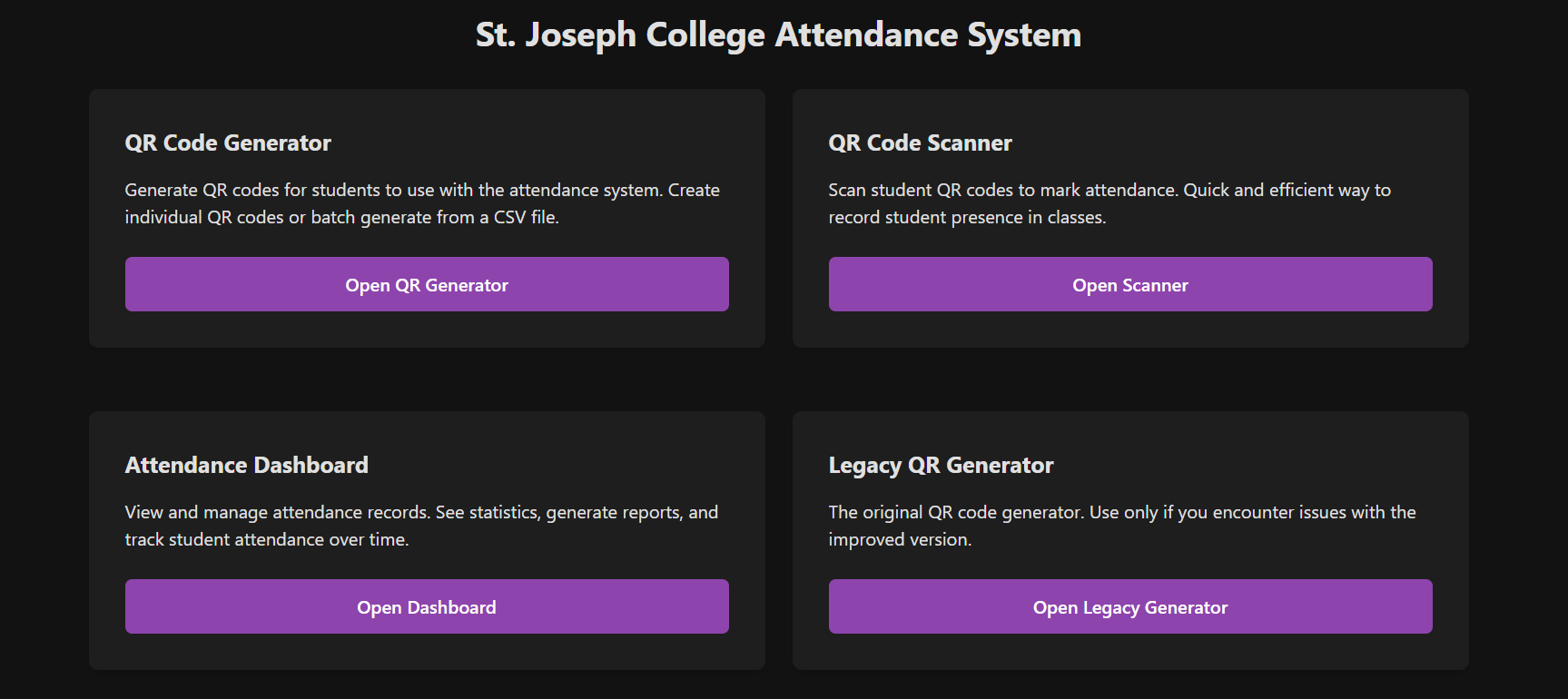
🛠️ How We Built It The project is structured in a modular full-stack format:
Frontend: Built with React.js and styled using TailwindCSS, with real-time QR scanning via the html5-qrcode library.
Backend: A Python Flask server handles attendance logic and stores data in CSV format.
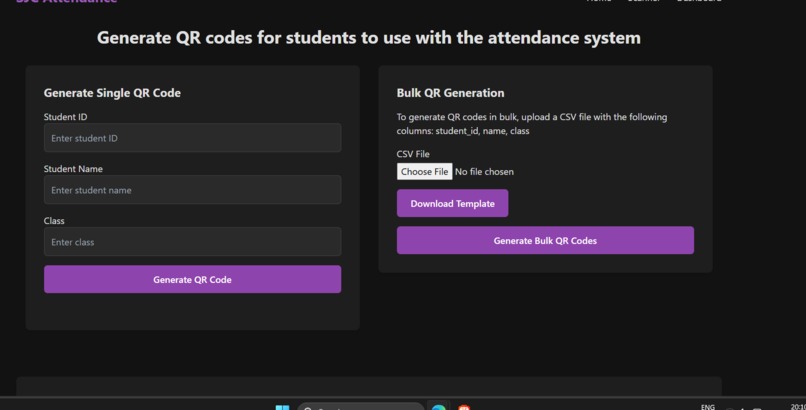
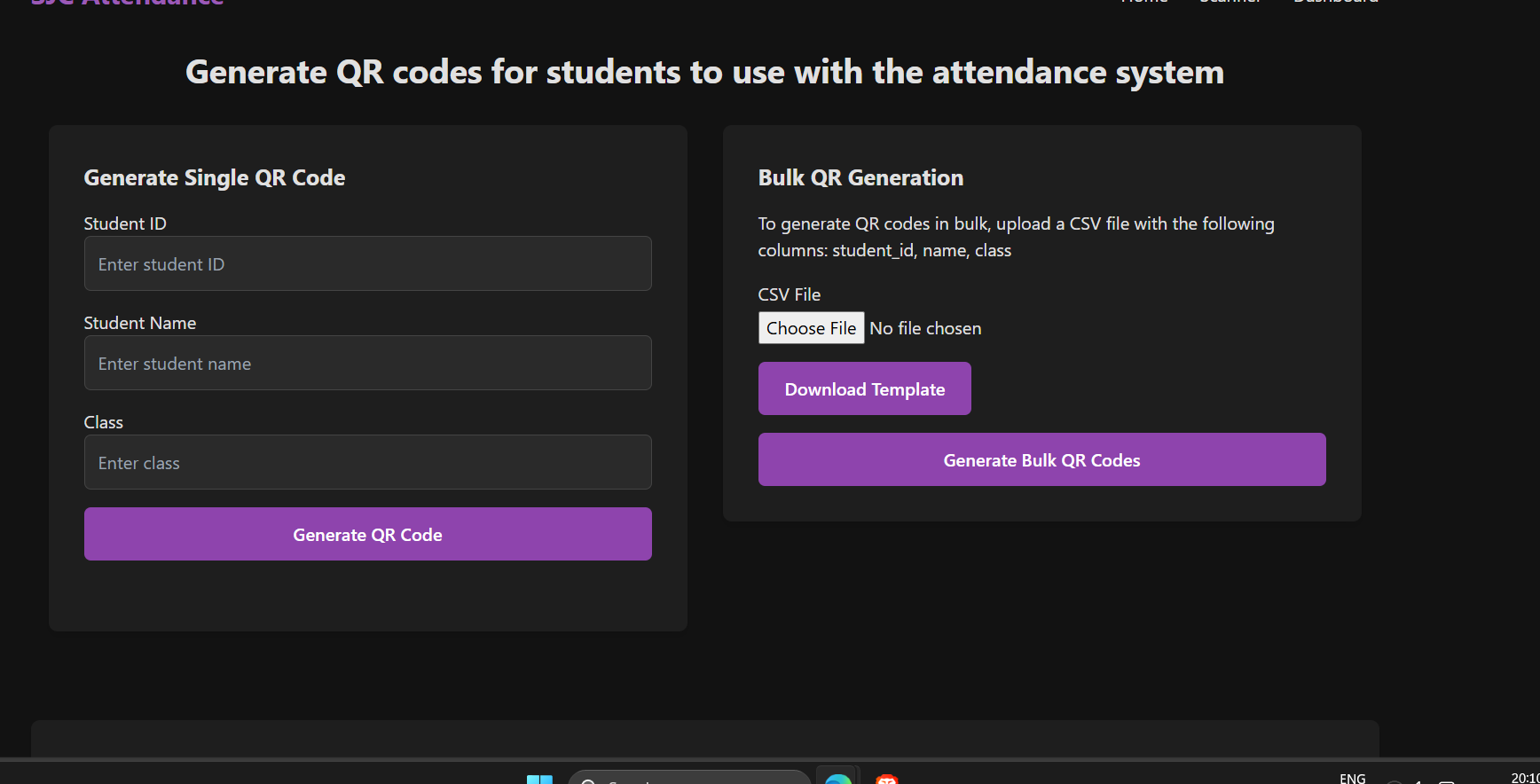
QR Generation: A Python script using the qrcode module to create unique QR codes for each student based on their ID.
Data Management: Attendance records are stored in flat CSV files to keep the setup lightweight and portable.
🚧 Challenges We Faced Cross-device camera access: Ensuring the QR scanner worked across different devices and browsers
Time sync logic: Handling late/very late attendance with time precision
Deployment limitations: File system constraints on Vercel led us to explore alternatives for persistent data storage
UI scaling: Designing a clean interface that works well both on desktop and mobile screens
🧰 Built With Frontend: React.js, TailwindCSS, html5-qrcode
Backend: Flask (Python)
Data Storage: CSV (flat file structure)
QR Generation: Python qrcode module
Deployment: Vercel, Render
Tools: GitHub, npm, pip, VS Code

Log in or sign up for Devpost to join the conversation.