-
-
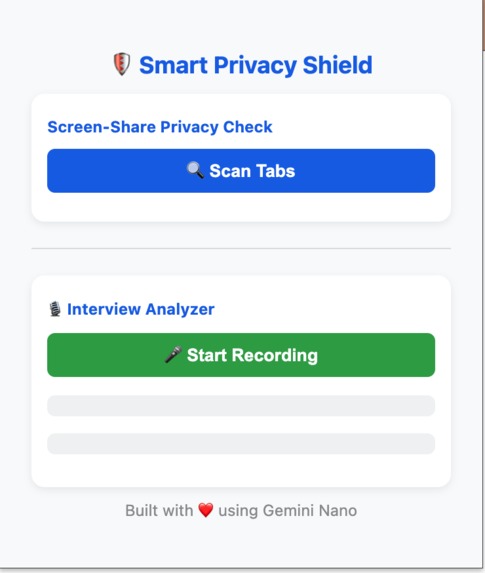
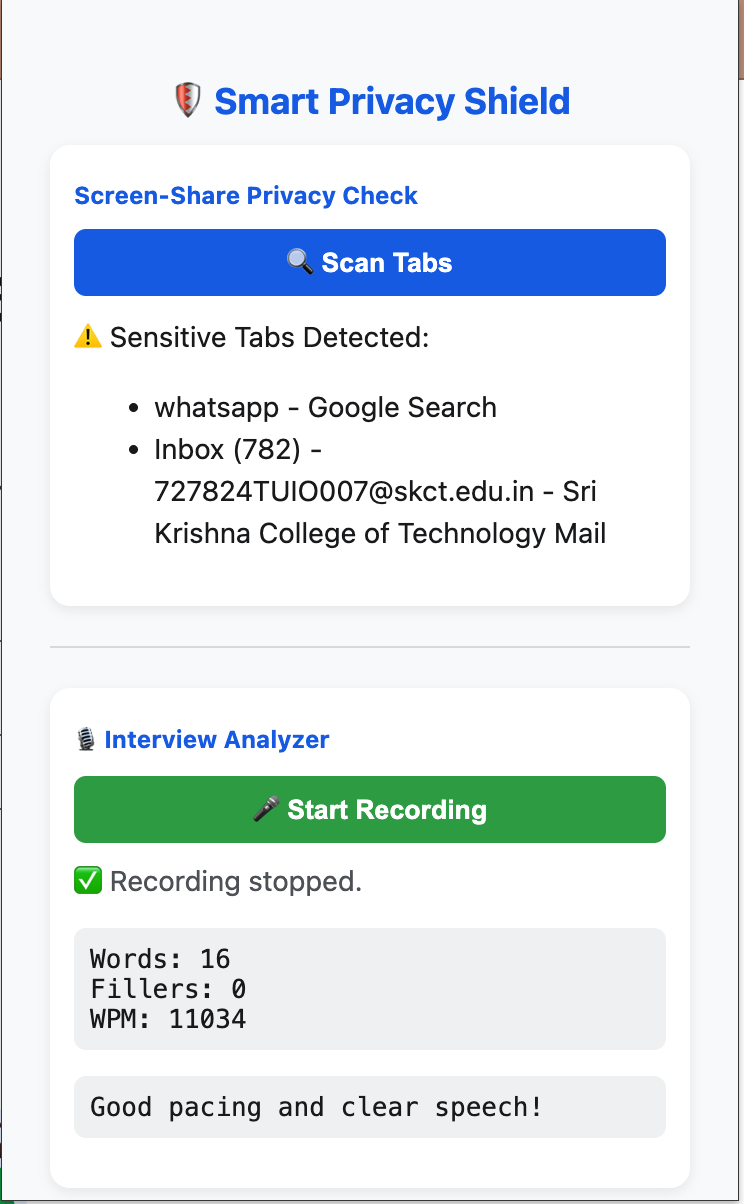
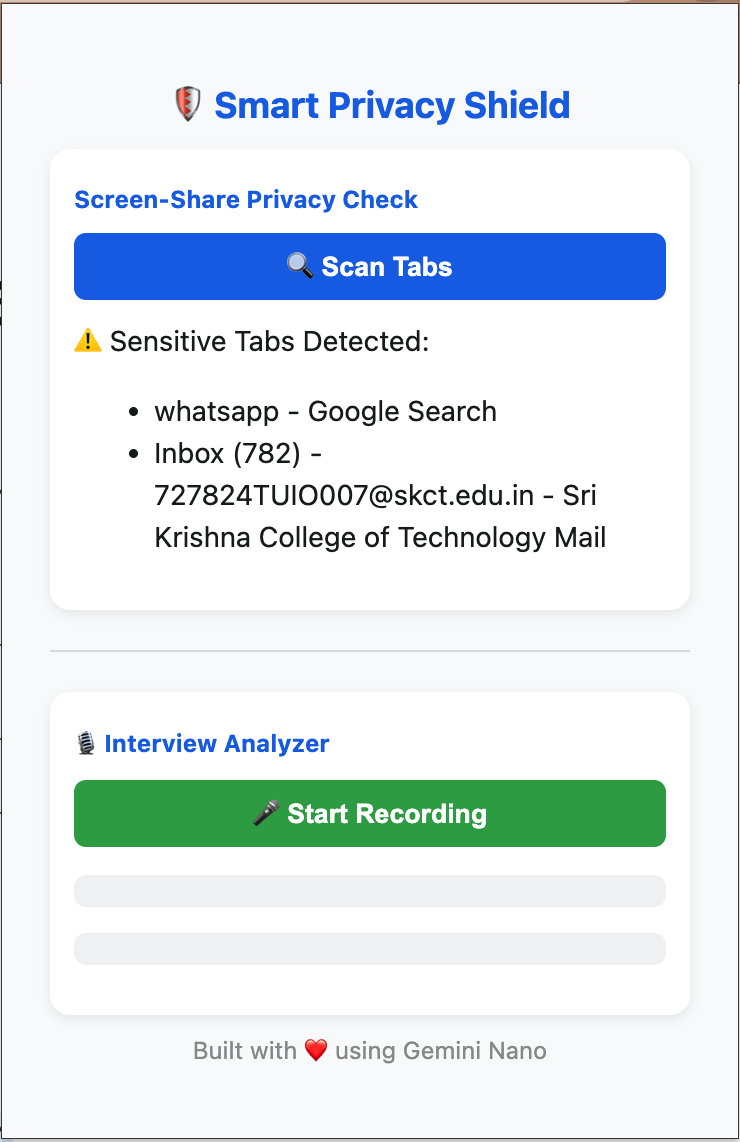
User Interface of the Extension
-
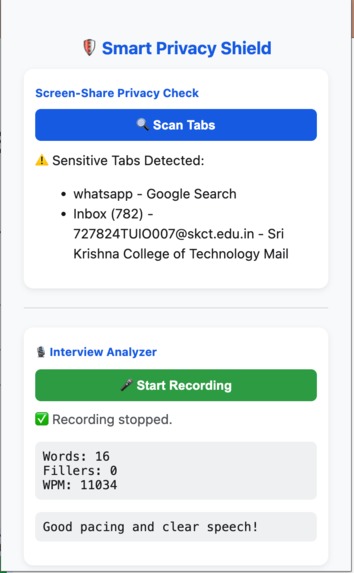
Voice analysis
-
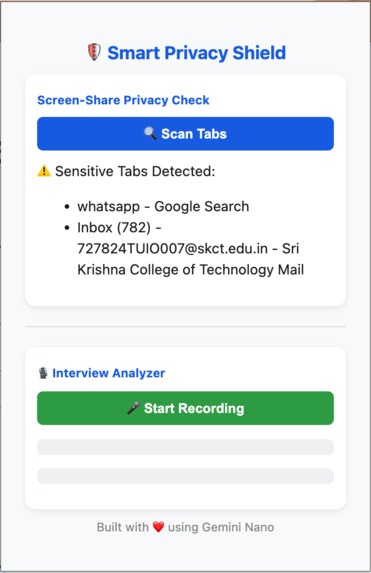
Sensitive Tabs analysis
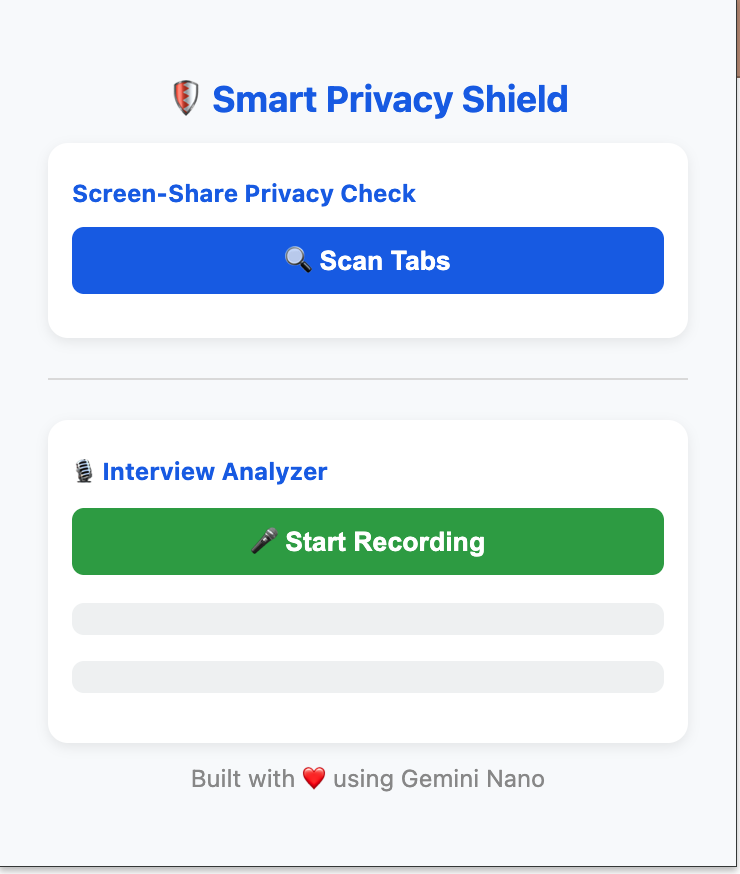
Inspiration
We’ve all been there: sharing our screen in a meeting or interview, only to realize an email tab, bank portal, or private chat is still open. It’s awkward, risky, and completely avoidable. At the same time, speaking confidently during virtual meetings is not easy; filler words and hesitation detract from the impact.
Smart Privacy Shield has been inspired by the need for privacy, confidence, and peace of mind during every online interaction.
⸻
What It Does Smart Privacy Shield is a Chrome extension powered by Gemini Nano which: • It automatically scans the opened tabs before screen sharing and flags those with sensitive content, including emails, chat applications, or even HR portals. • Offers a built-in voice analyzer that listens locally and gives instant feedback on clarity, filler words, and pacing.
All AI processing happens on the device itself, guaranteeing speed, privacy, and offline usability.
⸻
How We Built It • Built using Chrome Manifest V3 and pure HTML/CSS/JavaScript. • Integrated Chrome’s Built-in AI APIs: Prompt API, Proofreader API, and Summarizer API. • Utilized the Web Speech API for the real-time capture and analysis of speech. • Designed intuitive UI for popup scan and feedback with a background script to monitor Google Meet events for auto-scans.
⸻
Challenges We Ran Into • Working around the strict Content Security Policy of Chrome to interact safely with meeting platforms like Google Meet. • Ensuring that voice recognition worked well in offline mode, giving correct feedback. • Building a fully functional AI layer without using outside servers: doing all computation local. • Fine-tuning keyword heuristics and AI prompts for more precise sensitive-tab detection.
⸻
Accomplishments We’re Proud Of • Created a privacy-first AI extension that runs entirely client-side. • Seamlessly embodies two strong features: the protection of privacy and enhancement of communication, into one simple tool. • Offline AI functionality was attained with Gemini Nano with no data being shared. • Built a clean, user-friendly UI that works straight away with no set-up or account sign-in.
⸻
What We Learned • How to implement on-device AI APIs and balance functionality with privacy. • In-depth knowledge of Chrome’s extension messaging system and event lifecycle. • Design human-centered tools to enhance real-world user behavior, rather than merely automating tasks. • The importance of ethical AI and local processing for improving trust and usability.
⸻
What’s Next for Smart Privacy Shield • Introduce real-time mic coaching that provides live feedback while speaking. • Enhance multilingual support using the Translator API for end-users worldwide. • Design an enterprise dashboard that assists organizations in advocating for privacy-aware screen sharing. • Integrate hybrid AI logic using Gemini and Firebase to extend performance and scale across devices.


Log in or sign up for Devpost to join the conversation.