Inspiration
Honestly, this is our first time joining a hackathon. When we saw LovHack, I asked Seif what we should build. We didn't really think about winning—we wanted to make something that could actually solve real problems and maybe help people someday. That's why we decided to build an AI PDF Highlighter.
What it does
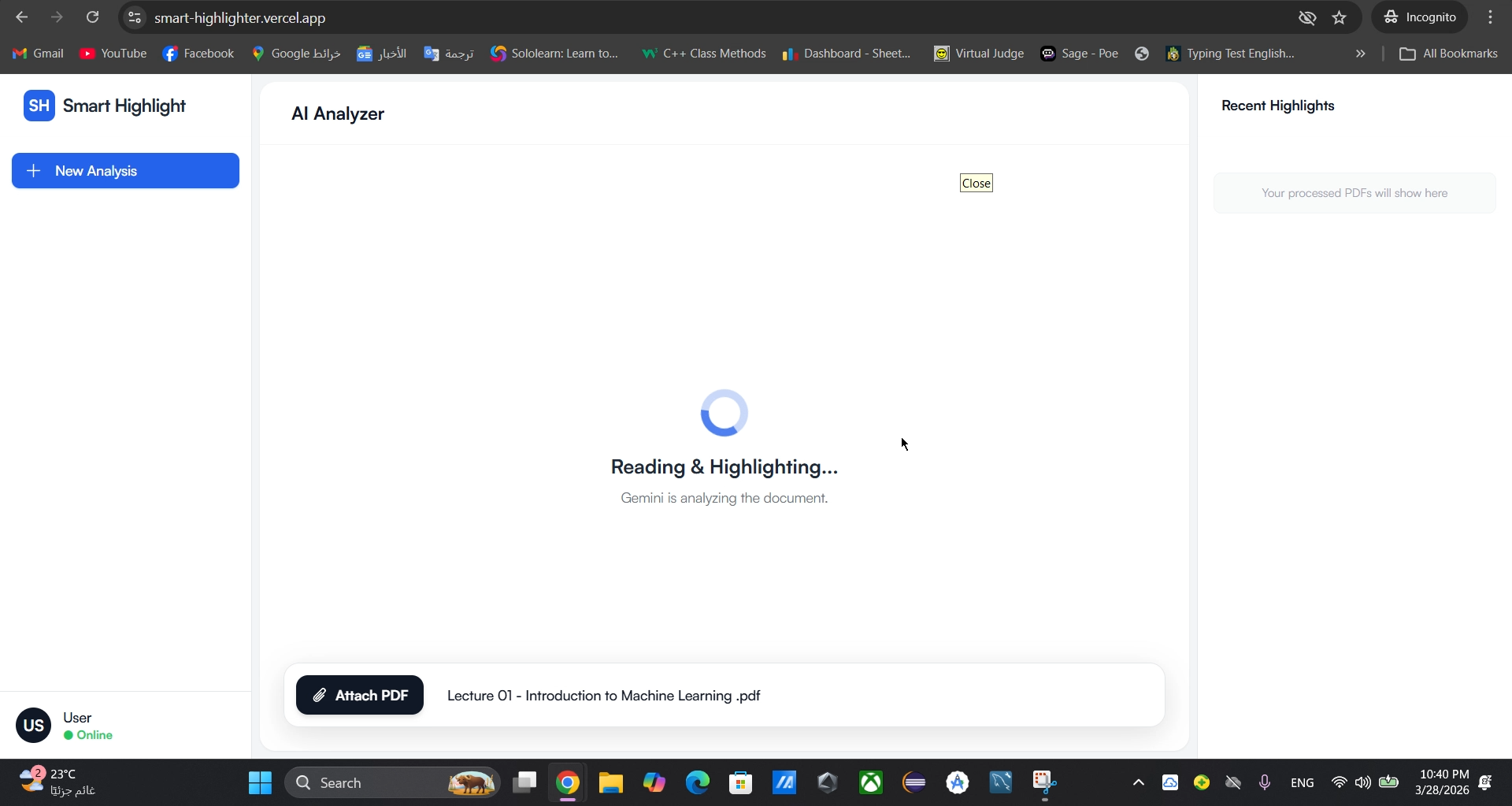
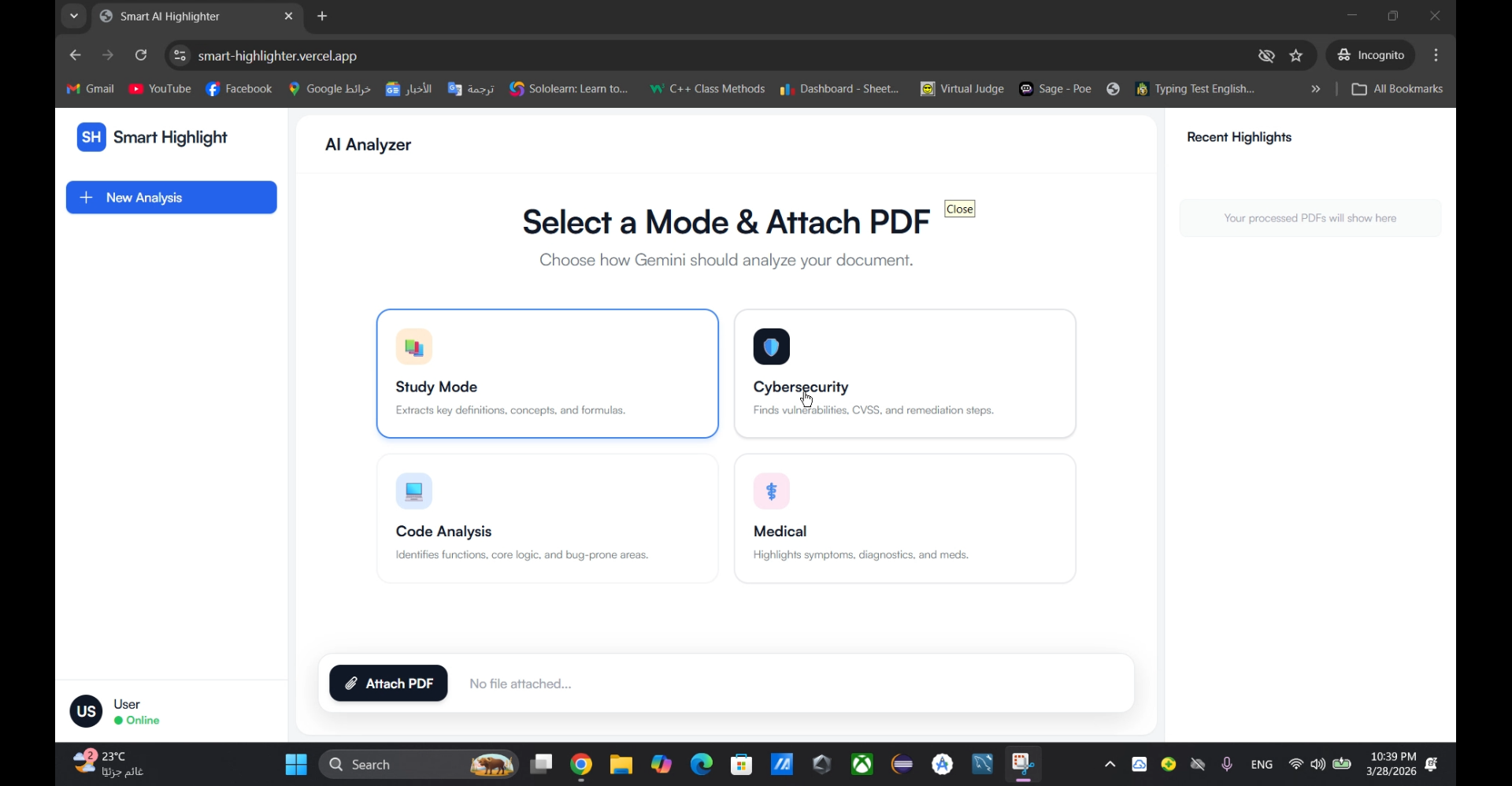
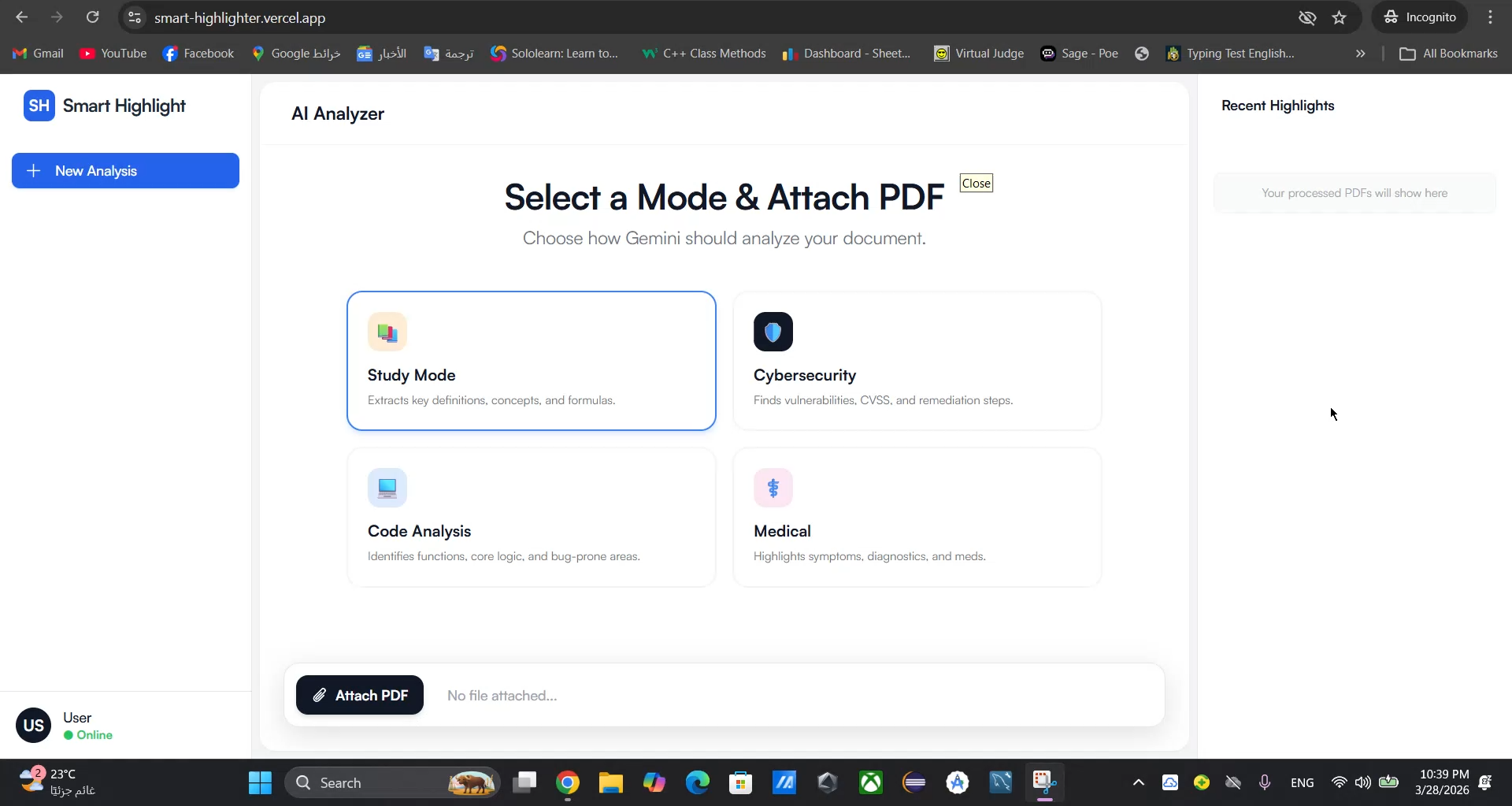
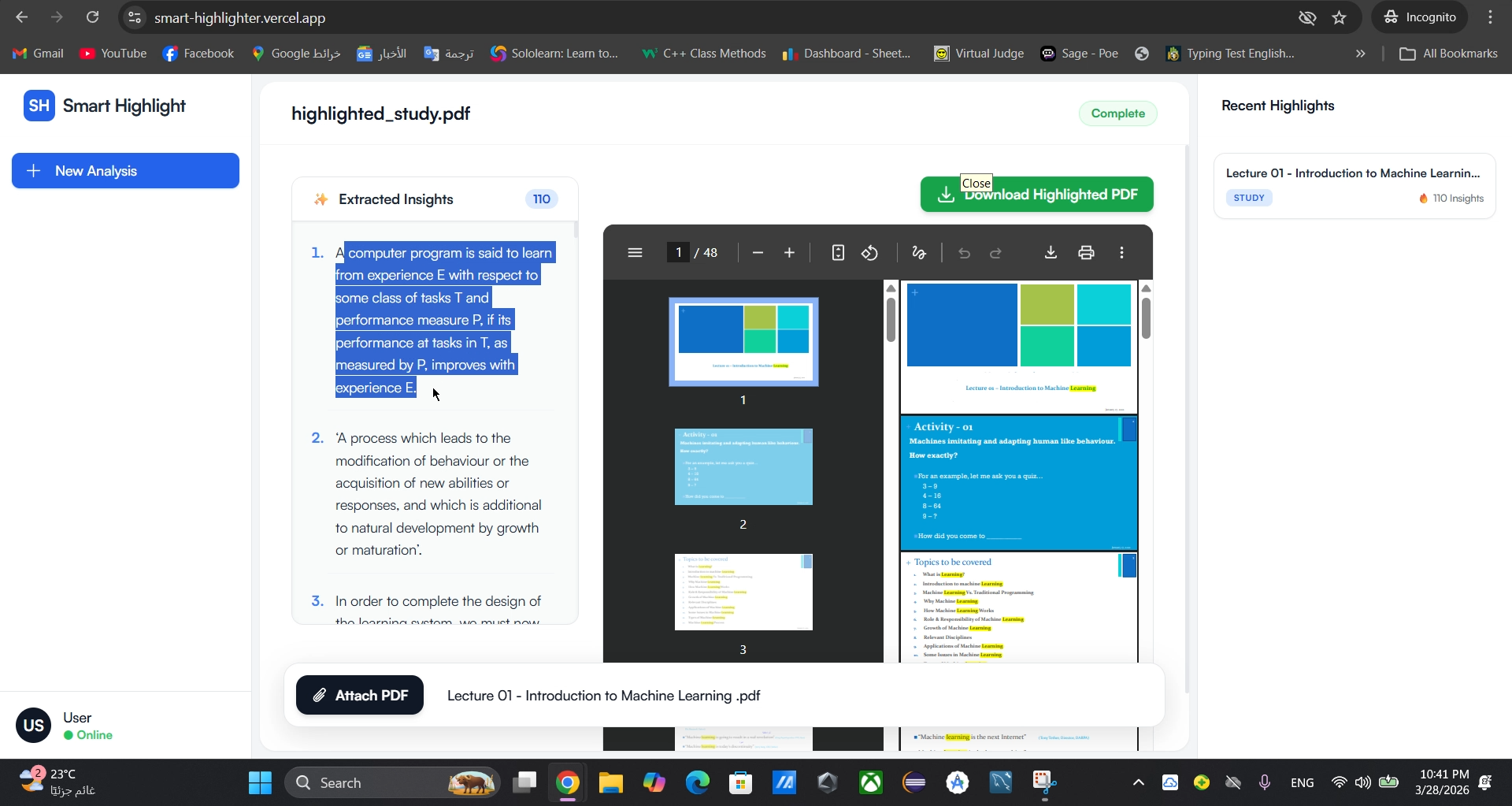
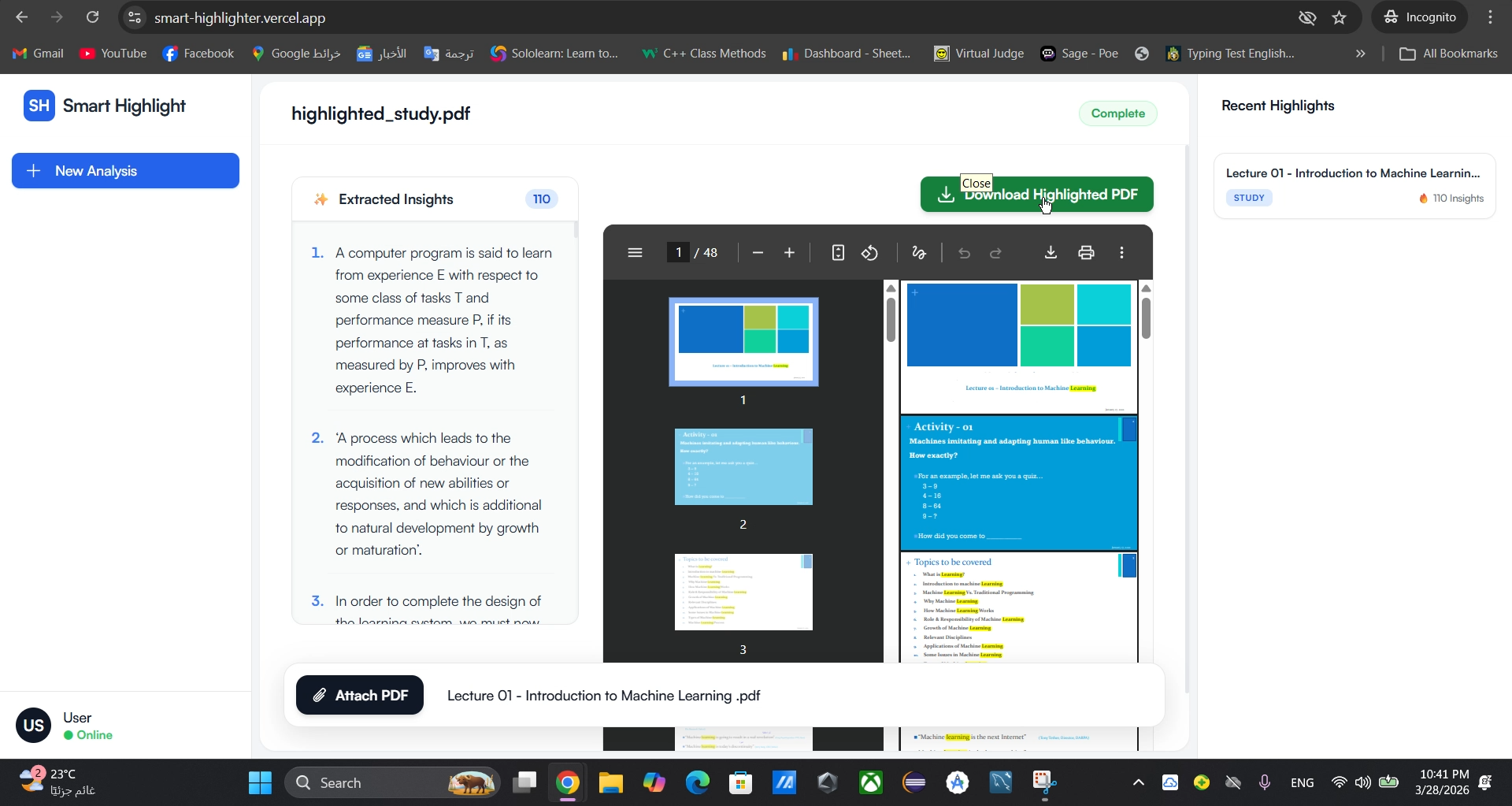
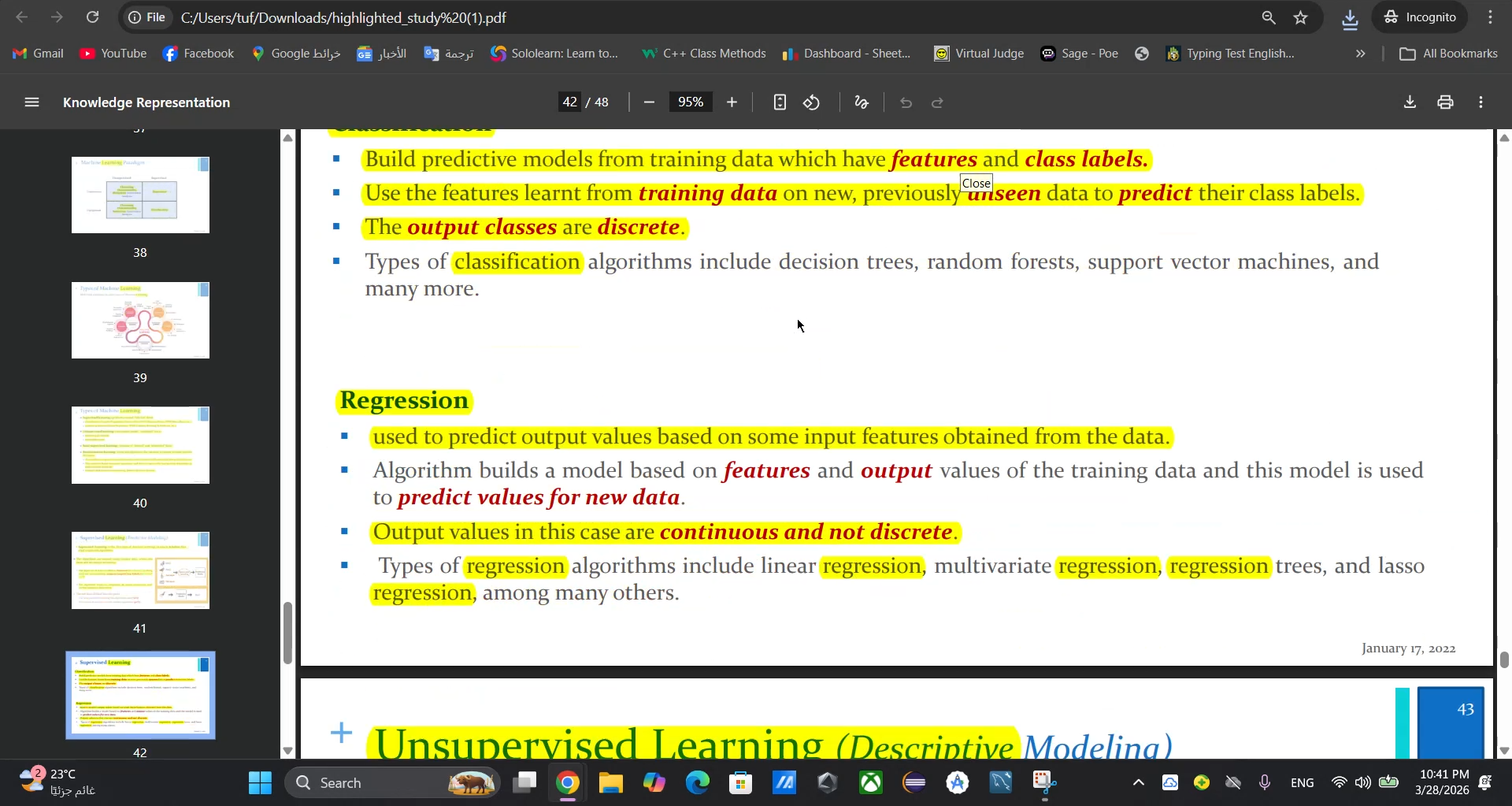
Our AI PDF Highlighter scans PDF documents and picks out the key points for you. You can choose a mode—Study, Code Analysis, Medical, or Cybersecurity—and it highlights the sentences that matter most, so you don’t have to spend time reading everything.
How we built it
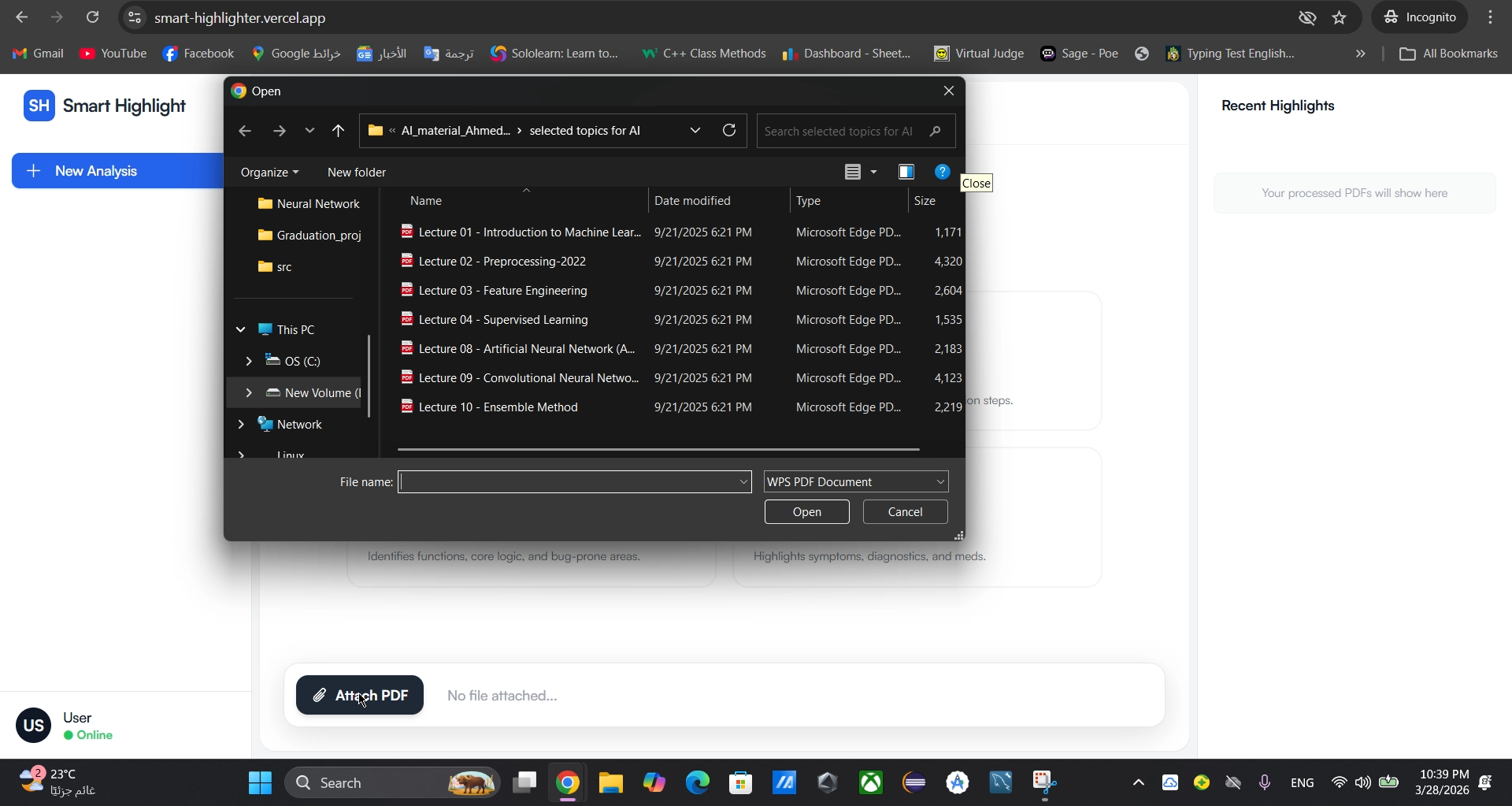
We built a FastAPI backend in Python that handles PDF uploads and communicates with the Gemini AI model. The AI extracts key sentences depending on the selected mode (Study, Code Analysis, Medical, Cybersecurity). We use PyMuPDF to highlight the extracted sentences in the PDF. The frontend is a simple web app using HTML, Tailwind CSS, and vanilla JavaScript to let users select modes, upload files, and preview the highlighted PDFs
Challenges we ran into
Being our first hackathon, managing our time and organizing tasks was tricky. We also saw the hackathon announcement only three days before it closed, which put extra pressure on us. Figuring out how to extract sentences accurately from different PDF structures and make the highlighting reliable was challenging. In addition, creating tailored prompts for Gemini AI for each mode required careful attention to get useful results. Handling file uploads and making the frontend communicate smoothly with the backend also took some trial and error.
Accomplishments that we're proud of
At first, the idea seemed unusual, but when some family members tried it, they found it useful and even a bit fun. We’re proud that it works and people like it despite being our first hackathon project. It also gave us a little sense of pride, even though it’s a simple idea.
What we learned
We learned a lot about managing a project under tight deadlines, especially during our first hackathon. We also got hands-on experience with integrating AI (Gemini) for sentence extraction, handling PDFs of different structures, and connecting the frontend with the backend smoothly. Crafting effective prompts for different modes required careful thought and a lot of testing.
What's next for Smart PDF Highlighter
We plan to keep improving the AI’s accuracy, support more document types, and explore adding more modes for different professional fields. Eventually, we’d like to make it accessible for more users, helping people save time and focus on what really matters in their PDFs. We also aim to expand our team so we can develop the product further and promote it more widely. Future plans include choosing a stronger AI model, enhancing the interface, and creating a unique logo, name, and brand identity for Smart PDF Highlighter.
Built With
- base64
- base64-encoding
- cors
- css
- dotenv
- fast-api
- gemini-ai
- github
- html5
- javascript
- pymupdf
- python
- tailwindcss
- vscode


Log in or sign up for Devpost to join the conversation.