Inspiration
During summer, visually impaired individuals face unique challenges while navigating outdoor environments — from intense heat and dehydration to crowded public spaces filled with unpredictable obstacles. As someone passionate about accessible technology and AI, I wanted to build something meaningful that helps bridge the gap in daily mobility support for the visually impaired, especially during these difficult months. That’s how the idea for Vision Guide was born — an AI-powered companion that speaks, sees, and supports users wherever they go.
What it does
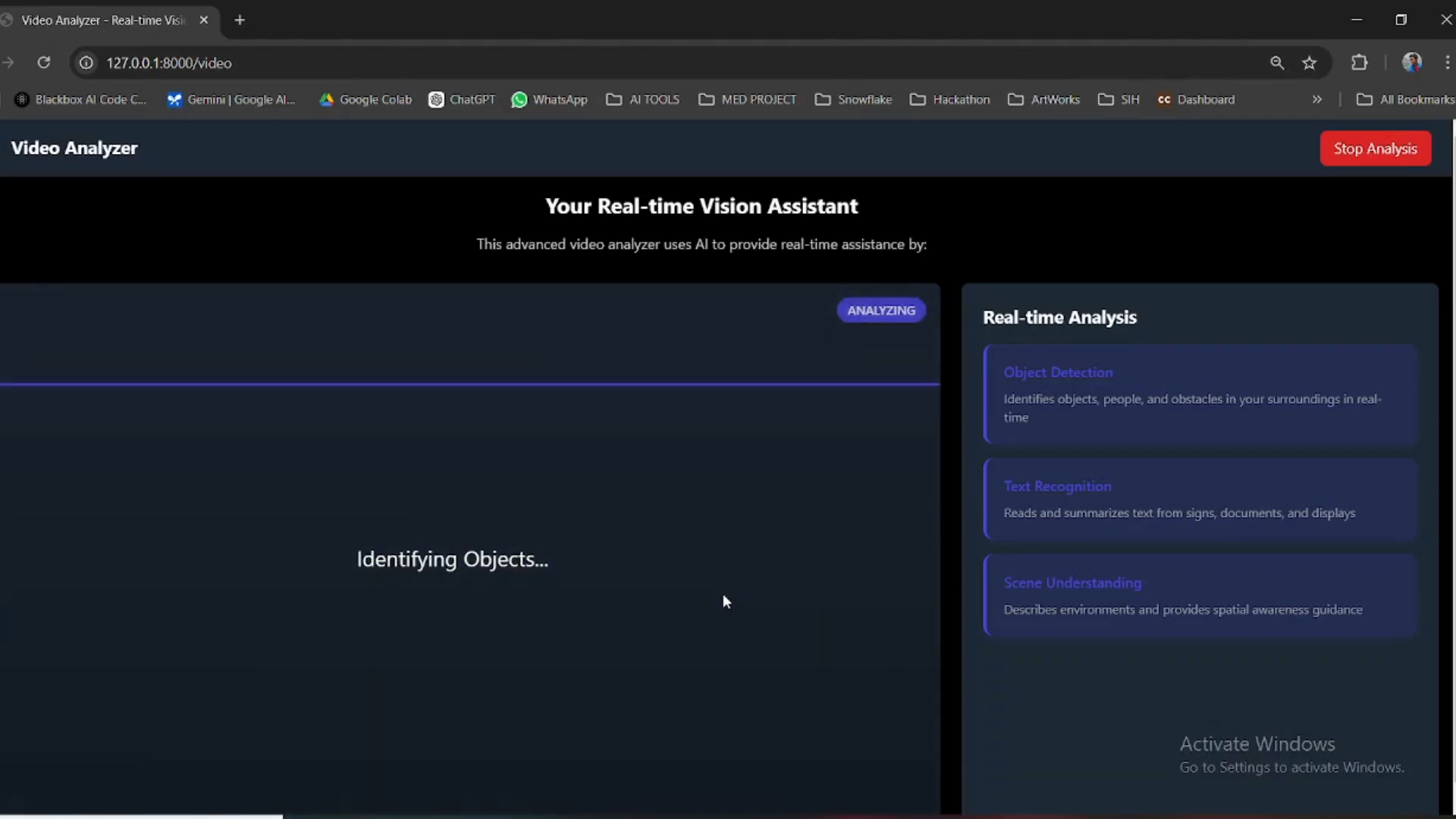
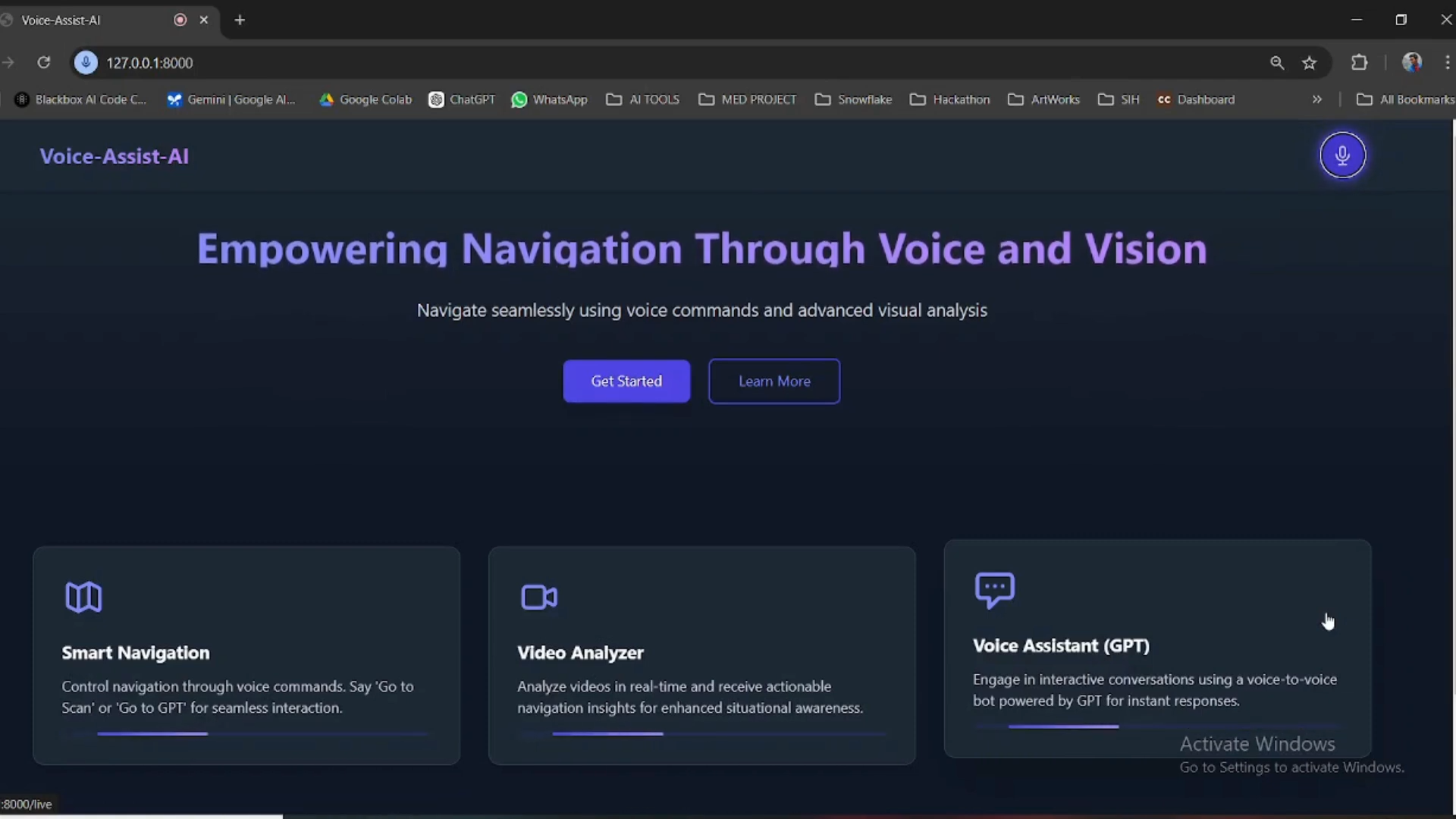
Vision Guide is a voice-enabled smart assistant that helps visually impaired users move safely and independently. It uses a mobile device’s camera to detect and describe nearby objects, obstacles, and people through real-time voice feedback.
Key features:
- Object Detection with Voice Alerts: Identifies and announces objects like vehicles, people, stairs, and pets.
- Summer Safety Mode: Provides heatwave alerts and hydration reminders based on live weather.
- Emergency Voice Trigger: Users can say “Help me” to send their location to a saved emergency contact.
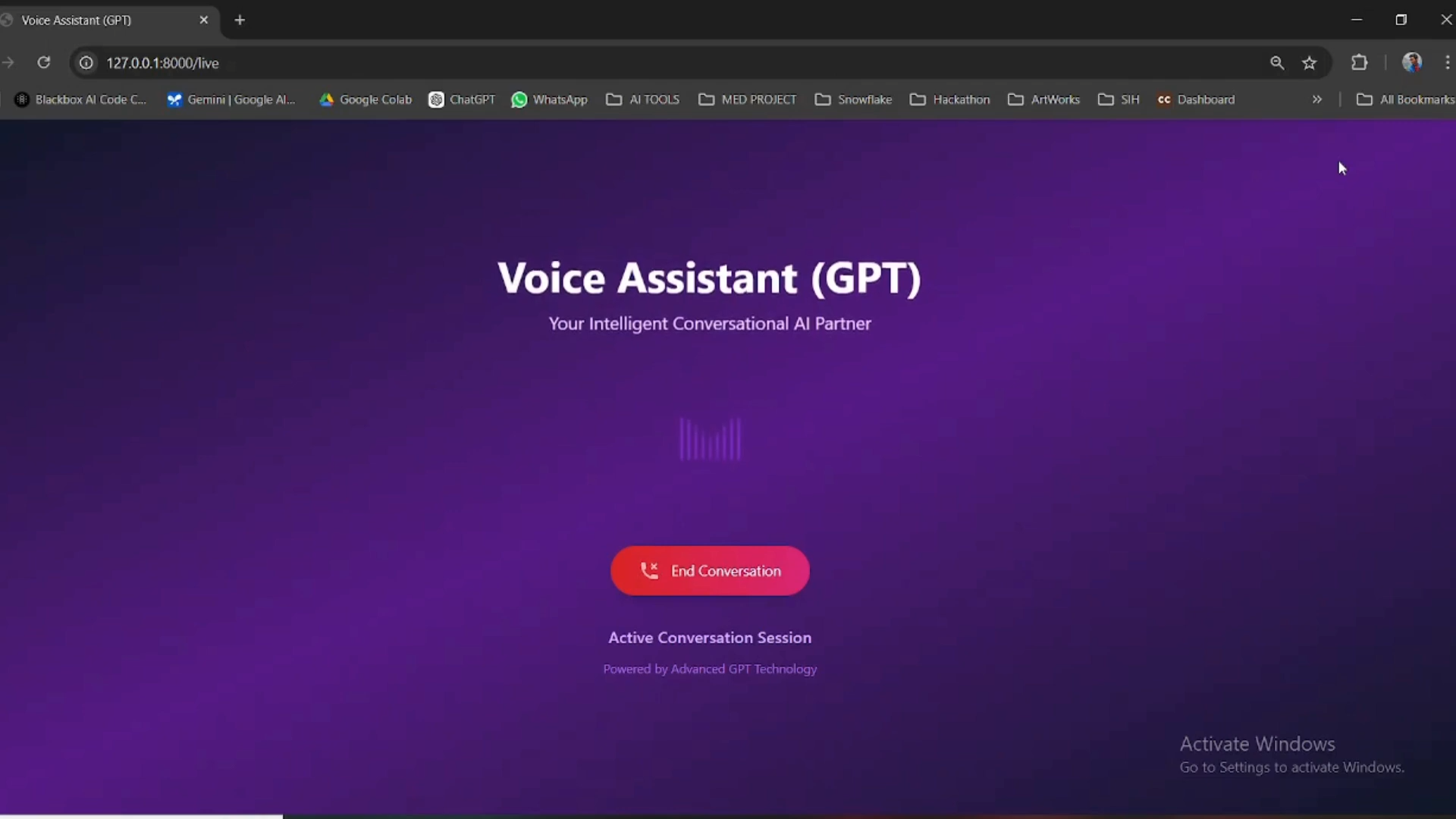
- Conversational Assistant: Powered by Gemini Flash 2.0, it answers contextual questions about the environment.
How we built it
- Backend: Python + Flask for server-side logic
- Computer Vision: YOLOv5 + OpenCV for real-time object recognition
- Voice Assistant: Google Text-to-Speech API for speaking outputs
- Frontend: Next.js and TailwindCSS (demo UI)
- Mapping & Location: Leaflet.js for geolocation mapping (optional)
- QR Code Tools: Integrated
react-qr-codeandhtml5-qrcode - Database: MongoDB for storing emergency contacts and user preferences
- Testing & Deployment: Ngrok for live testing, GitHub for collaboration
Challenges we ran into
- Optimizing real-time object detection for performance on lower-end devices
- Ensuring the voice assistant works well in noisy or busy environments
- Managing fast response times from camera to voice without noticeable lag
- Designing an interface that's accessible but doesn't rely on visuals
Accomplishments that we're proud of
- Built a low-latency object detection system with reliable voice feedback
- Implemented an emergency response system that works on voice alone
- Added summer-specific features that enhance real-world safety
- Developed a complete AI-powered prototype for accessibility use cases
What we learned
- How to fine-tune vision models for mobile and real-time usage
- The importance of inclusive design in assistive technologies
- Managing real-time audio processing with camera and detection outputs
- Designing with empathy by considering real user needs and contexts
What's next for Vision Guide – Smart AI Assistant for the Visually Impaired
- 🌍 Regional language support (Tamil, Hindi, Telugu, etc.)
- 🧠 Integration with wearable devices like smart bands and glasses
- 🔒 Offline support and stronger privacy controls
- 🏥 Field testing in partnership with NGOs and community centers
- 🚶 Enhanced crowd detection and voice-guided outdoor pathfinding


Log in or sign up for Devpost to join the conversation.