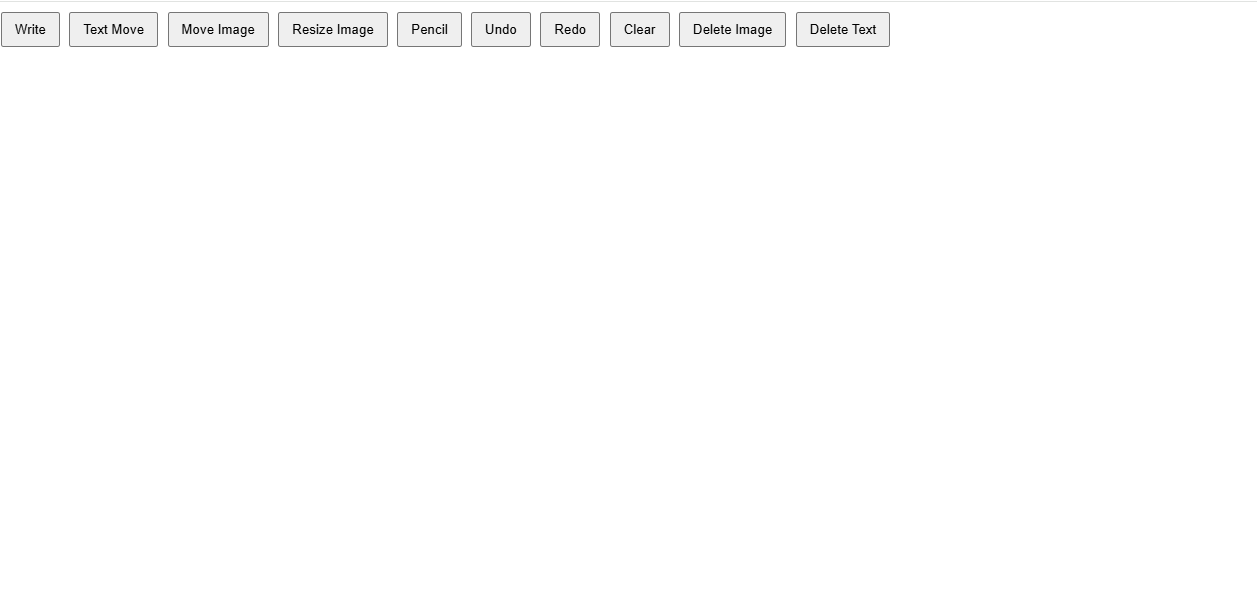
Smart Paint Studio – Browser-Based Drawing Tool
Inspiration
I wanted to build a lightweight drawing application that anyone could use directly in a web browser without installing any software. While learning Data Structures and Algorithms, I often needed a simple way to sketch linked lists, trees, graphs, flowcharts, and algorithms. Existing drawing tools were either too complex or required external software, so I decided to create a simple browser-based solution.
What it does
Smart Paint Studio is a browser-based drawing application built using only HTML, CSS, and JavaScript, with zero external dependencies.
It allows users to:
- Draw freehand using a pencil tool
- Add and move text anywhere on the canvas
- Insert and reposition images
- Resize images interactively
- Undo and redo actions
- Clear the canvas
- Delete individual text and images
- Save drawings using browser storage so work persists after refreshing the page
The application can be used for diagrams, flowcharts, DSA visualizations, brainstorming, and quick sketches.
How I built it
The project was built completely from scratch using:
- HTML for the application structure
- CSS for the interface and responsive layout
- Vanilla JavaScript for canvas rendering, event handling, drawing logic, drag-and-drop, resizing, and state management
I avoided external libraries to better understand how browser events, the HTML5 Canvas API, and DOM manipulation work internally.
Challenges I faced
One of the biggest challenges was implementing smooth freehand drawing while keeping the canvas responsive.
Managing multiple interactive elements such as drawings, text, and images on the same canvas was also challenging. I had to carefully handle mouse events to avoid conflicts between drawing, moving, and resizing objects.
Implementing undo/redo functionality and persistent canvas storage required maintaining application state efficiently.
What I learned
Through this project, I gained practical experience with:
- HTML5 Canvas API
- DOM manipulation
- Event-driven programming
- JavaScript object management
- Browser storage
- Building interactive user interfaces without external frameworks
More importantly, I learned how to break a complex application into smaller features and implement them step by step while continuously testing and improving the project.
Future Improvements
In future versions, I plan to add:
- Multiple brush styles
- Shape drawing tools
- Export as PDF
- Real-time collaboration
- Layer support
- Keyboard shortcuts
- Dark mode
- Mobile touch support
Built With
- css
- drag
- drop
- editing
- html5
- image
- interactive
- javascript
- manipulation
- redo
- text
- undo


Log in or sign up for Devpost to join the conversation.