
Inspiration
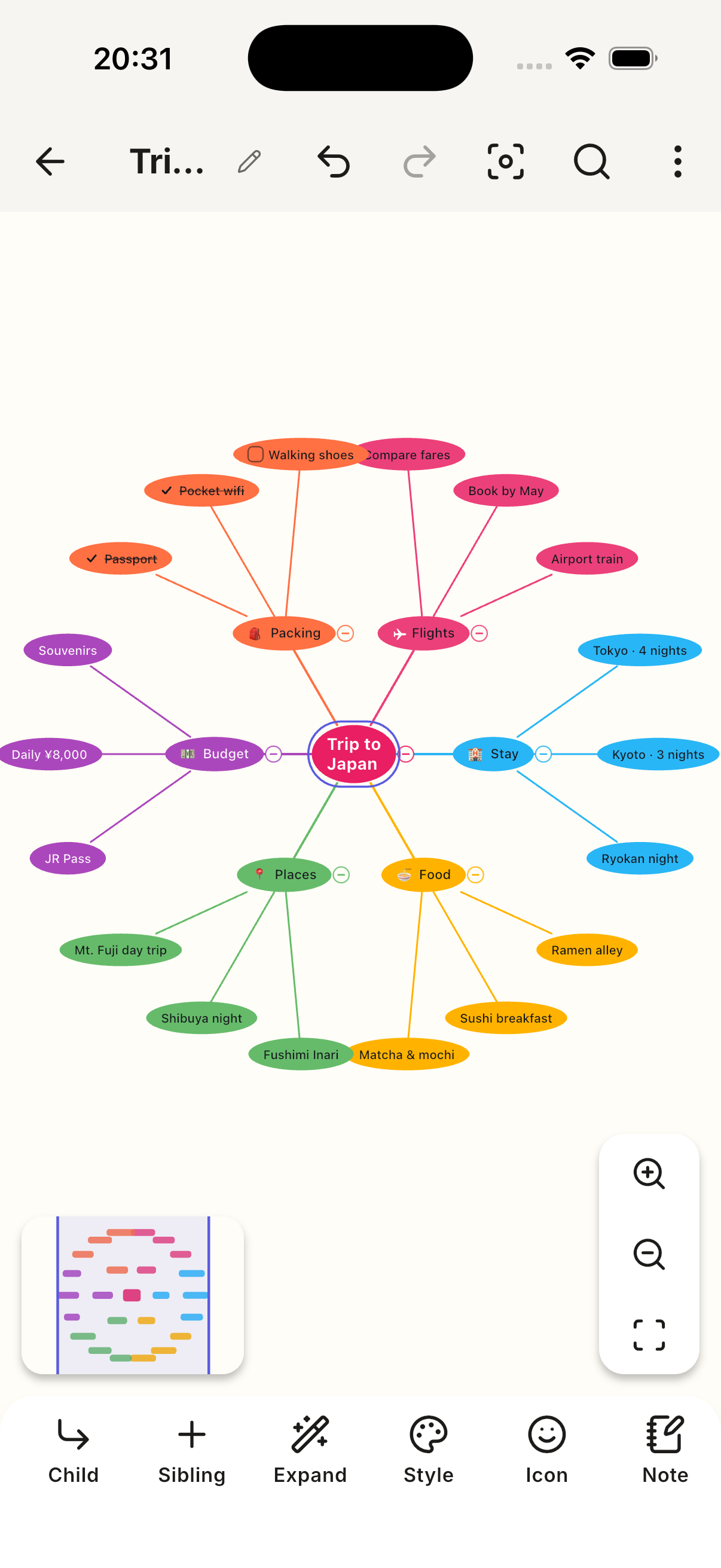
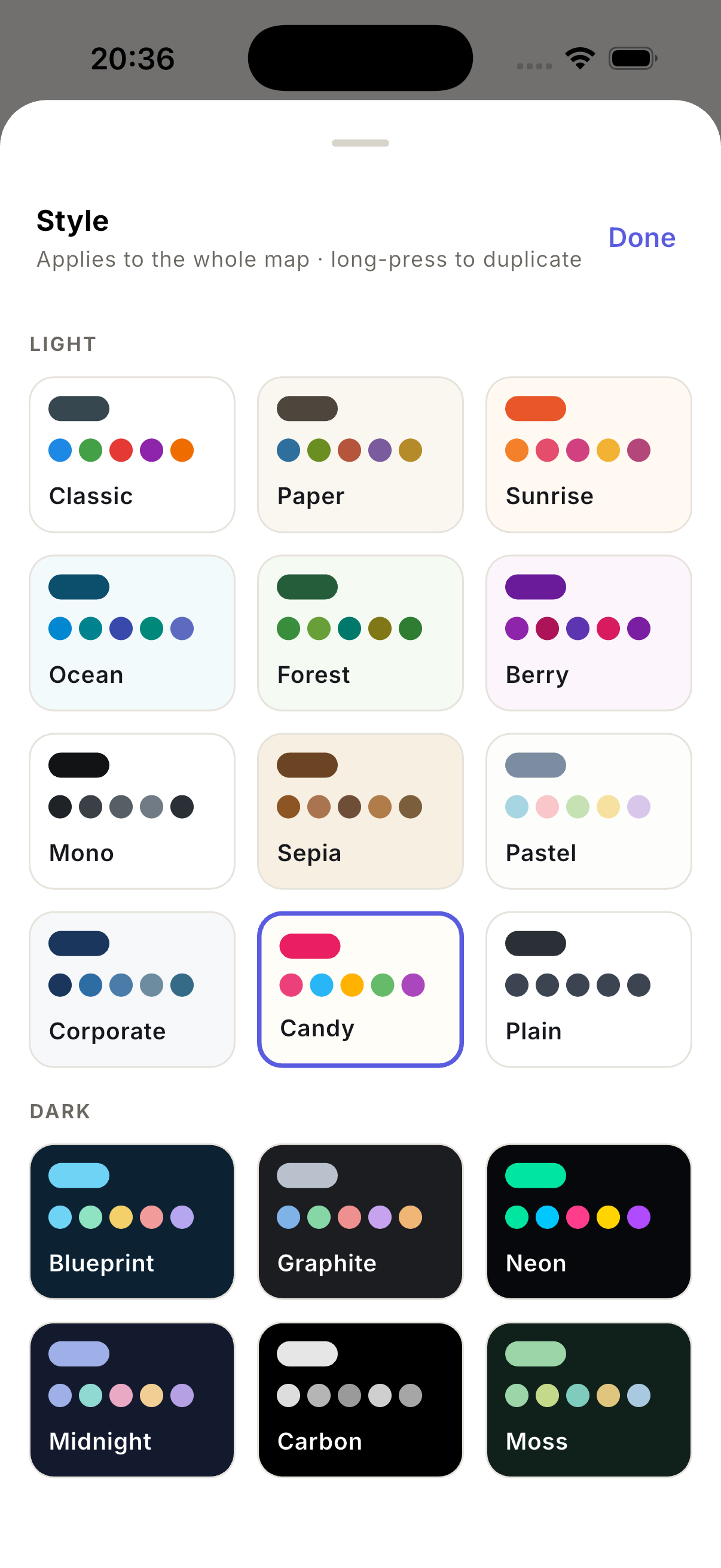
I wanted a mind mapper that felt good to look at. Most are a grey tree on a white grid — functional and joyless. So we started from the visual end: 18 stylesheets, eight of them dark, every one duplicable and editable down to per-node shape, fill and font, and per-branch line colour. Making the map yours is half the reason to make one.
Everything stays on your device. No account, no upload, no sync you didn't ask for — a mind map is private, and it should work on a plane.
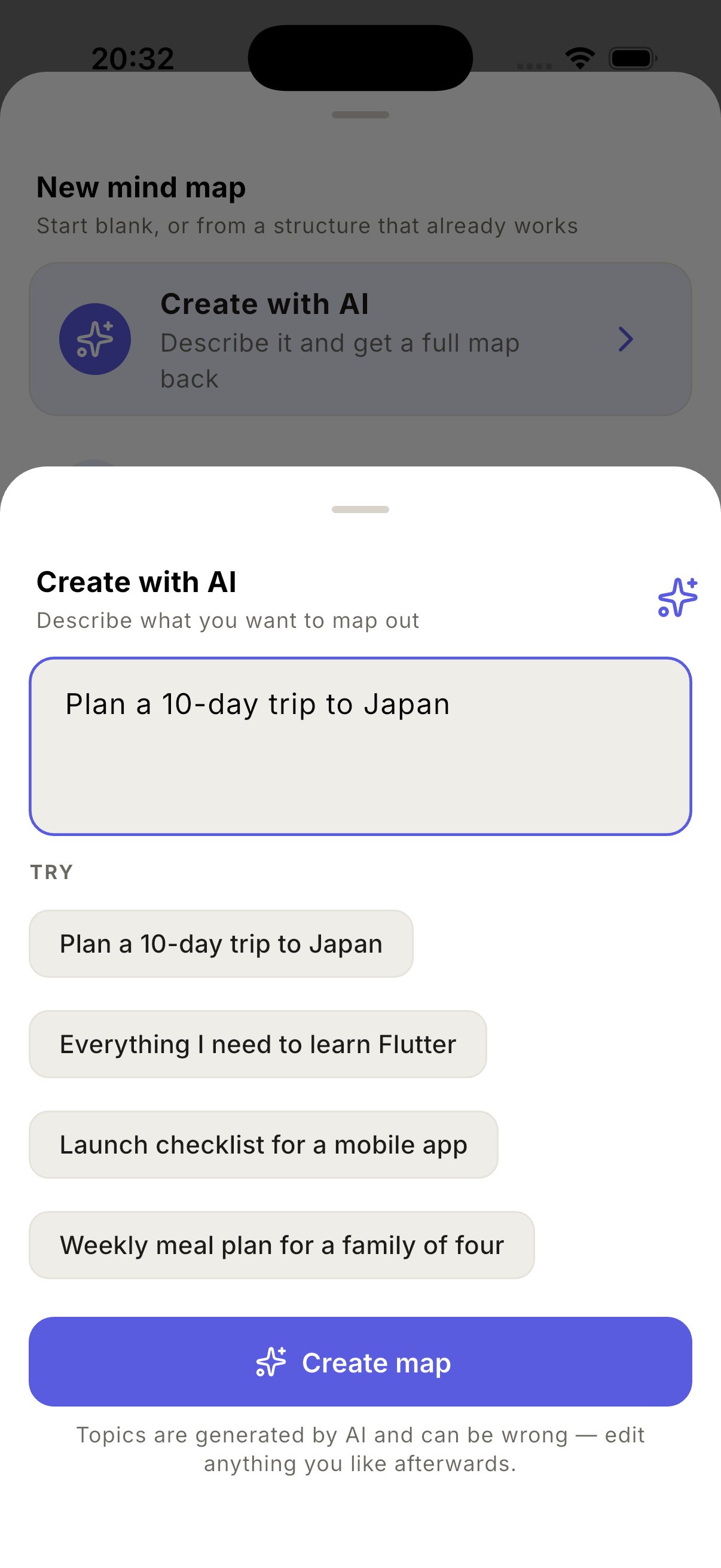
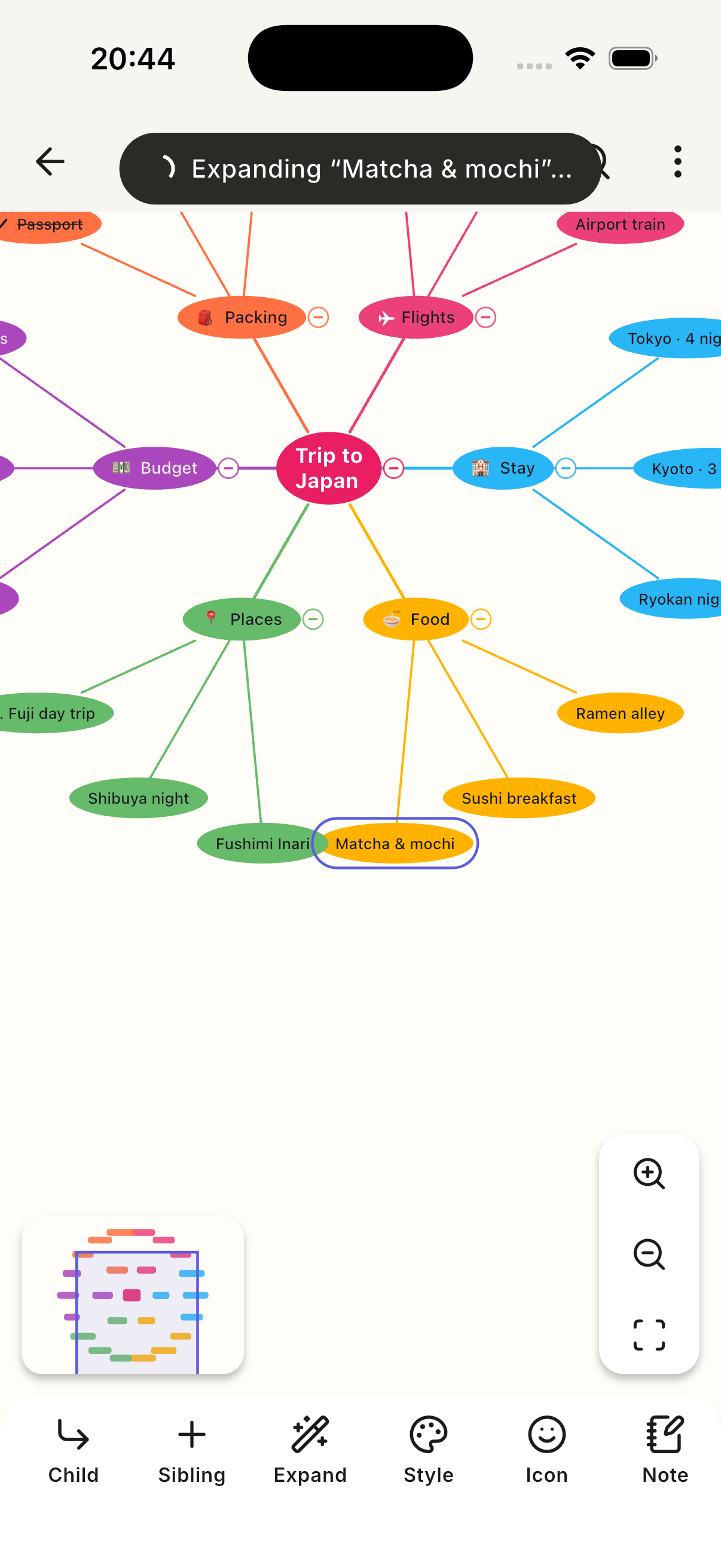
The one thing that can't be offline: describe a topic in a sentence and get a real map back, or expand any topic into more. Not a picture of a map — an editable one.
What it does
Mind Map: Smart Mind is an offline-first mind mapping app for Android and iOS.
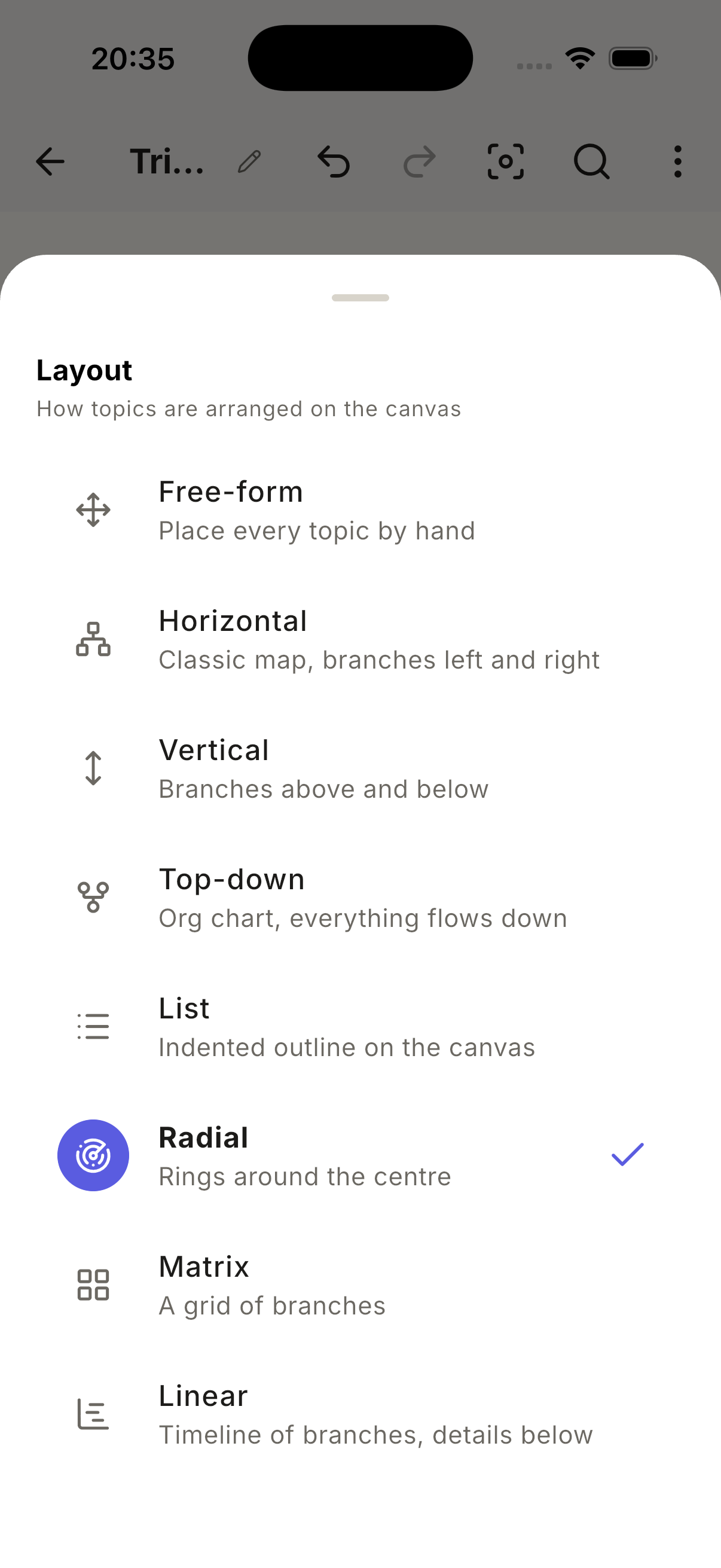
- 8 layout engines — horizontal, vertical, top-down, linear/timeline, radial, matrix, list, and true free-form with per-node positions.
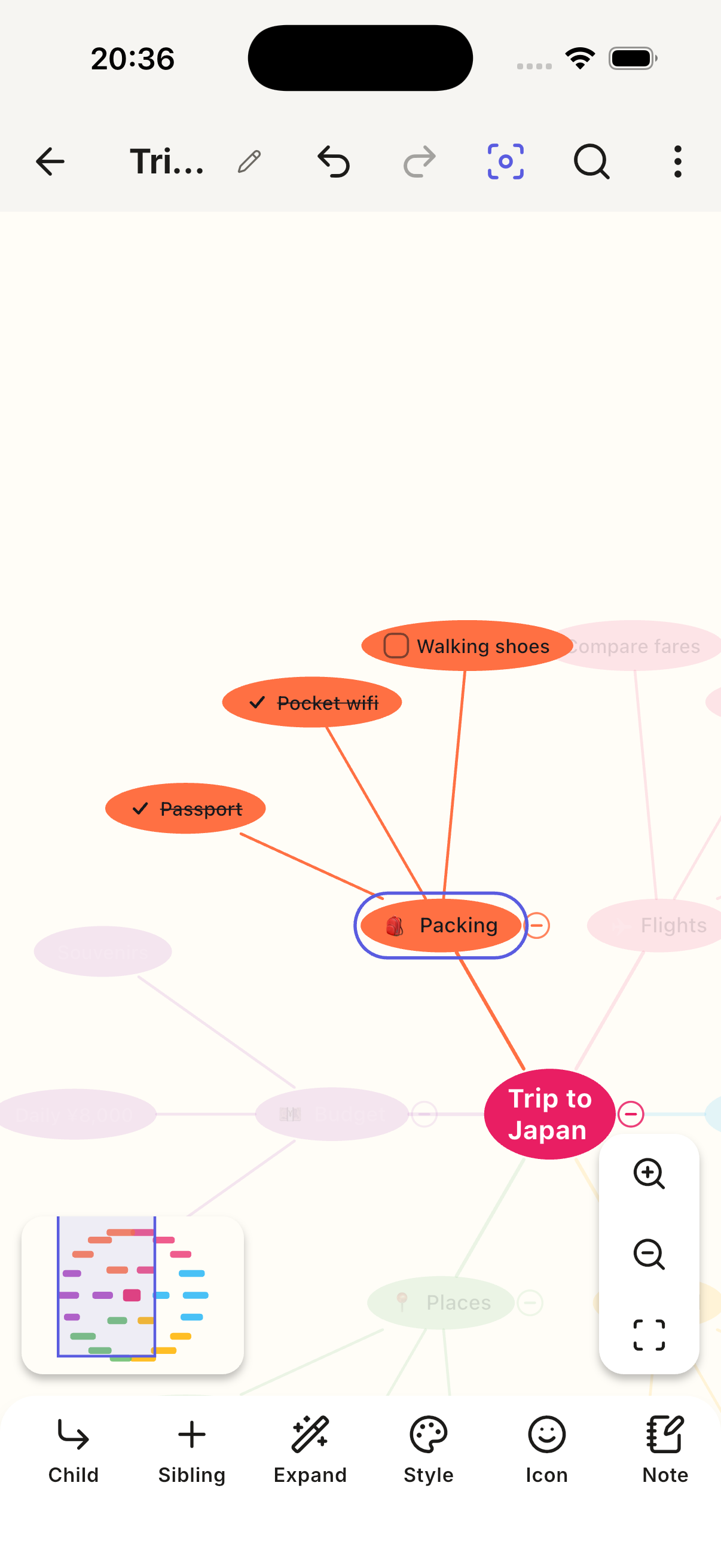
- Rich topics — images, notes, emoji and stock icons, tri-state
checkboxes, progress bars that roll up automatically from descendant tasks,
nested auto-numbering (
1.2.3), labelled crosslinks between any two topics, call-outs, branch and group borders. - AI generate & expand — describe a topic in a sentence and get a whole map, or expand any single node into up to five children. The result lands through the same code path as a pasted Markdown list, so it arrives as an ordinary, fully editable, undoable map. Nothing in the file records that AI touched it.
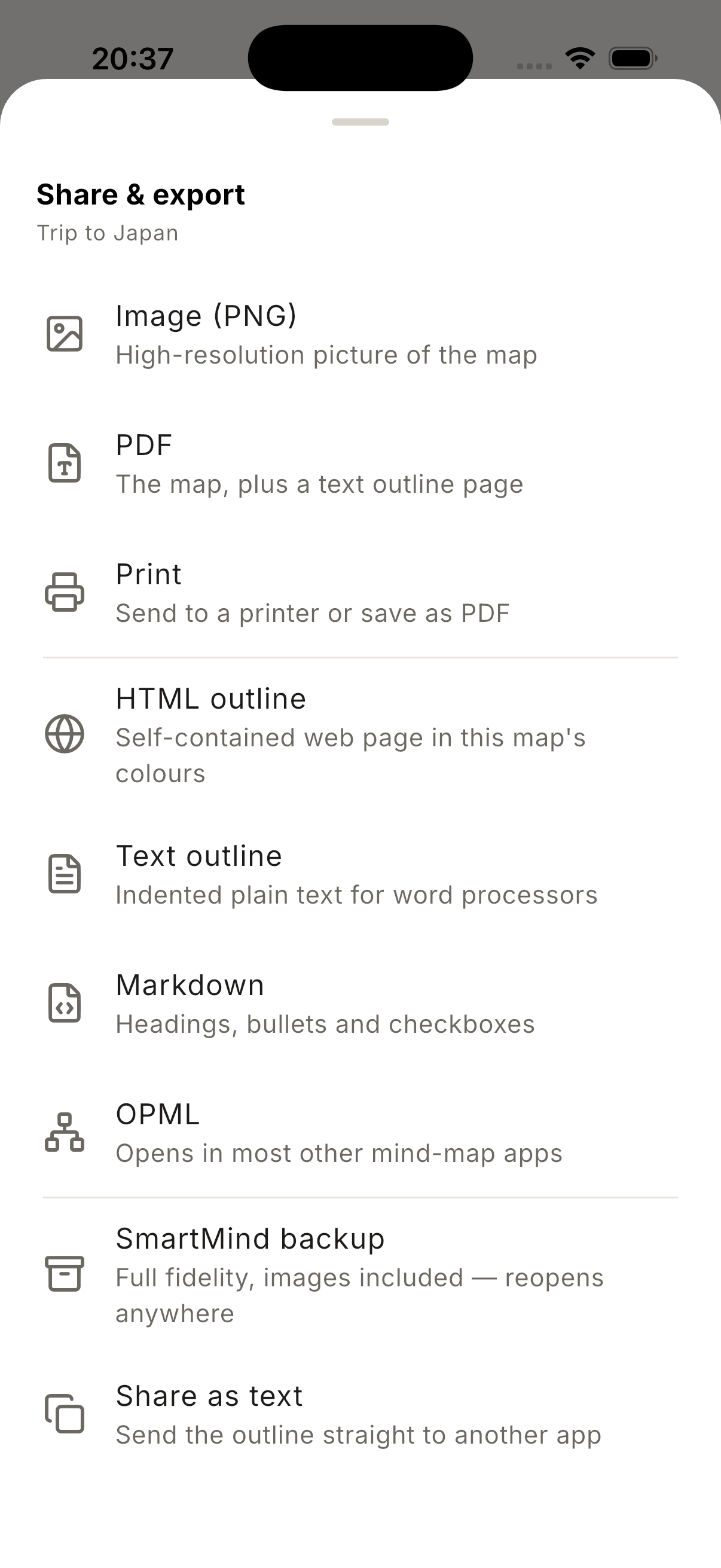
- Export everywhere — PDF, PNG (1×–4×), HTML, Markdown, plain text
outline, print, and a full-fidelity
.smartmindzip bundle that carries the attached images with it. Every import path is free, forever. - 18 stylesheets (8 of them dark), fully editable and duplicable, with a contrast rule so text is never unreadable on its fill.
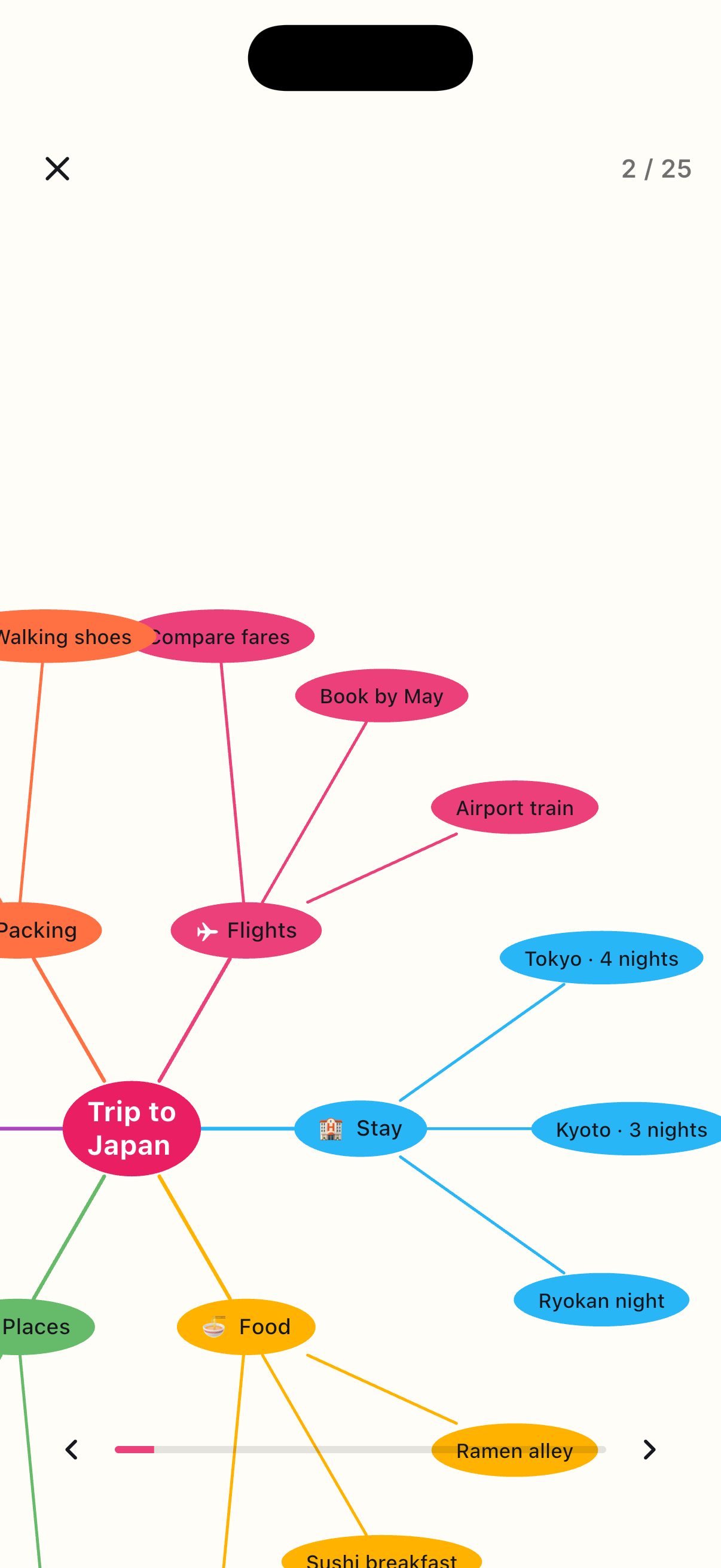
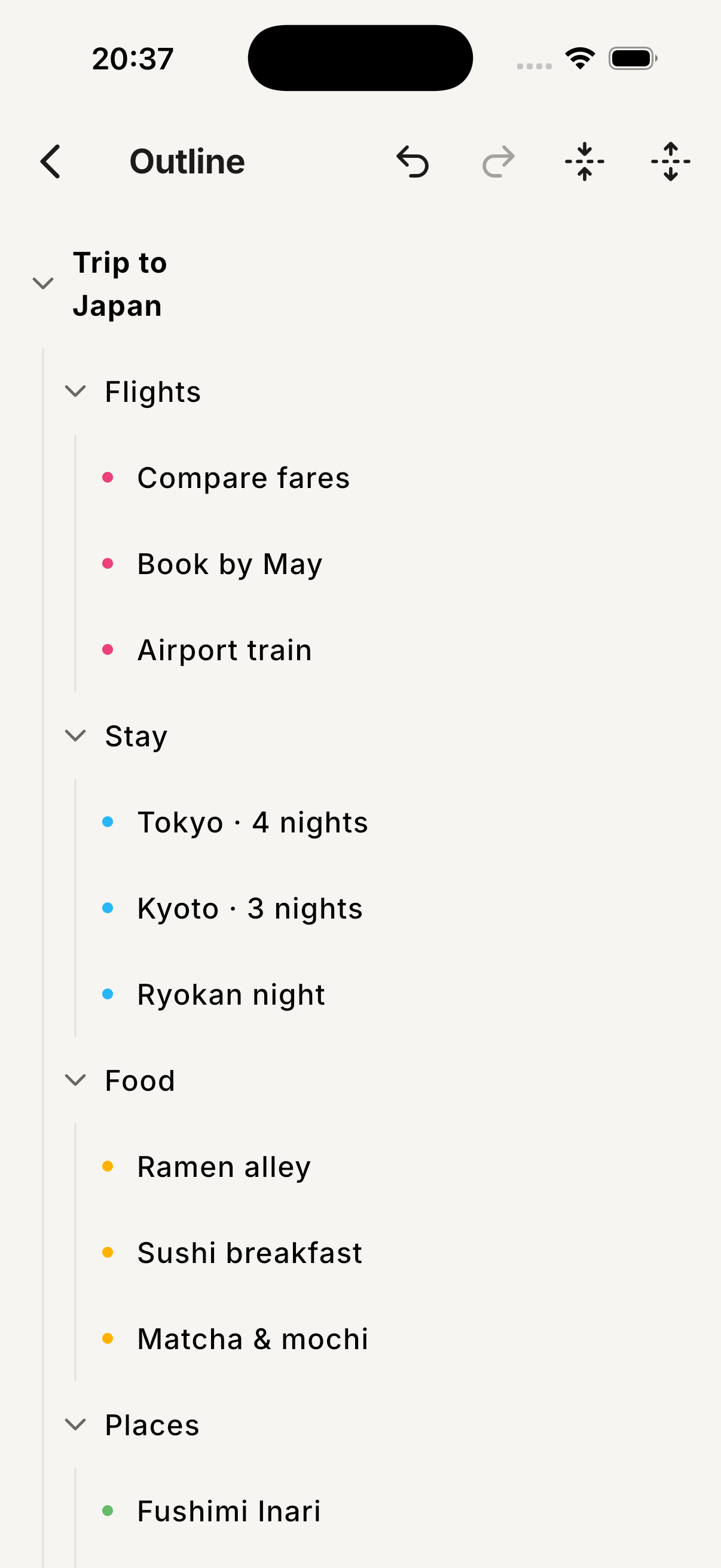
- Library, outline view, in-map search, presentation mode, folders, a minimap, and a large-screen shell with a persistent file sidebar and inspector rail on tablets.
- No ads, no accounts, no analytics, no tracking. Your maps never leave the device.
Free users get the entire creation toolkit — topics, images, notes, checkboxes, crosslinks, folders, outline, search, every import format, and a sampled AI allowance. Pro unlocks the extra layouts, the extra stylesheets, the higher-fidelity exports, and a much larger AI allowance.
How we built it
Flutter 3.44 / Dart 3.12, with hooks_riverpod for state management.
The architecture is a hard four-way split:
domain/ pure Dart — models, layout engine, numbering, progress, export data/ file-backed repository + JSON codec state/ Riverpod providers, EditorController with undo/redo ui/ screens & widgets
domain/ has no Flutter-plugin dependencies at all, which is what makes
the interesting half of the app unit-testable without a device. The layout
engine is a pure function — (MindMapDoc, MeasuredSizes) → LayoutResult —
returning absolute rects, attach edges and content bounds. Hidden, collapsed
and filtered nodes are simply absent from the result, so the painter, hit
test, exporter and minimap all agree on visibility without one of them
re-implementing the rule and drifting.
Text measurement runs through an LRU cache keyed on exactly the fields that affect size, so re-laying out during a drag does zero text shaping.
Editing goes through a single EditorController with snapshot undo/redo and
coalescing, plus debounced autosave.
Entitlement is a pure-Dart ProGate policy sitting behind an
EntitlementSource interface; RevenueCat is one implementation of it. Checks
fail open offline, so a subscriber on a plane never loses their app.
Challenges we ran into
Cloud sync we deliberately didn't ship. Dropbox/Drive/OneDrive need
per-vendor OAuth credentials the app owner has to register. Rather than ship a
login button that goes nowhere, we defined the SyncTarget contract, built a
real LocalFileSyncTarget against it, and tested the whole pipeline —
conflict detection, merge-by-timestamp, per-map revision counters. Adding
Dropbox later is one class plus credentials. Meanwhile the .smartmind bundle
plus OS file association covers "continue on another device" today.
Large screen without two live documents. The motivating workflow was "copy
a branch from map A, switch to map B, paste." Two live documents would have
meant scoping every provider in the editor stack, N undo stacks, N save
debouncers, N sets of resident decoded images. We hoisted the clipboard out of
EditorState into an app-scoped provider and built a persistent sidebar
instead — the same workflow, a fraction of the cost, and the shell you'd need
first anyway.
Accomplishments that we're proud of
- A free tier that is a real product, not a demo. Every creation primitive and every import path is free and always will be. Anyone who has ever had Pro keeps export forever, so a lapsed subscription can never strand someone's maps on one device.
- Eight distinct layout algorithms that all satisfy one interface, share one measurement cache, and share one set of visibility rules.
- 10 languages at ship, with framework strings localised too.
What we learned
Purity pays compound interest. Forcing domain/ to stay plugin-free felt
pedantic in week one and was the reason we could iterate on layout algorithms
at speed for months without a simulator.
Make invalid states absent, not flagged. Dropping hidden nodes from the layout result — rather than marking them — eliminated an entire category of "the export shows a node the canvas doesn't" bug before it could exist.
A control the app cannot honour is a lie. We cut the depth and node-count sliders from the AI sheet because those are server constants; a slider that silently does nothing is worse than no slider.
What's next for Smart Mind
- Real cloud sync — Dropbox, Google Drive and OneDrive
SyncTargetimplementations against the contract and conflict pipeline already built and tested. - Desktop — macOS and Windows builds; the large-screen shell, keyboard shortcuts and secondary-tap menus are already in place.
- Deeper AI — summarising a branch, restructuring an existing map, turning a document into a map, all under the same text-only boundary.
- Widgets and quick capture — get a thought into a map without opening the app.
Built With
- dart
- flutter
- revenuecat
Log in or sign up for Devpost to join the conversation.