-
-
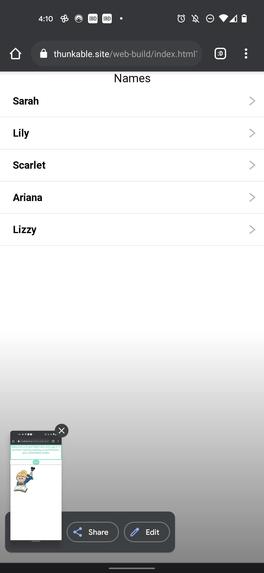
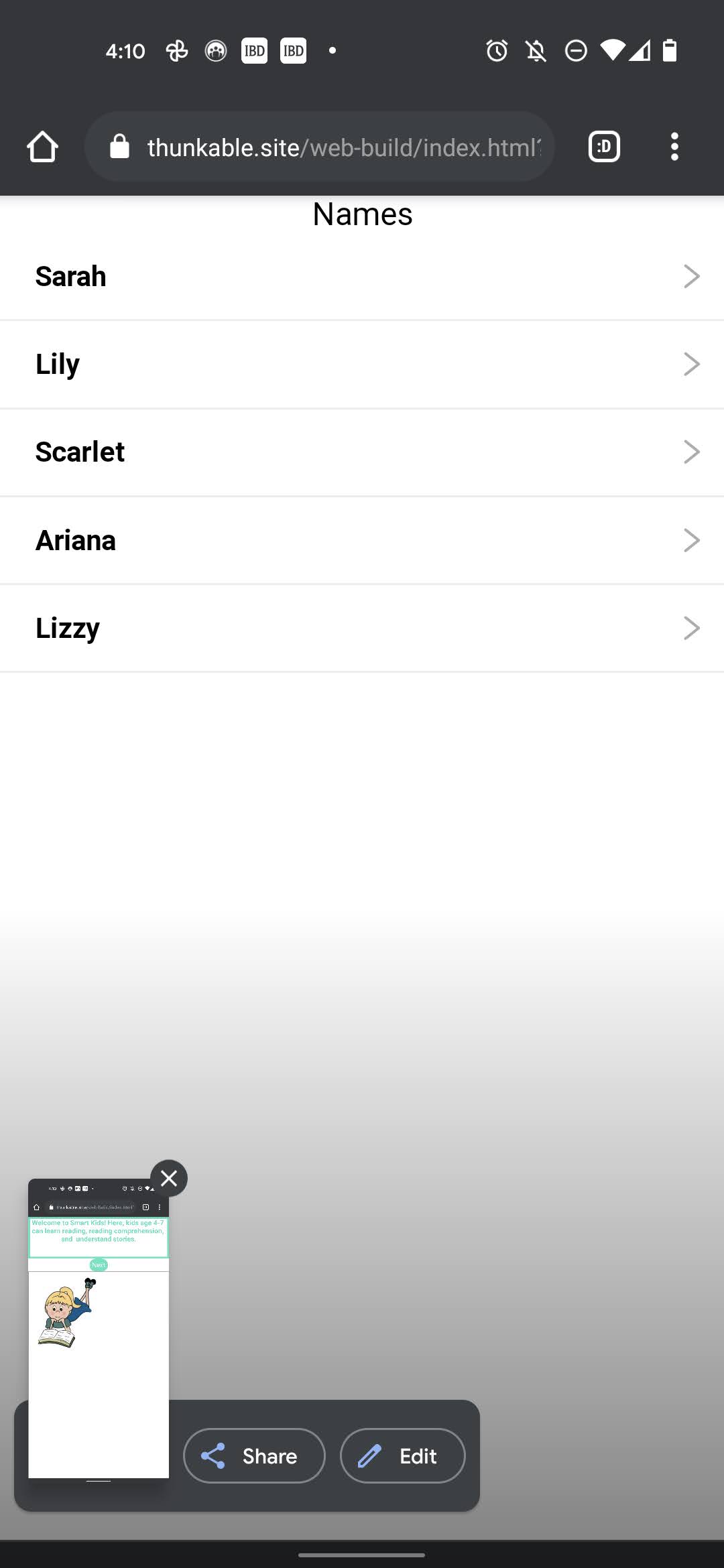
User login
-
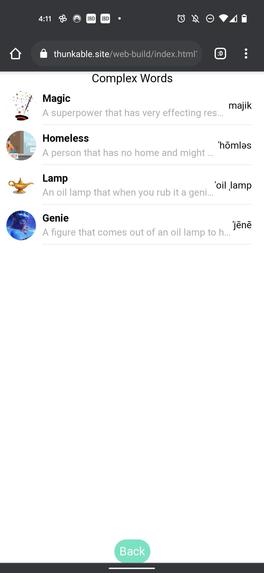
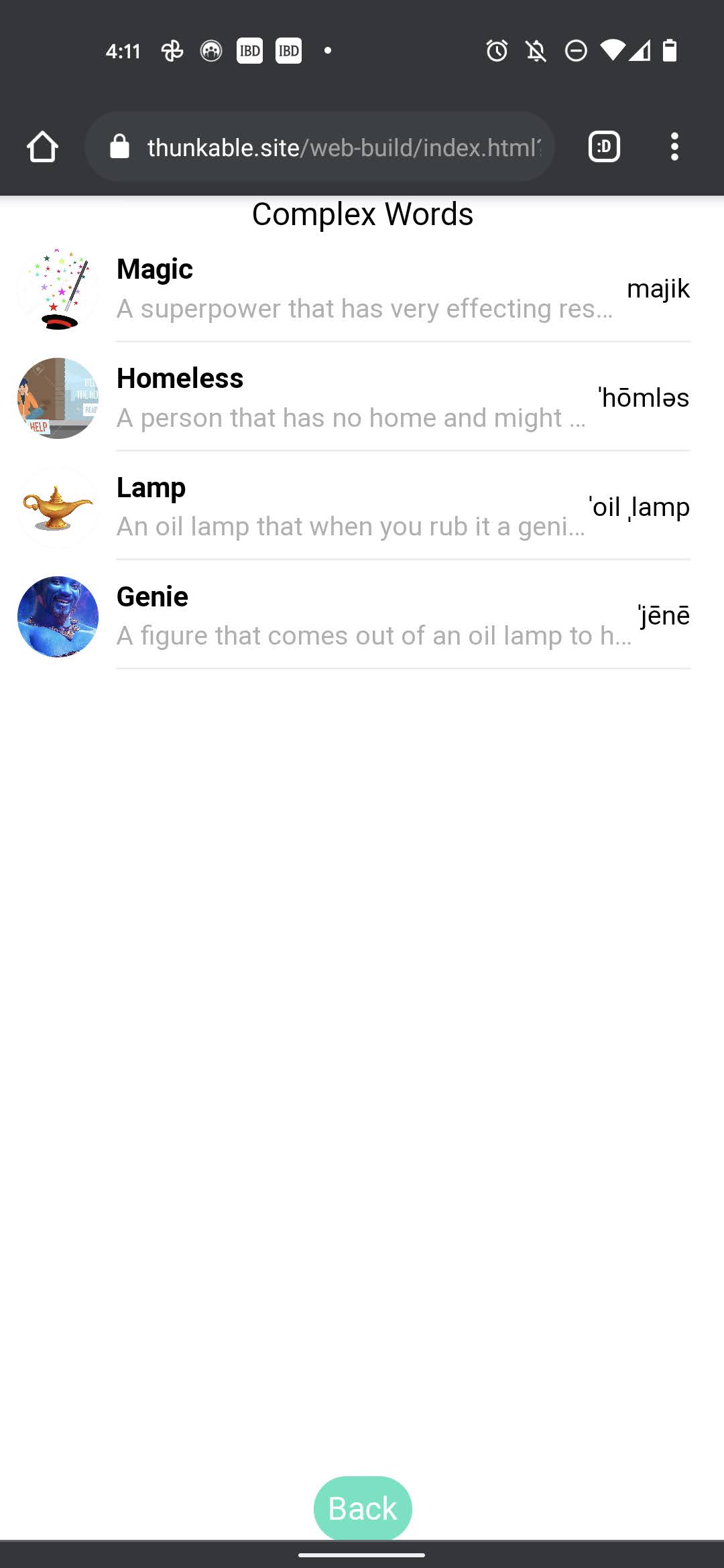
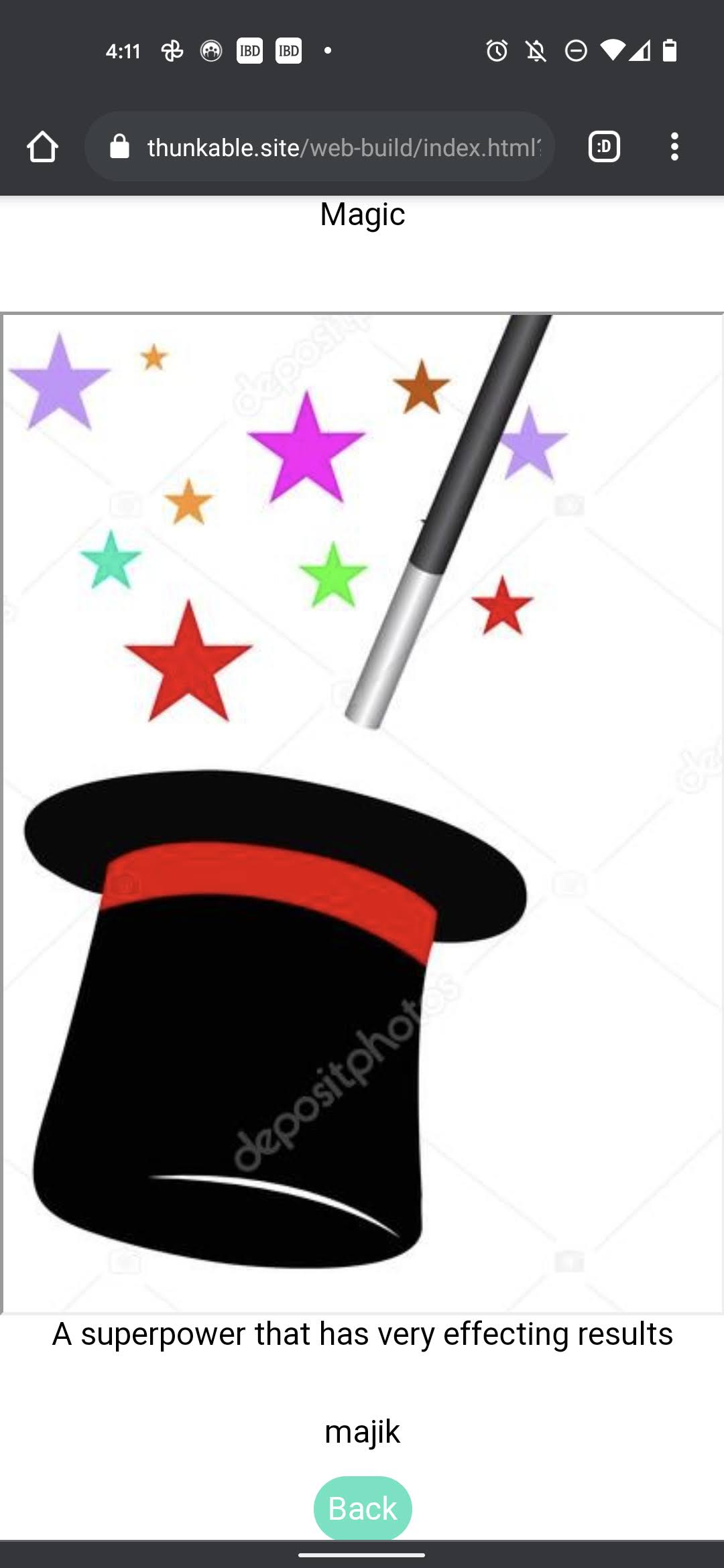
Complex Words
-
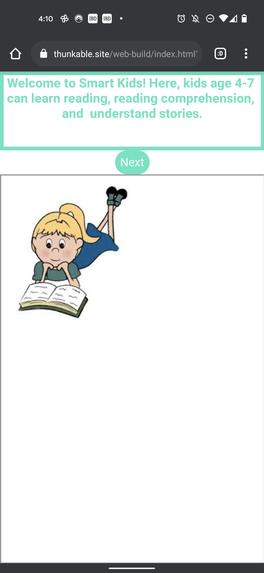
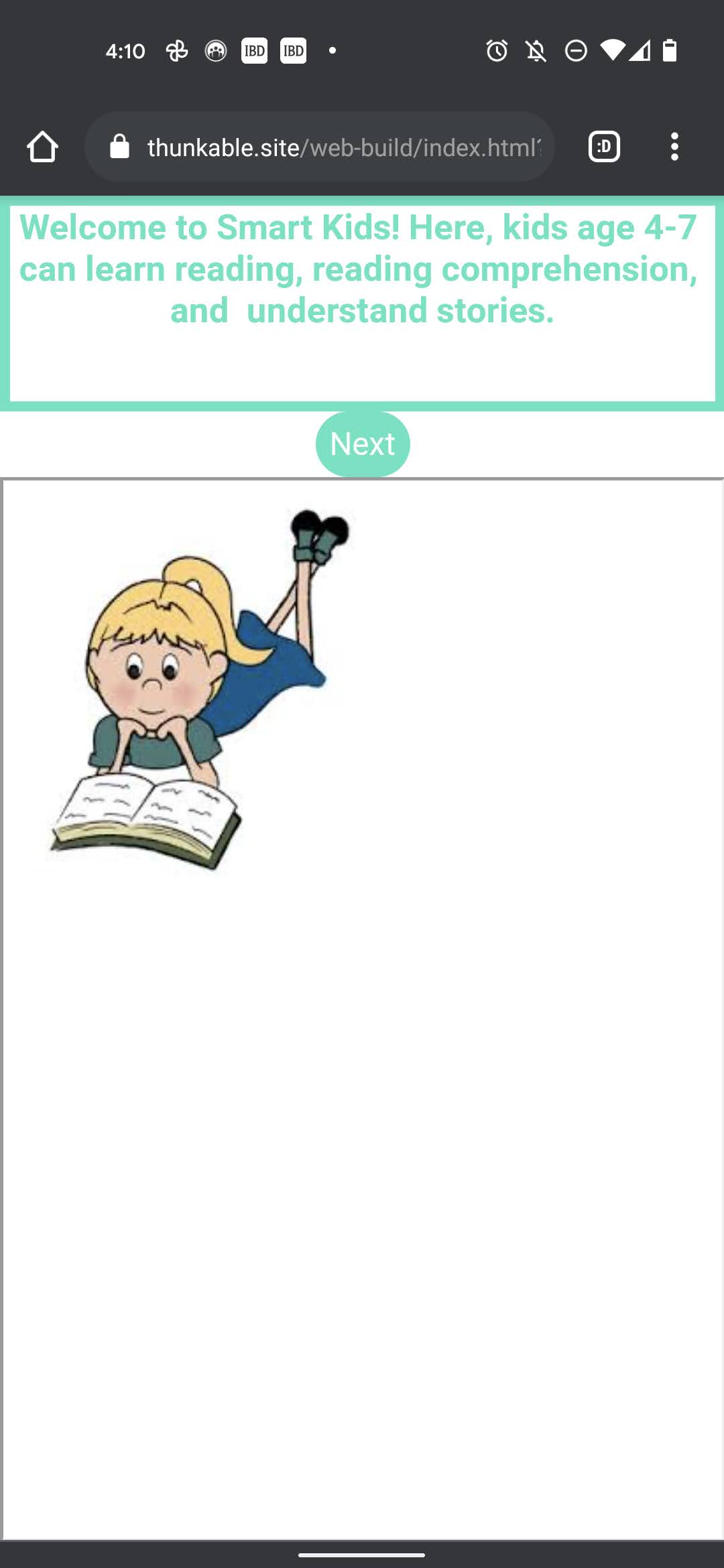
Welcome screen
-
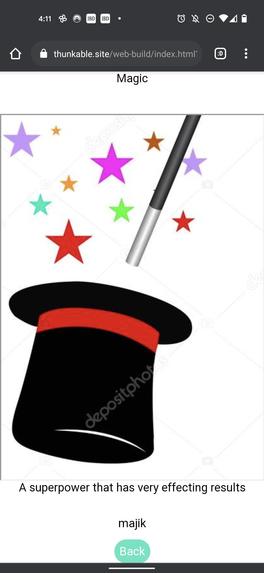
Help Screen
-
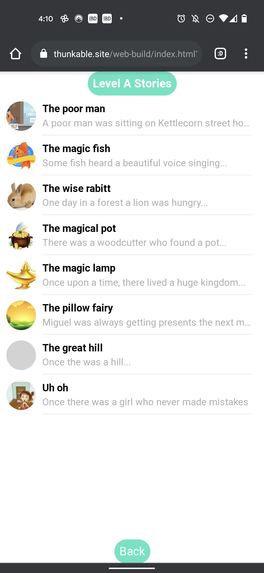
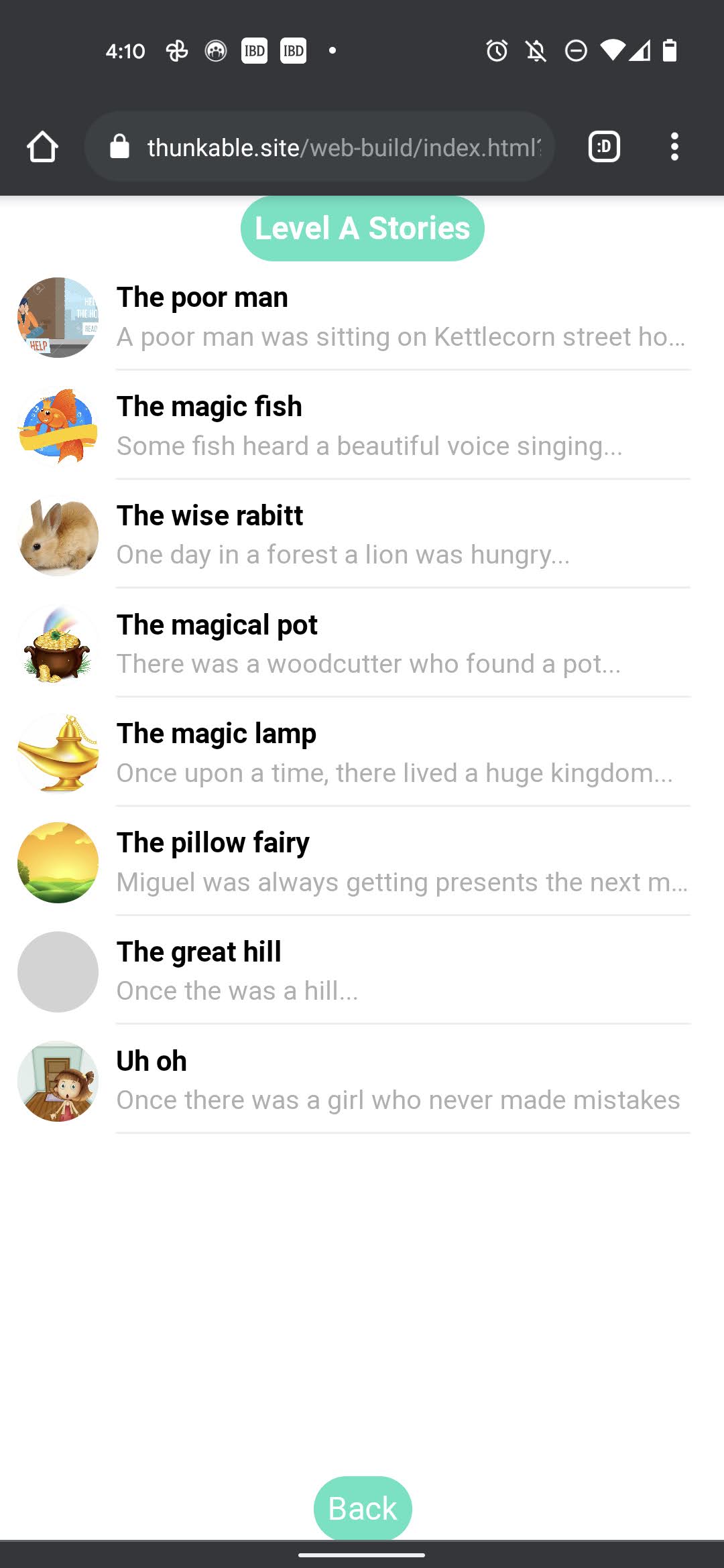
Story Selection
-
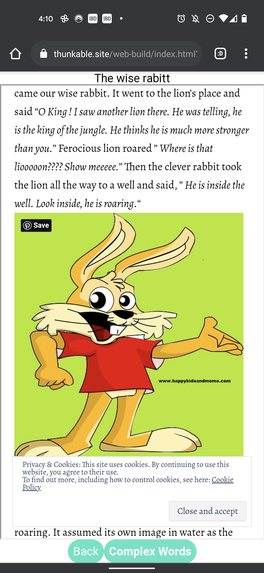
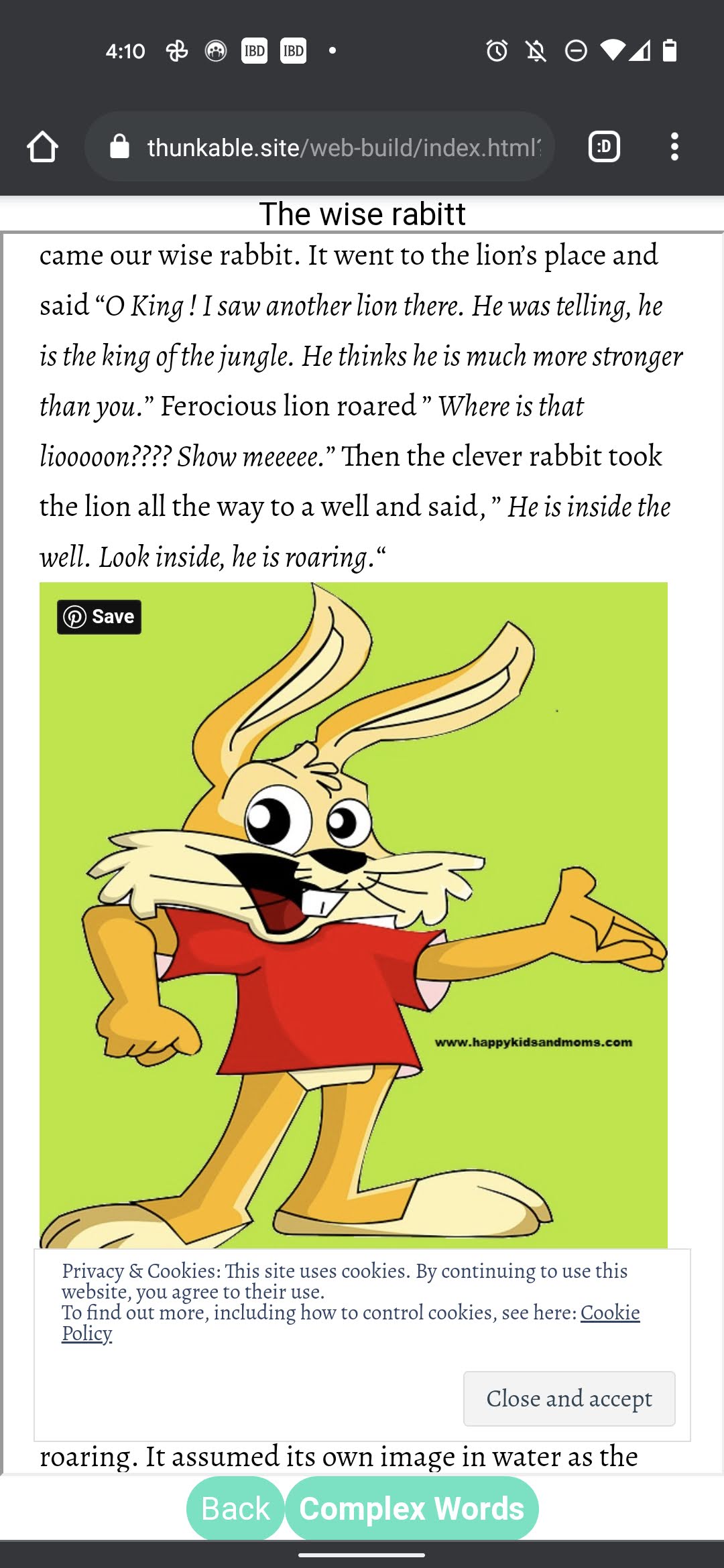
Story
Inspiration
I was reading a story and wanted to learn the meaning of a word in the story, "Remarkable", I rushed to my Dad to try to find an answer but he was in a meeting and said "I am in a meeting right now, let's talk later". Mom was not home. I was eager to find the answer so did the google search and after a few clicks was able to figure out what it meant but I was more lost. This was not just my story but kind of common with my other friends as well. We all had similar moments and experiences. As we started learning online, we figured that there were some complex words in the books but no easy way to know the real meaning. We sometime asked our parents or had to google it. So we thought, what if there are pictures associated with the complex words. And what if, there is also meaning and the pronunciation available at the same place. And best of all, what if, the app could convert these from text to speech. Then we thought, is there a way for improving the level based learning for kids and teachers for new and complex words.
What it does
It allows the kids to learn the new and complex words with the help of pictures, meaning and pronunciation all in the same place. Also allows teachers to set the stories and complex words based on student level.
How we built it
We built this app using thunkable and google sheet. Yes it's that simple. Teachers just need to update the google sheet to change the words, stories or levels.
Challenges we ran into
Web Viewer component in the app did not show the content correctly sometimes. Thunkable is not very advanced in programming, so we could not do in place complex word highlighting and had to create a separate screen for complex words.
Accomplishments that we're proud of
We were able to learn application programming using Thunkable and creating a useful application that could help students and teachers both with Smart education.
See the application source here:
https://x.thunkable.com/copy/8f07d2cca60d0641029ebdb7618cbfae
Also, for teachers, we created an easy interface to update the level of the kids and stories they should read based on kids levels using google spreadsheet.
Link to the spreadsheets:
https://docs.google.com/spreadsheets/d/1bZBkwP2QTwWKHXJa5-6E-Q4iKat6uNDzFKPjKT_Rx-4/edit?usp=sharing
https://docs.google.com/spreadsheets/d/1YiURTcl4O5nzBphdb71gBT8PHiN0vc5IfGJma4PCT9U/edit?usp=sharing
What we learned
We learned how to program and design our app on Thunkable. We also learnt how to brainstorm ideas for the better future and also how to work together as a team.
What's next for Smart Kids
Instead of single screen for complex words, find a way to highlight all complex words in the story itself. This will make it easier for the students to just click on words while reading story to learn about the complex word. Also, leveling up higher as you read more books, how to write, and other subjects.
How to use
Launch the app and for the Login screen use the following passwords
Sarah : 1111
Lily: 2222
Scarlet: 3333
Ariana: 4444
Lizzy: 5555
On the Word screen there is picture, meaning and pronunciation of the word. You can click the meaning and the pronunciation and the application will convert it from text to speech
Built With
- google-spreadsheets
- thunkable


Log in or sign up for Devpost to join the conversation.