-
-
-
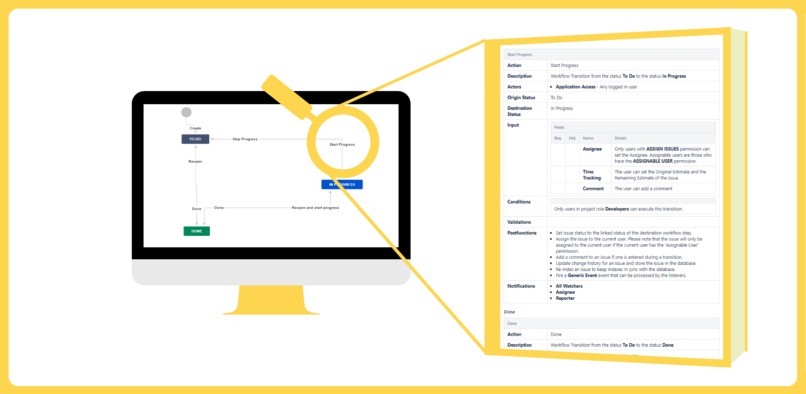
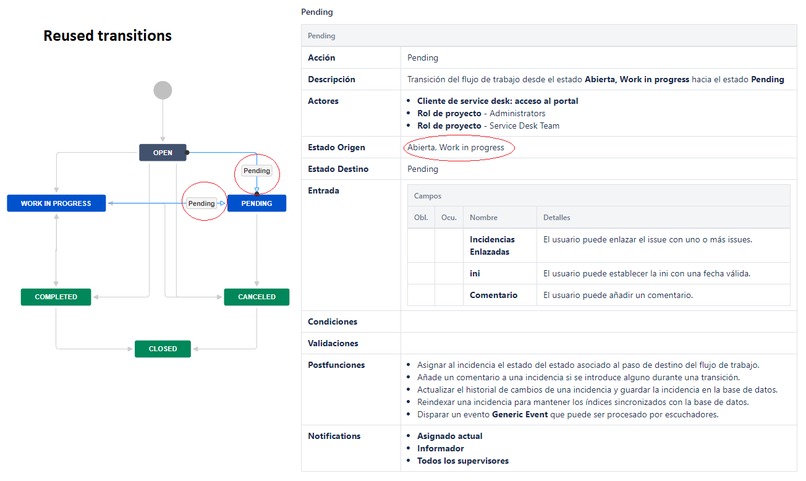
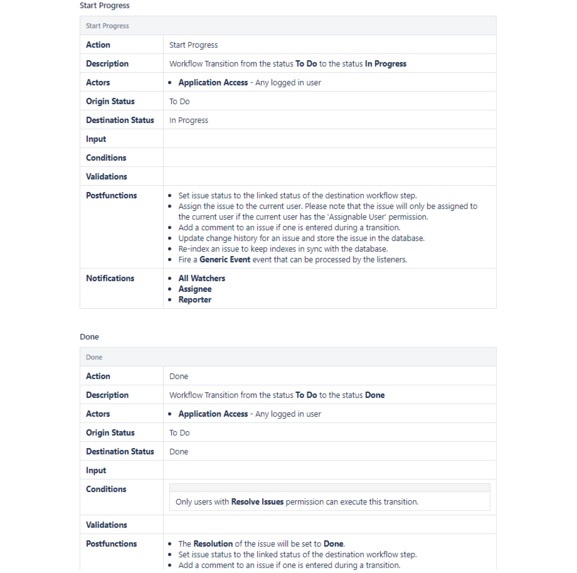
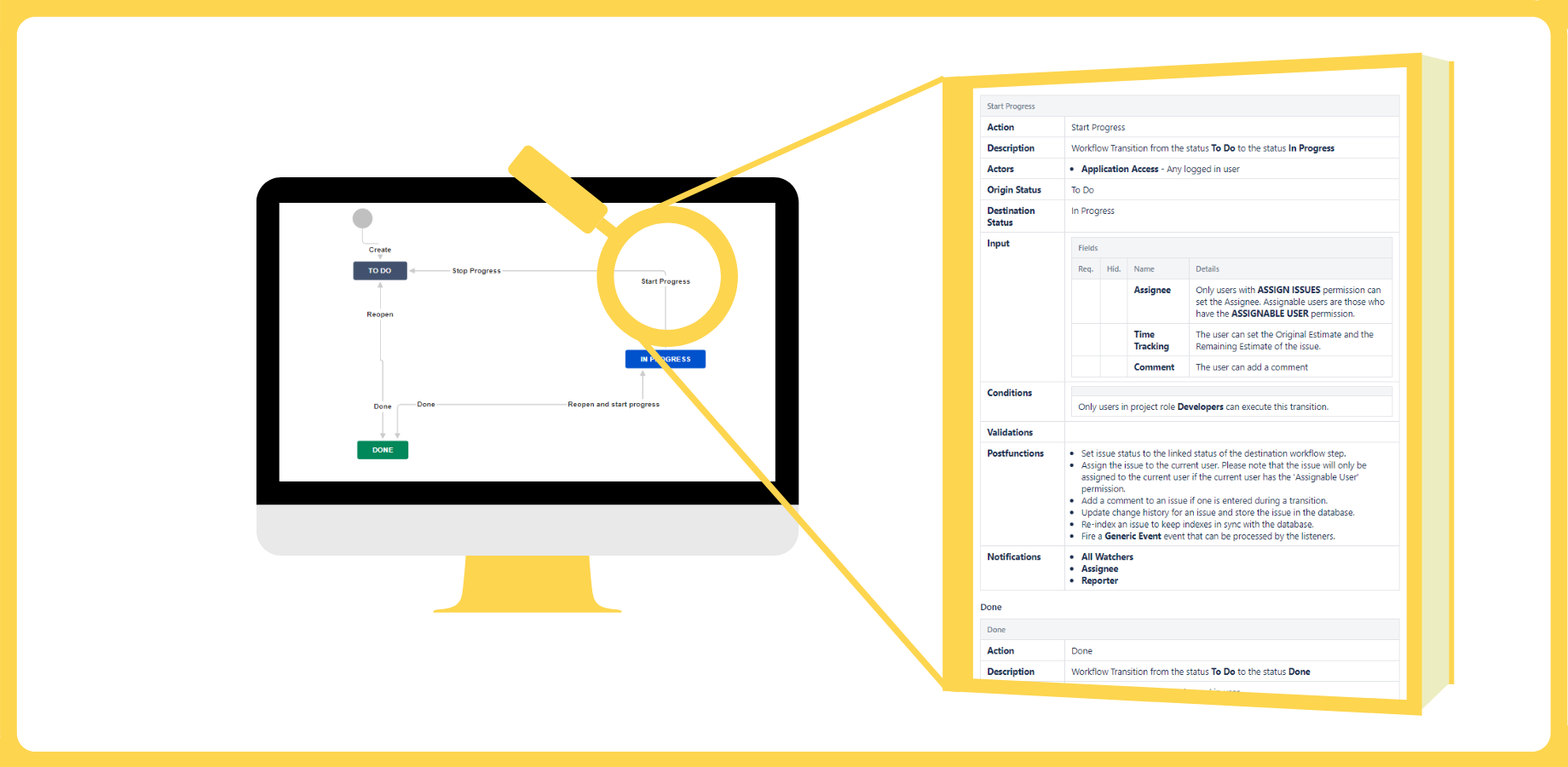
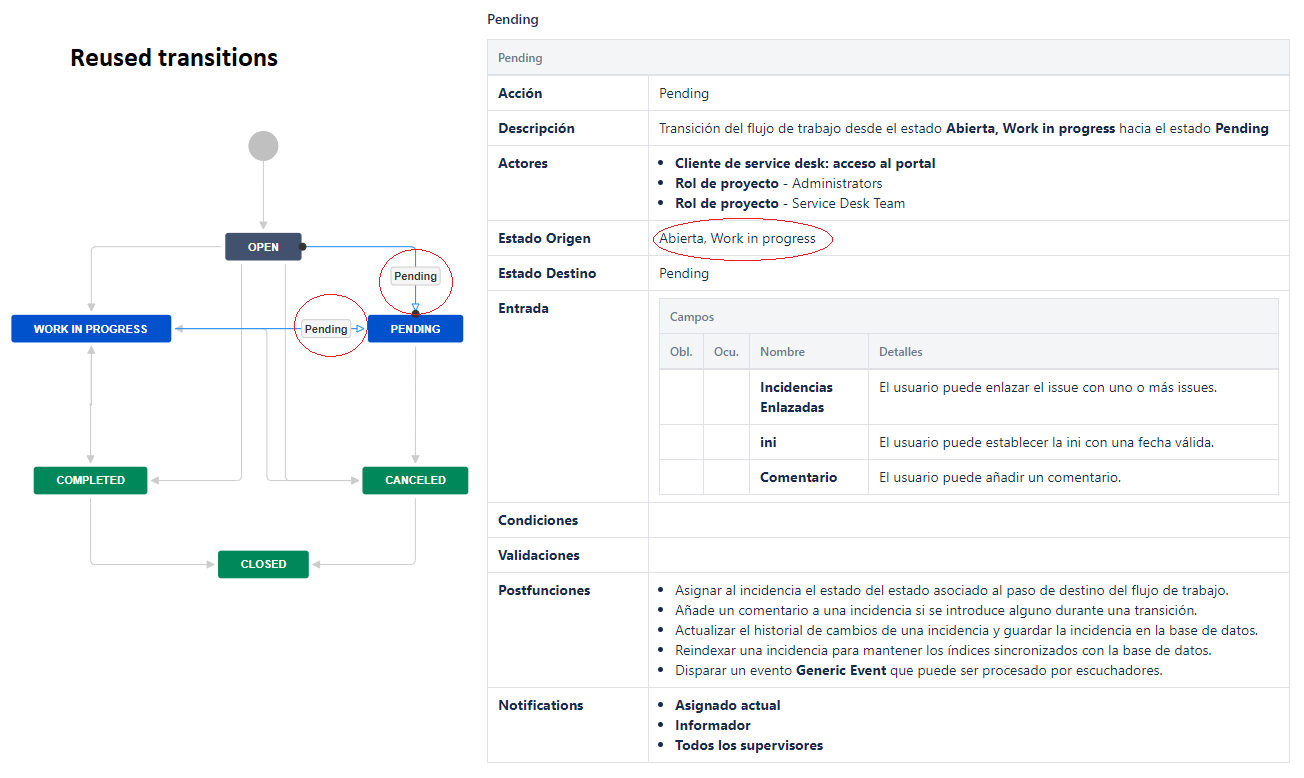
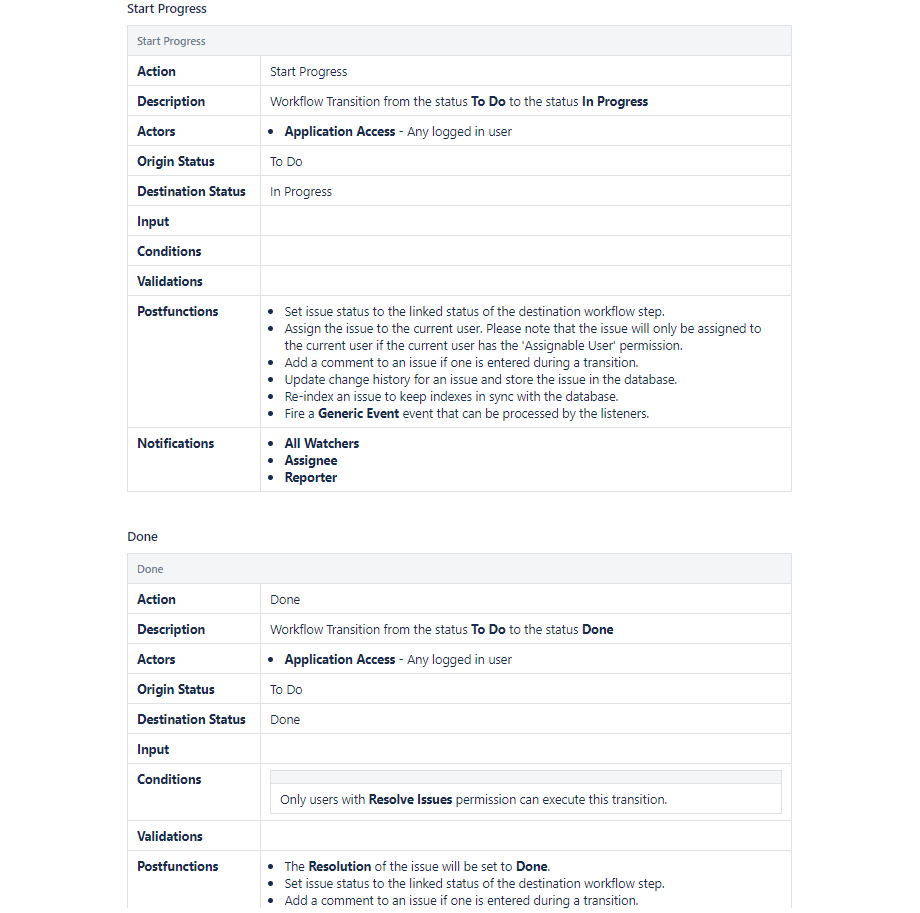
Know the key information of each workflow action
-
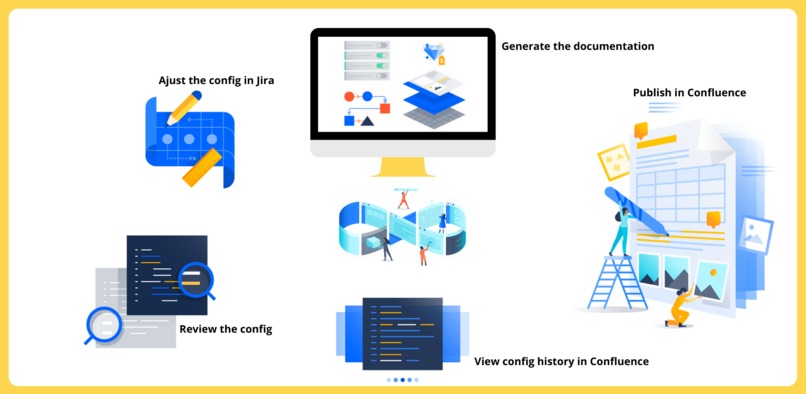
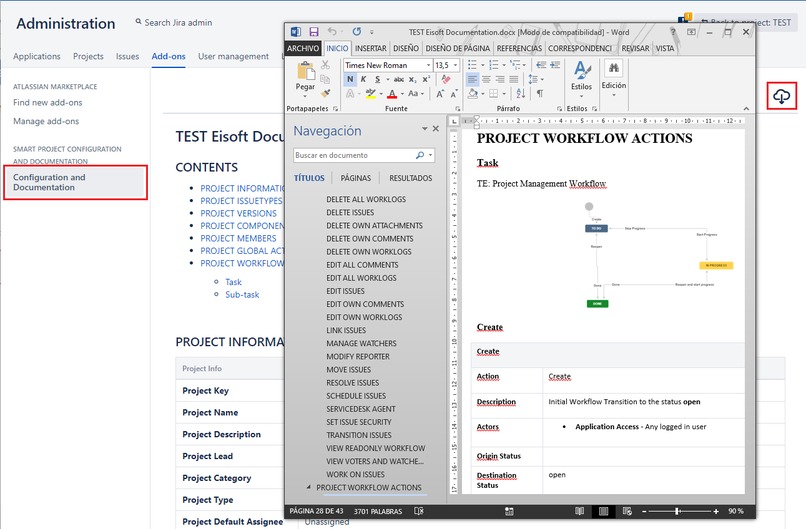
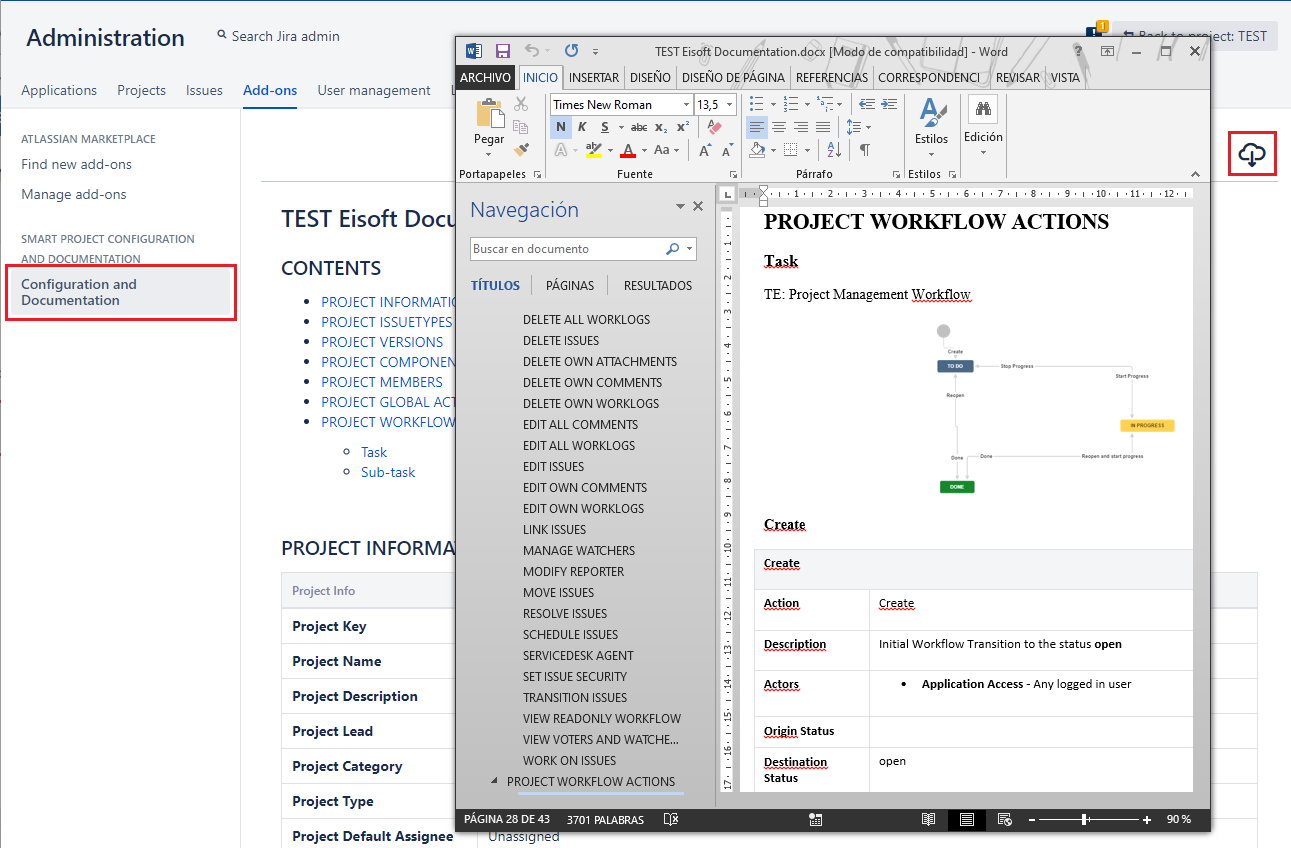
Publish the Smart documentation in Confluence or Export it in DOCX
-
-
-
-
-
-
-
-
-
-
-
Inspiration
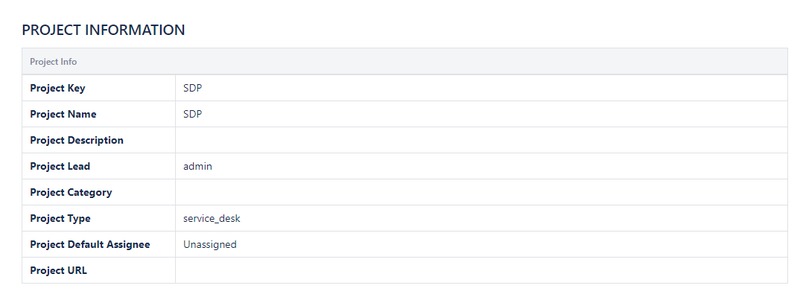
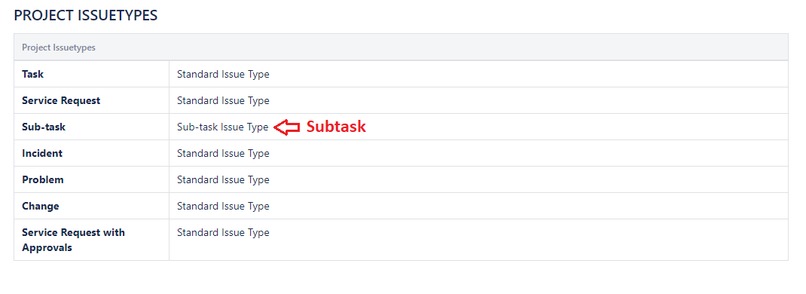
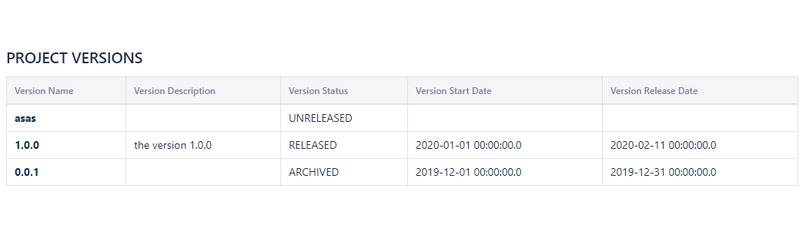
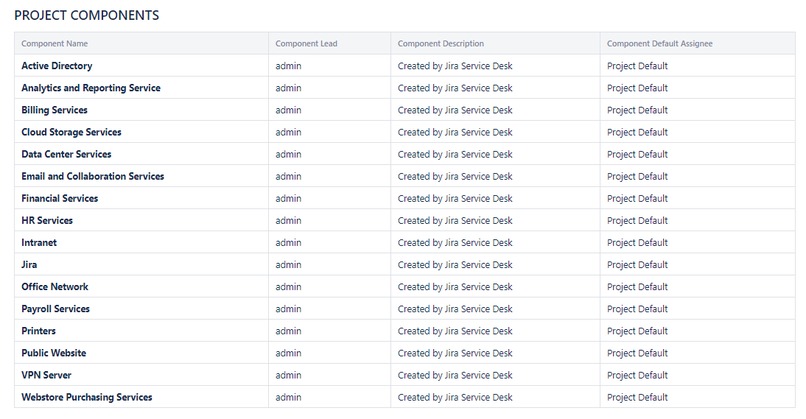
Smart Jira Project Config Documentation is a Jira app that aims to facilitate the configuration of JIRA following the MDD (Model-Driven Development) methodology. This application abstracts the project configuration schemes into a single model that is understandable by both Jira Administrators and business users. Say goodbye to the lack of communication between Jira Administrators and Business users.
What it does
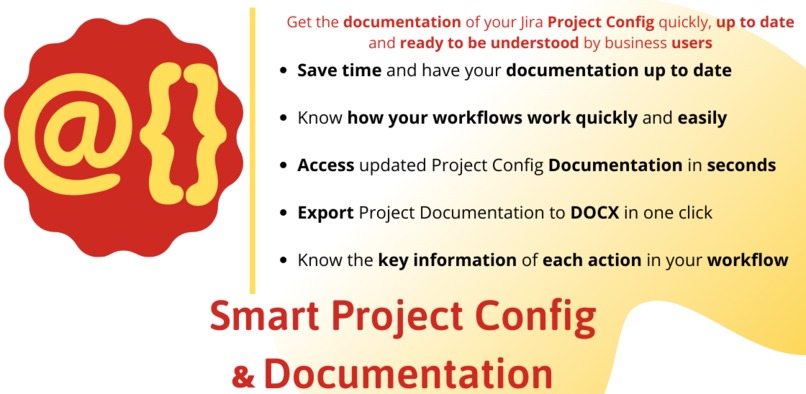
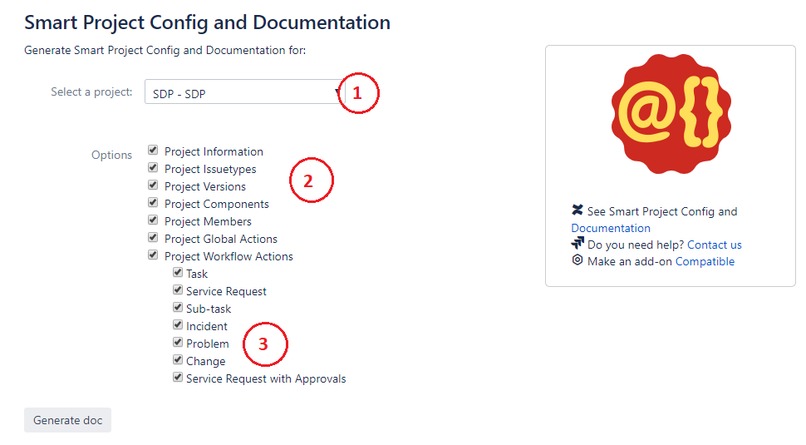
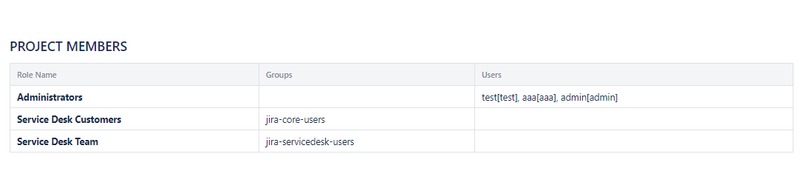
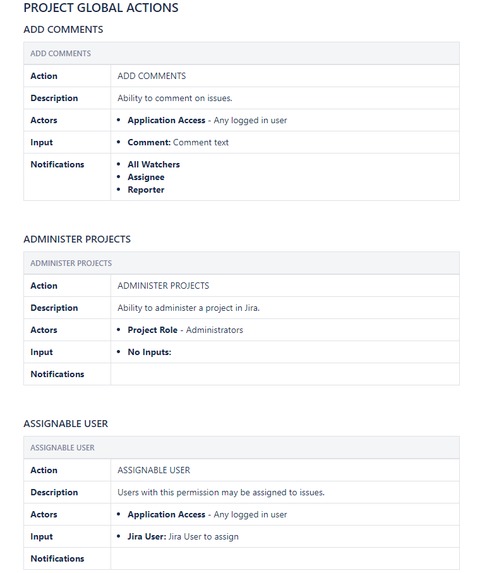
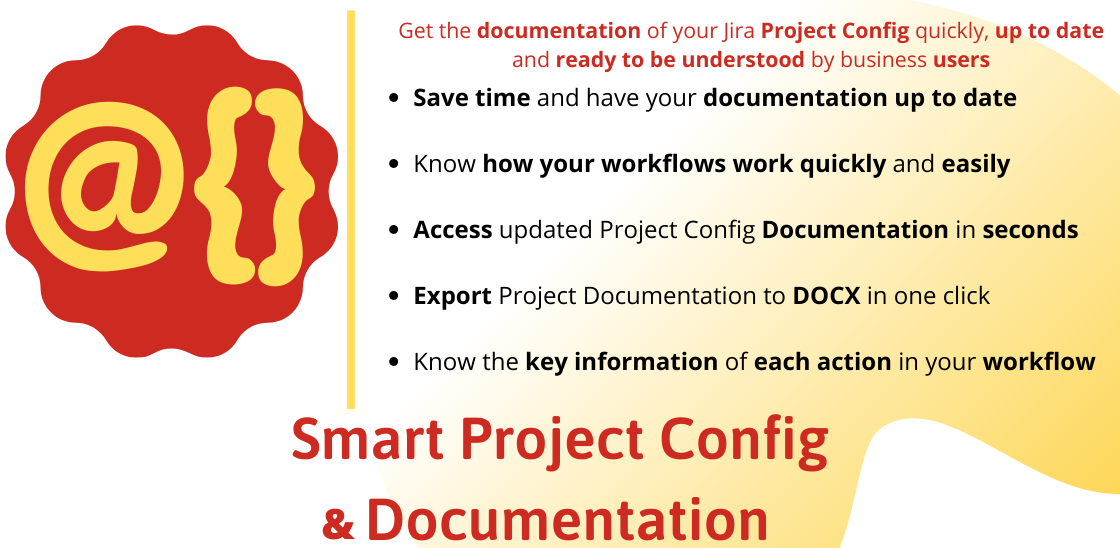
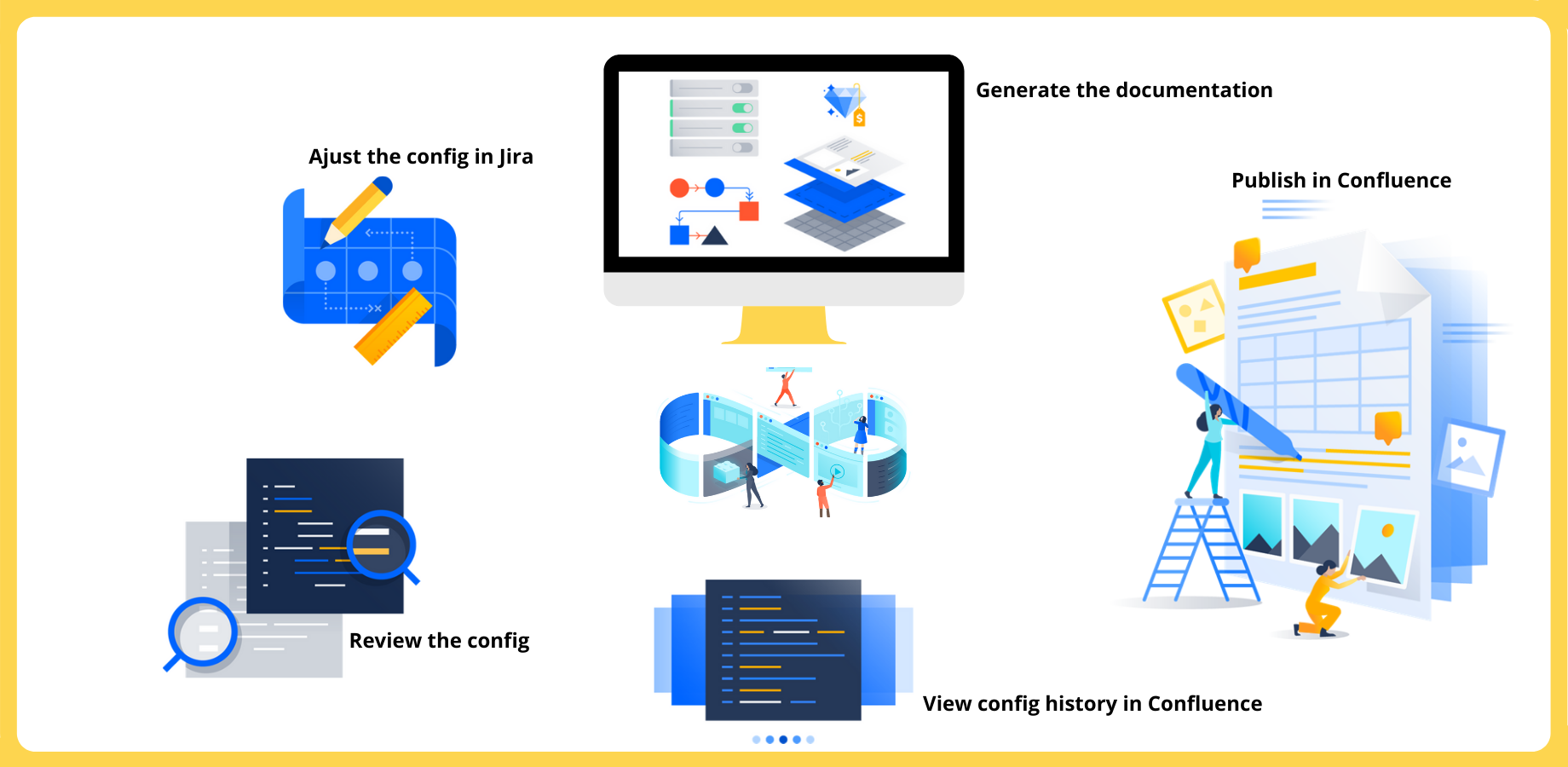
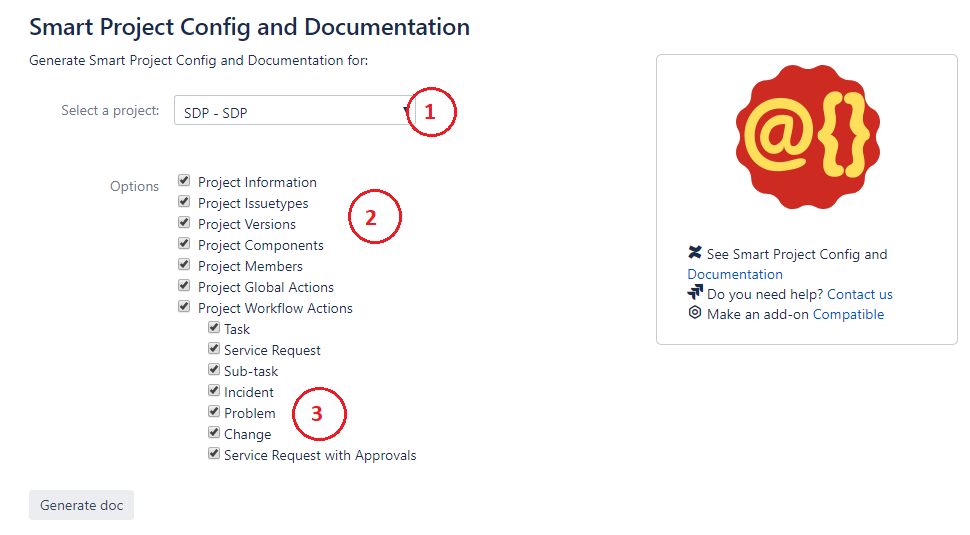
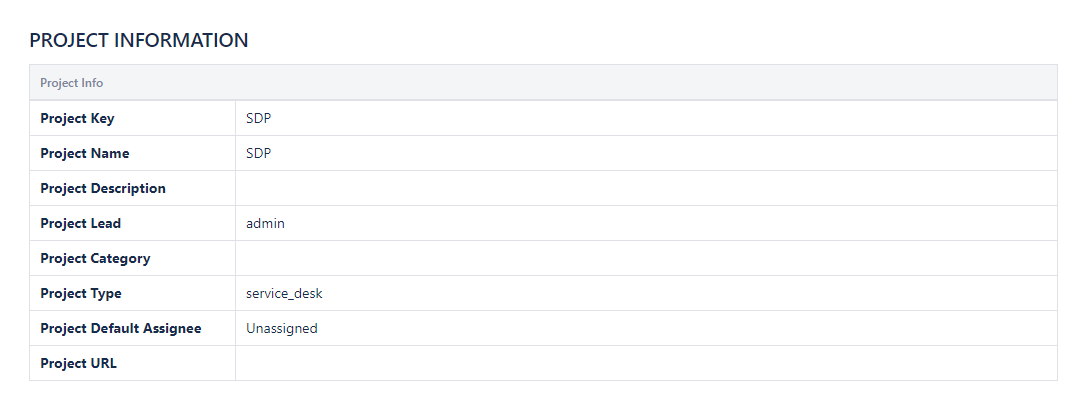
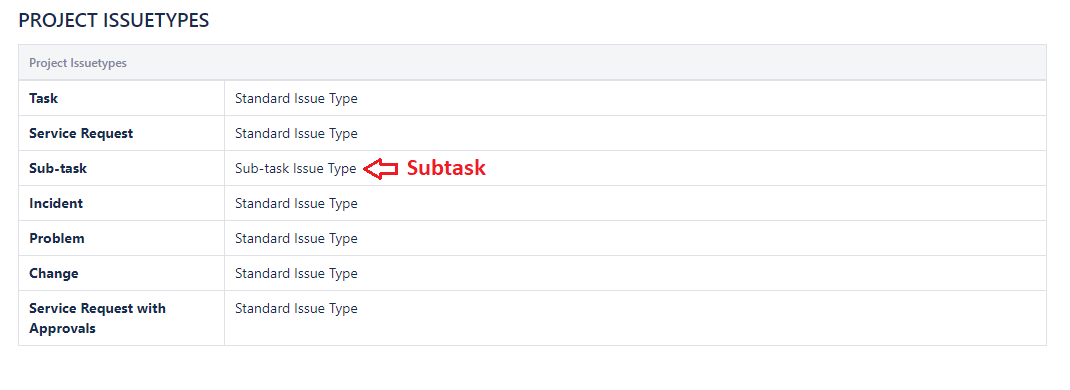
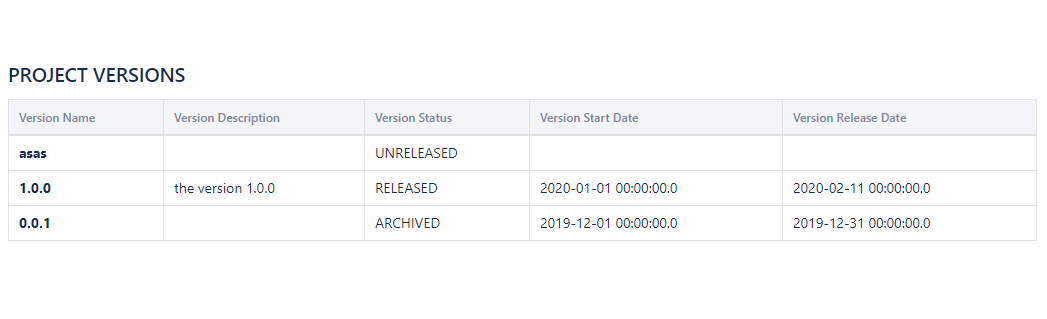
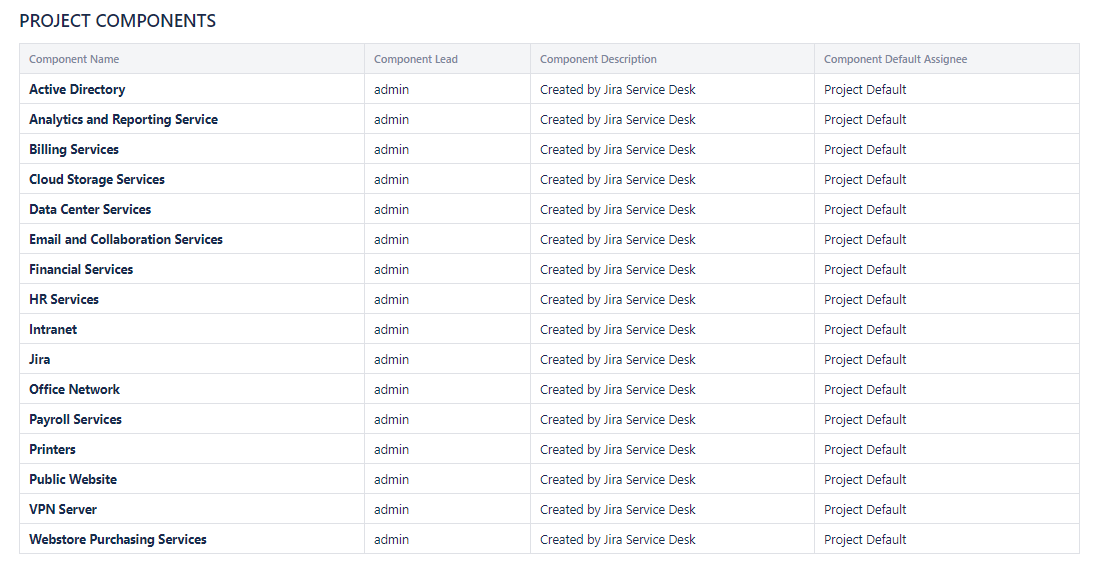
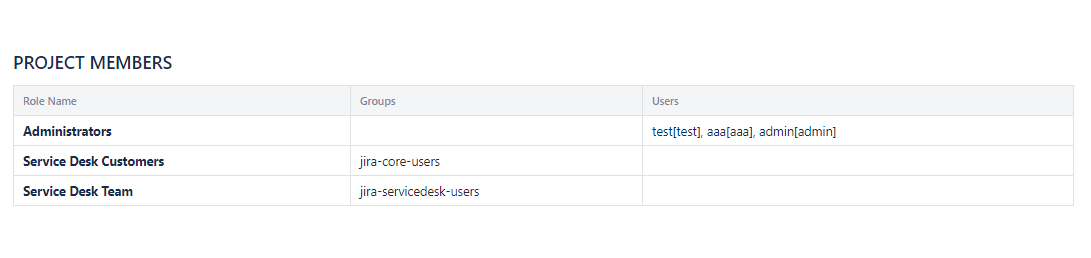
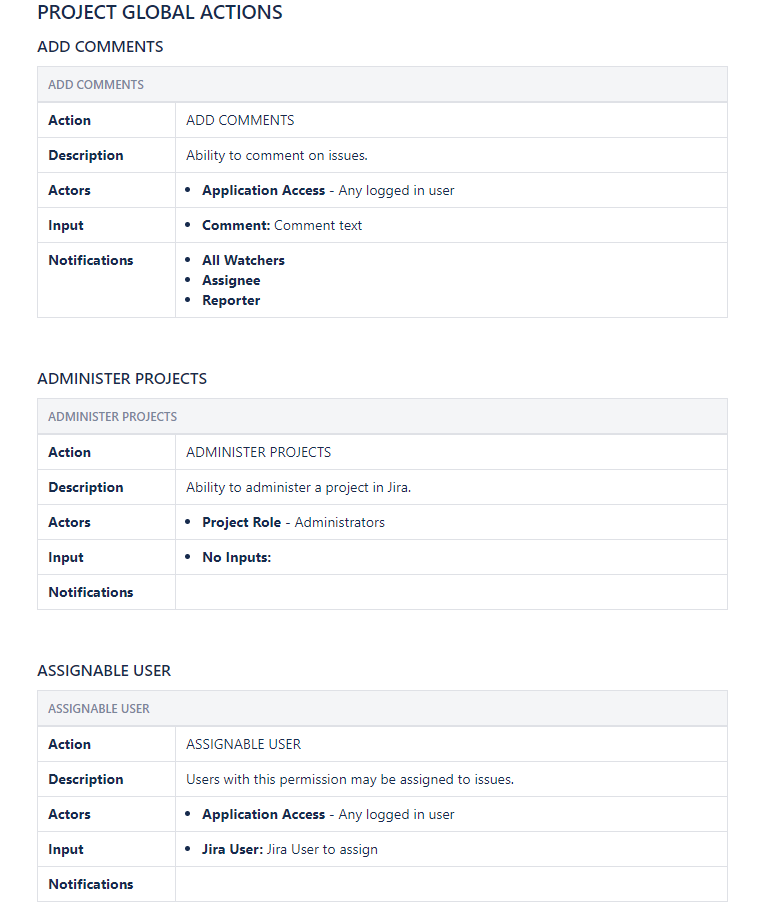
Get the documentation of your Jira Project Configuration quickly, up to date and ready to be understood by business users
- Save time and have your documentation up to date
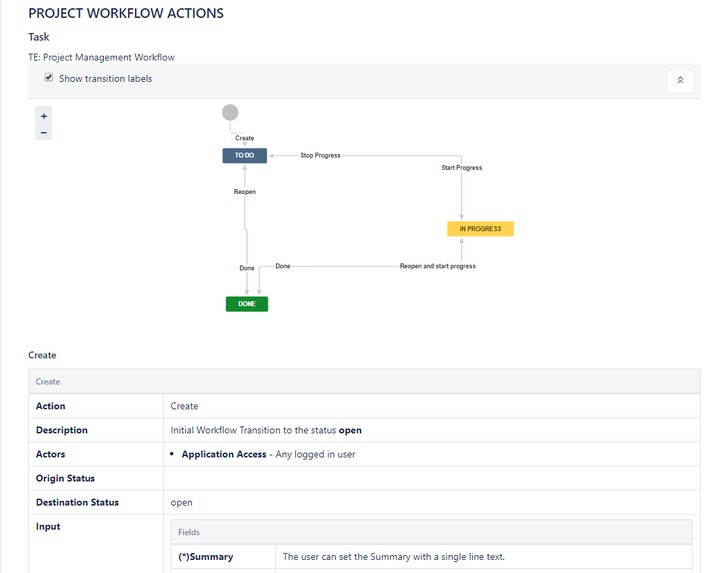
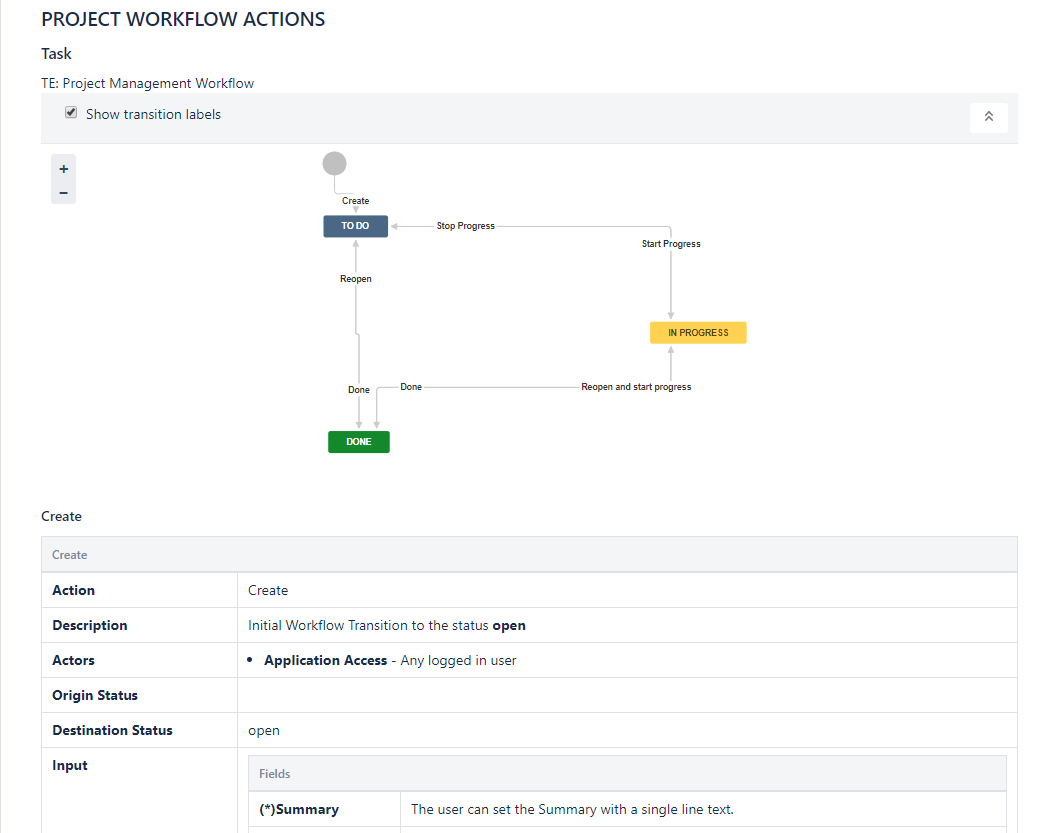
- Know how your workflows work quickly and easily
- Access updated Project Config Documentation in seconds
- Export Project Documentation to DOCX in one click
- Know the key information of each action in your workflow
- Publish the project Documentation in Confluence and review the configuration changes (currently supported by Server and Data Center versions)
How I built it
Migrate a Server version to a ACE version transforming the Servlet to REST calls.
Challenges I ran into
- Learn Node.js and the Atlassian Connect Express
- Working with Promises to manage asynchronous operations.
- Getting the configuration information through REST API was the most important challenge because REST API not gives all the information needed for get the same documentation as the Server version.
- Working with JWT
Accomplishments that I'm proud of
Migrate a Server app to a Cloud app in a few weeks
What I learned
- Node.js and the Atlassian Connect Express
- Working with Promises to manage asynchronous operations
- Working with JWT
What's next for Smart Jira Project Config Documentation
- Implement the "Publish to Confluence" as the Server version
- Show the workflow diagrams as the Server version
- Show the Calendars and SLA configuration as the Server version
- Documenting 3rd party apps (for example, the Server version documents Profields)
- Internationalizing
- Export the documentation model of a project and import into another instance.
- Create/Update/Delete configurations directly on the Smart documentation (create a new workflow action, modify screens, add a new notification, add a new permission...).


Log in or sign up for Devpost to join the conversation.