-
-
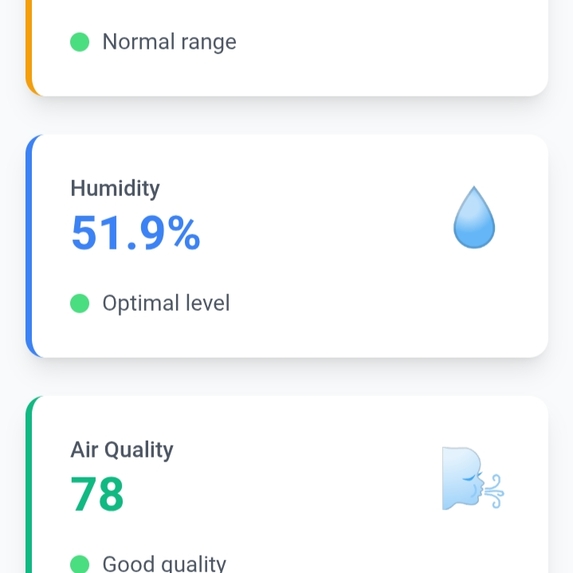
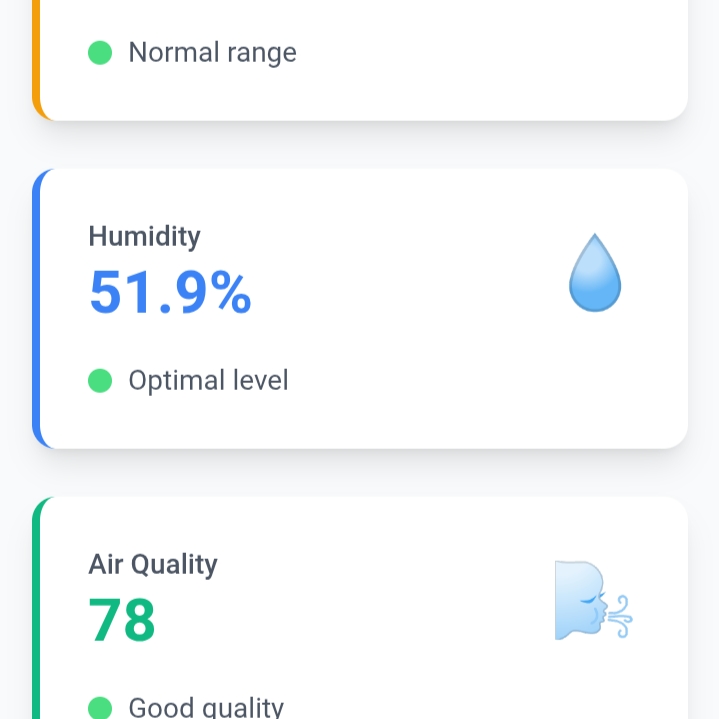
User Interface
-
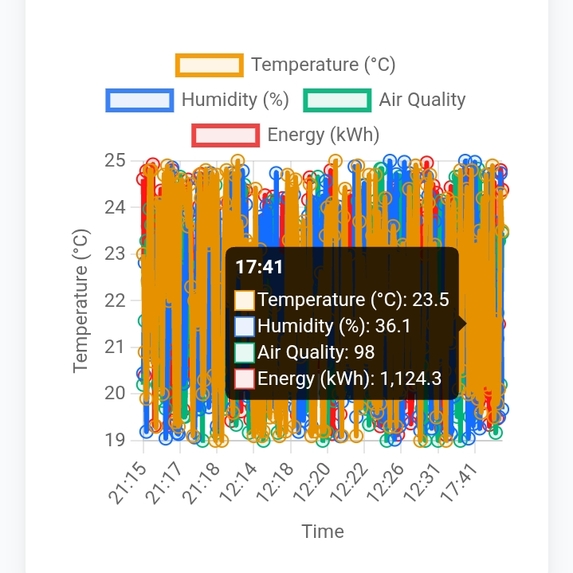
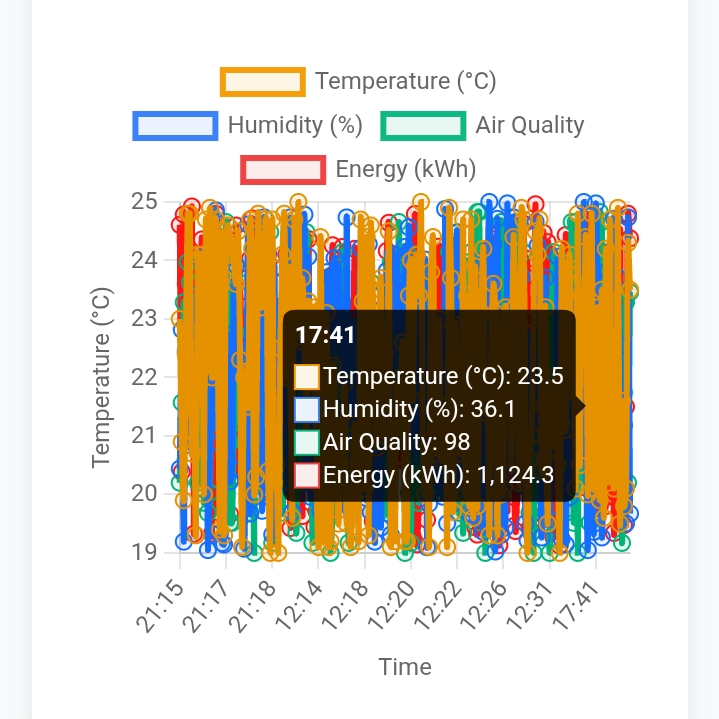
Energy Graph
-
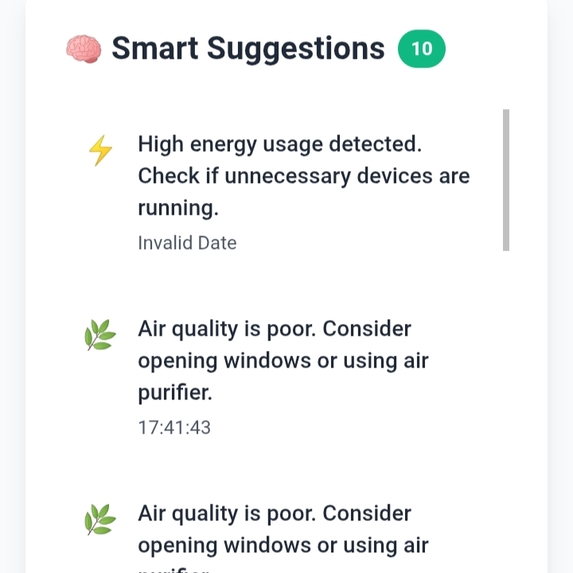
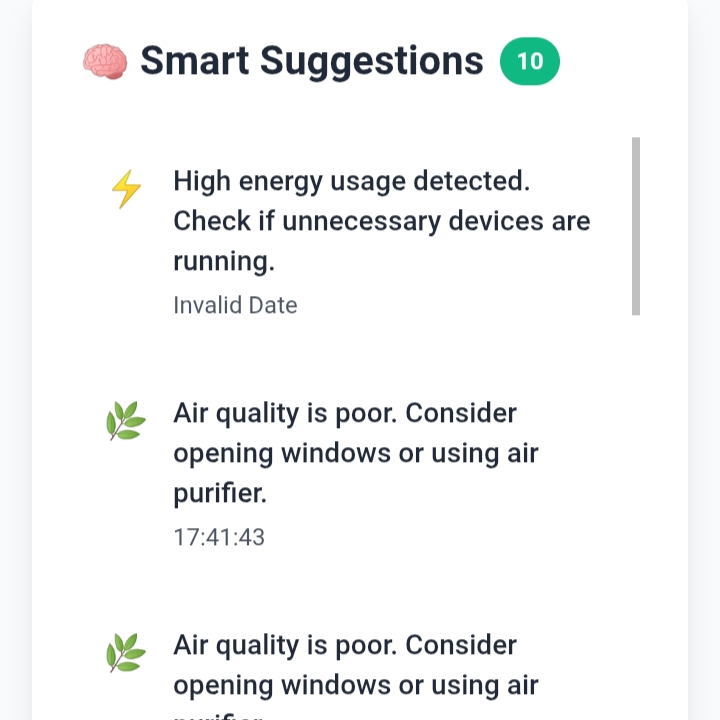
Smart Suggestions
-
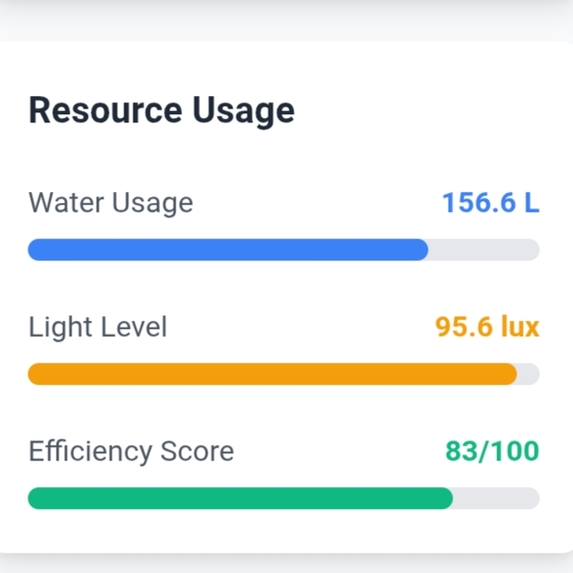
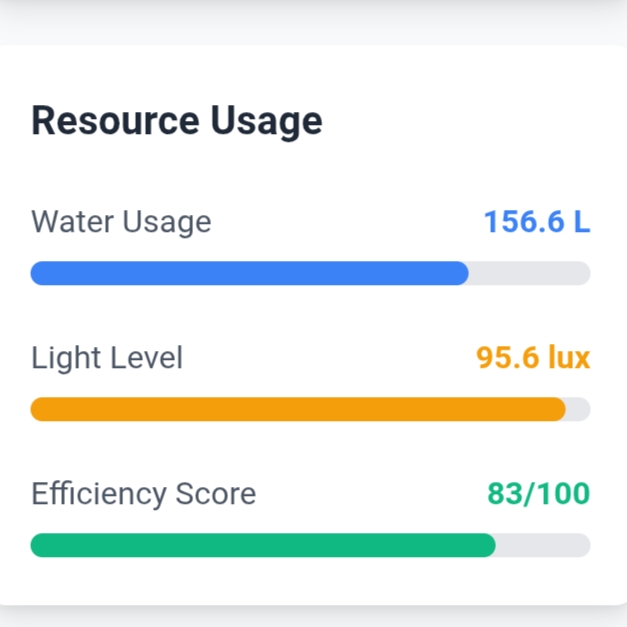
Resource Usage
Inspiration
Smart homes are becoming the new normal, but most systems are either too expensive, hard to customize, or don't support local control without internet.
I wanted to create a lightweight, modular, and affordable dashboard that:
- Gives users control over their home devices in real-time
- Works on local servers without requiring the cloud
- Can be extended with real IoT hardware (ESP32, sensors)
- Has a clean and responsive UI that works on both desktop and mobile
This project was inspired by:
- My interest in IoT automation and smart energy systems
- The idea of building a smart home system that’s customizable for any user
- Hackathons that emphasize problem-solving using simple but effective tools
What it does
The Smart Home Dashboard is a Flask-based web application that allows users to:
- Log in securely
- Control home appliances (like lights/fans) via toggles
- View real-time energy consumption using interactive charts
- Get smart suggestions based on energy usage
- Access the system from desktop or mobile with a responsive UI
How we built it
The app was developed using:
- Frontend: HTML, CSS, JavaScript (for chart and interactivity)
- Backend: Python with Flask framework
- Database: SQLite for storing user credentials and usage logs
- Dashboard Logic: Device control buttons and real-time graph updates
- Extras: Screenshot previews for user interface and analytics
Challenges we ran into
- 🐞 Integrating dynamic JS chart updates with Flask backend logic
- 🔐 Securing login without external authentication libraries
- 📱 Making the UI responsive for both mobile and desktop
- ⚙️ Creating a scalable structure for adding new IoT devices in future
Accomplishments that we're proud of
- Built a fully functional and responsive smart home dashboard
- Implemented realistic device toggles and energy monitoring chart
- Successfully combined Python backend with JavaScript frontend
- Designed a UI that's clean, modern, and usable
What we learned
- How to build a full-stack web app using Flask
- Connecting frontend interactivity (charts, switches) with backend logic
- Organizing code and templates for scalability
- The importance of good UI/UX and responsive design
What's next for Smart Home
- 🔌 Real-time IoT integration with ESP32 or NodeMCU
- ☁️ Firebase / MQTT support for cloud sync and live updates
- 📲 Convert into a mobile app using React Native or PWA
- 📊 Add energy usage reports and cost estimation
- 🧠 Implement AI-based automation (auto-turn off/on based on schedule or usage)
- 🗣️ Support for voice assistants like Alexa and Google Assistant
- 🔐 Add multi-user roles and cloud-based login authentication

Log in or sign up for Devpost to join the conversation.