-
-
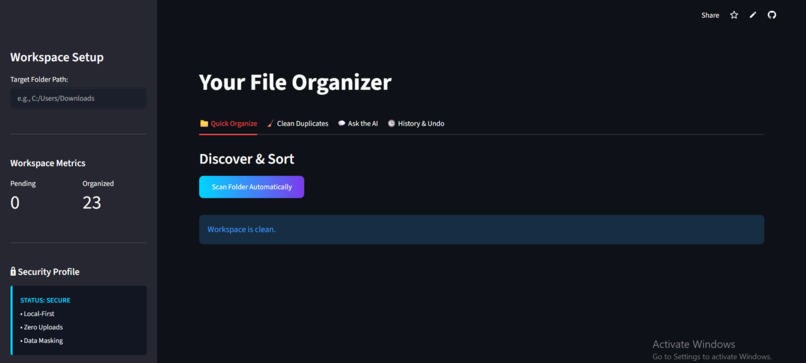
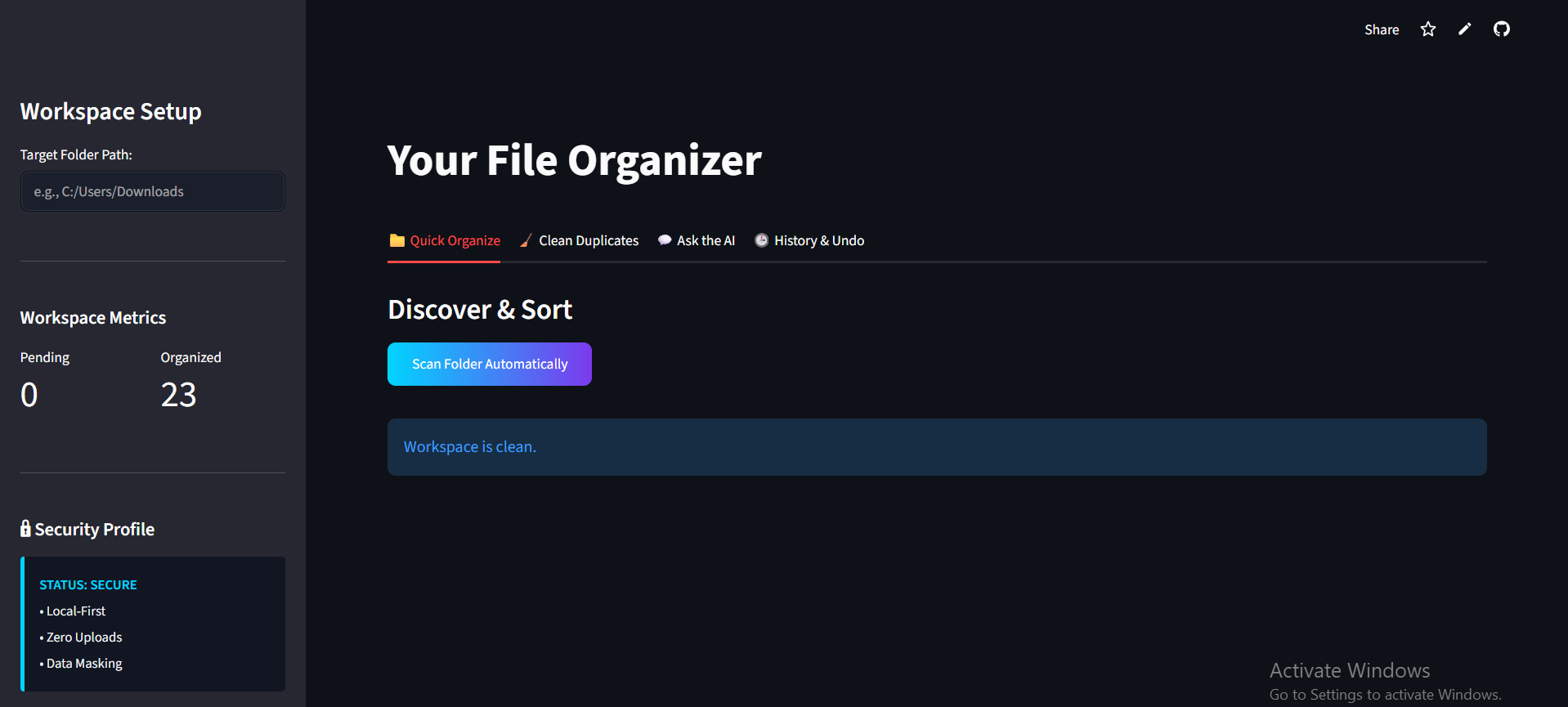
Organizer
-
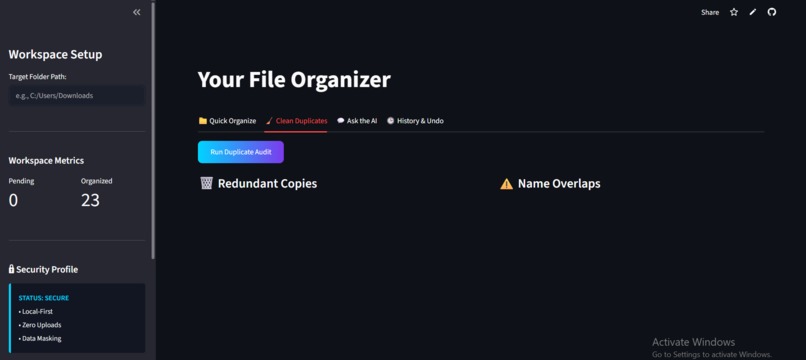
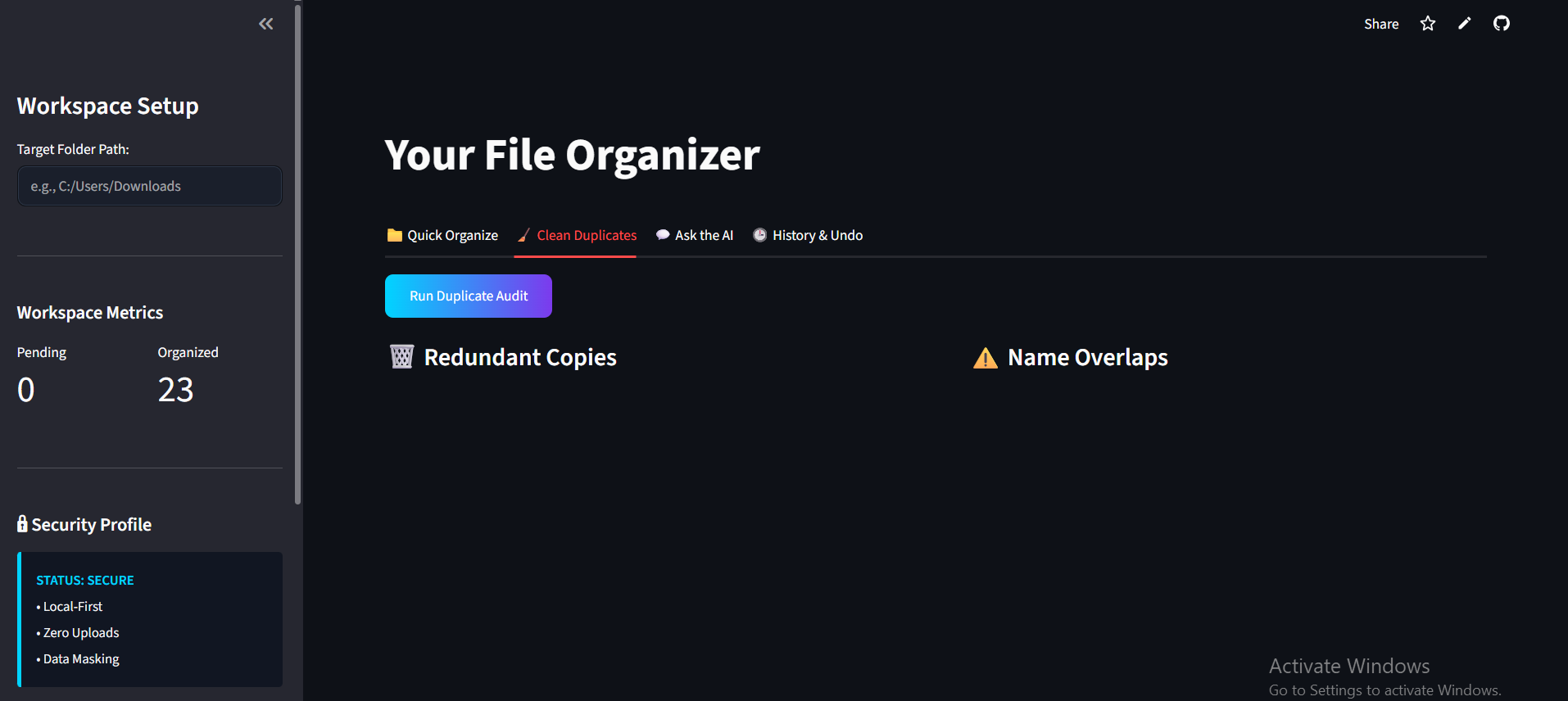
Duplicator
-
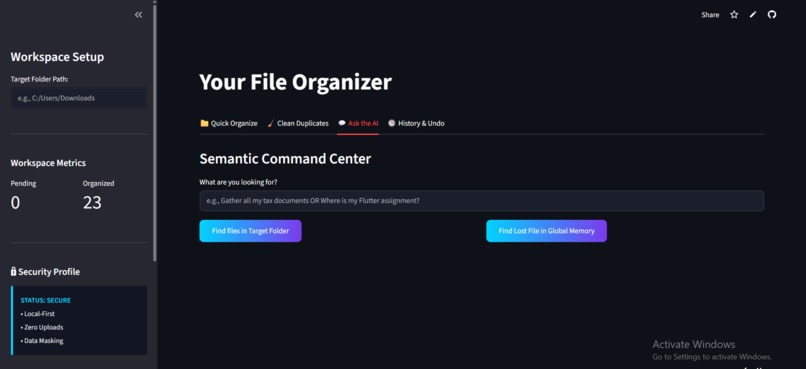
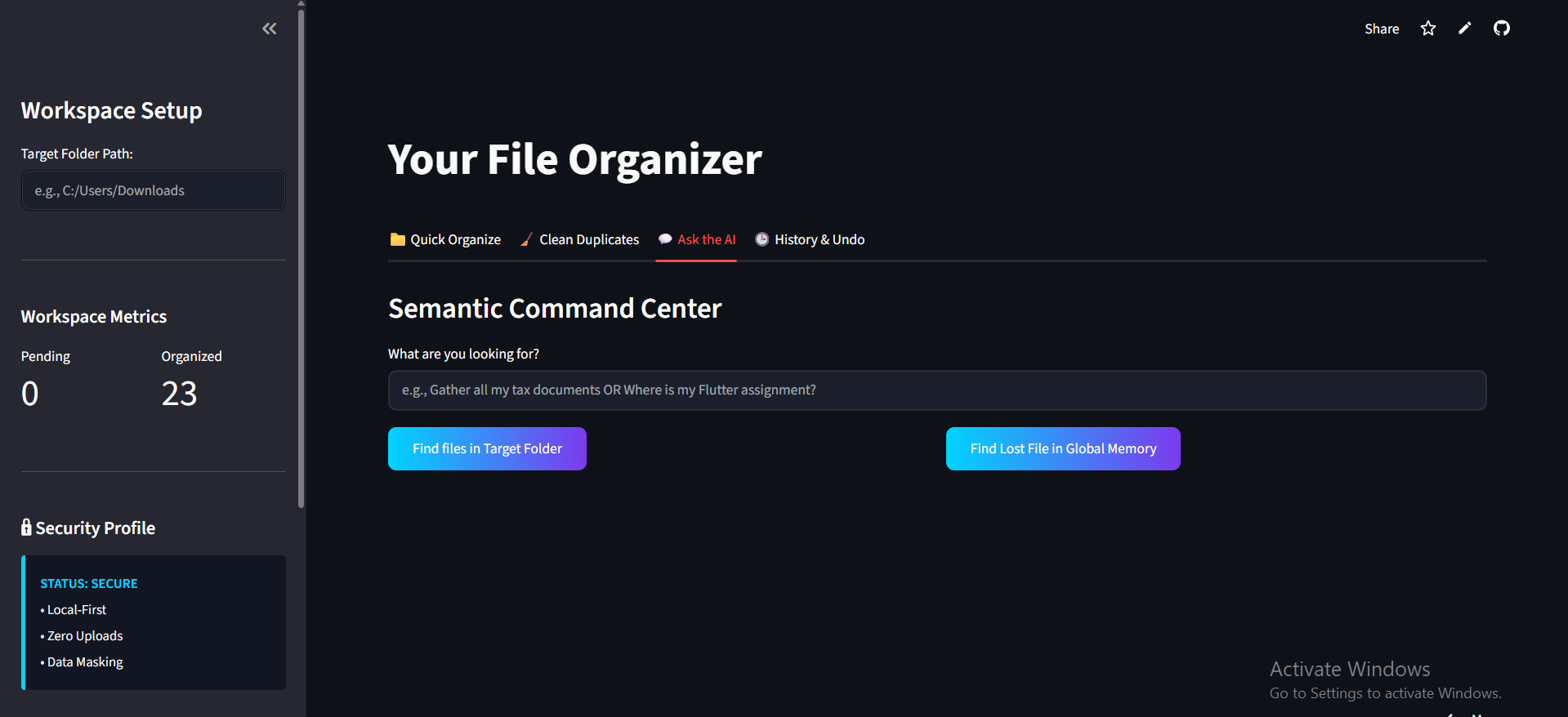
Semantic screen
-
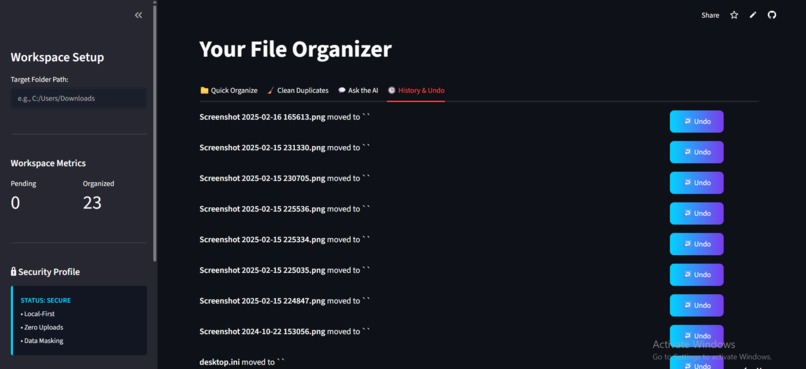
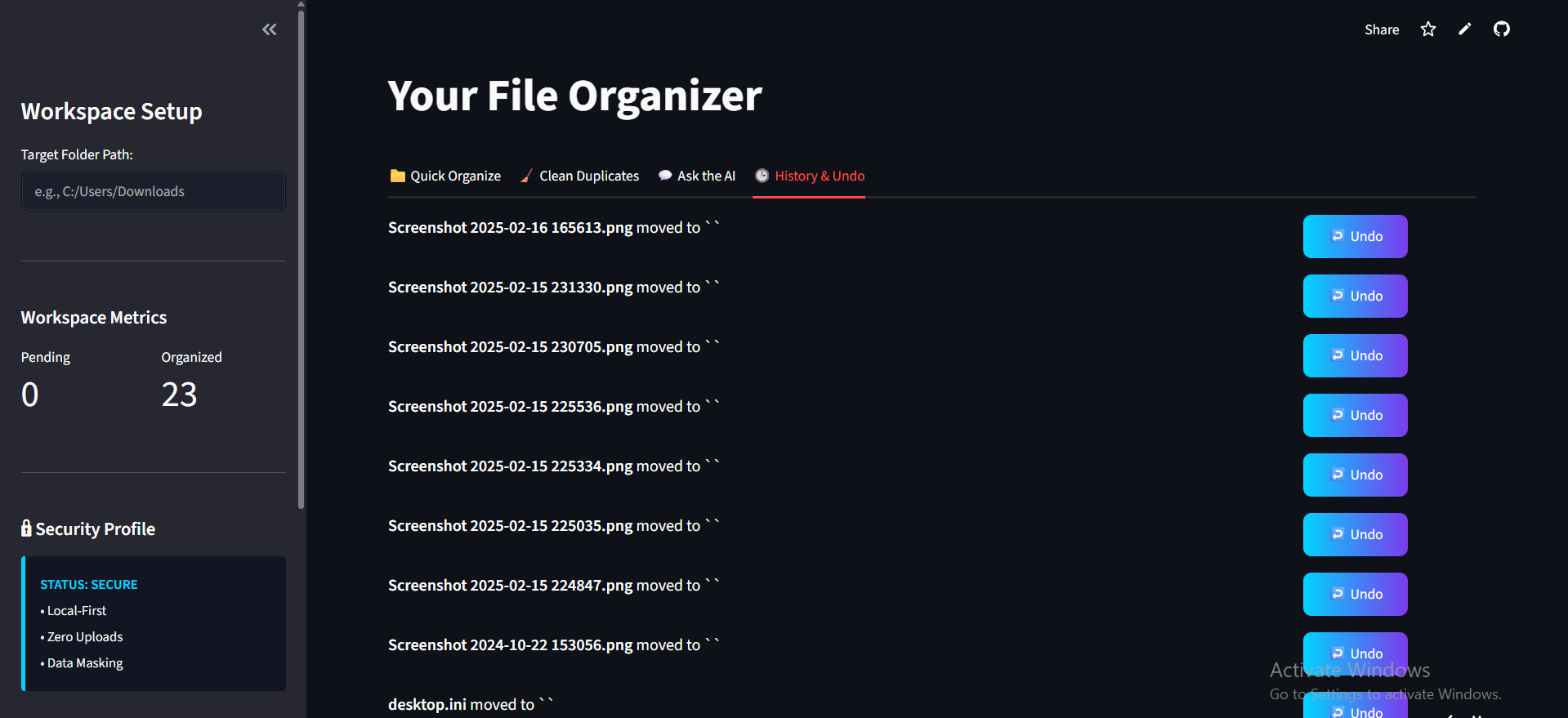
Undo
Inspiration
We've all been there: staring at a "Downloads" folder filled with files named document_final_v2.pdf or Screenshot_2026.png, having no idea what is actually inside them. Traditional file managers force users to remember exact file names or manually create rigid folder structures. I wanted to build an agent that behaves like a human assistant—one that actually reads the documents, looks at the images, and organizes your workspace based on true semantic meaning, not just arbitrary titles.
What it does
Smart File Manager is a fully local, autonomous AI agent that brings order to digital chaos.
Semantic Search & Routing: Tell the agent "Find the GitHub logo" or "Organize my medical prescriptions." It analyzes the user's intent, scans the target directories, and fetches or moves the exact files.
Content-Aware Image Scanning: Using Gemini Vision, the agent "sees" images, identifying logos, objects, and text to index them semantically.
Smart Organization: It automatically groups messy, unclassified files into smartly named folders based on their internal context (e.g., grouping all tax-related PDFs into a Taxes folder).
Global Memory & Duplicate Detection: It generates unique hashes for files to detect duplicates and stores summaries in a database. If a file is moved, the agent remembers its global location forever.
How we built it
The application is built on a robust Python backend with a clean, dark-themed Streamlit frontend.
The Brain: I utilized Gemini 2.5 Flash for high-speed text summarization, intent analysis, and Vision processing.
The Memory: A MongoDB database acts as the agent's long-term memory, storing file hashes, current paths, and AI-generated summaries to prevent redundant processing.
The Pipeline: The agent uses libraries like PyPDF2 to extract text from documents. To optimize API usage, I implemented a heuristic pre-filter that checks if a file name has even a 0.1% chance of relevance before triggering a deep, token-heavy scan.
Challenges we ran into
Building a robust agent relying on external AI APIs comes with significant rate-limiting hurdles.
The 429 Quota Wall: When analyzing folders with multiple images, the burst of requests to the Vision API caused severe 429 Resource Exhausted errors.
The Solution: Instead of letting the app crash, I engineered a "Universal Shield" Auto-Retry Mechanism. If the agent hits a speed limit, it intercepts the error, silently waits in the background with an exponential backoff, and automatically retries.
Cache Staling: Early on, binary files were cached as "Empty". I built a Self-Healing Cache that automatically detects if an image was poorly indexed in the past and forces a fresh Vision API scan to correct its own memory.
Accomplishments that we're proud of
We are incredibly proud of building a system that is resilient and doesn't just crash when API limits are hit. Engineering the Universal Shield Auto-Retry Mechanism to seamlessly handle strict rate limits—without the user ever seeing an error screen—was a huge technical win. We are also highly proud of the Self-Healing Cache, which allows the AI to recognize its own past indexing mistakes (like labeling an image as binary) and correct them automatically on the fly. Finally, successfully combining local file parsing with multi-modal vision models into a clean, intuitive, dark-themed UI makes this feel less like a hackathon prototype and more like a premium, production-ready tool.
What we learned
I learned a massive amount about designing resilient LLM pipelines. Moving beyond simple text generation, I learned how to orchestrate multi-modal models (text + vision) to interact directly with a local file system. I also gained deep practical experience in prompt engineering for strict JSON outputs and handling enterprise-level API rate constraints gracefully.
What's next for Smart File Manager
The next step is to integrate a background worker (like Celery) to index the entire operating system silently while the user works, and to add a natural language voice interface so users can simply tell their computer: "Hey, clean up my desktop."
Built With
- google-cloud
- google-gemini
- mongodb
- pillow
- pypdf2
- python
- streamlit


Log in or sign up for Devpost to join the conversation.