-
-
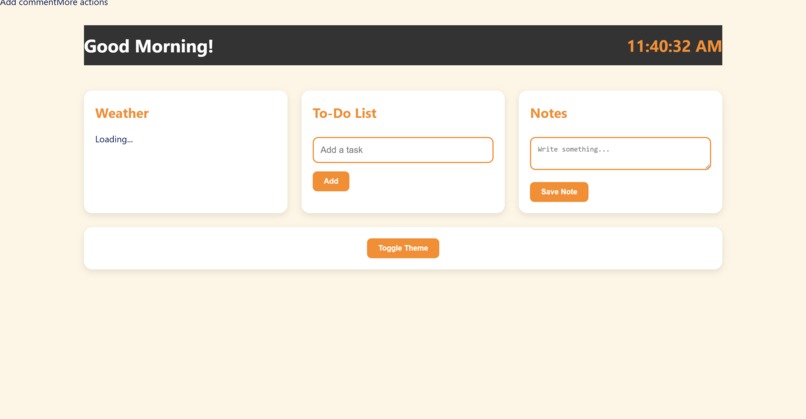
Screenshot showing the front-end of the app as rendered in the product UI, taken as per the purple zone instructions from the tutorial
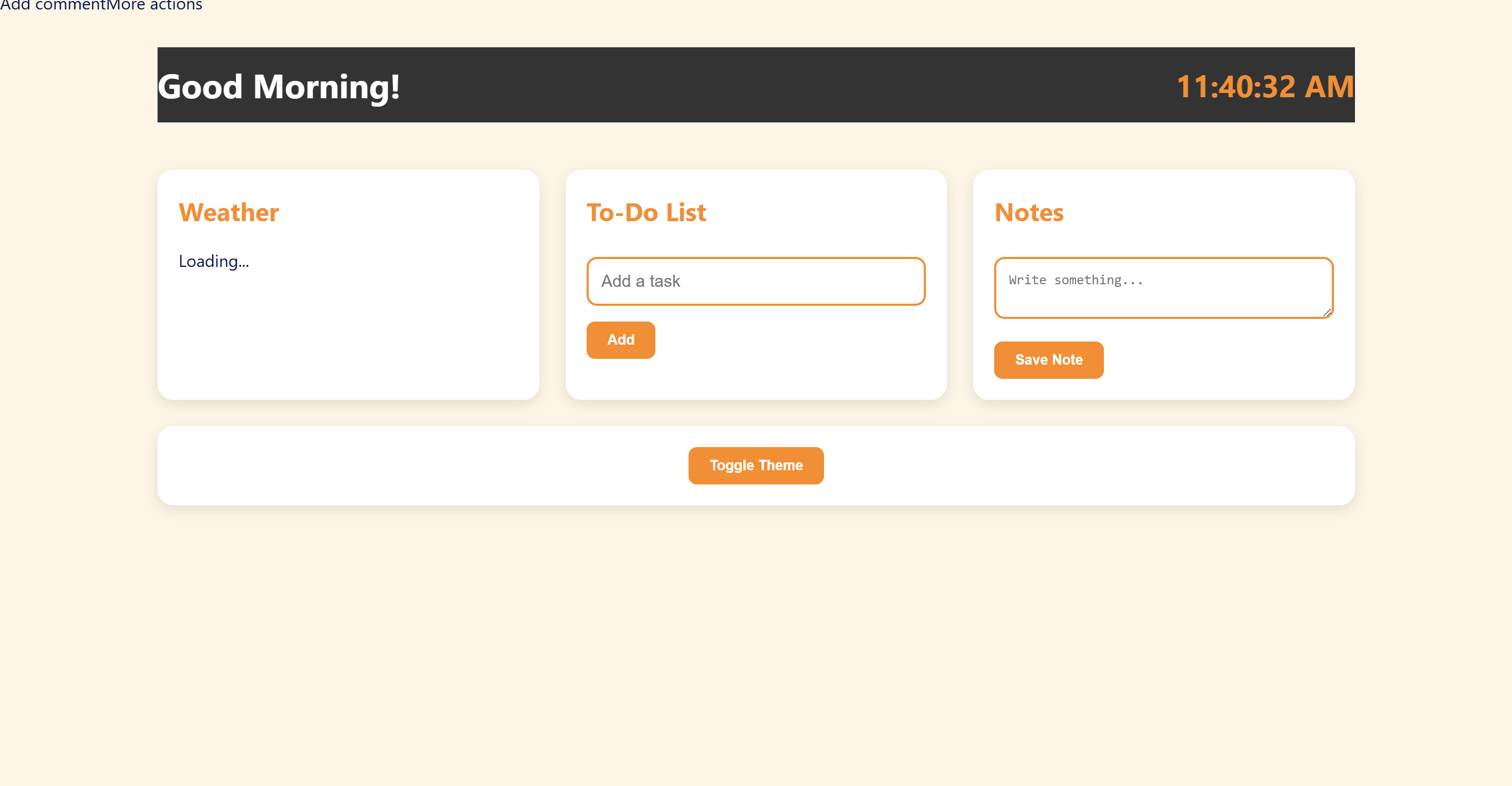
About the Project: SmartDashboard
Inspiration
I was inspired to build SmartDashboard to create a simple yet powerful personal productivity tool that combines essential daily utilities into one clean interface. I wanted a dashboard that not only helps users keep track of their tasks and notes but also provides real-time information like the current time and weather, all while offering a pleasant user experience with light and dark themes.
What I Learned
During this project, I deepened my understanding of:
- HTML and CSS for structuring and styling the dashboard with responsive grid layouts and CSS variables for theming.
- JavaScript DOM Manipulation to dynamically update the clock, manage to-do tasks, save notes, and toggle between light and dark themes.
- User Experience Design by implementing intuitive interactions like adding/deleting tasks and notes, and making the UI visually appealing.
- Handling state and events on the client side for smooth user interaction without page reloads.
How I Built It
I started by creating the basic HTML structure with semantic tags for sections such as weather, to-do list, and notes. Then, I styled the dashboard using CSS Grid for responsiveness and CSS variables for easy theme switching.
Using JavaScript, I added:
- A real-time clock that updates every second.
- A greeting message based on the current time of day.
- Functionality to add and remove tasks in the to-do list.
- A note-taking section with the ability to save and delete notes.
- A theme toggle button that switches between light and dark modes by changing CSS variables dynamically.
Challenges Faced
Some challenges I encountered include:
- Ensuring the layout is responsive and looks good on various screen sizes without external frameworks.
- Managing dynamic DOM elements efficiently, especially when adding and removing tasks and notes.
- Implementing a smooth and visually pleasing theme toggle that updates colors seamlessly.
- Keeping the JavaScript code clean and modular while handling multiple interactive features.
Overall, SmartDashboard was a rewarding project that helped me improve my frontend development skills and understand how to create an interactive, user-friendly web app from scratch.

Log in or sign up for Devpost to join the conversation.