-
-
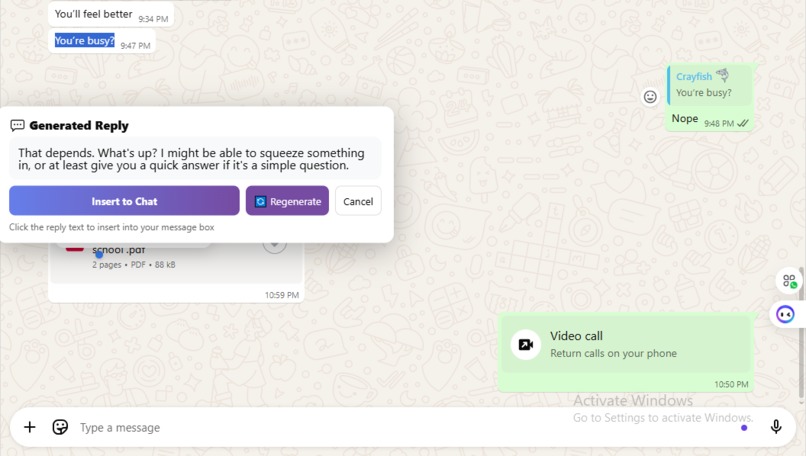
smart reply generation
-
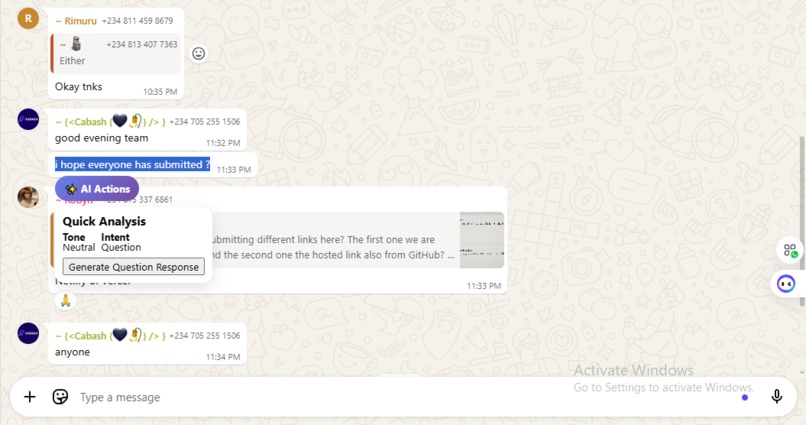
smart compose tone analysis
Inspiration
The primary inspiration was the sheer volume of daily digital communication across platforms like WhatsApp, X (Twitter), and business web-chats. We realized that crafting a quick, contextually perfect, and professionally-toned reply is a significant source of cognitive load—even for a simple two-line message. Existing tools required copying text to an external AI site, which was slow and risked privacy.
Our vision was to create an instant, private, and seamlessly integrated writing co-pilot, a tool that eliminates friction by running the entire process on-device using Chrome's built-in AI APIs. This focus on privacy and speed was the core driving force behind the project.
What it does
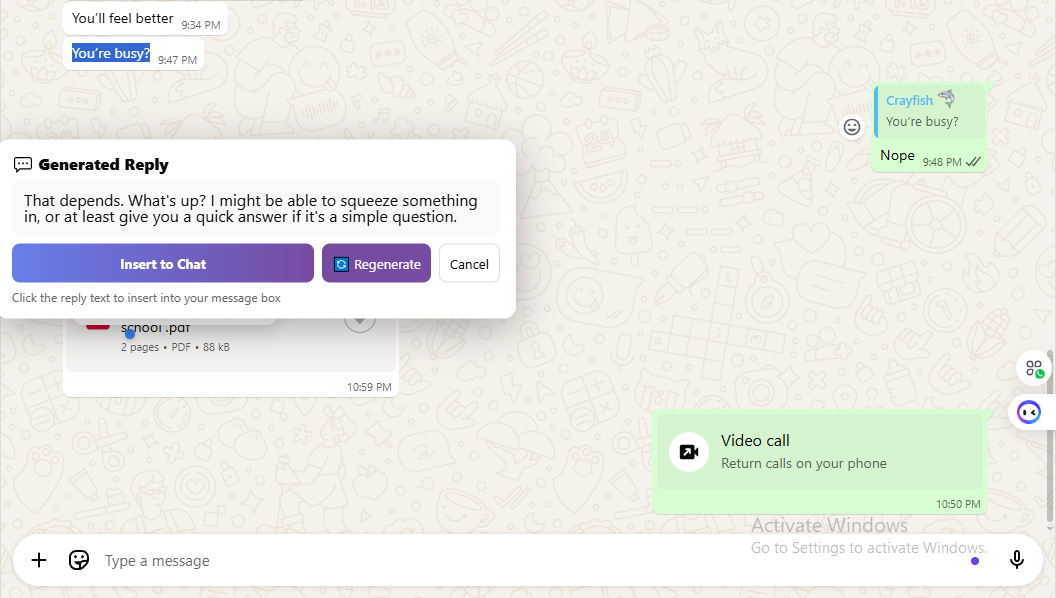
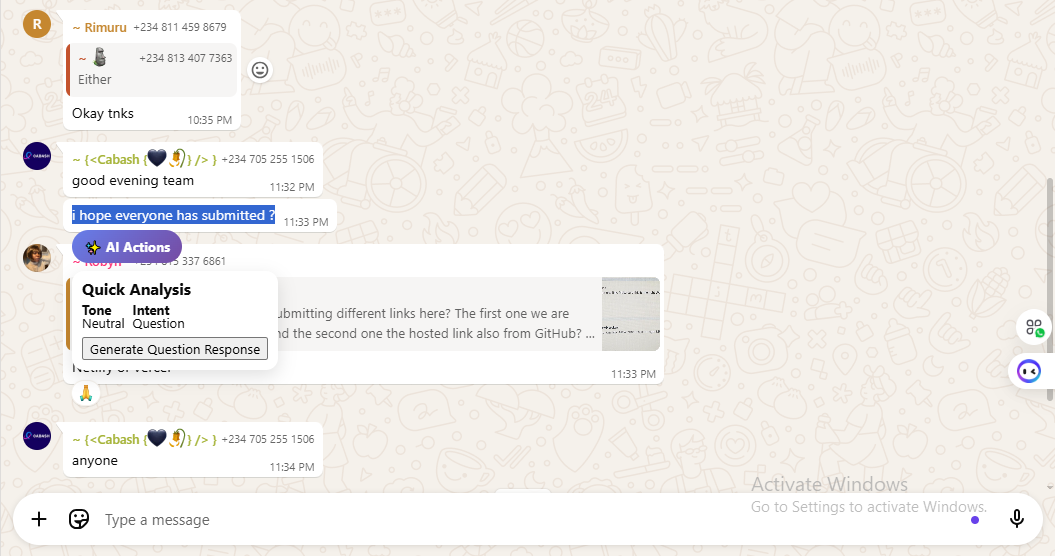
The Contextual Quick-Reply Co-Pilot - Smart Compose is a lightweight Chrome Extension that operates as an on-demand writing assistant across popular browser-based chat. Smart Compose provides a lightweight UI that appears when you select text on any page: - A floating AI Actions button near the selection. - A Quick Analysis overlay (tone, intent, suggested action). - A Main Menu for explicit actions: Generate Reply and Summarize Text. - A Reply Preview modal where you can: - Click the generated reply to insert it into the current chat input. - Click Insert to programmatically populate the input (supports contenteditable, textarea, and React-controlled inputs). - Regenerate or refine by tone (formal, friendly, concise, sarcastic).
How we built it
We built the extension using standard web technologies (HTML, CSS, JavaScript) within the Manifest V3 framework for Chrome Extensions.
- Environment Setup: We enabled the necessary Chrome flags (chrome://flags/#prompt-api-for-gemini-nano and chrome://flags/#optimization-guide-on-device-model) and registered for the required Origin Trials to access the experimental built-in AI APIs.
- Context Scraping: A Content Script was developed to run on target websites (e.g., a chat window). This script’s main task was the non-trivial challenge of reliably detecting and extracting the text of the recent conversation thread from the host page's DOM.
- AI Integration: The highlighted text was passed to the Background Service Worker. We initiated a LanguageModel via the Prompt API to open an overlay that shows detected tone & intent and a suggested action.
Challenges we ran into
Extension context invalidated / background restarts; - The background service worker lifecycle caused Extension context invalidated. errors when the content script awaited a response during worker unload. - Fix: Ensure message handlers return true (keep channel open), handle chrome.runtime.lastError in callbacks, and surface user-friendly fallback behavior instead of throwing exceptions.
Prompt API requirements (language, expected inputs/outputs) - The Prompt/LanguageModel API requires specifying expected inputs/outputs and languages to avoid warnings and ensure safety. - Fix: include expectedInputs/expectedOutputs or outputLanguage fields when creating sessions or calling prompt.
Accomplishments that we're proud of
- Built a cross-site, minimal-intrusion UI (Shadow DOM).
- Made the extension resilient to service worker restarts and model download states by communicating clear status codes (NOT_AVAILABLE, USER_GESTURE_REQUIRED) and surfacing actionable instructions to users via the popup.
- Implemented refinement and regeneration flows that let users iterate on responses quickly.
What we learned
- Browser AI APIs are evolving fast — build with graceful degradation in mind: always plan for unavailability and for variations between chrome.ai, chrome.aiOriginTrial, and window.ai.
- Service worker lifecycle matters. Background code must account for possible restarts. Always code message flows defensively and provide user feedback for transient states.
- Event dispatching is the key to working with frameworks. Setting .value is not enough. The native setter + input event pattern is the cleanest reliable approach.
What's next for Smart compose
Better heuristics & multi-stage input detection
- Improve findChatInputBox() using lightweight ML or pattern scoring to handle complex web apps with dynamic UI trees for scalability.
More UI polish
- Allow drag-to-position the preview, keyboard shortcuts to insert (e.g., ⌘⏎), and inline suggestions like Gmail Smart Compose.
Language support
- Use the Prompt API expectedInputs/expectedOutputs to support multiple output languages (es, ja, etc.) and allow user-selected language.
Offline / on-device mode enhancements
- Cache small models or tune configuration so that common operations don’t require repeated downloads.


Log in or sign up for Devpost to join the conversation.