-
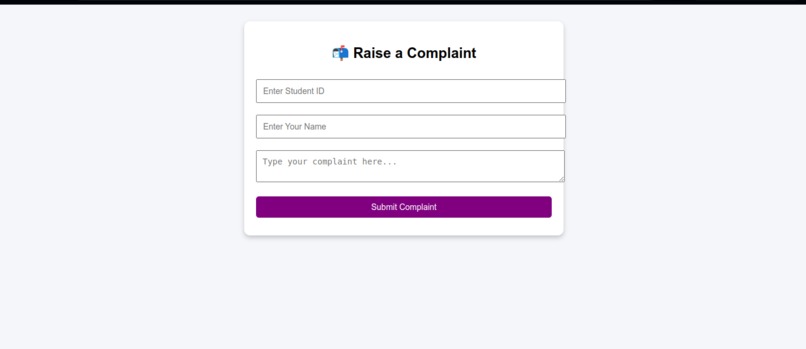
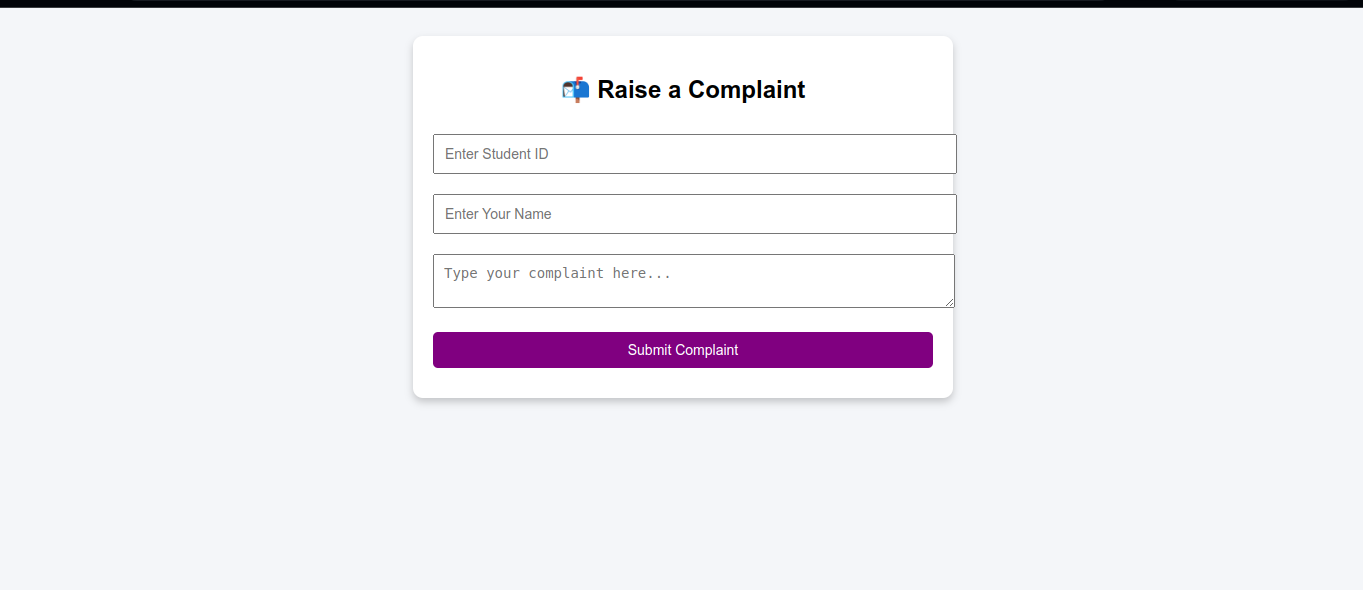
Complaints page
-
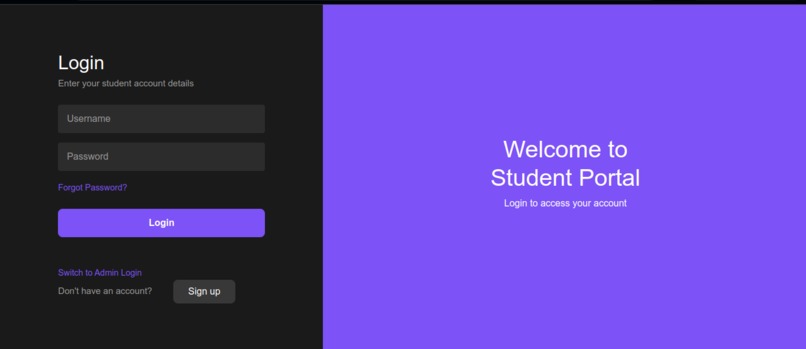
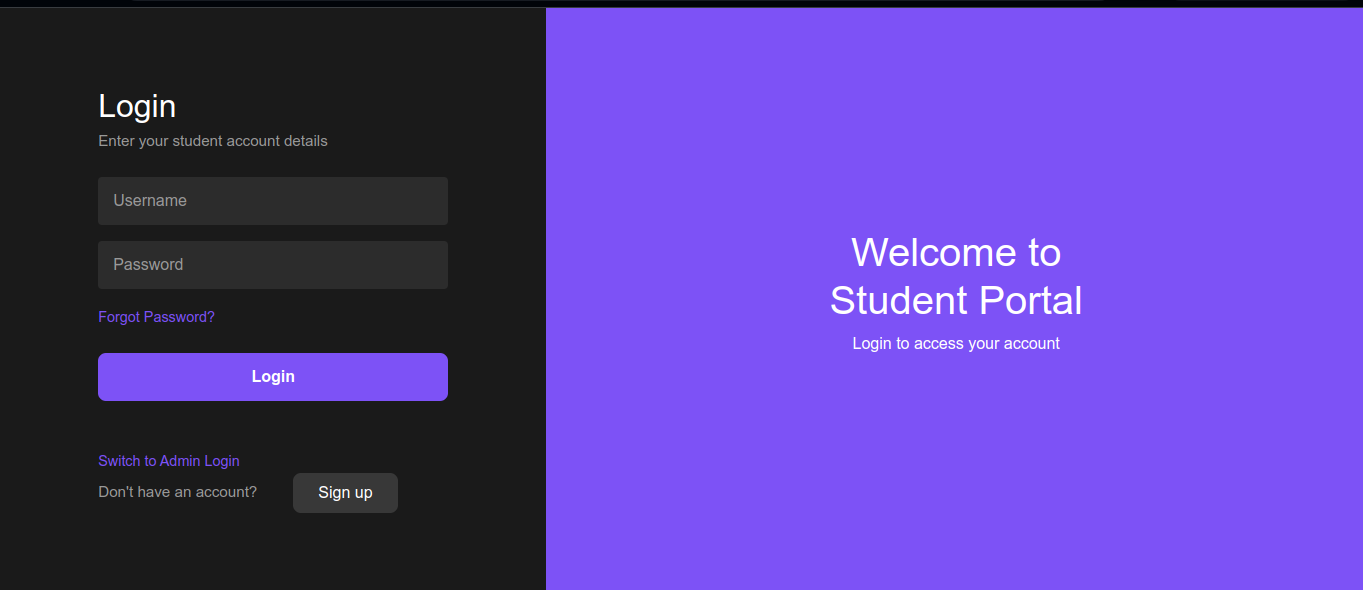
Student login page
-
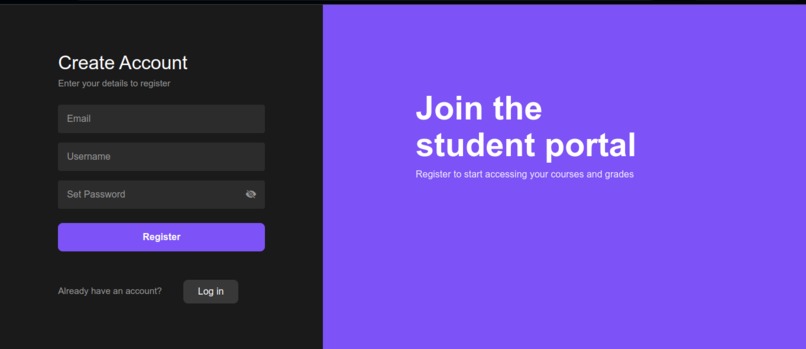
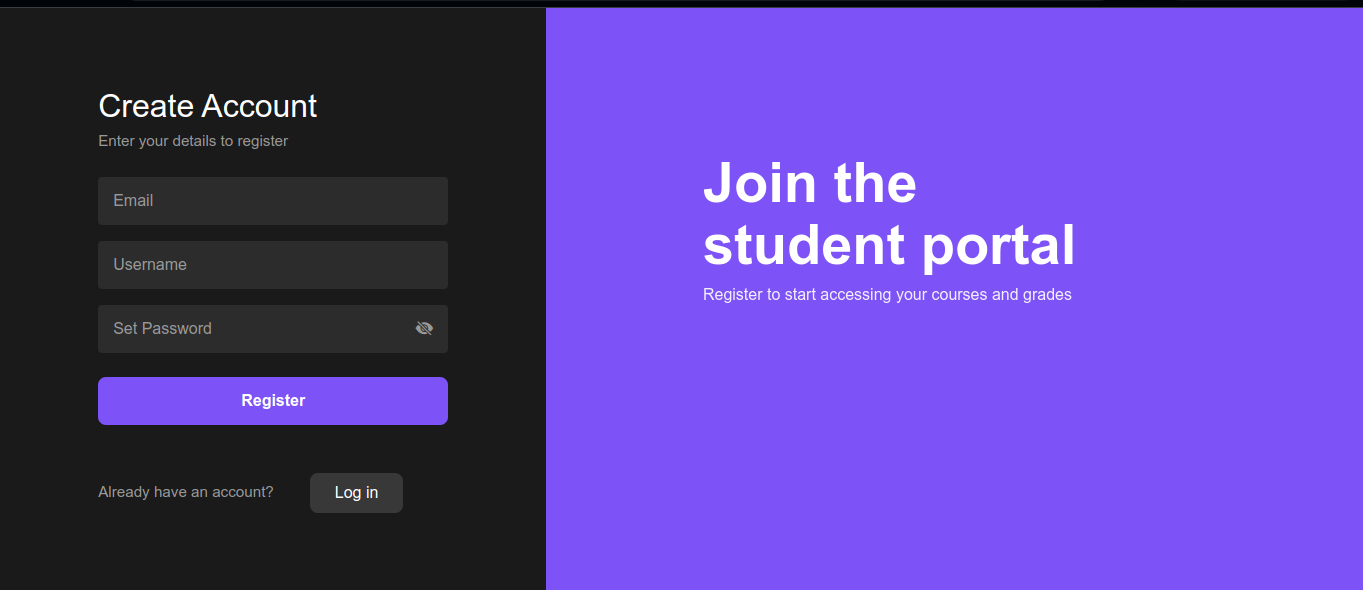
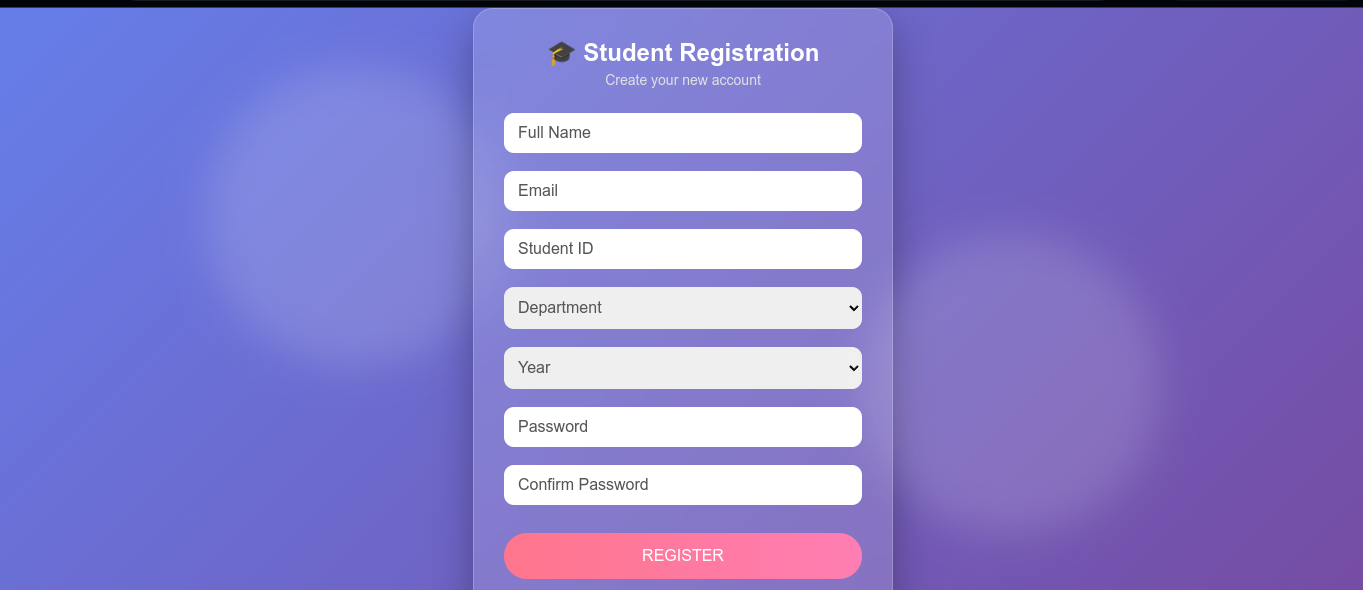
Student account creation page
-
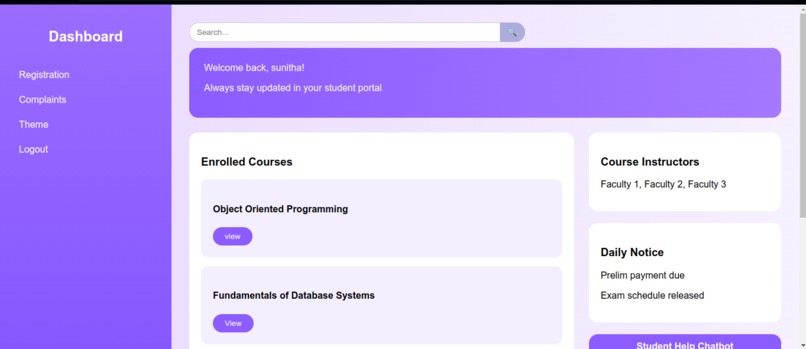
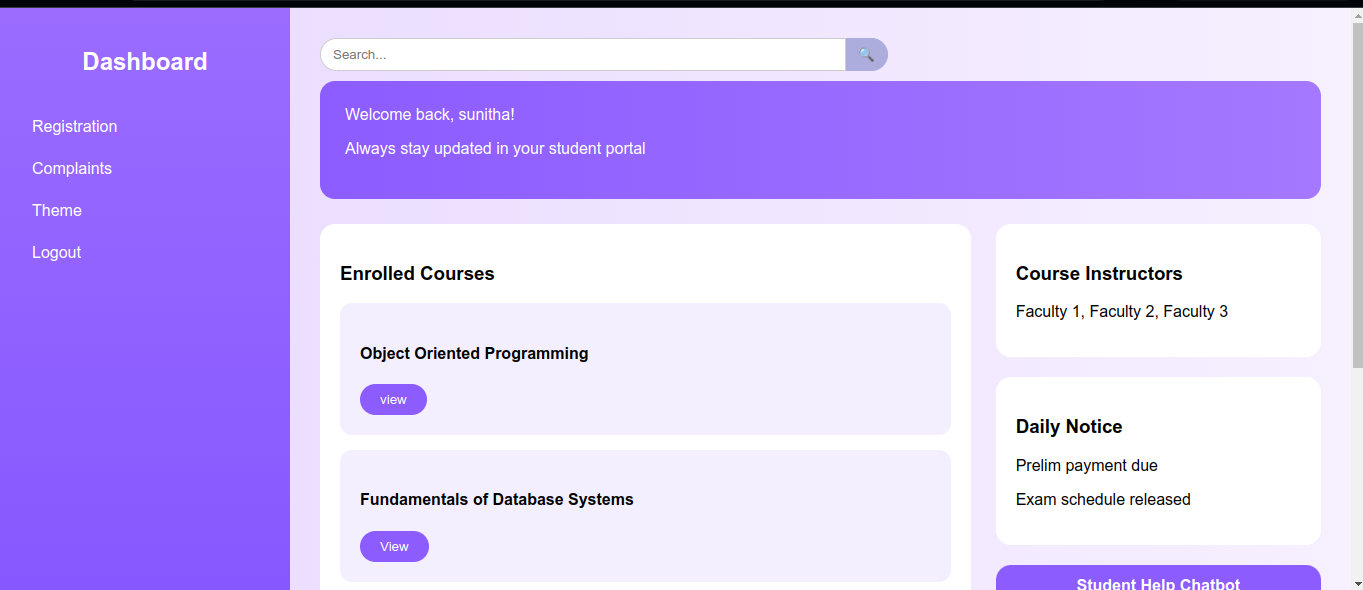
Student dashboard
-
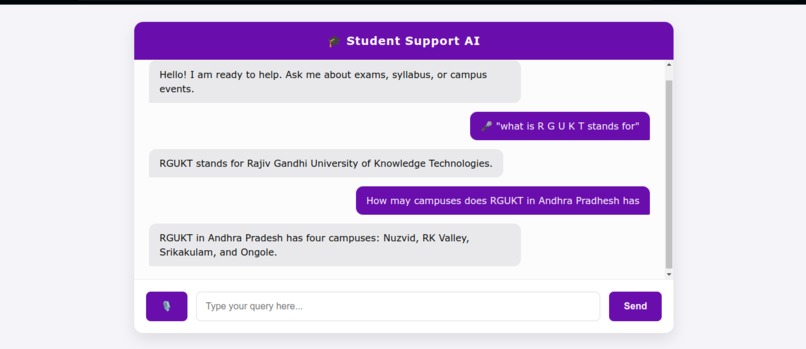
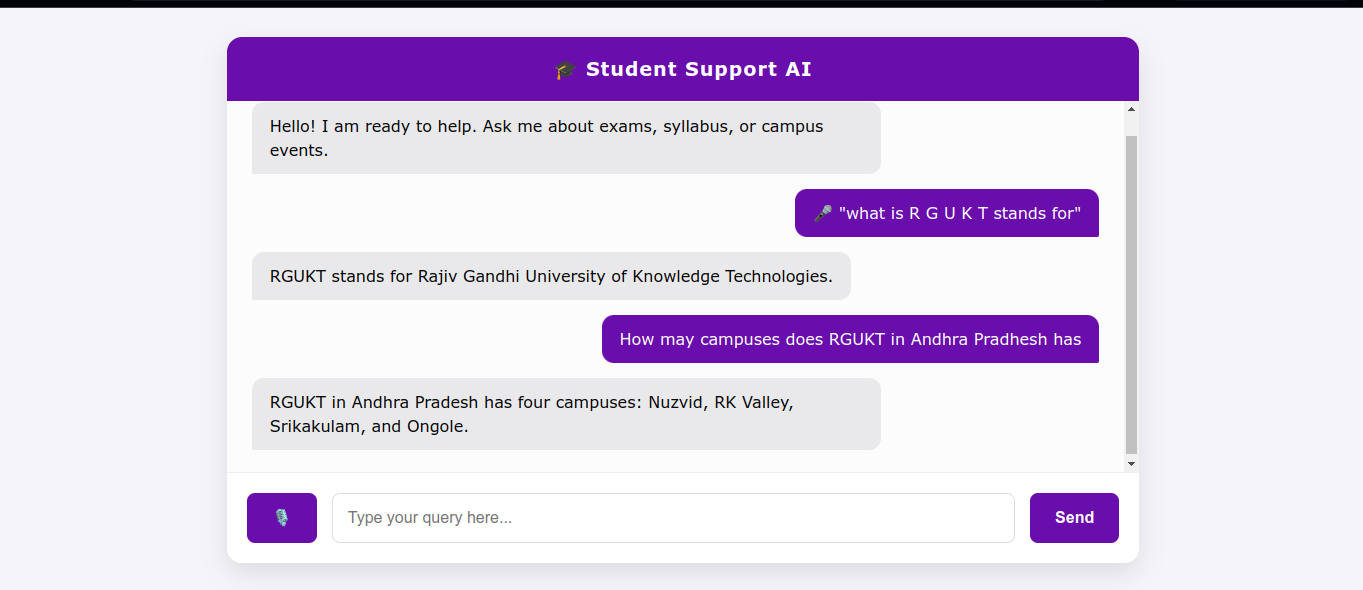
Chatbot
-
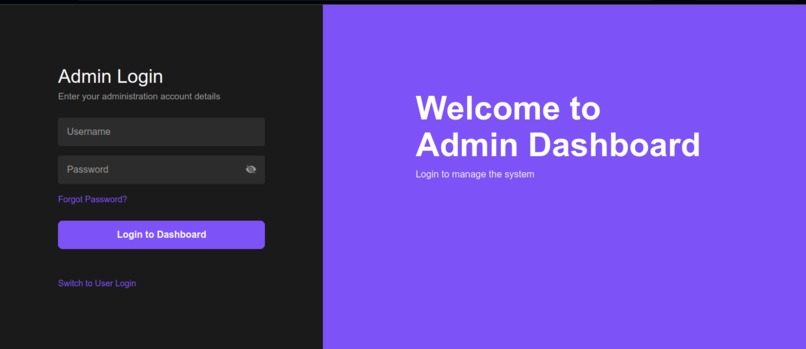
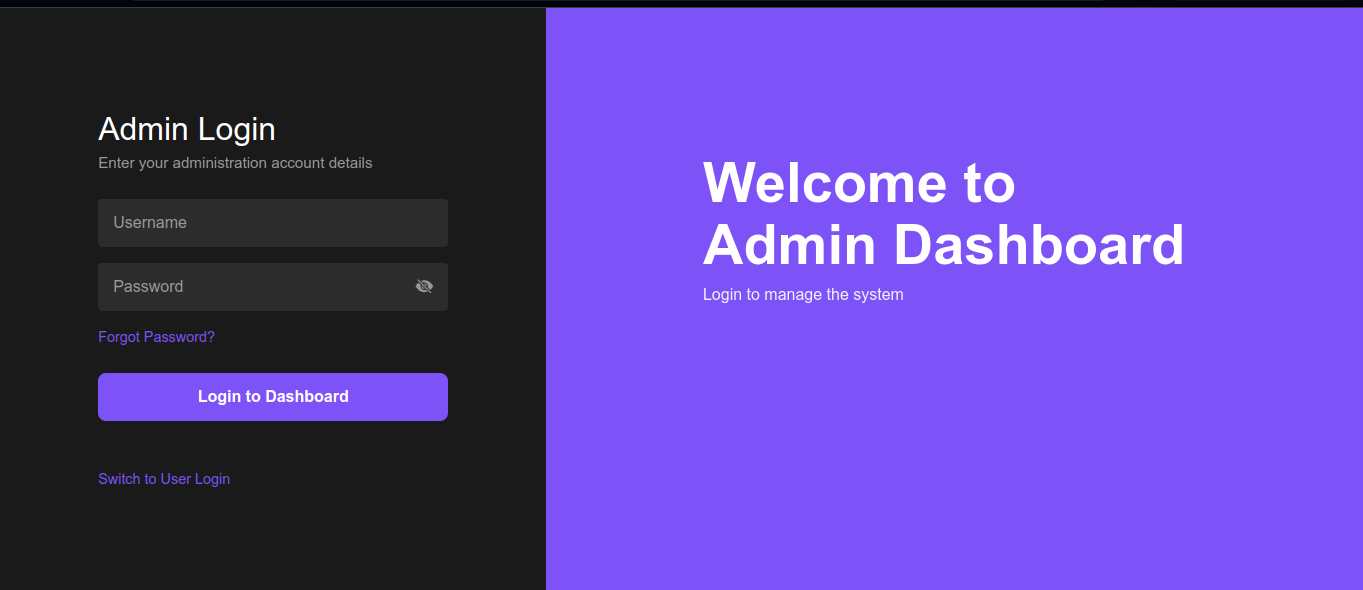
Admin login page
-
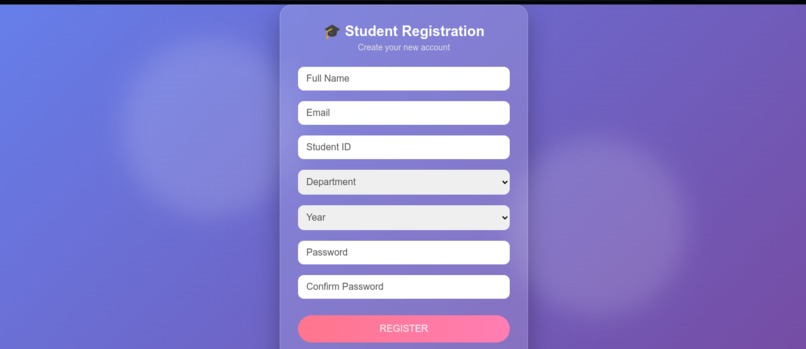
Student Registration page
Inspiration
As students at RGUKT RK Valley, we often face two major problems:
- Information Overload: Vital information about exams, syllabus, and events is scattered across multiple college web pages or hidden in PDFs. Finding simple answers often takes too much time for searching in that.
- Communication Gap: Reporting issues (like hostel maintenance or academic grievances) is often a manual, slow process with no easy way to track status. We wanted to bridge this gap. We were inspired to build a centralized, intelligent platform that acts as a single point of contact for students—allowing them to ask questions naturally (even by voice!) and report issues instantly.
What it does
Our project is a dual-purpose web application designed for both Students and Administration:
- AI-Powered Chatbot:
- Students can ask questions like "When do mid-terms start?" or "What is the library timing?".
- The bot answers based on real-time data scraped directly from the official RGUKT websites.
- Voice Support: Students can speak their queries. The system records audio, transcribes it, and reads out the AI's response.
Digital Complaint Box:
- Students can file complaints (e.g., "Projector not working in Room GF3") by providing their Student ID.
- The complaints are sent to admin so they can view and solve the issue and reply to the issue.
- These complaints are instantly stored in a cloud database.
Admin Dashboard:
- Faculty can log in to a secure portal.
- They can view all student complaints in a clean, organized table and track their status.
How we built it
We used a Full Stack approach, leveraging powerful AI and Cloud tools:
- Frontend: Built with HTML5, CSS3, and JavaScript. We used Bootstrap for a responsive, modern UI that works on mobile and desktop.
- Backend: We used Python Flask. It serves as the brain of the application, handling API requests and routing.
- Artificial Intelligence: We integrated Google Gemini 2.5 Flash. We used "Context Injection" to feed the AI specific data about RGUKT so it answers accurately without hallucinating.
- Database: We used Supabase (PostgreSQL) to store student complaints securely in the cloud.
- Audio Pipeline:
- Recording: The browser captures audio in
.webmformat. - Processing: We used FFmpeg (via the
pydublibrary) to convert.webmto.wavon the server. - Transcription: The
SpeechRecognitionlibrary converts the audio to text before sending it to Gemini.
- Recording: The browser captures audio in
- Web Scraping: We built a custom scraper using BeautifulSoup4 and Requests that reads the official college websites on server startup to create a dynamic knowledge base.
Challenges we ran into
- Audio Format Incompatibility: Browsers record audio in compressed WebM format, but Python's speech recognition libraries require uncompressed WAV format. We had to implement a server-side conversion pipeline using FFmpeg to bridge this gap. $$WebM \xrightarrow{FFmpeg} WAV \rightarrow Google Speech API$$
- Bot Detection during Scraping: When trying to scrape our college website (
rguktrkv.ac.in), we kept receiving406 Not Acceptableerrors. The server was blocking our script. We solved this by implementing User-Agent Spoofing, sending full browser headers to mimic a real Chrome user. - Database Security: Connecting the frontend to the database securely was tricky. We implemented Row Level Security (RLS) in Supabase to ensure our backend could write data without exposing admin privileges.
Accomplishments that we're proud of
- Voice-to-Voice Experience: Successfully implementing the full audio loop ($Record \rightarrow Transcribe \rightarrow AI Response$) in real-time.
- Dynamic Knowledge Base: The bot isn't just hardcoded; it actually reads the website. If the college updates the exam dates on their site, our bot knows about it the next time it restarts.
- Unified Dashboard: Creating a seamless switch between the "Student View" and the "Admin View" in a single application.
What we learned
- Prompt Engineering: We learned how to structure the prompts to the AI tools so that we can automate some repeated tasks and how to debug using AI tools.
- Cloud Database Integration: We gained hands-on experience connecting a Python Flask app to a remote Supabase instance.
- The Power of Headers: We learned that web scraping is more than just downloading HTML; understanding HTTP headers is crucial for accessing modern websites.
What's next for Smart College Query and Complaint System
- WhatsApp Integration: Connecting the bot to Twilio so students can send messages via WhatsApp instead of opening a web page.
- Automated Email Alerts: Sending an email to the maintenance department automatically when a "high priority" complaint is filed.
- My Complaints Dashboard: Creating a personalized history view where students can track all their submitted issues, see which ones are solved, and view the admin's reply.
- Dynamic Course Management: Giving admins a dedicated interface to upload new course content and syllabus updates instantly, ensuring the AI always has the latest academic materials.
- Analytics Dashboard: Building a visual analytics page where admins can see the most frequently asked questions and trending complaint categories to solve critical issues as a first priority.

Log in or sign up for Devpost to join the conversation.