-
-
More Text - Less Typing
Inspiration
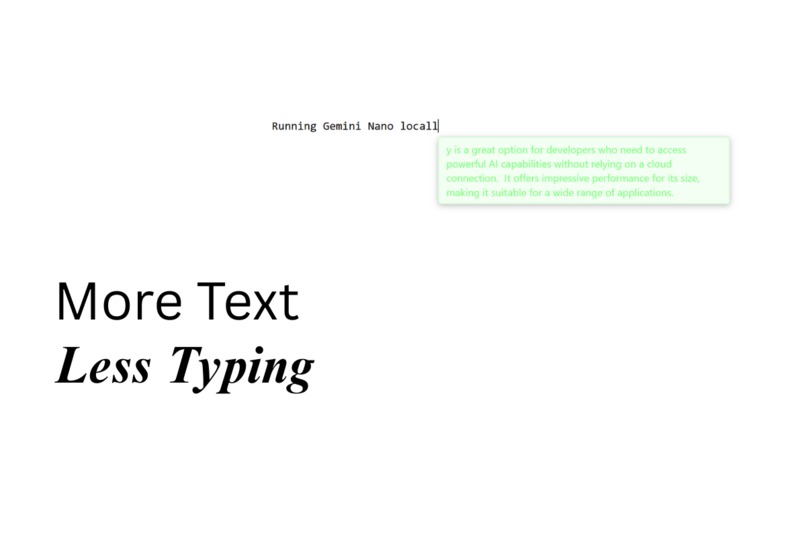
I’ve always loved the feeling when software feels a little bit magical. For me, that moment came with Cursor's code tab: it felt like the computer was finishing my thoughts. I wanted that same magic when typing everyday things in the browser. The problem is: a lot of things we type online in our browser is private, so cloud based tools never felt right. When Gemini Nano arrived, it finally opened the door to building something like this fully on-device. That was my spark.
What it does
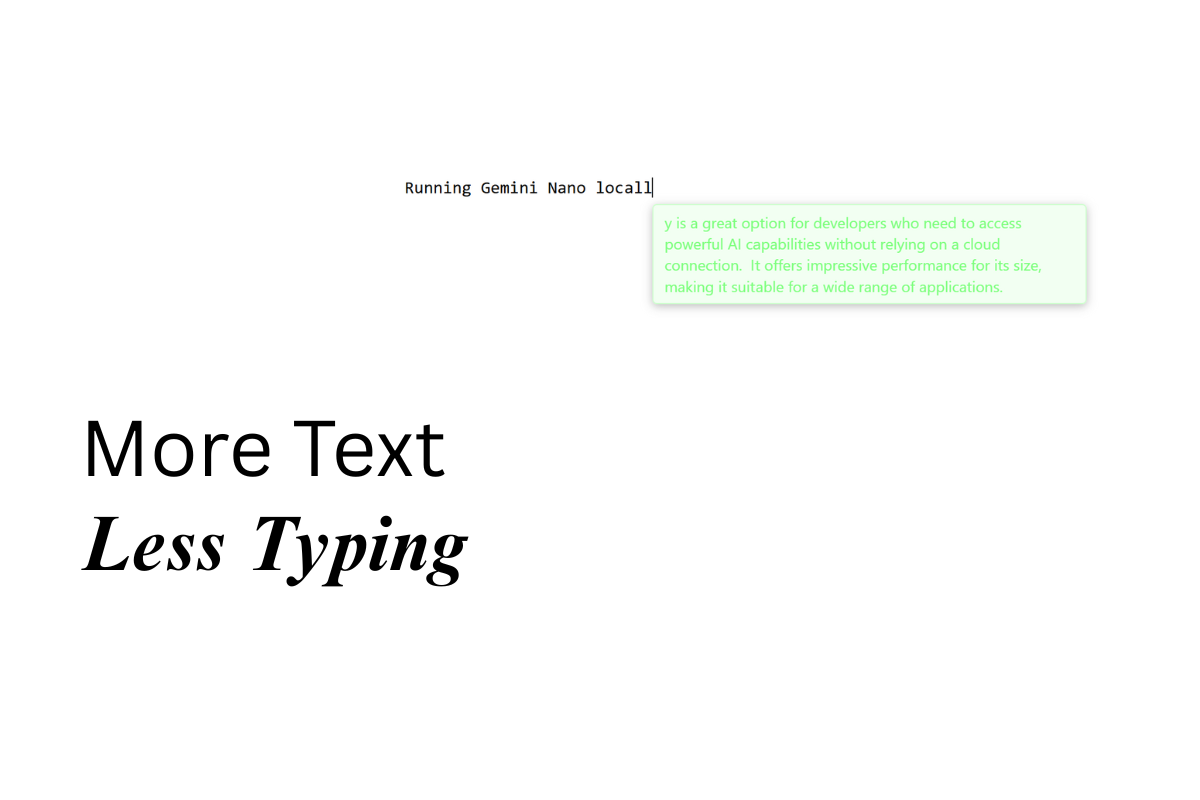
Local Smart Autocomplete adds fast, privacy-first text completion anywhere you type on the web. You can trigger it with a keystroke (Ctrl+Shift+Space) or one of several configurable triggers. Completions stream in real time as “ghost text”. If you like it, hit Tab to accept. If not, keep typing or press Esc to dismiss. The design is clean and unobtrusive so it helps without getting in the way. The goal is to make writing smoother and faster without breaking your flow.
How I built it
I built this extension solo. My background is more on the business side, but I do have some prior experience building Chrome extensions, which helped me get the basics in place. For the more complex parts, I leaned on AI coding assistance, guiding it in the right direction when needed. The extension is built with Chrome’s Manifest V3, JavaScript, HTML/CSS, and Chrome's built-in AI APIs (Prompt, Summarizer, Language Detector).
Challenges I ran into
- Getting relevant, consistent completions across many different contexts was harder than raw speed. Prompt refining helped, but in the long run fine-tuning will be key.
- specific sites (like Google Docs, which uses its own canvas) and platforms like X (with bot protections) were especially tricky - the extension can’t fully hook in yet.
Accomplishments that I am proud of
- Actually making this work end-to-end with everything running fully on-device still feels magical.
- Earlier this year I tried building something similar with smaller models and failed - but with Gemini Nano, it clicked into place.
- Building on my earlier Chrome extension experience, I was able to take that foundation and push it into completely new territory with built-in AI.
- I’m proud that even without a deep engineering background, I was able to bring this idea to life and make it genuinely usable.
What I learned
- Text fields are way more complicated than they look.
- Local models already deliver surprisingly strong results and it's exciting to build with them.
- Compatibility on Windows ARM64 was a pleasant surprise: the extension worked flawlessly, which I didn’t expect.
What's next for Smart Autocomplete
- Fine-tuning the model to improve reliability and contextual awareness.
- Finding technical collaborators to help push this further (prize money would go straight into building a team).
- Adding personalization options so the extension can adapt to a user's name, preferred style, or personal context.
- Making the extension work on more websites
Built With
- css
- gemininano
- html
- javascript
- languagedetectorapi
- manifestv3
- prompt-api
- summarizer-api

Log in or sign up for Devpost to join the conversation.