-
-
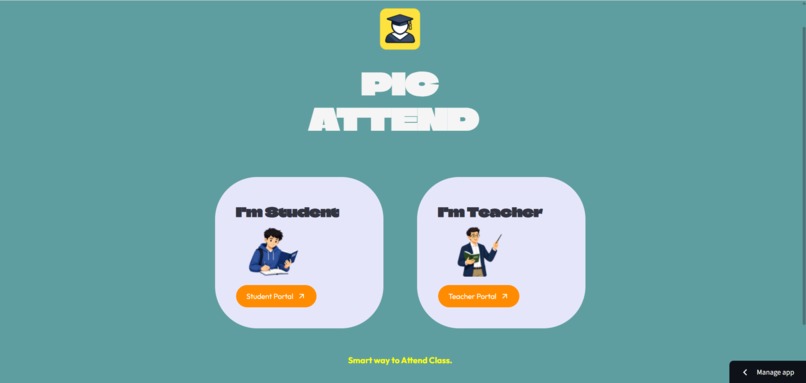
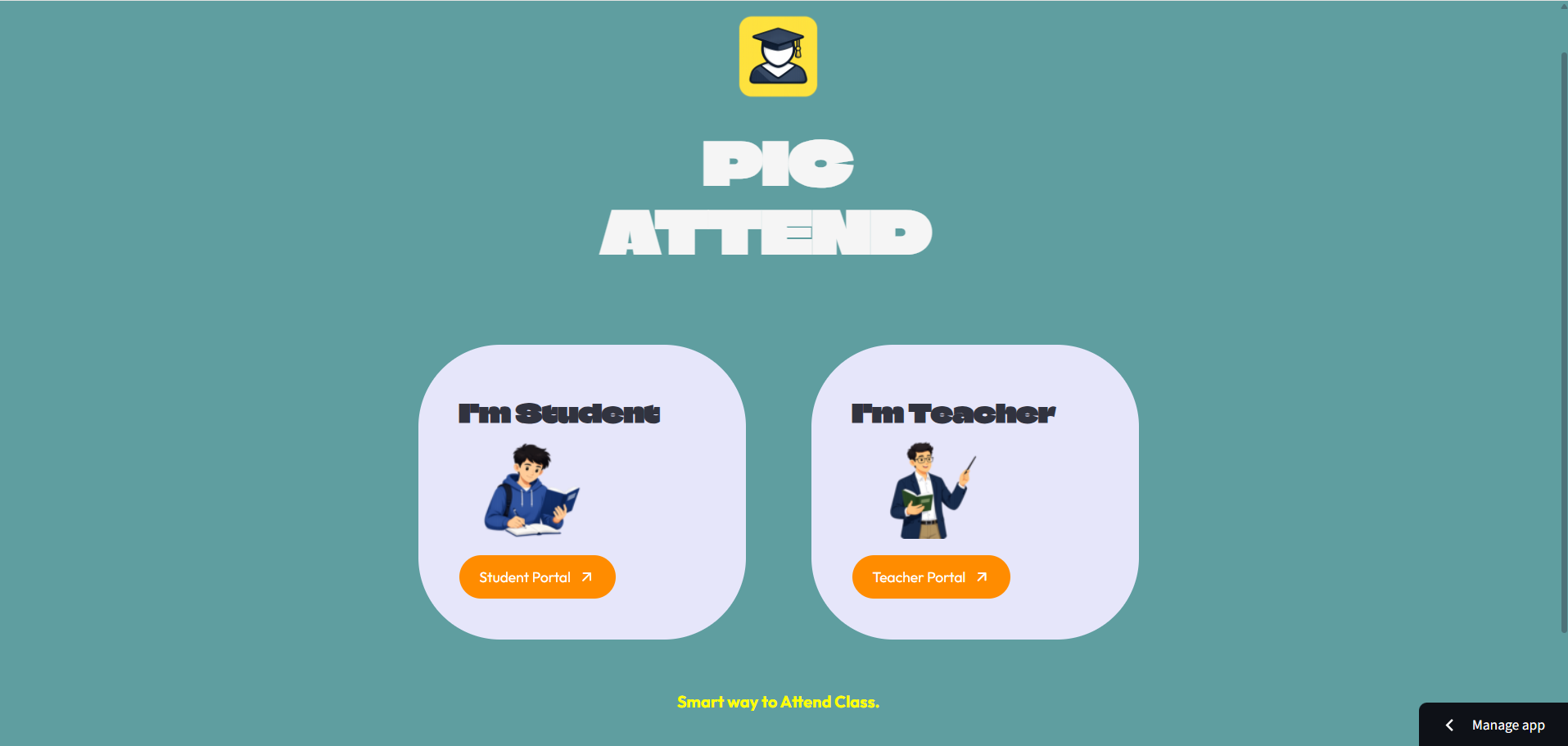
Home page , where TEACHER can go through the Teacher Portal and Students can go through the Student Portal.
-
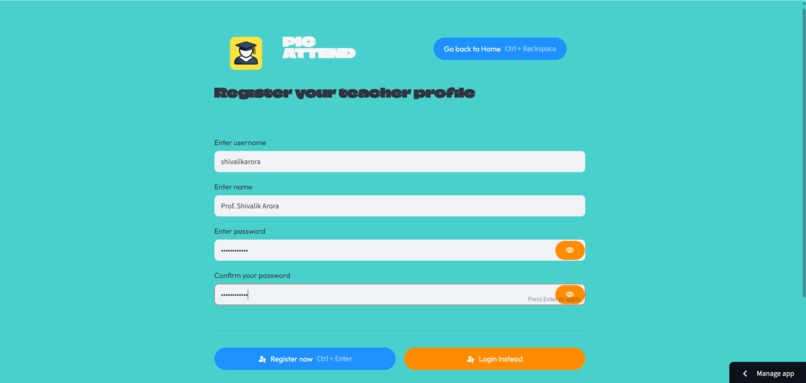
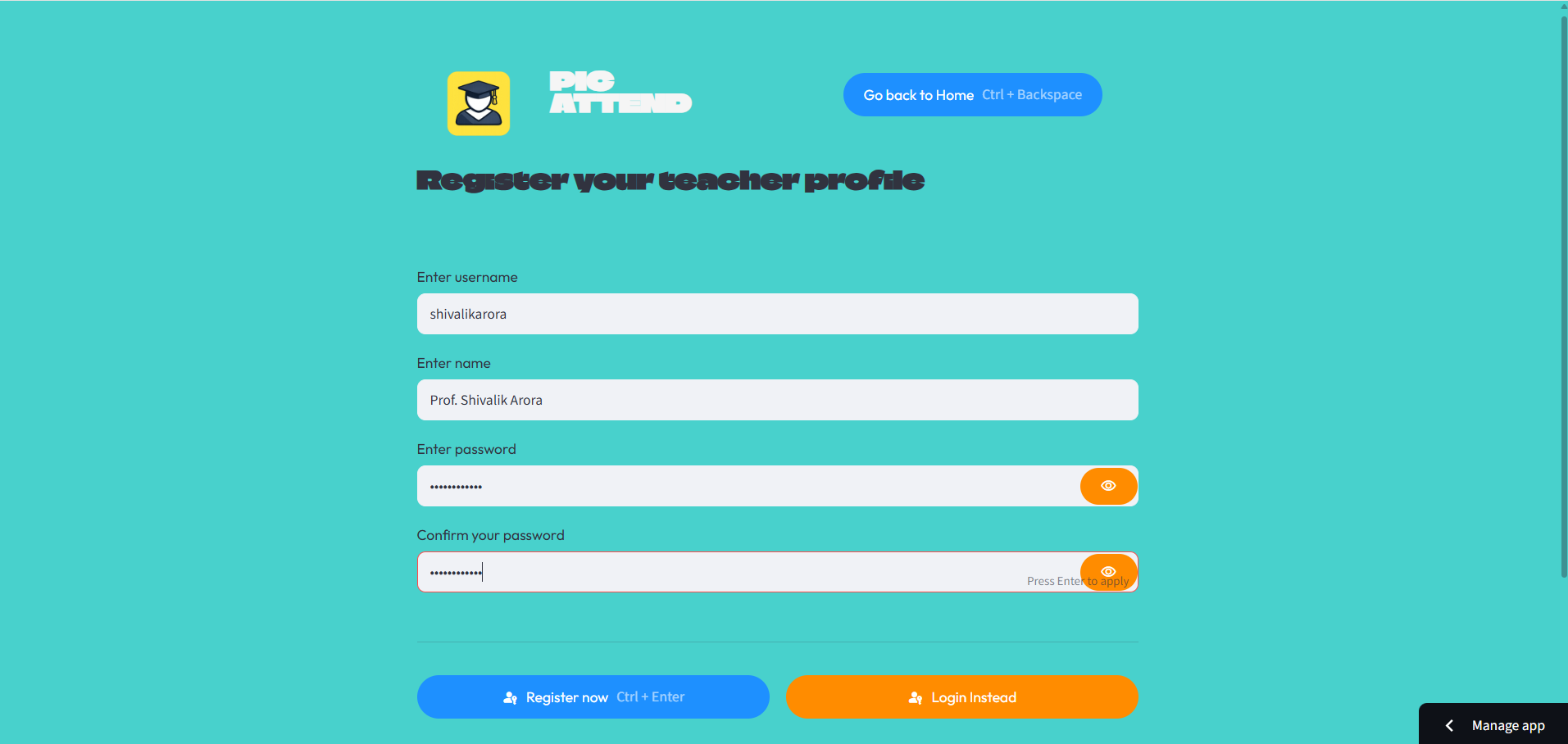
Teach Profile Registration if the teacher is new.
-
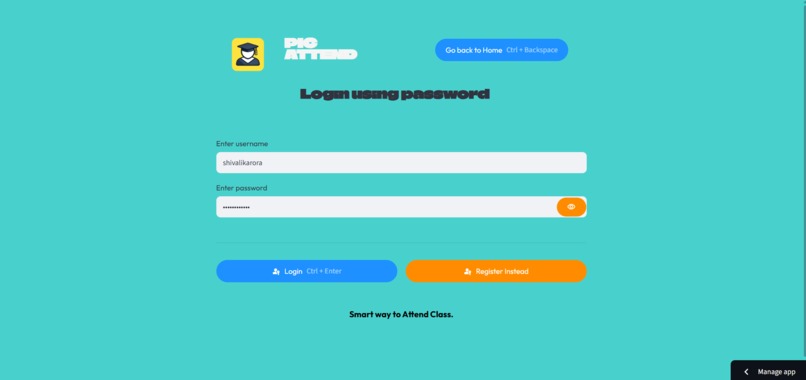
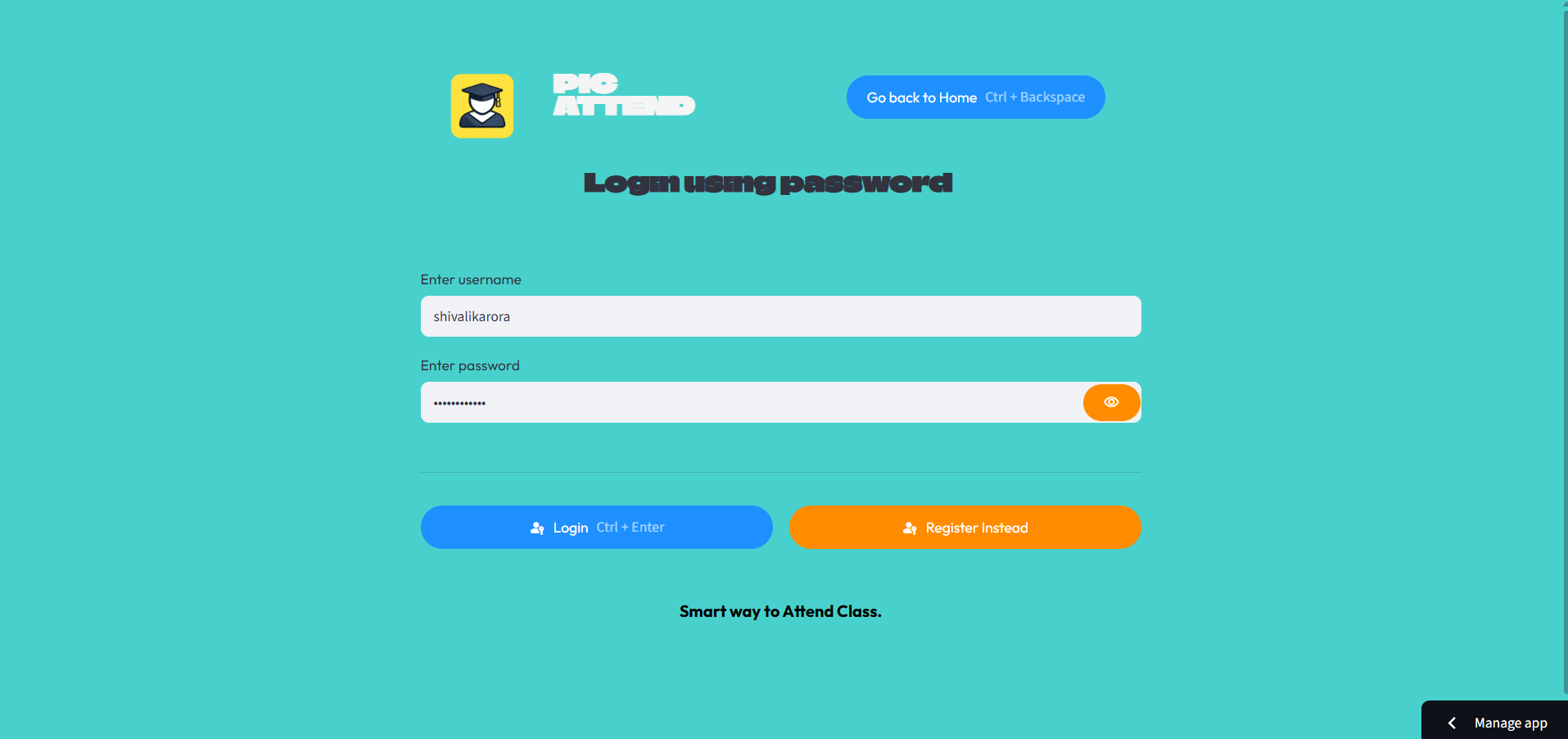
Teacher Login page to login.
-
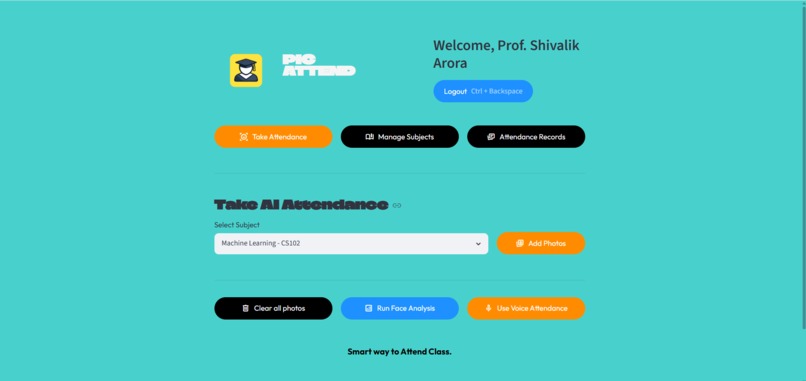
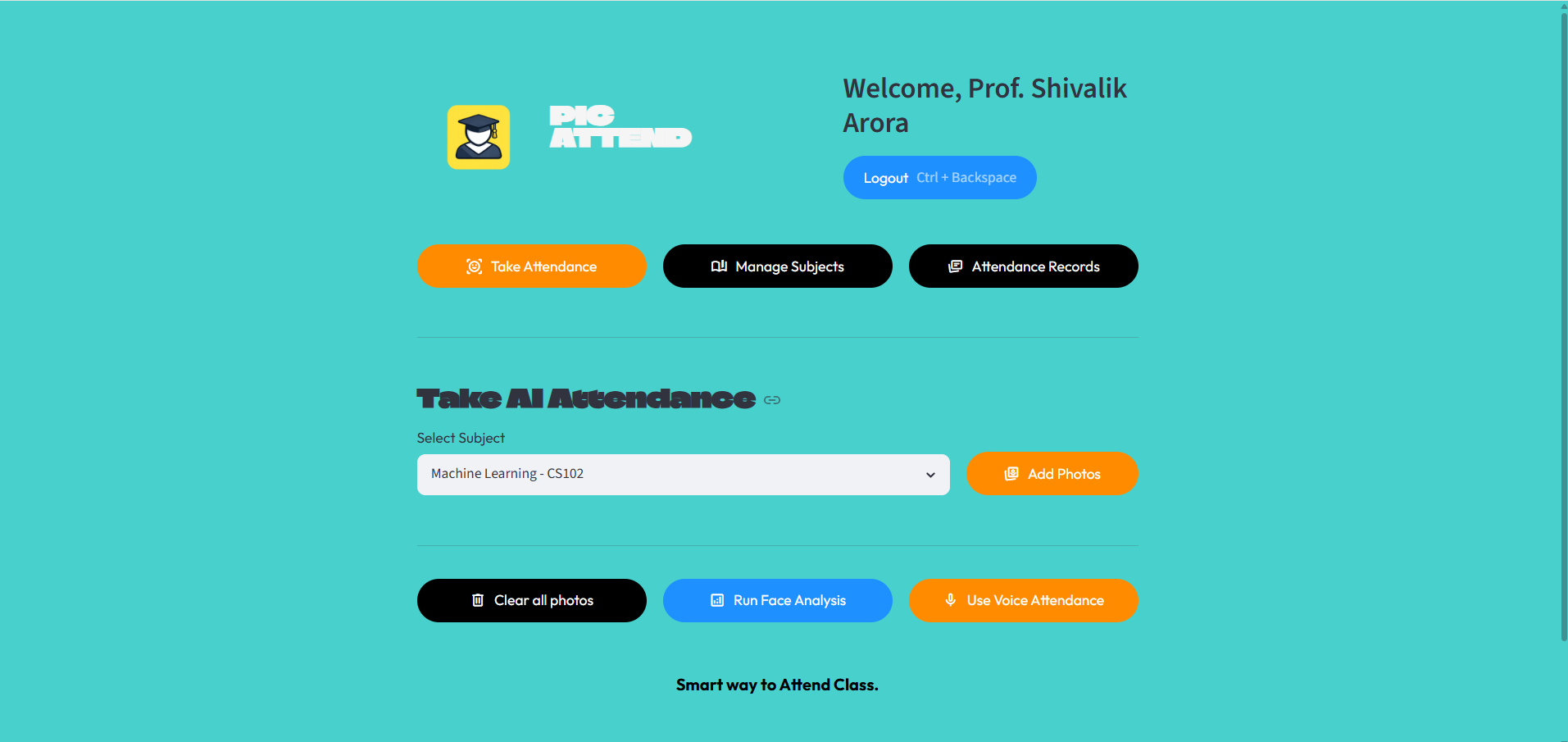
Teacher Dashboard, where teacher can do multiple tasks like Manage subject, take attendance and view attendance records.
-
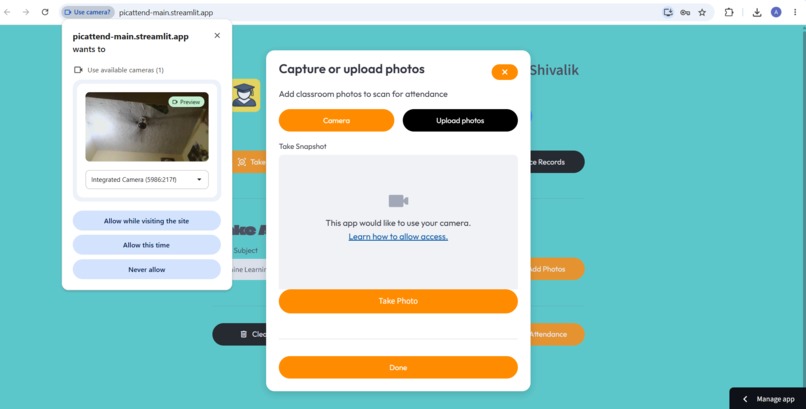
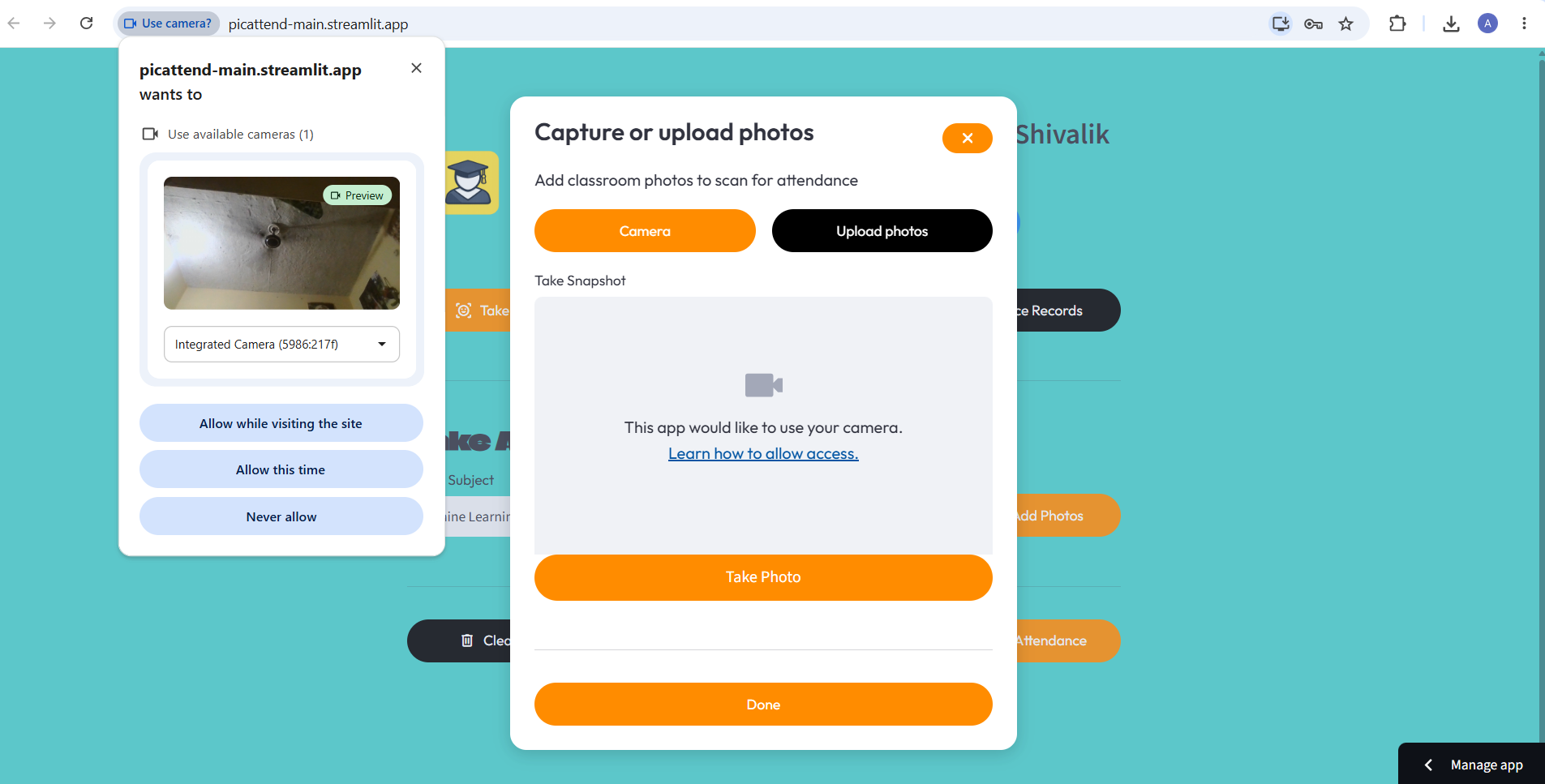
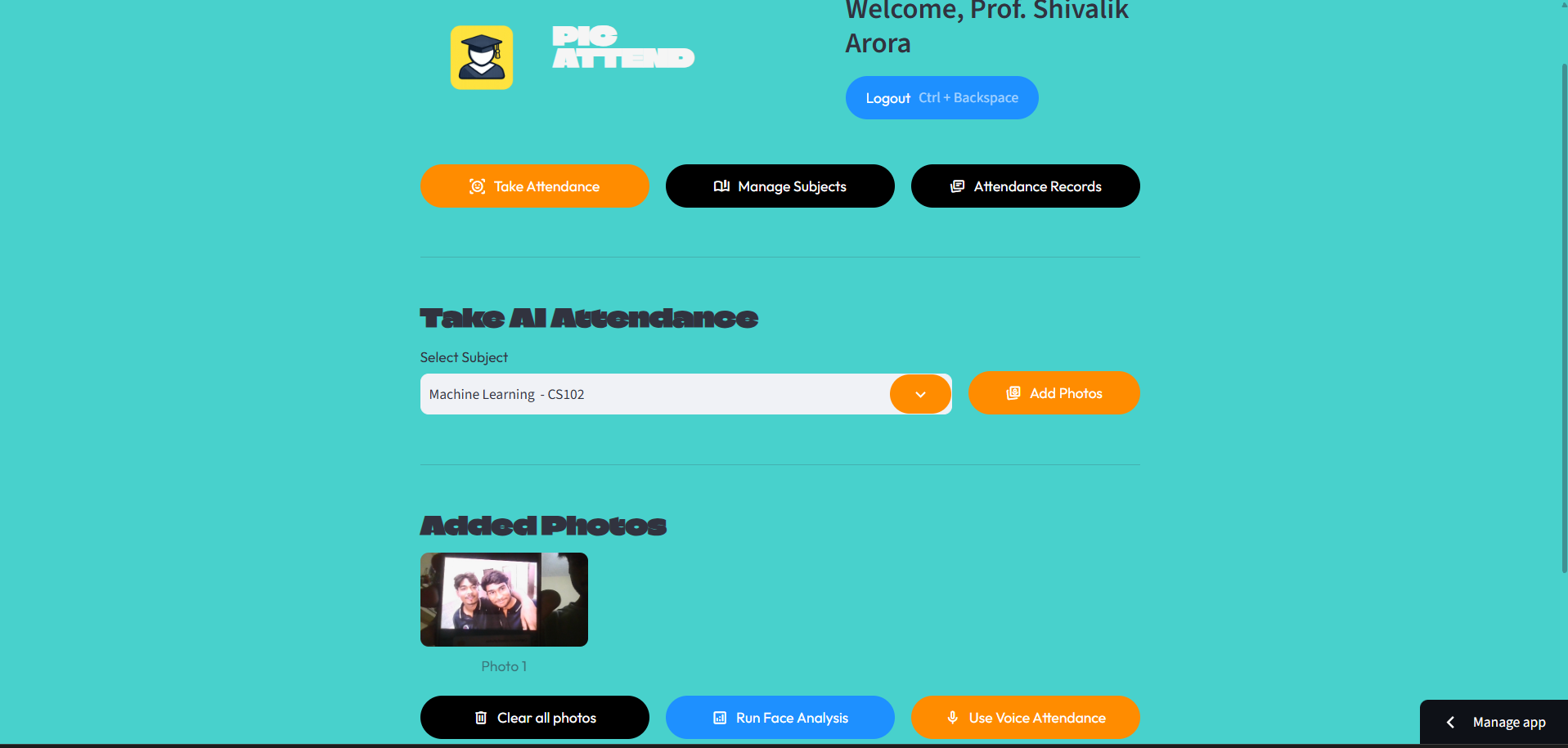
After clicking on Take Attendance tab teacher can take attendance by clicking pictures or uploading.
-
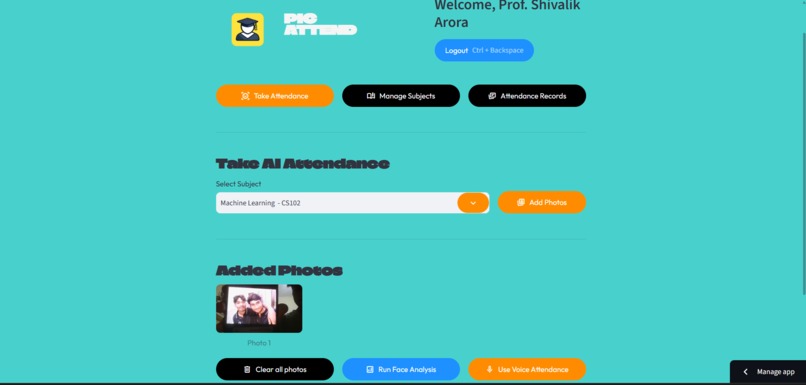
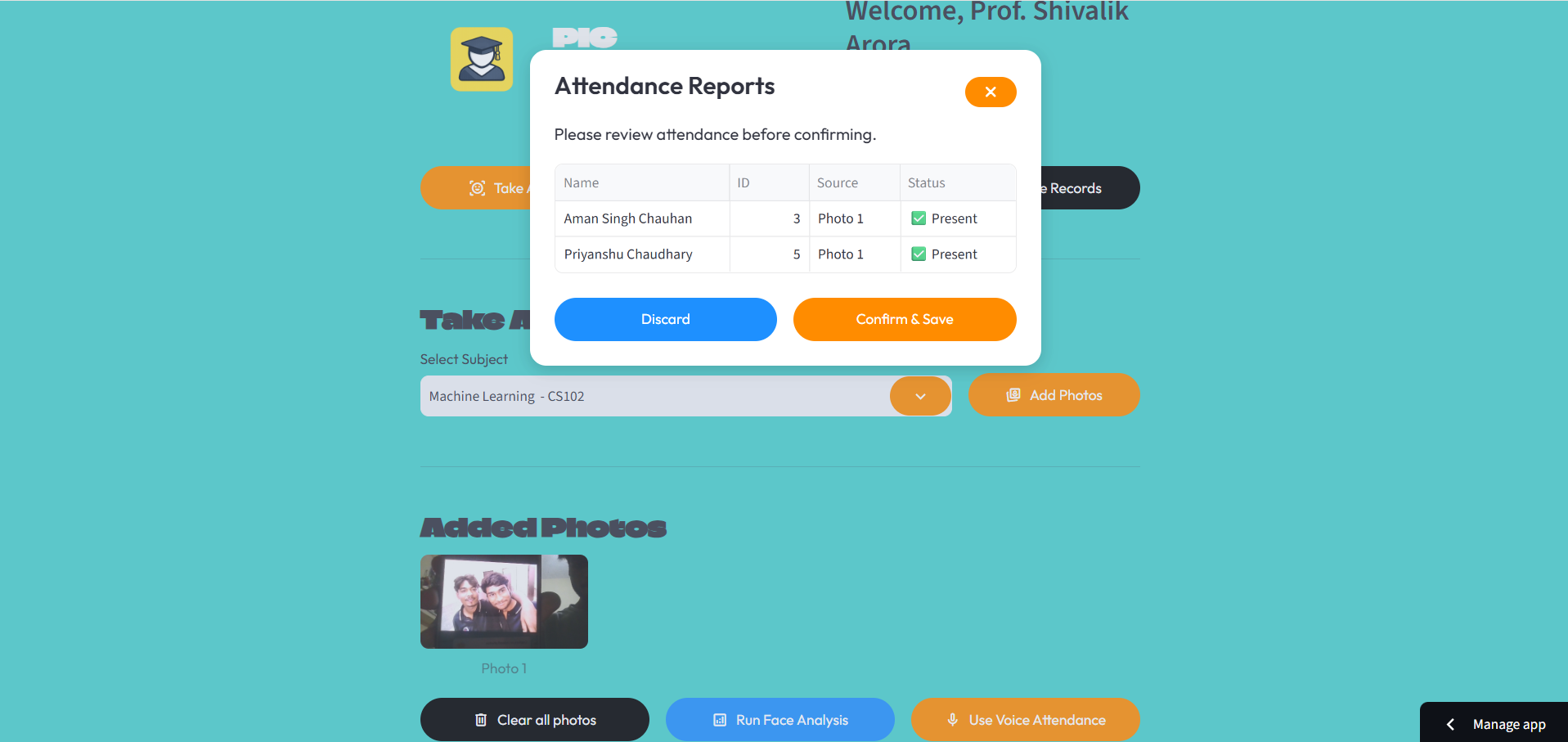
Then teacher has to click on Run Face analysis, to detect which student is present and which are absent.
-
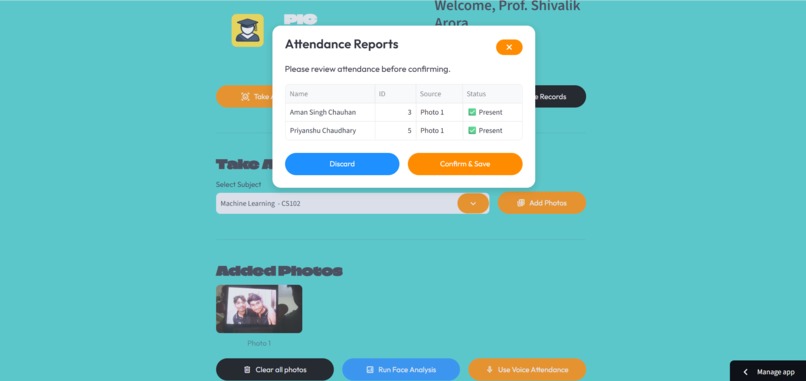
The AI will detect faces and mark attendance on its own.
-
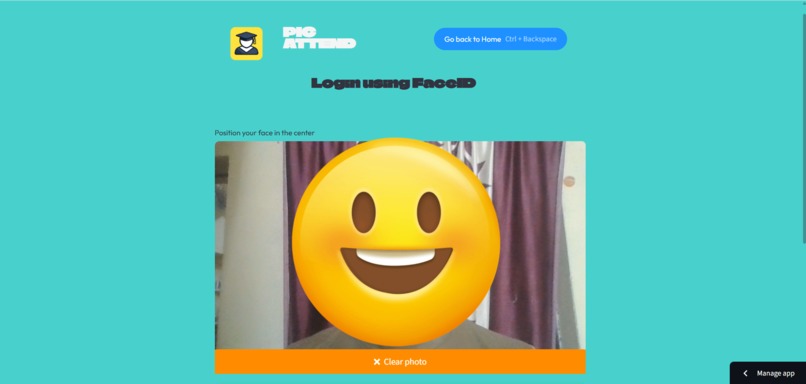
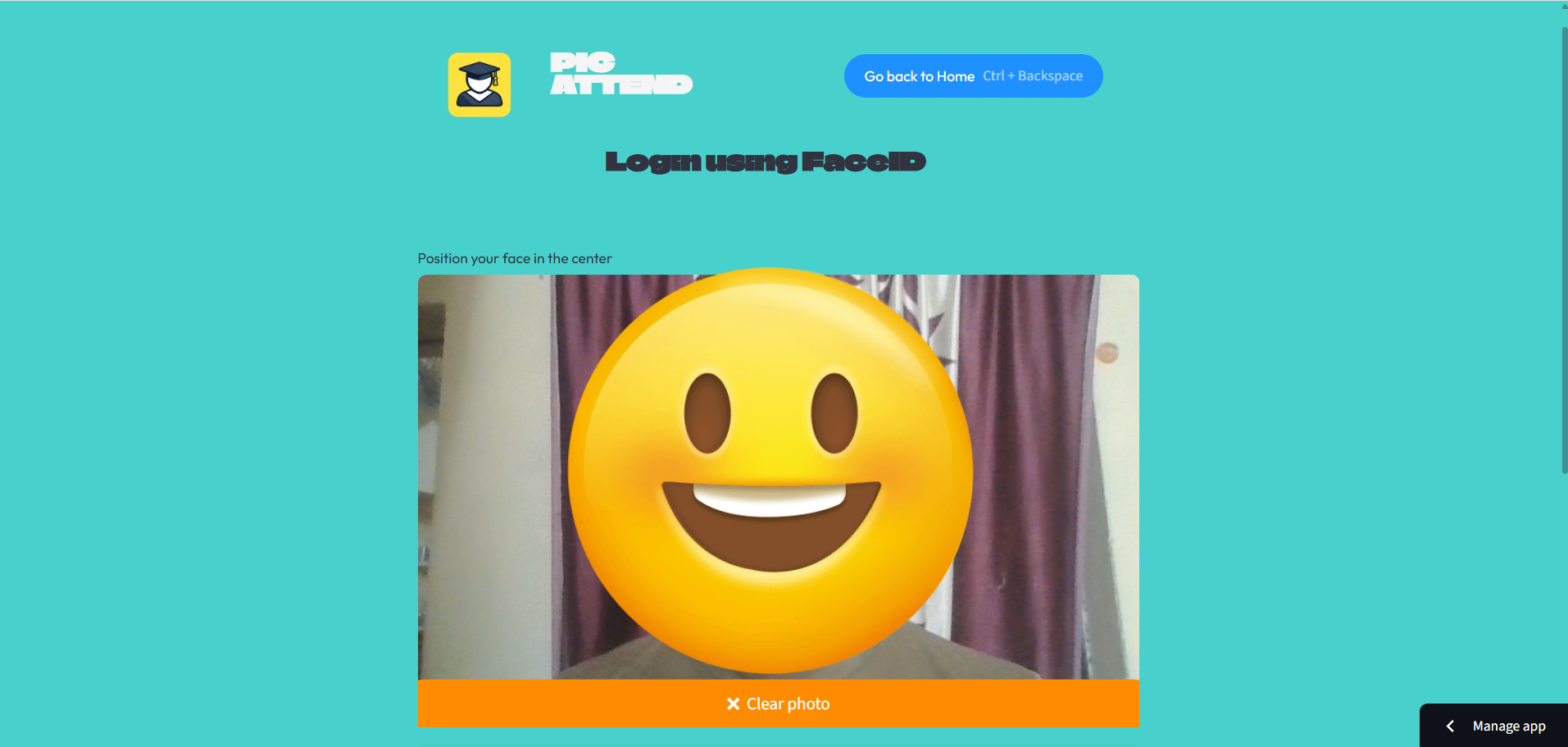
Student Login and Registration Page.
-
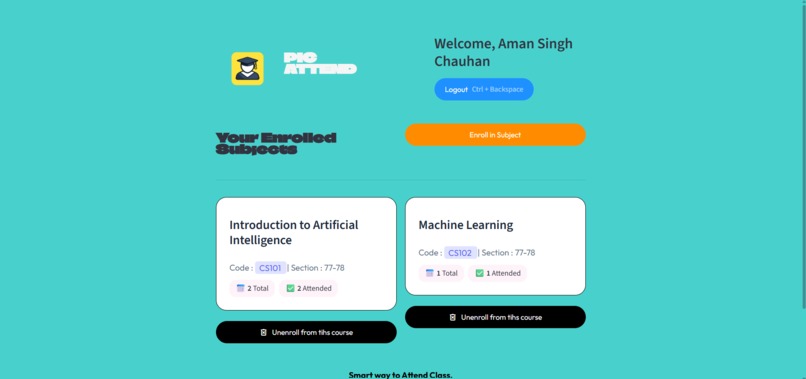
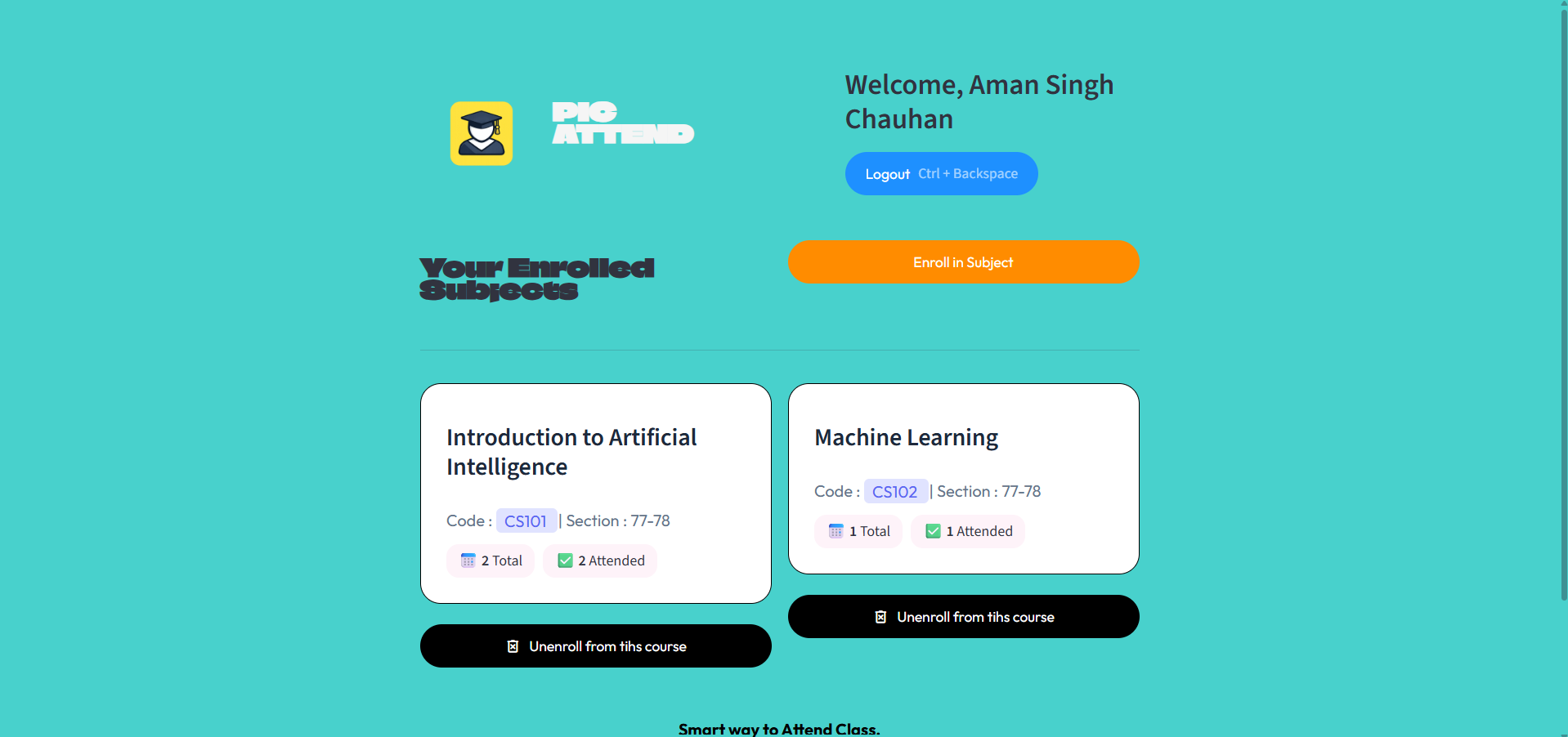
Student Dashboard
📖 About the Project
Inspiration
During a hackathon, my team and I wanted to solve one of the most common challenges faced by educational institutions—manual attendance management. Traditional attendance methods are time-consuming, prone to proxy attendance, and inefficient for large classrooms. We wanted to build an AI-powered solution that could make attendance faster, smarter, and more secure.
This idea inspired us to create PicAttend, an intelligent attendance management system that automates attendance using Face Recognition, Voice Authentication, and Secure Password Verification while providing a clean and user-friendly web interface.
🚀 How We Built It
We built the application using Python and Streamlit for the frontend, creating an interactive and responsive user interface.
For face recognition, we used dlib's pretrained face recognition model to generate 128-dimensional facial embeddings, which are classified using a Support Vector Machine (SVM) for fast and accurate identification.
To improve security, we implemented multi-factor authentication by combining Face Recognition with Password Verification. We also integrated voice enrollment as an optional feature for future voice-based attendance authentication.
The backend is powered by Supabase, which securely stores student profiles, face embeddings, attendance records, subject enrollments, and user information.
The project includes features such as:
- AI-based Face Recognition Login
- Secure Password Authentication
- Student Registration
- Teacher Dashboard
- Student Dashboard
- Subject Enrollment
- Real-time Attendance Tracking
- Attendance History
- Voice Enrollment Support
- Cloud Database Integration
🧠 What I Learned
This project helped me gain practical experience in building a complete AI application from scratch.
Throughout the development process, I learned about:
- Face Recognition using dlib
- Facial Embedding Generation
- Machine Learning with Support Vector Machines (SVM)
- Authentication and Session Management
- Database Integration using Supabase
- Streamlit Web Application Development
- Real-time AI Inference
- End-to-End AI Project Deployment
Most importantly, I learned how to integrate multiple AI technologies into a single real-world application instead of building isolated machine learning models.
⚡ Challenges We Faced
Building PicAttend came with several technical challenges.
One of the biggest challenges was integrating multiple technologies such as Streamlit, Supabase, dlib, OpenCV, and Machine Learning into a smooth workflow.
We also had to overcome several real-world face recognition challenges, including:
- Detecting multiple faces in a single frame
- Handling low-light conditions
- Face alignment issues
- Unknown face detection
- Managing facial embeddings efficiently
- Designing a secure authentication flow
Another challenge was deploying the application while ensuring all AI dependencies and required models worked correctly in the cloud environment.
🌟 Outcome
PicAttend demonstrates how Artificial Intelligence can simplify everyday administrative tasks by making attendance smart, secure, and automated.
The project combines Computer Vision, Machine Learning, Authentication, and Cloud Database Management into a practical solution that can be extended for schools, colleges, organizations, and workplaces.
Participating in this hackathon not only strengthened my technical skills but also improved my problem-solving ability, teamwork, and experience in developing production-ready AI applications.
🛠️ Technologies Used
- Python
- Streamlit
- dlib
- OpenCV
- NumPy
- Scikit-learn (SVM)
- Supabase
- Face Recognition
- Voice Processing
- Machine Learning
- Computer Vision
- Git & GitHubspiration
What it does
How we built it
Challenges we ran into
Accomplishments that we're proud of
What we learned
What's next for Smart Attendance Using Ai - Face Recognition.
Built With
- deep-learning
- machine-learning
- matplotlib
- numpy
- pandas
- python
- streamlit
- supabase
- vscode


Log in or sign up for Devpost to join the conversation.