-
-
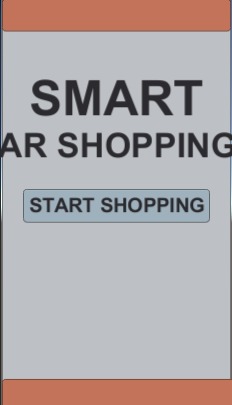
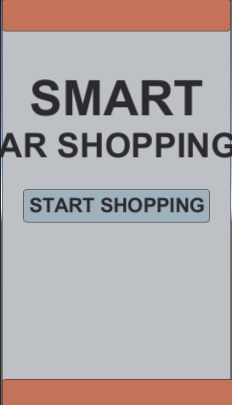
welcome scene of the app which will appear in front of user as he opens it
-
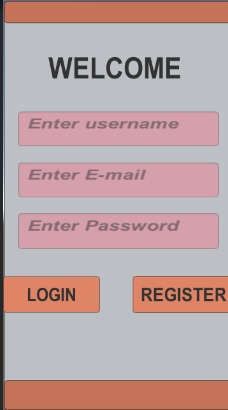
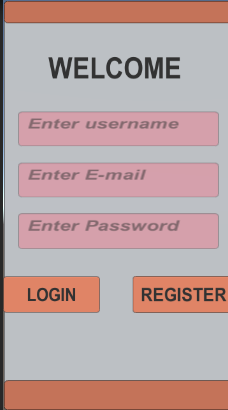
register/login scene, here user can login or register himself by providing correct credentials
-
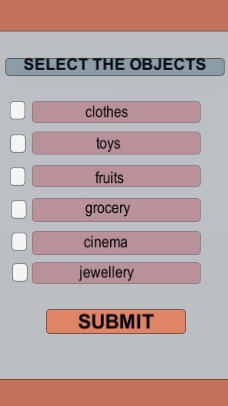
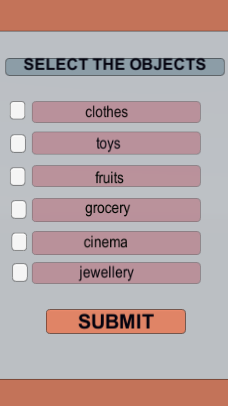
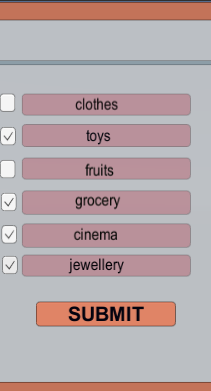
options scene to take the user input by the means of toggles
-
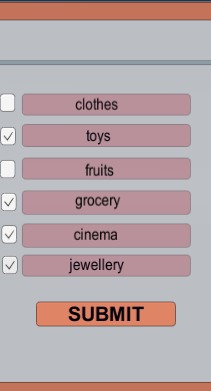
taking user input by selecting multiple toggles and hitting submit button in order to confirm stores where user wants to go
-
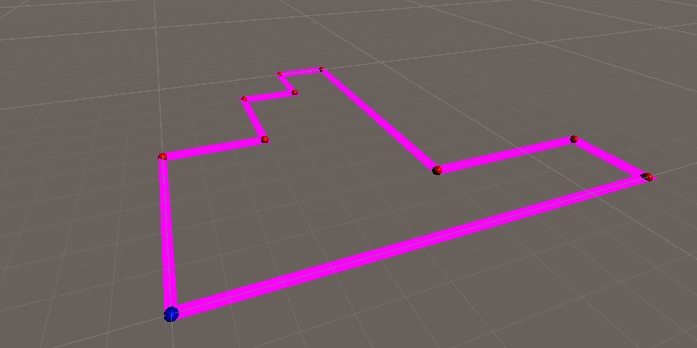
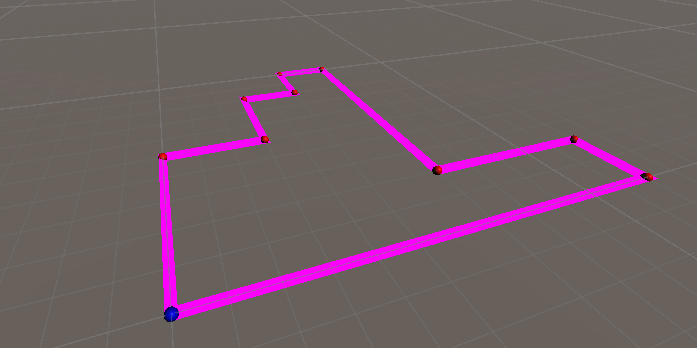
final path showing to the user
Inspiration
Indoor navigation system for apartments and big companies
What it does
It optimizes the time and generates the shortest path passing through all the stores in the supermarket where user has to buy something
How we built it
we build it on unity development platform using path finding algorithm
Challenges we ran into
Taking user input by the means of toggles then reading it to extract the coordinates of the places where user wishes to buy something, algorithm implementation in order to arrange the coordinates of stores selected by user, final path drawing
Accomplishments that we're proud of
Path finding algorithm to arrange the coordinates such that they generate shortest possible path
What we learned
C#, unity functions, UI designing, some basics of Augmented reality
What's next for Smart-AR-Shopping
This project is now considering only grid system and generating the rectangular paths only so, such projects can be also made which do not require an actual rectangular system and can generate paths also with some curvature
Built With
- ar
- c#
- playfab
- unity
- visual-studio


Log in or sign up for Devpost to join the conversation.