-
-
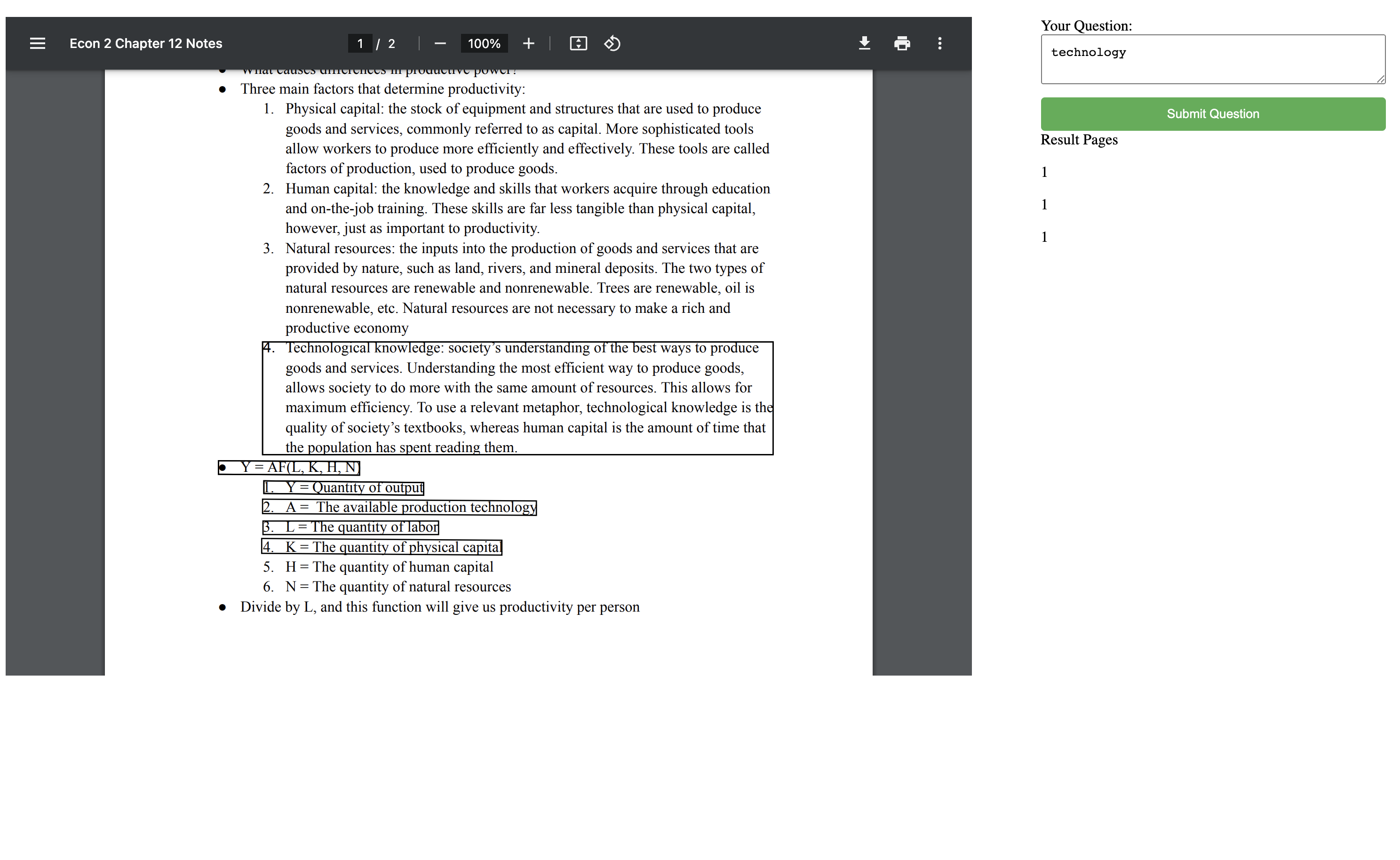
Highlighted text
-
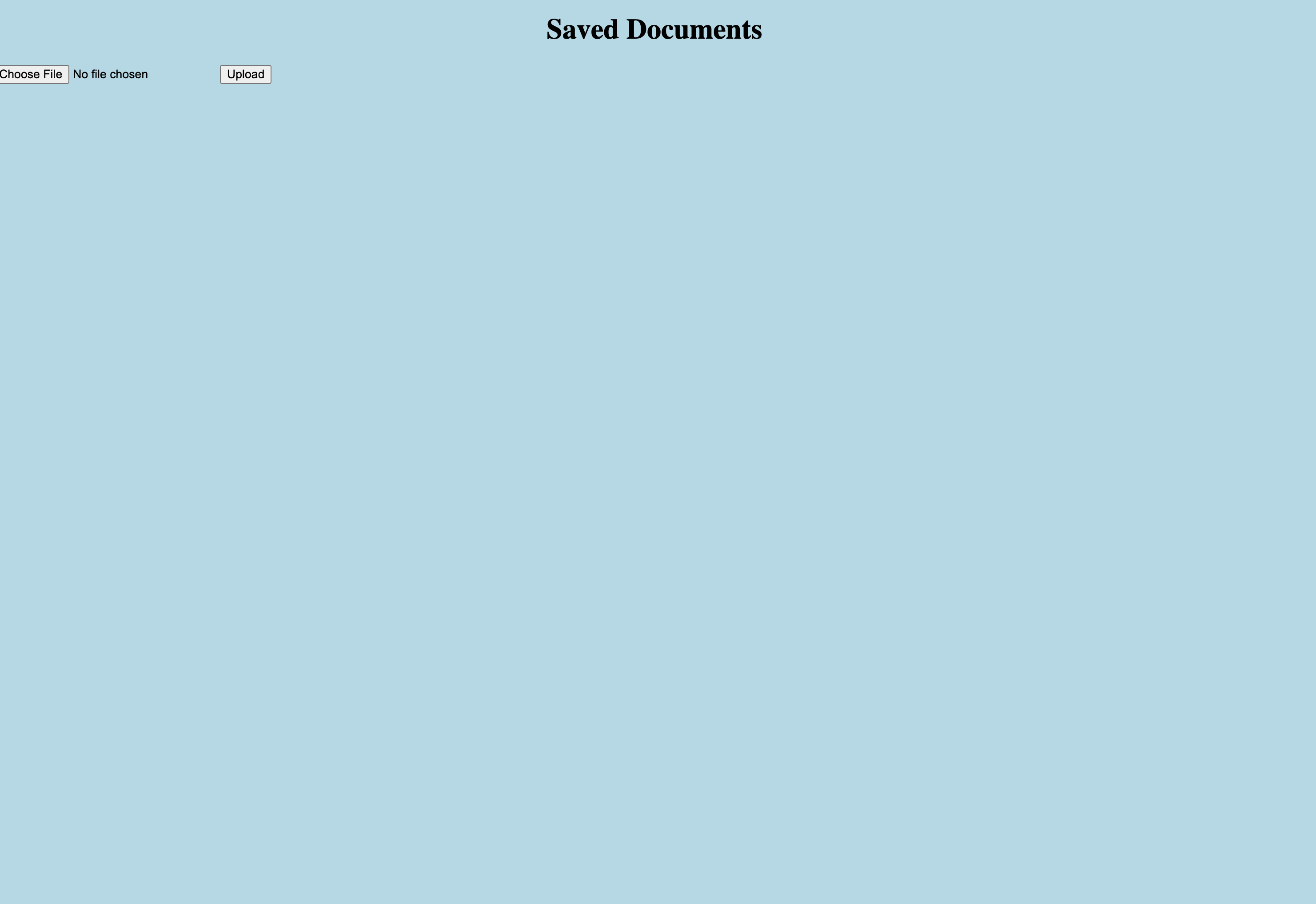
Landing page
-
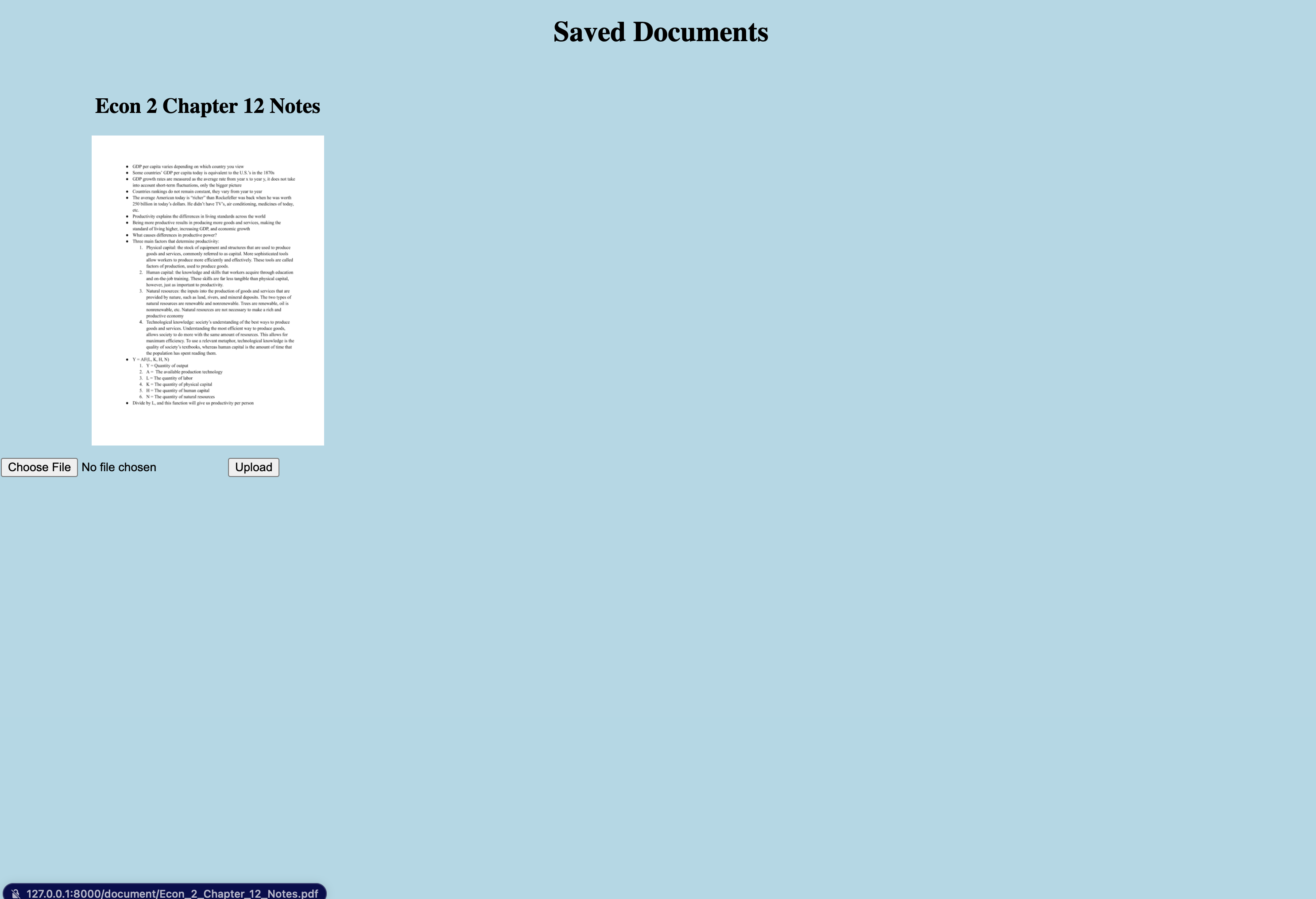
Uploading a document to search
-
Selected text from our app onto the document
Inspiration
Lexical search is a default feature in almost all applications today. However, semantic search is a feature that is widely missing for text-based documents. Keyword search fails to capture the meaning behind textual content. Furthermore, lexical search can be rigid and ineffective if you don't know the specific phrase you're looking for. Semantic search fixes just that, allowing for flexible natural language queries to find relevant information.
What it does
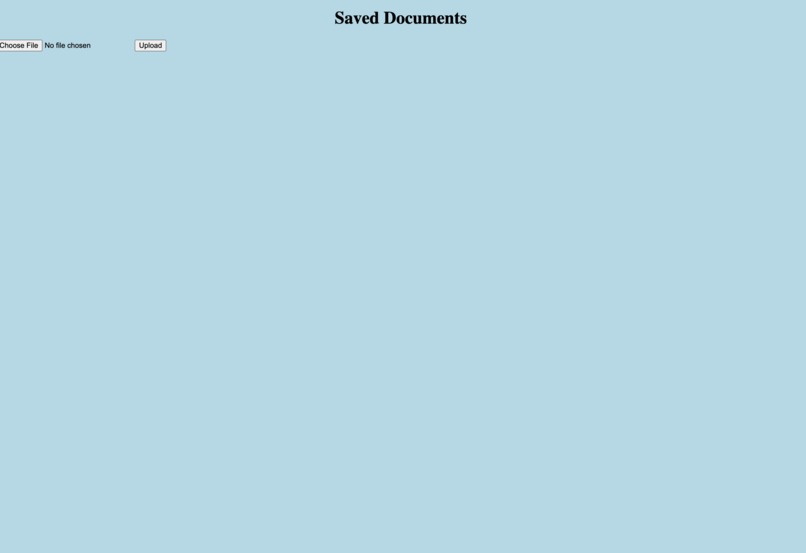
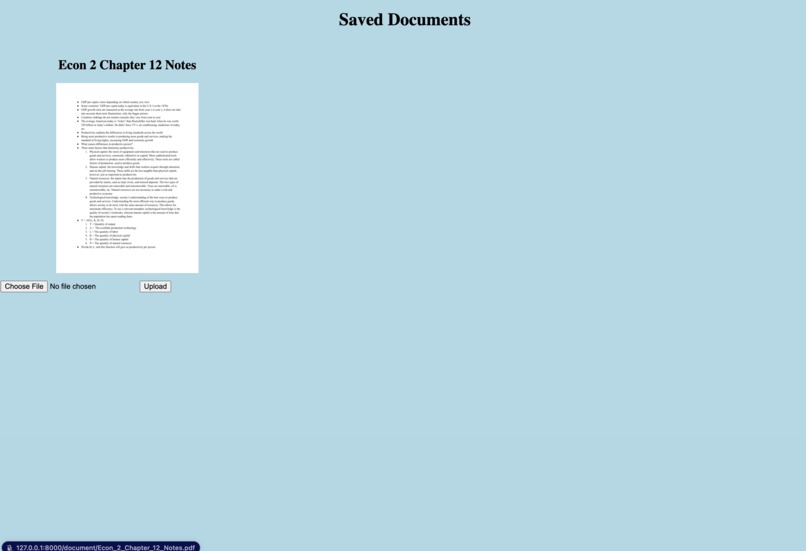
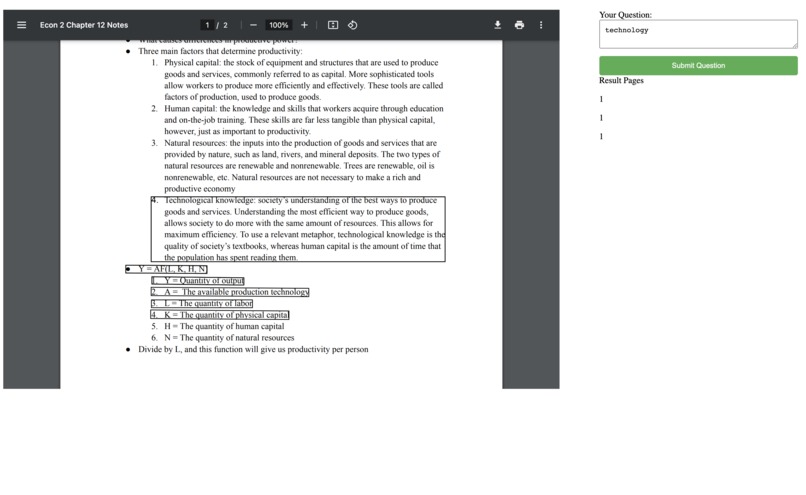
The user uploads documents that they want to search through semantically into our app. We then build semantic embeddings that allow the user to query their document of choice through natural language, displaying relevant results.
How we built it
The app uses a Python Flask backend. We used the Google Cloud DocumentAI Optical Character Recognition (OCR) API to identify text on submitted documents. Once the text is processed, we use a pre-trained transformer encoder network to embed the text and queries into the embedding space to execute a similarity search. The results are then sent to the front end to display to the user with HTML, CSS, and JS.
Challenges we ran into
We ran into multiple challenges, such as improving the efficiency of a large pre-trained model to create embeddings. We also ran into challenges regarding the front-end design, which would be intuitive for the user.
Accomplishments that we're proud of
Integrating all the parts into one final project. In the end, seeing our app accomplish the task it was built for was greatly satisfying. We achieved good results searching on some of our personal notes from classes.
What we learned
We learned many new technologies, such as Google Cloud API as well as backend programming with Flask.
What's next for Smart Answer
Multilanguage support, more file types, accounts, cloud storage, better UI, better retrieval and reranking algorithm.

Log in or sign up for Devpost to join the conversation.