

Inspiration
With the pandemic at large, we've noticed that personal health has taken a step back in the priority of our lives. As such, we designed an app that can help promote mental and physical health without active effort from the user.
What it does
The app actively monitors the user's sleep state. When the user's sleep stage enters the "light" sleep stage, the app determines that the user is in an optimal state to wake up. If the time this stage occurs is within 30 minutes prior to the preset alarm time, the user will be woken up promptly. If the user does not achieve this stage within the 30 minute window prior to the alarm, the user will be woken up at the preset alarm time instead.
How we built it
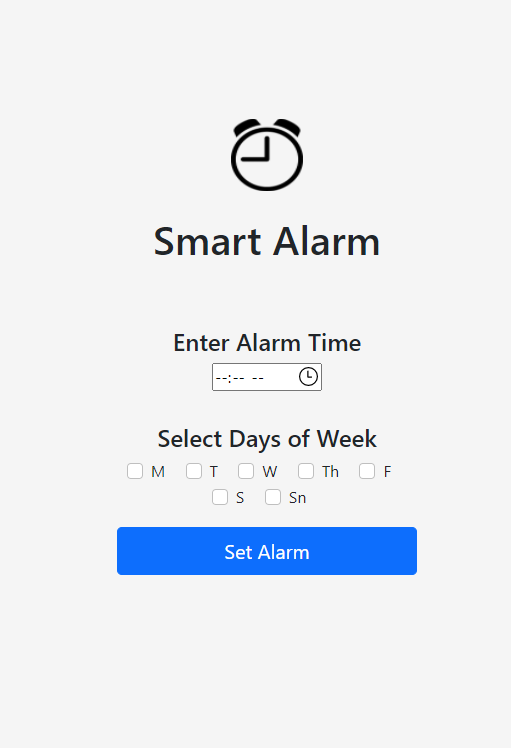
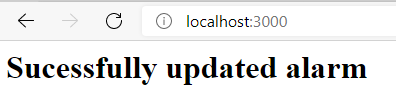
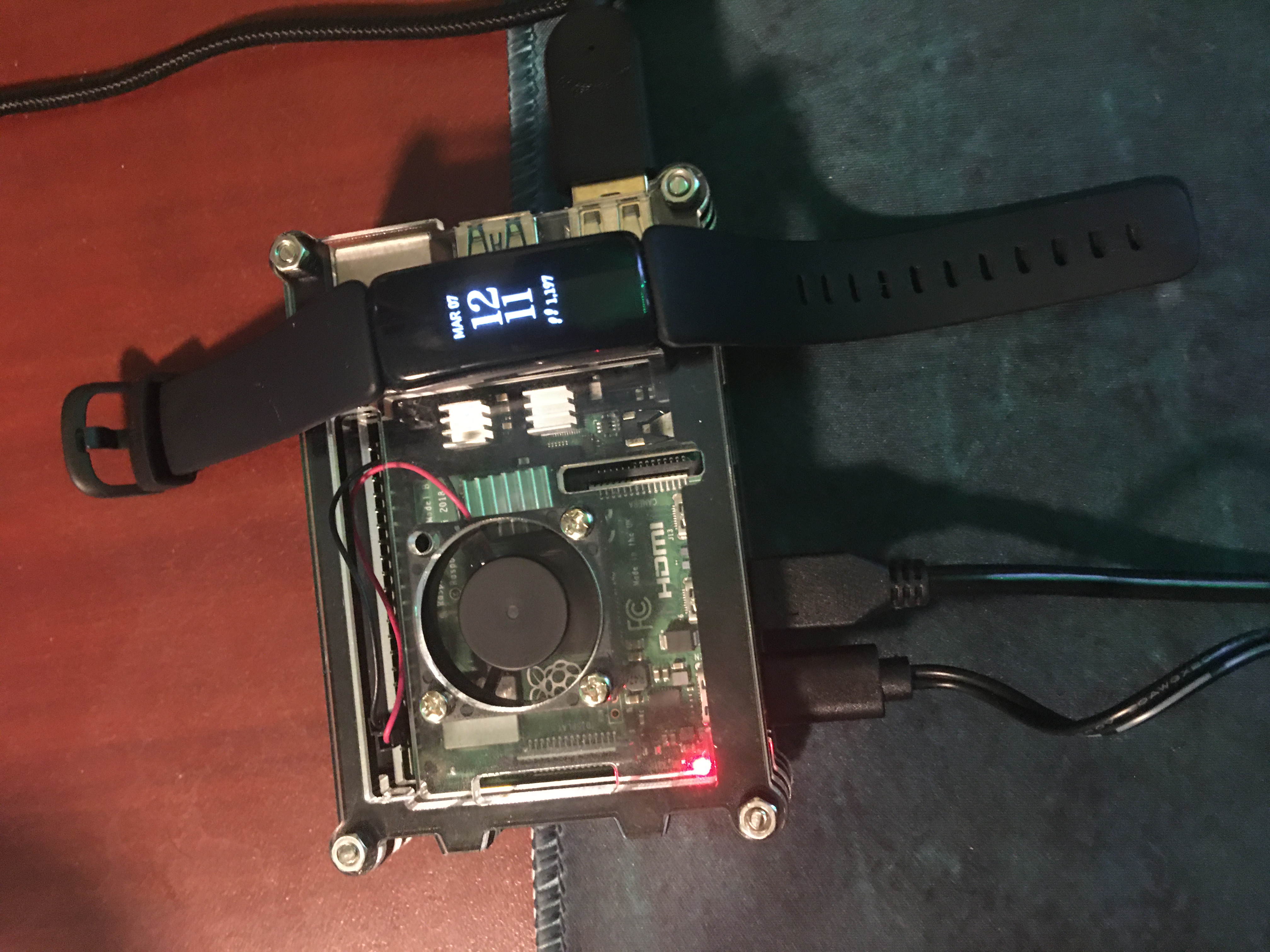
We used the Web API from Fitbit to get sleep information from the user wearing the registered Fitbit. This data was processed, and uploaded to a Google Firebase. Initially, we developed a Python Application with UI that served as the method for setting the alarm time and days of the week. This was later transformed into a Node.js project to be hosted on a server. Both versions posted the user data into the same Google Firebase. Lastly, we utilized a Raspberry Pi 4 to output the alarm noise, as well as ping the Google Firebase to get information required to determine if the alarm should sound.
Challenges we ran into
It was our first time using the Google Cloud services, and so managing through the documentation that is very thorough took some time, and debugging to get used to. Additionally, there was a hiccup in the Authorization method transferring from the original Python Script to the new Node.js project. Ideally, we wanted to create a mobile app using React Native (something none of us have used before, but were familiar with). The method in which we used React Native had a complicated way (at least for us) of connecting with Google Firebase, so we opted for a Node.js Web App that supports desktop and mobile use. Also, we encountered a roadblock with the ability to set internal alarms on the user's device (on Apple) as there are strict permissions on Apple devices. Lastly, there was some debugging that was needed when deploying the final build on Heroku.
Accomplishments that we're proud of
- Using Google Cloud services
- Deploying Node.js project on Heroku
- Setting up Raspberry Pi 4
- Making more than one build
- Making a build that worked
What we learned
- Teamwork makes the dream work
- How to set up Raspberry Pi 4 as 'mini-server' and alarm
- How to use Google Cloud services
- How to deploy Node.js projects with Heroku
- How to use Web API from Fitbit
- How to manage project scope with roadblocks
What's next for Smart Alarm
We'd love to expand on our use of Google Firebase to allow for several users, with appropriate authentication methods. Additionally, we would want to reopen the hatchet with React Native (or some other device specific frameworks) to create a Mobile app that is able to set an alarm internally on the user's device.

Log in or sign up for Devpost to join the conversation.