Github repo
https://github.com/sendahuang14/ucscmap
latest commit ID: 551f42fa84d489ba0f885158e9d0e7d416301b7b
What it does
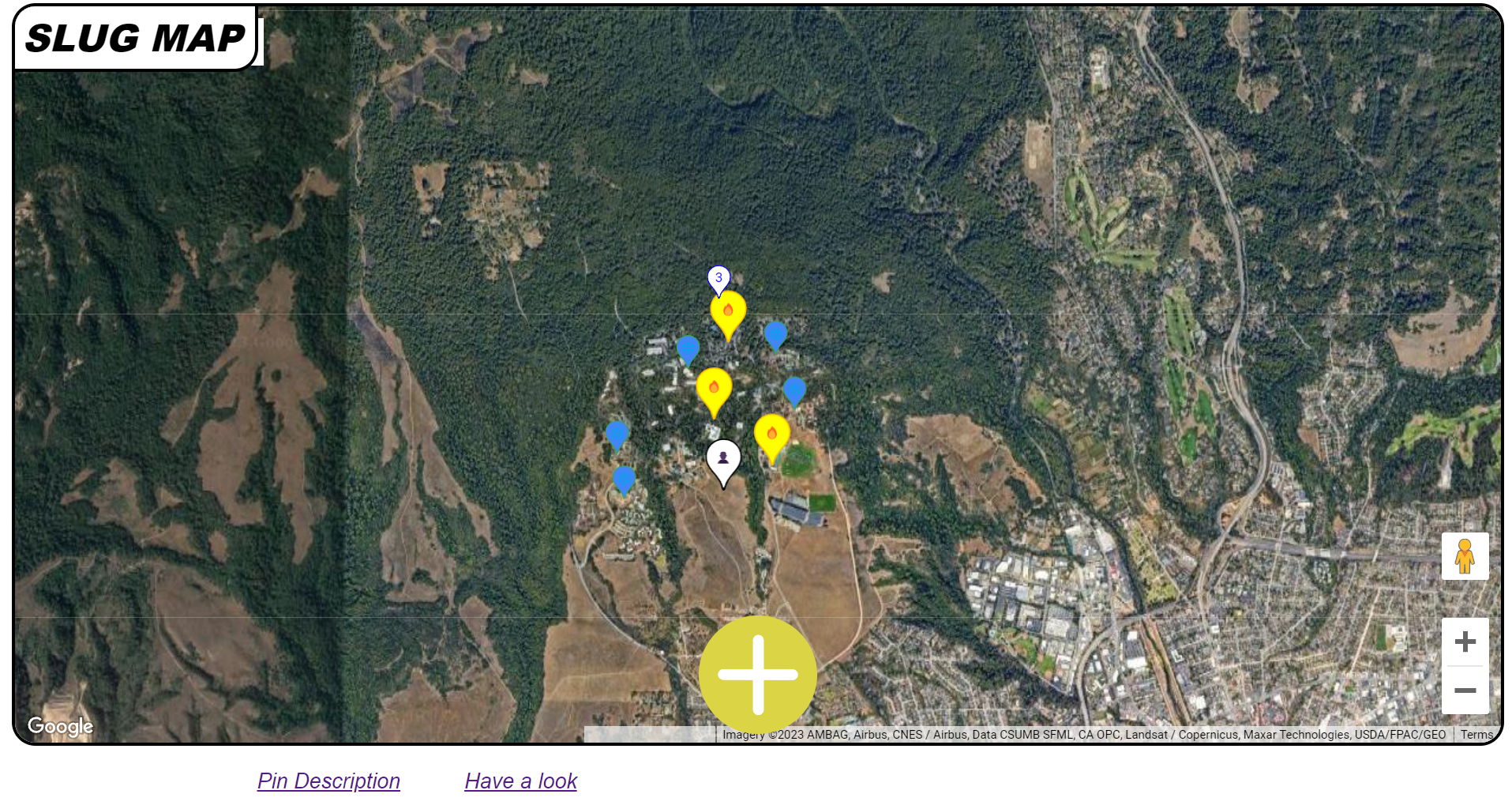
Our local web app allows people to put down pins at their current location to show a variety of events such as wildlife, student/work events, and heavy/low traffic areas.
Why is this fascinating?
The concept I love about this web app is that all the users are committed to creating one fancy map altogether. As long as we maintain this concept, this app can used not only on the UCSC campus but also for say work offices, national parks, and even in a whole city! In this social network, you will never be rated by other users. Nowadays, a lot of SNSs cause mental issues because they all drag people to desire to be rated good by other users. However, in this web app, users can just simply place things that they saw on a map and that’s it.
How we built it
Through our collaboration through GitHub, we ensured our JS HTML and CSS work updated smoothly.
The Google Maps API The Google Maps API, which was completely new to us, helped us render and place a map on our site. By reading the documentation and experimenting with the API functions and modules, we manipulated and added features such as pins, geolocation, categories of pins, and customization.
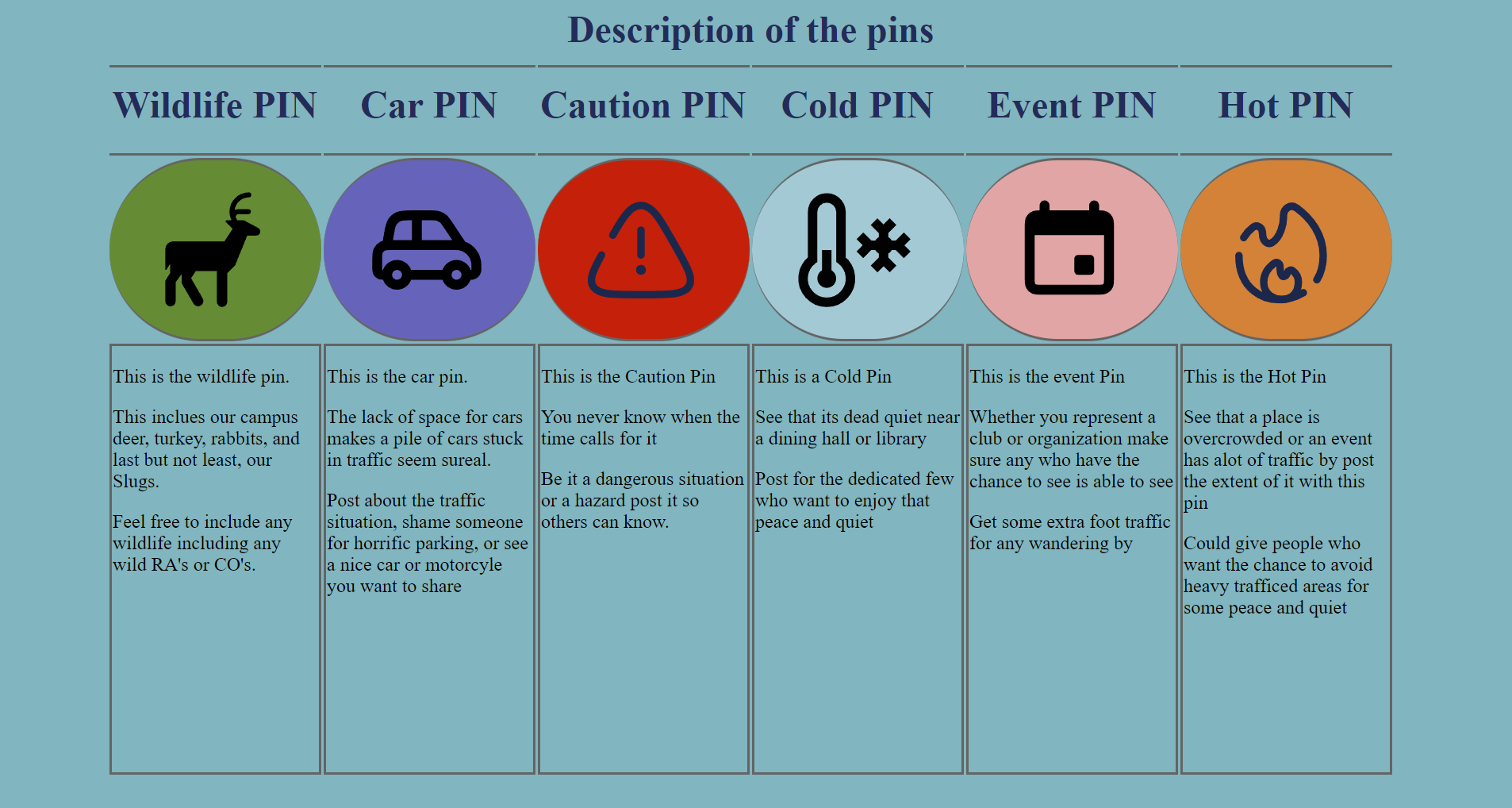
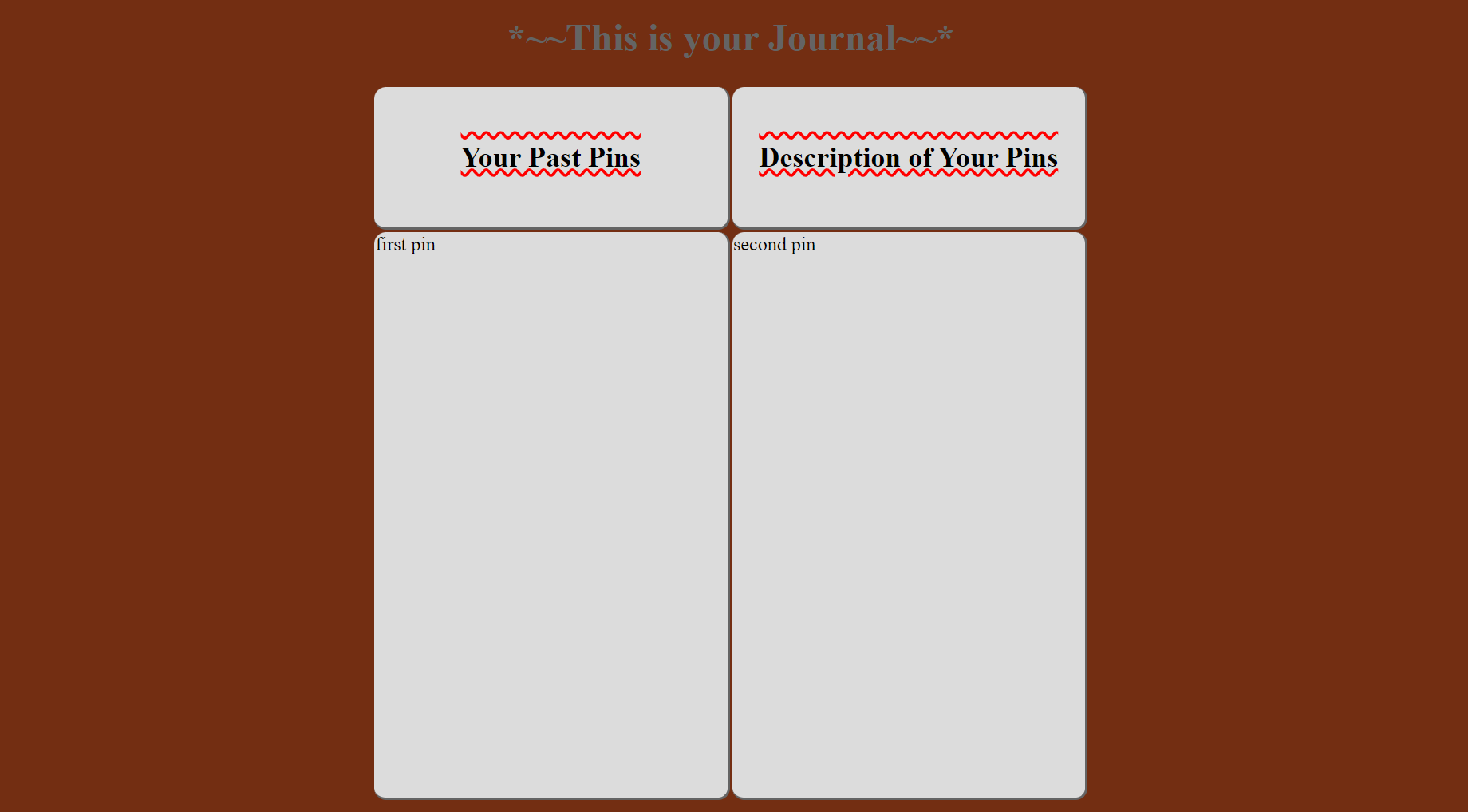
The Main Page We included 2 additional pages to describe each pin option for some clarity and to display a journal that records your pins. This was done using HTML and CSS to add the pages to the main page. The CSS aspect of our site enables dynamic layouts for a bunch of devices and also implements design elements such as animations and advanced layouts of buttons in order to produce a site that is graphically interesting.
The JS in our site is mainly dealing with the handling of our map API.
Challenges we ran into
It was difficult to dynamically add markers on the map. What I wanted to do at the beginning was to drag the avatar to an arbitrary point and once you release it, it sticks. However, methods to operate markers dynamically weren’t supported by the API library so well. So I changed my plan and decided not to drag markers. Instead, I implemented placing markers on users' current location just by clicking on buttons.
A challenge that arose was dealing with CSS styles to work to our advantage. At parts, the difficulty of the project was balancing visual vs functional aspects. However, it can be argued that both fields are essential for an effective application.
Accomplishments that we're proud of
This is our first hackathon submission for all of our team members. Just getting out here to attend this event and attempt to make a viable project is huge to us. Team members got more familiar with using HTML and CSS to give better visuals to the page. Team members also got more familiar with the use of the Google Maps API which allowed us to create this project.

Log in or sign up for Devpost to join the conversation.