-
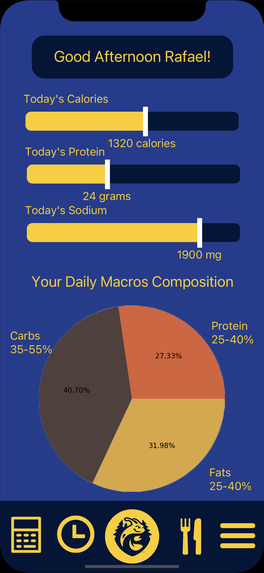
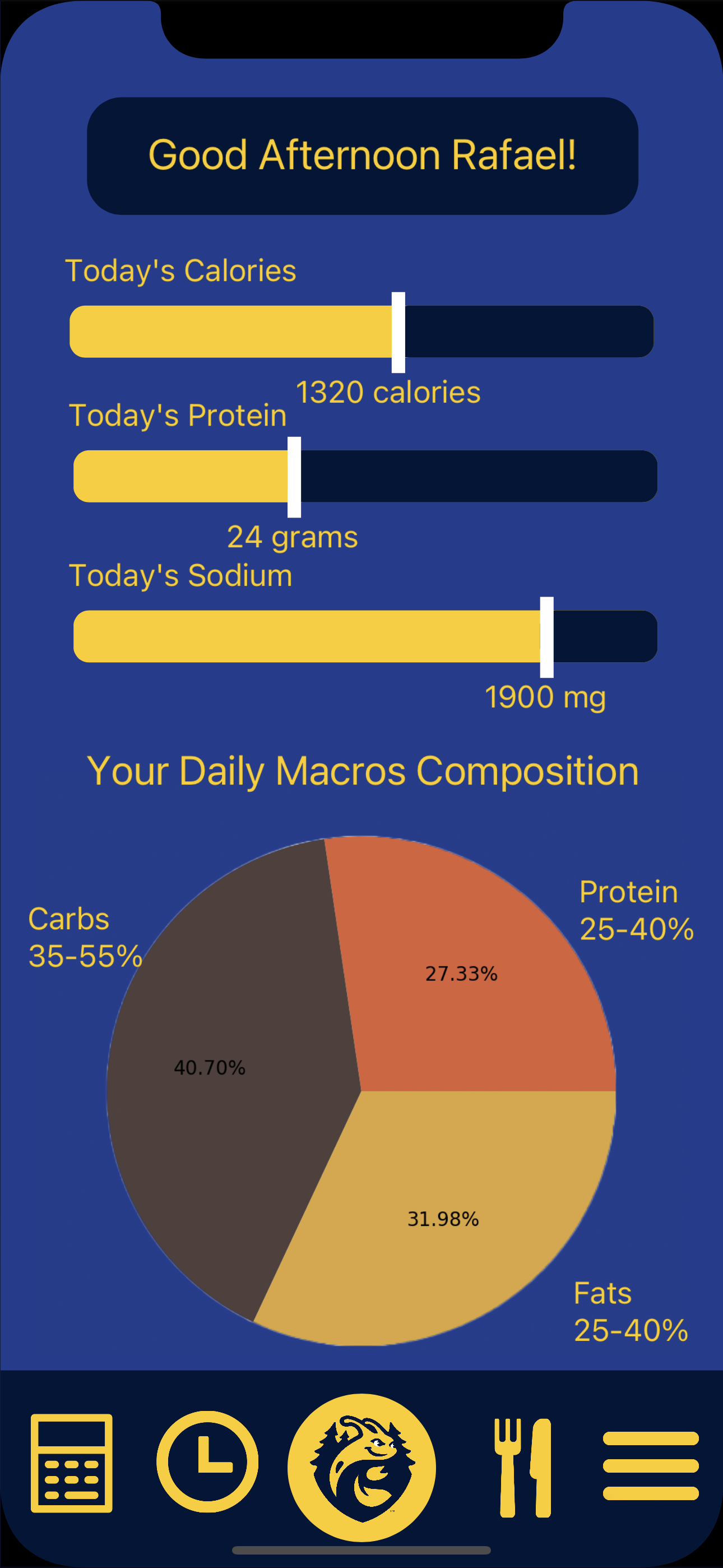
Main Menu of our app. Contains your daily progress bars for your customizable macros and the distribution of the food you have eaten so far.
-
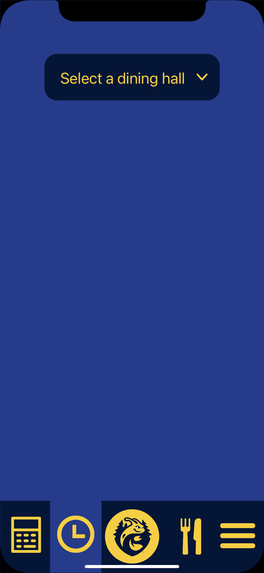
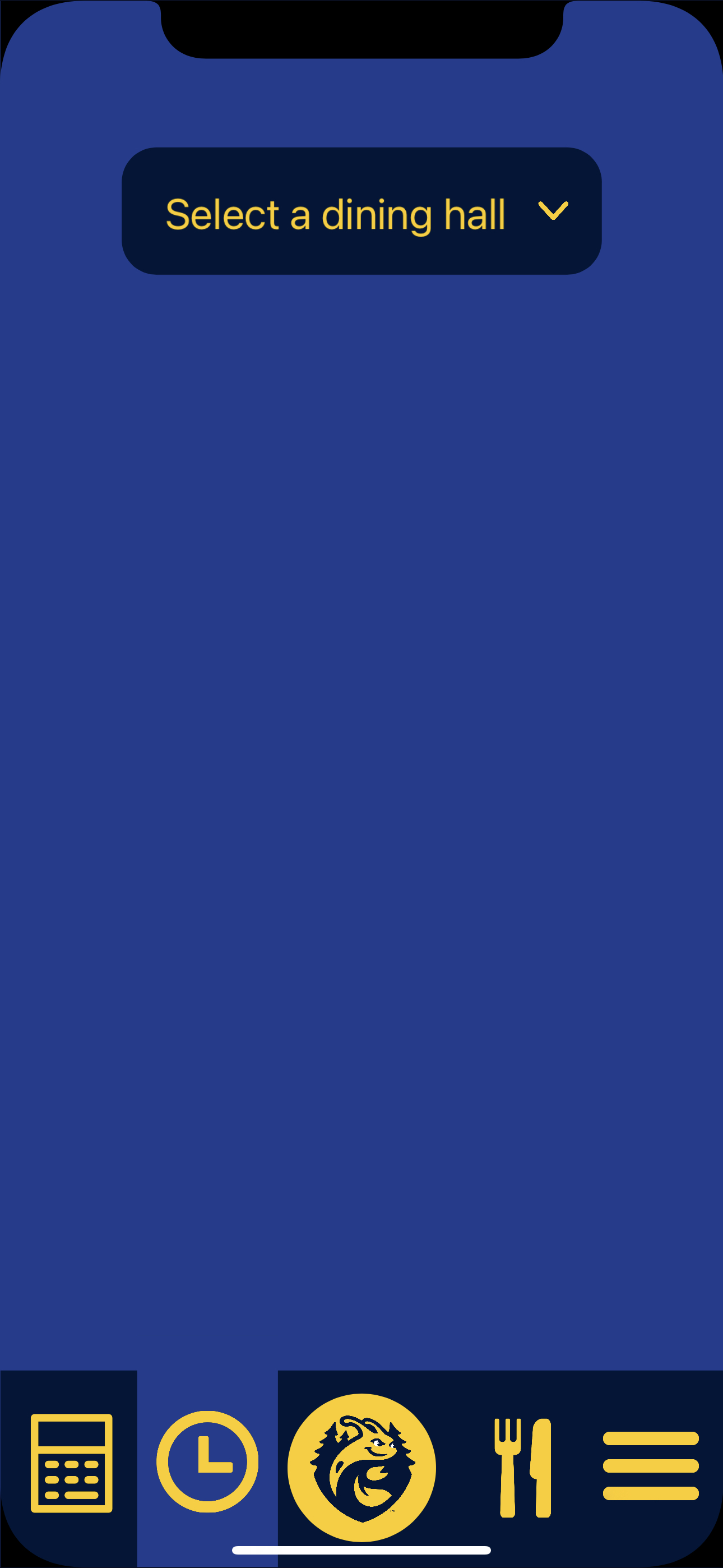
A functional dropdown menu to see the hours of the selected dining hall.
-
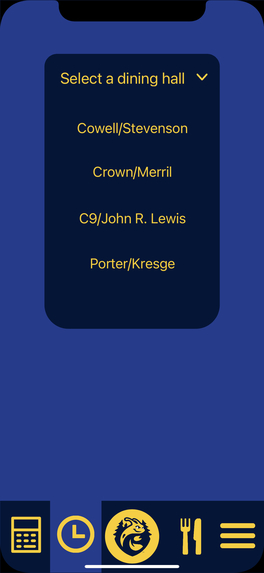
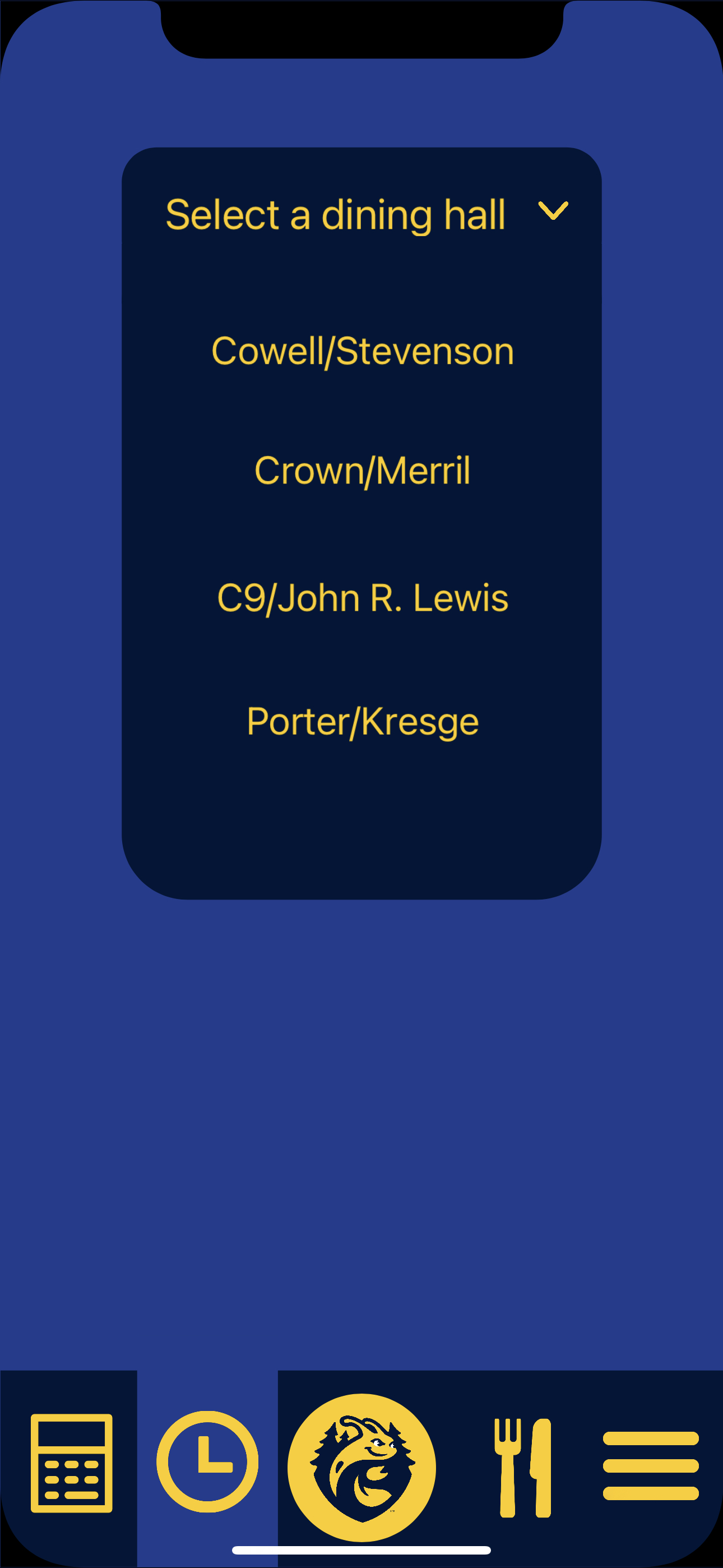
The clickable list of the dining hall that show the hours and times meals are served.
-
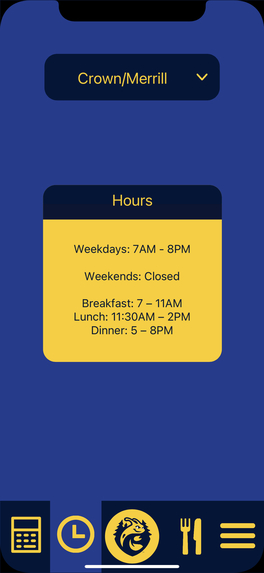
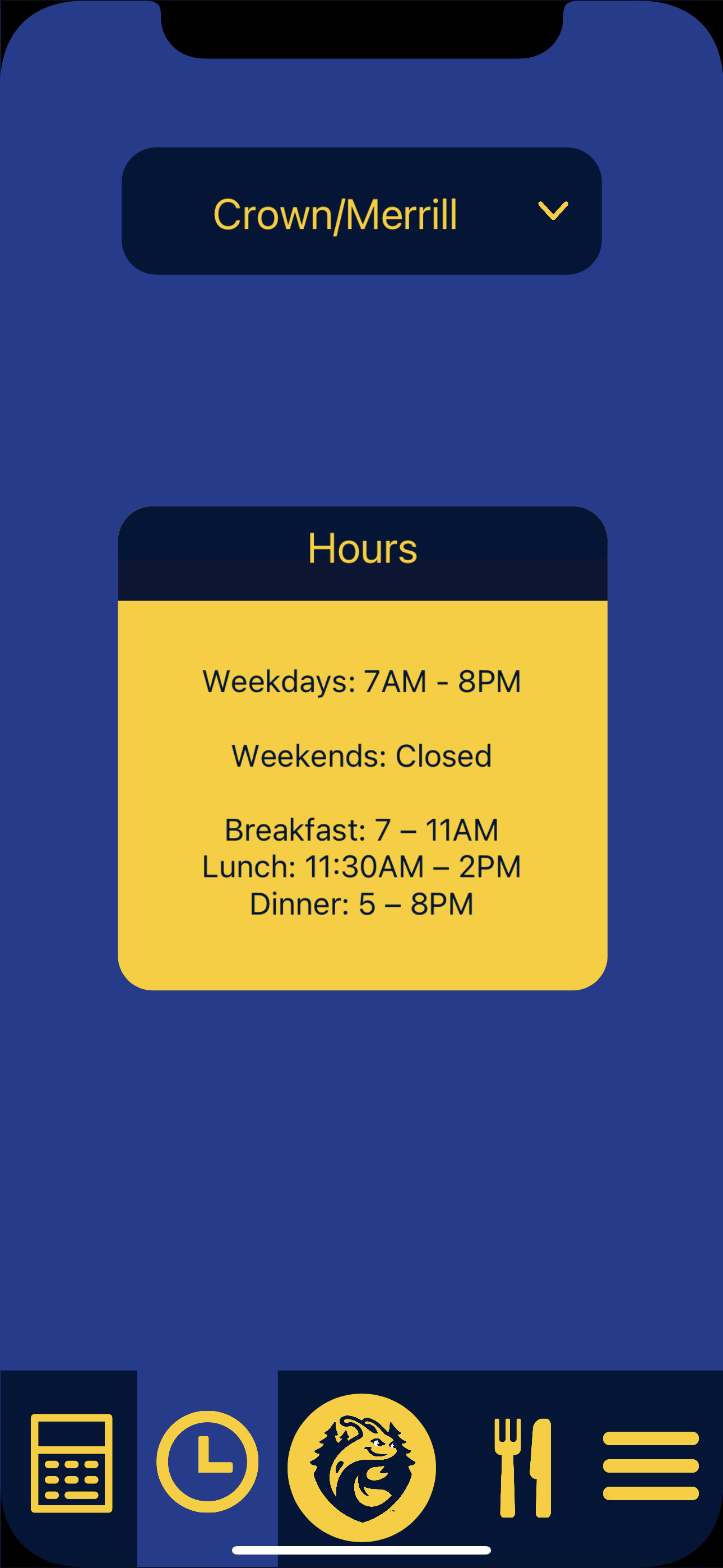
An example of what happens when you click on one of the dining halls in the dropdown menu.
-
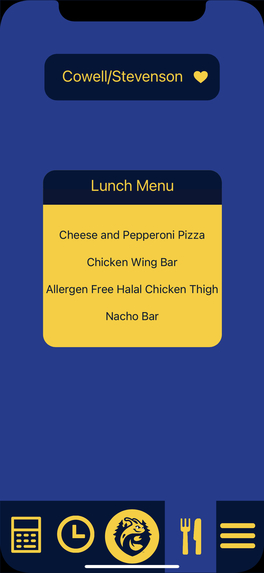
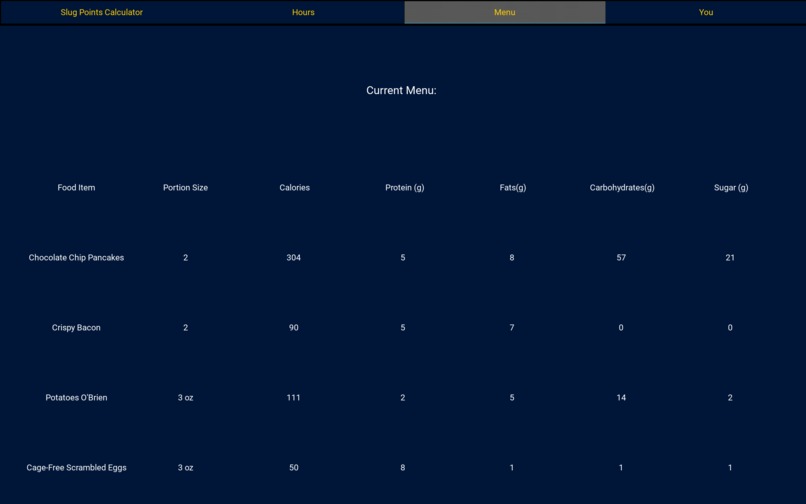
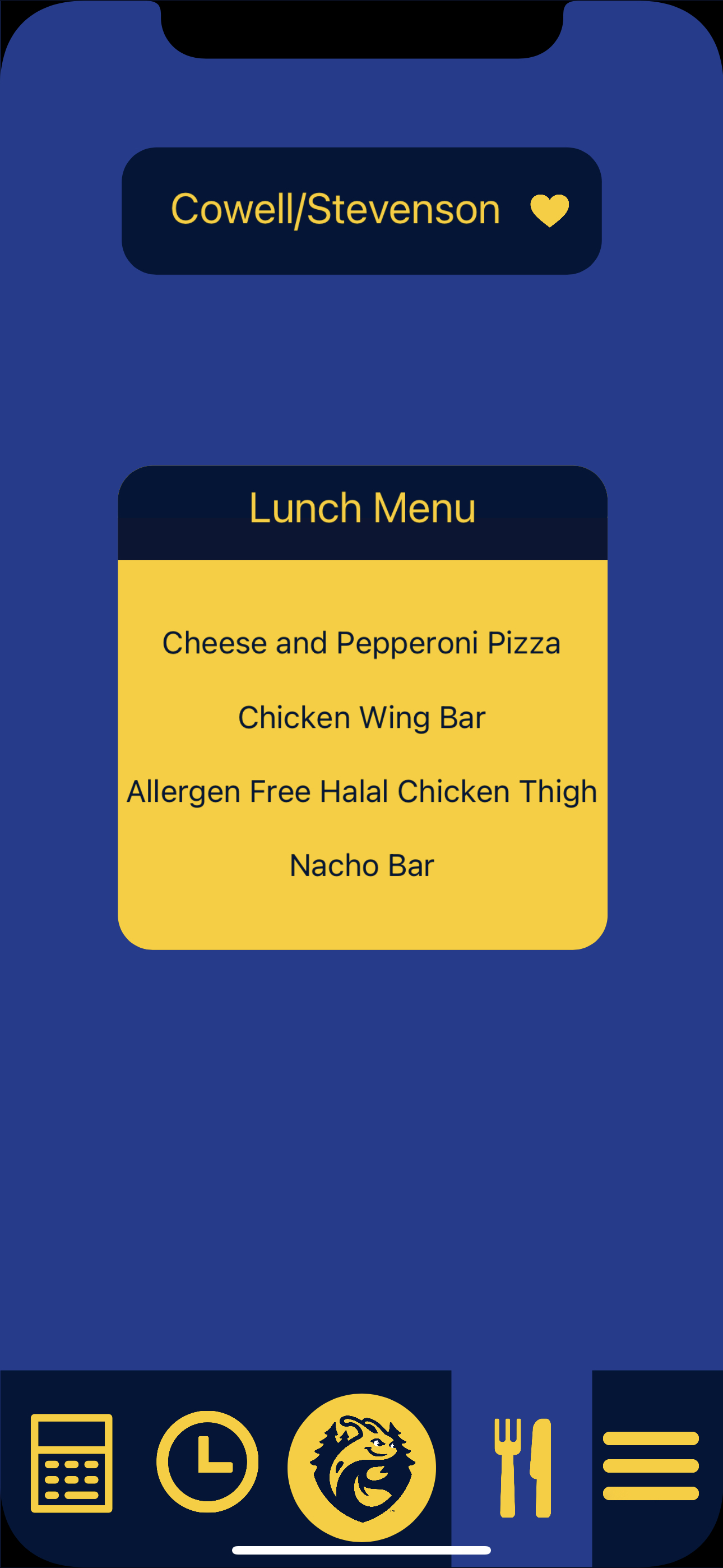
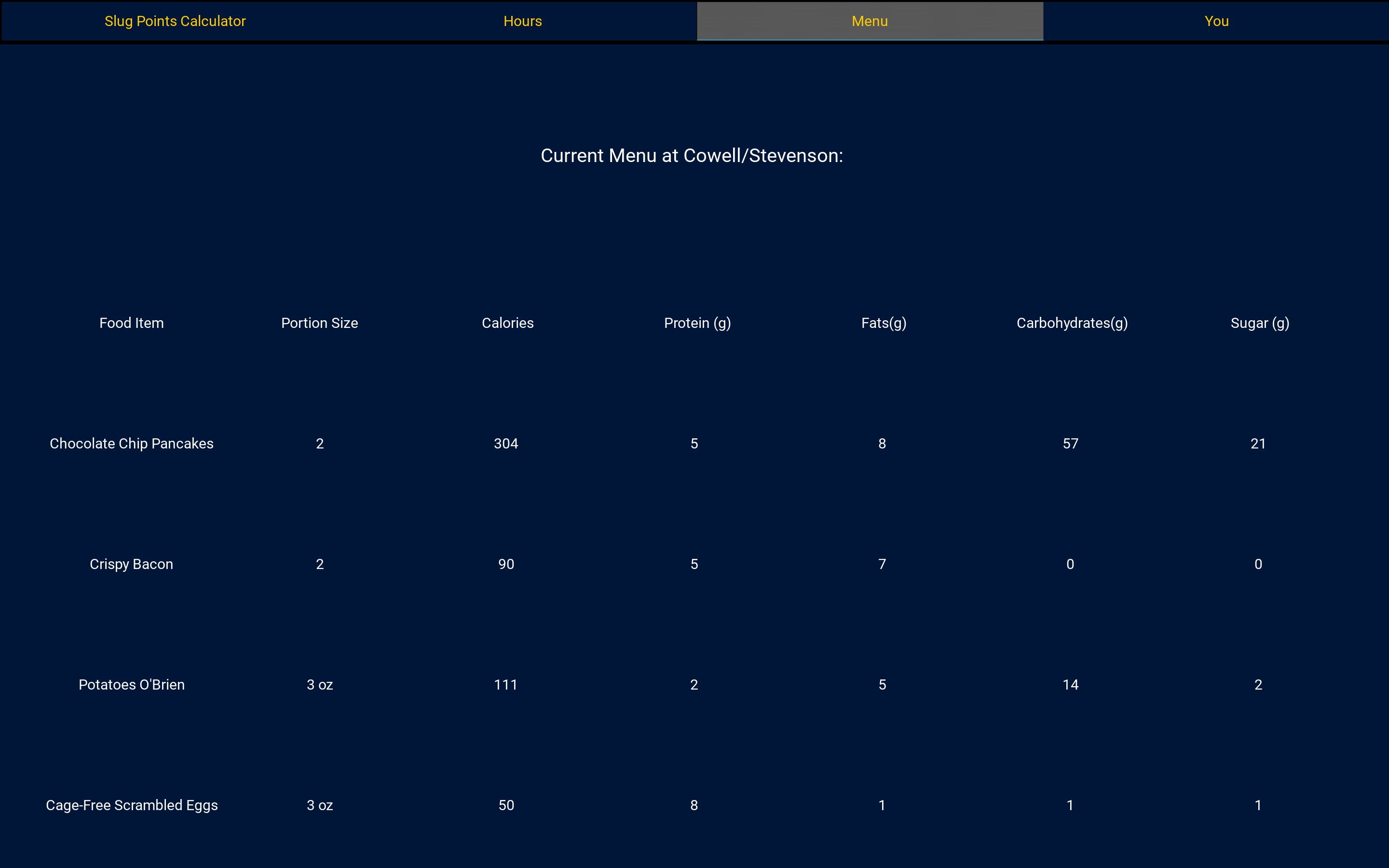
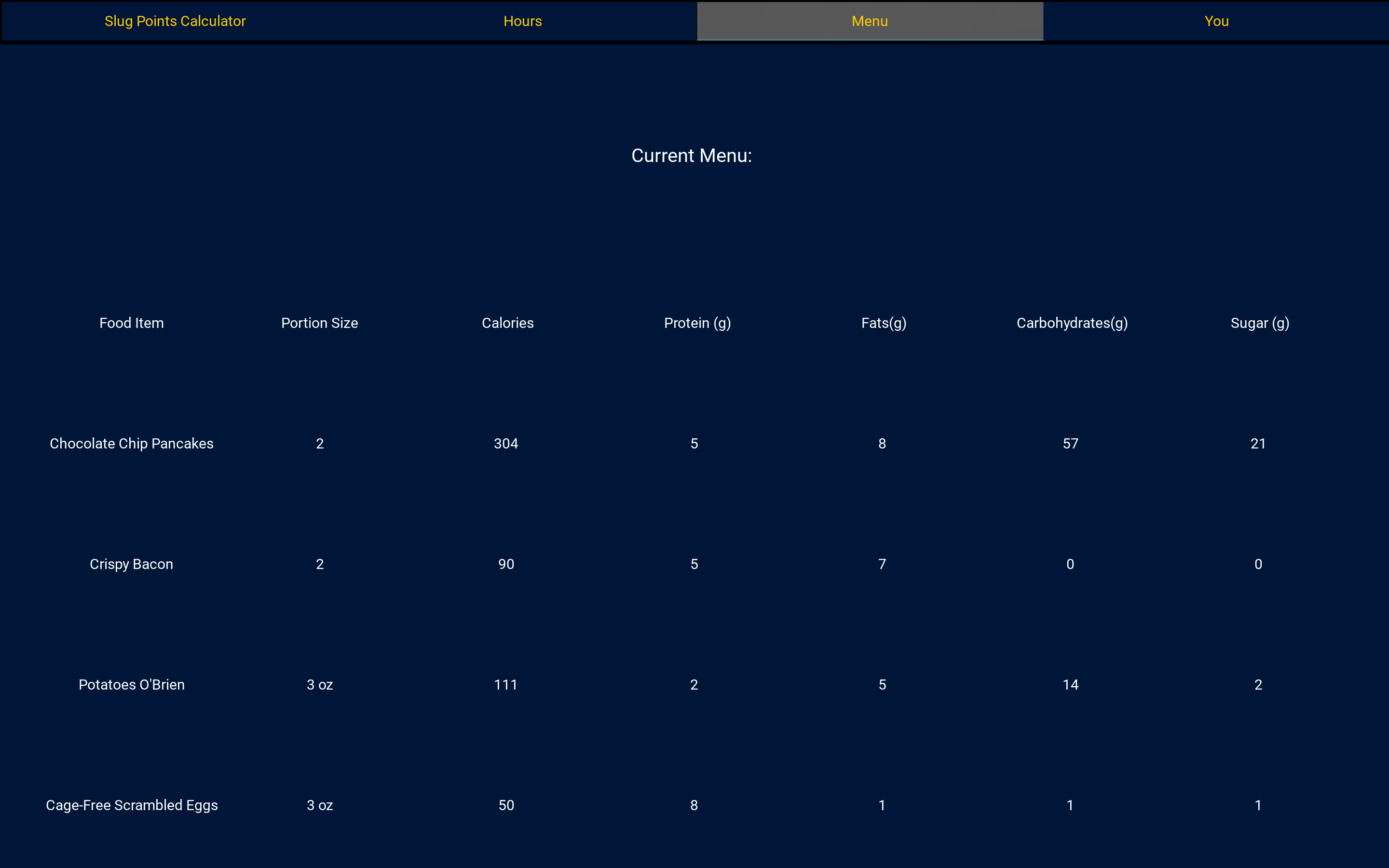
A menu section of the app which shows the food in the current mealtime and preferred dining hall.
-
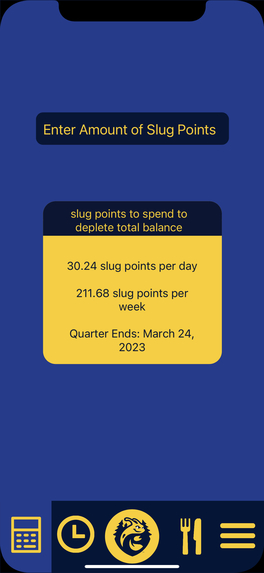
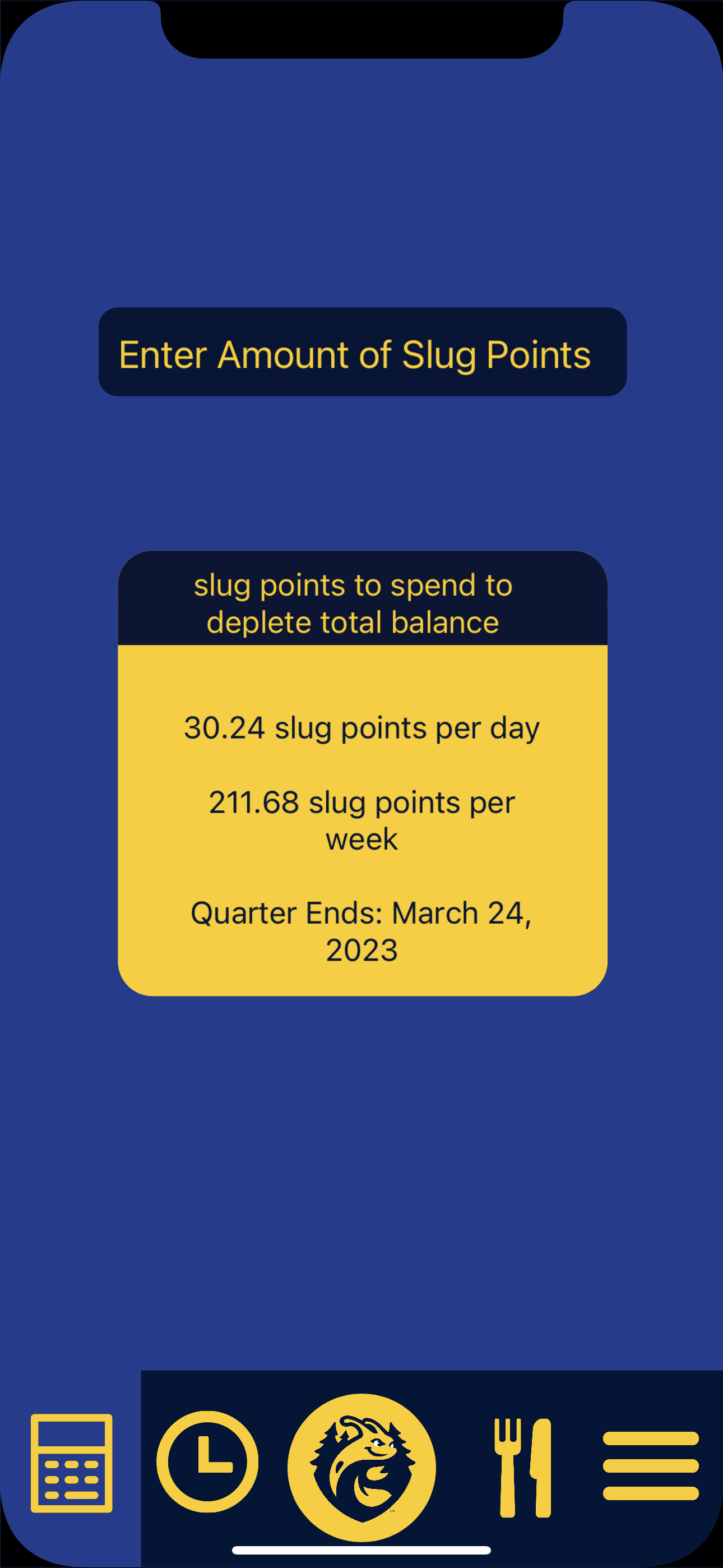
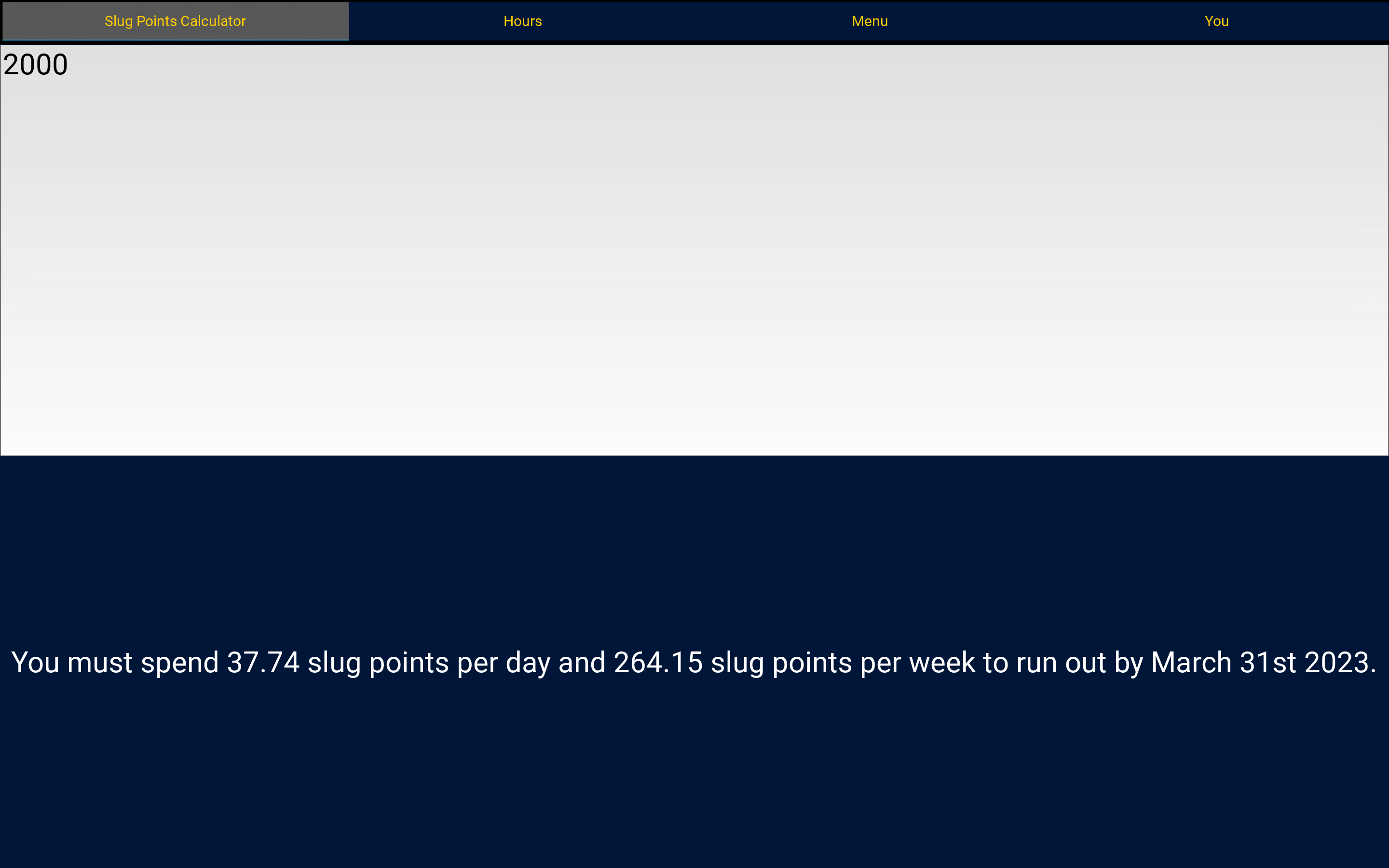
A slug point calculator that the user inputs their remaining slug points and gets the amount of slug points they must spend per day and week
-
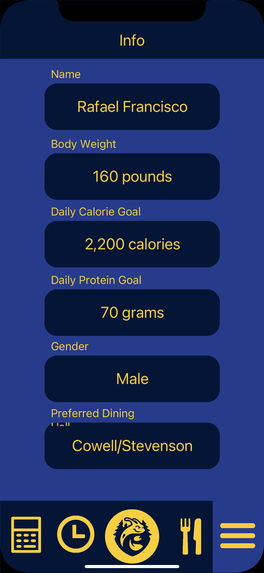
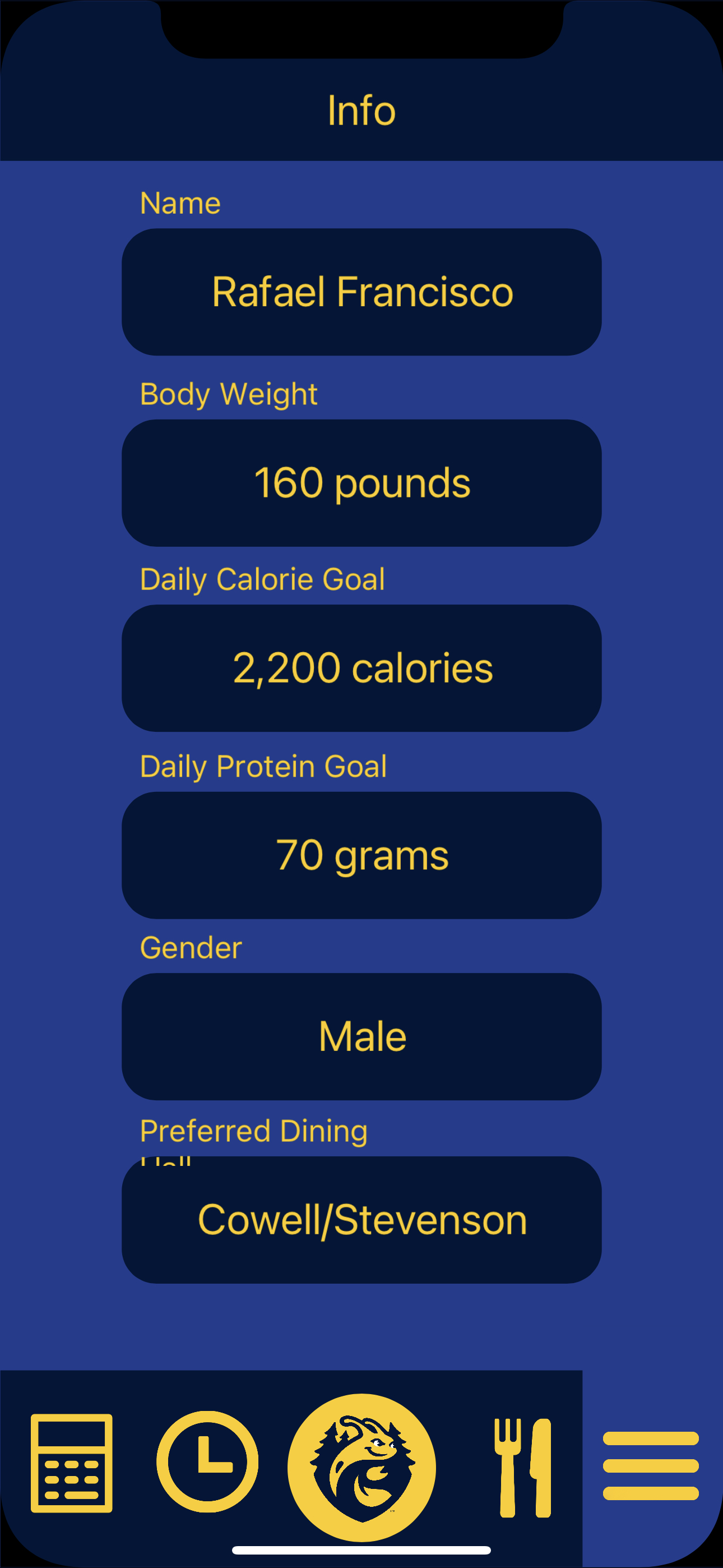
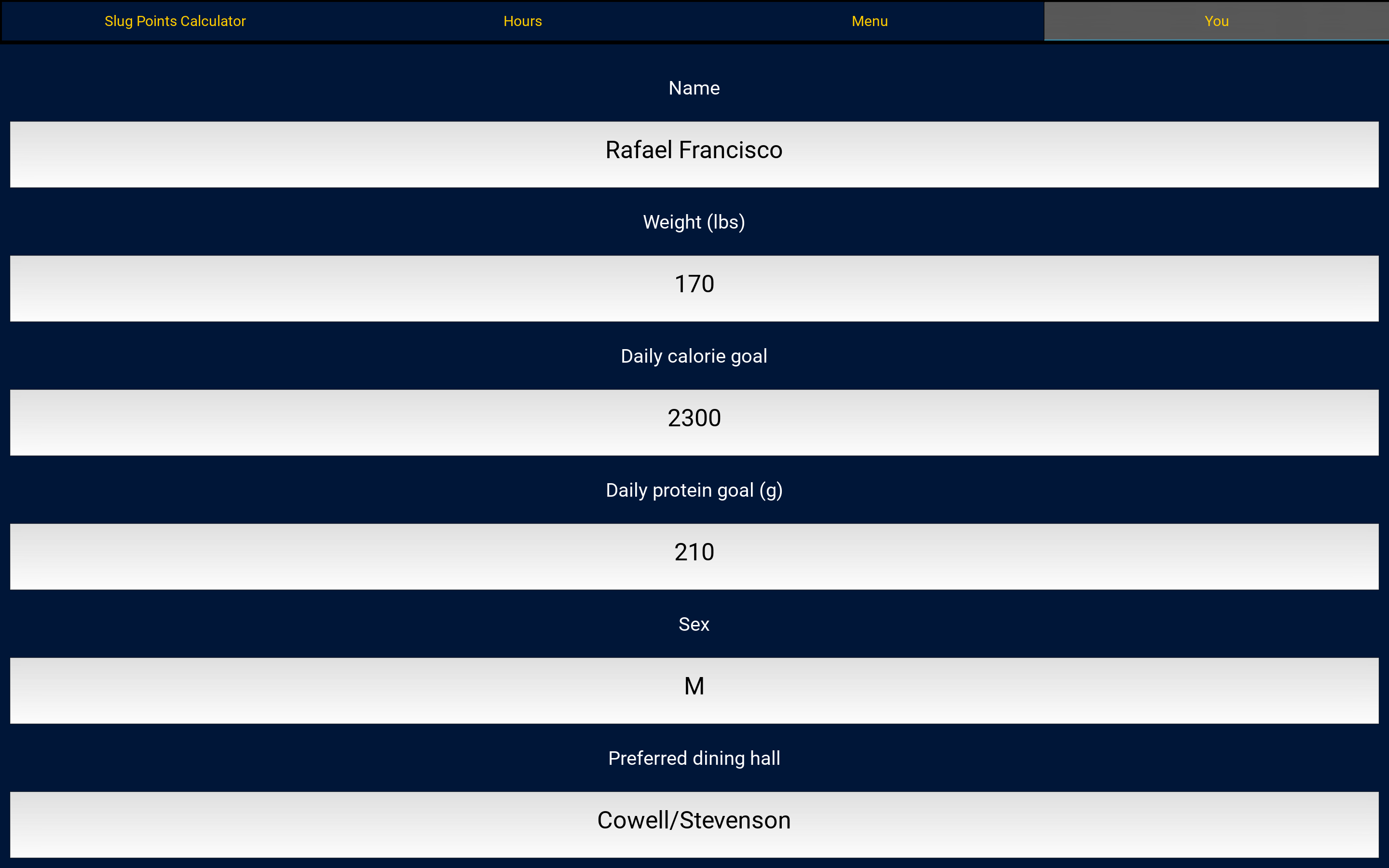
Menu section where the user can customize their goal intakes and other info about themselves to make the app more personal.
-
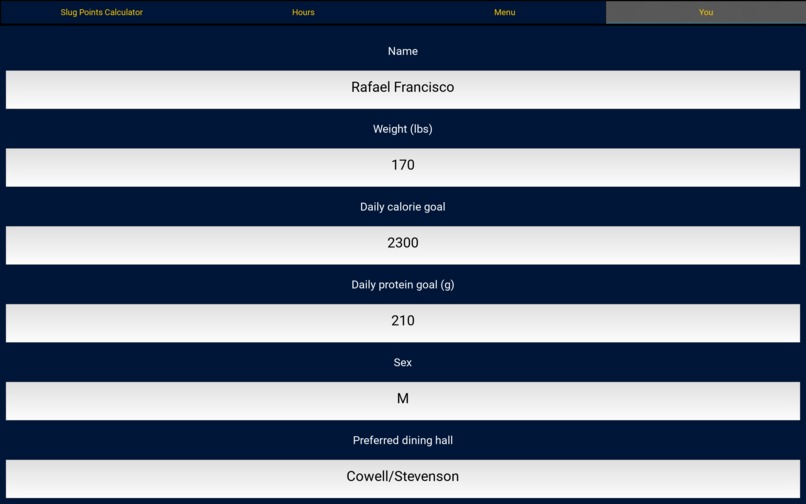
Personal Info page within GUI where you can enter things like weight and daily calories to help you reach your fitness goals
-
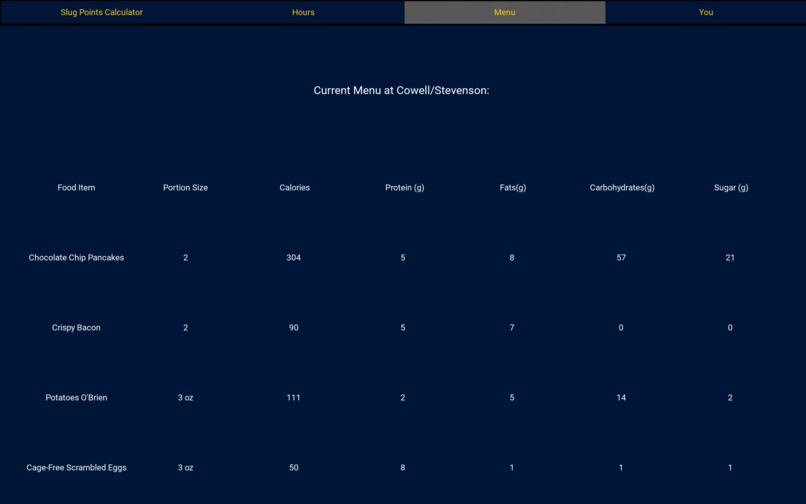
Current Menu page within GUI where you can see what is being served at your favorite dining hall
-
Page within GUI where you can view hours of operation for every dining hall
-
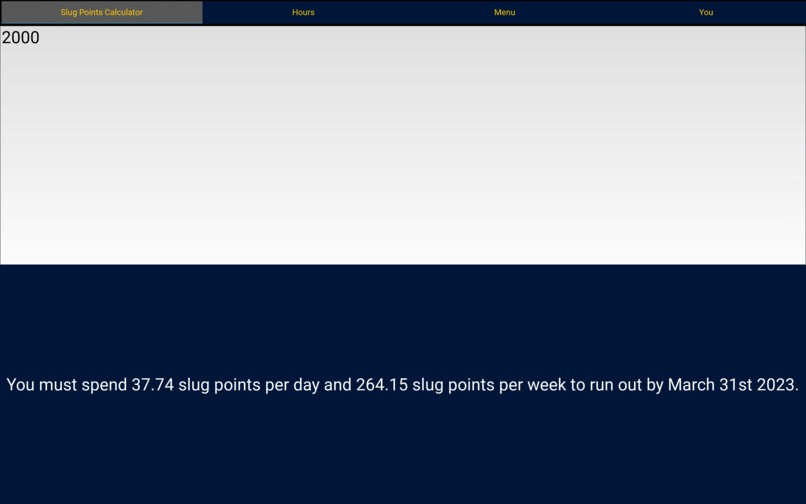
Calculator within GUI where you enter your Slug Point Balance and see how much you have to spend to use them before the end of the quarter
Inspiration
Our team was inspired to build this project after the slug point fiasco in the first quarter of this school year. We were told unused slug points would expire at the end of the quarter and we found ourselves with a combined 2,000 with only a week left in the quarter. We also wanted to pay more attention to what we were putting into our bodies when we got food at the dining hall, so we made the nutrition facts more easily accessible as the dining hall website is frustrating to navigate.
What it does
It allows you to see which dining halls are open with their hours of operation, along with the food that will be served with the nutrition facts displayed alongside it. You're able to enter information about yourself such as height and weight in order to calculate how many calories you should be getting daily. In a separate tab you can enter how many slug points you have and it will calculate how many you can spend per day to use them all before the end of the quarter.
How we built it
We built this application as a GUI using the Kivy framework for Python along with pandas to effectively display information through dataframes.
Challenges we ran into
None of us had prior experience with Kivy, and very minimal experience with pandas. As a result, effectively and efficiently using these for our goal was a learning experience with many challenges like our tables not displaying properly or in the correct area on the screen. Many hours were spent on stackoverflow and documentation trying to decipher Kivy syntax.
Accomplishments that we're proud of
We're proud of creating a functional, albeit admittedly far from perfect app to help the slug community be mindful of their slug points along with what they're putting into their bodies. We hope it can lead people on this campus to live healthier lives!
What we learned
Through this experience we learned that we are much more capable than we initially thought. Personally, I didn't believe we would able to deliver a functional application as there's so much I don't know, let alone something useful but this hackathon turned out to be exciting, enlightening, and a huge learning experience for all of us.
What's next for SlugEats
We hope to make the GUI's appearance much nicer and will work on incorporating matplotlib to graph your daily nutrients and record them according to what you eat each day. Eventually we wish to turn this into an app for iOS and Android so more people can have access.


Log in or sign up for Devpost to join the conversation.