-
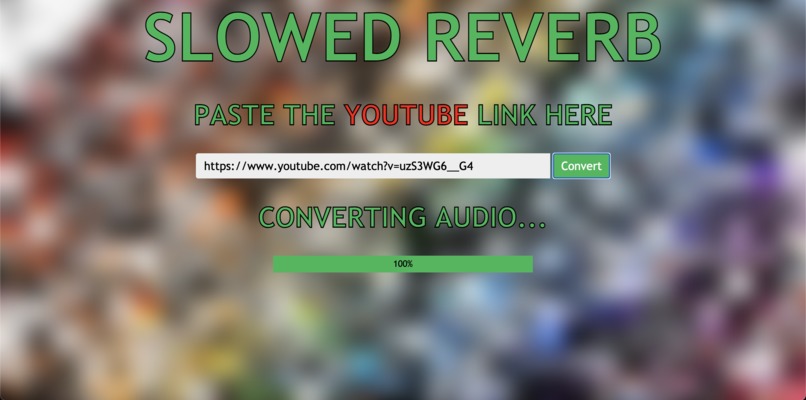
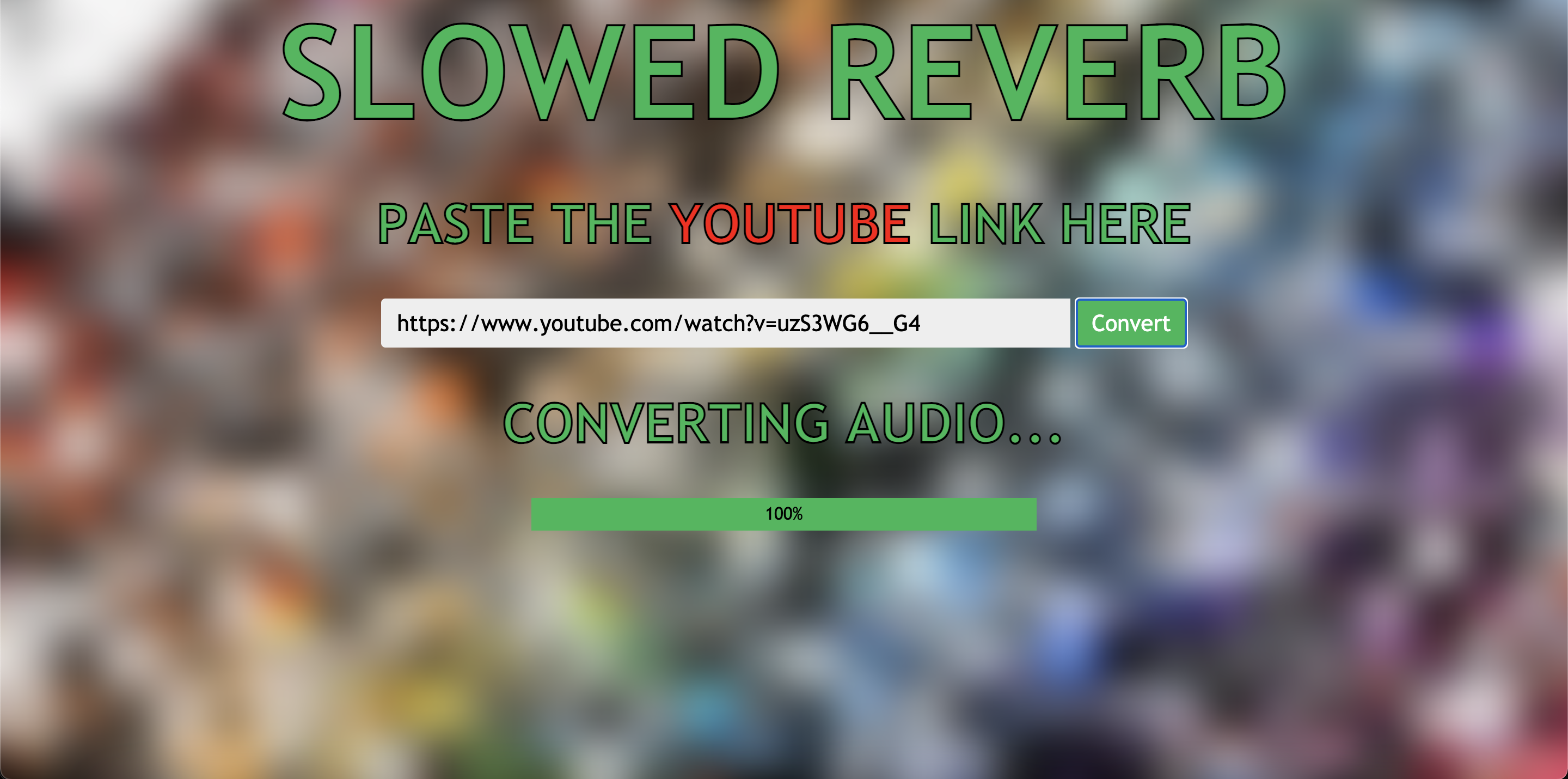
Homepage. Plug in a link, click convert and wait a bit for the file to download!
slowed-reverb
This program takes any YouTube link and applies a slowed & reverbed effect to the audio in the vein of the popular slowed/reverb edits on YouTube. This web application uses pytube by nficano, pysndfx by carlthome, pydub by jiaaro, and the Django web framework.
Usage
While this program is intended to be hosted on a server and available for people to use, it currently is not. You will need to install the program and run it yourself.
Installation is as simple as cloning this repository and installing the packages listed above. To run the server:
- Edit the file paths in settings.py inside the lists
STATICFILES_DIRSandMEDIA_ROOTon lines 31 and 35 to reflect the file paths of your static and audio files respectively. - In views.py, edit the file paths on lines 22, 23, 42, 43, and 44 to have the files point to the correct locations of the audio files on your machine.
- Make sure you are in the same directory as manage.py and run the command
python3 manage.py runserver(python3will vary depending on your Python version). - Visit localhost:8000 to see the homepage.
TODO
- Link server to a remote database to store audio files
Write a cleanup script to get rid of audio files after a certain period of time (ideally a few minutes)Backend automatically deletes filesFind way to convert audio file for use by pysndfx without needing pydubNow using MoviePy to convert audio- Speed up audio conversion process
Turn off autoplay on the resulting audio fileaudioelement in home.html prevents autoplay
Pull requests are encouraged and appreciated!
Created by Neil Gopal
Built With
- css
- django
- html
- javascript
- pydub
- pysndfx
- python
- pytube

Log in or sign up for Devpost to join the conversation.