Play Here (itch.io)
Github Link
Inspiration
The brainstorming process started with the prompt "Shrinking Resources", we came up with a bunch of ideas but we really like the idea of using the enemy as a resource (thereby "shrinking" the enemy into ammo).
The enemies were the first port of call as they were the key to the game loop. We decided on some cute physics based slime blocks. We thought this was both very fun to make, but also quite subversive to the gritty battle royale environment.
We decided we wanted fast and jumpy gameplay, similar to games such as Karlson or Borderlands, where you are encouraged to jump around and not stop moving. We thought this would contribute to the fast based combo system of the game.
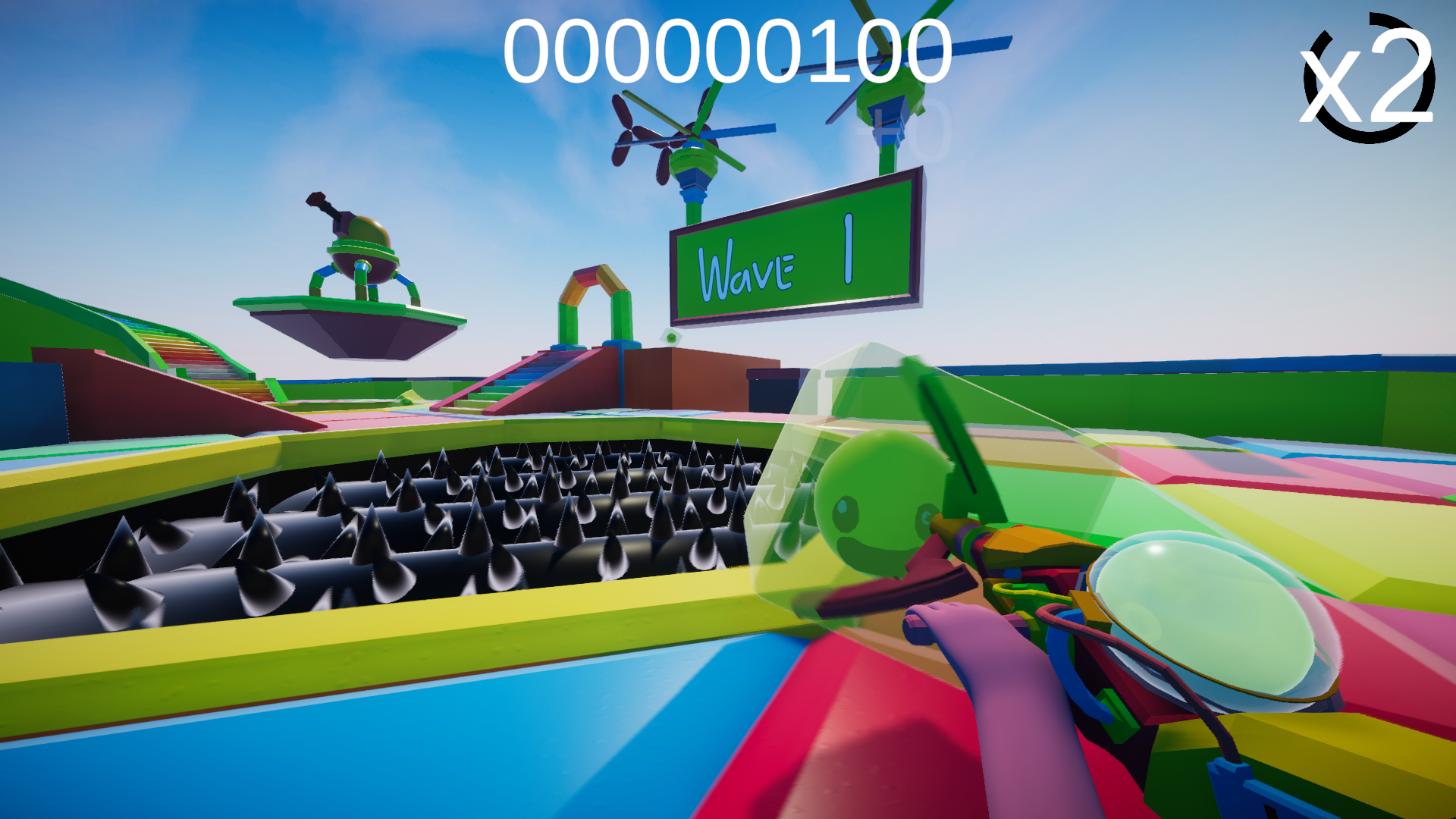
We also liked the idea of having some sort of hoover item to capture the enemies, similar to the weapon in Luigi's mansion. We decided to go with a grapple hook that you could reel in and out to catch the slimes.
After an hour of brainstorming, we got a trello board together and got to work prototyping.
I (Charlie) started off by working on the slime physics. By building a subdivided cube in blender with armature bones on each corner. I then built an internal spring system, connecting each bone. This resulted in a bouncy and pretty realistic slime cube. I then added a pathing system by calculating the path on a navmesh towards the player.
Matt started on the first person controller and the grapple gun. Matt got the grapple system working with a clever aim assist which locks onto the closest slime. After some tuning this felt amazingly smooth.
One of the first road bumps was the parabola system. Matt wrote a fantastic script which projects a 2D parabola onto a 3D plan. We ended up using this universally for this project for everything from slimes, to the player, to the slime cannons (a little on this later).
The slimes were now able to climb up the ramp and jump around to find the player. I then built the slime state machine, which handled whether they were in their attack or move state.
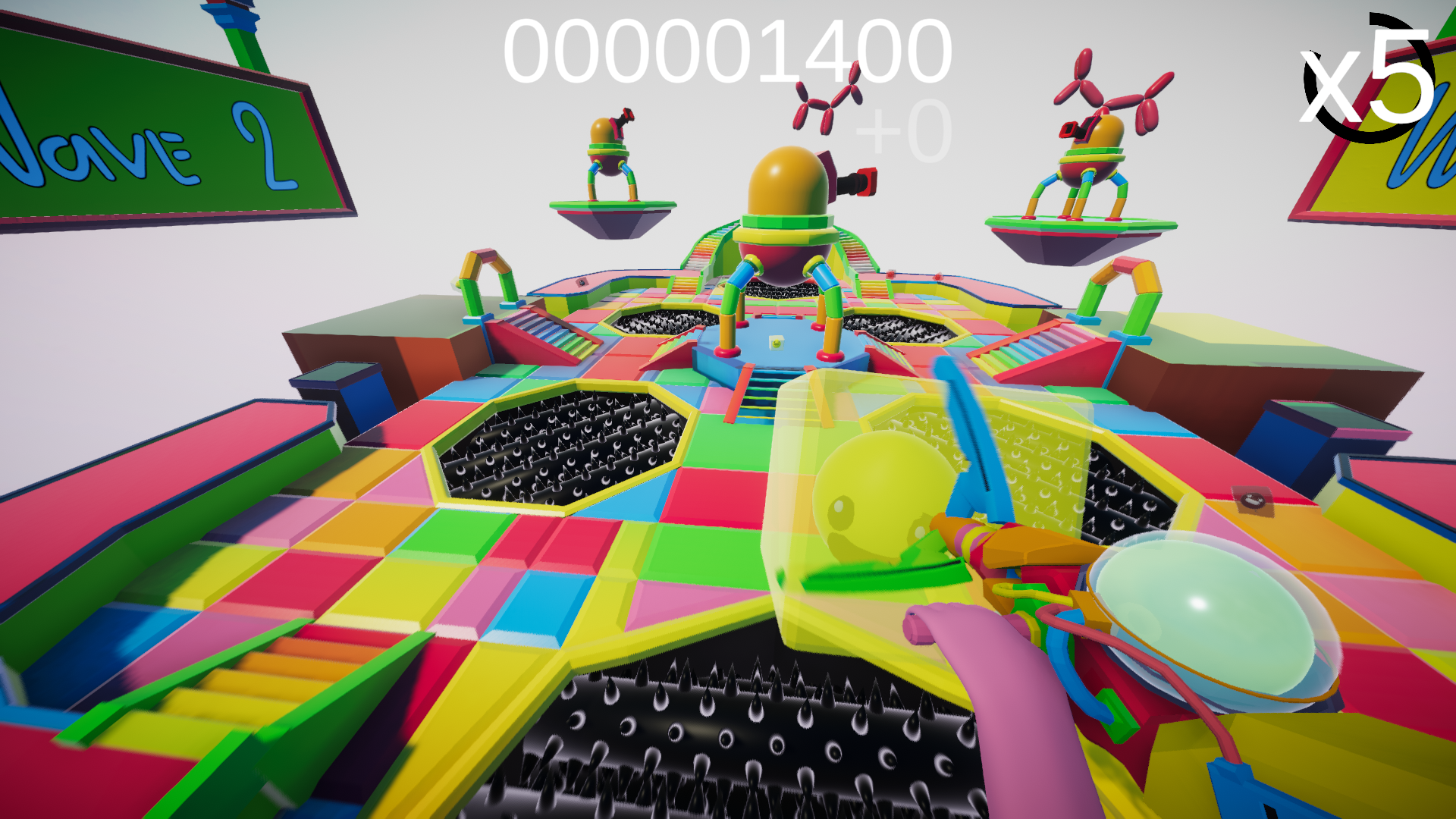
When making the slime types we wanted to ensure we had varied gameplay, we decided to create 2 attack slimes (wind and fire), and 2 disabling slimes (ice and earth). Our first main type was the wind slime, knocked the player back if they are in front of them. The fire slimes fire projectiles that knock the player black. The earth slimes knocks the player up and the ice slime slows the player down, which make the player vulnerable. This took a while but finally had 4 "working" slime types.
Matt then started hooking up the grapple system. We ran into a few issues working out how to connect our two systems, but Matt finally cracked it by playing with the collider type. He also finished the PlayerHandler script which was acting as the main driver for gameplay system communications working as an extension to the FPS Controller we were using.
I next started to investigated JSONs which I had never used before. We used JSON files to store wave information, which means we could essentially edit the waves from the outside easily. After a fiasco with Unity not allowing JSON arrays to be read, we found a great nugget of code that allowed this.
In this time I also made prototype models for the grapple gun, as well as the slime center which looks towards you.
After a stress test for the slime amount, we found our code to be quite efficient. We could fit as many as 200 slimes before it got to below 60fps.
Matt started working on the grapple gun to slime interactions. Now we had a working gun as well as a cute little slime spinning at the end of it and also implemented the wind type grapple functionality. Next he polished the system, and introduced a slime grinder with a score system for the core game loop.
I started working on the art for the game. I started off modelling the map. I took some inspiration from World of Warcraft arenas. I liked the symmetrical nature of Temple of Kotmogu. I got the map designed and started building some pagodas. As soon as I finished them something didn't feel right. We both agreed that it should be more fun to reflect the nature of the slimes. I instead took inspiration from the classic fair ground blow up assault courses and contrasted it with the dark and gritty slime grinders. The bright colour palette of the environment really brought the best of the style out. I also modeled these scary looking cannons that gave me "fairground meets the Incredibles" vibes.
Matt then started working on implementing the slime attacks onto the player and vice versa. The wind slime worked fantastically. He then got to work on the post processing stack and the lighting. This is when it started to feel like a game. During the time he also added particle effects for all the attacks.
Next I got working on the music. I wanted to create two contrasting pieces for the menu and battle arena respectively. They can seamlessly move between each other, as I composed them side by side. This meant I could manually crank the intensity of the stems between waves if I wanted to.
After finishing all slime telegraphs, Matt started bug fixing and refactoring. He also worked on the ammo system which took the form of a ball of liquid on the back of the gun. This meant the player could easily track how much of the respective slime they had left to use.
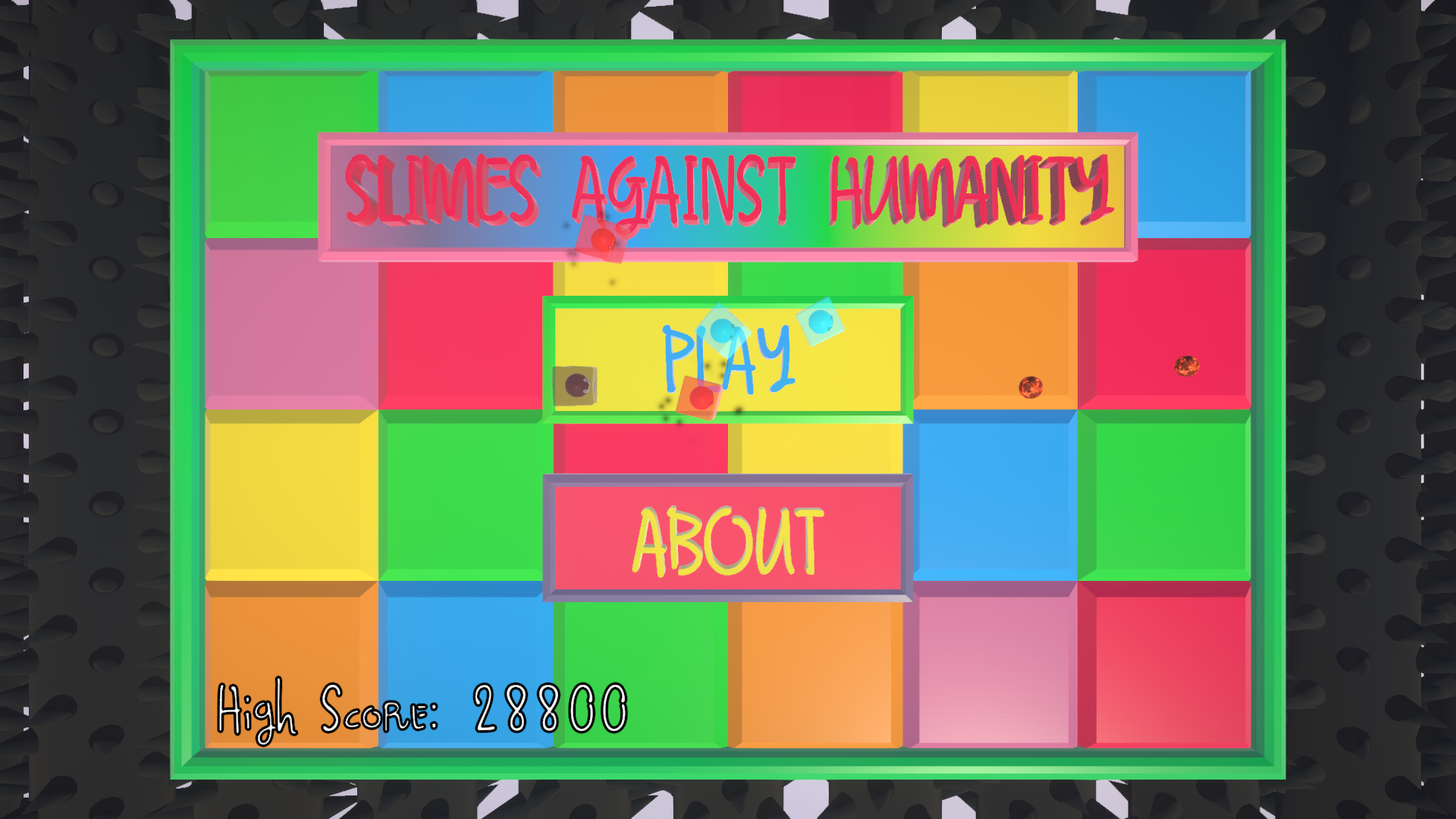
I started on the menu screen. I wanted this to be a world space menu, as it's a physics based game. I added slimes that would follow the cursor around and attack it. I also used procedural nodes in Blender to create a scene transition animation. I also started to build our actual waves for the game.
Matt now started to polish towards making a playable game build that we could send to friends for play testing.
We then spent Sunday morning finalizing game-play and producing the video and this page!
Both Matt & I have learned so much over the past few days. This is the first time I personally have worked with another member on a jam, and it was a fantastic experience. Durjam has been such a great opportunity for both us.
Thanks for reading and I hope you enjoy our game,
Charlie & Matt


Log in or sign up for Devpost to join the conversation.