-
-
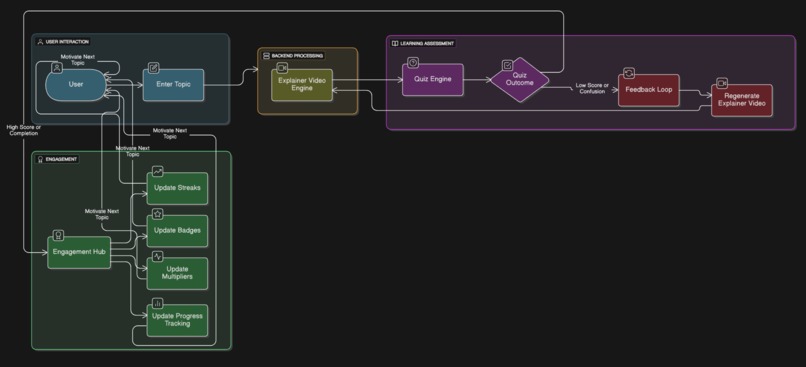
flow Diagram
-

slide sage logo
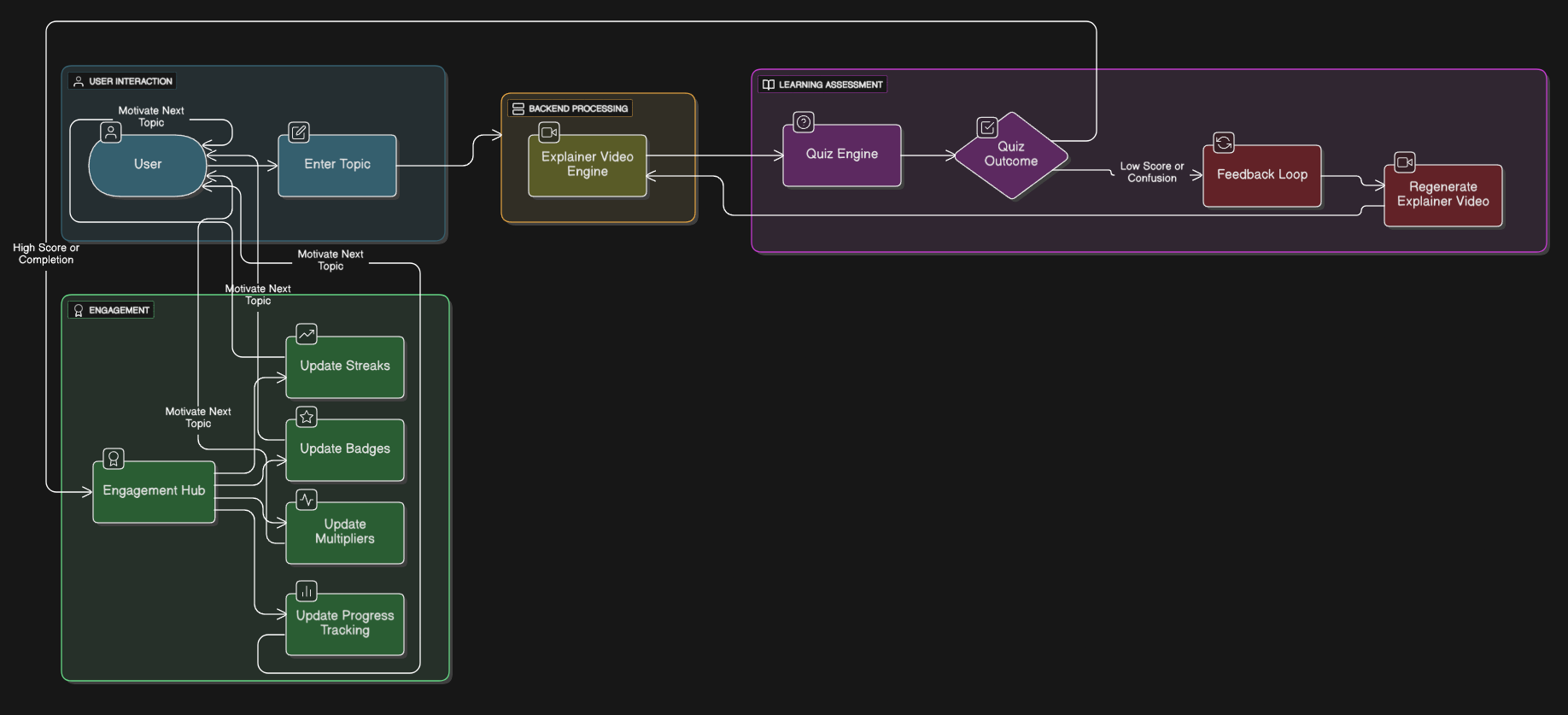

SlideSage is an AI-powered learning assistant that transforms dense concepts into short, dialogue-based explainer videos with quizzes, streaks, and badges. If a student doesn’t understand a concept the first time, SlideSage instantly regenerates a new video with fresh analogies or examples until it clicks. The goal: make learning adaptive, fun, and addictive.
𝐈𝐧𝐬𝐩𝐢𝐫𝐚𝐭𝐢𝐨𝐧: I’ve often sat through long slide decks or lecture notes only to feel more confused than before. I wanted a tool that could act like a personal AI tutor, breaking down complex topics in simple, dynamic formats. The inspiration came from realizing that students don’t need more slides—they need explanations that adapt when they struggle.
𝗛𝗼𝘄 𝗜 𝗕𝘂𝗶𝗹𝘁 𝗜𝘁: • Frontend: Built with Next.js, TailwindCSS, and shadcn/ui for a sleek, glass-like interface. • Backend APIs: Integrated with Groq for fast language model generation and Pexels API for fetching contextual visuals. • Video Engine: Custom scene engine that maps generated explanations into 30-second explainer videos. • Gamification: Added quizzes, streaks, multipliers, and badges to sustain engagement. • Adaptive Learning Loop: If a quiz score is low or feedback indicates confusion, the system regenerates explanations with new analogies until comprehension improves.
𝗪𝗵𝗮𝘁 𝗜 𝗟𝗲𝗮𝗿𝗻𝗲𝗱: • How to design adaptive learning flows that respond to user understanding. • Effective use of LLM APIs and multimedia APIs for dynamic content generation. • The importance of user engagement mechanics like streaks and gamification. • Trade-offs in real-time video generation vs. performance and API limits.
𝗖𝗵𝗮𝗹𝗹𝗲𝗻𝗴𝗲𝘀: • Making videos dynamic: Initially, the system only generated static slides. Converting this into actual short videos with narration was a big leap. • Feedback loop: Designing a way for the app to detect when users didn’t “get it” and regenerate meaningful alternative explanations was tricky. • Performance & cost: Generating videos and quizzes quickly without overwhelming the APIs required optimizations in caching and API call management. • UI consistency: Balancing a modern, dark-glass design while keeping the app lightweight and responsive.
𝗡𝗲𝘅𝘁 𝗦𝘁𝗲𝗽𝘀: • Interactive Roadmaps: Break topics into sub-concepts with visual progress bars so learners can track their journey step by step. • Community & Sharing: Enable users to share custom explainers, streaks, and badges—making learning social and collaborative.

Log in or sign up for Devpost to join the conversation.