Inspiration
Accessibility in education is an extremely important topic across Australia and abroad. Students who travel overseas to study often have a solid grasp of the required languages of that country. But when it's already hard enough to understand lecture content itself, having an additional language barrier extending to understanding the intricacies of a language hinders learning.
We wanted to remove this hurdle and allow any student to understand lectures in any language.
What it does
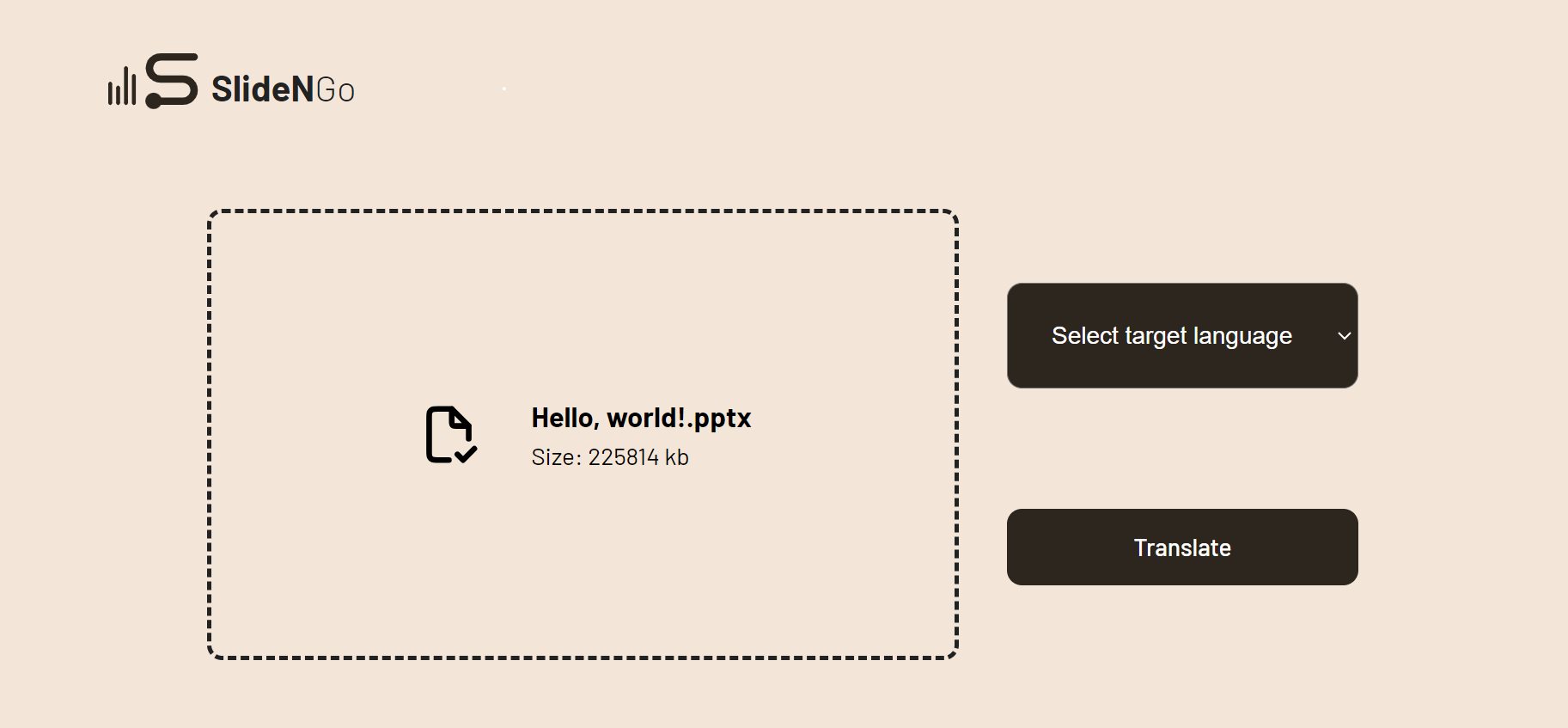
SlideNGo takes in lecture slides and replaces every piece of text within the slide with a translated version in a range of different languages. Often, lectures contain context in the form of a screenshot from a textbook or table uploaded as an image. We use OCR (text recognition) to read the text from the image and then provide a slide annotation with the content from the image. This guarantees that a student never has to worry about understanding lecture slides regardless of slide format.
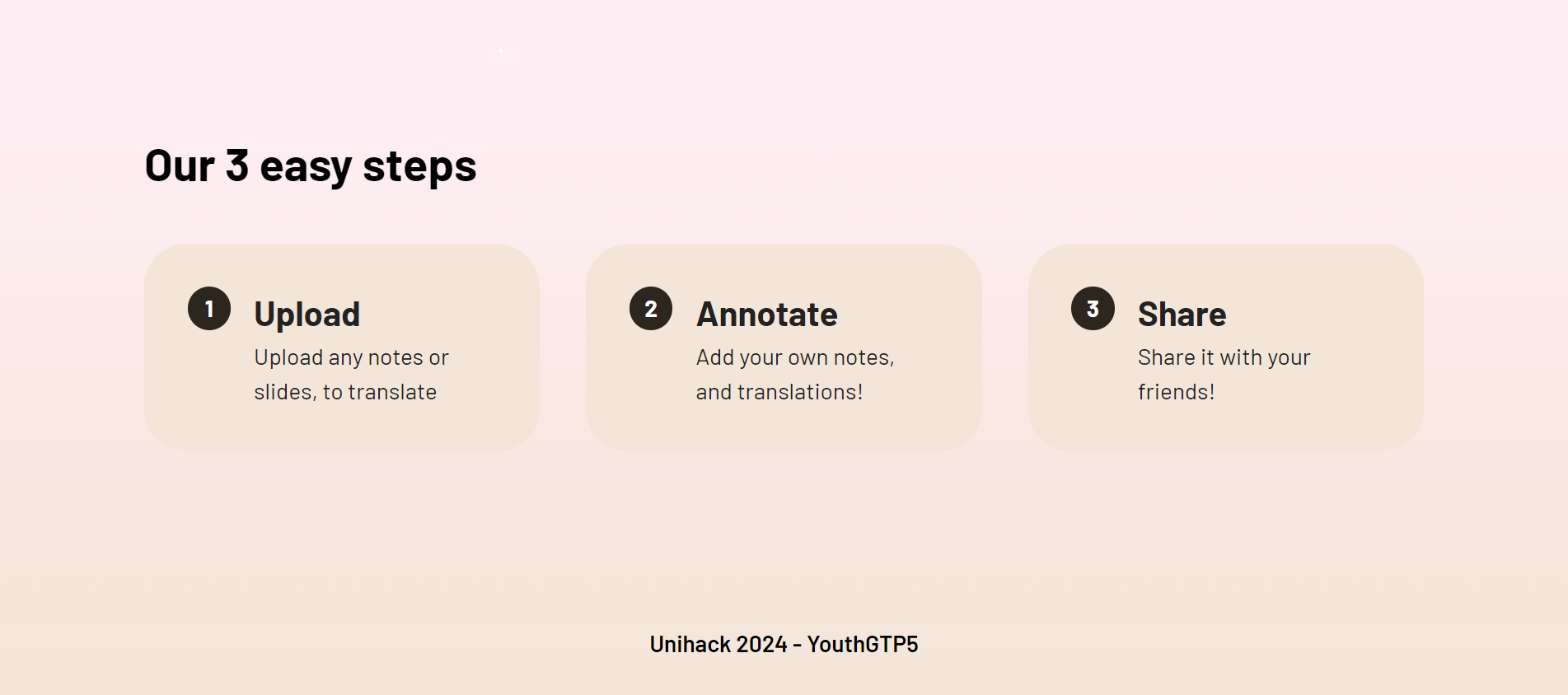
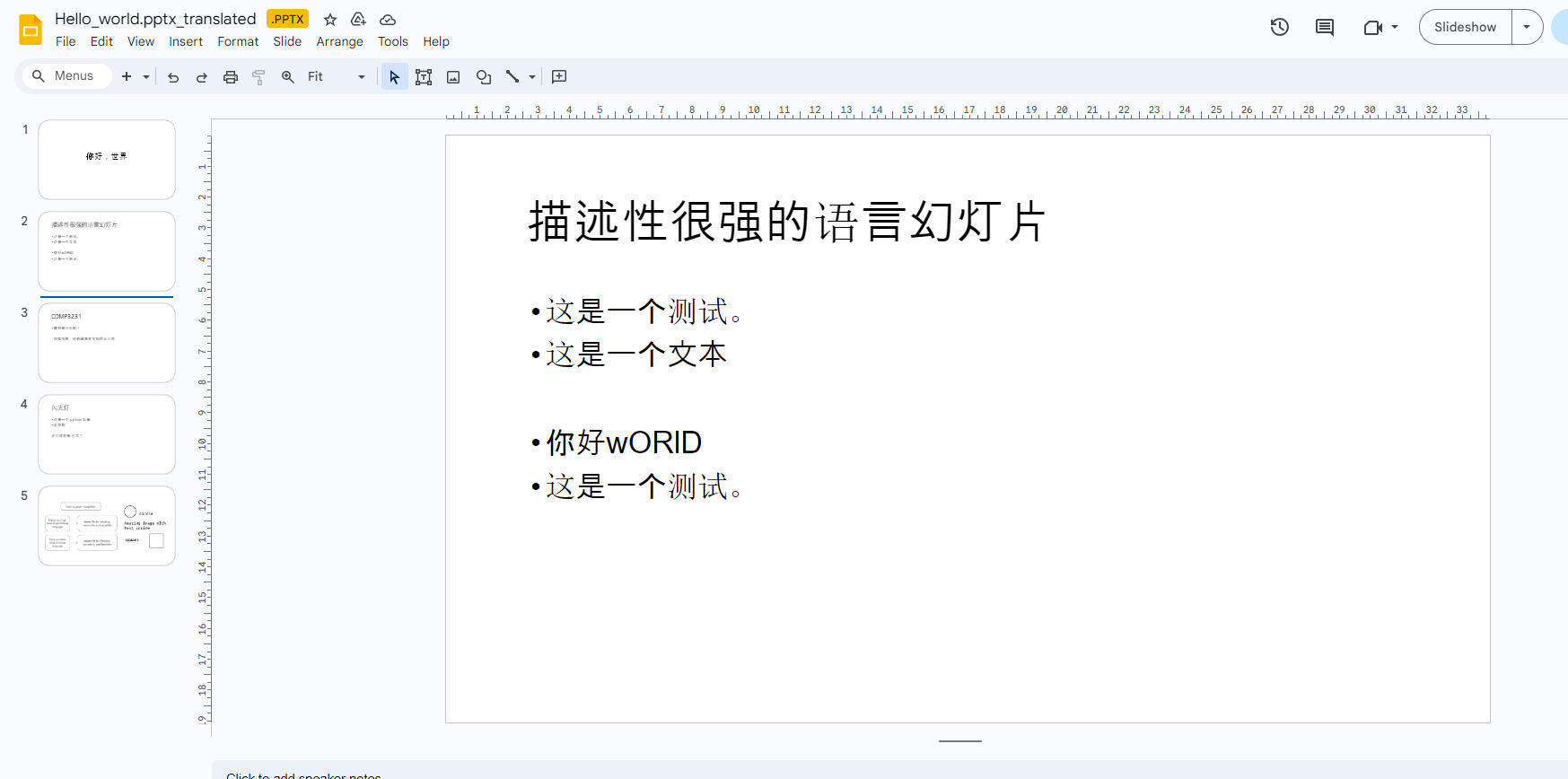
After slides have been translated, we wanted a way to add any extra annotations and make any additional changes. We also wanted an easy way for people to potentially help their friends as well using our translated slides and their additional edits. We accomplish both of these by uploading the slides to Google Slides and providing a shareable link that anyone can use. This means that the slides can be shared with anyone, and realtime edits can be made seamlessly using existing technology that already works really well.
Our user interface is extremely intuitive, designed for anyone to be able to use easily with icons in addition to text, and an easy-to-distinguish colour palette.
How we built it
We created a frontend using React and a backend in Python with Flask for the web server. We first designed the frontend to make sure it was extremely intuitive and then implemented it alongside the backend. There are three core features of the application:
Text translation - this was implemented using the python-pptx library which allows for reading from PowerPoint slides and replacing text. Our code first gathers the text from each slide, translates the text and then replaces it in the exact position of the original text to maintain any intricate formatting. To translate it, we used the DeepL API. We selected DeepL as our translation tool because it forms much better than Google Translate and similar tooling. It understands context effectively and provides accurate translations in a large number of languages.
Image-to-Text - this was implemented using a text to image API provided by API Ninjas. This API was used for its low latency and because the API output provides the dimensions/positions of the text which gives us more options when implementing spatial recognition features (locations/size of text gives context to the translations).
Uploading slides to Google Slides - This was done using Google's API which allows for the uploading of slides to one's Google Drive. This is highly effective because it seemlessly provides a cloud platform that allows users to edit and collaborate on translated slides.
What's next for SlideNGo
There are so many rich features to add to this project in the future. Incorporating voice recognition from lecture recordings and using these to provide useful annotations on each lecture slide could greatly increase understanding. Another useful feature to be added is a minimal annotation mode where it is possible to only provide a concise summary at the bottom of the slide in the translated language and leave the majority of the slide as is. This would allow students to learn any extremely context-dependent content in its original language while providing a bit of additional support to them.


Log in or sign up for Devpost to join the conversation.