-
-
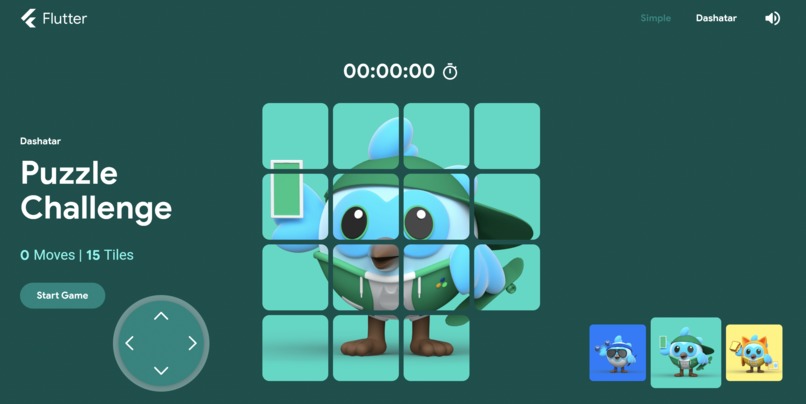
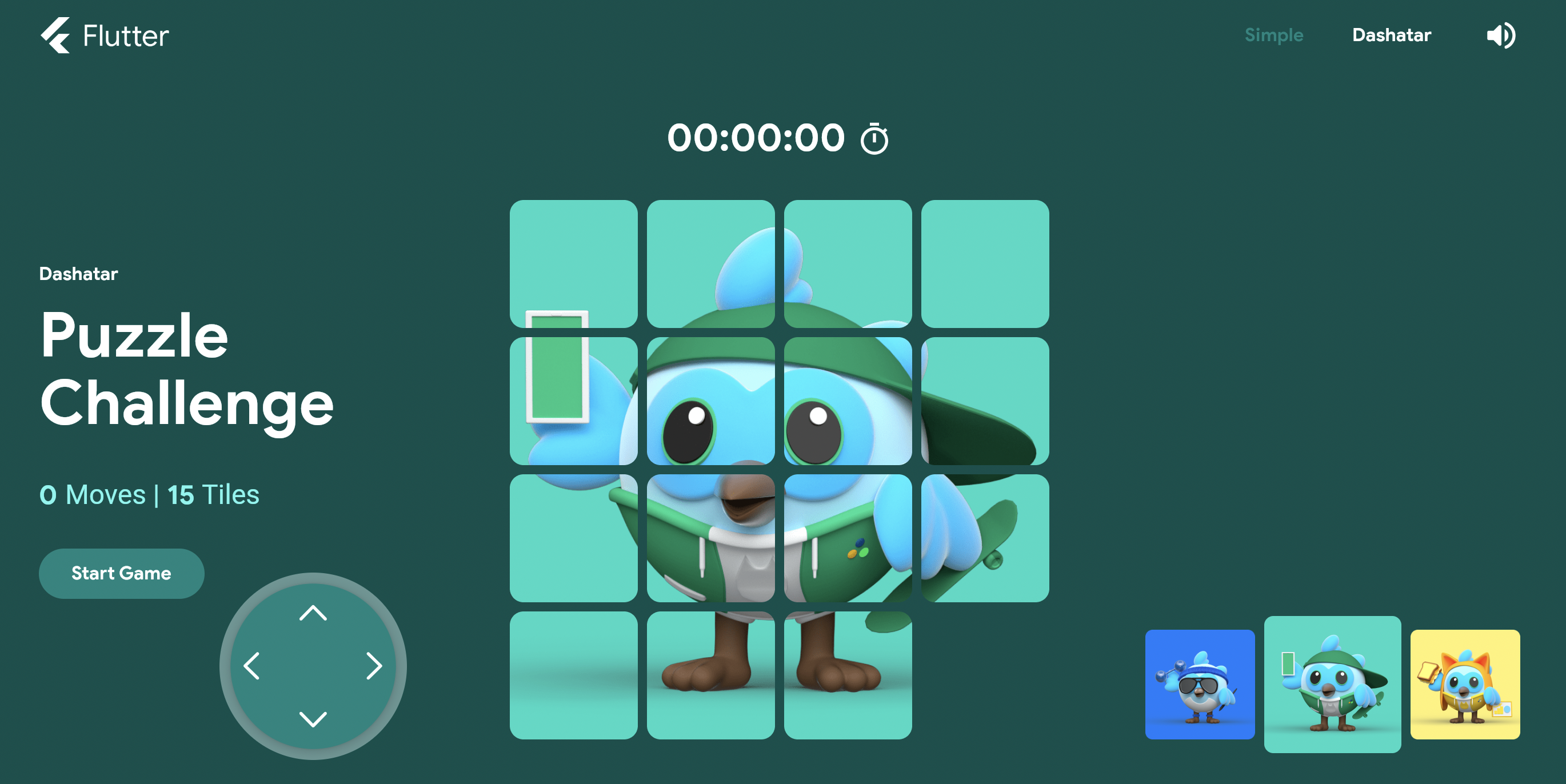
Flutter Slide Puzzle with Arrow Pad
Inspiration
I was going through the project. I tried to build the project and was running it in my local, my brother suddenly came and pressed arrow keys with enthusiasm to play the game. It is when I thought not all want to just go clicking the tiles and want to use arrows. It was possible when on desktop. But, not on other devices (non keypad). That is when I got the idea to include a widget which has arrow keys and can cover that part of the users.
What it does
The basic functionality is almost the same as the product from Very Good Ventures. The additional features it has are:
1) It includes an ArrowPad widget which helps to utilise keys to answer the puzzle.
2) In Dashatar tab, there is no proper visual feedback when arrows are pressed. So, this includes a small scale animation to provide feedback when a tile change places.
How we built it
I recently created an ArrowPad widget which was meant to be used in a particular game (side project). But then, I had to make it as a package arrow_pad as it might as well be helpful for others to reduce completely working on it's working.
This helped me to directly import the package and start working. I had added this widget for 2 tabs - Simple tab, Dashatar tab. The application is responsive, so should the widget be. I made it responsive for most of the screen sizes which the project already supports.
After this, I had added a small scale animation when the tile changes it's position. Which not only responds to click, but also when using arrows. This makes it independent on the mouse region/click.
Challenges we ran into
There are a few challenges which I faced:
The first one being the setup of the project. It was working fine when I ran the basic code in the web, iOS. But not on android. I had to upgrade the gradle of the project, then a few other issues like compile version to make it run on the device.
Where to add the arrow pad widget, and how it doesn't disturb the layout when different sizes. I had to test a lot of different size screens and different sizes of the widget so as to not cover other widgets, and properly layout by changing other widget positions. It was a lot of time taking task.
There was a problem searching and finding the part where the work of animations is. After searching and finding it, I tried to include the animation for the feedback even when the keys are pressed. That is to make it undependable on press. I had updated the animations in the widget to support that to work properly. The tile shouldn't animate all the time (eg. when shuffling). It should only animate when the user is ready to click. It should also return back to normal after movement.
Accomplishments that we're proud of
I am proud of what I thought I would do and had finished those. Even tho there might be more additions to it. But, these might act as some kind of basic features which might improve the user experience and reduce dependency.
- Addition of Arrow key pad
- Removing dependency for animating the widget (dependency for click)
What we learned
As an intermediate developer of flutter, I had learned a lot of things from the codebase like defining a set of screen sizes to work for layout, building the widgets with better performance, using localisations and such other things which are not related to just widgets but the application as a whole.
What's next for Slide Puzzle
There is really a lot which can be done. Nothing has a proper end to it. A feature which I could think of:
- Move the arrow pad to any place on the screen where the user feels comfortable and play from there


Log in or sign up for Devpost to join the conversation.