-
Home
-
Goodnight, Moon
-
Sleep Log
-
Keeping Track
Inspiration
How much time do you spend in front of a computer a day? 6 hours? 10 hours? With the current virtual environment, technology use has grown infinitely. And with it the amount of blue light our eyes are exposed to. This blue light makes it difficult to go to sleep. As students and those working from home are expected to increasingly spend their day on computers with few breaks, the innate circadian rhythms are shifted. With sleep being one of our most pivotal biological requirements, such a shift in circadian rhythms can have a drastic impact on health.
Hi! My name is Vasumathi Venkat, Srinidhi Venkatesh, and Pragya Singh. As high school students, we know the struggle to balance homework and school with healthy sleeping habits because the boundary between desks and beds has been erased. It is difficult to regulate technology use and sleep schedules. To alleviate this problem, we have created SleepSchedule.
What it does
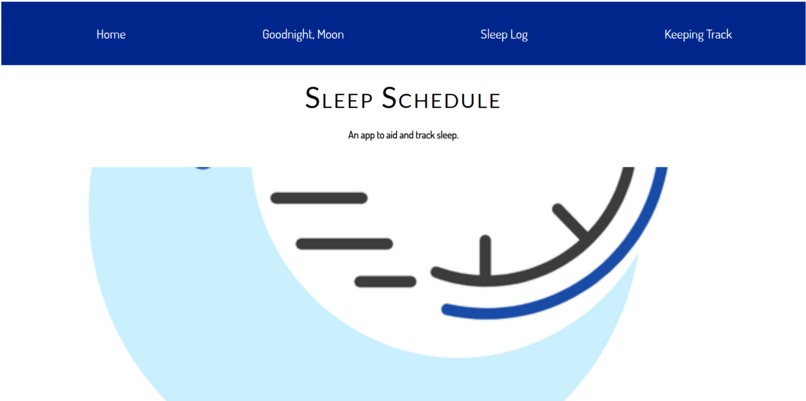
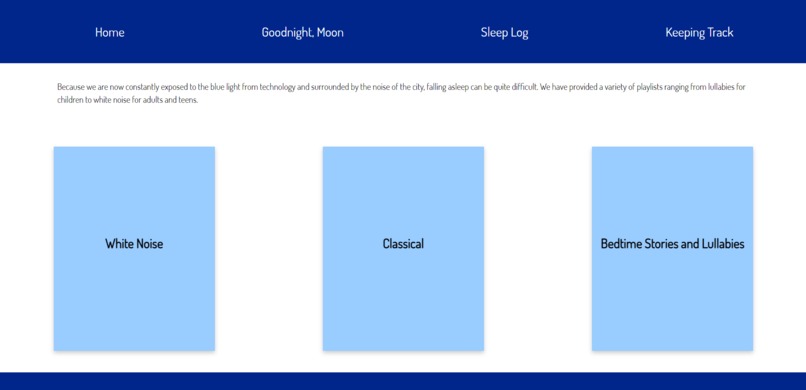
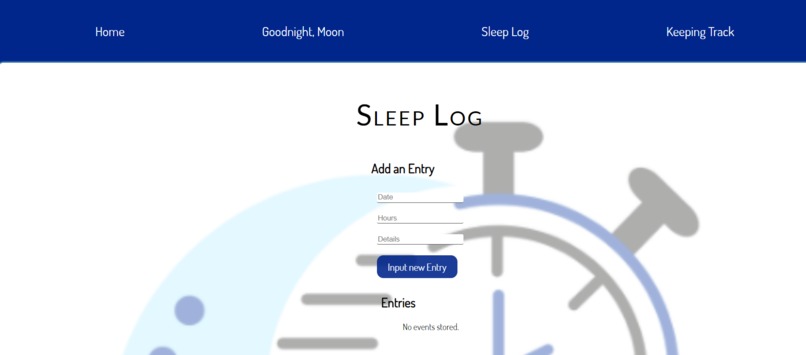
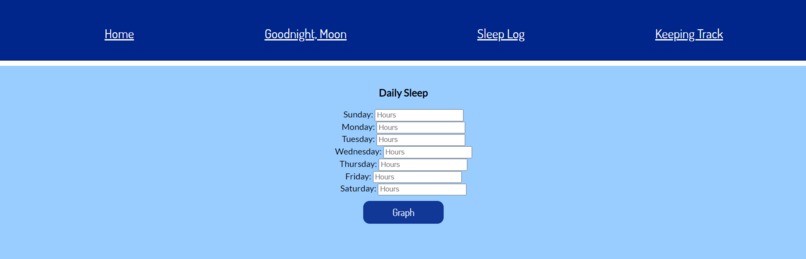
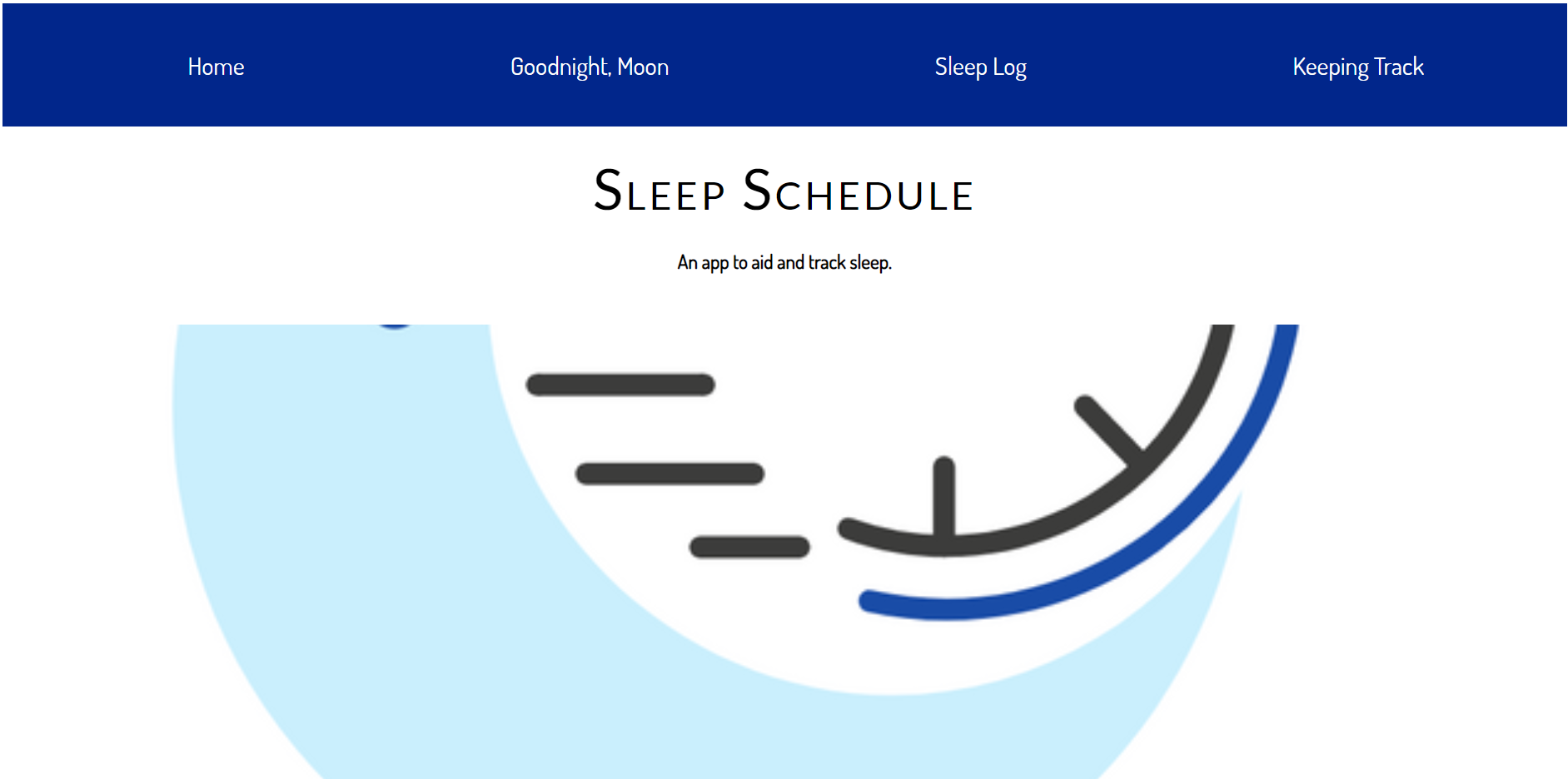
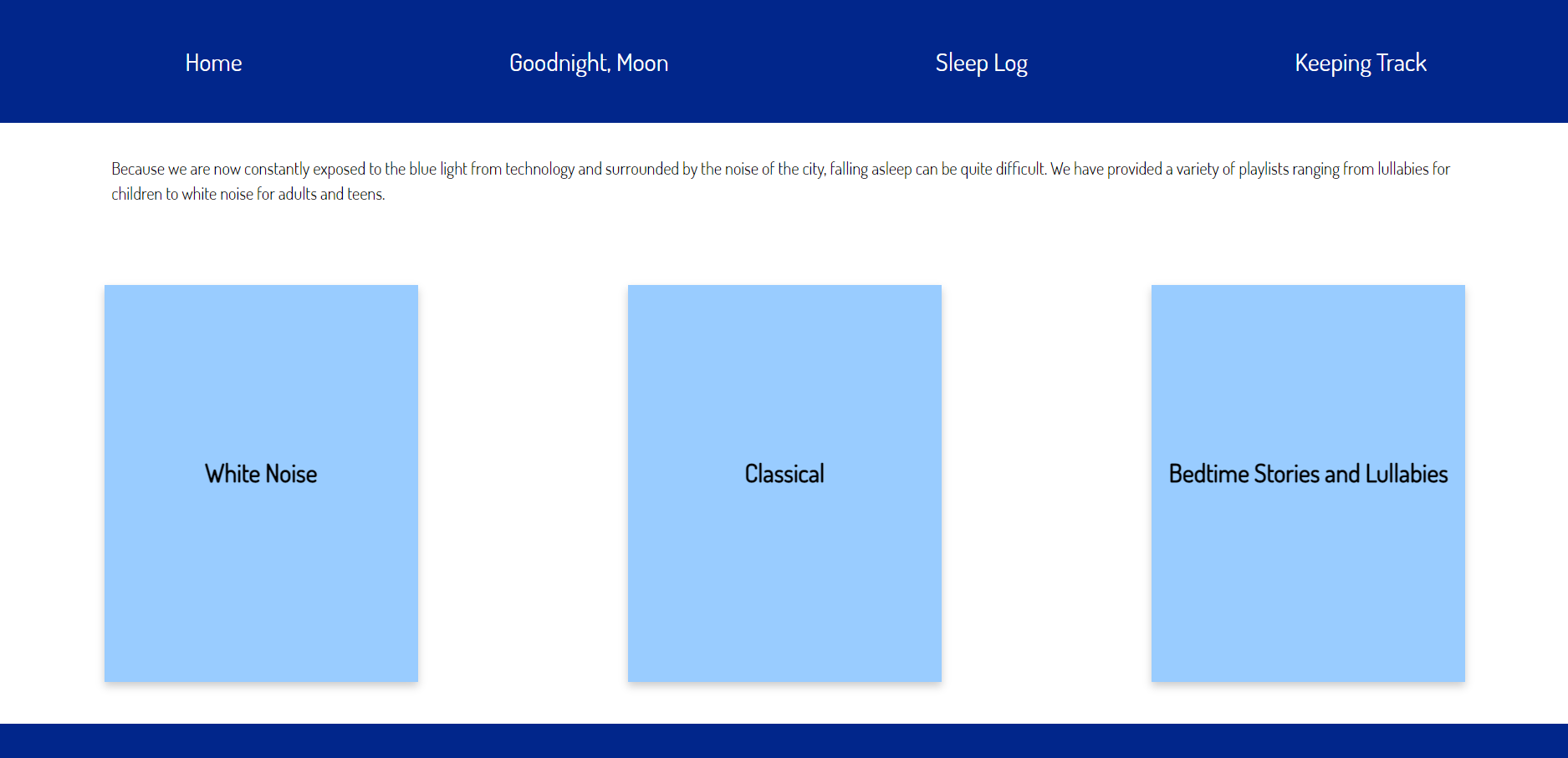
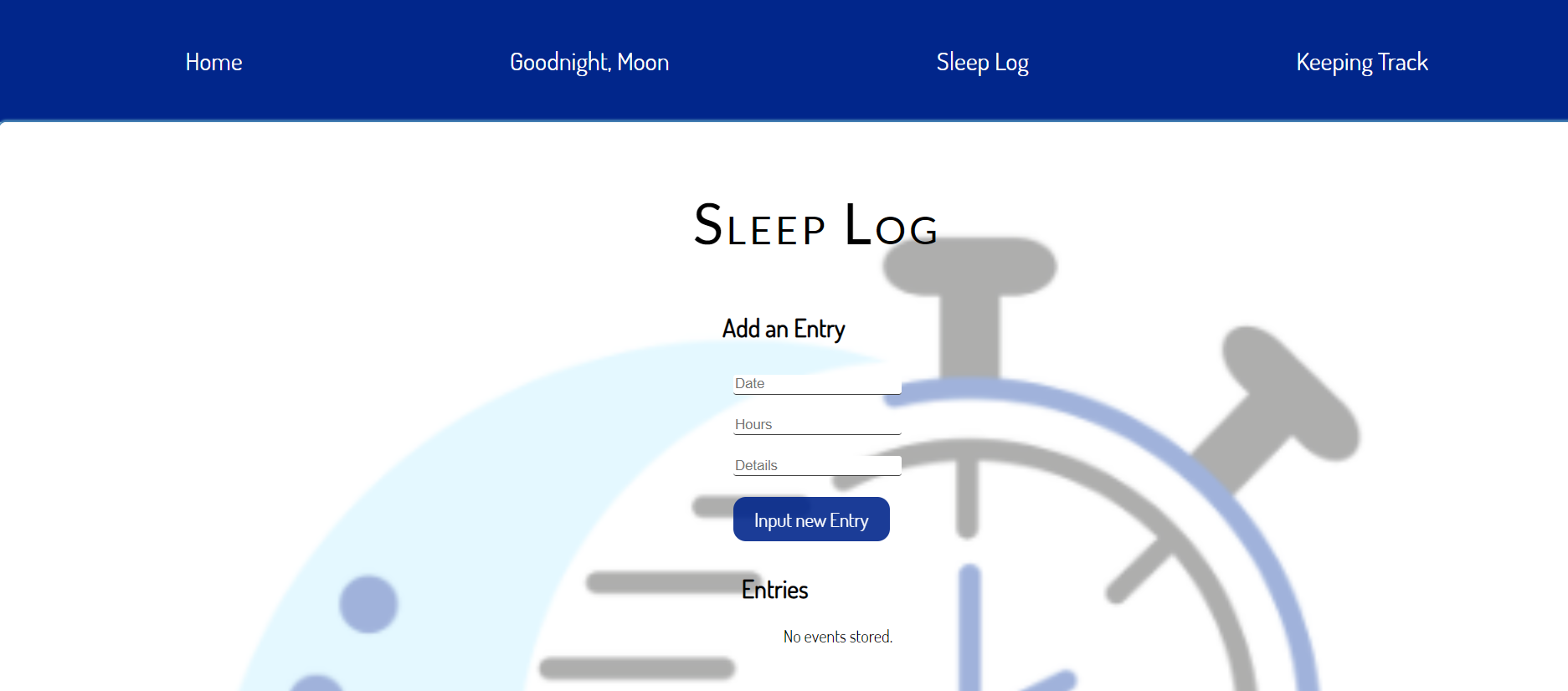
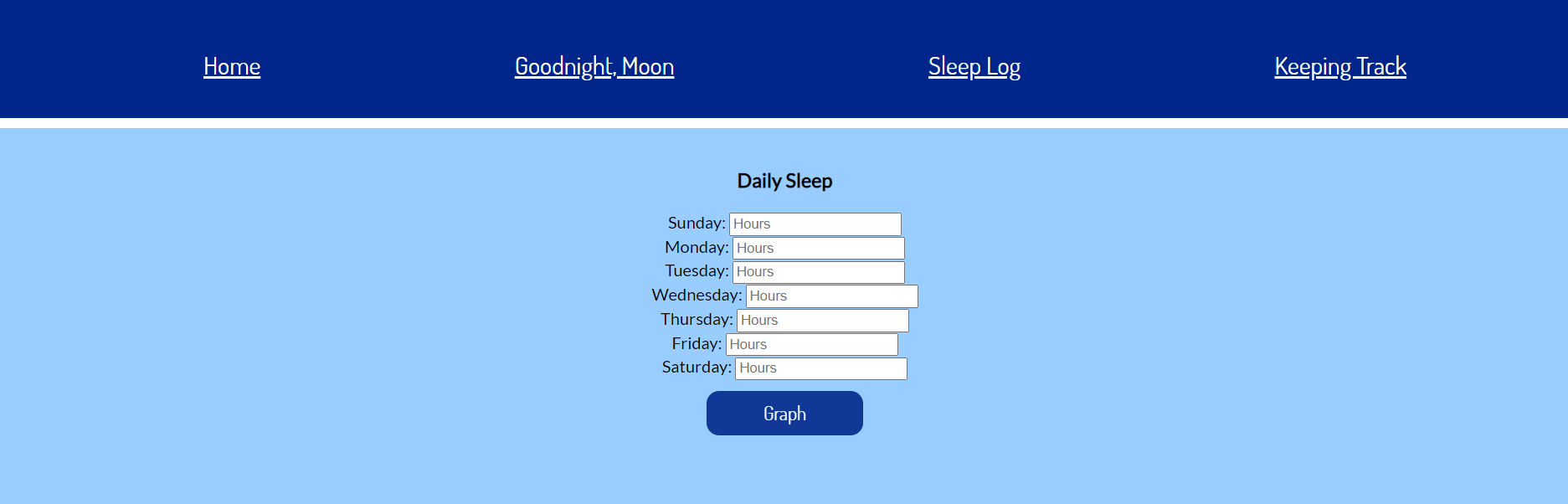
SleepSchedule creates a simple to use yet pivotal space for you to track, log, and analyze your sleep patterns. SleepSchedule provides you with a basic overview of the psychological aspects of sleep. Other features include a set of playlists to stimulate peaceful sleep, a sleep tracker, and a sleep log. On this tab, playlists intended for all ages have been embedded using Spotify Developer and displayed on flip cards. The sleep tracker allows you to input your weekly sleep data and see a graphical interpretation of your sleep patterns, which will allow you to determine your general sleep schedule. The sleep log allows you to input and save any details or important information about your sleep pattern that you might want for future reference. Ultimately, this web app provides your one-stop location to discover and develop healthy sleep patterns.
How we built it
We built this web-app using raw HTML, CSS, JS, Bootstrap, Chart.js, and jQuery. We used the HTML for any form data, text displays, and any basic website structure. The CSS and Bootstrap helped style elements of the website such as fluidity, font, nav bars, footers, flip cards, and parallax scrolling. The javascript, particularly jQuery and Chart.js, allowed us to help create the graph and the sleep log. We integrated these elements to create our product.
Accomplishments/Hurdles
We each overcame our own hurdles to create the product. Some of our greatest accomplishments include learning how to use local Storage, combining bootstrap with CSS to style the website, utilizing a JS based database system to input and display data, and learning Chart.js to display inputted data in a user-friendly manner. Improving our very basic HTML and CSS knowledge to also incorporate JS libraries and Bootstrap from scratch for this project was a huge accomplishment, particularly with the short time period.
What's next for SleepSchedule...
In the future, we would like to integrate our app with data from smartwatches, such as Fitbits or a health app, to better determine quality of sleep and improve ease of use. Thus, the user would no longer have to input data manually. This smooth transition would allow for an AI algorithm to analyze this data and alert the user accordingly. Furthermore, with such data, we would be capable of including expanded functionalities, helping our app’s users gain a better night’s sleep.
Built With
- bootstrap
- charts.js
- css3
- html5
- javascript
- jquery


Log in or sign up for Devpost to join the conversation.