-
-
slide 1
-
slide 2
-
slide 3
-
slide 4
-
slide 5
-
slide 6
-
slide 7

Inspiration
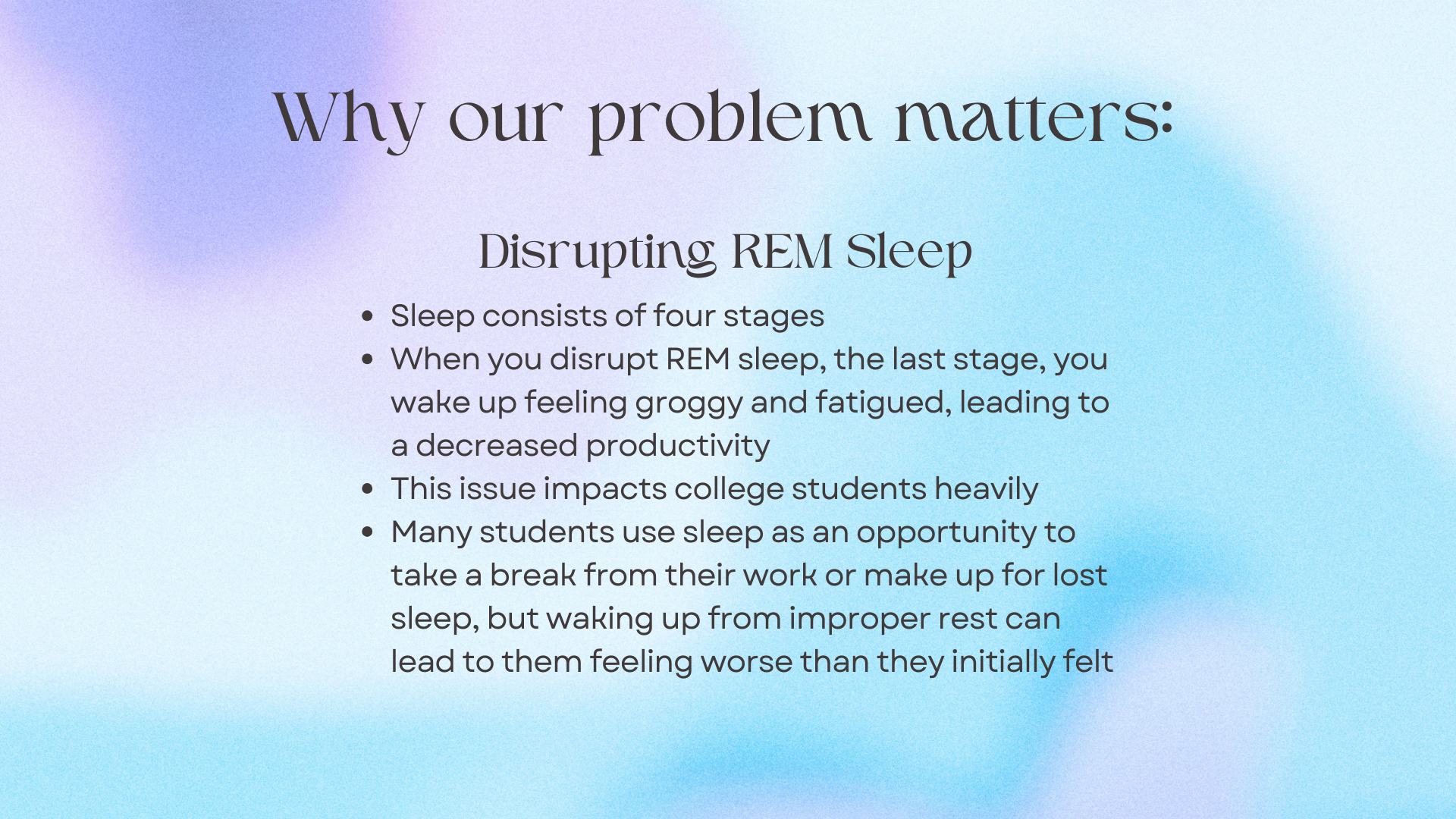
Coming to college has made us realize the immense importance of sleep, more importantly, optimal sleep. When students are taxed with school work and jobs their time to rest is often significantly overlooked and neglected. Attempting to recharge by taking a nap can sometimes backfire when students wake up groggier and more tired than when they chose to sleep. Thus, our idea aims to fix this issue by waking up a user during a lighter sleep cycle in order for them to wake up not feeling groggy!
What it does
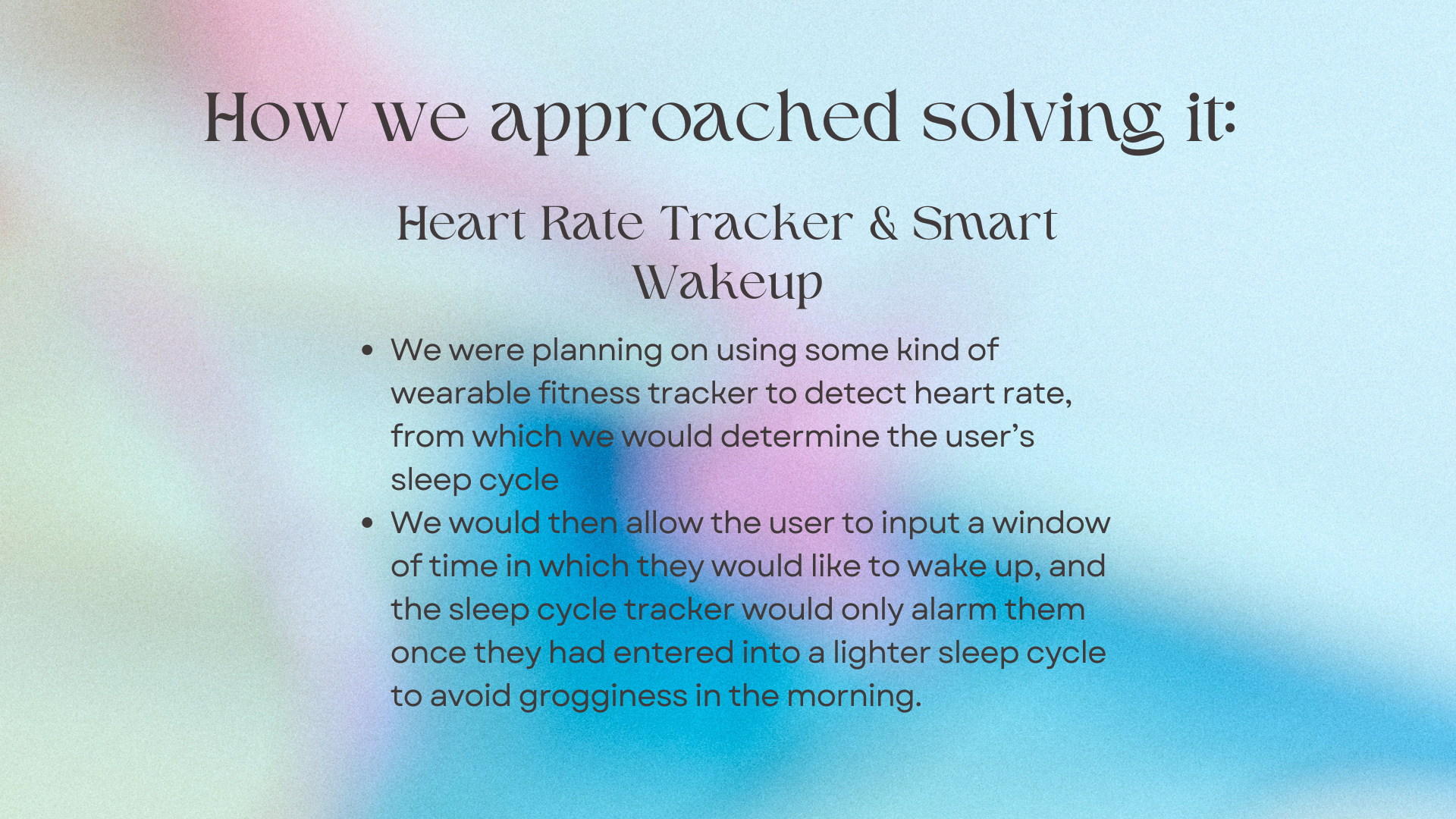
The project will take input from the user for the wake window in which they will like to wake up. Analyzing their heart rate (using a fitbit or other heartrate tracking system) and calculating heart rate variance, the alarm will classify the user's sleep stage as either 0,1,2,3, or 4. The program will sound the alarm to wake the user up when the sleep stage hits 1, or when the end of the wake window is reached.
How we built it
Utilizing chat gpt and Gemini, we were able to create the interface of the website in HTML and then link that to the actual backend algorithm and timer which were written in Python.
Challenges we ran into
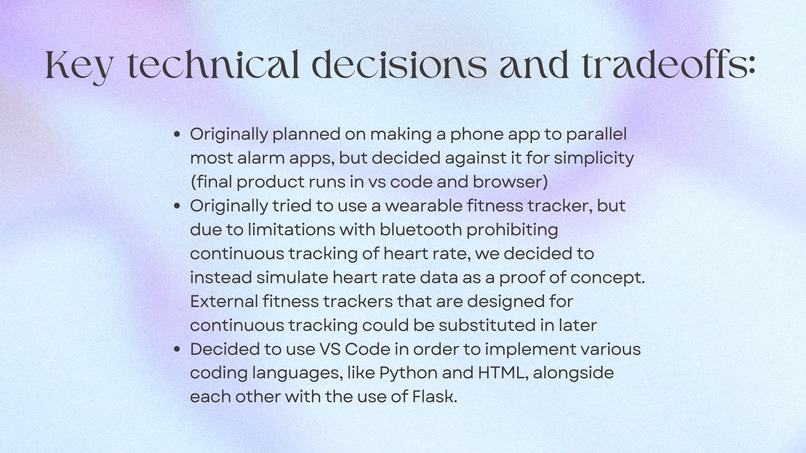
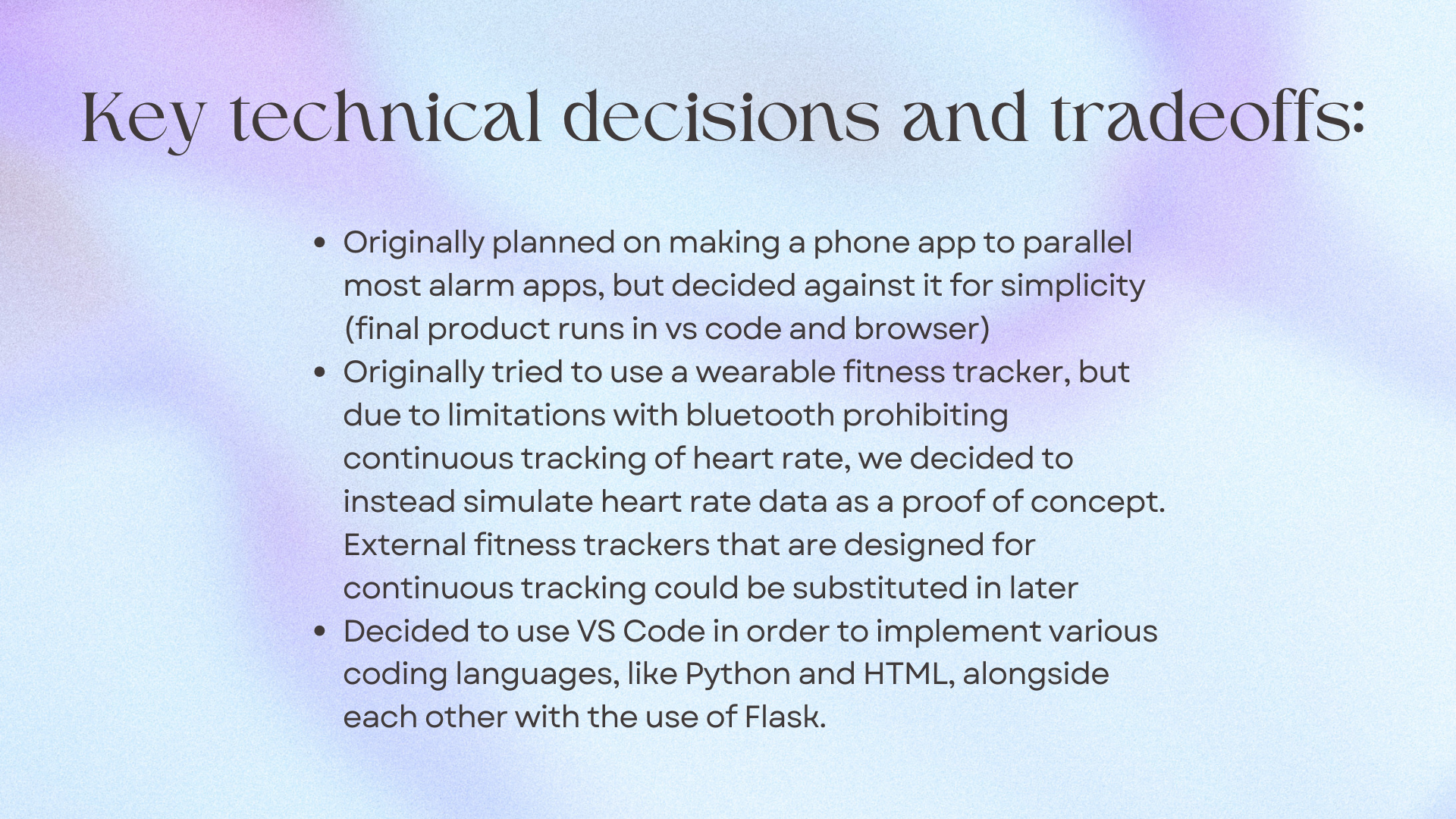
Making the HTML and Python file run compatibly was a challenge we ran into. We overcame this by downloading flask and building the project in VS code.
Accomplishments that we're proud of
We are proud to have been able to navigate foreign development environments and make the languages we knew work together to build this project. We are also proud of being able to test and debug our code, through many failed attempts.
What we learned
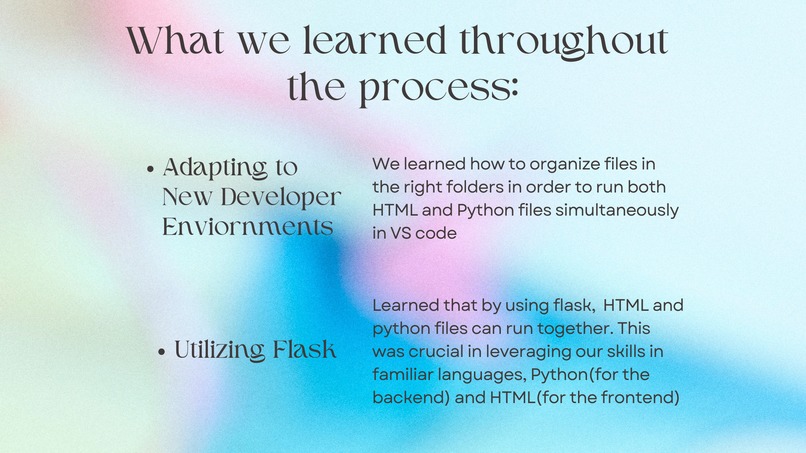
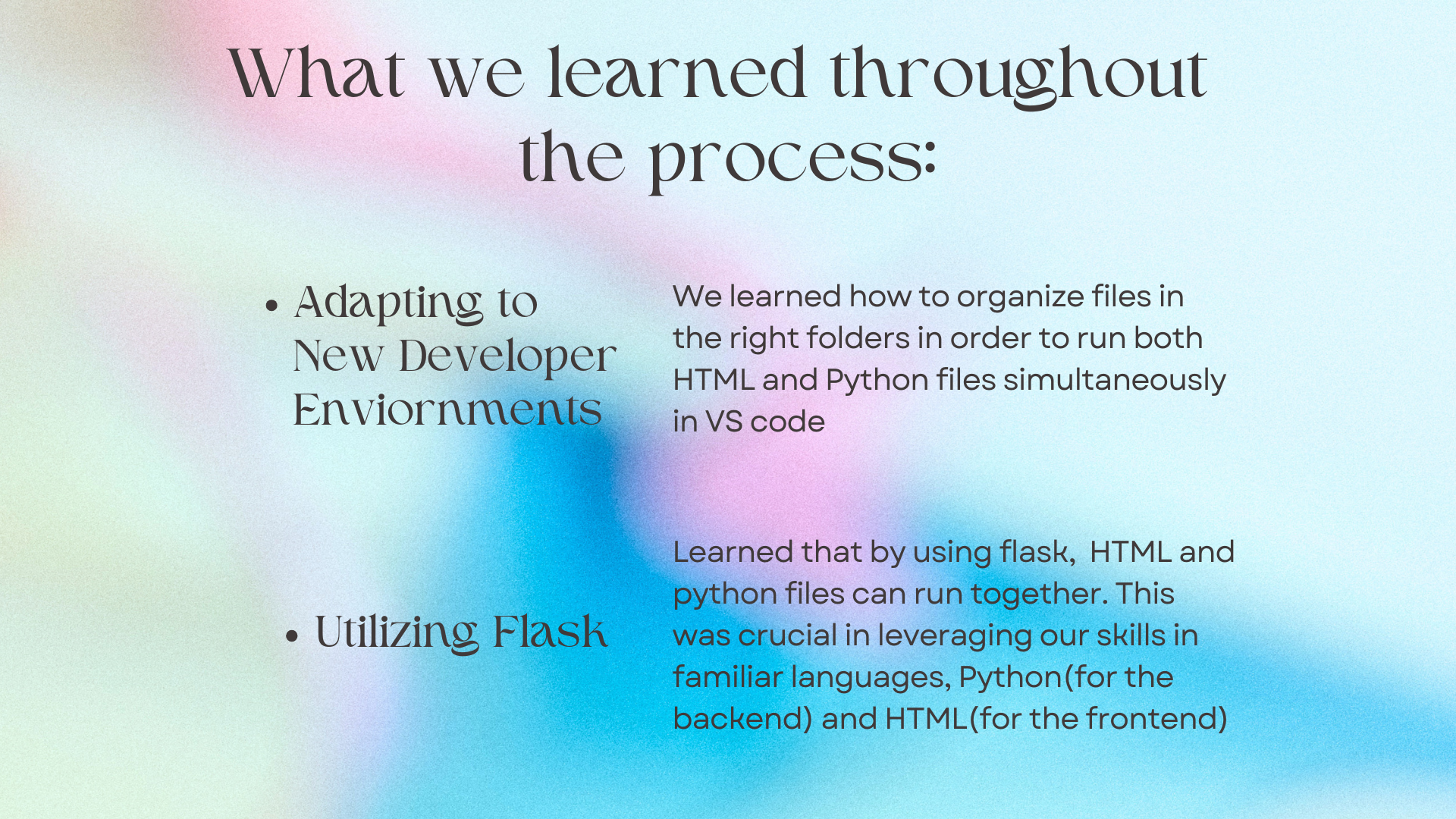
We learned how to organize files in the right folders in order to run both HTML and Python files simultaneously in VS code. We also learned that by using flask, HTML and python files can run together. This was crucial in leveraging our skills in familiar languages, Python(for the backend) and HTML(for the frontend)
What's next for Sleep Optimization Alarm
Making it work with a heart-rate monitoring device like fitbit or oura ring. Additionally, turning this into a phone app in order for it to connect to the monitoring devices.

Log in or sign up for Devpost to join the conversation.