-
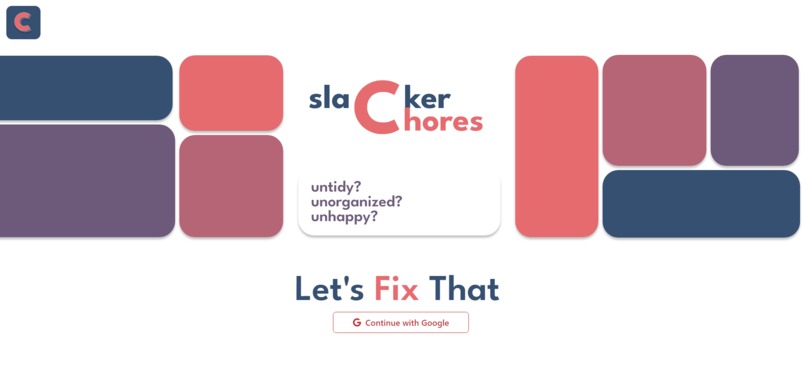
The landing/signup page, for signing into the website.
-

our text logo
-

our icon logo
-
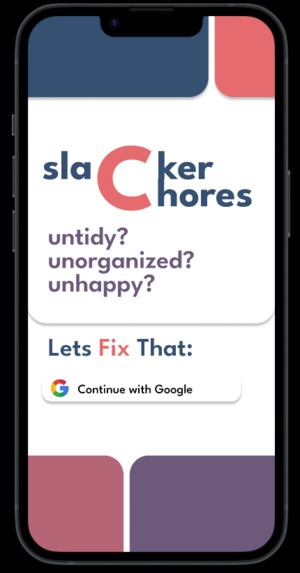
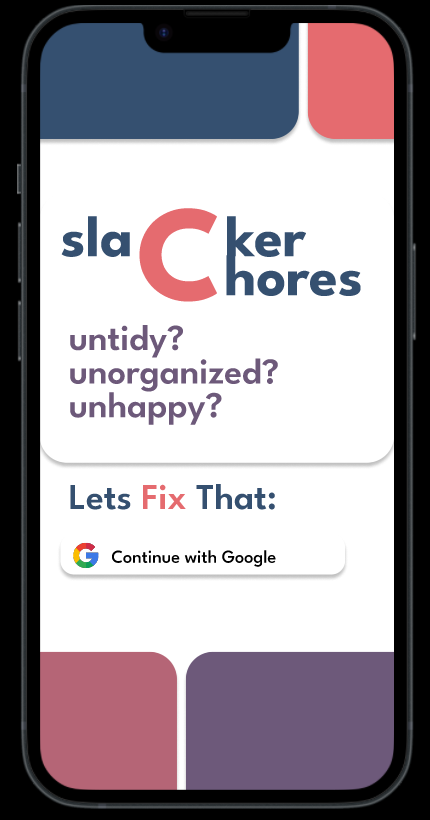
The mobile landing page
-
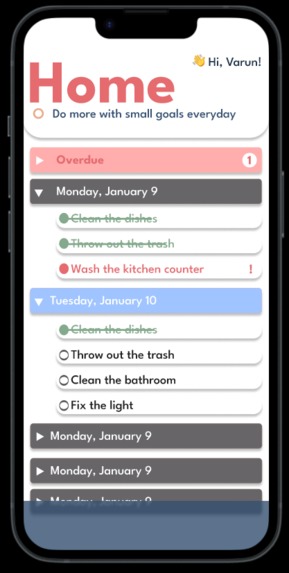
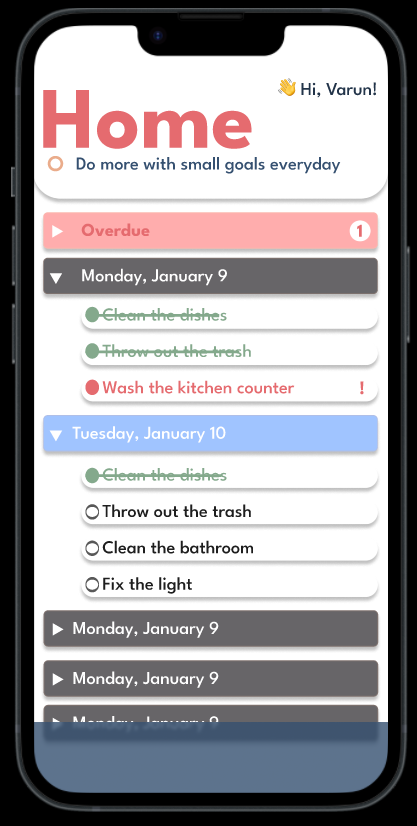
Home screen for the mobile app
-
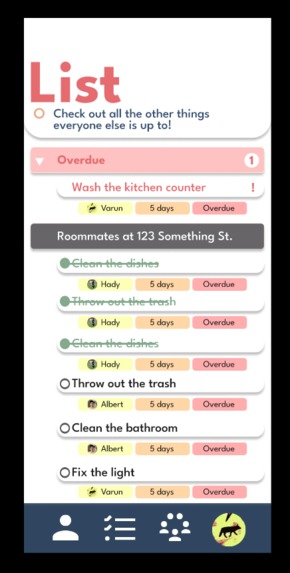
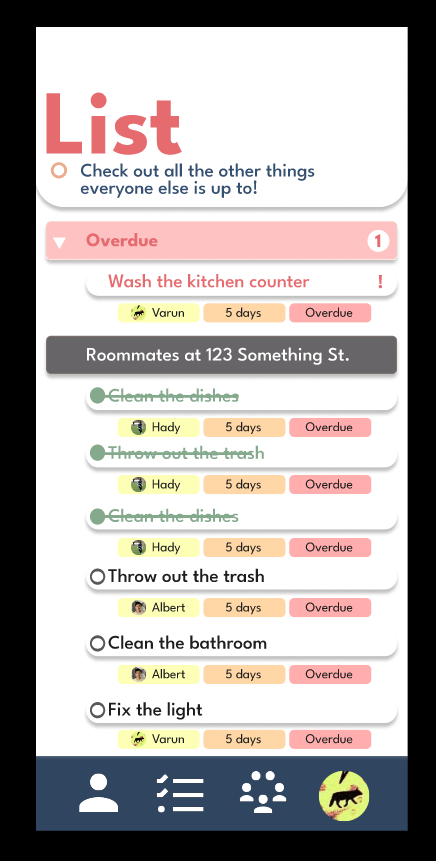
List screen for mobile app
-
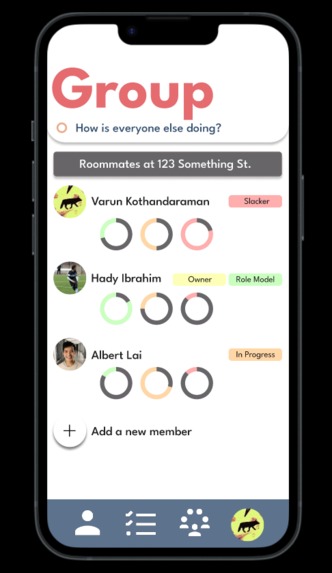
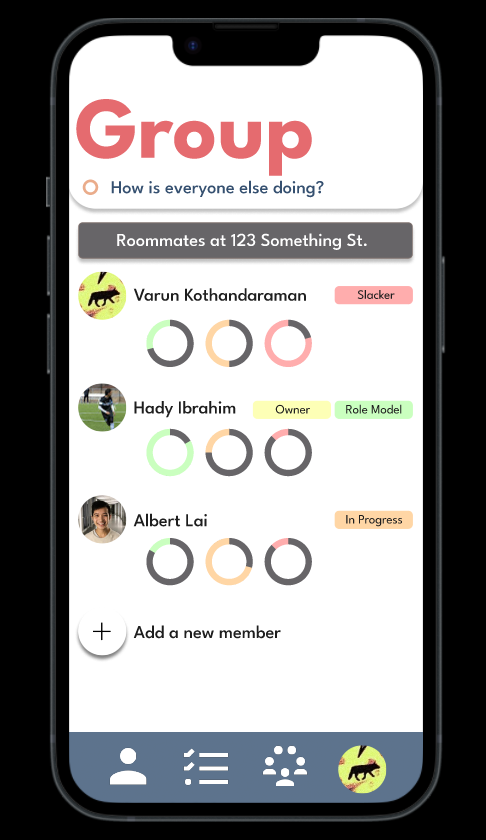
Group screen for mobile app
-
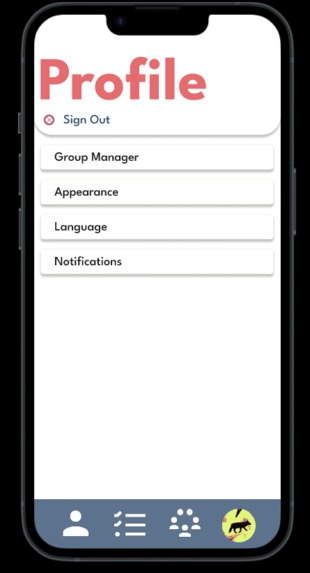
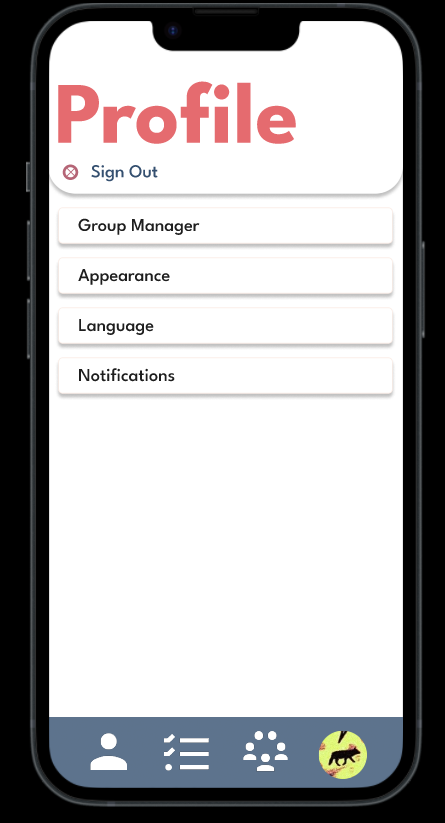
Settings screen for mobile app



Slacker
created by Albert Lai, Hady Ibrahim, and Varun Kothandaraman github : Slacker Github
Inspiration
Among shared housing, chores are a major hassle for most people to deal with organizing to ensure everyone is doing their fair share of the work. In most cases, without direct instruction, most people simply forget about their slice of work they need to complete.
What it does
Slacker is a web-app that allows users to join a group that contains multiple members of their household and through an overall bigger list of items - tasks get automatically assigned to each member in the group.
Each member in the group has a couple of task view points with the main pages being the user’s own personal list, the total group list, each group member’s activity, and settings. The user’s personal list of chores constantly refreshes over each week through one-time and repeating chores for each task. WIth forgetting/overdue chores appearing at the top of the screen on every group member’s personal page for quicker completion.
How we built it
Slacker was built using a combination of React and Chakra UI through github source control. Additionally, we have created mockups of both the desktop pages and the mobile app we were planning on creating.
To find pictures of the mockups kindly check out the images we have attached to this devpost for the items that we have created so far.
Challenges we ran into
Originally, our plan was to create an ios/android app through react native and create our fleshed out figma app mockups. The full idea simply had too many features and details to work as both:
- Create the mobile application
- Create the full application, with all the features we brainstormed
The first challenge that we ran into was the mockup and design of the application. UI/UX design caused us a lot of grief as we found it difficult to create some design that we felt both looked good and were easy to understand in terms of functionality.
The second challenge that we faced was the google authentication feature we created for logging into the website. The main issue was that the implementation of the feature created a lot of issues and bugs that delayed our total work time by a considerable amount of time.
Additionally with the time constraint, we were able to create a React web application that has some basic functionality as a prototype for our original idea.
Accomplishments that we're proud of
We are happy with the web application that we have created so far in our prototype with the given time so far: We have implemented:
- Finished the landing page
- Finished the google authentication
- Home screen
- Create tasks that will be automatically assigned to users on a recurring basis
- Create invite and join group
- Labels slacker member with least tasks
- Donut graphs for indication of task completion every week
- The ability to see every task for each day
- The ability to sign out of the webpage
- and even more!
What we learned
As a group, since for the majority of us it was our first hackathon, we put more emphasis and time on brainstorming an idea instead of just sitting down and starting to code our project up. We definitely learned that coming into the hackathon with some preconceived notions of what we individually wanted to code would have saved us around more than half a day in time.
We also were surprised to learn how useful figma is as a tool for UI/UX design for web development. The ability to copy-paste CSS code for each element of the webpage was instrumental in our ability to create a working prototype faster.
What's next for Slacker
For Slacker, the next steps are to:
- Finish the web application with all of the features
- Create and polish the full web application, with all the visual features we brainstormed
- Finish the mobile application with all of the same features as the web application we aim to complete


Log in or sign up for Devpost to join the conversation.