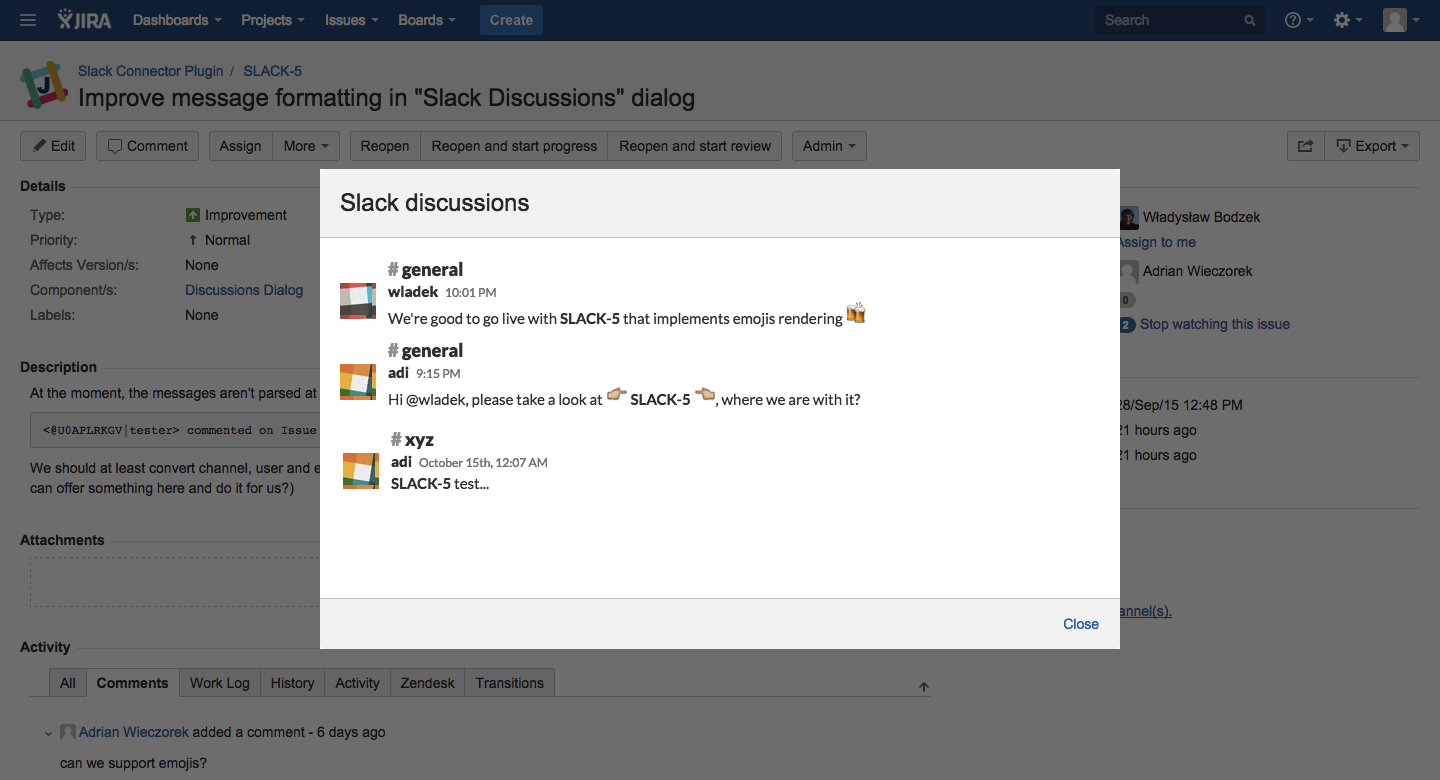

Slack Connector provides 2-way integration between Slack messaging system and JIRA Cloud instances. It allows to follow any related conversation directly from Issue page and be notified about any change, edit or comment immediately on selected Slack channels.
Inspiration
We at WISOFT love Slack and have been using it for a while in many different companies. It's fast, safe and reliable tool for efficient team communication. We also use various Atlassian tools a lot and therefore a good connectivity between those two different animals was always a priority for us. There is a pretty neat, default JIRA integration available in Slack already that you can enable for any channel you like. However, it only works in one direction (JIRA to Slack) and it's a bit cumbersome when installing.
We wanted to have a solution that works similar to JIRA's Hipchat integration, that is, allows us to link Slack channels to projects or single issues, create channels directly from JIRA, keep track of related discussions and be more verbose when sending notifications back to Slack. That is why we created our own Slack Connector. Not everything we planned is there already (IT'S BETA!) but it's plenty enough to make default JIRA integration obsolete. We had removed it from most of our Slack channels immediatelly after first release and hasn't been looking back ever since. And, we use it a lot for several JIRA project, including this one, of course! :-)
How We built it
We are using Atlassian Connect framework for connectivity between JIRA and our backend platform. We also talk to Slack system making both frontend and backend calls to it's API.
Challenges We ran into
Not so much, however, we had to solve a few interesting problems down the road, to name just a few, JIRA-to-Slack user matching, emoji detections and rendering... and last but not least, meeting the Codegeist deadline! :-)


Log in or sign up for Devpost to join the conversation.