-
-
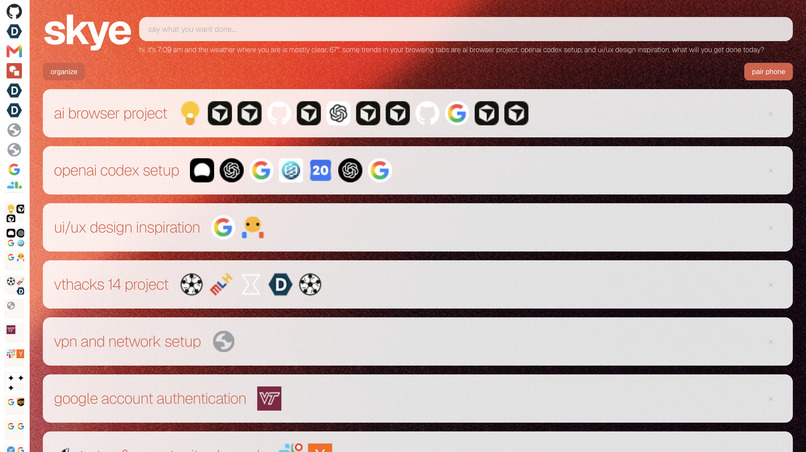
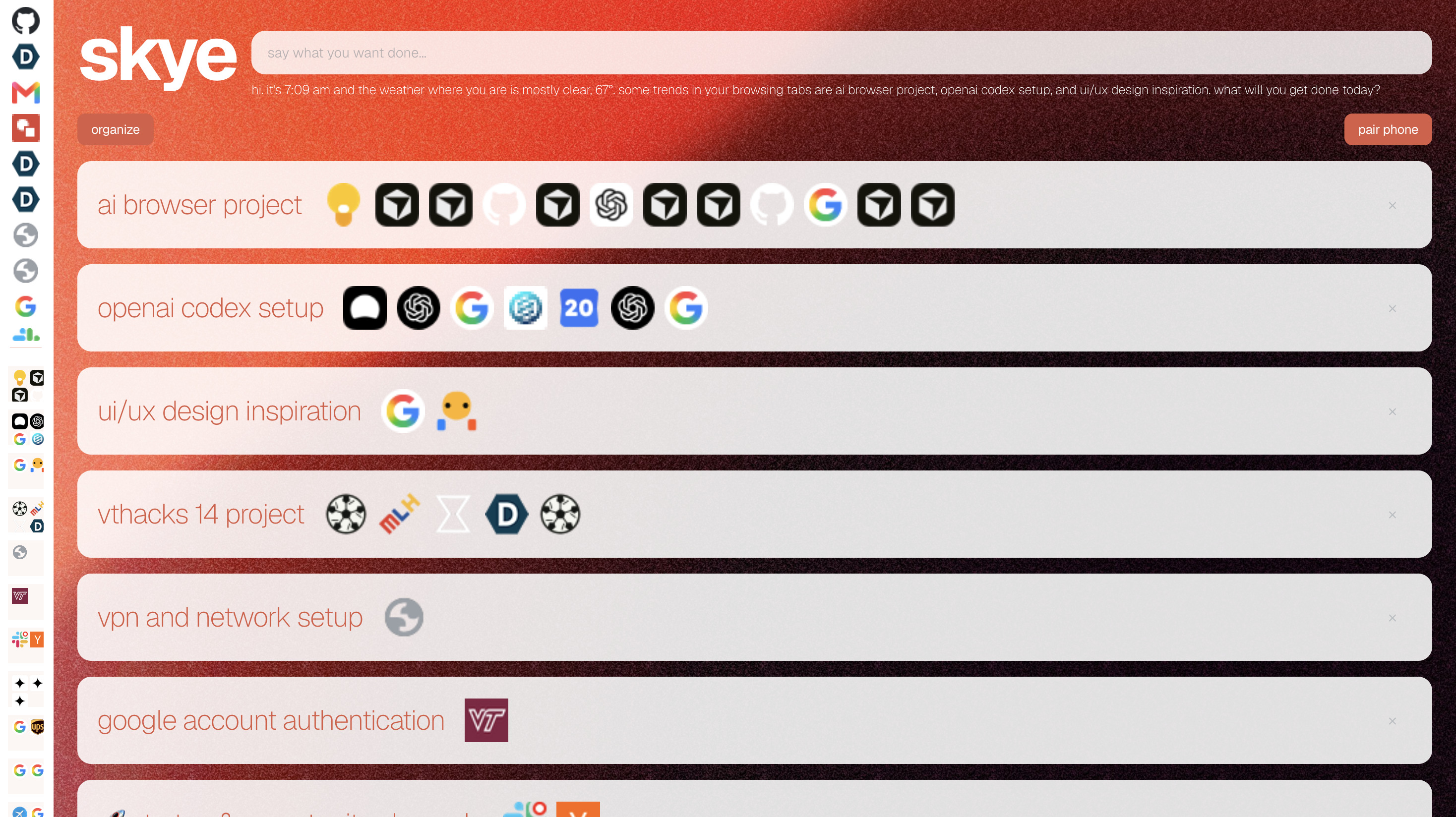
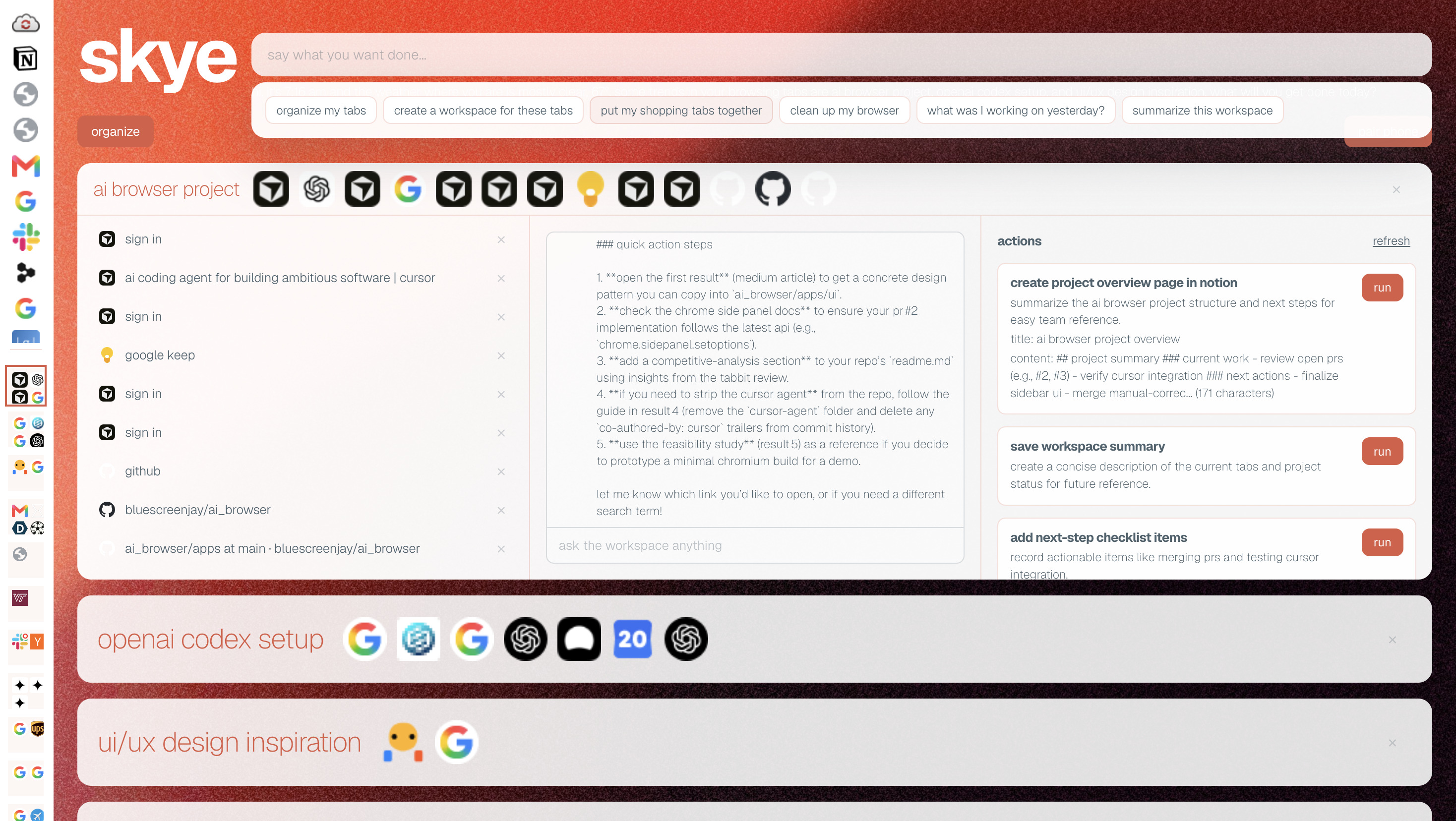
Skye home page
-
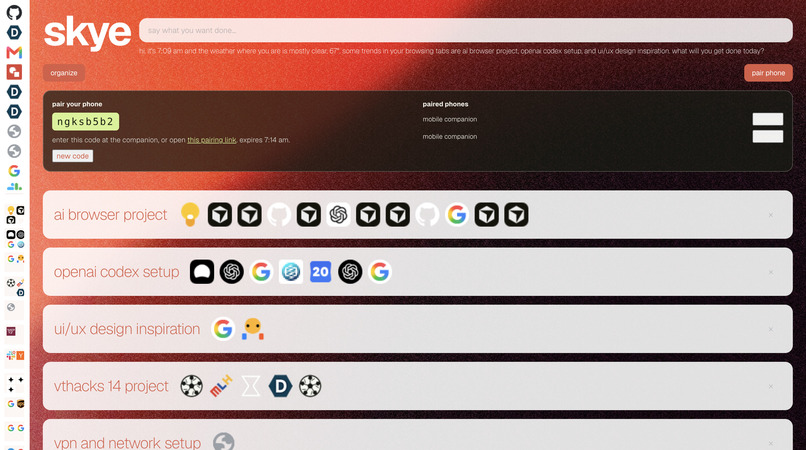
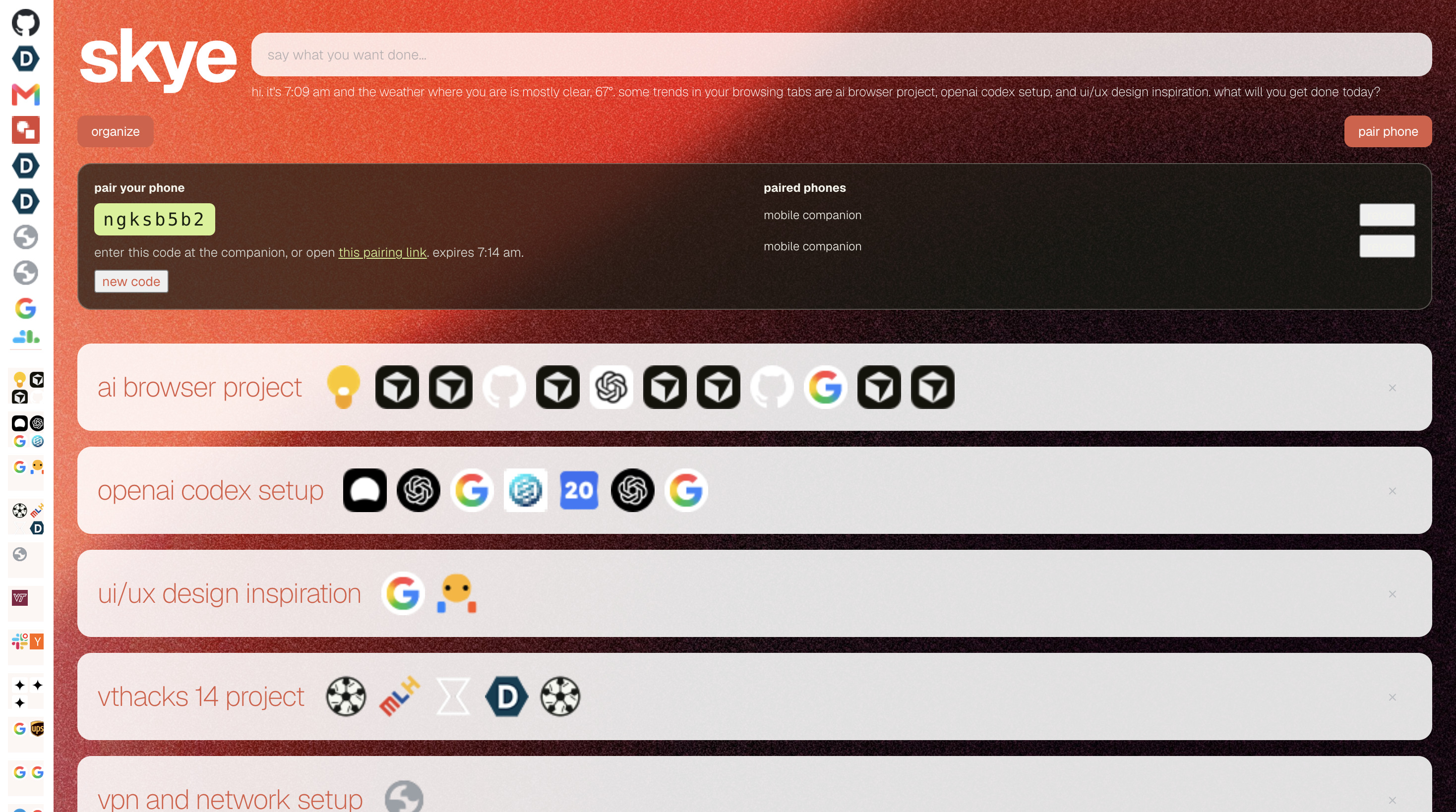
Phone pairing mode
-
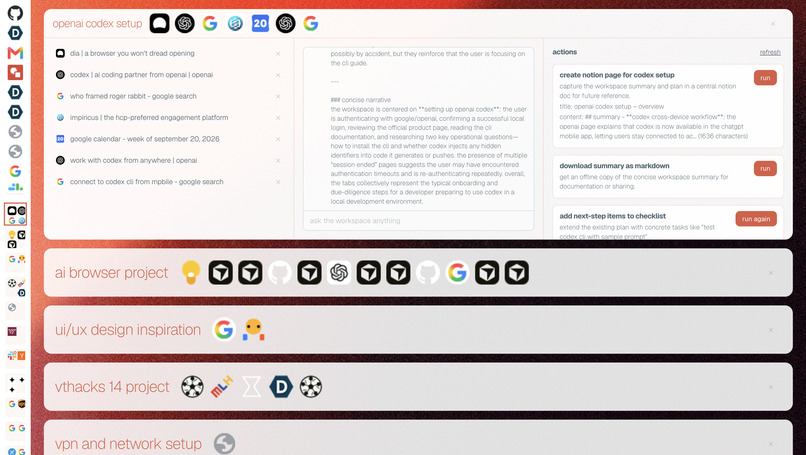
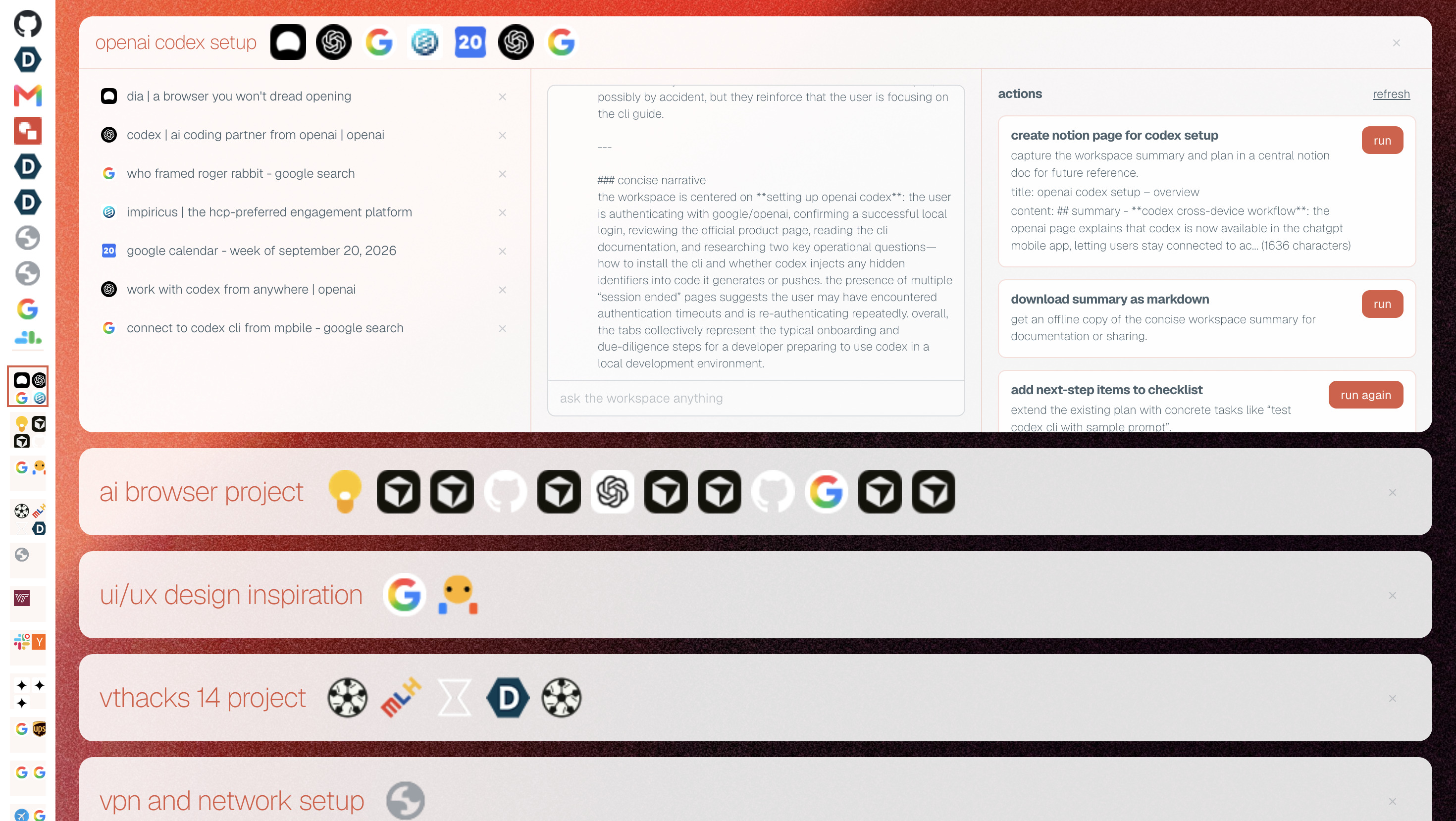
Open agentic workspace card on Skye home page
-
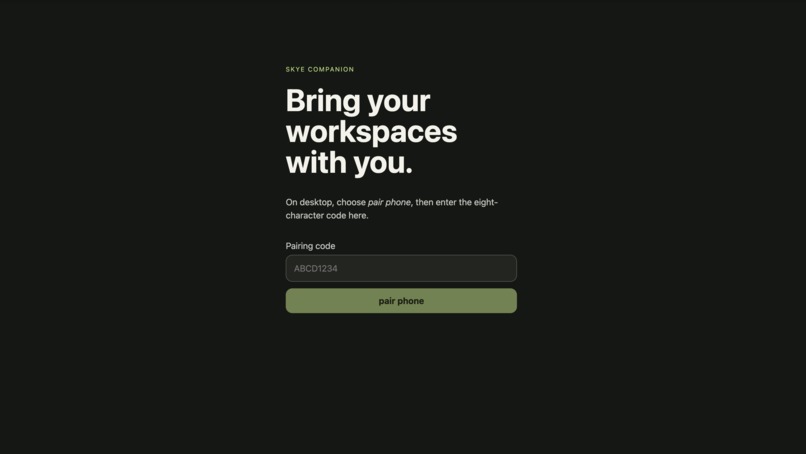
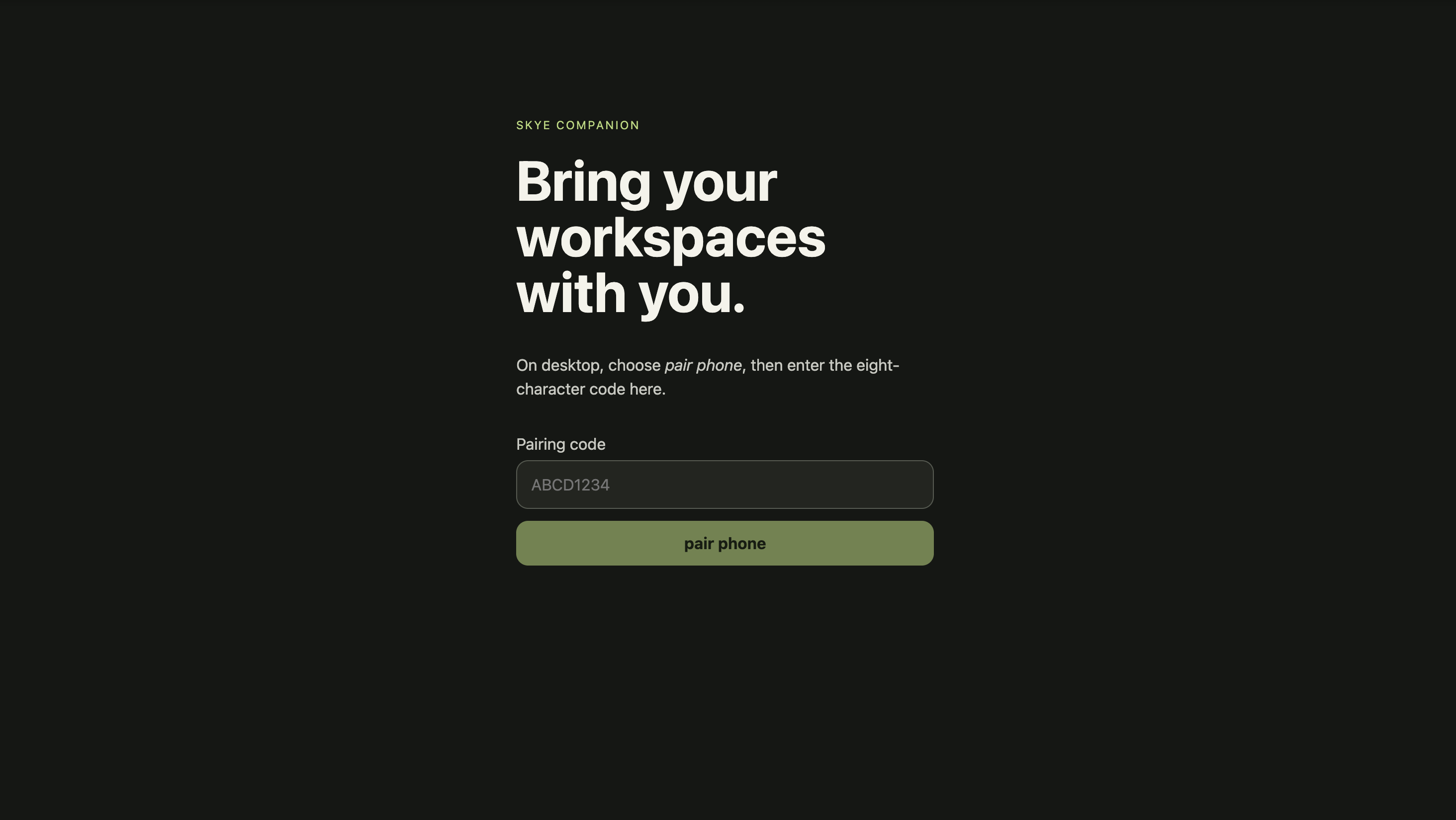
Phone pairing screen
-
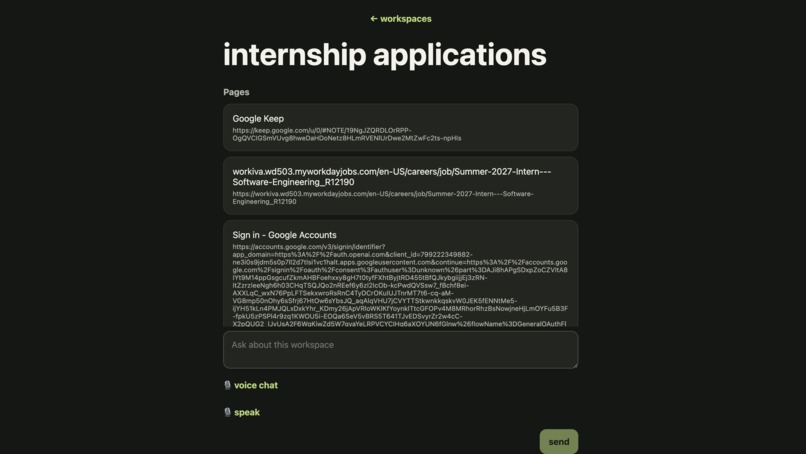
Interface to remote interact with workspaces from phone
-
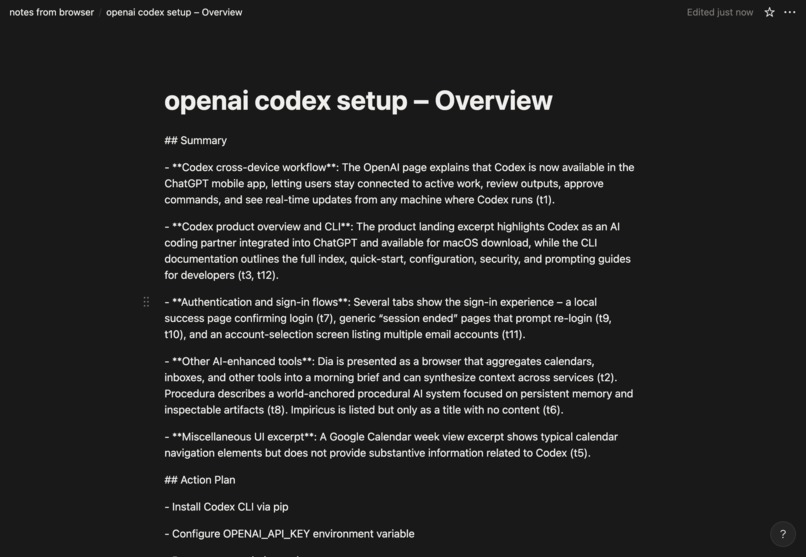
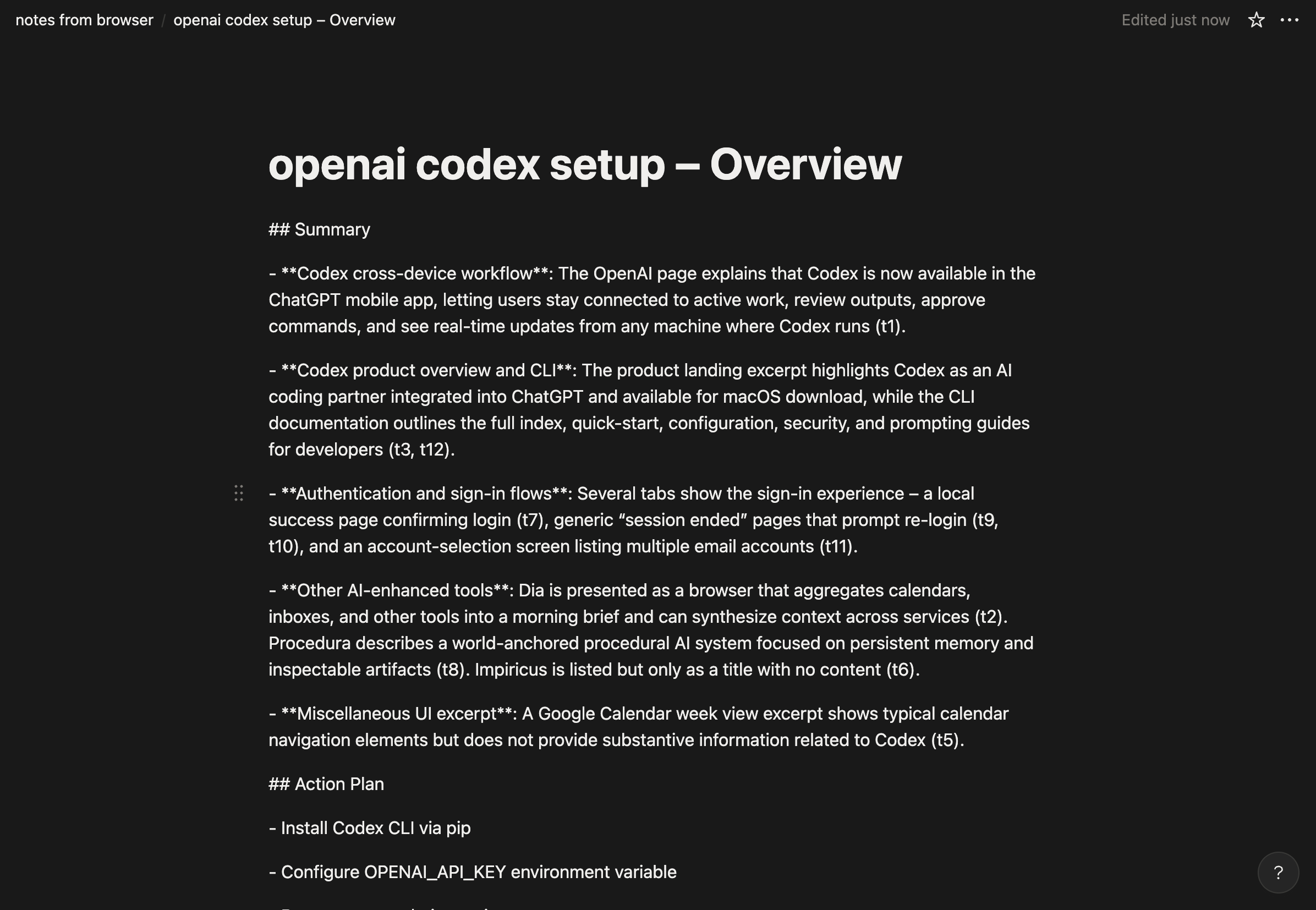
Notion page created by Skye
-
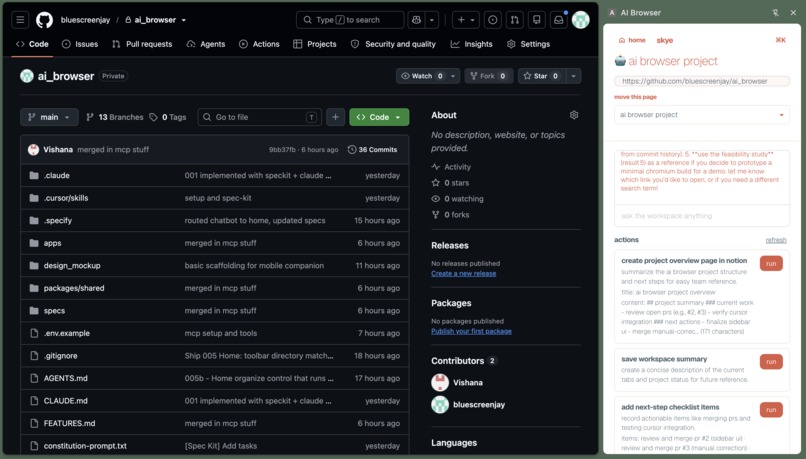
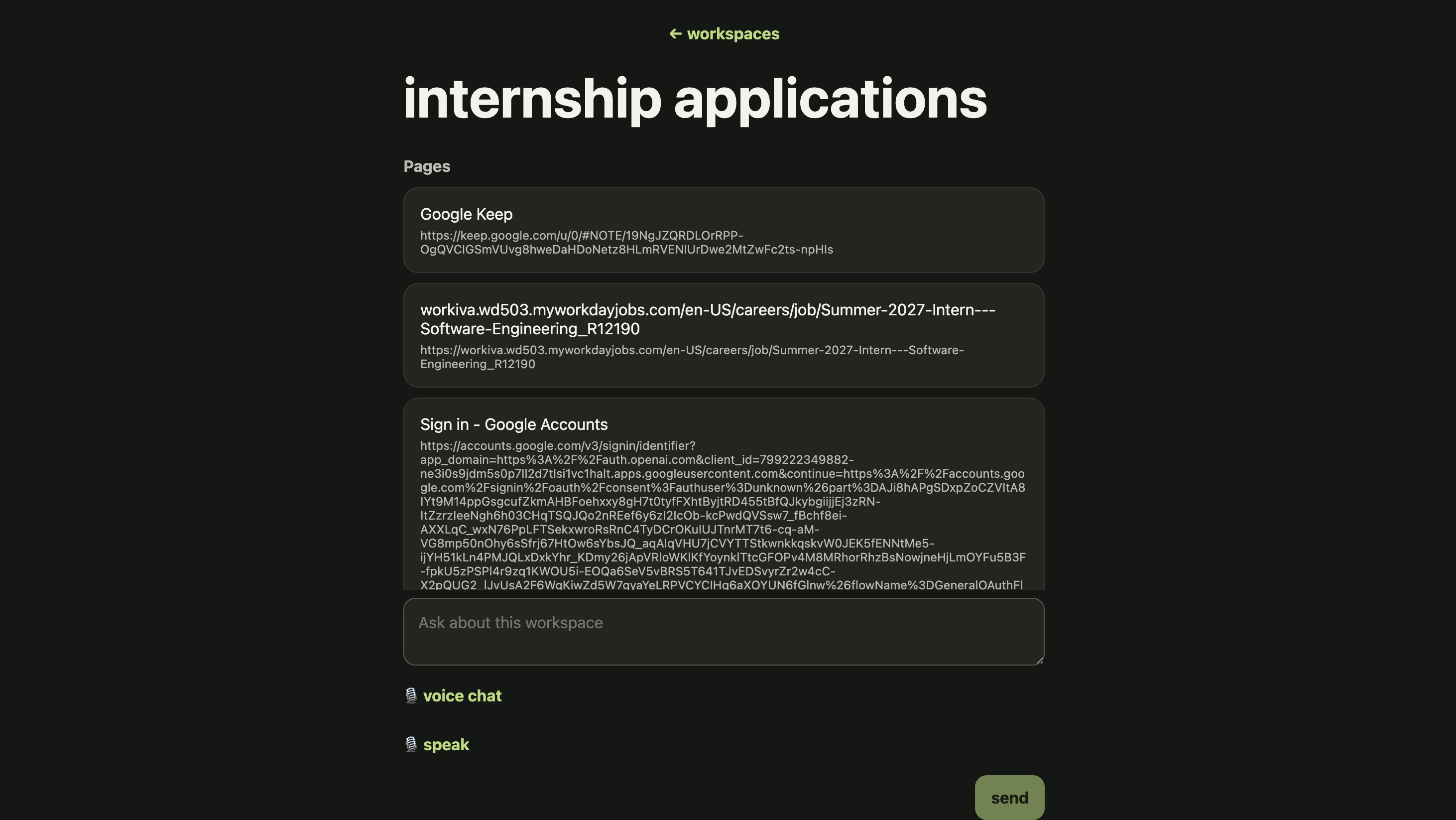
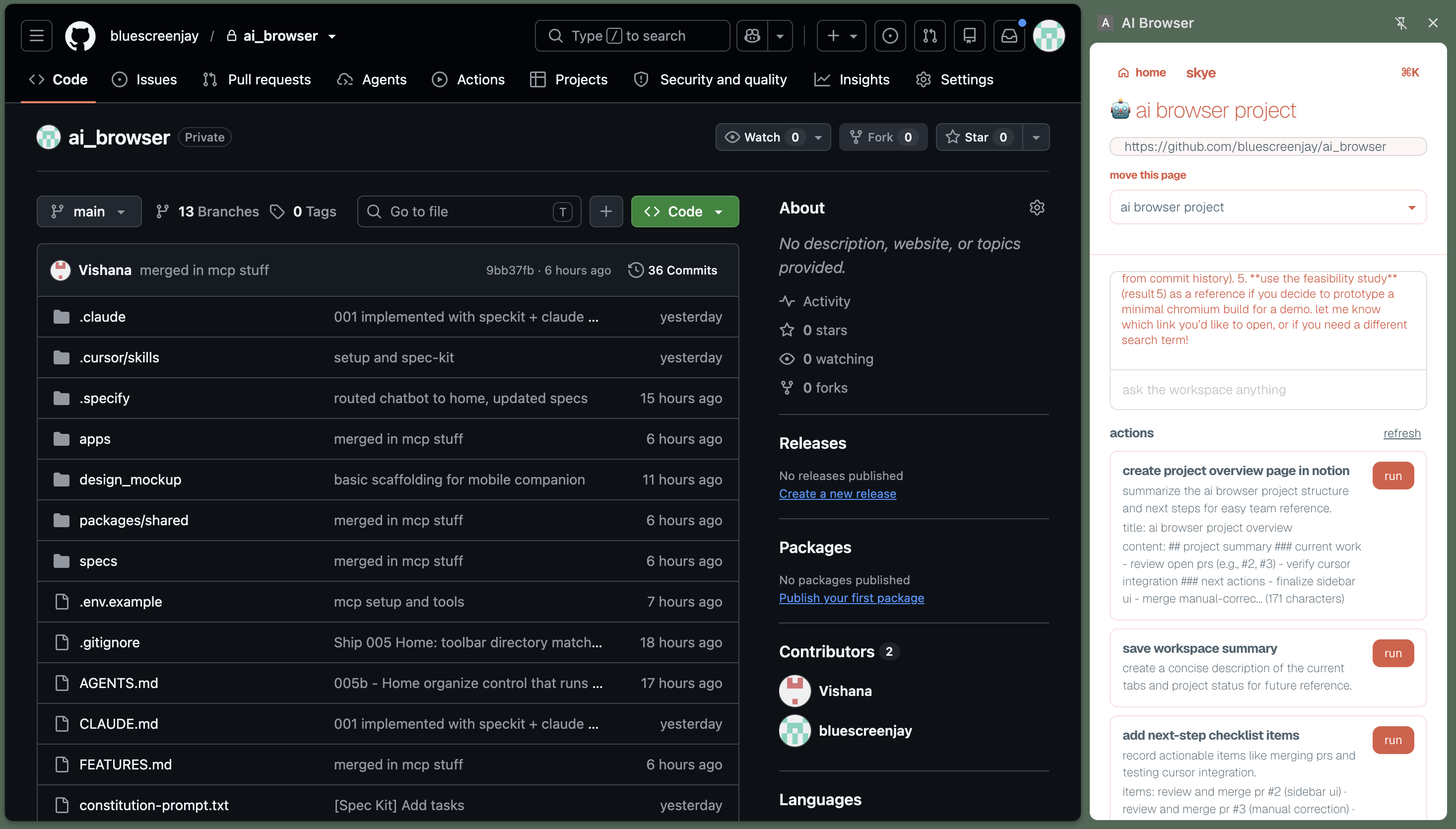
Persistent Skye sidebar view
-
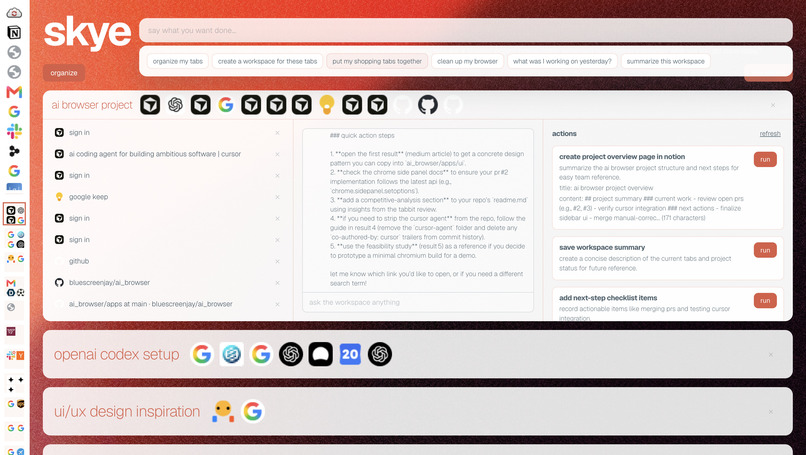
Skye command palette
Inspiration
As students, we spend our days in our browsers. At some point the tabs stop representing individual pages and start representing whatever we're working on: a class project, a hackathon, research for a paper, internship applications, and the tabs we opened five hours ago and forgot about.
Chrome doesn't know the difference. It sees 30 tabs. We see three or four different things we're trying to get done.
Tab groups and bookmarks help, but they leave the organizing to us. Meanwhile, agentic AI workflows keep getting more capable, with tools that can read, plan, and act on our behalf. But an agent is only as useful as the context it has, and most of us don't have the time or setup to keep re-explaining what we're working on to every AI tool we open. That context is already sitting in our browsers, unstructured.
So we asked what would happen if the browser understood those groups of tabs as actual workspaces: not just "these tabs are together," but "this is the thing you're working on right now," with an agent that already knows the context and can help you finish it.
That became Skye. We wanted to take the context already sitting in someone's browser and make it persistent, searchable, and ready for agentic workflows, without requiring anyone to be an AI power user.
What it does
Skye is a Chrome extension plus a server that turns open tabs into persistent, AI-organized workspaces.
A workspace can start as nothing more than a group of tabs. From there it becomes a place to ask questions, run agents, keep notes and results, and take actions in other apps.
Automatic workspace organization
Skye reads tab titles, URLs, and page snippets and clusters related tabs together. It can turn a messy browser window into workspaces like "💻 Hackathon" or "✈️ Kyoto Trip."
High-confidence groups are applied automatically. When Skye isn't sure, it shows the group as a suggestion instead of moving things around blindly. Tabs that don't fit go to Other.
Home + Chrome Side Panel
Home gives you an overview of all your workspaces, while the Chrome Side Panel shows the workspace for the tab you're currently viewing. You don't have to leave the page to see what else belongs to that workspace.
Your corrections come first
Drag tabs between workspaces, rename them, or move them to Other. When you correct Skye, that correction takes priority over the model's future decisions.
Closing Chrome doesn't delete a workspace either. The browser session can end without the work disappearing with it.
Workspace chat
Every workspace has its own chat. Ask "what have I found so far?", "what am I missing?", or questions about the sources you've collected. The workspace already provides the context, so you never have to explain the project again.
Workspace agents
Five agents handle common research and planning tasks:
- Summarize
- Compare
- What's missing
- Next steps
- Collect references
Results are saved directly to the workspace. The next steps agent, for example, produces an actual checklist instead of a paragraph of suggestions.
Actions through MCP
We connected around tools through MCP for Notion, Google Drive, Gmail, Calendar, GitHub, Jira, and Slack, plus local exports to PDF and Markdown.
Actions that write or send something externally never happen silently. Skye shows what it's about to do and waits for your confirmation before sending or changing anything.
⌘K command bar
The command bar is another way to control your workspaces with natural language. Try:
- "Organize my tabs"
- "Merge these two workspaces"
- "Find my flight tab"
- "What was I working on yesterday?"
Phone companion
Pair your phone with a QR code and talk to your workspaces by voice. Ask questions across all your projects, then turn the answer into an action. For example, after asking about something you've been researching, say "make a Notion page for that." It goes through the same confirmation flow as actions on desktop.
How we built it
Everything lives in one TypeScript monorepo (pnpm). The extension, web server, mobile app, and shared workspace model sit together, so they all share one definition of what a workspace is.
- Chrome MV3 + TypeScript
- Next.js
- Tiger Data + Timescale
- AI provider adapter (Virginia Tech ARC LLM API)
- ElevenLabs
- SpecKit
Challenges we ran into
MCP setup was a pain. Getting a bunch of different integrations working consistently meant dealing with different authentication flows, credentials, APIs, and tool schemas. We had to make sure each integration was optional, isolated, and only exposed the actions it was actually configured to support. It took more setup than we expected, especially once we started connecting services like Gmail, Notion, GitHub, and Slack, but having everything behind the same tool interface made the actual action layer much easier to work with.
Accomplishments that we're proud of
Above all, the main loop works end to end instead of being a pile of disconnected AI features. You can start with a messy browser window, have Skye organize it into workspaces, ask a workspace a question, run an agent, and take the result into another app.
Tabs → workspace → context → agent → action
We're also proud of what a demo doesn't show. AI changes can be undone. User corrections take priority. External writes require confirmation. One workspace model runs across the desktop extension, the web app, and the phone. And we caught problems like the cross-user data isolation bug during development, instead of assuming the system was finished because the UI worked.
What we learned
We started out thinking mostly about tab organization. Once the workspace model worked, it was clear that grouping was only the beginning. When the right tabs are already together, everything else gets easier: chat has context, agents have context, and actions have context. You never have to keep re-explaining what you're working on.
We also learned that an AI feature doesn't have to be perfect to be useful, but it does have to fail well. Suggestions, confirmations, and undo turned out to matter as much as the clustering model itself.
Another lesson was how much infrastructure it takes to make an AI feature feel simple. Provider limits, service worker restarts, event deduplication, permissions, data isolation, tool effects, and schema validation are invisible to the person using Skye, yet they took up a big share of the build.
Finally, working spec-first paid off. With two people on a fairly large project, a written definition of each feature kept us from changing direction halfway through implementation.
What's next for Skye
- Sync workspaces with native Chrome tab groups.
- Let users create workspaces directly from the browser.
- Resurface saved workspaces when related tabs are opened.
- Recommend actions based on what's inside a workspace.
- Improve desktop and mobile voice support.
- Use corrections to improve future clustering.
- Explore a Chromium-based browser with workspaces built in from the start.
Built With
- chromemv3extension
- gemini
- mcp
- nextjs
- node.js
- postgresql
- react
- tigerdata
- typescript
- vite

Log in or sign up for Devpost to join the conversation.