-
-
Our App Logo
-
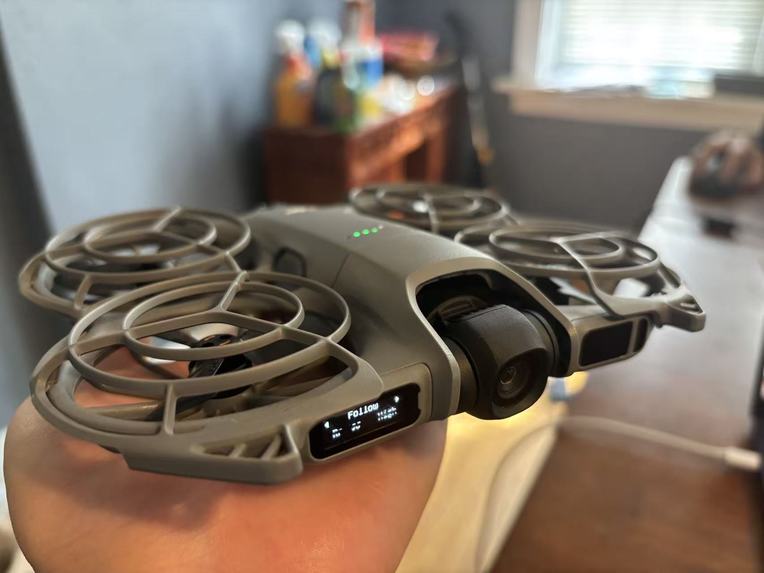
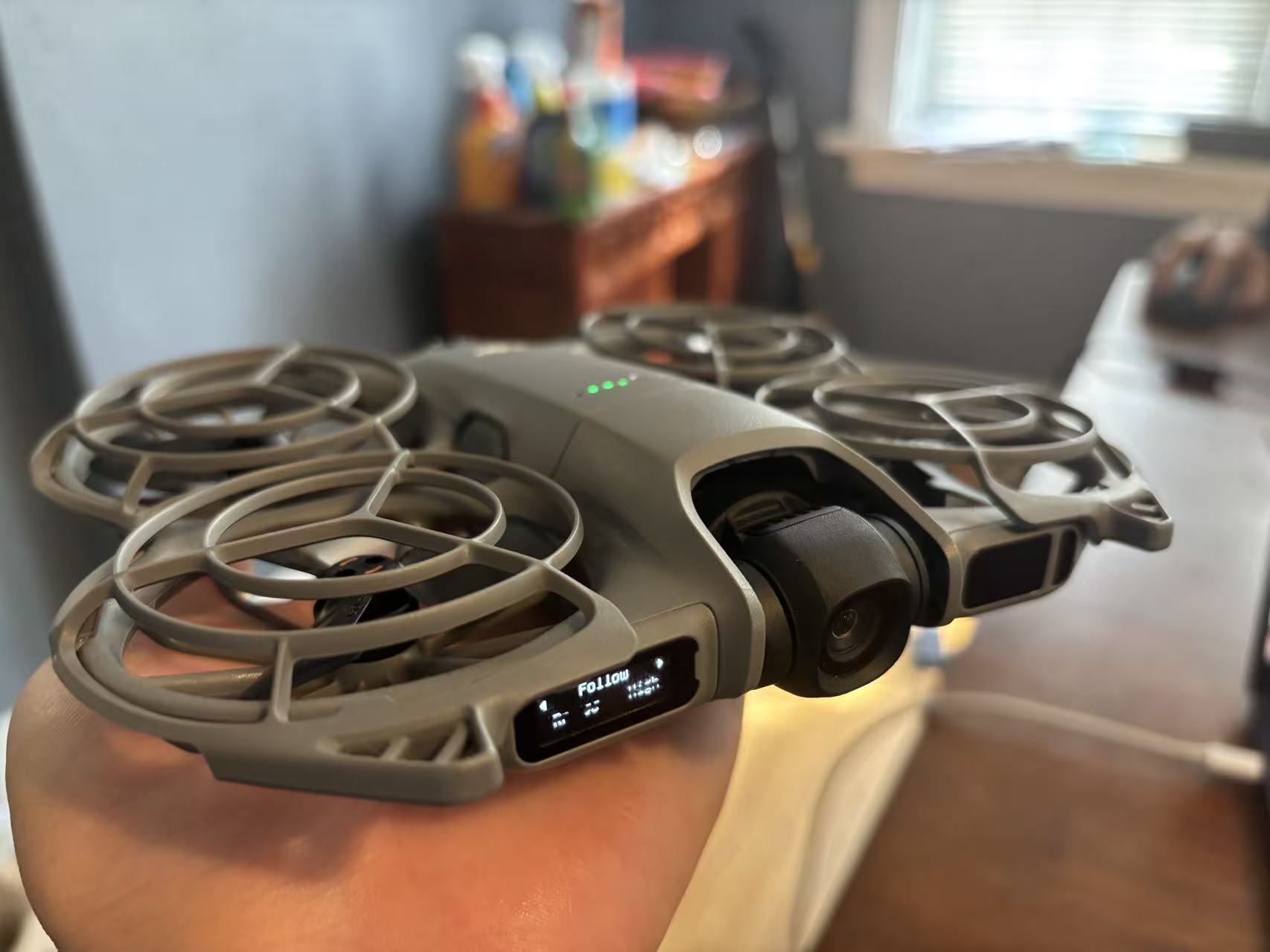
Our drone: DJI Neo 2
-
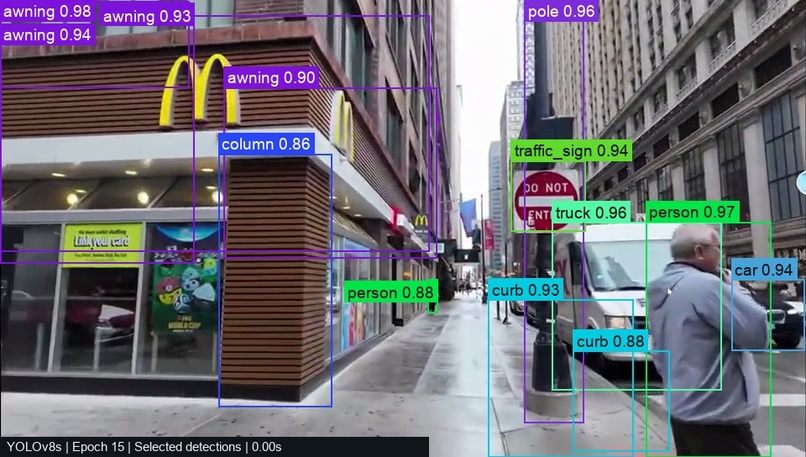
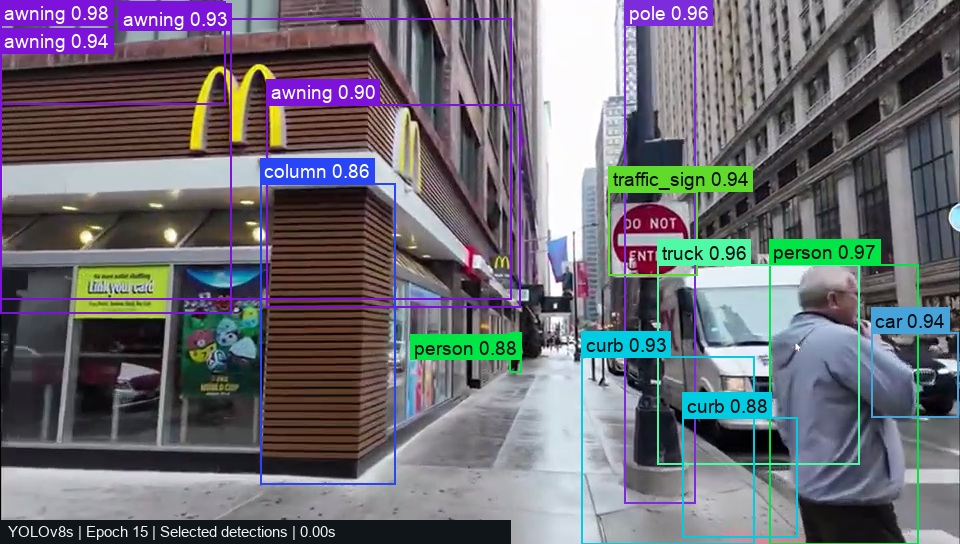
Yolo Recognition on street scenes
-
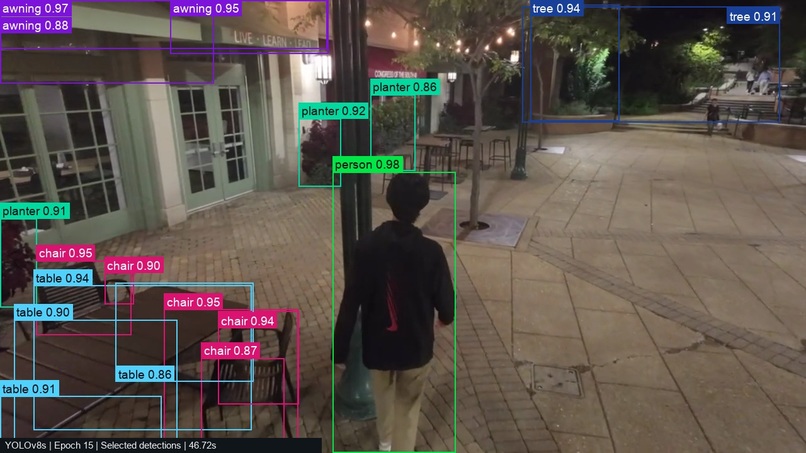
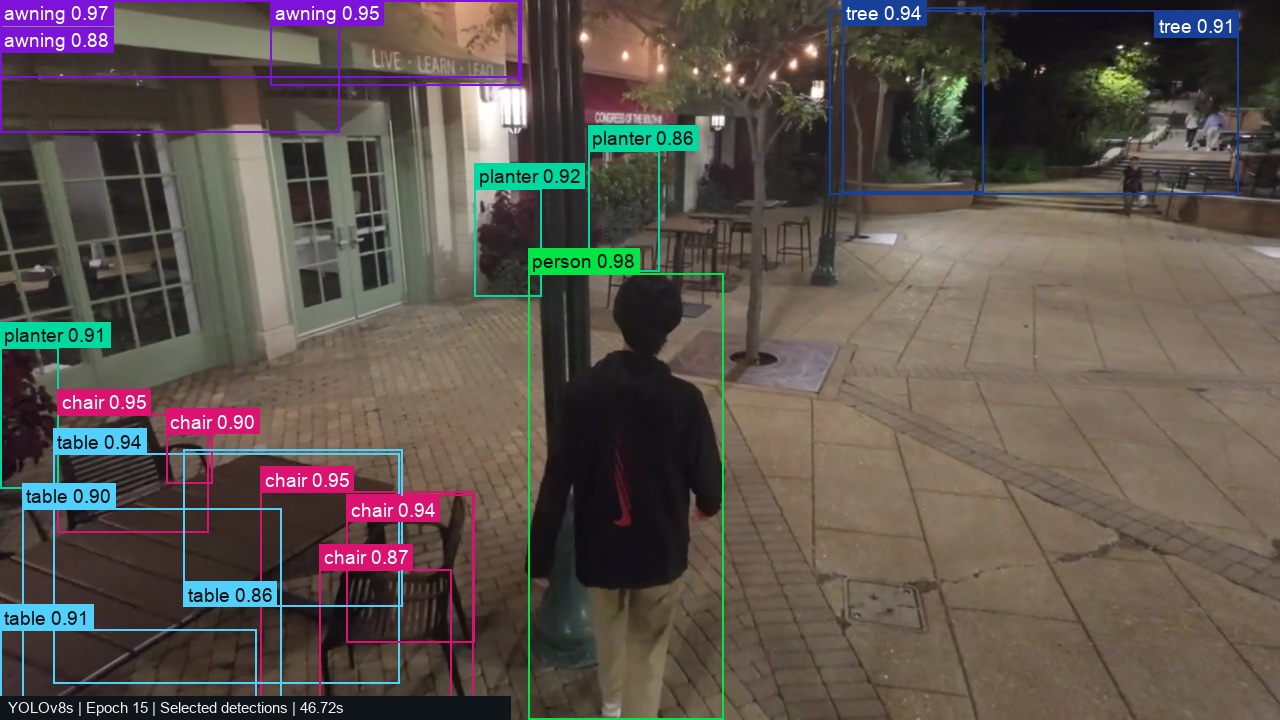
Yolo recognition at night
-
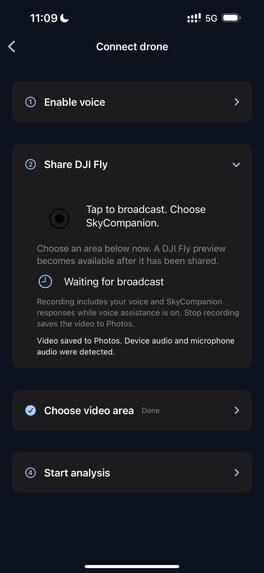
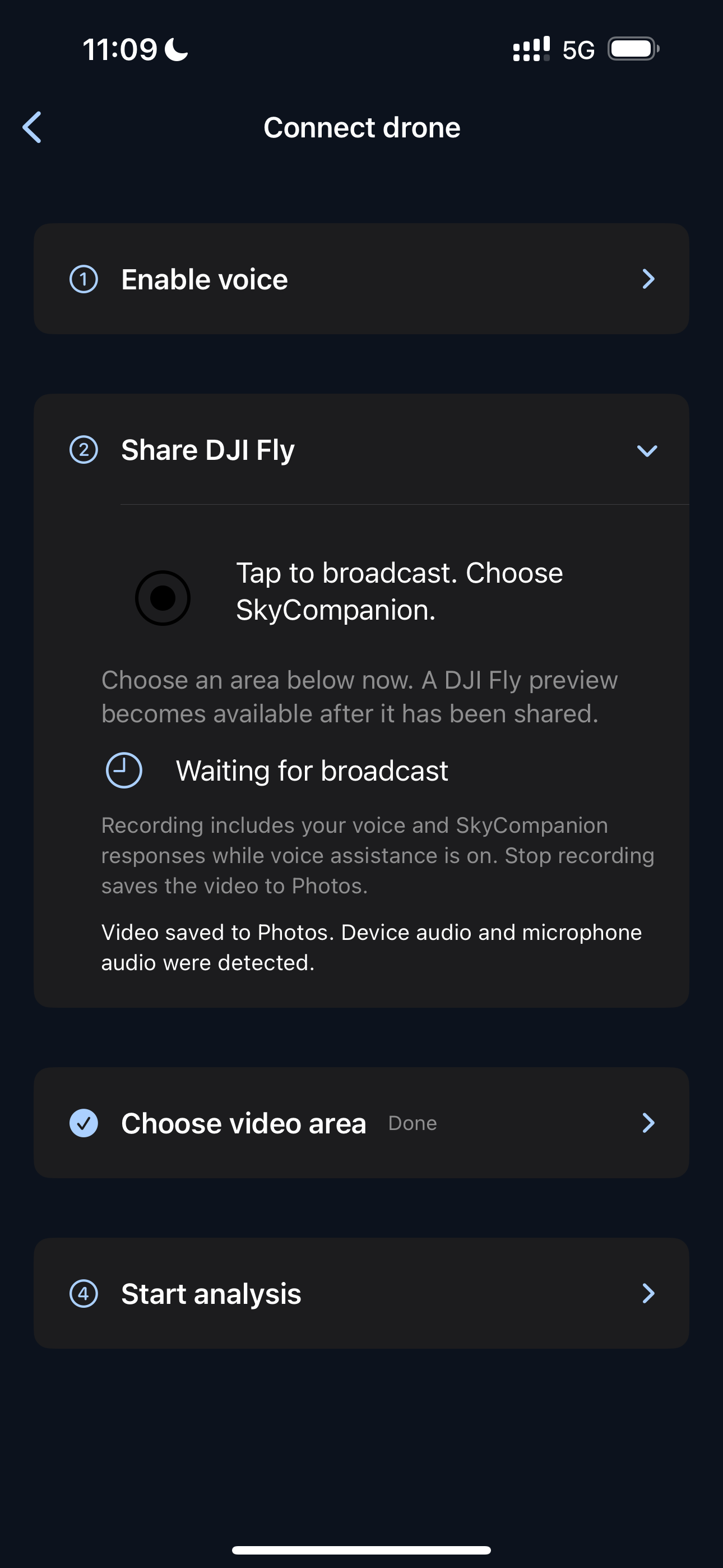
Connecting drone
-
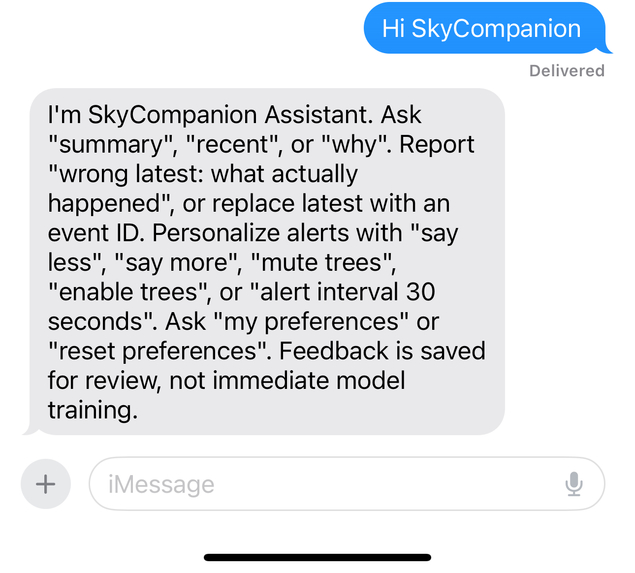
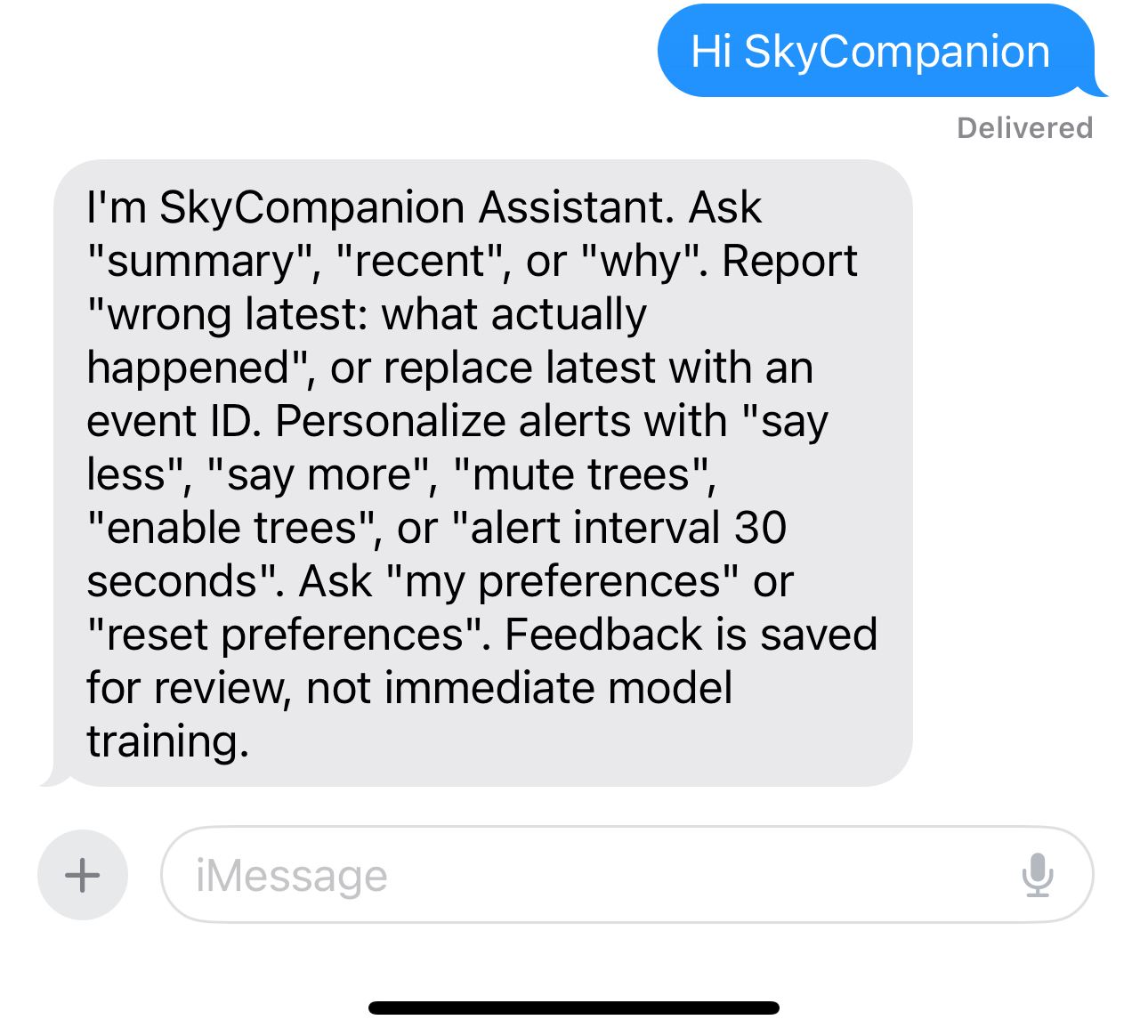
Reply on Photon
-
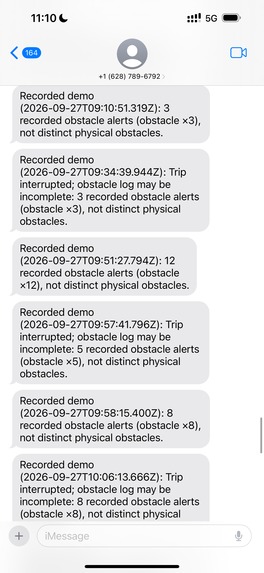
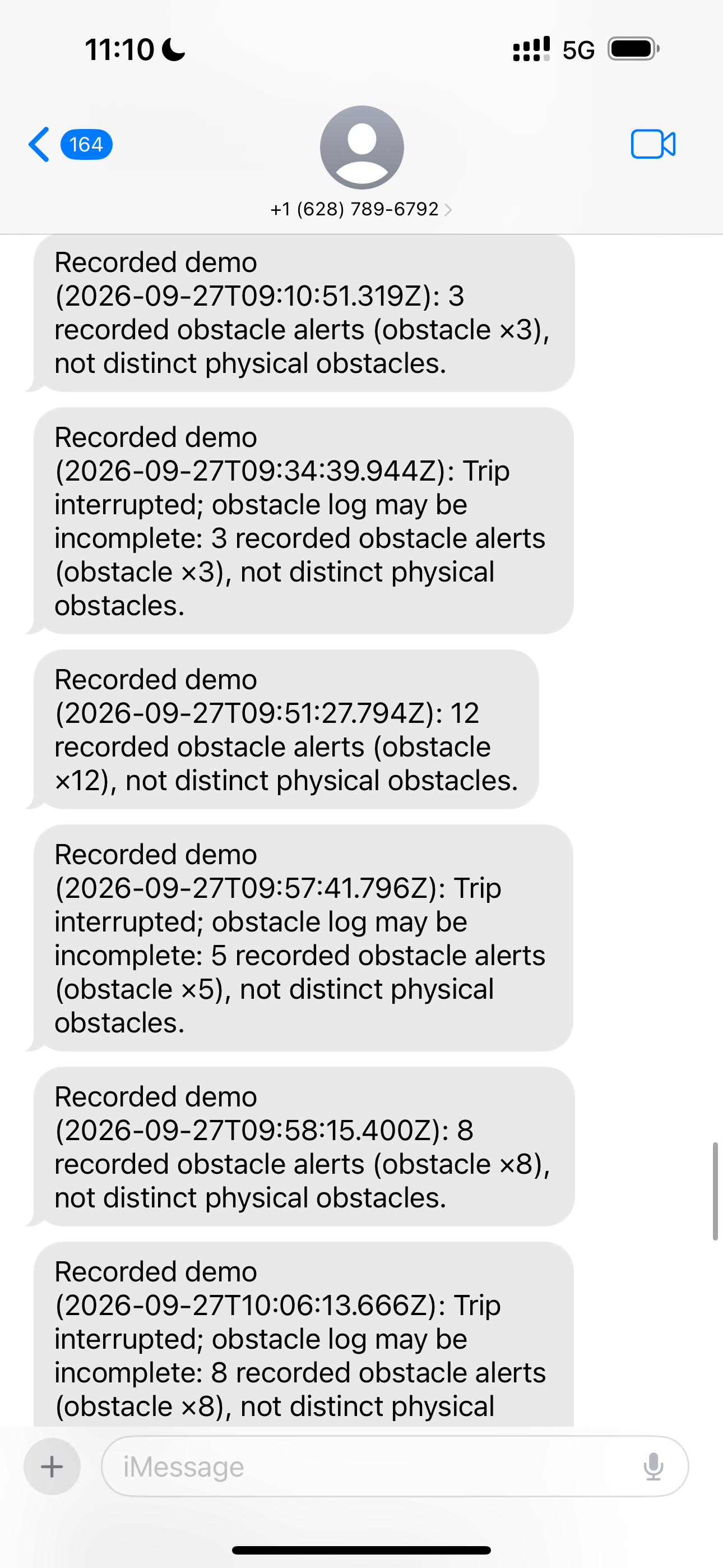
Obstacle summary on Photon
-
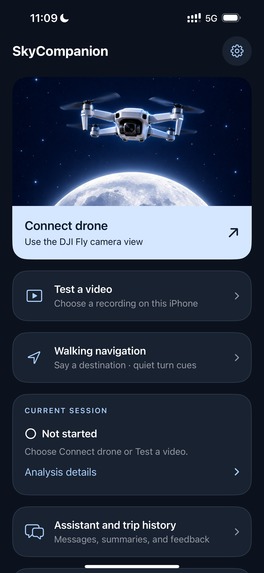
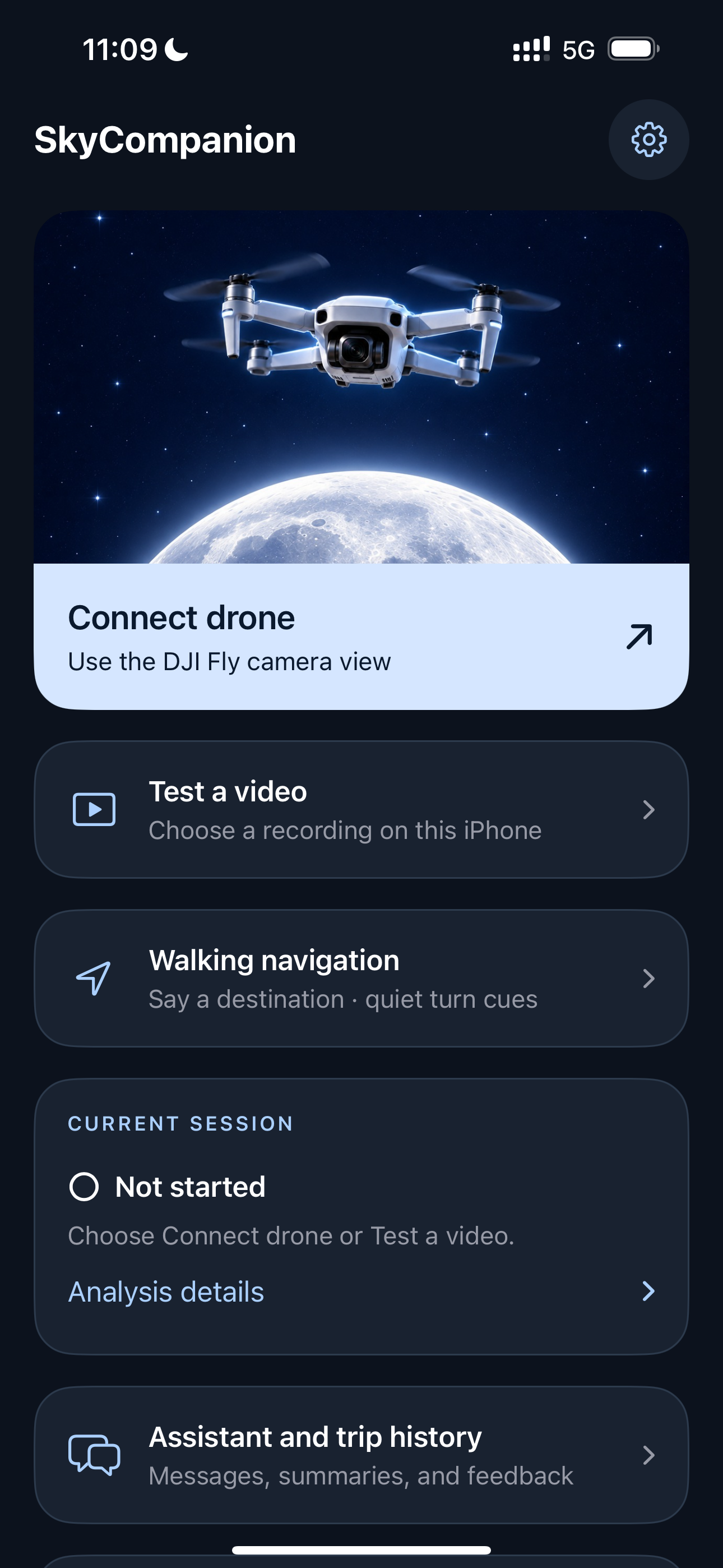
App main page
Inspiration
“Fly Me to the Moon” made us think about what a different perspective could offer here on Earth. A drone following a walker can see a scene from above. We wanted to explore how that view could become useful information for someone who cannot easily see what lies ahead.
That became SkyCompanion: an assistive walking prototype designed with blind and low-vision users in mind. Our goal was to turn visual observations into brief spoken reminders, then let the user revisit those reminders through conversation. The experience we imagined was a companion that could help in the moment and remember the walk afterward.
What it does
SkyCompanion combines a native iPhone app with a Photon-powered iMessage assistant.
- On-device scene analysis: The app processes local videos and includes a ReplayKit screen-broadcast extension for capturing a selected area of an external app such as DJI Fly. Object detection and obstacle speech run locally on the phone.
- Context-aware reminders: The system combines detections, tracking, image position and available path context to decide when to speak. It can exclude an explicitly selected followed walker from obstacle alerts and suppress repetitive reminders. Users can ask for a scene description, repeat an alert or check whether assistance is active.
- Walking navigation: An integrated Apple MapKit interface supports destination search and spoken turn prompts. Obstacle warnings take priority over navigation and assistant replies.
- A conversation after the walk: The iMessage assistant summarizes recorded reminders, answers supported questions about recent events, accepts corrections and saves alert preferences. A request such as “Say less, mute trees and poles, alert interval 30 seconds” updates ordinary reminders while leaving urgent alerts enabled.
The phone app, messaging bridge and preference synchronization are implemented. Sustained live DJI operation and outdoor assistive use remain under validation; this is a hackathon prototype, not a validated mobility aid.
How we built it
We started with a Python video-analysis pipeline using OpenCV, YOLO-World v2 and object tracking. It gave us a way to inspect detections, review frames and experiment with alert rules before moving inference onto the phone.
Our training workflow retained 7,662 frames from six videos, then incorporated reviewed public training images for a combined 8,014-image training set. We adapted YOLO-World v2 with a 72-class vocabulary and completed 15 total training epochs. Because the annotations were partial, we explicitly preserved unknown regions instead of treating every unmarked object as background.
We converted the trained detector to Core ML and integrated it into a native SwiftUI app and ReplayKit extension. The mobile implementation includes video-area selection, followed-user tracking, local inference, speech commands, recording and an optional depth/path component. We also built a FastAPI backend and React/Vite monitor for development and inspection.
For the conversational layer, we used Photon and TypeScript. The phone sends structured trip and reminder records rather than streaming camera footage to the messaging service. Persistent queues, stable record IDs and retry handling let the app synchronize without double-counting repeated uploads. Preferences have revision numbers, so the assistant can distinguish “saved” from “confirmed applied by the phone.”
Challenges we ran into
Seeing an object is only the beginning. Trees, poles and small objects were difficult to annotate consistently, especially with occlusion and camera movement. We built review and dataset-audit tools, corrected boxes and kept unverified regions explicit. Fourteen vocabulary classes still lack verified positive training examples, so a 72-class vocabulary does not mean 72 classes have demonstrated accuracy.
The person being followed can become a false obstacle. We added explicit user selection and tracking exclusion. When identity becomes uncertain, the app pauses guidance that depends on it rather than silently switching to another pedestrian.
A converted model can behave differently. Our FP16 export failed conversion-equivalence checks. We used an FP32 version after checking its outputs against the original model. That taught us to test preprocessing, coordinate transformations and decoding together, rather than assuming a successful export meant equivalent behavior.
Speech is a shared resource. Obstacle alerts, navigation, questions and recording all compete for audio. We worked through interruptions, stale reminders, repeated warnings and recording issues, and established clear speech priorities. We also distinguished a reminder queued for speech from one whose playback actually started.
Accomplishments that we're proud of
We moved beyond the original desktop prototype to a native phone implementation connected to an iMessage assistant. We completed the training run, deployed the selected model to an iPhone 15 Plus during development, and built a feedback path that keeps corrections linked to their original events.
In a roughly 50-second local-video test, the phone processed a median of 11.39 frames per second, with median model inference of 66.12 milliseconds. This was a short test with listening and optional depth disabled, not a sustained drone-stream benchmark.
The integrated application passed 400 unit tests, along with frontend, TypeScript and unsigned iOS Release build checks. We also verified the Swift-to-TypeScript trip-record contract. These checks gave us confidence in specific software behaviors while keeping field performance and detection accuracy as separate questions.
What we learned
We learned that useful assistance depends as much on choosing when to speak as on detecting more objects. A long list of labels can overwhelm a listener; a brief, relevant reminder needs freshness checks, tracking, context and careful audio scheduling.
We also learned to separate different kinds of evidence. Training completion does not establish accuracy. Conversion agreement does not establish real-world recognition. A speech callback does not prove that a user heard an alert, and an object’s position in an image is not a measured physical distance.
Finally, personalization needs an observable feedback loop. Saving a preference is only part of the job: the phone must receive it, apply it and acknowledge it. Recording a correction is similarly the beginning of review, not an automatic improvement to the model.
What's next for SkyCompanion
Our next step is independent evaluation on held-out scenes, with better coverage of rare, distant and occluded obstacles. We will address missing training examples and dense or redundant detections before making accuracy claims.
We also plan longer device and live-drone tests covering end-to-end alert latency, background behavior, thermal load, battery use and connection recovery. Working with blind and low-vision participants and accessibility specialists will help us evaluate which reminders are useful, understandable and appropriately timed.
We want to refine trip history and preference controls while preserving a clear boundary: conversational features should never delay immediate local perception. SkyCompanion's next milestone is a carefully evaluated walking experience built around the people it is intended to support.
Built With
- accessibility
- computer-vision
- drone
- fastapi
- imessage
- machine-learning
- mobileapp
- object-detection
- opencv
- photon
- python
- react
- replaykit
- swiftui
- typescript
- xcode
- yolo-world-v2

Log in or sign up for Devpost to join the conversation.