-
-

Skunk Works was the stealth name of this project. A tribute to the original Skunk Works.
-
-
-
-
-
-

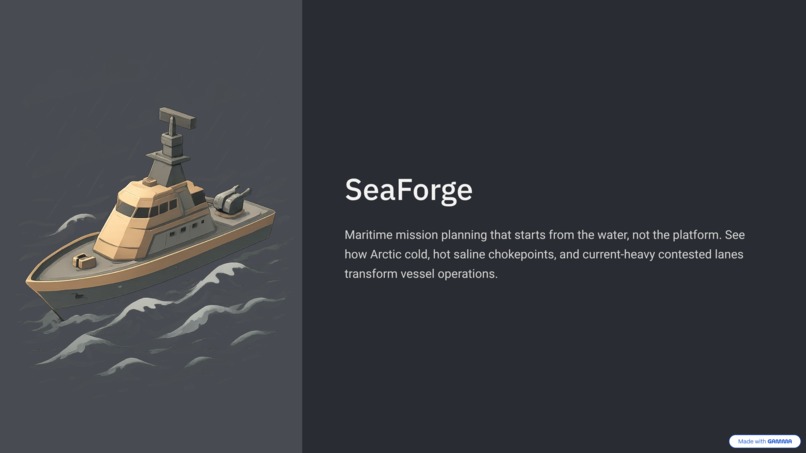
SeaForge 🌊
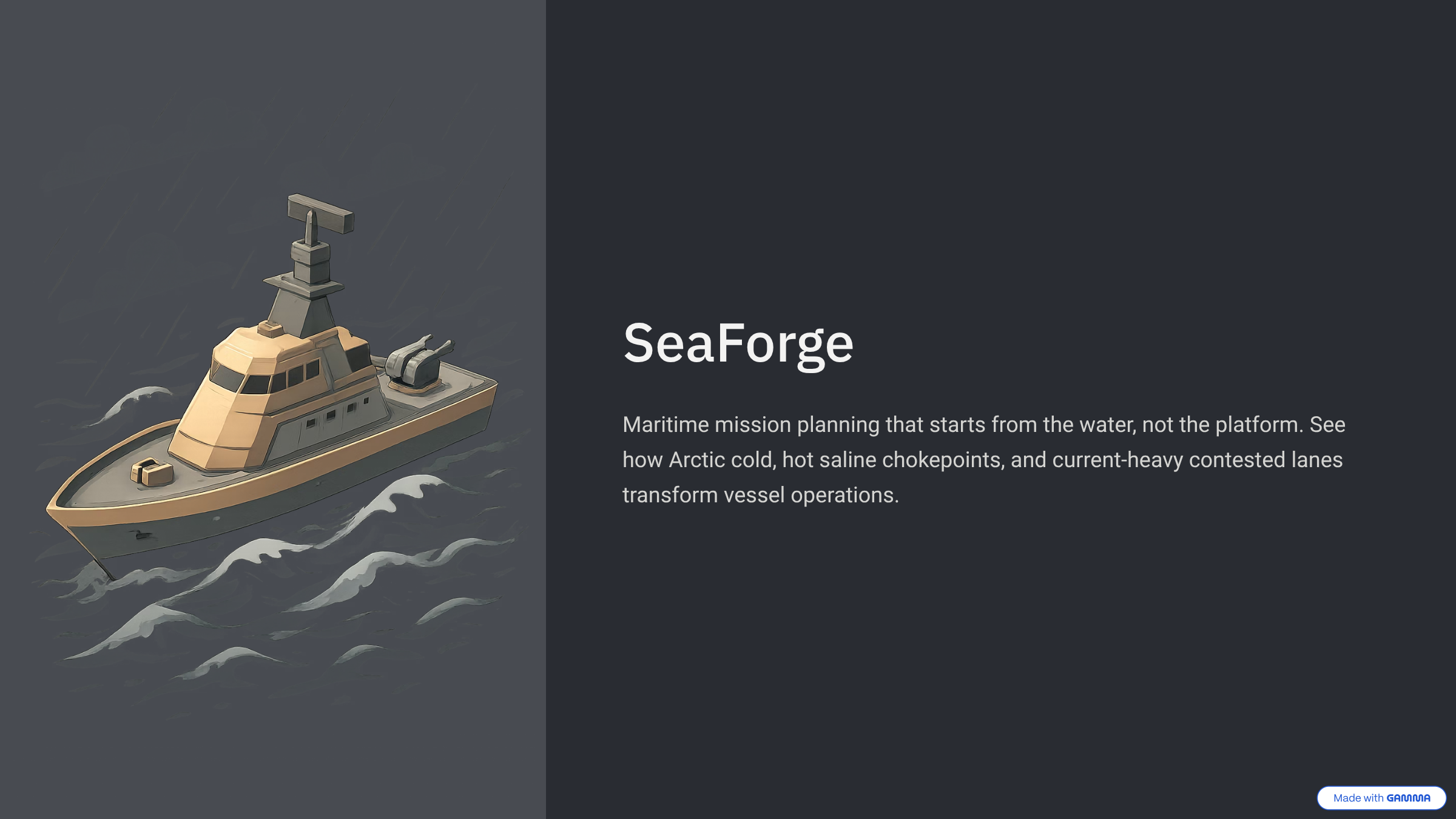
A software-defined ocean proving ground for autonomous maritime systems, letting engineers test AUVs, USVs and specific materials against real-world conditions before ever going to sea.
Maritime systems don’t fail in the lab. They fail in the ocean, under conditions that are expensive, unpredictable, and nearly impossible to reproduce on demand. Today, testing an autonomous vessel still depends on physical sea trials, where one bad assumption about waves, temperature, or materials can cost weeks and tens of thousands of dollars to uncover.
We built SeaForge to change that.
SeaForge is a software-defined maritime testing environment that brings real-world ocean conditions, platform behavior, and material response into one loop. Instead of guessing how a system might perform, engineers can see how a specific vessel behaves in a specific theater and understand why.
At its core, SeaForge turns:
$$ \text{Environment} \times \text{Platform} \times \text{Material} \rightarrow \text{Engineering Outcome} $$
It works because it does not try to simulate everything. It focuses on the exact layer where decisions are made, making maritime risk visible, testable, and actionable before the ocean finds the failure first.
Inspiration
A lot of maritime and defense software starts from the platform. We wanted to start from the water.
The same vessel can look fine on a spec sheet and become a completely different engineering problem once it enters Arctic cold, a hot saline chokepoint, or a current-heavy contested lane. That shift usually gets buried in scattered assumptions or heavyweight tools that are hard to use in the room where early decisions actually happen.
So we built SeaForge.
SeaForge exists to make one thing legible fast: how a specific operating theater changes the operating picture for a maritime platform. Instead of pretending to simulate the whole ocean, we focused on the planning layer where people need to pick an environment, inspect a vehicle, and understand what changes.
What it does
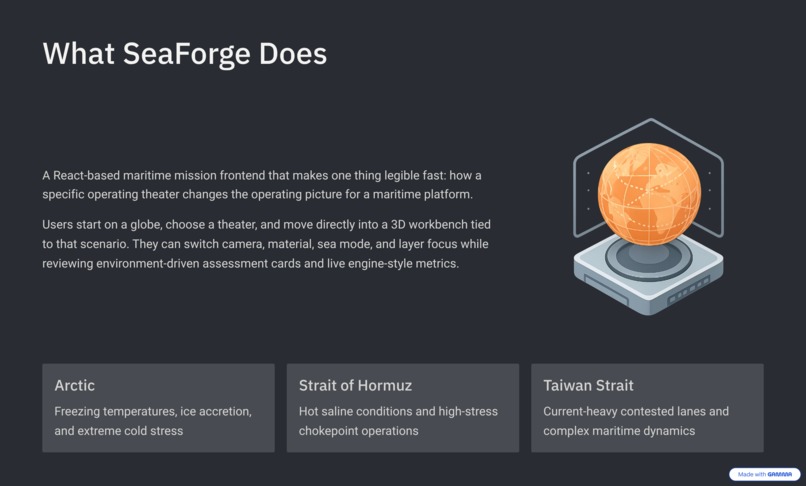
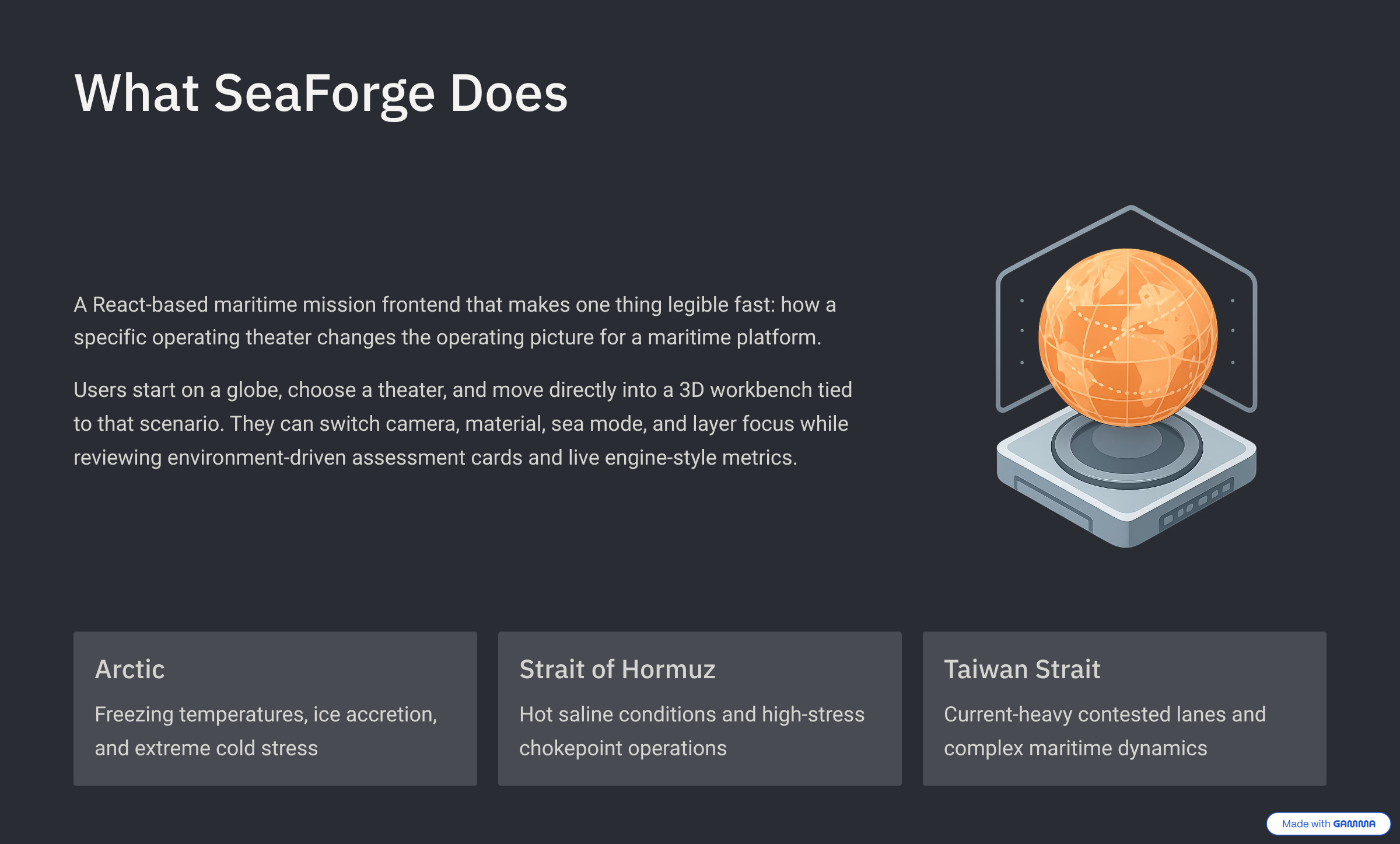
SeaForge is a React-based maritime mission and simulation frontend.
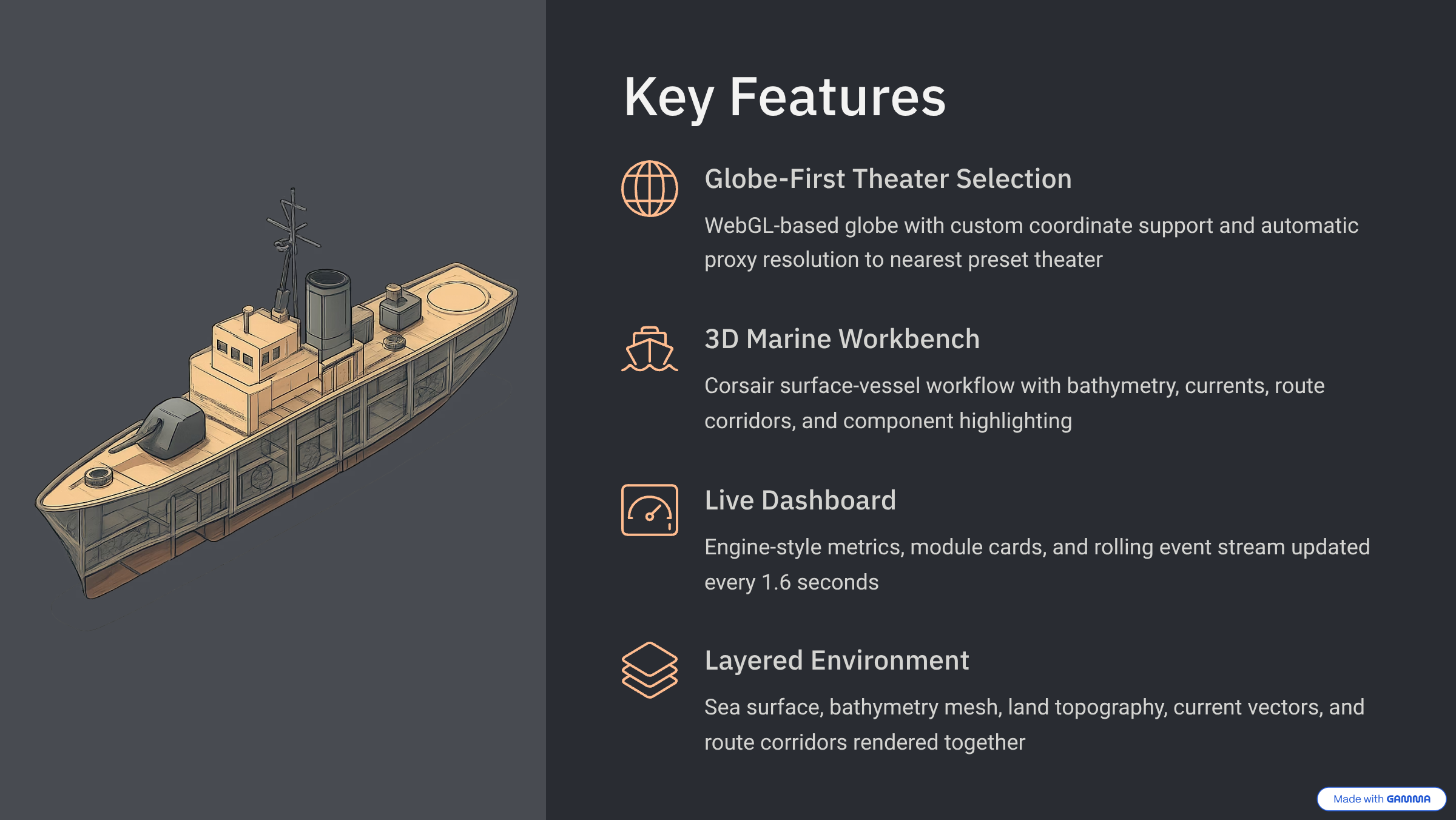
The user starts on a globe, chooses a theater, and moves directly into a 3D workbench tied to that scenario. From there they can switch camera, material, sea mode, and layer focus, and review environment-driven assessment cards and live engine-style metrics.
The current prototype ships with three preset theaters:
- Arctic
- Strait of Hormuz
- Taiwan Strait
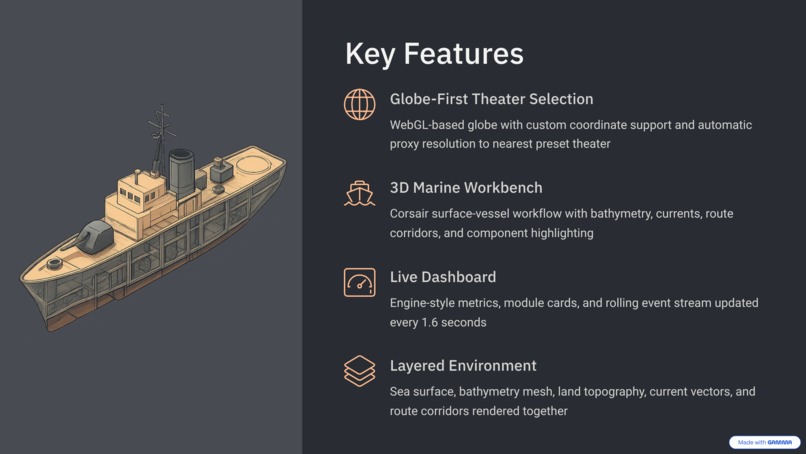
The app centers on the Corsair surface-vessel workflow, with a parallel DiveXL workbench for an underwater asset. A custom globe click resolves to the nearest preset theater so the mission context stays coherent.
What the user sees:
- a globe-first theater selection surface
- a mission route for the selected theater
- a 3D workbench that renders the Corsair model and environment layers
- bathymetry, currents, route corridors, and land context
- a live dashboard with engine-style metrics, module cards, and event alerts
The point is not "simulate everything." The point is: choose a water, move into the vehicle lab, and see how the environment changes the picture.
System architecture
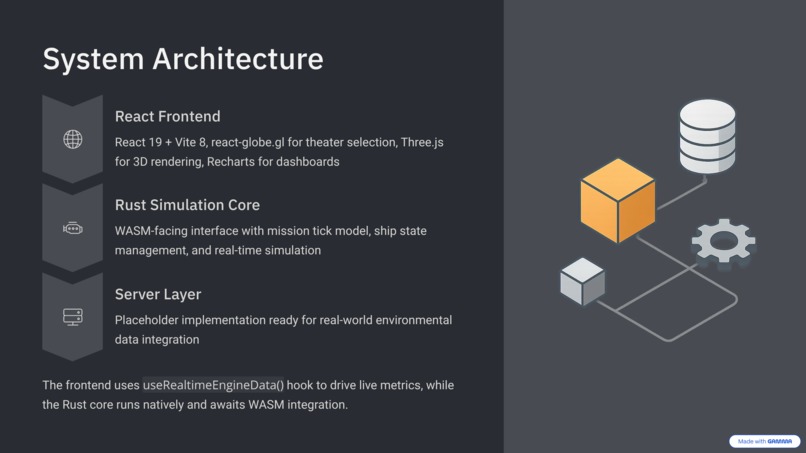
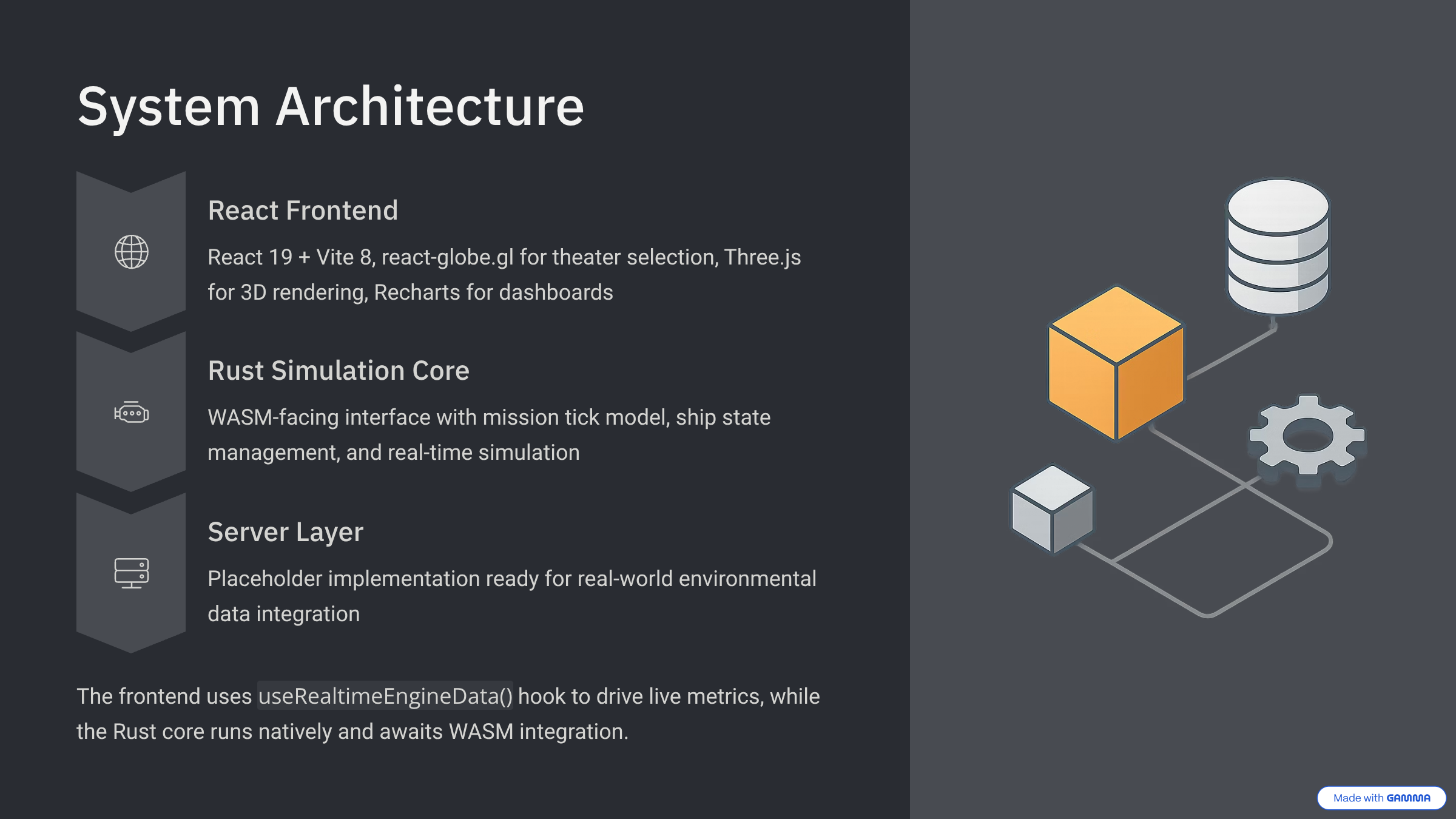
The repo has three main areas: a working React frontend, a Rust simulation core with a WASM-facing interface, and a server folder that is currently a placeholder.
Current frontend flow
User Input → React Globe Surface
                    ↓
      Theater Select / Custom Point Click
                    ↓
      Nearest-Theater Proxy Resolution
                    ↓
         Mission Context Builder
                    ↓
 buildEngineInputDefaults(mission)
                    ↓
      ┌────────────┼────────────┐
      ↓            ↓            ↓
 MarineWorkbench  Assessment   Engine Dashboard
    (Three.js)     Copy         (Recharts + live hook)
      └────────────┼────────────┘
                    ↓
   useRealtimeEngineData() loop
                    ↓
      Live module cards + event stream
Parallel Rust / WASM core
Ship + HullGeometry + MaterialGrade + MissionScenario
                    ↓
             Rust Simulation Core
                    ↓
         run_mission_tick(scenario)
                    ↓
   Wave build → fatigue update → phase / speed / depth
                    ↓
          MissionTickOutput state
                    ↓
  Native loop today  →  WASM Engine export for JS
User flow
User selects theater on globe
          ↓
LandingPage stores theater or custom coordinate
          ↓
If custom point:
  nearest preset theater is chosen as proxy
          ↓
/mission/:theaterId route loads mission context
          ↓
buildEngineInputDefaults(mission)
          ↓
MarineWorkbench + EngineDashboard render together
          ↓
useRealtimeEngineData() updates snapshot, series, and events
          ↓
Module cards and mission events refresh on the live loop
Frontend stack
- React 19 + Vite 8 for the app shell
- React Router 7 for landing and mission routes
- react-globe.gl for the globe-based theater selector
- Three.js for the marine workbench and scene rendering
- STLLoader for importing the Corsair model
- Recharts for the dashboard graphs
- Motion for transitions
- Lucide for iconography
- Radix UI primitives and Tailwind-era utility styling for the visual system
How the pieces call each other
- The landing page renders the globe, the preset theaters, and custom point selection. It uses a WebGL check and degrades gracefully when support is missing.
- If the user clicks a custom coordinate,
getNearestTheater()resolves it to the closest preset and that becomes the proxy mission context. - The mission route loads that context and hands it to both the 3D workbench and the dashboard.
buildEngineInputDefaults()converts theater stress into baseline engine inputs — wave height, period, salinity/pH, air temp, wind load, freezing spray, ice accretion, slamming probability.useRealtimeEngineData()runs on a live timer (~1.6s) and perturbs those inputs to produce a moving picture: wave height, max period, spectrum shape, slamming probability, corrosion rate, fatigue life, ice accretion, and GM shift. It also generates events for slamming windows, corrosion coupling, ice loading, and atmospheric load spikes.- The workbench uses the same mission context to drive wave intensity, vessel motion, and component highlighting across hull, propulsion, and sensor focus.
The 3D scene
The marine workbench is layered and explicit:
- sea surface mesh with grid and contact shadow
- ambient, key, and fill lighting
- the imported Corsair STL, with a procedural placeholder ship as fallback
- a bathymetry mesh
- a land topography layer
- a current vector layer
- a route corridor and drop marker
- camera, sea mode, material mode, layer focus, auto-orbit, and wave-intensity controls
The Rust / WASM core
The Rust side of the repo has two entry points:
src/main.rs— a standalone native loop that constructs aShipand runssimulation_loop(&mut ship)at roughly 60 FPS.src/lib.rs— the WASM-facing interface that exports anEngineviawasm_bindgenwith methods likenew(),tick(),run_mission_tick(scenario_json),get_plating(), andget_mission_state().
src/simulation.rs defines the mission data model and the core step:
MissionScenariocarries asset id, environment kind, mission mode, payload state, route template, season, start time, target depth, threat profile, duration fraction, and tick minutes.MissionTickOutputreports abort reason, degradation index, heading, phase, reserve remaining, route deviation, elapsed time, speed, and depth.run_mission_tick()builds a wave, updates fatigue, advances mission progress and phase, adjusts speed based on mode and threat, computes depth for underwater missions, burns reserve, increases route deviation and degradation, and aborts if reserve drops too low.
Referenced types like Ship, ShipProperties, HullGeometry, MaterialGrade, and ShipState live in the ship and modules Rust modules. The Rust core is real working code, but it is not yet wired into the running frontend — the UI's live numbers come from useRealtimeEngineData() in the React app, and the Rust engine sits alongside it ready to be bridged.
The server
server/main.js currently contains a single console.log("Wsg"). It is a placeholder, and we're being upfront about that.
What the user sees
- a globe with selectable theaters and custom coordinate support
- a mission handoff that carries the selected theater into the simulator
- a 3D workbench with camera presets, material modes, sea modes, layer focus, and component highlighting
- a dashboard with live charts, module cards, and a rolling event stream
- theater-specific assessment copy that frames readiness, risk, and comparison across environments
How we built it
We built the product around a simple spine:
- Make the globe the source of truth.
- Carry that theater context into the mission page.
- Use a small set of explicit, readable engine inputs instead of a black-box simulation.
- Keep the interface clean enough that someone understands it in seconds.
The live app is a React + Vite frontend. The landing page is built around react-globe.gl and theater metadata in front/src/data.js, which holds theater coordinates, stress values, component copy, and assessment text. The mission page combines a Three.js workbench and a dashboard that both read from the same mission context, so selection, visuals, and metrics all stay in sync.
useRealtimeEngineData is the engine that makes the dashboard feel alive: it derives defaults from mission stress, then drives snapshot, series, events, module cards, and summary on a steady interval.
Alongside the frontend, the repo also contains a Rust simulation core. That layer builds a ship, runs a mission tick loop, and exposes a WASM Engine so the JavaScript side can eventually call into it. Today it runs natively and is not yet hooked into the UI.
We also spent real time cutting the interface down. Earlier versions had more panels and more clutter. The final version is simpler on purpose, and it reads much better because of it.
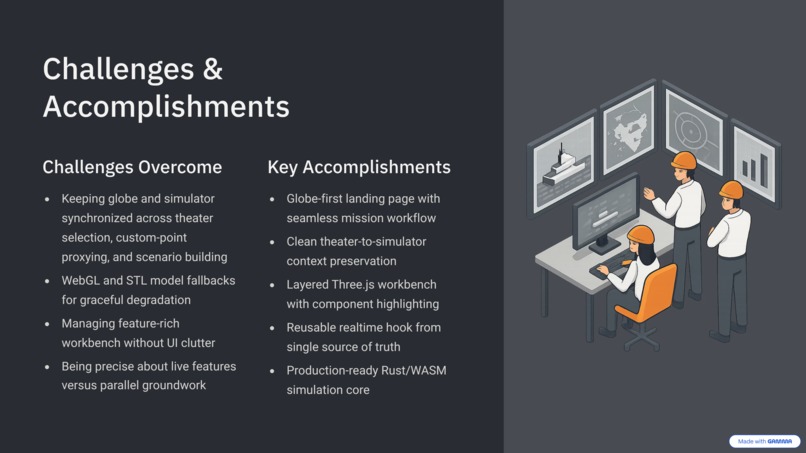
Challenges we ran into
Keeping the globe and simulator in sync
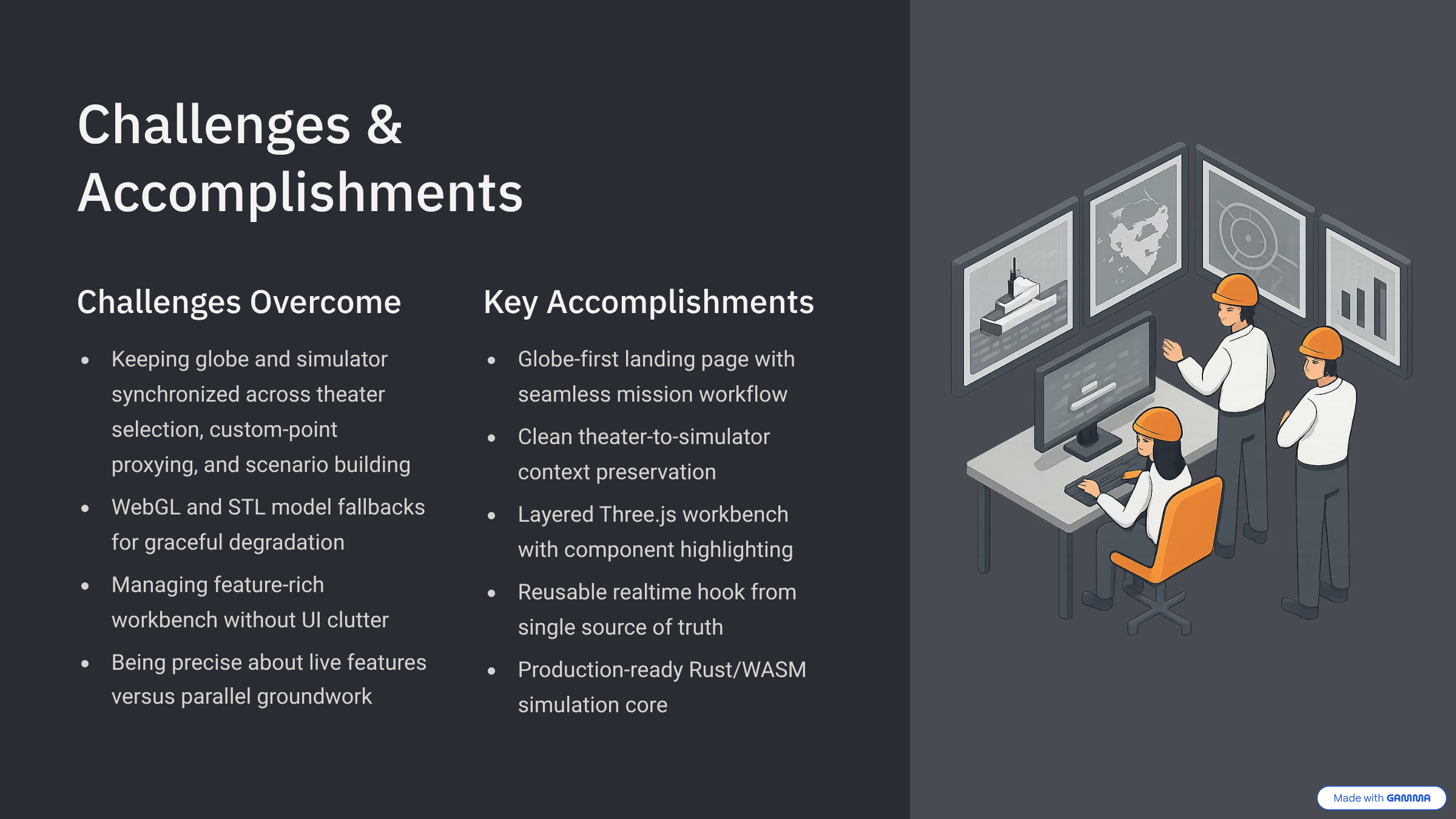
The mission context has to carry cleanly from landing page to mission route to 3D scene. Getting theater selection, custom-point proxying, and scenario building to stay coherent across that whole flow took real iteration.
WebGL and model fallbacks
Both the globe and the Three.js workbench check for WebGL support and degrade gracefully when it is missing. The STL import path also needs a fallback when the Corsair model is unavailable or loads as a single monolithic mesh that can't be highlighted by component — so we built a procedural placeholder ship that keeps the scene working.
Readable scene, not an overloaded one
The workbench has a lot of knobs: camera, sea mode, material mode, layer focus, auto-orbit, wave intensity. Keeping that powerful without turning the UI into noise was its own design problem.
Avoiding fake complexity
We did not want to claim a giant integrated physics stack. The heuristics in the frontend are explicit and readable on purpose, and the Rust simulation core is labeled as parallel work rather than pretending it already powers the UI. That honesty made the project easier to reason about.
Scope discipline
Earlier versions of the UI had more cards, more overlays, and more decorative information. The product got noticeably stronger once we removed things.
Accomplishments that we're proud of
- A globe-first landing page that actually leads into a mission workflow
- A clean theater-to-simulator handoff that preserves context across the app
- A layered Three.js workbench with bathymetry, land topography, currents, route corridor, and component highlighting
- A reusable realtime hook that drives dashboard charts, module cards, and events from a single source of truth
- A fallback-friendly design that still works when the imported STL or WebGL path fails
- A Rust / WASM simulation core that is real code with a clean mission tick model, ready to be bridged into the UI
- A focused demo direction centered on one vessel and a few strong theater scenarios
What we learned
Environment is often the first-order variable in maritime planning — the vehicle story is a consequence of the water, not the other way around.
Explicit heuristics are easier to trust than hidden "magic simulation" logic. When the inputs are visible, people can reason about them. When they're hidden behind a black box, they stop believing anything.
Simplifying a UI usually makes a product feel more credible, not less. And a good demo flow matters as much as the 3D visuals — preserving theater context across the whole app is what helps a user understand why the vehicle is behaving the way it is.
Finally, being precise about what is live today versus what is parallel groundwork (like the Rust core) makes the project much easier to explain and defend.
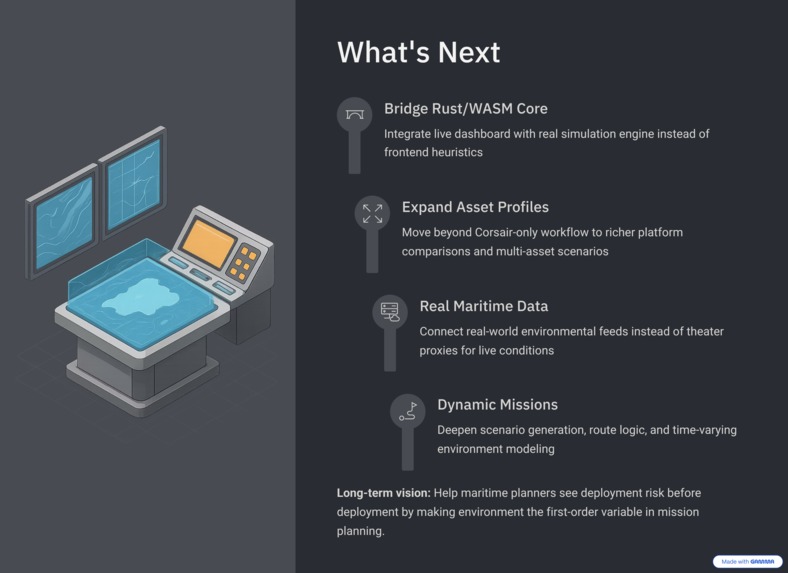
What's next for SeaForge
Based on the current code, the next logical steps are:
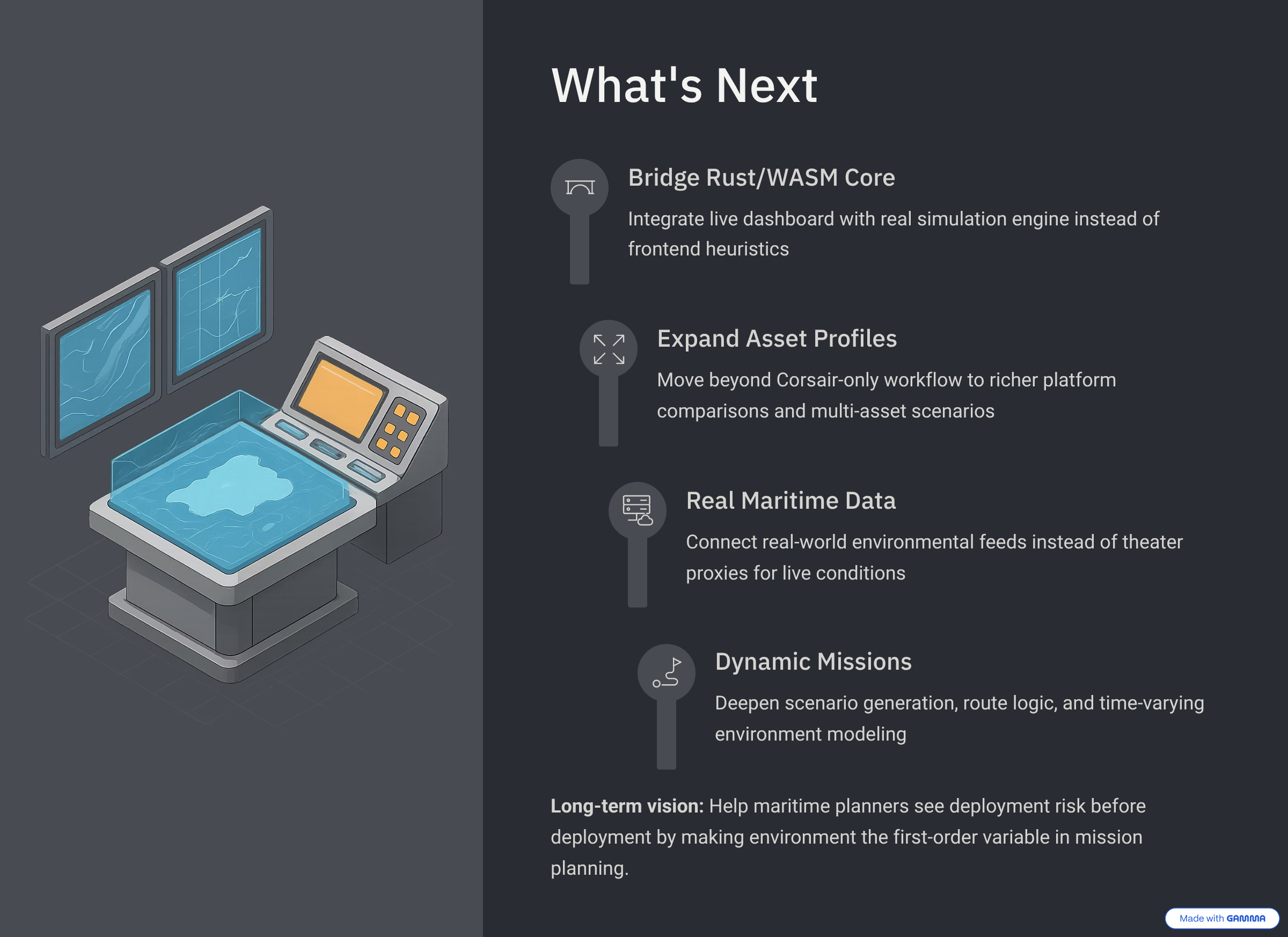
- expand beyond the Corsair-only workflow with richer asset profiles and platform comparisons
- wire the Rust / WASM
Engineinto the frontend so the live dashboard can run on the real simulation core - bring in real-world environmental data feeds instead of theater proxies
- deepen mission scenario generation and route logic
- make the environment model more dynamic over time
- keep refining the globe-to-mission handoff and the 3D scene
Long-term, we want SeaForge to help people see deployment risk before deployment.
Short version
Inspiration
SeaForge was built to make maritime planning environment-first. Instead of treating the vessel as the starting point, it starts with the theater and shows how Arctic, Hormuz, and Taiwan Strait conditions change the mission picture.
What it does
SeaForge is a React + Three.js maritime mission frontend with a globe landing page, theater-based mission routing, a 3D Corsair workbench, live engineering-style metrics, and environment-aware assessment cards. A parallel Rust / WASM simulation core models ship state and mission ticks alongside the frontend.
How we built it
We built SeaForge as a React + Vite app using React Router, react-globe.gl, Three.js with STL loading, Recharts, Motion, Lucide, and Radix UI primitives. The live dashboard runs on a useRealtimeEngineData hook that derives defaults from theater stress and updates snapshot, series, events, and module cards on a steady interval. In parallel, a Rust simulation core exposes a WASM Engine with a mission tick model for future integration.
Challenges we ran into
The biggest challenges were keeping the globe, mission page, and 3D scene aligned; handling WebGL and STL fallbacks; keeping a feature-rich workbench readable; and being disciplined about what was live versus what was parallel groundwork.
Accomplishments that we're proud of
We're proud of the globe-to-mission flow, the layered 3D environment, the Corsair workbench, the realtime dashboard, and a Rust core that is real code rather than a stub.
What we learned
We learned that environment is the first-order variable, that explicit heuristics beat hidden complexity, that cutting features often strengthens a product, and that honesty about what's live versus what's parallel makes a technical demo much easier to trust.
What's next for SeaForge
Next we want to bridge the Rust / WASM core into the live UI, expand beyond the Corsair workflow, wire in real maritime data, and deepen the mission comparison and route planning tools.
Built With
- css
- javascript
- lucide
- motion
- react-19
- react-globe.gl
- react-router-7
- recharts
- tailwind
- three.js
- vite-8


Log in or sign up for Devpost to join the conversation.