Inspiration
We wanted short reads to feel as effortless as scrolling—no endless feeds, no clutter. People love short-form video for discovery; we bet the same format could work for text. Skrolz was inspired by the question: What if you could swipe through bite-sized content the same way, with AI that helps you create and go deeper when you want? We combined a TikTok-style vertical feed with Google Gemini 3 to power creation, moderation, and engagement—so every story is focused, safe, and scroll-stopping.
What it does
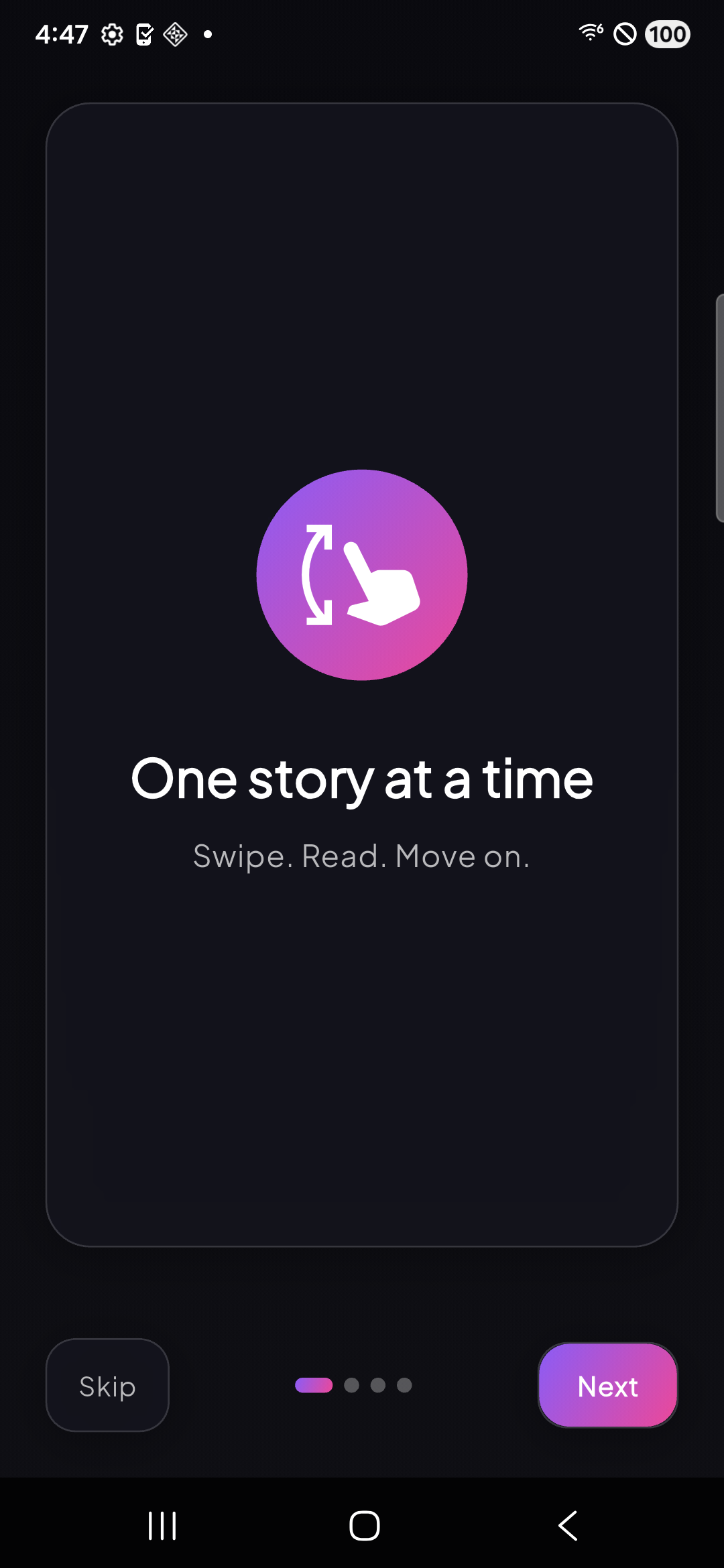
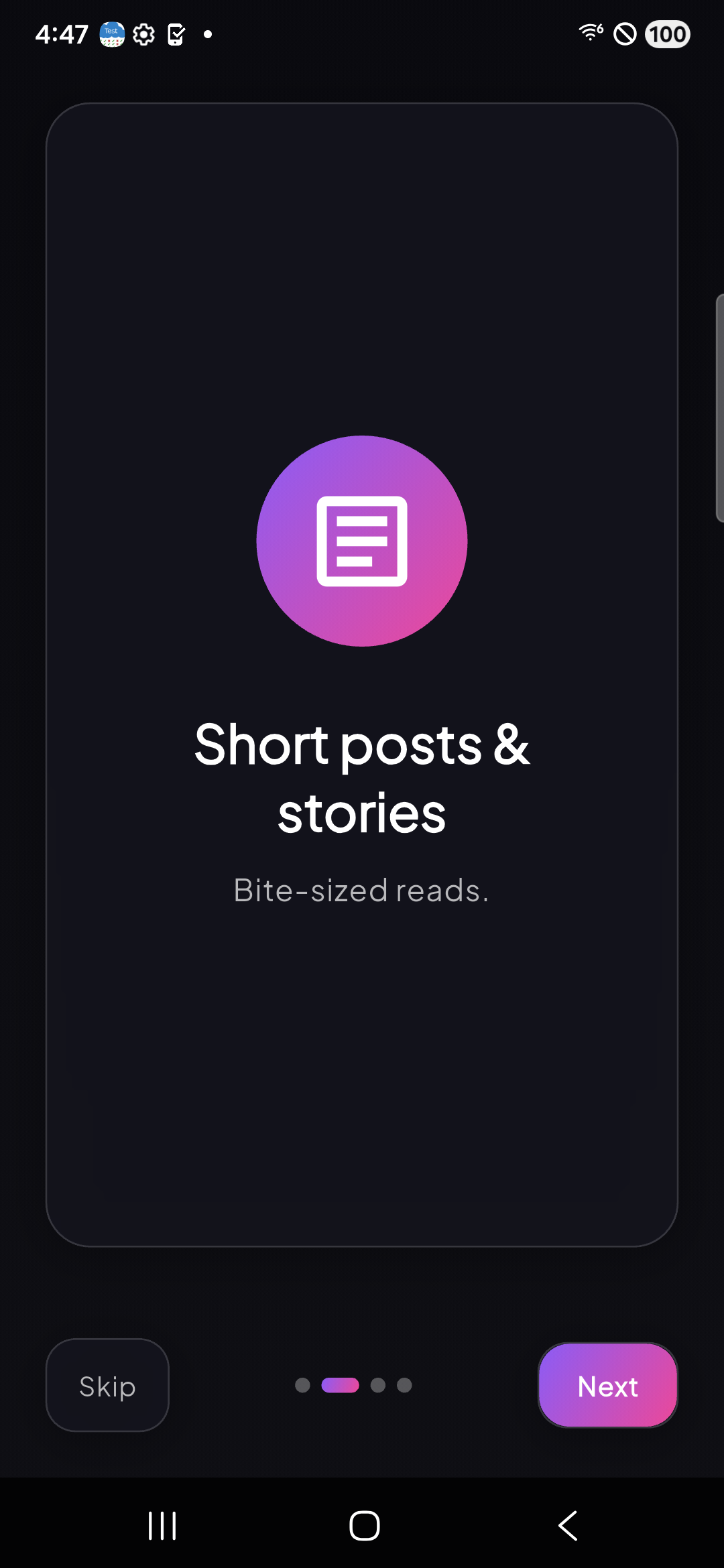
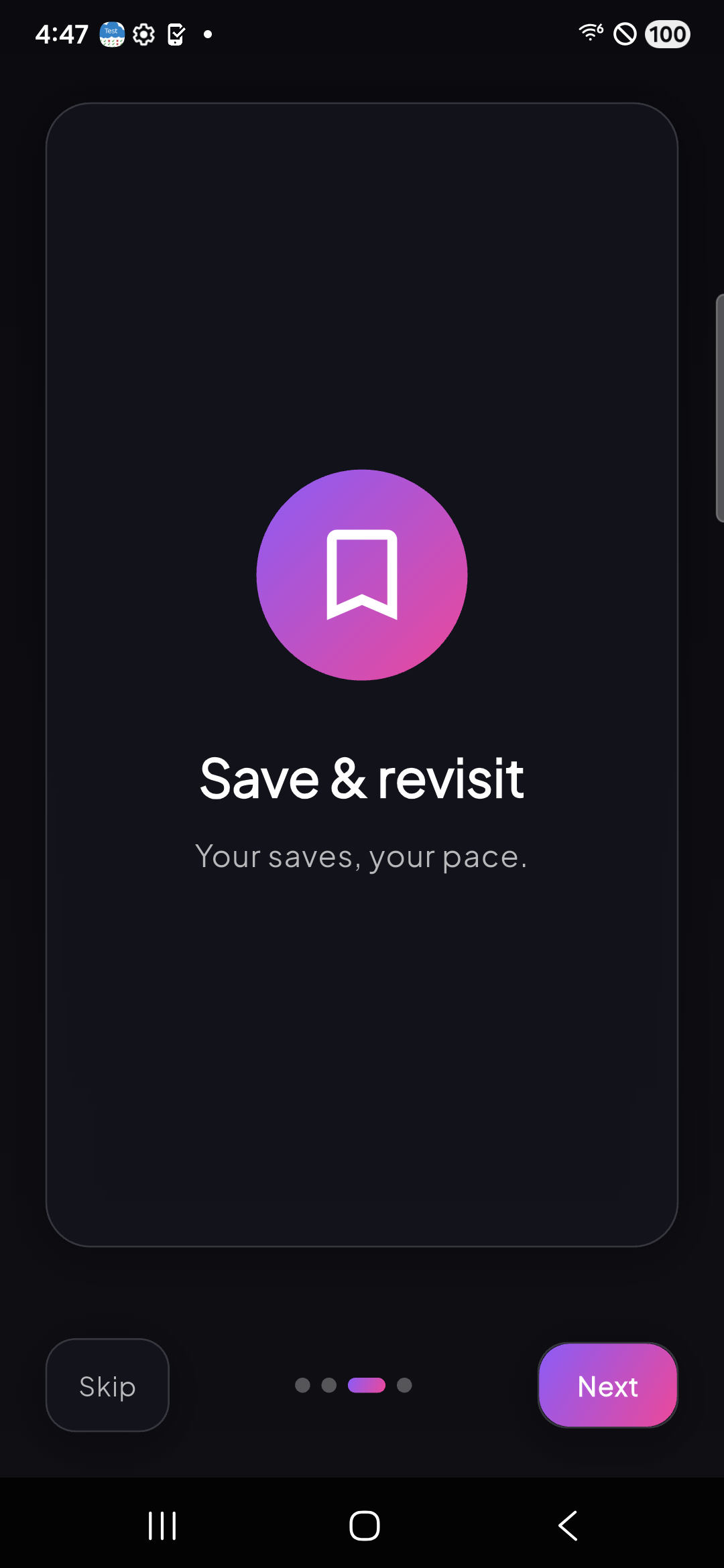
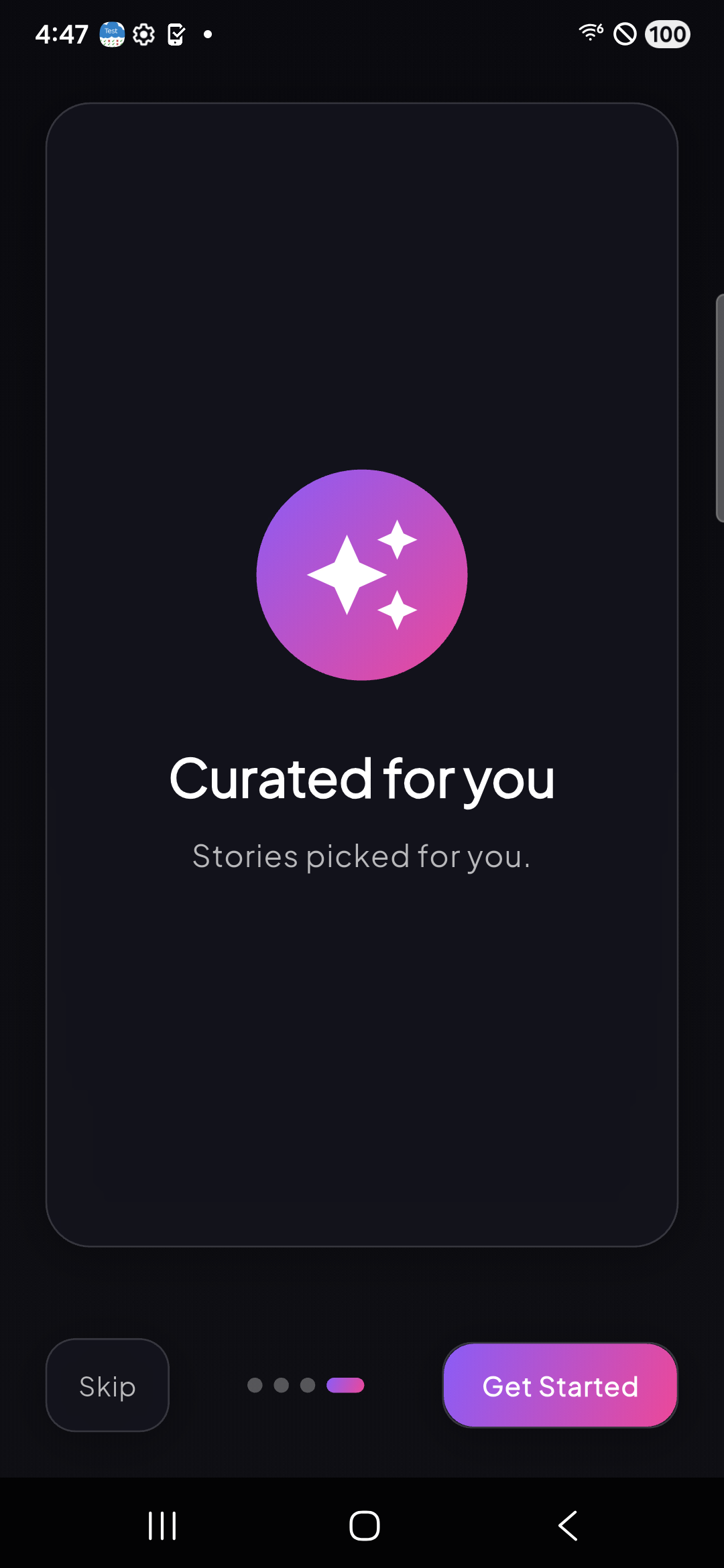
Skrolz is a vertical, full-screen micro-reading app: one story at a time. Users swipe through short posts (≤280 characters) and multi-slide lessons in a personalized feed. For readers, we offer a For You feed, bookmarks, focus mode, and transparent “why you saw this” explanations. For creators, we offer:
| Feature | Description |
|---|---|
| AI Post | Enter a topic (and optional tone/length); Gemini 3 generates 3 distinct post variants in seconds. |
| Study Buddy (Premium) | For any topic or lesson, Gemini 3 returns 2 study tips, 1 actionable step, and 1 multiple-choice quiz—with structured JSON and high reasoning. |
| Content moderation | Every post and lesson is checked by Gemini 3 for safety (harassment, hate speech, etc.) before going live. |
The app is bilingual (English + Arabic, RTL) and runs on iOS, Android, Web (PWA), and desktop (Flutter).
How we built it
- Frontend: Flutter (Dart) with Riverpod and go_router. We use Supabase for auth, real-time, and storage; RevenueCat for premium (Study Buddy).
- Backend: Supabase (PostgreSQL, Edge Functions on Deno). Three Edge Functions call the Gemini 3 API:
| Function | Gemini 3 model | Role |
|---|---|---|
| generate-post | gemini-3-flash-preview |
Creates 3 post variants from a topic; we use thinkingLevel: "low" and temperature: 1.0 for creative, on-brand output. |
| study-buddy | gemini-3-flash-preview |
Returns tips, action, and quiz in JSON; we use thinkingLevel: "high" and responseMimeType: "application/json" for reliable, structured responses. |
| moderate-content | gemini-3-flash-preview |
Evaluates content against safety guidelines; we use explicit cached contents for system instructions and built-in safety settings. |
We use retries with exponential backoff for rate limits and validate outputs (e.g. 280-char limit, JSON schema) before returning to the app. The Flutter app talks to these functions via Supabase client; feed ranking and recommendations use Supabase + materialized views (no Gemini there).
Challenges we ran into
- Structured output: Getting Study Buddy to return valid JSON every time was tricky; we combined
responseMimeType: "application/json"with clear prompts and client-side fallbacks (strip markdown, regex extract JSON) and schema checks. - Latency vs quality: We tuned
thinkingLevelper use case—low for fast post generation and moderation, high for Study Buddy so the quiz and tips feel thoughtful. - Safety and UX: We needed moderation to run on both user-created and AI-generated content without blocking legitimate posts; we relied on Gemini 3’s safety settings and a rule-based fallback when the API is unavailable.
Accomplishments that we're proud of
- Three distinct Gemini 3 integrations in one app: creative (AI Post), educational (Study Buddy), and safety (moderation)—each with appropriate reasoning levels and response formats.
- Production-ready patterns: Caching for moderation prompts, retries/backoff, token logging, and strict validation so the app stays stable under load.
- Full product experience: Bilingual (EN/AR), offline-capable feed cache, and a premium path (Study Buddy) that showcases Gemini 3’s reasoning for users who want to go deeper on content.
What we learned
- Gemini 3’s thinking level and response MIME types let us optimize per use case (speed vs depth) and get reliable JSON for the Study Buddy feature.
- Cached contents for system instructions in moderation cut down repeated tokens and made our Edge Function more efficient.
- Combining a vertical, story-first UX with AI-powered creation and moderation made the app feel cohesive—users get “swipe to read” and “AI helps me create and go deeper.”
What's next for Skrolz
- Richer recommendations: Use Gemini 3 to generate natural-language “why you saw this” explanations from user preferences and engagement signals.
- Multimodal: Support image + text in posts and lessons and use Gemini 3’s multimodal APIs for moderation and optional alt-text or summaries.
- Smarter Study Buddy: Let users ask follow-up questions or request more quizzes on the same topic, with conversation context kept in Gemini 3.
- Launch: App Store and Google Play rollout, plus a public PWA so judges and users can try Skrolz without installing an app.
Built With
- cached-network-image
- connectivity
- dart
- deno
- drift
- easy-localization
- flutter
- go-router
- google-fonts
- google-gemini-3-api-(gemini-3-flash-preview)
- image-picker
- lottie
- postgresql
- revenuecat
- riverpod
- share-plus
- sqlite
- supabase
- supabase-edge-functions

Log in or sign up for Devpost to join the conversation.