-
-
-

-
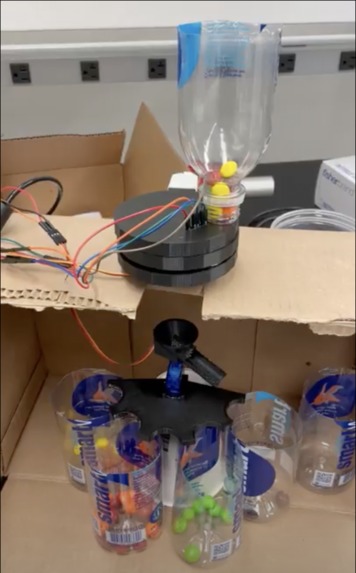
Color Sorter
-
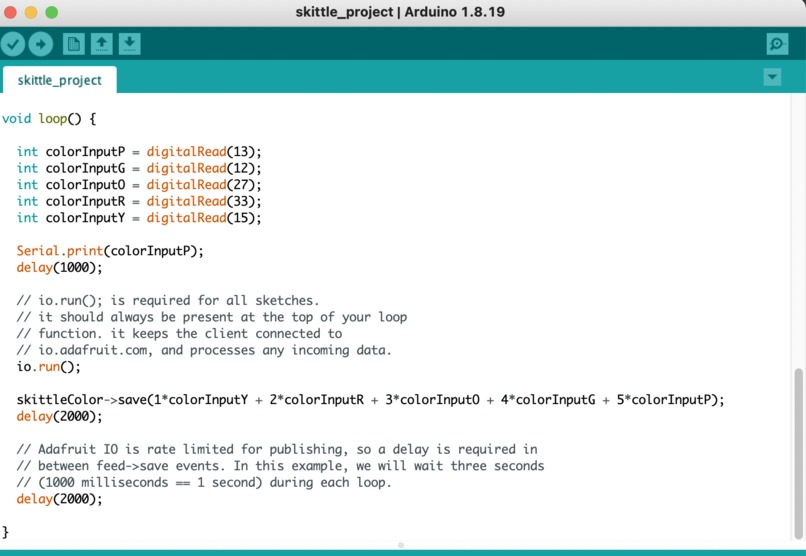
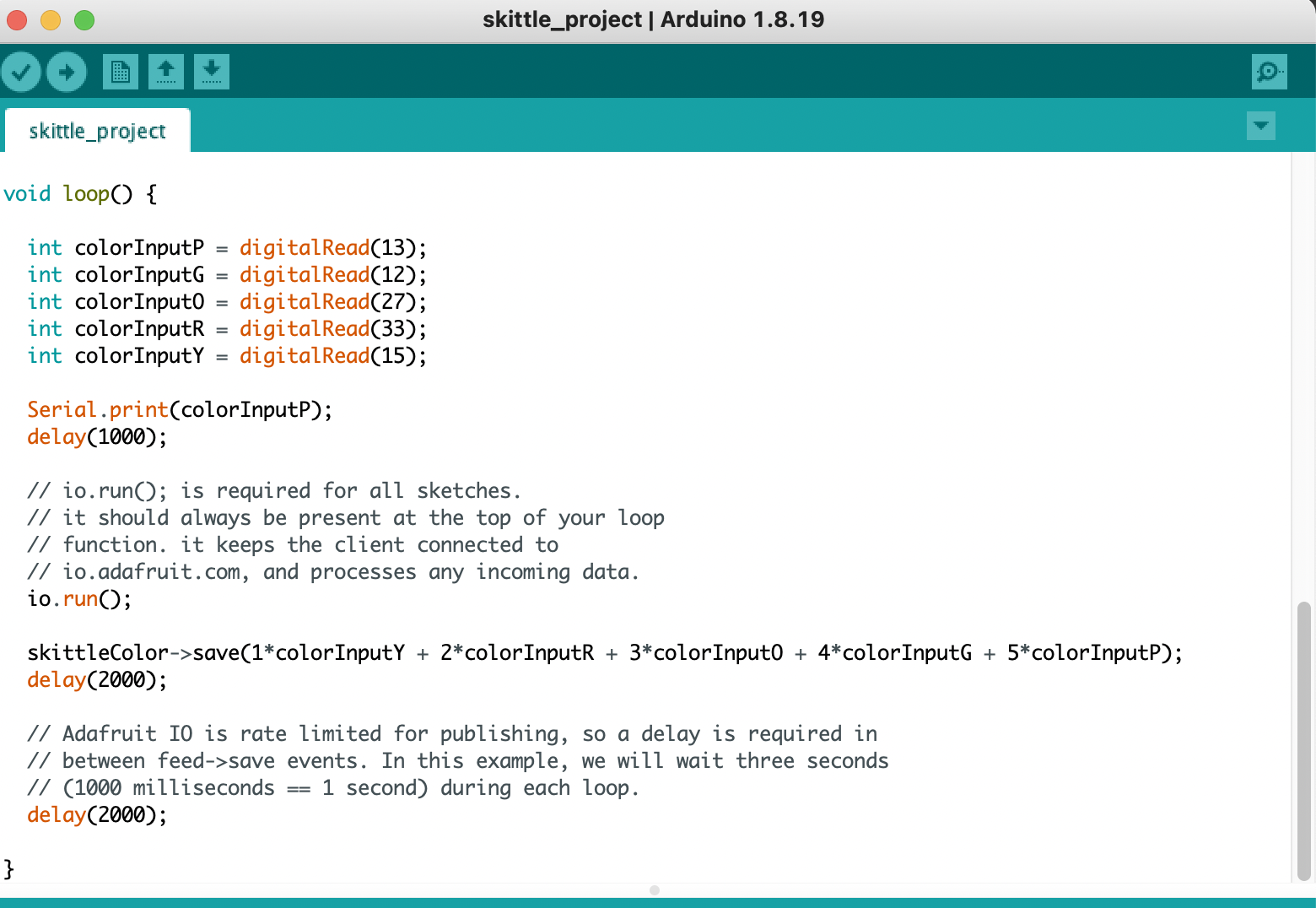
Feather Code Snippet
-
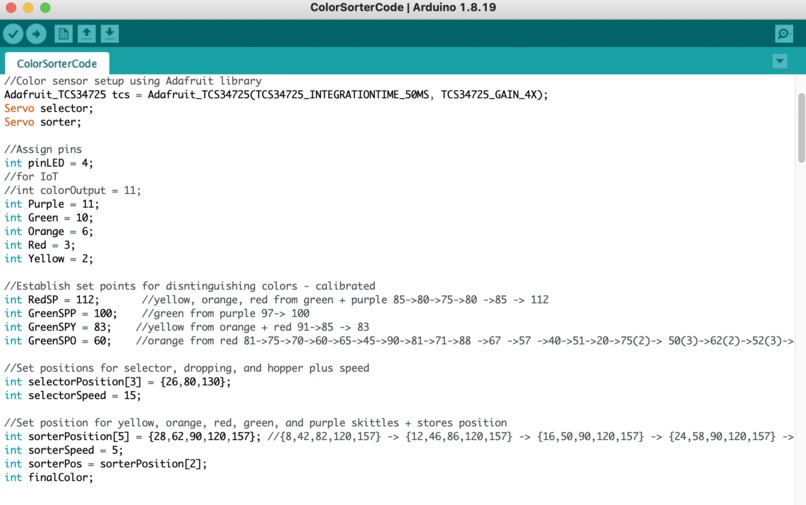
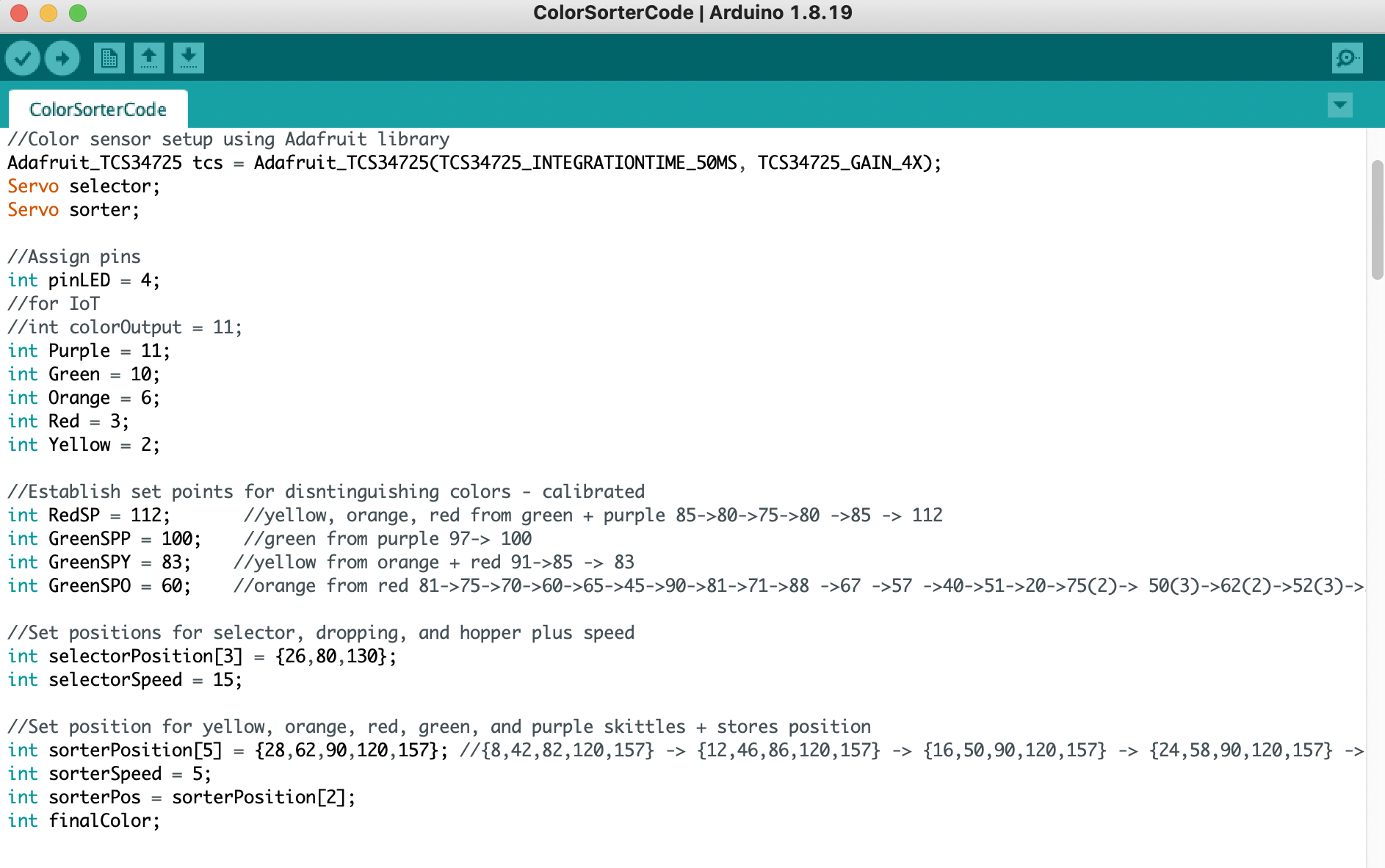
Arduino Code Snippet



Inspiration
Inspired by the idea of making something fun and interactive
What it does
Sorts skittles by color so you don't have to pick out your favorites
How we built it
Using a color sensor, an arduino, and careful calibration
Challenges we ran into
Calibrating the color sensor to sort reliably
Accomplishments that we're proud of
Our housing for the hardware
What we learned
It takes time to get a project working smoothly
What's next for Skittles Color Sorter
Adding more to the housing and expanding the color sorter to work for m&m's
Design Explanation
The project was designed to be a color sorter for skittles where you could physically organize the skittles by color and keep track of what color was sorted on a dashboard. The housing was designed for these functions:
- To place the electronics where they would not be obtrusive to the sorting process.
- To make sure ambient light would not affect the reading of the color sensor.
- Aesthetics. For the IOT component, we wanted to have a dashboard that indicates the color of the skittle being sorted. Theoretically, someone 100 miles away would know the color of the sorted skittle!
Iterations
- Iteration 1: The color sorter without the IOT component - Arduino Only
- Iteration 2: Incorporating the IOT component - Arduino and Feather (one pin for every color)
- Iteration 3: Incorporating the IOT component - Arduino and Feather (one pin/color)
Some challenges we faced were:
- Calibrating the color sensor to distinguish between the different colors of skittles - red and purple were particularly challenging. This involved running red and purple skittles through the sorter and recording the values the sensor gave out in the serial monitor.
- The IOT integration was also a challenge. We had to figure out how to transfer the data from the Arduino to the Feather, so it would show up correctly on the dashboard. Values were assigned to each color. Originally, using one pin on the Feather did not allow us to distinguish between the colors being sorted. However, the dashboard did register that data was being received. In our final iteration, each color had its own pin on the Feather. Now, the dashboard can accurately keep track of each skittle being sorted.
Technology Description
This project used one Arduino, one Adafruit Feather, two servo motors, and a color sensor. The Arduino powered the color sensor and two servo motors. One servo motor was used to dispense skittles one at a time. The color of this skittle was then read by the color sensor - the sensor takes red and green values. Depending on the color value, the second servo would move the slide to the correct position and deposit the skittle in its designated color cup. The Adafruit Feather was used to incorporate the IOT component. Different code was uploaded to the Feather than the Arduino. The Feather code assigns each pin to a color and sends data to and from the cloud which shows up on our Adafruit dashboard.
What We Learned
We learned a lot! On the hardware side, we learned how to build a more complicated circuit with multiple servos and a sensor and how to use an Arduino and Feather in one circuit. Similarly, on the coding side, we had to figure out how to tell all of the different pieces in our circuit to work together. Calibrating the color sorter and the servo positions was also a learning process.
Next Steps
Next steps are to create more permanent housing for the color sorter and to create a better hopper for the top so a whole bag of skittles can be poured in at once.
Built With
- arduino
- feather

Log in or sign up for Devpost to join the conversation.