-
-
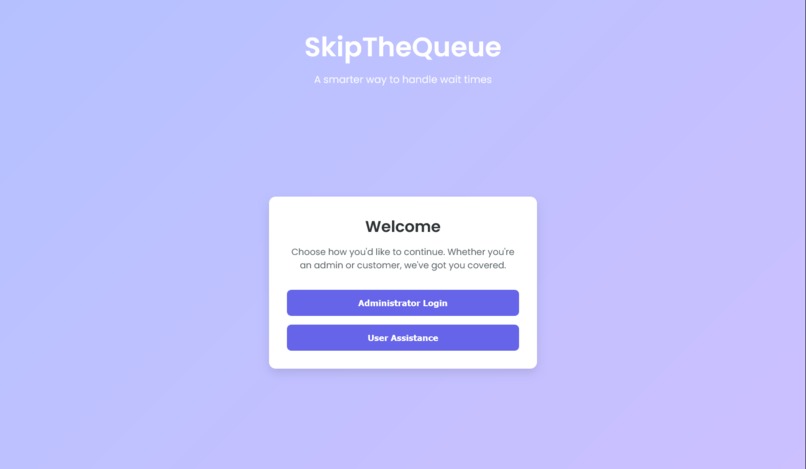
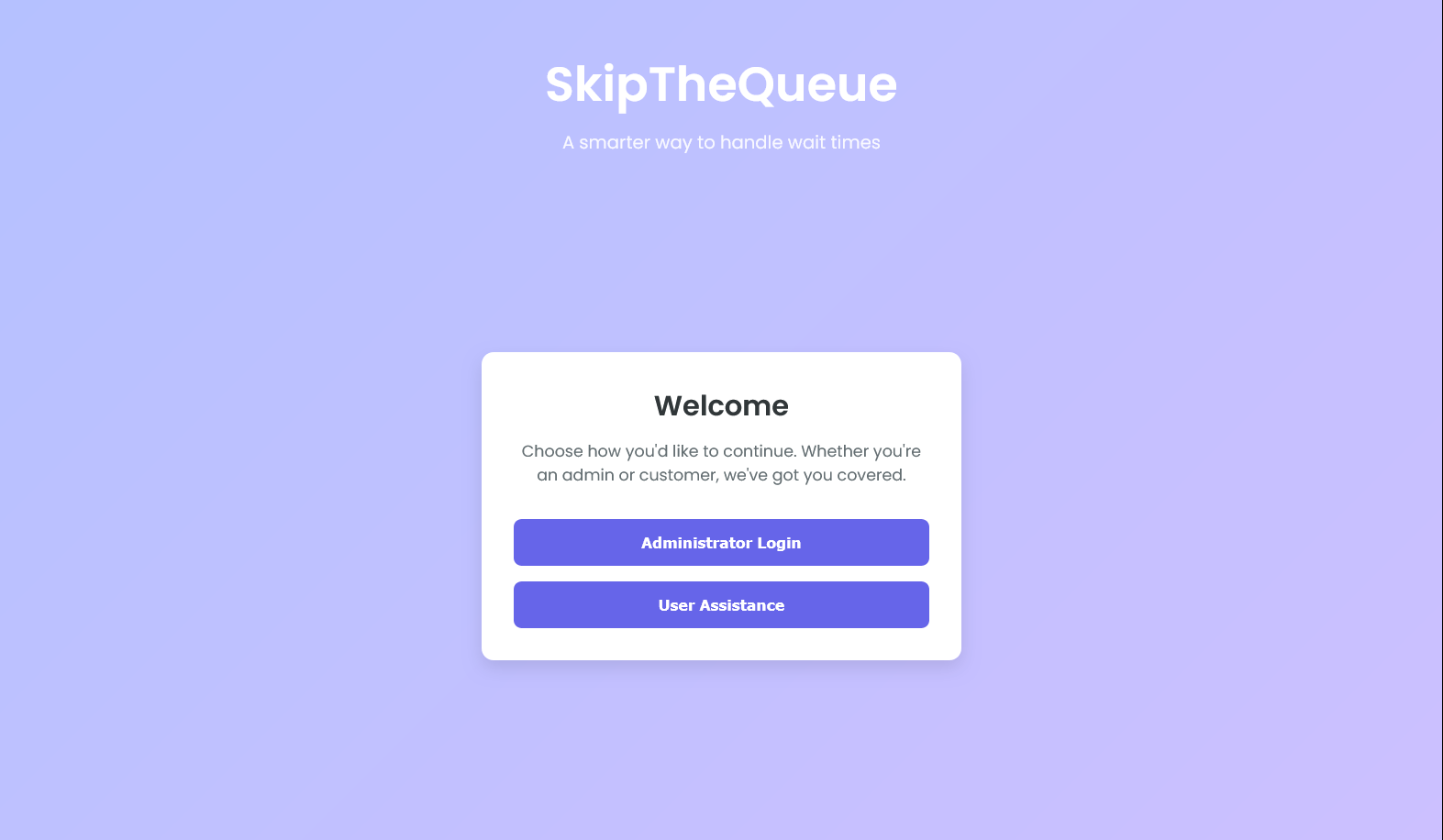
Home Page
-
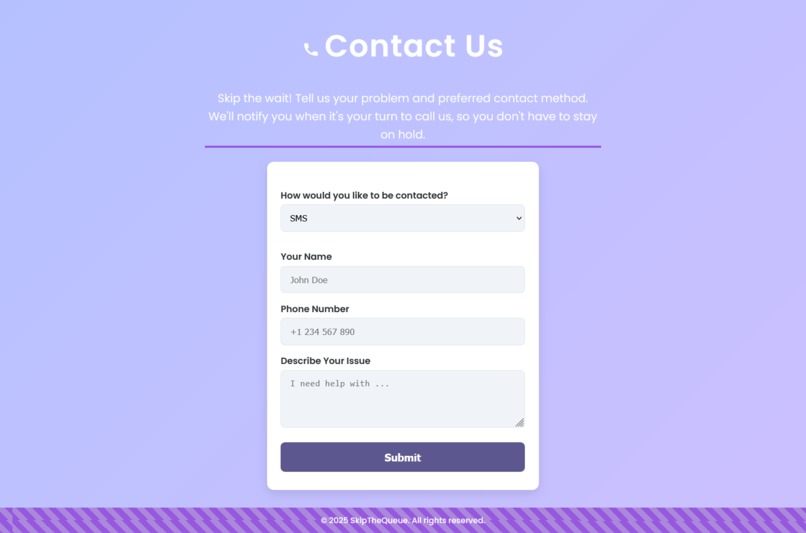
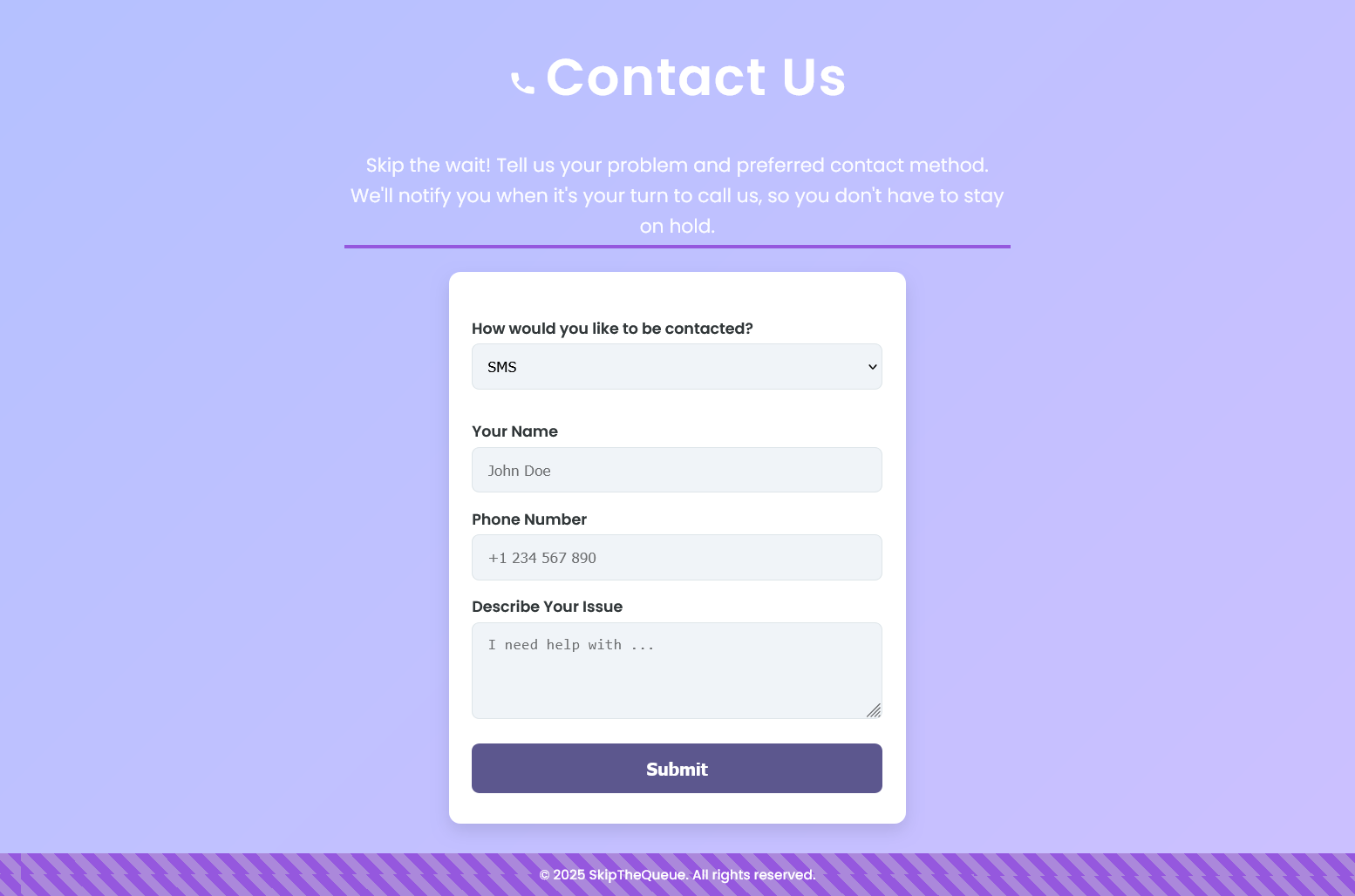
Contact Us: SMS
-
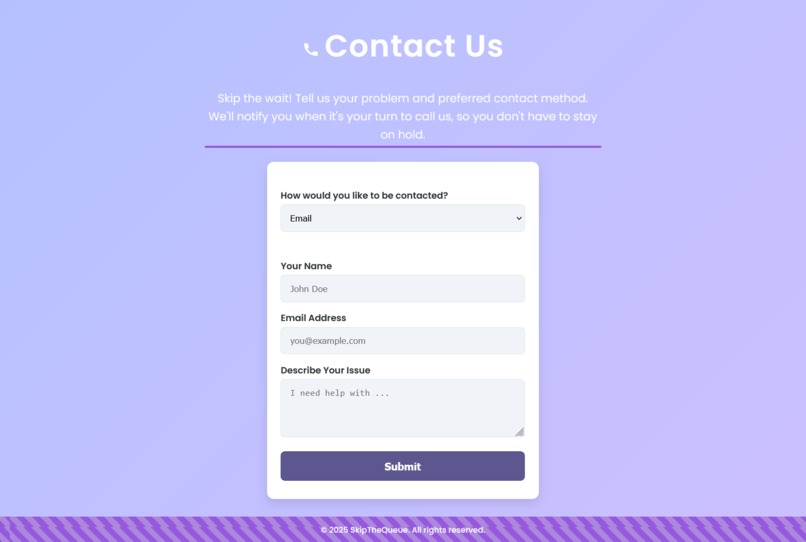
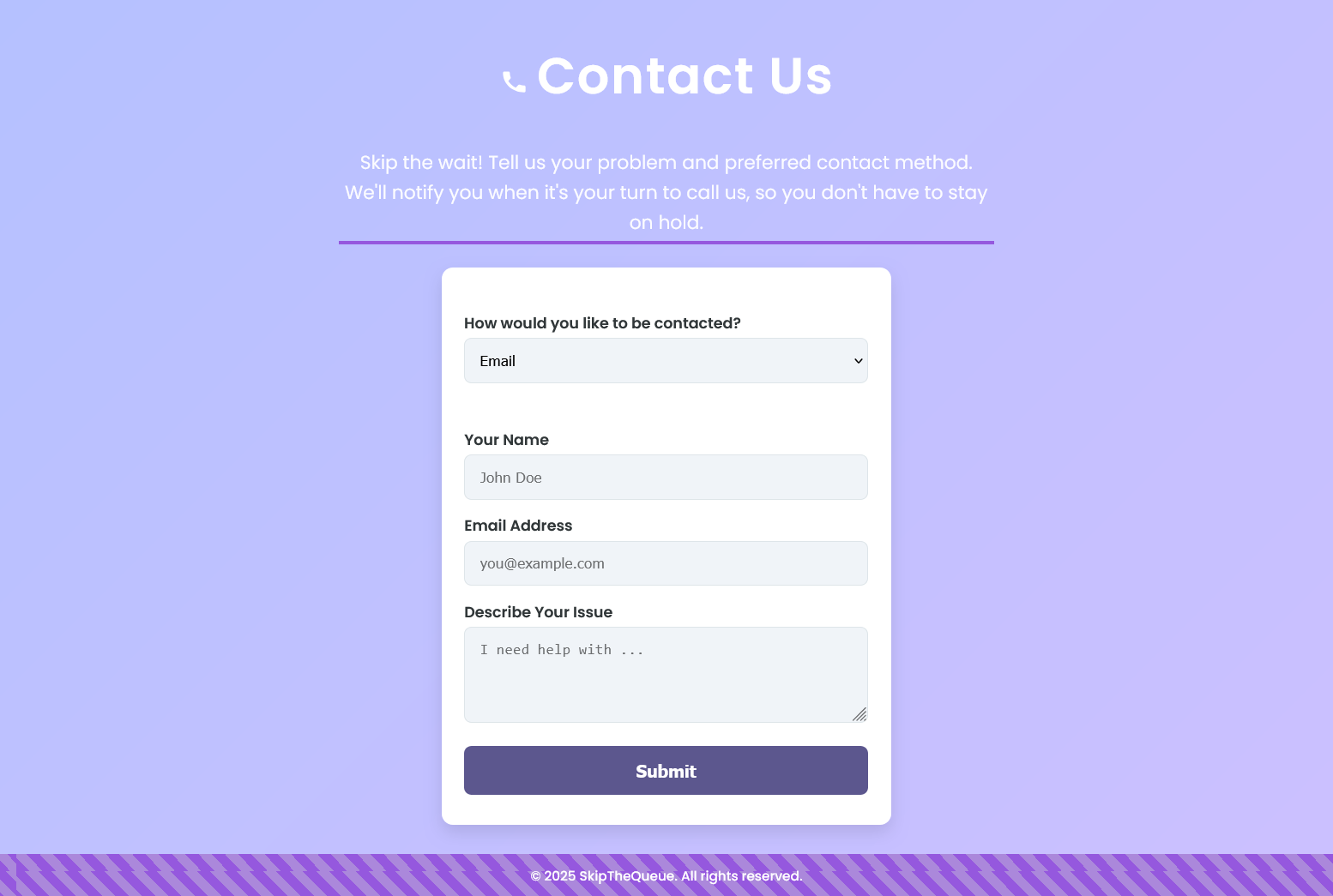
Contact Us: Email
-
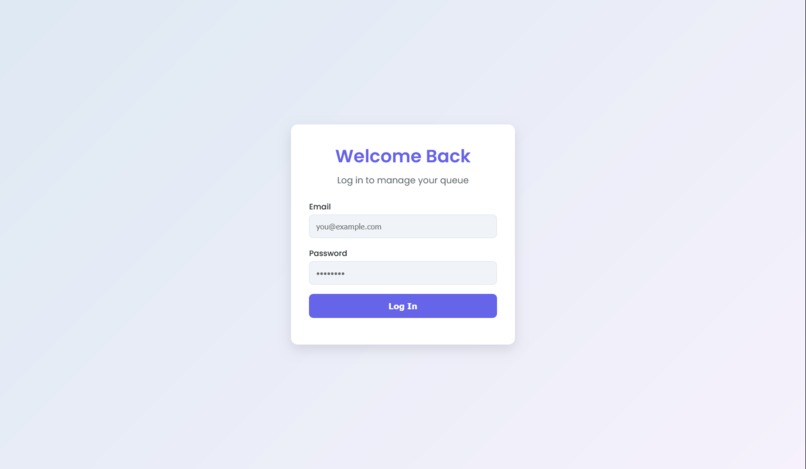
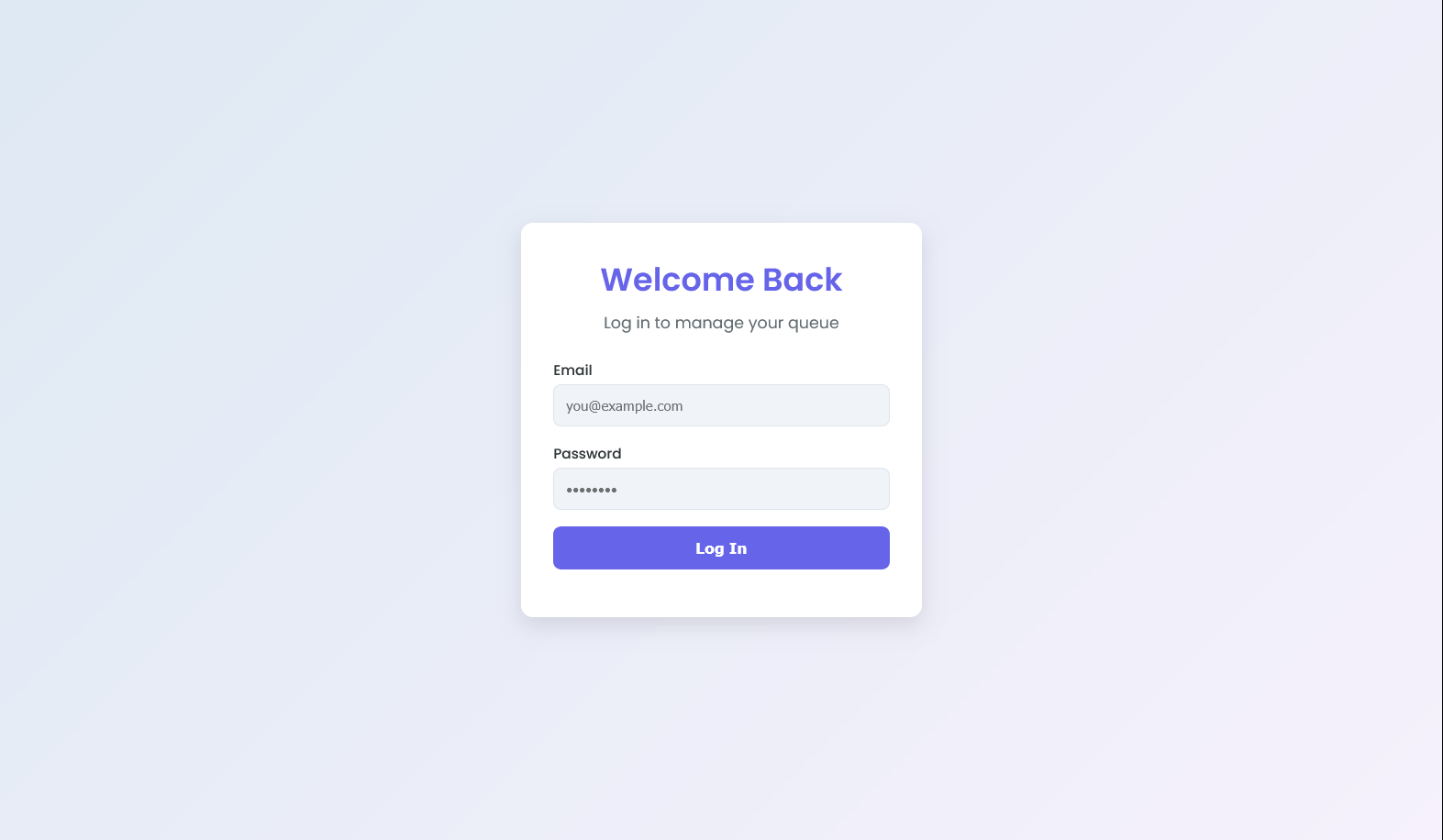
Login: Administration
-
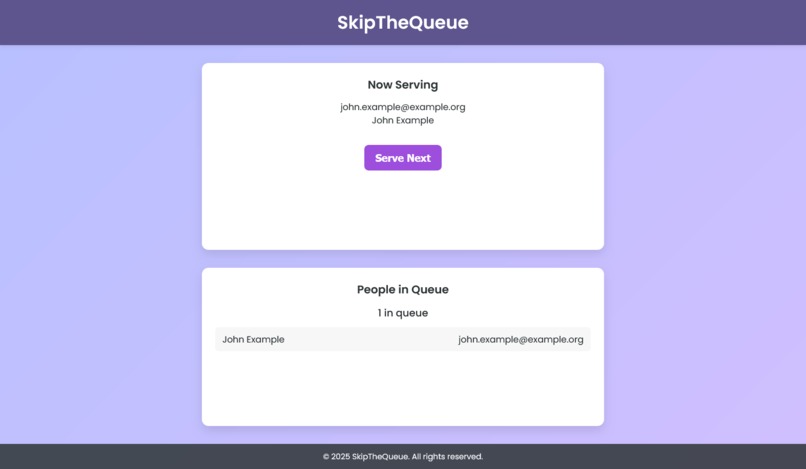
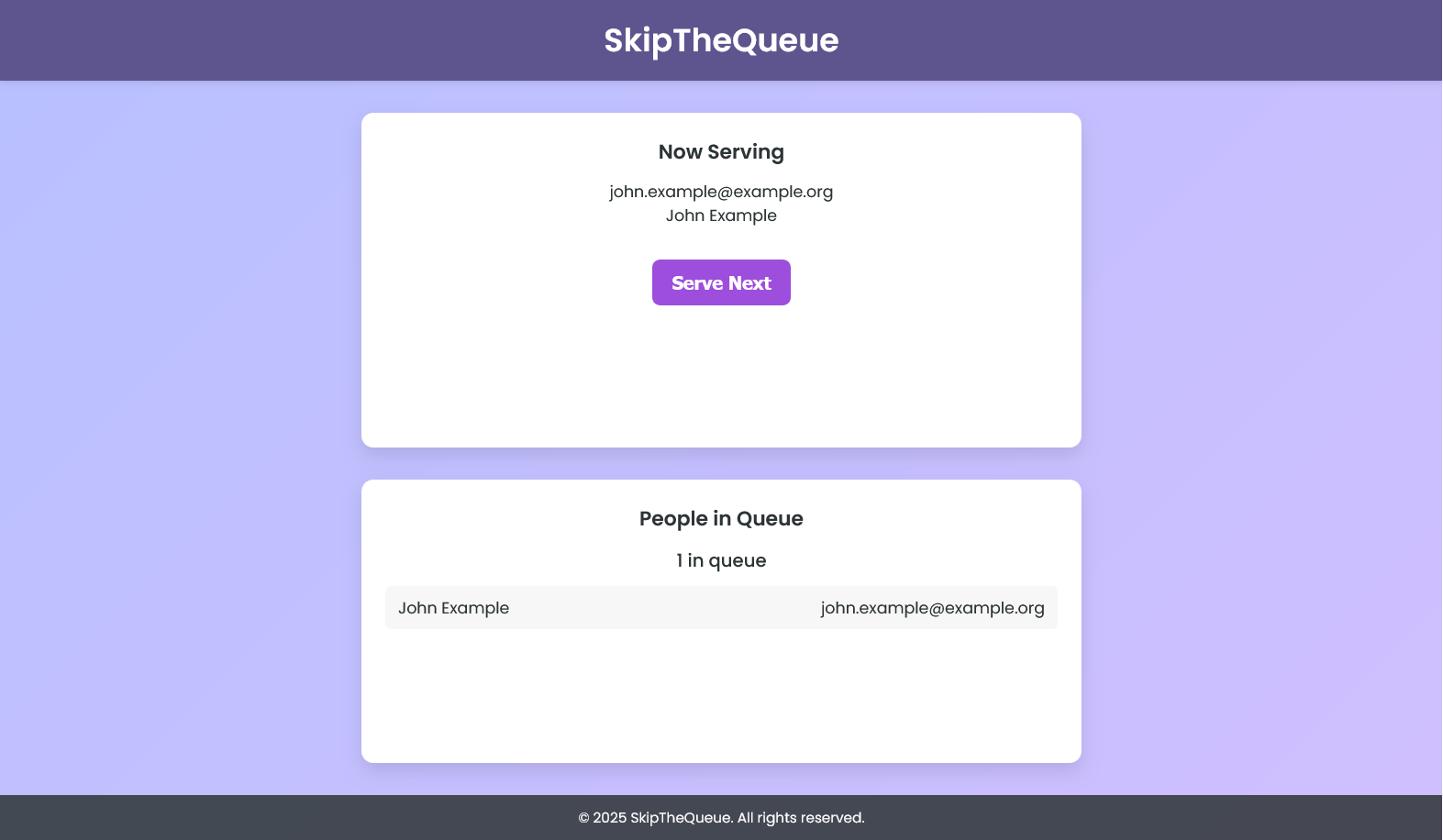
Administration Side
Inspiration
The phone line never stopped ringing in Yash’s uncle’s office. Customers would call 5-6 times, trying their best to not be forgotten about their request for their propane tanks. Running a small business was difficult, especially in India where demand was off the charts. All his uncle’s team had to handle these requests was a pencil, a notepad, and a lot of confusion over who called first and who was still waiting. While this experience took a back seat in his mind, it forever puzzled him how small businesses could possibly operate with such limited staff and opportunities. Without money, they couldn’t afford more staff, but without more staff, they lost out so many customers. That’s why we made SkipTheQueue.
What it does
SkipTheQueue allows customers and small business owners to communicate clearly and efficiently about wait times. Instead of wondering when they’d receive their goods or if they were remembered at all, customers can see their position in the queue, get estimated wait times, and get reminders close to when they could speak with the team. On the other end, the small business owners gain a record over what customers are waiting, the order of the customers, and send reminders to their customers without lifting a finger. Through this app, not only are the small business owners able to efficiently handle large amounts of customers, but customers do not have to worry over if and when they’ll get what they need.
How we built it
The web app is comprised of two sides, the backend and frontend. The backend utilizes Python, Flask, SQL, and SQLite to store all data, create push notifications through both email and SMS, and user authentication. It acts as the backbone of the entire web app, making sure all the processes run smoothly. The frontend has HTML, CSS, Javascript, and JQuery AJAX to create the layout of the website, make it look appealing, make user interaction smooth, and to help connect the backend to the front end respectively. It is entirely what the users interact with, and ended up taking a big portion of the time due to the difficulty of balancing all of these languages together.
Challenges we ran into
Was very difficult to connect the frontend and backend, with so many fields to be saved and customization needed to make the web page visually appealing. Struggled with automating emails, as Google disabled many services for this. Originally, this could be done through just a username and password, but Google stopped supporting this model at the start of the year. To circumvent this, we figured out that we could automate it if we enable 2-Factor Authentication, making a new passkey that is used for the program. Along with automating emails, automating messages was another big struggle as there were little to no services that were free or worked. Eventually, we figured out we could do this through emailing with the tag of their carrier, however this too did not work with many carriers having severe rate limits. However, we made sure to be careful about the frequency of the messages, allowing us to not be held back by these limitations.
Accomplishments that we're proud of
Making a smooth & visually appealing webpage. Utilizing multiple APIs at once and maintaining stability. Putting together the frontend & backend cohesively. Working with SMTP protocols to establish a system of push notifications Implementing SQLite to work with databases in the backend.
What we learned
Basics of Rest API HTML, CSS, Javascript, JQuery AJAX, Python, Flask, SQL, and SQLite How to work with Git & Github efficiently as a team SMTP Protocol, & how to send emails & texts using it
What's next for Skip The Queue
Utilizing VOIP to send automated calls & voicemails with relevant information Create a way for users to actively see their position in the queue Building an AI Chatbot to give advice/instructions for the time being while waiting in the queue

Log in or sign up for Devpost to join the conversation.