-
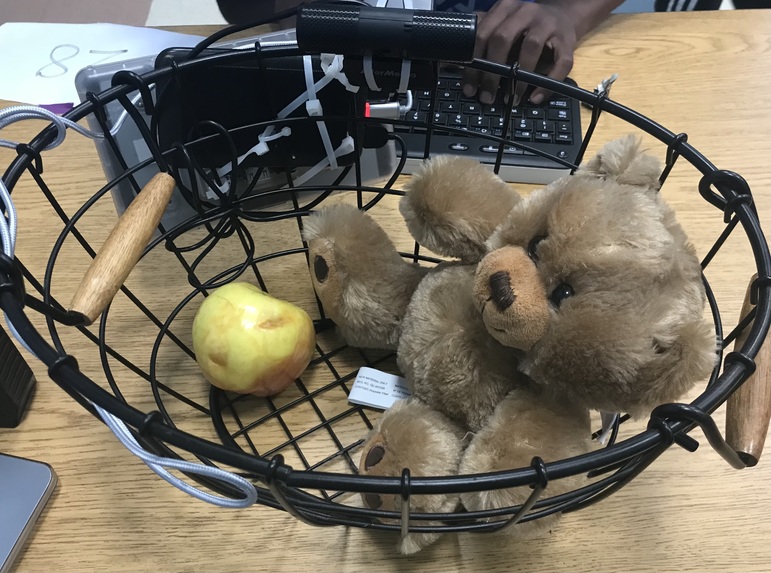
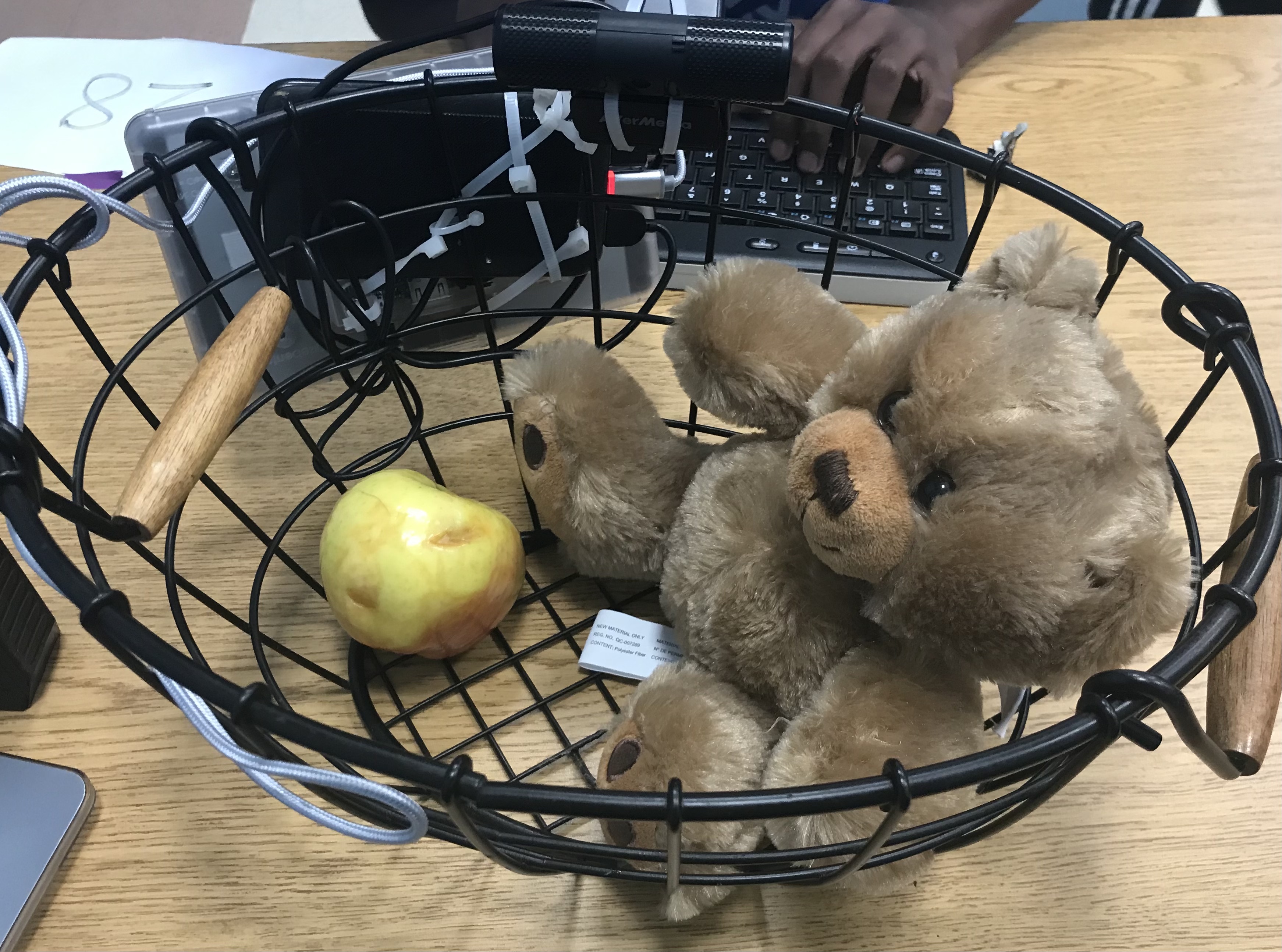
Our basket setup.
-
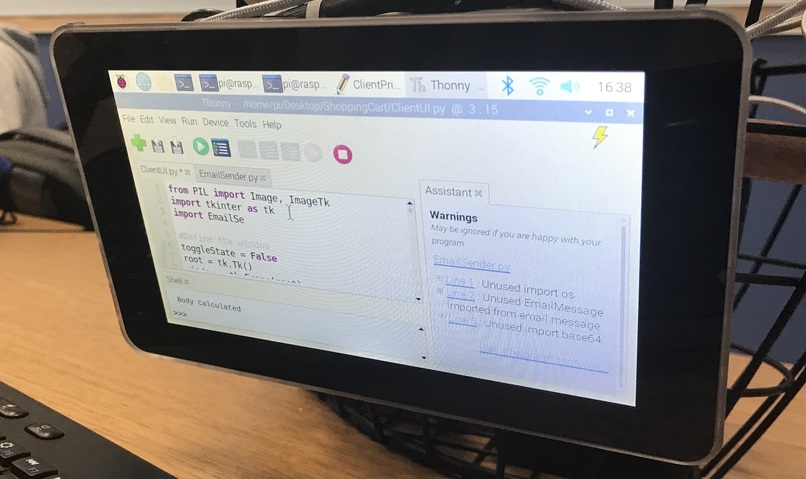
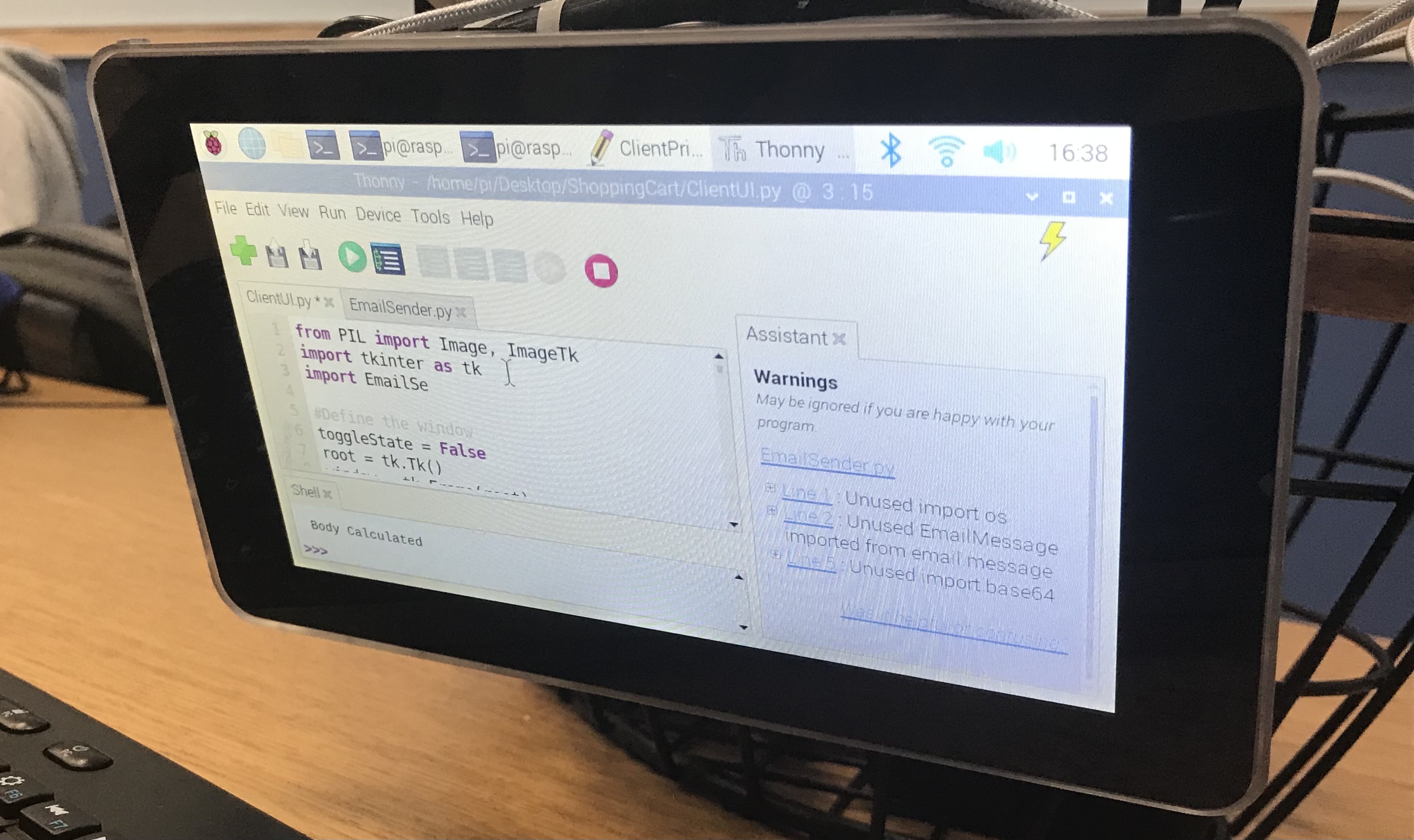
A snippet of our code.
Inspiration
Our inspiration for Skip the Line was Amazon Fresh's "Just Walk Out" system, which, in the end, didn't work all that well.
We wanted to see if we could make it better than that.
What it does
Skip the Line automatically scans the items in a user's basket and tallies up the total price so that they can simply walk out of a store instead of being forced to wait in line.
How we built it
We first began by finding the YoloV5 model on Torch Hub, and then worked to allow it to accept our tiles and produce annotated output that showed which items it recognized and where.
We then filtered results to only include items we used in our store, rather than items that might be in the background (like a person)
We designed a UI to work with the files produced by YoloV5 to display them to the screen.
We obtained a Raspberry Pi, webcam, and touchscreen, assembled them all onto our basket, and used Pygame to capture webcam output
We programed a socket connection using TCP to link the Raspberry Pi with the Macbook that runs the AI model, sending webcam output to the Macbook, and sending processed files to the Raspberry Pi
Finally, we programmed an SMTP interaction to send emails on the behalf of shoppers to those they know detailing their cart's contents and their prices.
Challenges we ran into
One challenge that we encountered was properly mounting the camera and screen onto the basket.
Another, more important, one was getting the FPS just right; we had to ensure that the camera wouldn't overheat and that it scanned the cart properly.
In order to gain proper control of the FPS, we had to move the camera into a different thread.
Accomplishments that we're proud of
Getting the camera to function at exactly the right FPS and exposure level
Designing our program to allow users to share the contents of their cart with other users
What we learned
We learnt how to use Python sockets to make multiple devices communicate with each other.
What's next for Skip the Line
We want to upgrade our webcam so that we can get a higher FPS rate and quicker live footage of the cart.
Built With
- opencv
- pygame
- raspberry-pi
- tkinter

Log in or sign up for Devpost to join the conversation.