-
-

App Icon
-
-

Why I built Skip a Stone?
Skip a Stone? began with a simple observation: water can hold our attention without asking anything from us.
Many relaxation apps immediately turn rest into a program: start a timer, follow an exercise, complete a session, maintain a streak. I wanted to make something quieter and more open. A place you could enter without being told what to do.
You can look around. You can listen for a while. Or you can skip a stone.
The question mark in Skip a Stone? is intentional. Skipping a stone is an invitation, not an assignment. The app works equally well as a small interactive experience, an ambient soundscape, or simply a window onto somewhere by the water.
What the app does
Skip a Stone? is an interactive collection of waterside places from around the world.
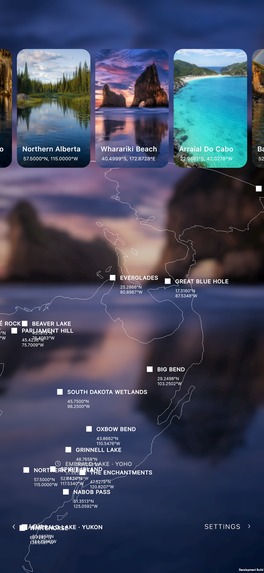
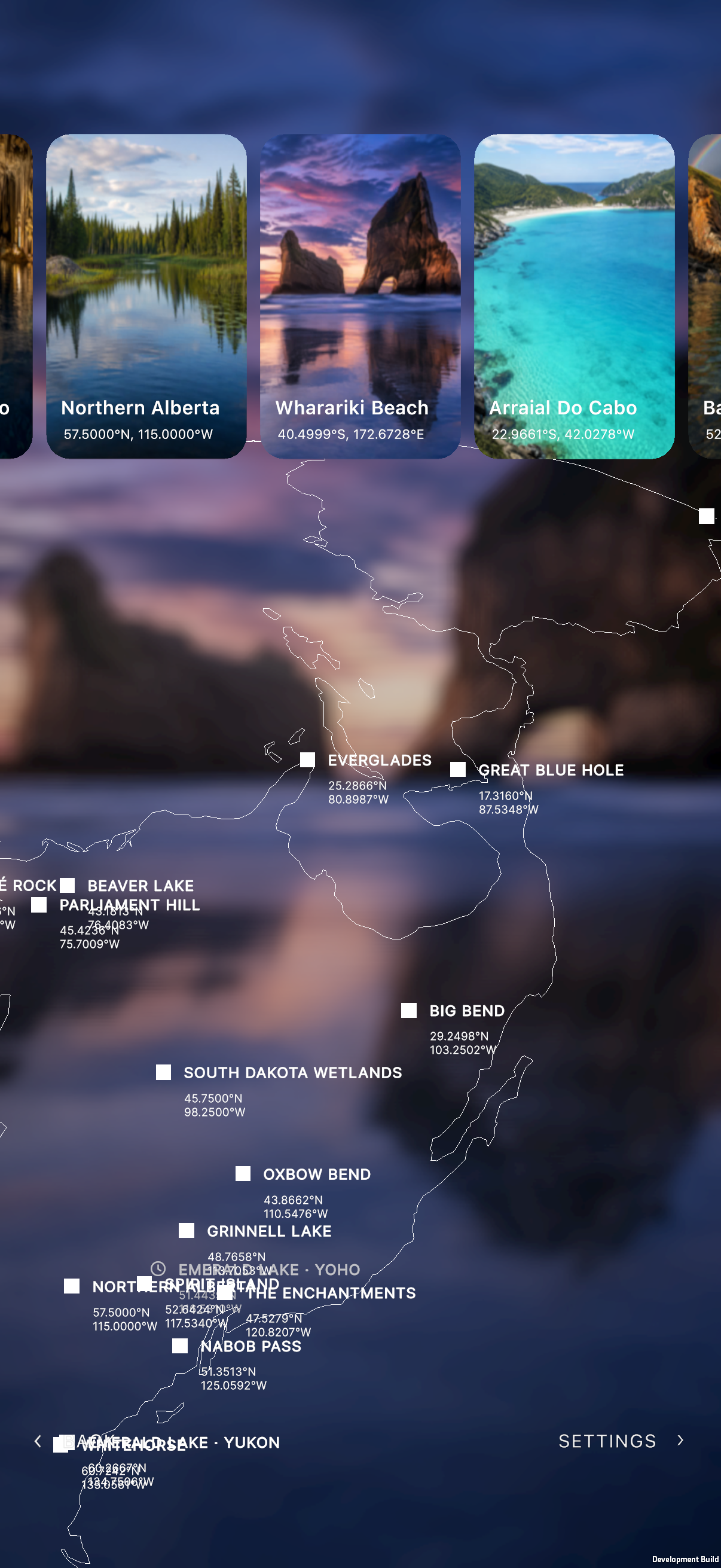
A globe acts as the entrance to the collection. From there, users can travel between mountain lakes, coastlines, wetlands, caves, rivers, and other water landscapes. Each place has its own composition, depth, light, ambient sound, time variation, and supported weather.
Users can change the moment or call in weather, then move the device to look through the scene with subtle depth and parallax. Rain, snow, reflections, water movement, environmental audio, and music combine to give each place its own atmosphere.
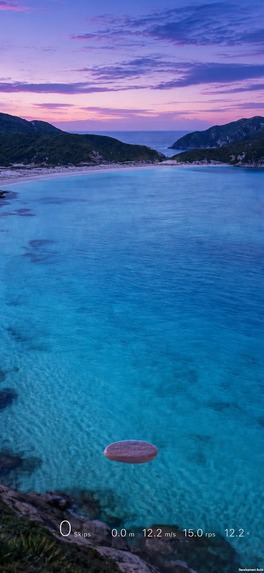
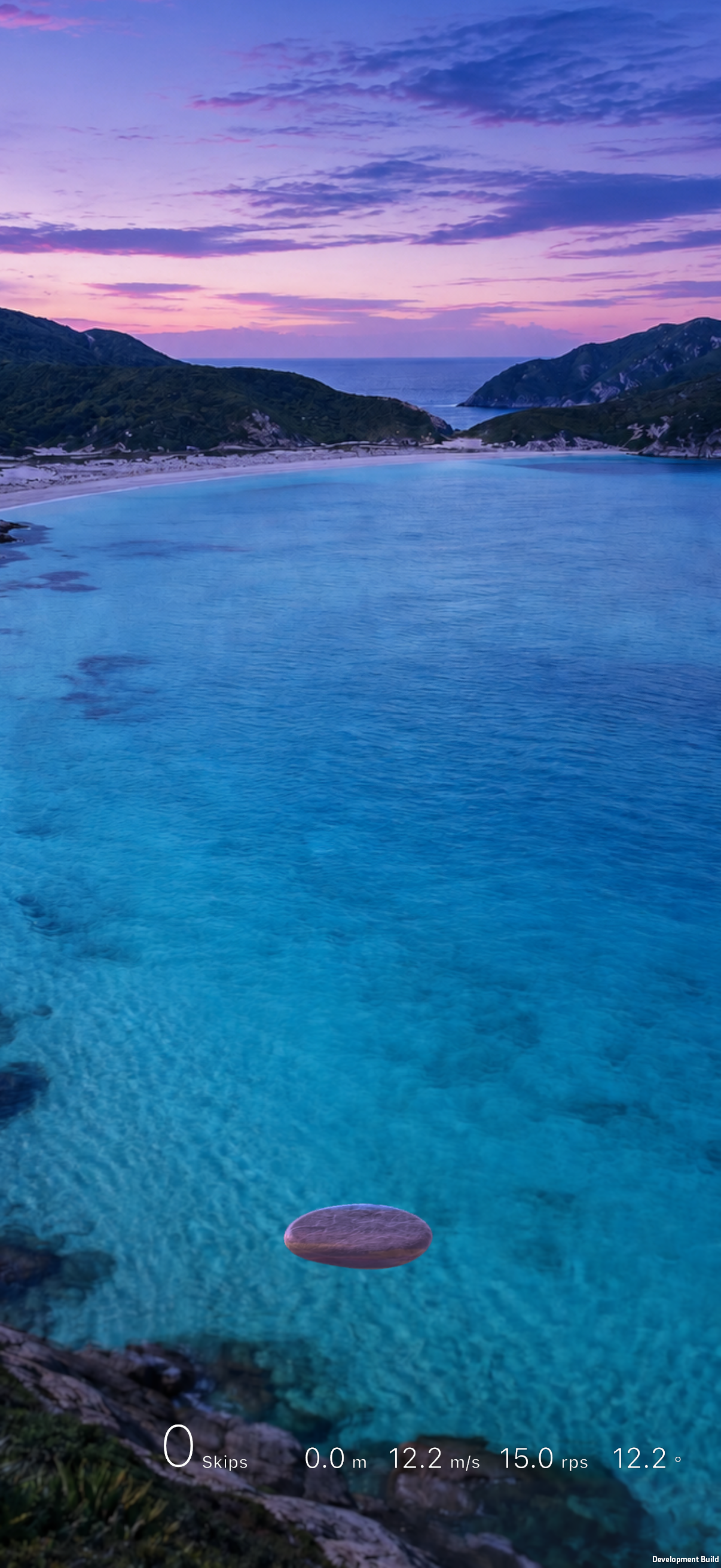
The water is also interactive. Touching and holding prepares a stone; releasing it sends the stone across the surface. Timing, spin, launch strength, and device angle influence the result. Splashes, ripples, sound, haptics, and the trajectory all respond to the throw.
The interaction is easy to begin, while leaving enough depth for users to discover better throws naturally.
How I built it
The app was built in Unity for iPhone.
I began with a single Mount Fuji scene. That scene became the visual and technical reference for the entire project: portrait composition, depth, playable water, parallax, reflection, sound, weather, and the complete stone-skipping interaction.
Each location starts with a carefully selected visual reference. Some references already have a composition that works for the app; others need to be reconstructed for a portrait screen and a playable body of water. Image generation helped create consistent mother images, alternate moments, and weather-compatible variations while preserving the identity and atmosphere of each place.
A scene is then assembled from several coordinated parts:
- A high-quality portrait mother image
- Depth information for parallax and camera movement
- Masks for water, effects, reflections, and playable regions
- Scene-specific water behavior and perspective
- Time, season, or lighting variations
- Supported real-time weather
- Environmental audio, music, and stone sound
- Stone lighting and color treatment that match the scene
I eventually developed a repeatable scene-building pipeline so new locations could inherit the shared interaction system while keeping their own visual and acoustic character.
The onboarding uses a progressive blur that gradually brings the Fuji scene into focus. It introduces the product in short sentences, then lets the user complete one guided throw before handing over the full experience.
Designing the stone skip
The stone-skipping system became one of the largest design challenges.
A convincing throw needs more than a bounce count. The first few skips should feel close, physical, and widely spaced. The middle of the trajectory should become faster and denser. At long distance, the stone itself becomes difficult to see, while small ripples and tiny splashes continue to communicate motion. The final skip needs enough emphasis to create a satisfying ending without breaking perspective.
This also had to work across very different water surfaces. A bright turquoise sea, a dark mountain lake, a reflective wetland, and a narrow frozen waterway do not give effects the same visibility.
I spent a great deal of time tuning the relationship between:
- The first and final visible skip positions
- Perspective compression
- Splash and ripple scale
- Near, middle, and distant visibility
- Water masks and playable boundaries
- Throw strength, spin, angle, and maximum skip count
- Sound volume and spacing as the skips become faster and farther away
The result is a shared system that still allows each location to feel spatially different.
Interaction and motion
A large part of the project lives in transitions.
The scene cards in the globe selector are not replaced when the Paywall opens. The same card group moves into a new arrangement, settles into a slower floating rhythm, and becomes a presentation of the full collection. Returning from the Paywall restores the exact card position the user started from.
I wanted this transition to communicate a change of state while preserving spatial continuity.
The same attention went into smaller moments: progressive text reveals, focus transitions, changing weather, switching moments, the appearance of the throw HUD, purchase feedback, and the handoff from guided onboarding to the live scene.
One of my strongest lessons from this project was that calm interfaces make small discontinuities more visible. A card shifting by a few pixels, an effect stopping on the wrong frame, or a background changing abruptly can disturb the experience more than it would in a busier product. Much of the design work was therefore about continuity, timing, and restraint.
RevenueCat and the business model
Skip a Stone? uses a simple one-time purchase for Full Access.
There is no subscription. Users can explore the free selection, then make one lifetime purchase to unlock the complete collection.
RevenueCat manages the Full Access entitlement, purchase state, restoration, and access after redemption. The app also includes a dedicated offer-code redemption entry so reviewers and invited users can unlock the experience through Apple’s redemption flow.
The Paywall was designed as part of the product rather than as a separate sales screen. The location cards themselves transition into the Paywall, connecting the purchase directly to what Full Access provides.
This model felt appropriate for the app: the purchase is understandable, the value is visible, and the commercial experience follows the same visual language as the rest of the product.
Performance and scale
Expanding from one carefully tuned scene into a broad collection introduced another challenge: every location added large visual assets, depth data, masks, variants, and audio.
I optimized the supporting textures and depth assets while protecting the quality of the main scene images. I also limited expensive card effects to the content currently visible on screen, deferred work that was not needed during launch, and improved scene loading and transition behavior.
This reduced the final download significantly while preserving the visual quality that defines the app.
What I learned
The project taught me that an ambient experience does not need to be passive. A small, responsive interaction can make a quiet environment feel more personal without turning it into a task.
It also taught me to treat sound, animation, haptics, performance, monetization, and navigation as parts of the same design. A beautiful image alone cannot create presence. The experience becomes convincing when every layer responds consistently.
Skip a Stone? is the result of repeatedly refining those layers: the water, the throw, the transitions, the sound, and the spaces between actions.
It is a collection of places by the water—and a small invitation to interact with them.


Log in or sign up for Devpost to join the conversation.