-
-
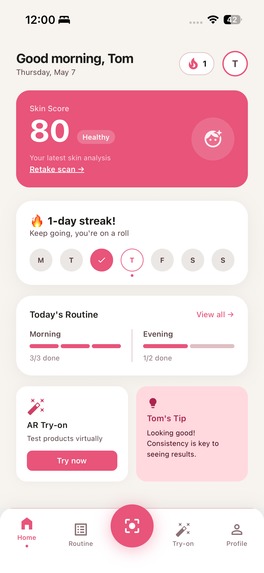
Home
-
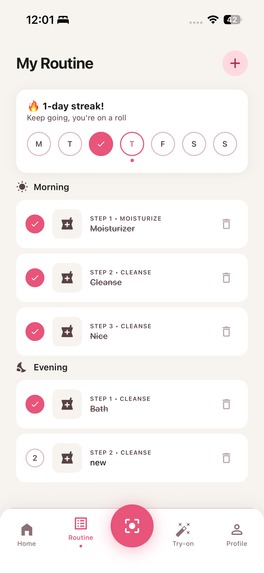
Routine
-
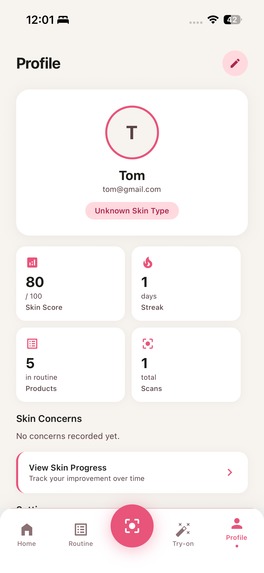
Profile
-
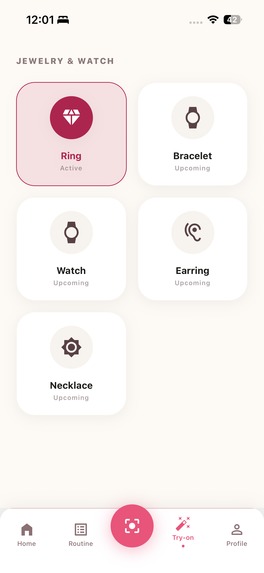
Try-ons
-
Try-on-2
-
Try-on-3
-
Try-on-results
Inspiration
I honestly didn't know about Perfect Corp APIs until i came across this hackathon. I quickly explored the capabilities of each and every endpoint that Perfect offers and then sat down to do some more research. I found out that skincare is a $200B industry built on confusion. Walk into any pharmacy and you're faced with hundreds of products, zero guidance, and a receipt that could rival a car payment. Most people either overspend on products they don't need, or give up entirely because they don't know where to start.
I wanted to flip that. What if your phone could do what a dermatologist consultation does: analyze your skin, identify real concerns, and build a routine around your face, not a generic skin type? And what if it cost nothing upfront? That's SkinBudget: expert-level skin intelligence, zero gatekeeping.
What it does
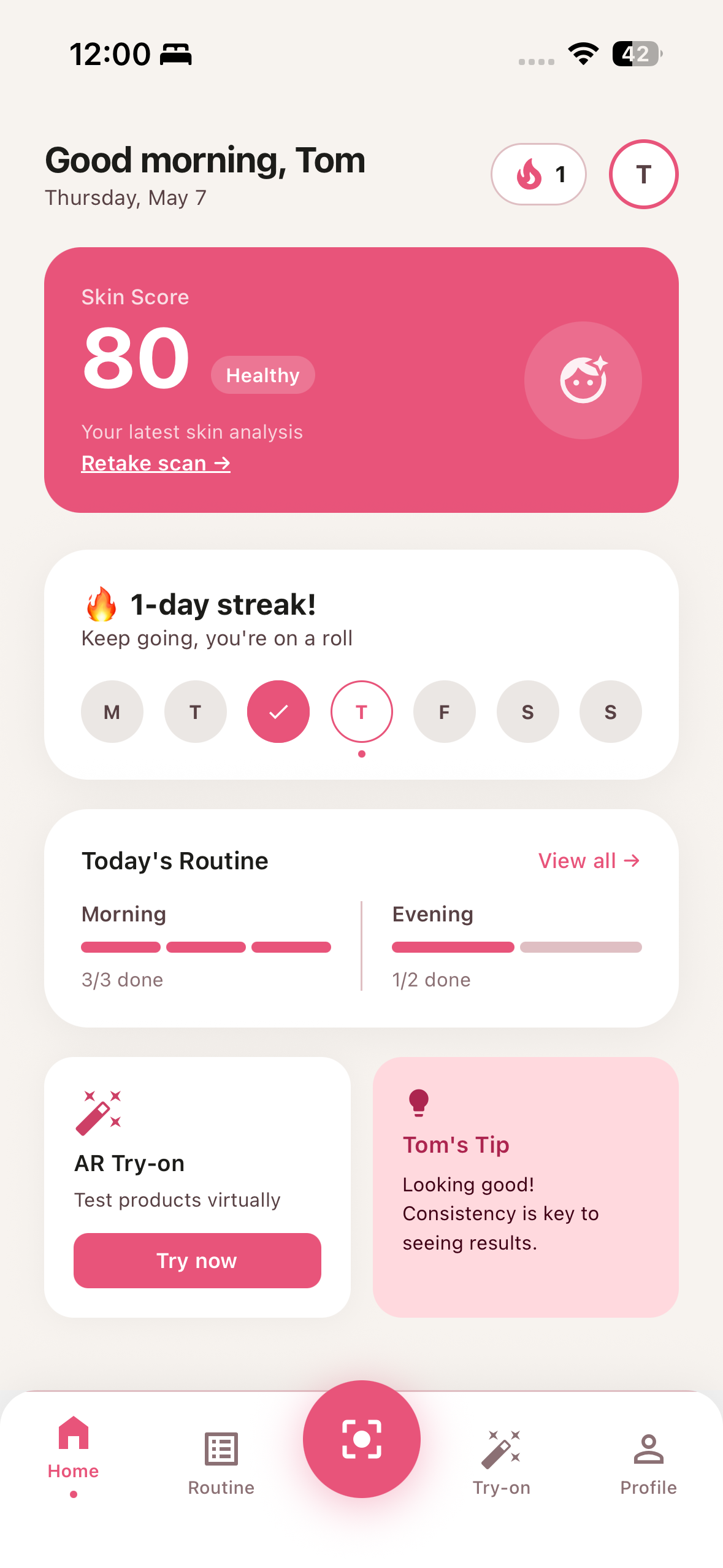
SkinBudget is a mobile-first AI skincare advisor built on React Native (Expo). I also built a web version but it's just a dashboard at the moment that shows the same data as the app itself.
Here's what it delivers:
- AI Skin Scan — Take a selfie and get a full breakdown across 13 metrics: acne, wrinkles, pores, oiliness, radiance, moisture, dark circles,
eye bags, redness, texture, firmness, age spots, and blackheads. Each metric is scored, graded, and visualized with a heatmap overlay showing exactly where the concern appears on your face. - Personalized Routine — Based on your scan results, the app generates a tailored AM/PM skincare routine with product-type recommendations matched to your top concerns.
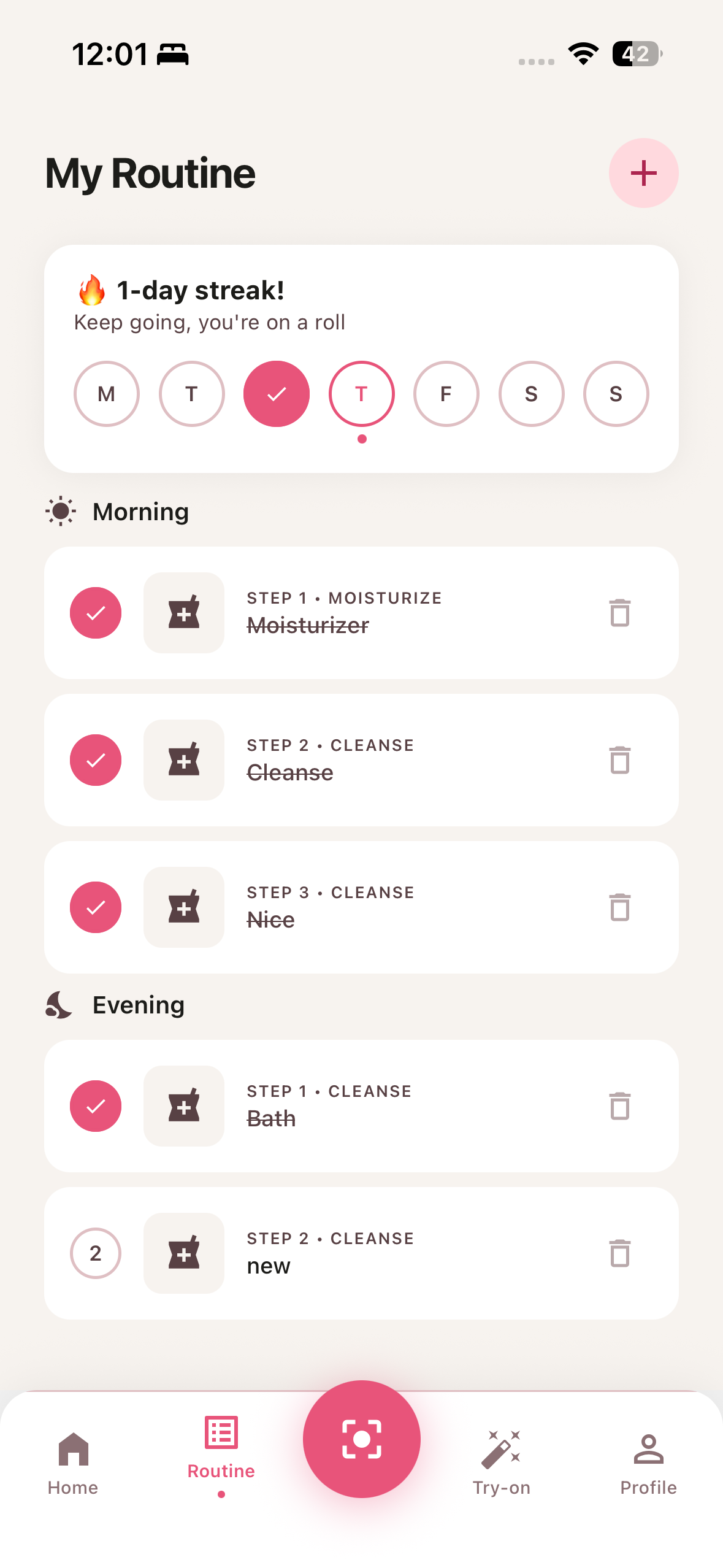
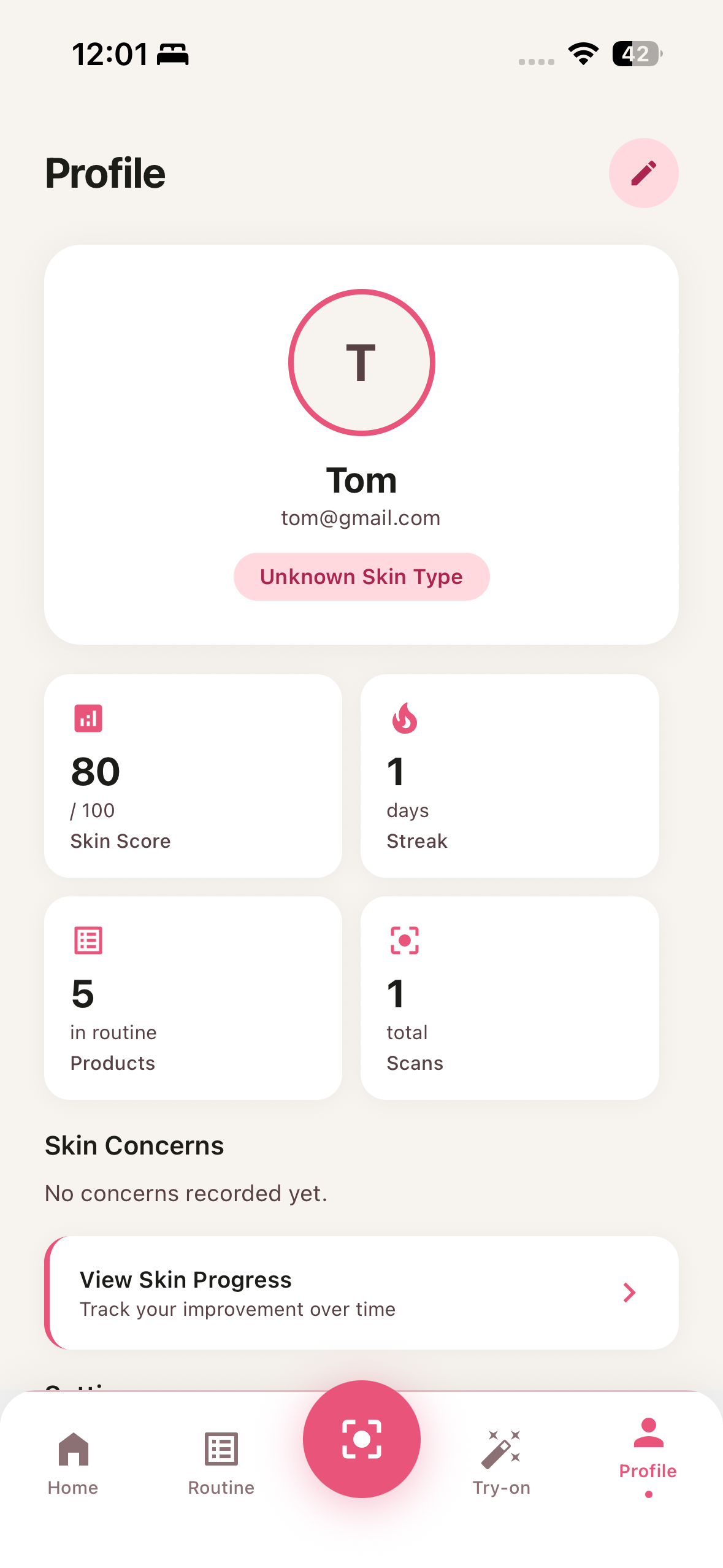
- Progress Tracking — Data form every scan is saved. Track how your skin health evolves over time and maintain a daily streak to build consistency.
- PDF Report — Download a shareable, professionally formatted skin health report with your scores, concern breakdown, and recommendations.
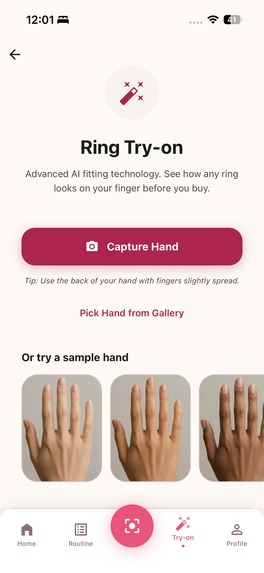
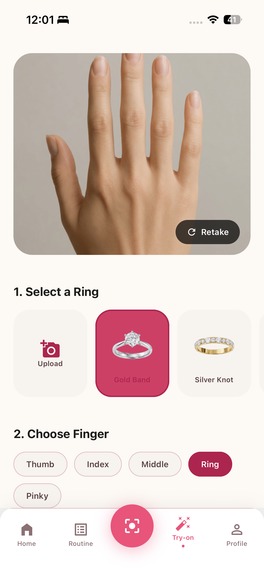
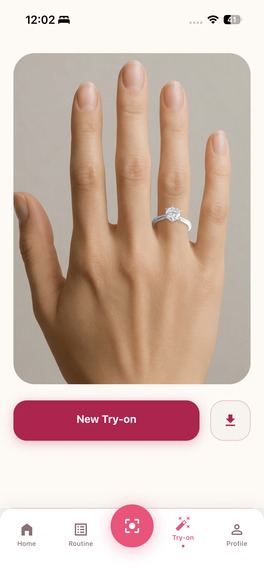
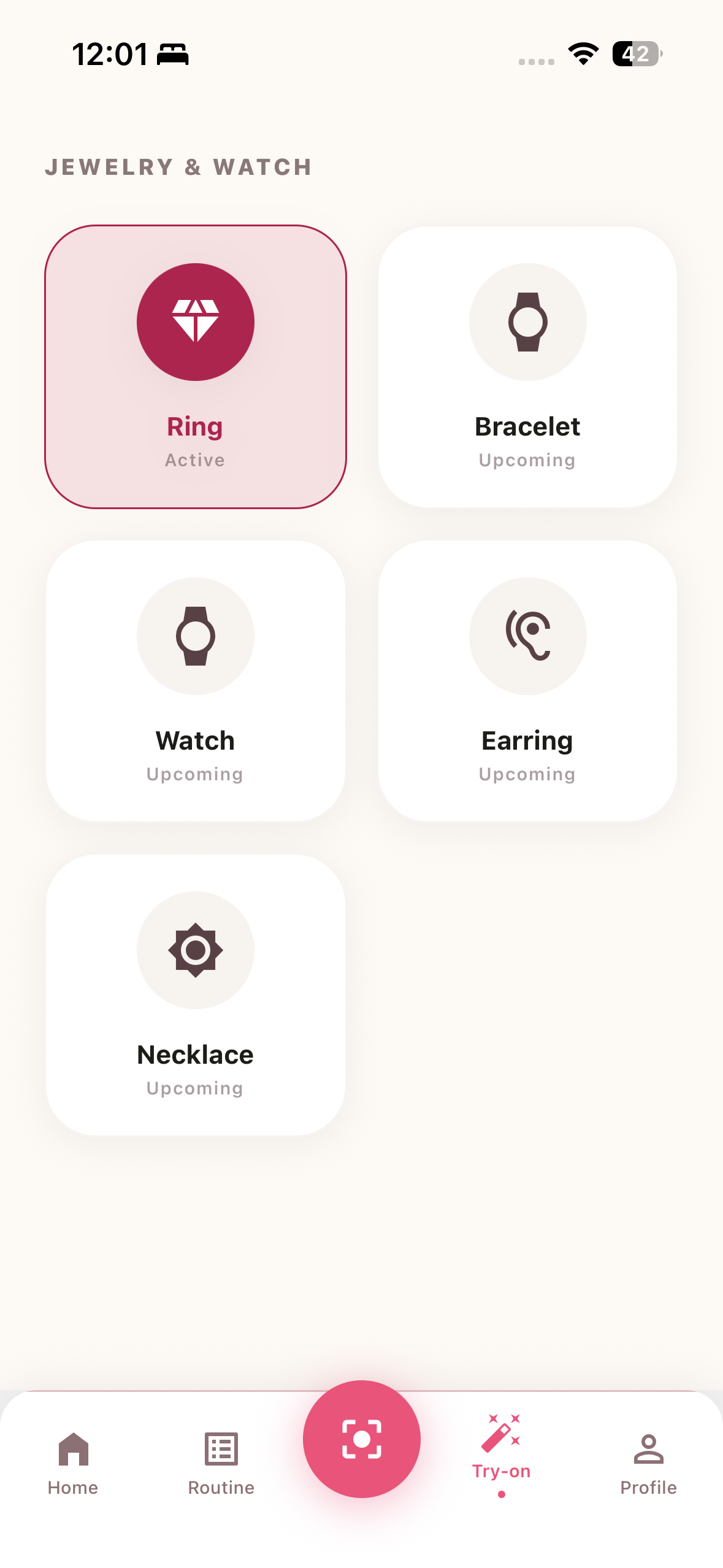
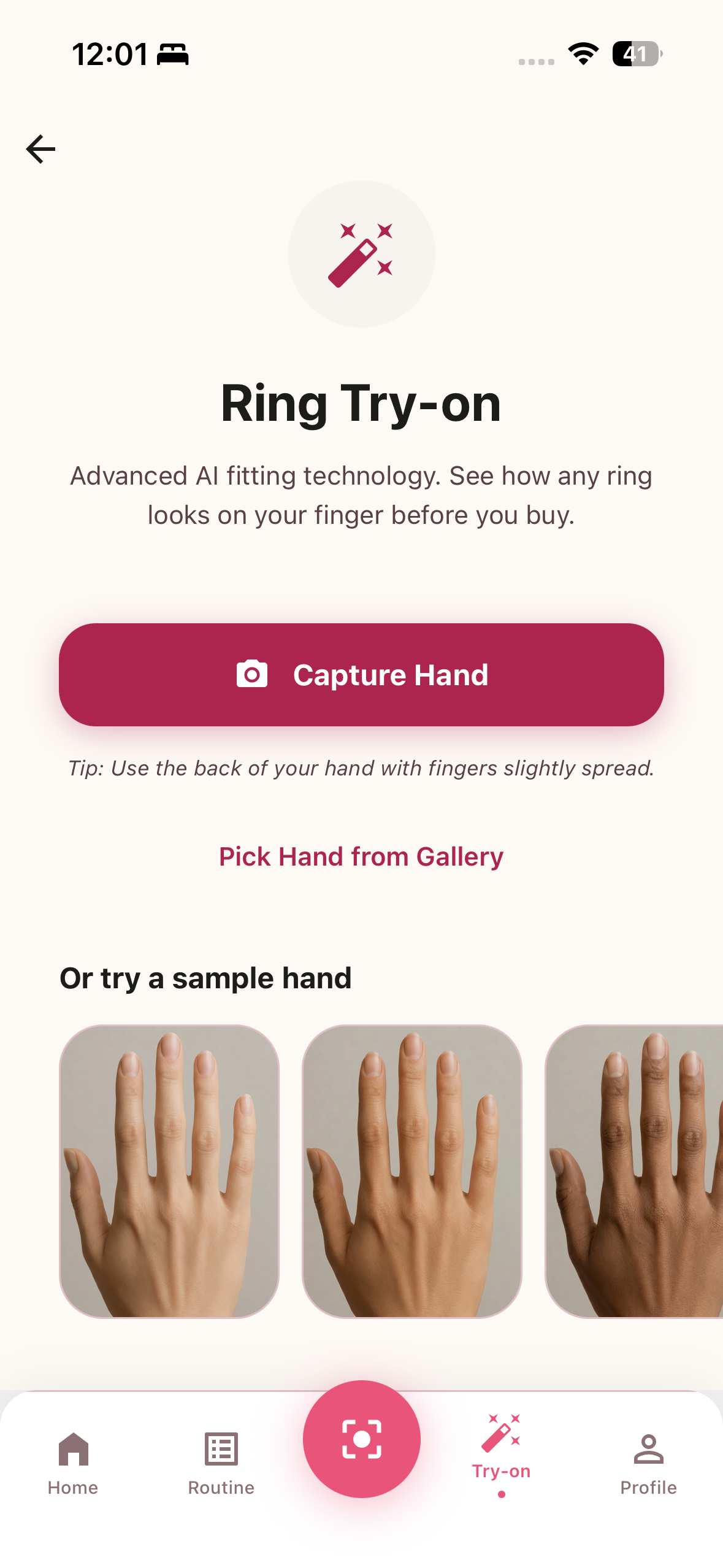
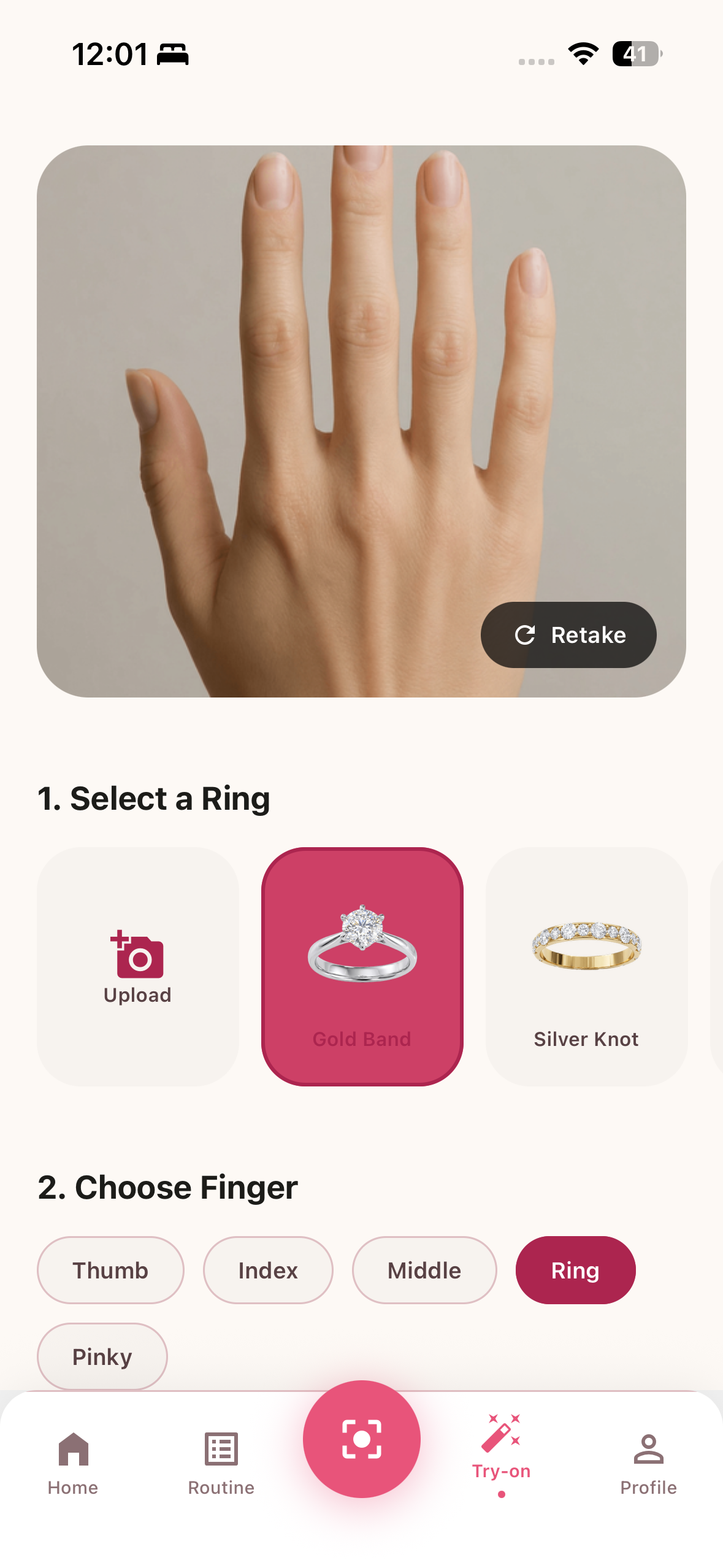
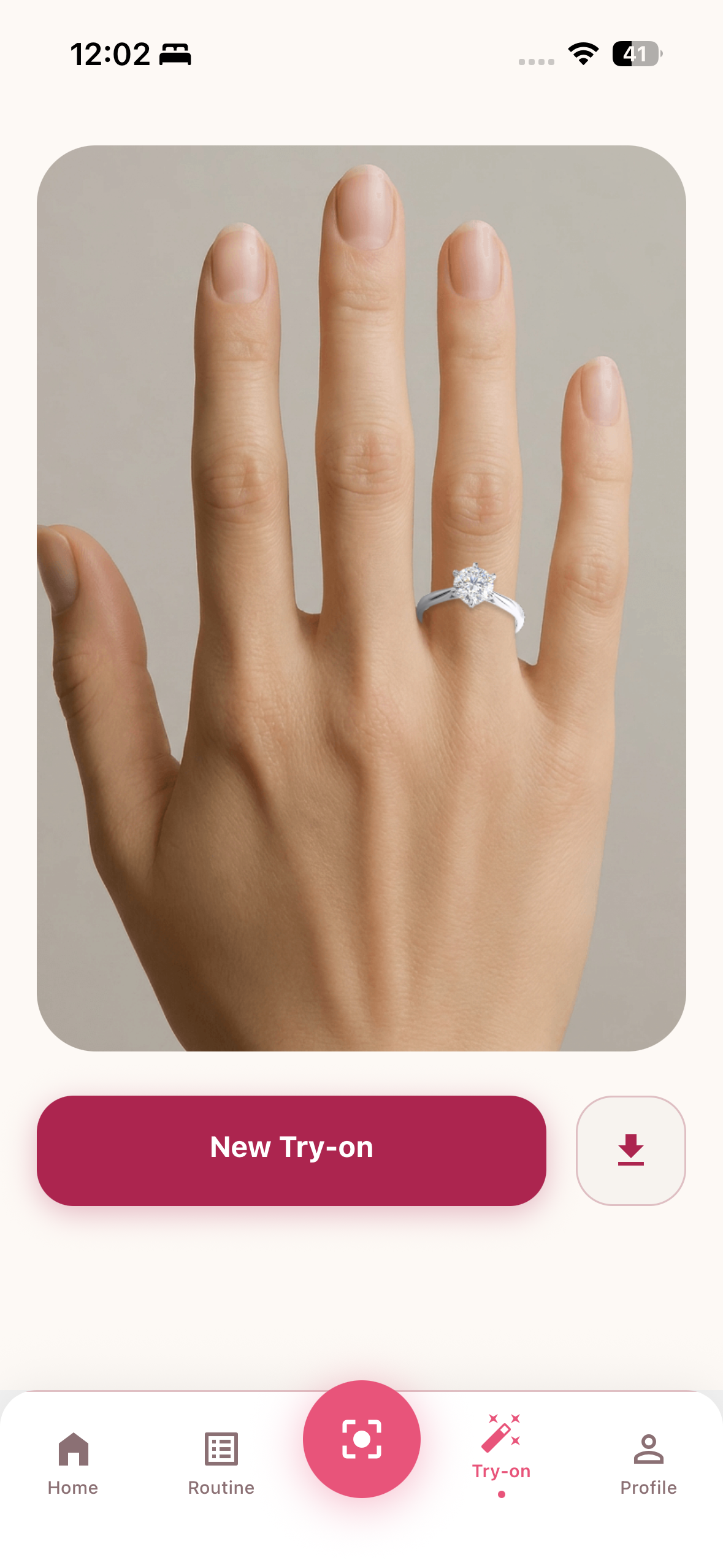
- AR Ring Try-On — Virtual try-on for jewelry using 2D hand image analysis — see how rings look on your hand before buying.
- Web Dashboard — A companion Next.js web app where users can view their skin score, weekly streak, and routine progress from any browser.
How I built it
Mobile app: React Native with Expo (SDK 54), using Expo Router for file-based navigation. The UI is built entirely with React Native's
StyleSheet API — no third-party component libraries.
AI Skin Analysis: I integrated Perfect Corp's AI Skin Analysis API via a 4-step
async flow:
POST /file/skin-analysis— request a pre-signed S3 upload URLPUT <s3_url>— upload the image binary directly to S3POST /task/skin-analysis— submit the task with 13 metric targetsGET /task/skin-analysis/{id}— poll untiltask_status === "success"
Each metric returns a score, severity level, and a mask URL for the heatmap overlay rendered in SVG on the results screen.
AR Ring Try-On: Built on Perfect Corp's 2D Virtual Try-On API using the same async task
pattern against the /file/2d-vto and /task/2d-vto/ring endpoints.
Backend: Supabase (PostgreSQL) for storing scan results and routine logs. Clerk for authentication across both mobile and web. EAS (Expo Application Services) for cloud builds and distribution.
Marketing site: Next.js 16 with Tailwind CSS, deployed on Vercel. Includes a protected dashboard powered by Clerk + Supabase server-side data
fetching.
Challenges I ran into
Binary image upload to S3 was trickier than expected on Android. The pre-signed URL flow requires sending raw image bytes — not base64, not FormData — which behaves differently across platforms and Expo's file system APIs.
Android standalone builds exposed a gap we hadn't hit in Expo Go: without the expo-camera plugin declared in app.json, the CAMERA permission was never injected into the Android manifest. The app worked perfectly on iOS (Expo Go pre-grants everything) but crashed silently on Android until we identified the missing native config.
Async polling UX required careful state management. The Perfect Corp API is genuinely async — analysis can take 3–8 seconds — so we built a progress indicator with an animated scan-line overlay and stage-based messaging (uploading → analyzing → done) to keep the experience from feeling broken during the wait.
CNG vs. committed native folders — we had a committed ios/ folder that caused EAS Build to silently ignore all app.json plugin configuration. Took some debugging to realize the native folder was overriding the managed config.
Accomplishments that I am proud of
- A genuinely useful 13-metric skin analysis that produces actionable, personalized output — not just a gimmick
- The heatmap visualization: SVG overlays on the original selfie showing exactly where acne, pores, wrinkles, and redness appear
- End-to-end flow from selfie → AI analysis → routine → PDF report in a single session
- A polished UI that feels like a real consumer product, not a hackathon prototype
- Cross-platform delivery: iOS, Android, and web all sharing the same Supabase data layer
What I learned
- Perfect Corp's S2S API is powerful but async-first — you have to build for polling from the start, not as an afterthought
- Expo's CNG (Continuous Native Generation) model is the right default for projects using managed plugins; committed native folders cause subtle,
hard-to-diagnose config sync failures
- EAS environment variables are baked at build time, not injected at runtime — a distinction that only hurts you when you discover it in production
- SVG-based overlays in React Native (
react-native-svg) are surprisingly capable for data visualization without reaching for a charting library
What's next for SkinBudget
- Trend analysis — graph your scores over time to see whether your routine is actually working
- Product database — link metric recommendations to specific affordable products, fulfilling the "Budget" in SkinBudget
- Face comparison — side-by-side before/after visualization between two scan dates
- Routine reminders — push notifications for AM/PM routine check-ins
- More try-on categories — expand beyond rings to other jewelry and accessories using additional Perfect Corp VTO endpoints
Built With
- clerk
- next.js
- react-native
- supabase


Log in or sign up for Devpost to join the conversation.