Inspiration
What it does
How we built it
Challenges we ran into
Accomplishments that we're proud of
What we learned
What's next for SkinFit Retail Concierge
Inspiration
Online apparel tools usually answer one question: "How does it look?" We wanted to add the missing second question: "How will this feel against my skin today?" SkinFit uses skin concern signals to make retail guidance more empathetic, practical, and explainable, especially for shoppers dealing with redness, texture, acne, pores, or dullness.
What it does
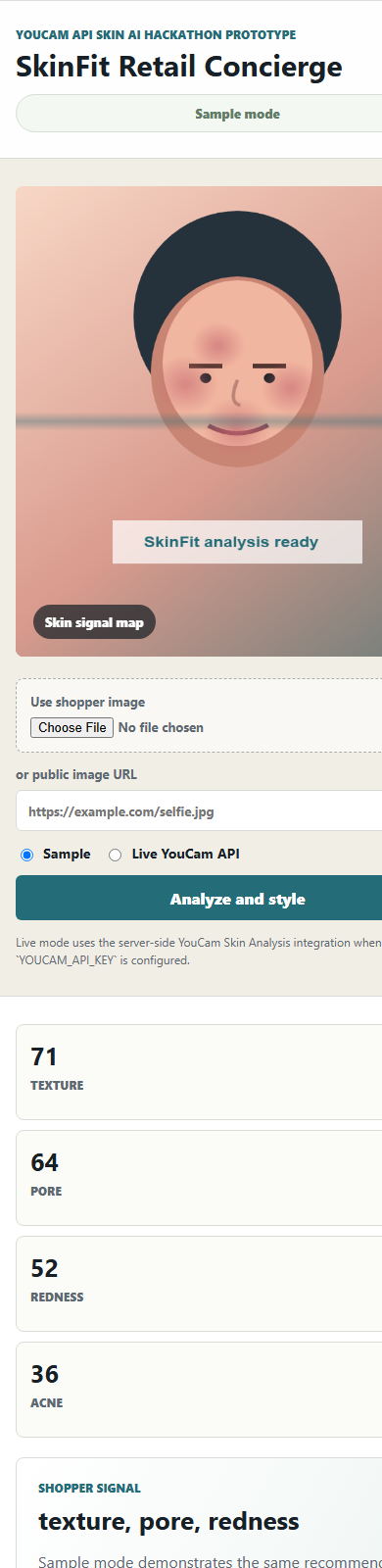
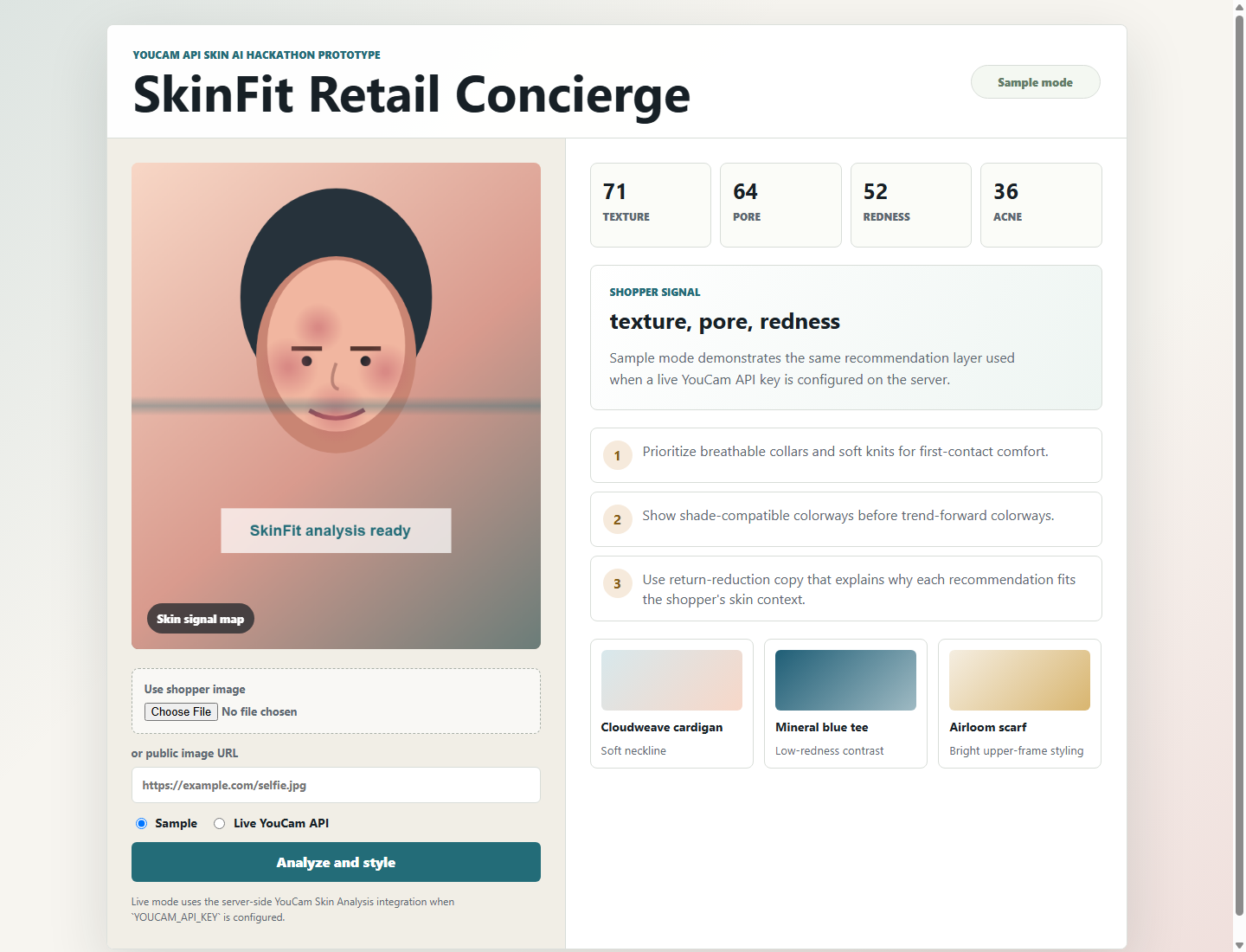
SkinFit Retail Concierge lets a shopper upload an image, provide a public image URL, or use the built-in sample mode. The app analyzes skin-context signals, highlights the top shopper concerns, and translates them into retail guidance:
- comfort-first styling tips for collars, knits, layers, and shade selection
- product recommendations such as a soft cardigan, low-redness tee, or bright upper-frame scarf
- shopper-facing explanation copy that helps reduce uncertainty and returns
- a responsive desktop/mobile UI with a synthetic sample portrait for judge-friendly demos
This is retail guidance, not medical advice.
How we use YouCam API
The project integrates the YouCam Skin Analysis API v2.1 through a server-side Node proxy, so the API key stays out of browser JavaScript.
Live mode performs the full YouCam flow:
- POST /s2s/v2.1/file/skin-analysis to create an upload file.
- Upload the shopper image to the returned pre-signed URL.
- POST /s2s/v2.1/task/skin-analysis to start analysis.
- GET /s2s/v2.1/task/skin-analysis/{task_id} to poll for results.
- Normalize returned scores and convert them into apparel recommendations.
Default requested actions include hd_wrinkle, hd_pore, hd_texture, and hd_acne, with support for action overrides from the app request. Public image URLs can be sent directly as src_file_url; uploaded files use the pre-signed upload path.
How we built it
- Frontend: vanilla HTML, CSS, and JavaScript for a lightweight responsive retail workbench.
- Backend: Node.js HTTP server with static hosting and JSON API routes.
- API layer: lib/youcamClient.mjs handles file creation, upload, task creation, polling, normalization, and recommendation generation.
- Demo mode: deterministic sample data mirrors the same recommendation pipeline when YOUCAM_API_KEY is not configured.
- Tests: Node's built-in test runner validates score normalization, recommendation generation, and the full mocked YouCam request sequence.
Challenges
- Keeping the API key secure while still making the demo simple for judges.
- Designing a sample mode that is useful without pretending to be a live API result.
- Translating raw skin-analysis signals into retail recommendations without drifting into medical claims.
- Handling both uploaded images and public image URLs in one coherent flow.
Accomplishments
- Built a working end-to-end prototype with a polished desktop/mobile UI.
- Implemented the server-side YouCam Skin Analysis flow with upload, task creation, polling, and normalization.
- Created an explainable recommendation layer that maps skin concerns to apparel comfort and color guidance.
- Added deterministic sample mode so the project can be reviewed with no paid services and no exposed credentials.
- Added unit tests for the core API and recommendation logic.
What's next
- Connect the recommendation layer to a real retailer catalog and inventory feed.
- Let shoppers tune preferences such as fabric sensitivity, coverage, climate, and color comfort.
- Add apparel virtual try-on alongside the skin-aware recommendation logic.
- Improve explainability with side-by-side "why this item" comparison cards.
- Add privacy controls for image retention, consent, and deletion workflows before production use.
Links
Built With
- apparel-vto
- css
- e-commerce
- html
- javascript
- node.js
- retail
- skin-ai
- skin-analysis-api
- youcam-api

Log in or sign up for Devpost to join the conversation.