Inspiration
Skin-analysis apps tell you what your skin needs, then hand you a routine. Shoppers don't buy a routine. They fill a cart with a serum they saw online, a cream a friend liked, and an exfoliating pad on sale. Nobody checks whether that cart delivers what the scan said. Two moisturizers do the same job. One product has the fragrance you wanted to avoid. Nothing in the cart addresses your lowest score.
For retailers, the cost is returns, wasted spend and shoppers who lose trust. For shoppers, it's money spent on products that overlap, conflict with their preferences, or miss their goals. We built SkinCart for that moment: after the scan and before checkout.
What it does
SkinCart connects a real YouCam AI Skin Analysis to the shopper's actual cart.
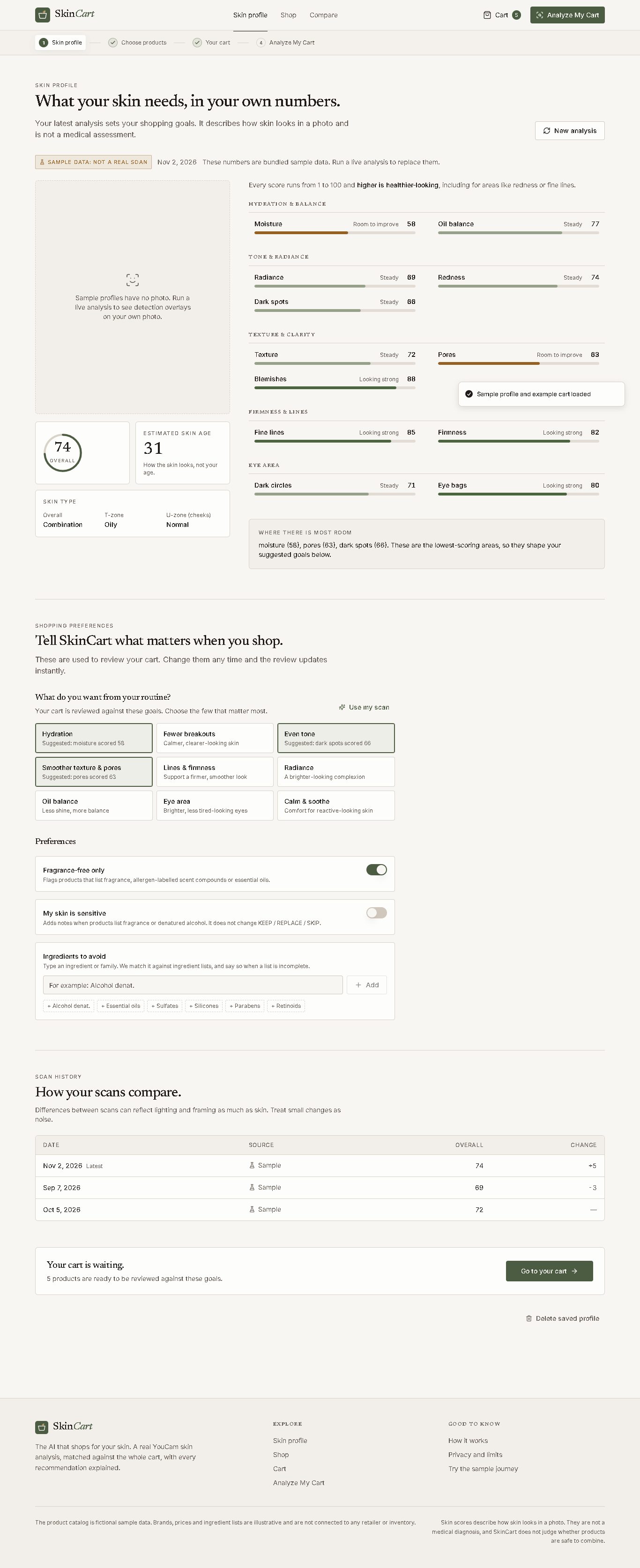
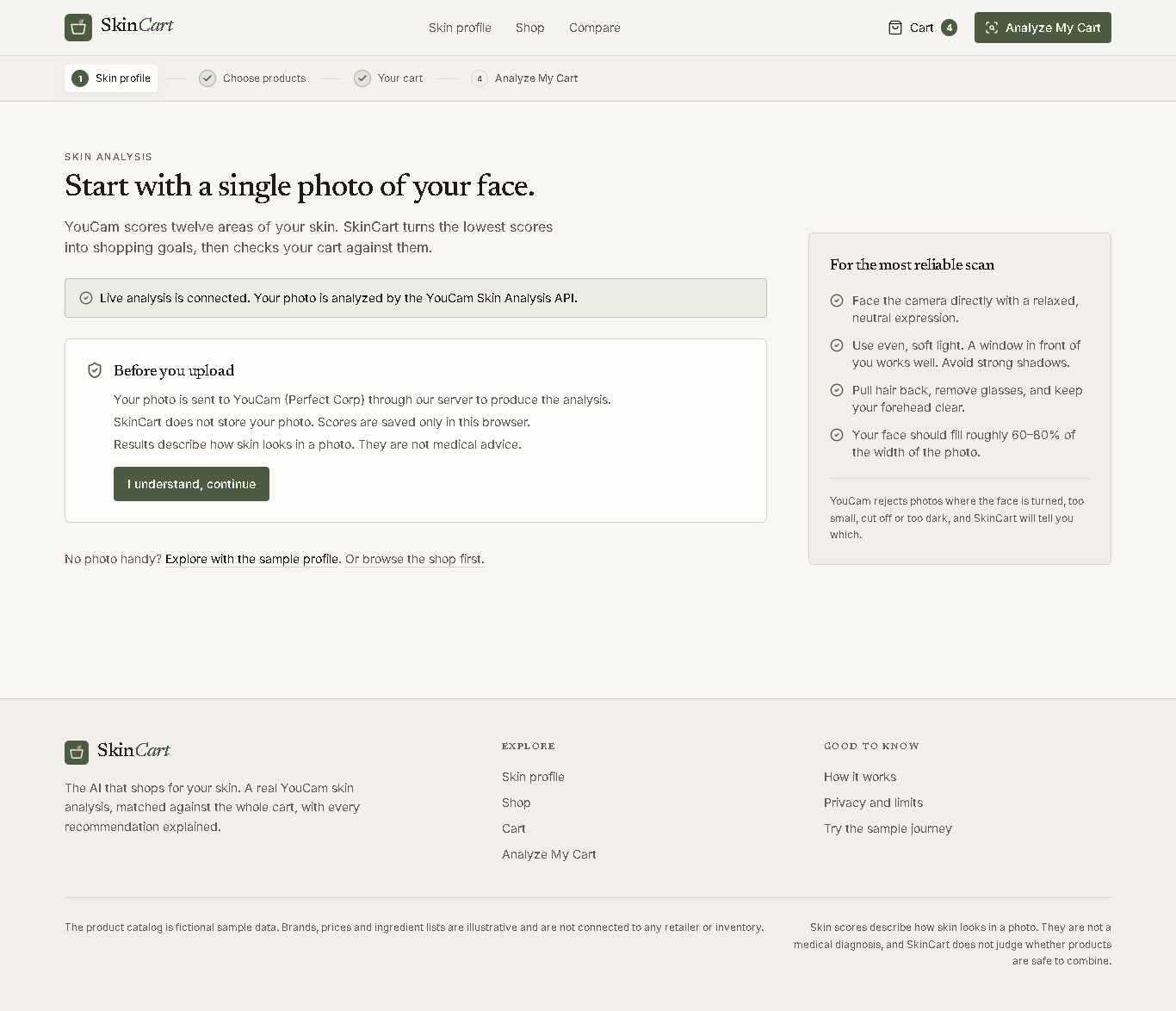
Analyze. The shopper takes a selfie or uploads a photo. YouCam scores 12 areas: moisture, oil balance, radiance, redness, dark spots, texture, pores, blemishes, fine lines, firmness, dark circles and eye bags. It also returns skin type by zone. SkinCart shows YouCam's detection masks over the photo, so the shopper sees where each score comes from.
Turn scores into goals. The lowest scores become shopping goals, such as a moisture score of 58 becoming "Hydration". The shopper can edit the goals and add preferences: fragrance-free, sensitive skin, and ingredients to avoid.
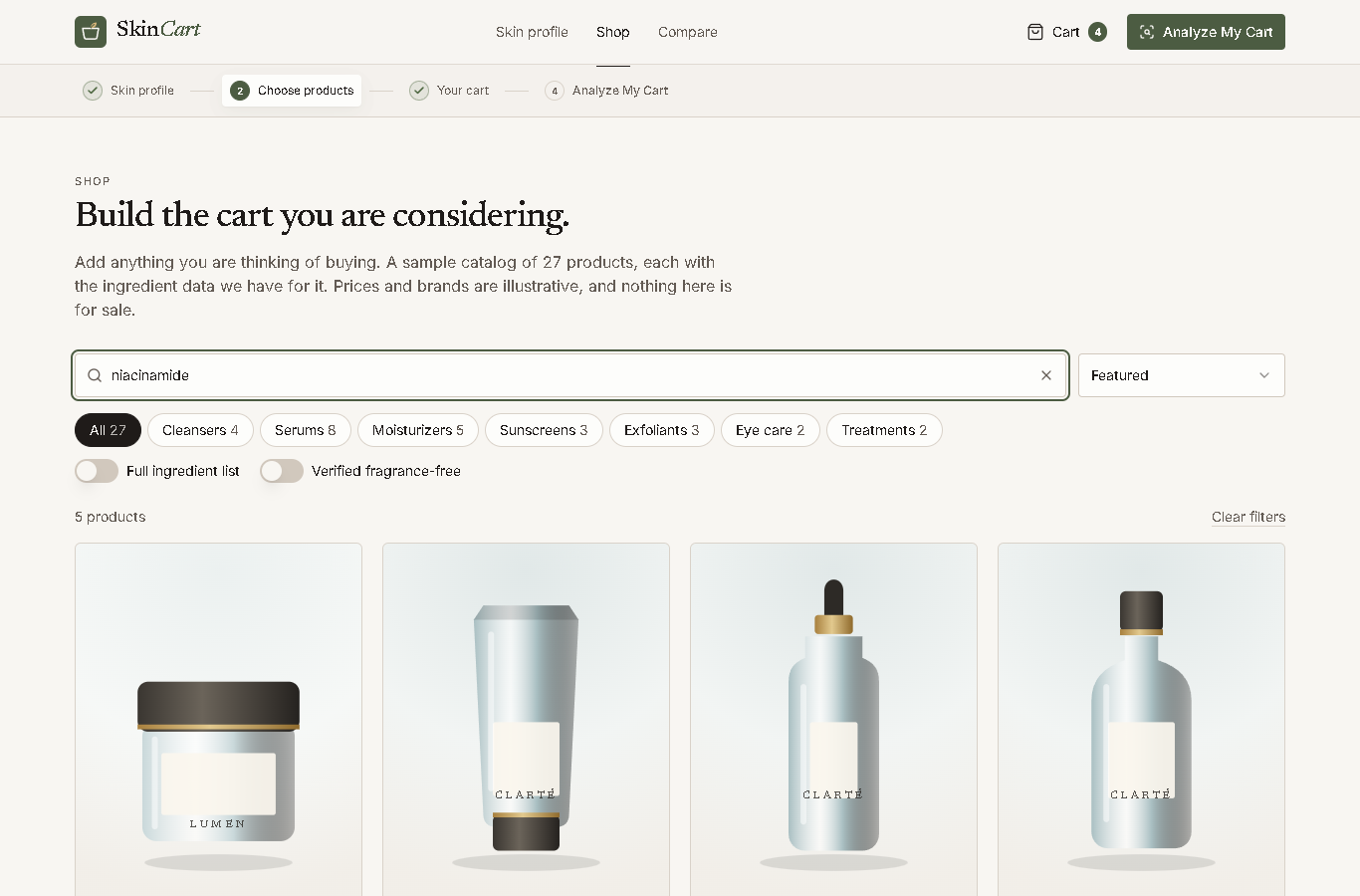
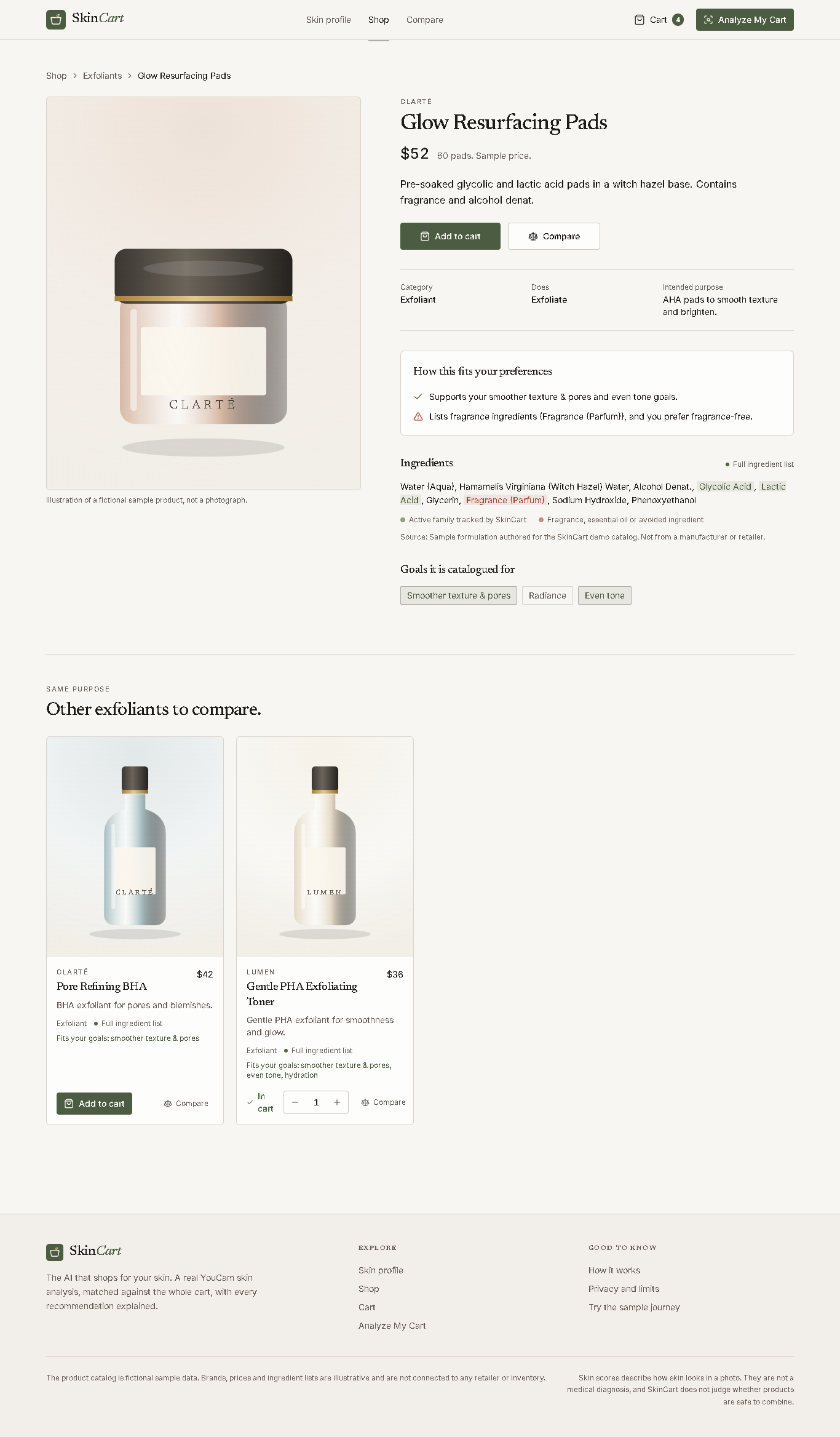
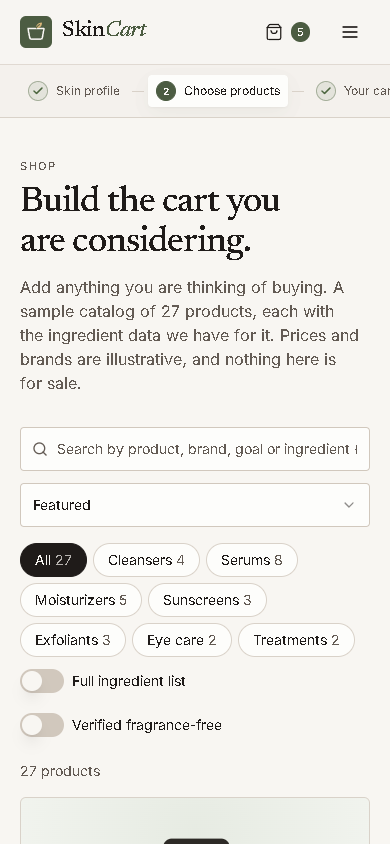
Shop. A 27-product catalog has ingredient data, product pages and side-by-side comparison of up to three products.
Analyze My Cart. The engine reviews the whole cart at once and gives every product a verdict:
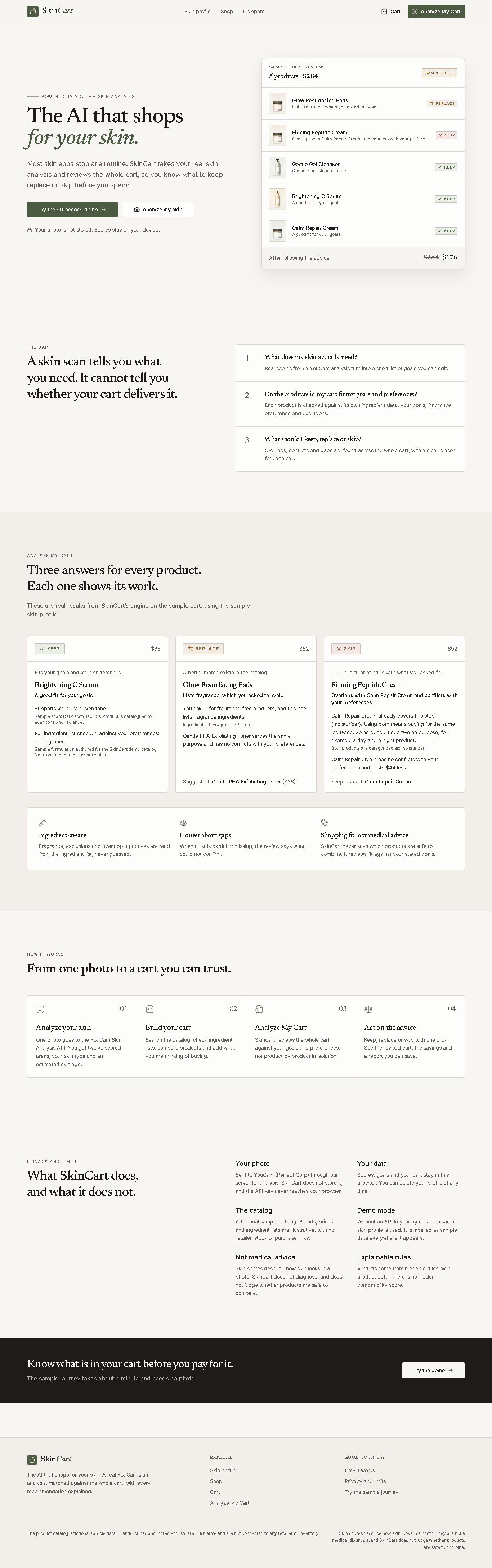
KEEP when the product fits the goals and preferences. REPLACE when a better-fitting alternative exists. The alternative is shown with its advantages, trade-offs and price difference. SKIP when the product duplicates another item or conflicts with the shopper's preferences. It also finds routine gaps, such as no sunscreen when the goals call for one. It flags the same active ingredient appearing in several products, and shows a before and after total.
Act. The shopper applies one recommendation or all of them, with undo. The report can be printed or saved as a PDF.
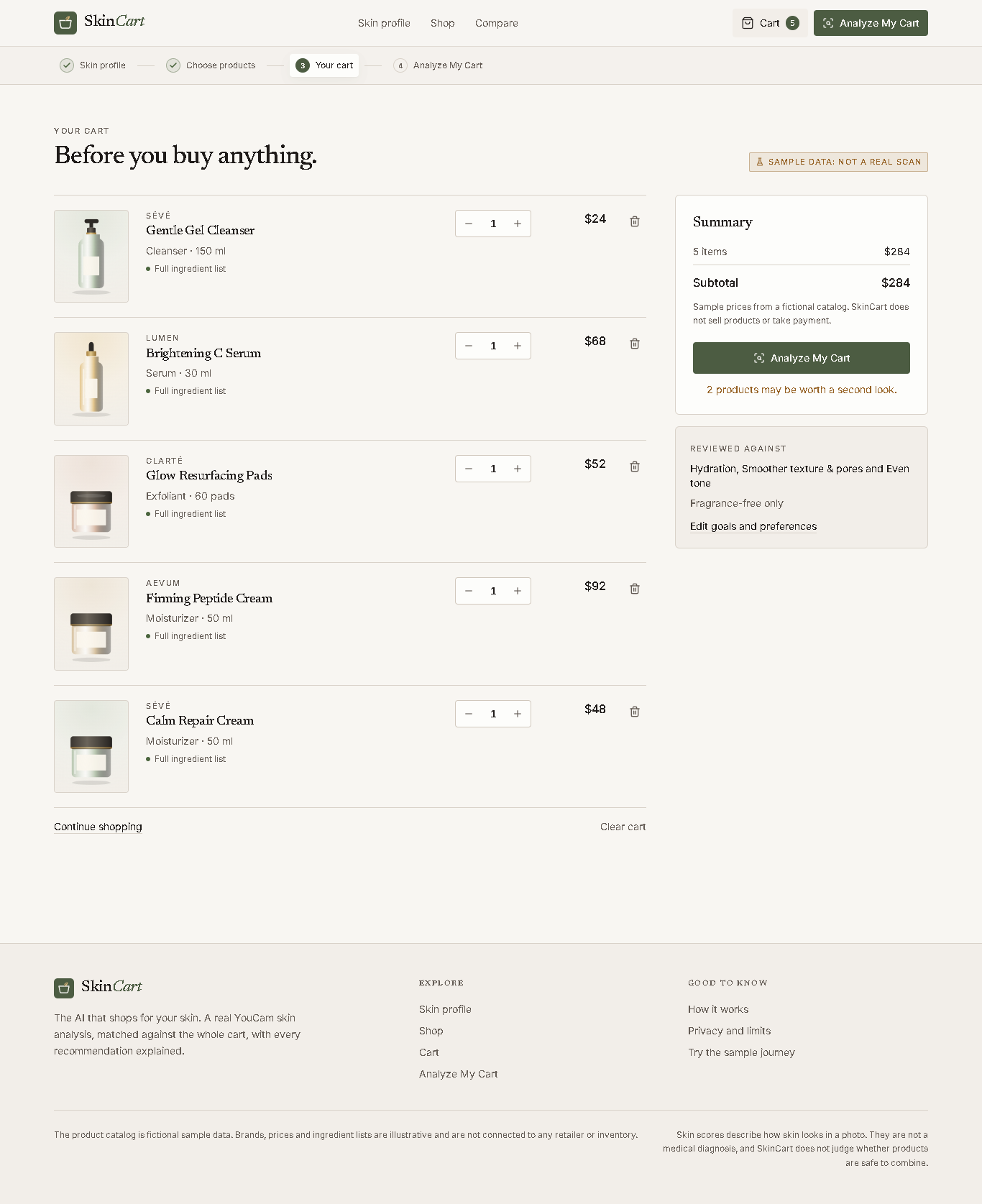
Example from the sample journey. A five-product cart totals $284. SkinCart replaces a fragranced exfoliating pad with a fragrance-free alternative. It skips a peptide cream that duplicates a moisturizer already in the cart and also lists fragrance. It keeps the cleanser, vitamin C serum and moisturizer, and flags the missing sunscreen. The cart drops to $176, a saving of $108, and every goal that was covered stays covered.
Consumer and retail value Shoppers stop paying twice for the same step. They avoid ingredients they said they don't want, and they see why each product made the cart or didn't. Retailers get a checkout-stage tool that matches the products in the cart to the shopper's measured skin. That should reduce the "this wasn't right for me" returns that come from buying without knowing what fits. Trust is the product. Every verdict shows its reasoning and the data behind it. When a product's ingredient list is partial or missing, SkinCart says what it couldn't confirm instead of guessing.
How we built it
YouCam API. We use the Skin Analysis task flow end to end:
POST /s2s/v2.0/file requests an upload ticket. PUT sends the image bytes to the pre-signed URL. POST /s2s/v2.0/task/skin-analysis starts the task, requesting 12 SD concerns plus skin_type as JSON. GET /s2s/v2.0/task/skin-analysis/{task_id} is polled with backoff until the task succeeds or fails. We normalize the response into ui_score, raw_score and detection masks per concern. ui_score is shown to the shopper. raw_score is kept for comparing scans over time. We also translate each documented YouCam capture error (face too small, too dark, turned, out of frame, several faces) into plain advice. The shopper learns how to retake the photo instead of seeing "error".
Cart engine. It is about 1,000 lines of TypeScript in lib/engine, built from readable rules rather than a black-box score.
Goals are weighted by how low the related YouCam score is. A goal tied to a 58 counts for more than one tied to an 88. Products with the same functional role, such as two moisturizers, are flagged as overlapping, and the best fit is kept. Replacements must have no conflicts with the shopper's preferences. Strict preferences such as fragrance-free require a full ingredient list to confirm. The engine tracks ingredient completeness (full, key actives only, unavailable) and reports uncertainty instead of inferring. 24 behavioral checks cover replacement, duplicate handling, unverifiable products and keep-anyway overrides. One check confirms that applying all recommendations produces a cart with no remaining changes. Stack. Next.js (App Router), React, TypeScript, Tailwind and Radix/shadcn. The API key stays on the server. The upload route checks file type by magic bytes, caps size at 10 MB, and rate-limits per client, because every live analysis spends API units.
Privacy. The photo goes to YouCam through our server and is never stored by SkinCart. Scores, goals and the cart live only in the shopper's browser. YouCam's temporary image and mask URLs are kept for the session only and dropped when they expire.
Challenges
Avoiding false confidence. A cart recommender that guesses about ingredients is worse than none. We designed around three data states and made the UI say "we could not confirm this." Score direction. Some concerns read naturally in reverse (more redness is worse), while YouCam scores every concern so that higher is healthier. We normalized the labels and copy so shoppers aren't misled. Staying out of medical territory. SkinCart reviews product fit against stated goals. It never claims which products are safe to combine, and a test confirms our notes never use words like "dangerous." Cost control. The rate limit and validation keep a public demo from draining API units.
Accomplishments
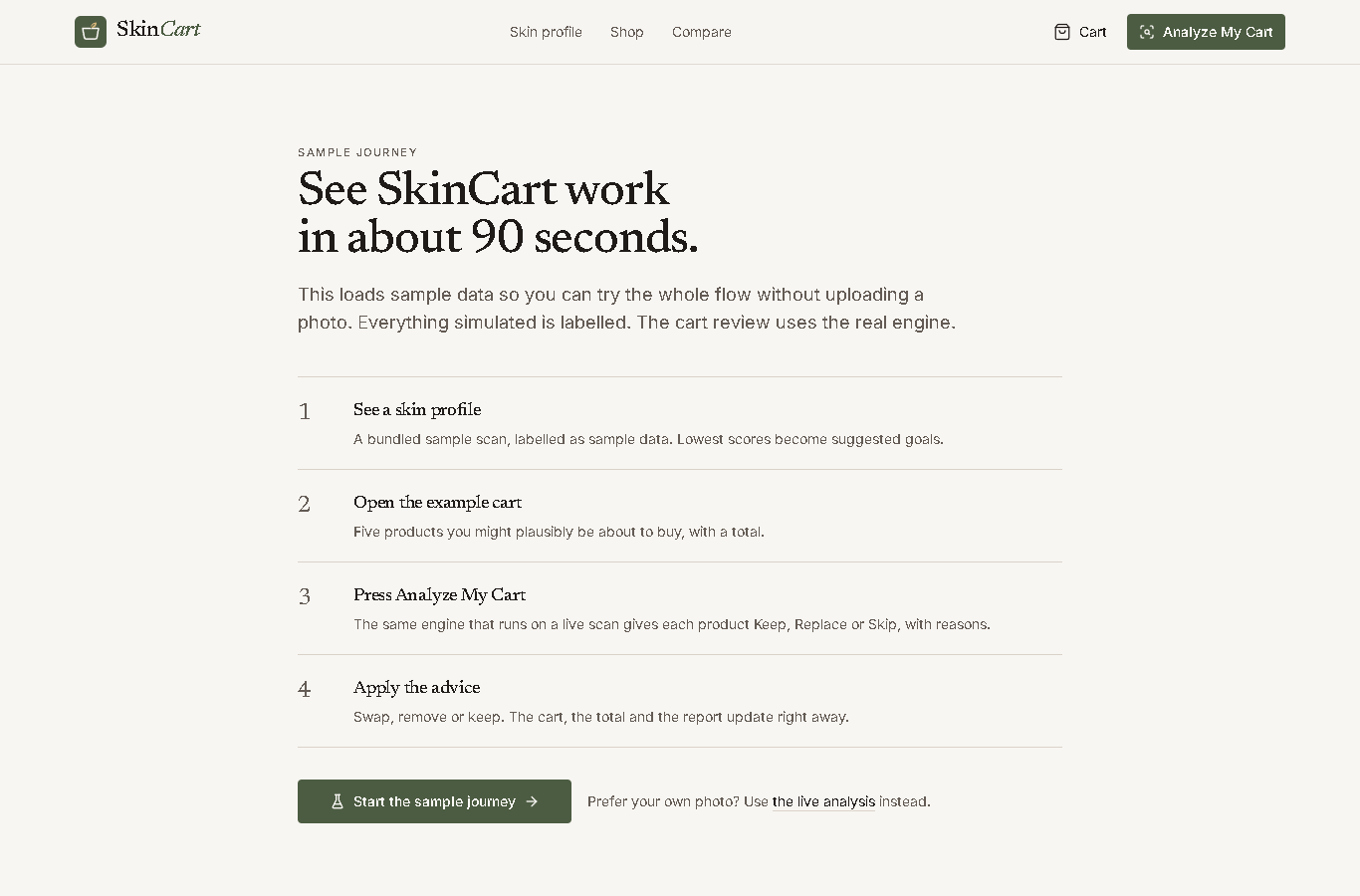
A complete flow from photo to final cart, not a single-API demo. An engine whose verdicts are explainable and tested. A working demo mode with clearly labelled sample data, so judges can try the whole experience without a photo.
What we learned
A skin score has little value until it changes a decision. The step between scan and checkout is where the retail value is.
What's next
Connect real retailer catalogs and live ingredient data. The current catalog is fictional and illustrative. Add YouCam Skin Tone and Virtual Try-On to extend the same cart review to makeup shades. Add a shared rate-limit store and a retailer-embeddable widget.
Built With
- next.js
- radix-ui
- react
- tailwind-css
- typescript
- youcam-ai-skin-analysis-api


Log in or sign up for Devpost to join the conversation.