Inspiration
Buying skincare usually goes like this: watch ten reels, add twelve products, spend way too much, and still not know if any of it fits your skin. I wanted the opposite. Measure the skin first, then buy only what it actually needs, at a price a student can afford.
What it does
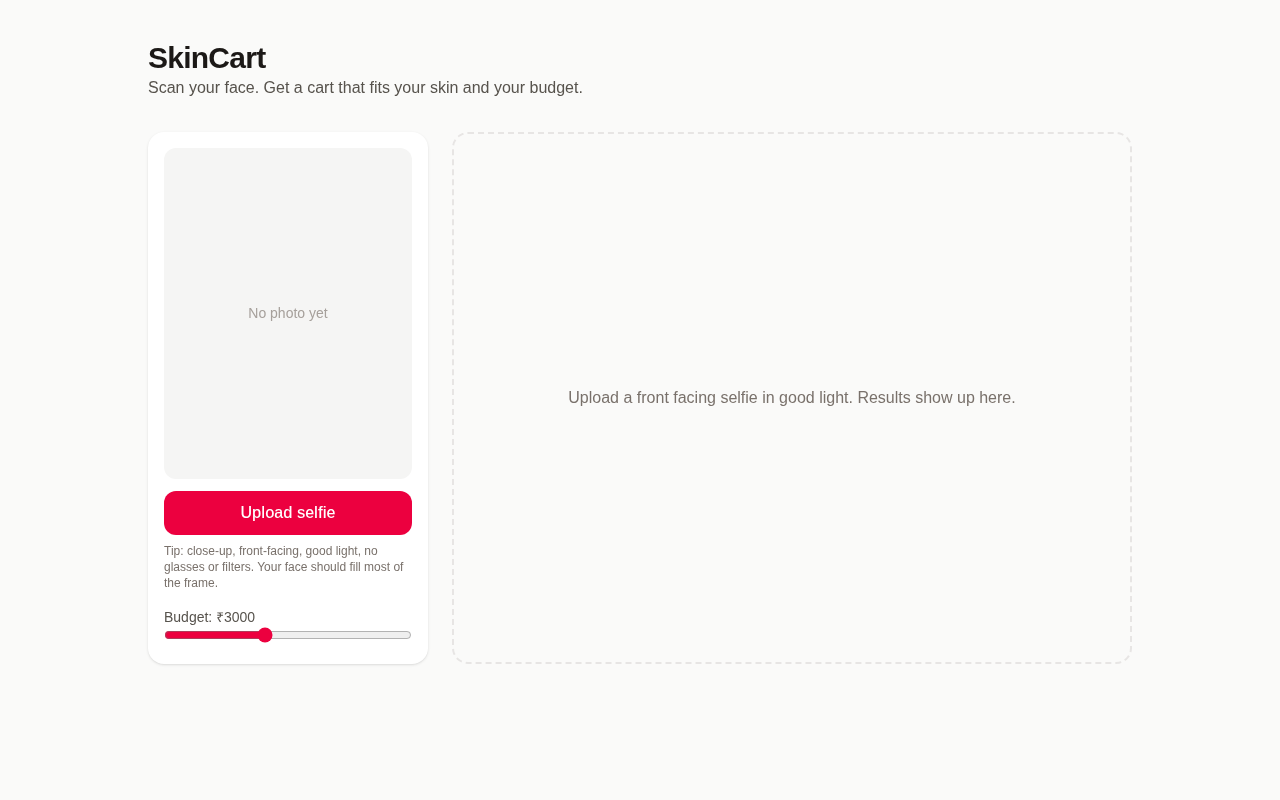
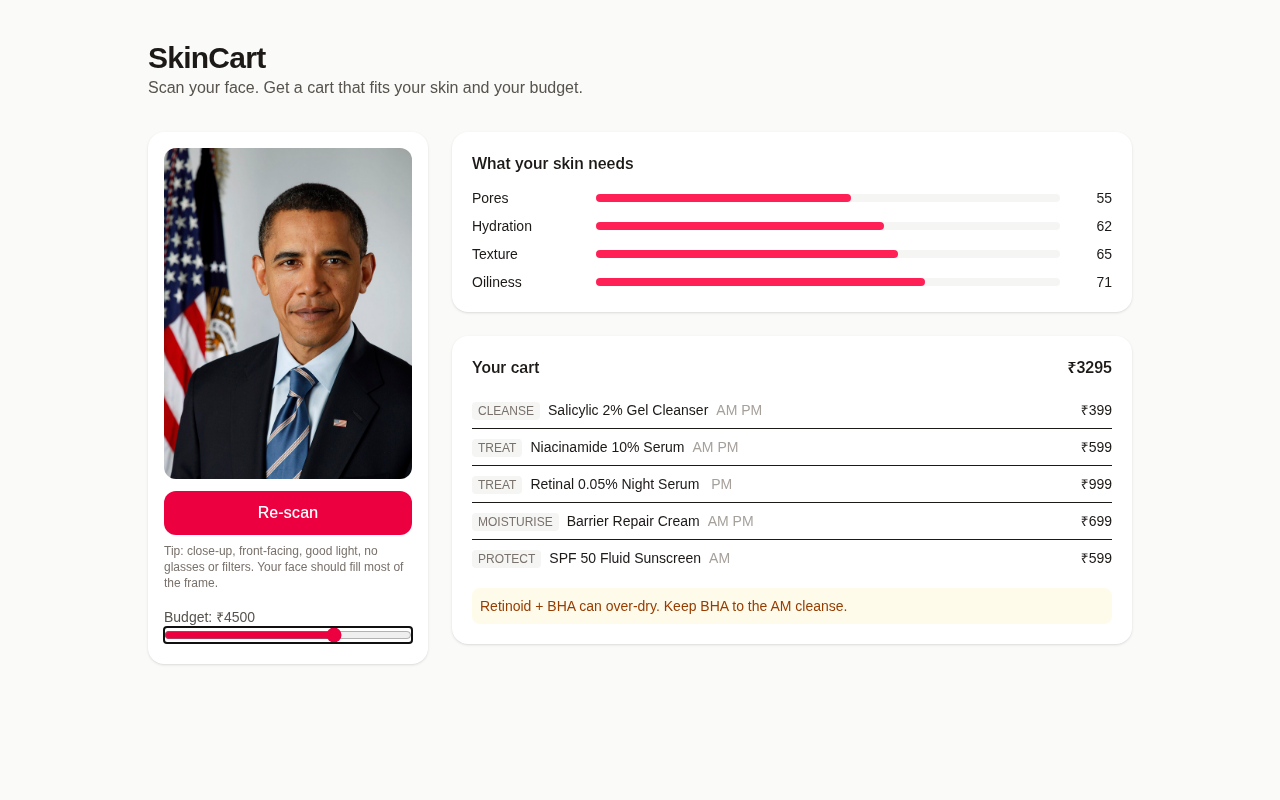
- You upload a selfie. YouCam's AI Skin Analysis scores acne, pores, redness, oiliness, hydration, texture, fine lines, dark circles, spots and radiance.
- SkinCart takes your weakest scores and builds a routine from them: cleanse, treat, moisturise, protect.
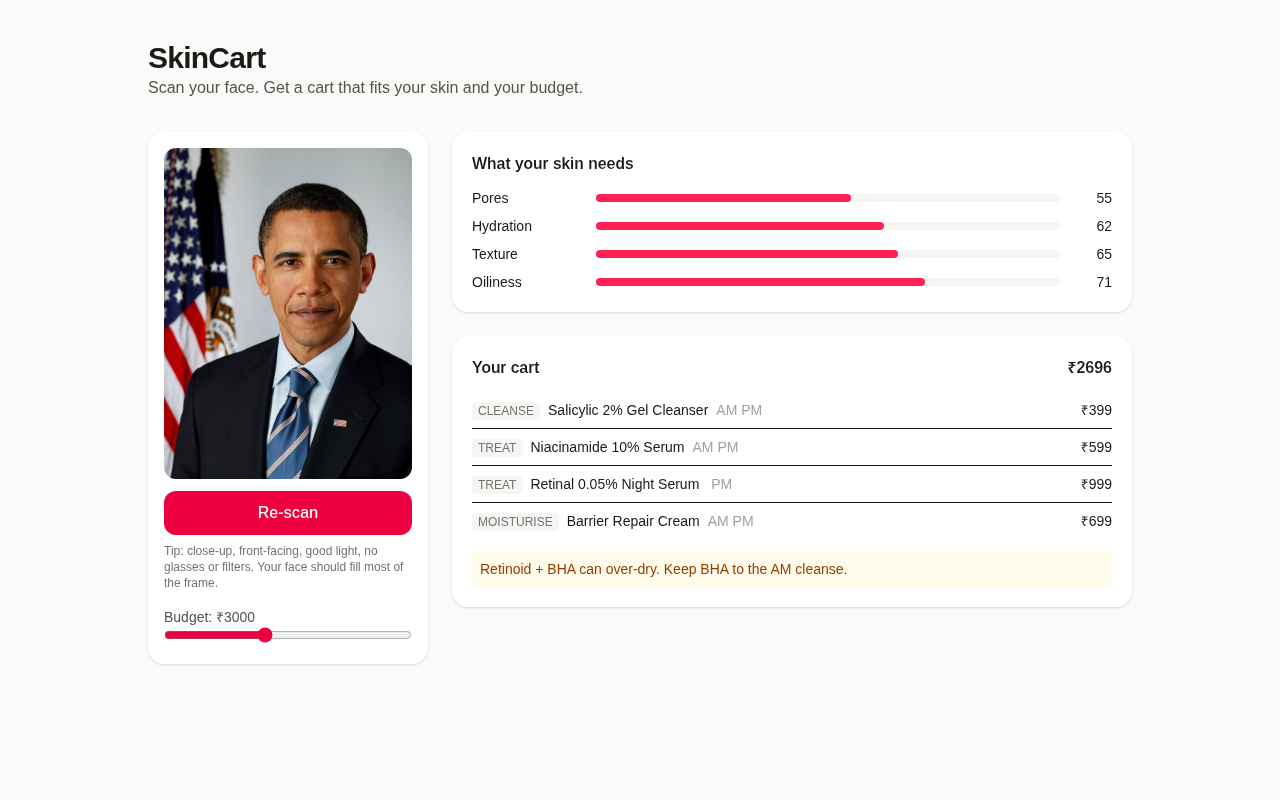
- A budget slider (₹1000 to ₹6000) trims the cart live, so the products that matter most stay and the extras drop off.
- It flags actives that clash, like retinol with BHA, and tells you how to split them between AM and PM.
- Re-scan later and it shows how each score moved, so you can tell if the routine is working.
- Bad photos get a clear reason, not an error code: face too small, head tilted, too dark.
How we built it
- Next.js 15 (App Router) with Tailwind, deployed on Vercel.
- A server route calls the YouCam AI Skin Analysis v2.0 API. It registers the file with
/s2s/v2.0/file/skin-analysis, PUTs the bytes to the presigned URL, creates a task on/s2s/v2.0/task/skin-analysiswith 11 SD actions, then polls until the task succeeds. - The API key only lives in Vercel env and never reaches the browser.
- In the browser, MediaPipe's face detector finds the face, and the app crops around it, applies EXIF rotation and re-encodes a clean JPEG before upload.
- The recommender is plain TypeScript: concern weight is 100 minus YouCam's ui_score, products are scored by the concerns they target, and the cart fills step by step under the budget.
Challenges we ran into
- Real selfies kept failing with
error_src_face_too_small. The docs say the face has to be wider than 60% of the image, and a normal phone selfie is nowhere near that. Fixed it with on-device face detection and an automatic crop. - Phone photos are big and often rotated through EXIF, so they get normalised and compressed on the client to stay under Vercel's body limit.
- YouCam returns specific error codes, like a tilted head (
error_large_face_angle). Each one maps to a plain instruction, and anything unknown is shown honestly. - HD and SD actions can't be mixed in one task, so I stuck to SD for speed and lower unit cost.
Accomplishments that we're proud of
- Real YouCam scores end to end, live, in about 5 to 7 seconds per scan.
- Photo prep happens in the browser, so the user never has to think about framing rules.
- The budget slider re-plans instantly with zero extra API calls.
What we learned
- Input quality decides everything with vision APIs. Most of the work went into the photo, not the model call.
- An async task API (upload, create, poll) is easy to wrap once you treat every step as something that can fail.
- Error messages are UX. "Look straight at the camera" works much better than a stack trace.
What's next for SkinCart
- A live camera with framing guides, using YouCam's camera kit.
- HD skin analysis for people with good phone cameras.
- Real product catalogs and prices from Indian stores, plus ingredient filters for sensitive skin.
- Saved scan history with a weekly progress chart.
Built With
- mediapipe
- next.js
- node.js
- react
- tailwind
- typescript
- vercel
- youcam

Log in or sign up for Devpost to join the conversation.