Inspiration
Choosing clothing colours that actually complement your skin tone is frustrating. Most people rely on guesswork, generic seasonal colour guides, or trial and error in fitting rooms. Professional colour analysis exists but costs hundreds of dollars and isn't accessible to everyone. We wanted to build something that uses AI and colour science to give anyone a personalised colour palette from a single selfie — and then let them see how recommended garments actually look on them before buying.
What it does
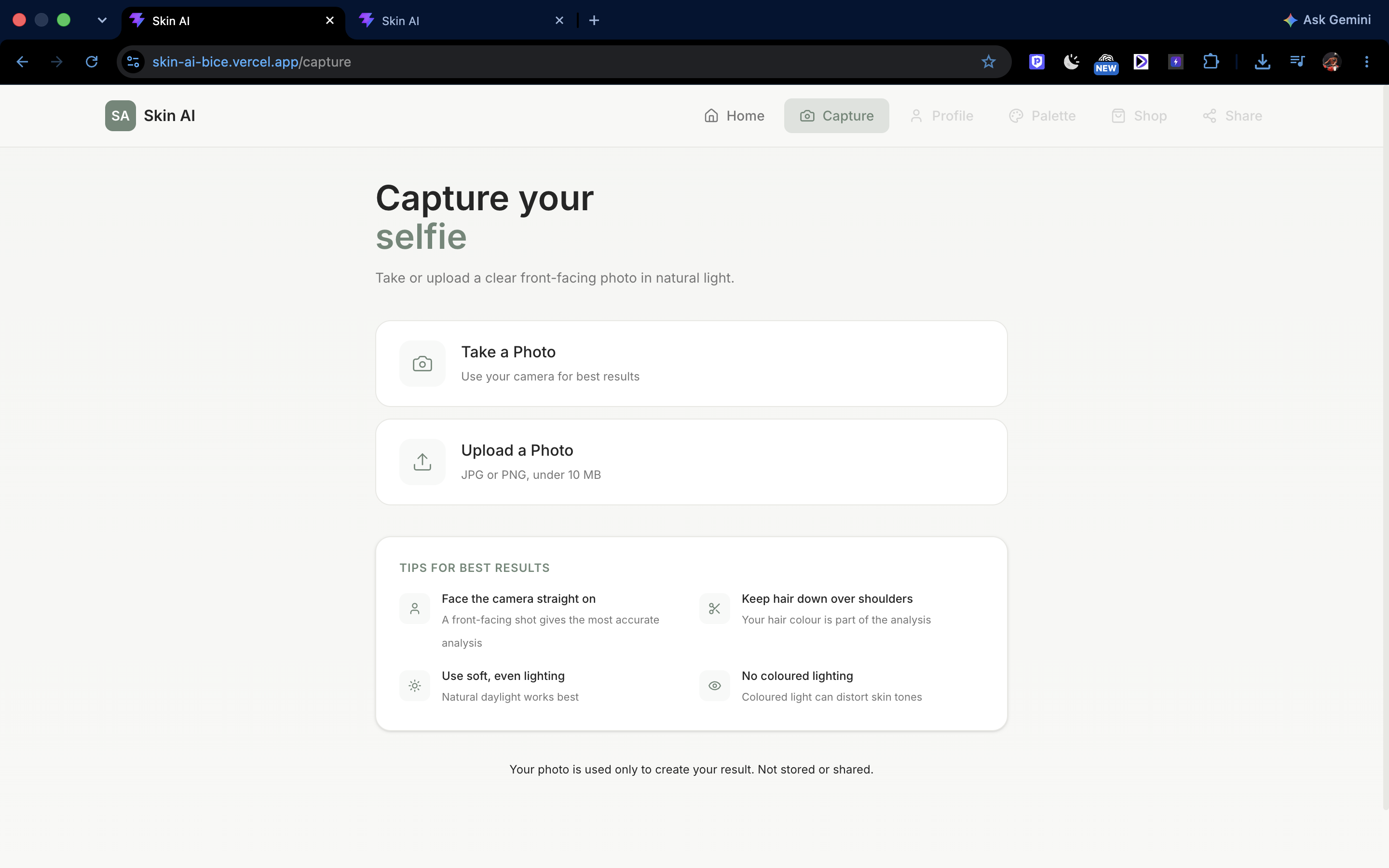
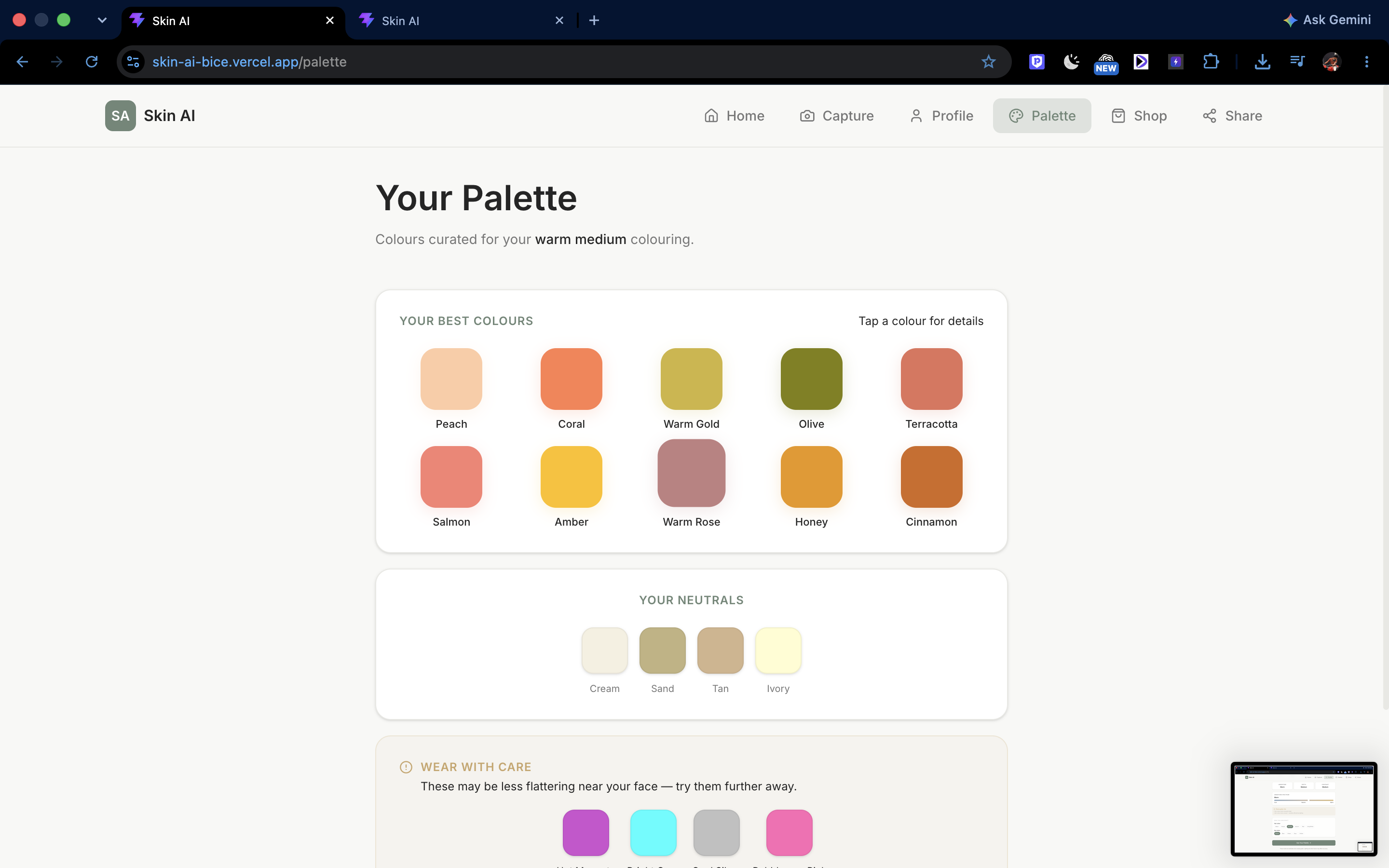
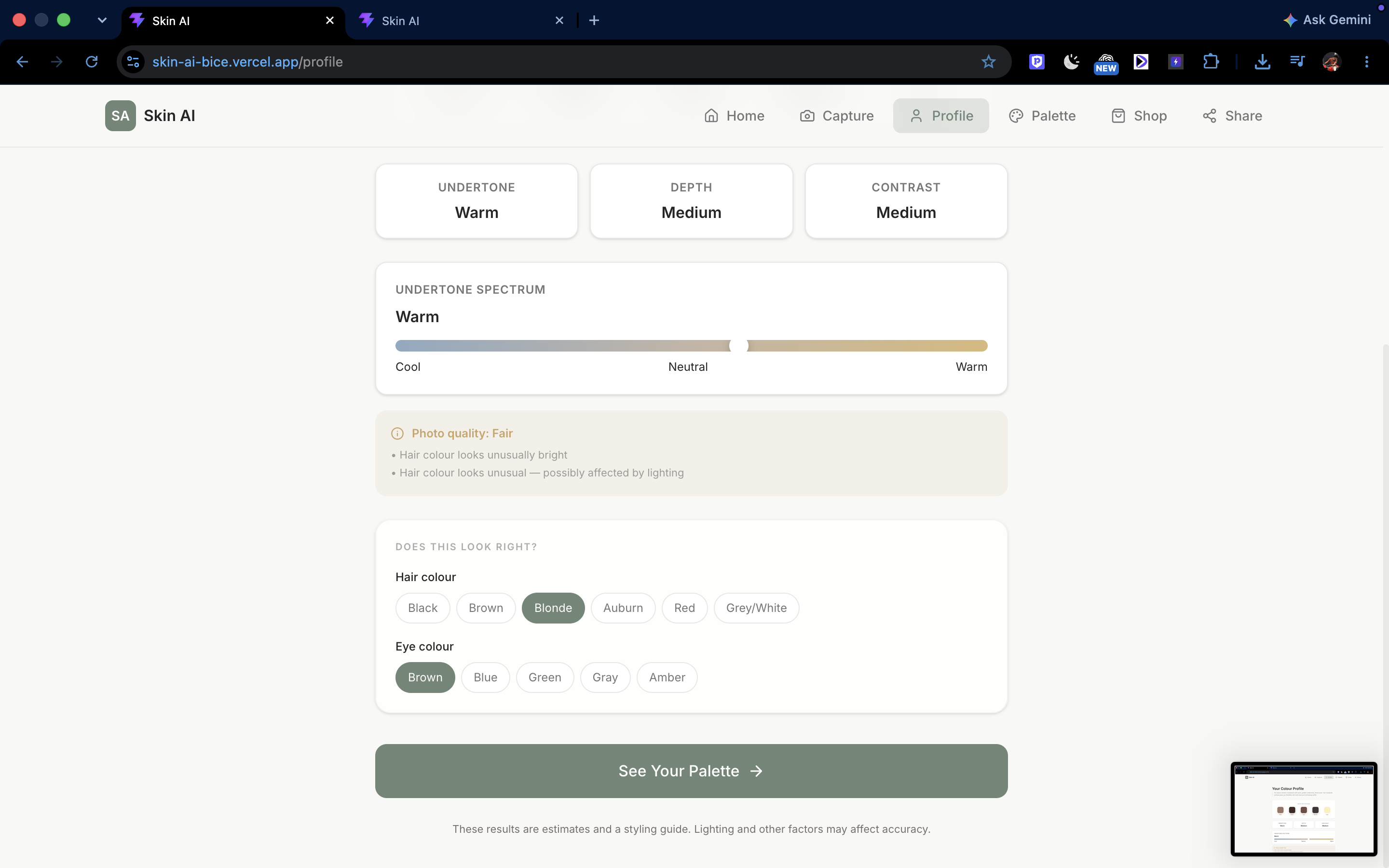
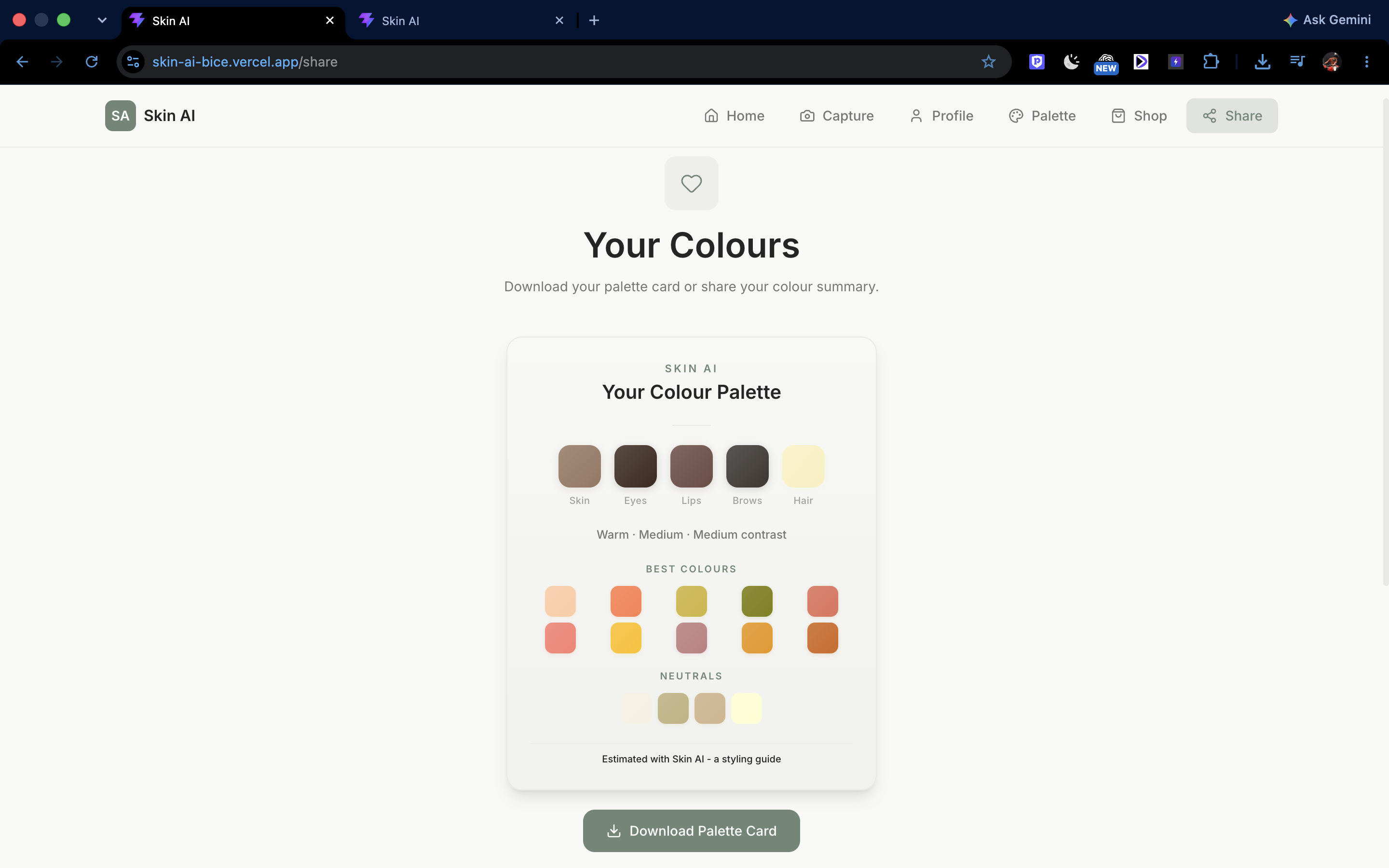
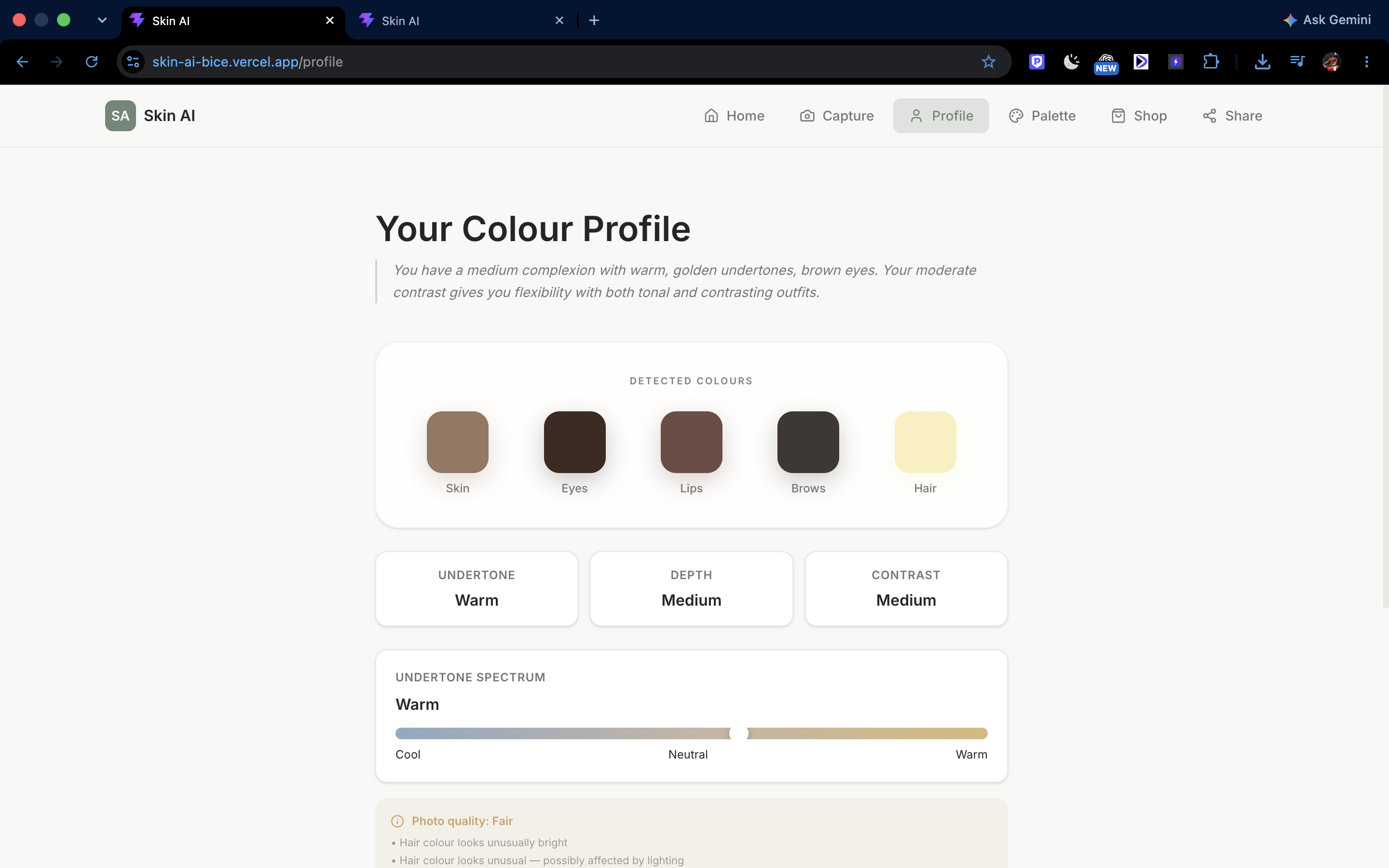
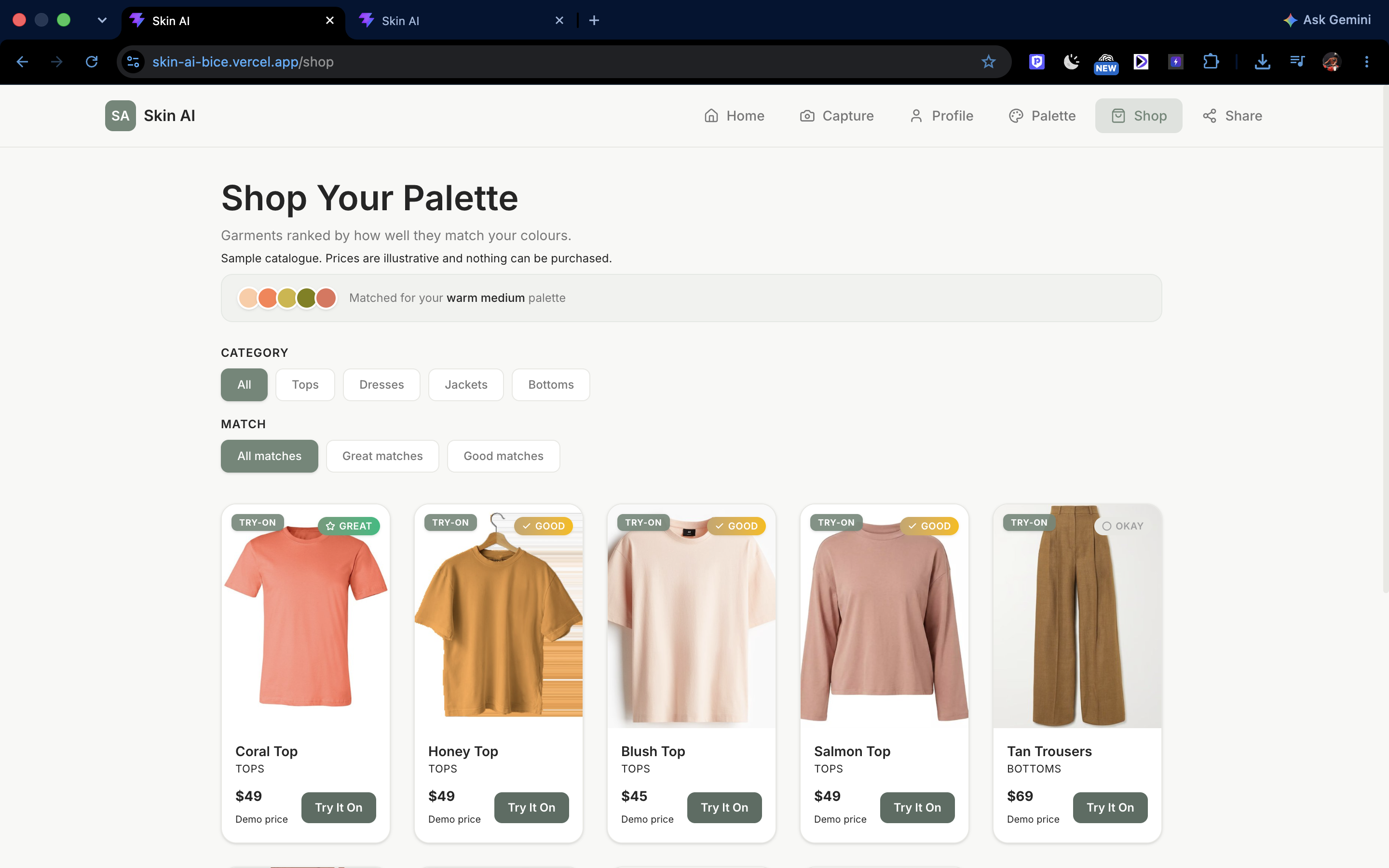
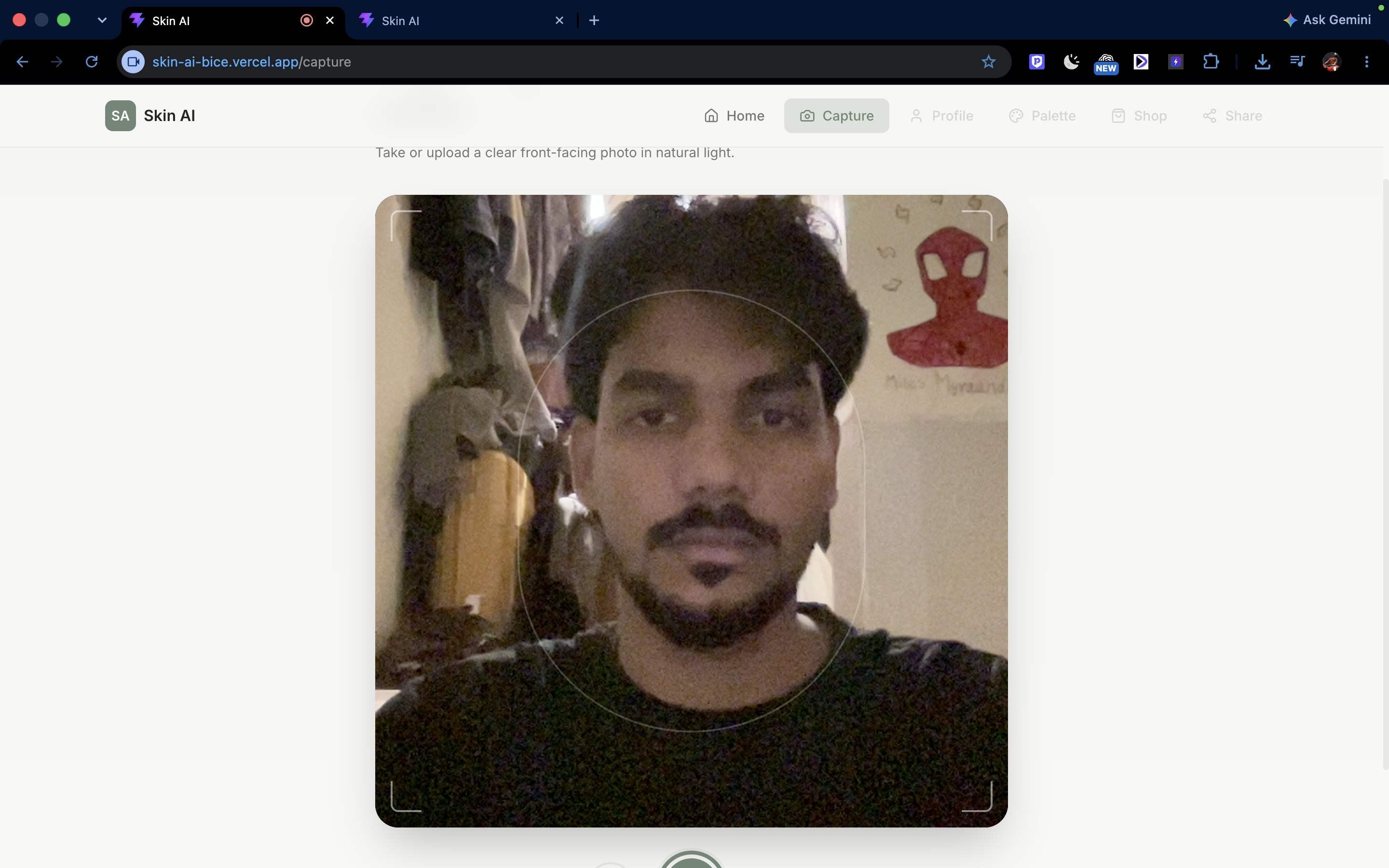
Skin AI analyses your skin tone from a selfie using computer vision, classifies your undertone (warm, cool, or neutral) and depth (light, medium, or deep) using CIELab colour science, and generates a personalised palette of 10 hero colours, 4 neutrals, and 4 care colours. It then ranks a garment catalogue by how well each item's colour matches your palette using CIEDE2000 perceptual colour distance — the same metric used in industrial colour quality control. For garments you like, you can upload a full-body photo and get an AI-generated virtual try-on preview. Three sample personas let anyone explore the full experience without uploading a photo.
How we built it
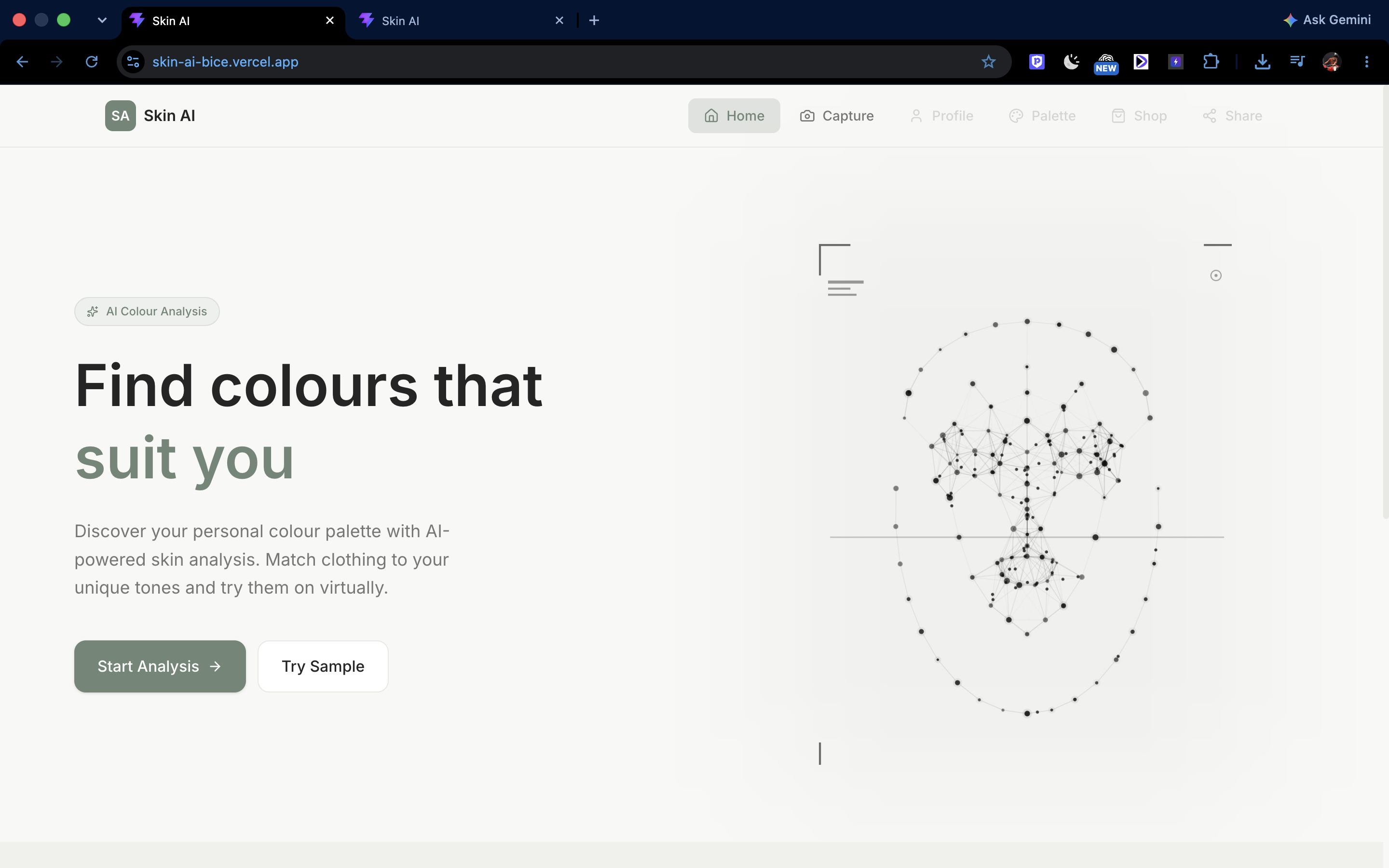
Frontend: React 19 with Vite, Tailwind CSS 4, and Framer Motion for animations. The landing page features an animated neural network that assembles into a face shape with cursor-tracking interaction. Backend: FastAPI serving a custom colour analysis engine. The engine converts hex colours to CIELab colour space, computes hue angles for undertone classification, uses L* lightness for depth, and maps results to one of six palette families with curated colour recommendations. AI APIs: YouCam's Facial Color Tones Analyzer detects skin, eye, lip, eyebrow, and hair colours from a selfie. YouCam's AI Clothes Virtual Try-On (cloth-v3) generates composite images of garments on the user's body. Budget System: Upstash Redis tracks per-IP daily limits, global daily limits, and lifetime API unit consumption with a fail-closed design — if the store is down, live calls are blocked but demo mode still works. Deployment: Vercel for the frontend, Render for the backend, with CORS configured for production and environment-driven configuration throughout.
Challenges we ran into
Colour science is nuanced. Mapping a single hex colour to a meaningful undertone required understanding CIELab colour space, hue angles, and perceptual colour distance. Getting the boundary thresholds right so that warm, cool, and neutral classifications feel accurate took significant calibration. Garment colour matching is harder than it sounds. A garment photo's dominant colour often differs significantly from the expected colour due to lighting, fabric texture, and background. We had to measure actual dominant colours from garment images rather than relying on target hex values. API budget management. YouCam API calls have real unit costs. We built a multi-layer budget system (per-IP, global, daily units, lifetime) to prevent runaway costs during a hackathon demo, while still letting judges and users experience the live flow. Mobile responsiveness. Fitting a full navigation bar, camera capture, colour palettes, and garment grids onto mobile screens required careful layout work, especially around iOS safe areas and fixed bottom navigation.
Accomplishments that we're proud of
End-to-end flow works. From selfie capture to personalised palette to garment matching to virtual try-on — the entire user journey is functional in production, not just a prototype. Real colour science, not guesswork. The engine uses CIEDE2000 (the industry standard for perceptual colour difference) rather than simple RGB distance. The undertone classification uses actual hue angle computation in CIELab space. Fail-safe demo mode. The three cached personas mean the app is always demonstrable, even if the API key expires, the budget runs out, or the Redis store goes down. Judges can explore every feature without a live API call. Production-ready budget system. The fail-closed design means we can never accidentally overspend on API calls, even under unexpected traffic.
What we learned
CIELab colour space is essential for any application that needs to reason about how humans perceive colour. RGB and HSL distances don't match human perception — CIEDE2000 does. API cost management matters from day one. Building budget tracking as an afterthought would have been painful. Designing it into the architecture early made the difference between a controlled demo and a potential billing surprise. Cached fixtures are a lifeline. Pre-computing demo profiles meant we could develop and test the frontend without burning API calls, and the app gracefully degrades when live services are unavailable. Mobile-first isn't optional. Hackathon judges often pull out their phones first. Testing only on desktop would have left a poor first impression.
What's next for Skin AI
Expanded garment catalogue with more colour diversity across all palette families, sourced from real retail APIs. Personalised shopping links that connect colour recommendations to actual e-commerce products users can purchase. Seasonal and occasion-based recommendations — suggesting different palettes for professional, casual, and formal contexts. Colour combination suggestions — recommending outfit pairings (top + bottom) that work together within the user's palette. History and comparison — letting users save their analysis and compare results over time or across different lighting conditions. Accessibility improvements — colour-blind friendly palette visualisations and screen reader support throughout the flow.
Built With
- api
- ciede2000
- cielab
- computer
- css
- fastapi
- framer
- javascript
- motion
- pillow
- python
- react
- redis
- render
- tailwind
- upstash
- vercel
- vite
- youcam
