-
-
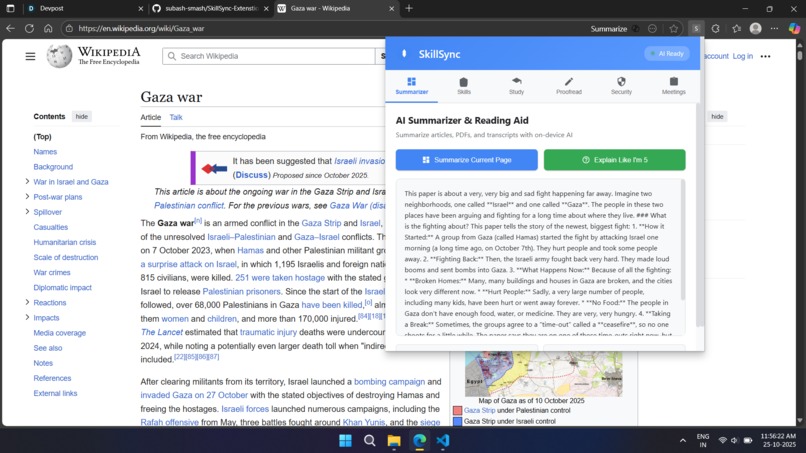
demo of summarizer
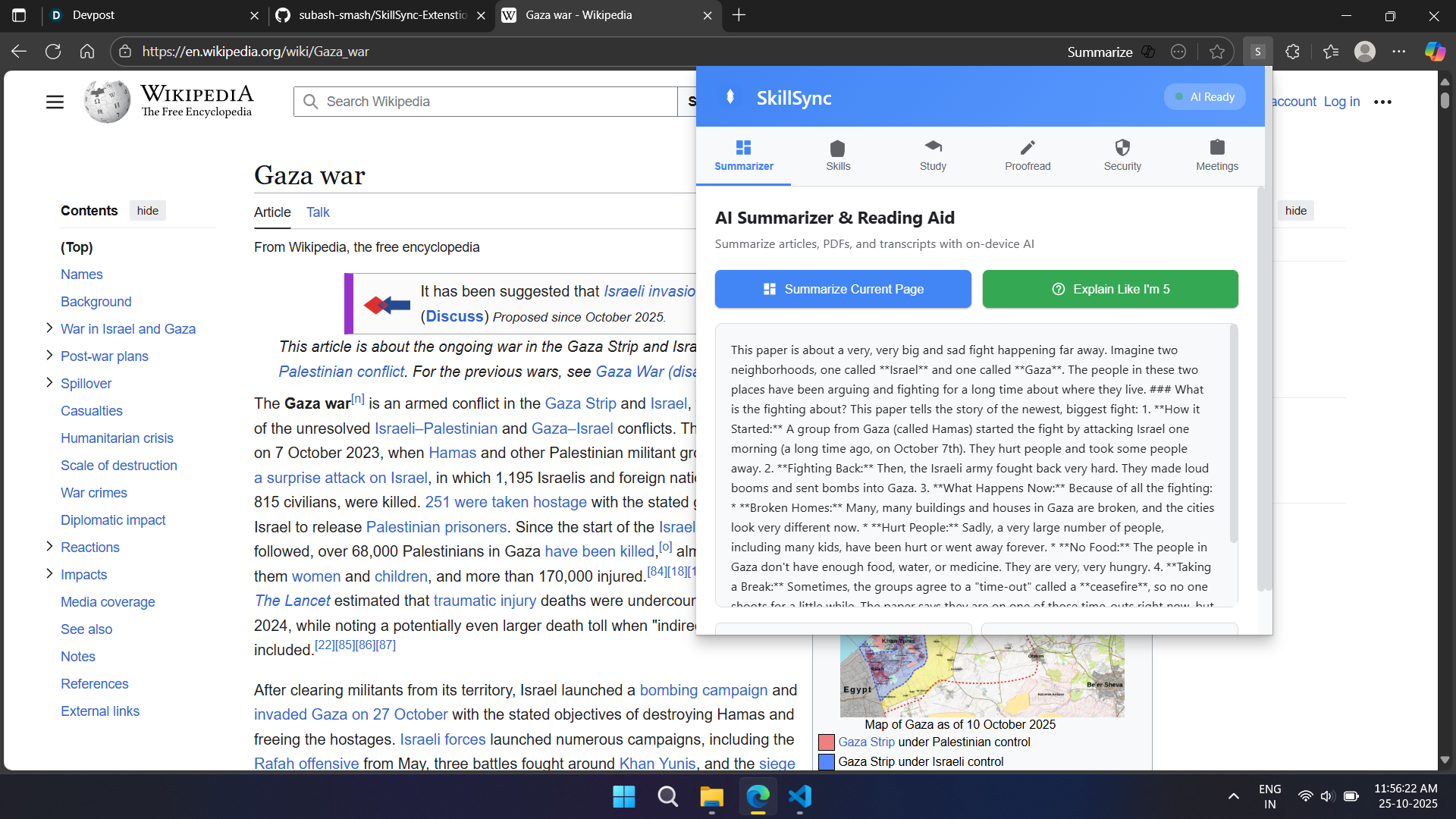
Inspiration:
In today’s fast-paced digital world, users—from students to professionals—struggle with information overload, fragmented productivity tools, and growing privacy concerns. We wanted to create a comprehensive AI assistant embedded directly in the browser, powered by Chrome’s local Gemini Nano AI model, which can enhance learning, career growth, well-being, and security, all while preserving user privacy and enabling offline use.
What it does:
This all-in-one Chrome Extension integrates multiple AI-powered tools: 1.Instantly summarizes complex articles, meeting notes, or PDFs for quick understanding.
2.Acts as a personalized career mentor by analyzing job listings and resumes to identify skill gaps and provide coaching.
3.Generates quizzes and flashcards to boost study effectiveness with a smart planner.
4.Proofreads writing securely on any platform without sending data to servers.
5.Filters toxic comments and warns about suspicious links to improve mental wellbeing and online security.
6.Extracts key decisions and action items from meeting transcripts to save time and increase productivity.
How we built it:
We built a modular extension using Chrome’s built-in AI APIs (Prompt, Summarizer, Writer, Rewriter, Translator, Proofreader) powered by Gemini Nano, ensuring all AI processing runs locally on user devices. Our team used VS Code and GitHub for collaborative development, dividing features across branches for parallel progress. We incorporated Chrome Extension best practices and optimized privacy operations.
Challenges we ran into:
1.Balancing performance while running AI entirely on-device, which required optimizing API calls and caching.
2.Designing a user interface that delivers powerful AI features but remains simple and intuitive.
3.Ensuring offline functionality across all modules, which involved preloading AI models and handling network state changes.
Accomplishments that we're proud of:
1.Creating a privacy-first experience that never sends user data beyond the browser.
2.Developing modules focused on education, career, security, and wellbeing that truly address user needs.
3.Collaborating efficiently as a beginner team using modern version control workflows.
What we learned:
We learned the importance of privacy in AI applications, and sharpened our skills in Chrome Extension development and team collaboration.
What's next for Skillsync - AI Powered Companion:
We plan to enhance multimodal AI support, add personalized AI coaching based on user behavior, improve accessibility features, and build integrations with popular learning platforms and professional networks, all while maintaining our commitment to privacy.

Log in or sign up for Devpost to join the conversation.