-
-
Learn. Teach. Grow. SkillSwap by Anum
Inspiration
I was inspired by my own experience as a university student I always wanted to learn new skills like UI/UX or coding, but expensive courses and limited resources made it difficult. At the same time, I realized many students had skills they could teach but had no platform to share them. I wanted to create a system where students can exchange their skills instead of money, helping each other grow together.
What it does
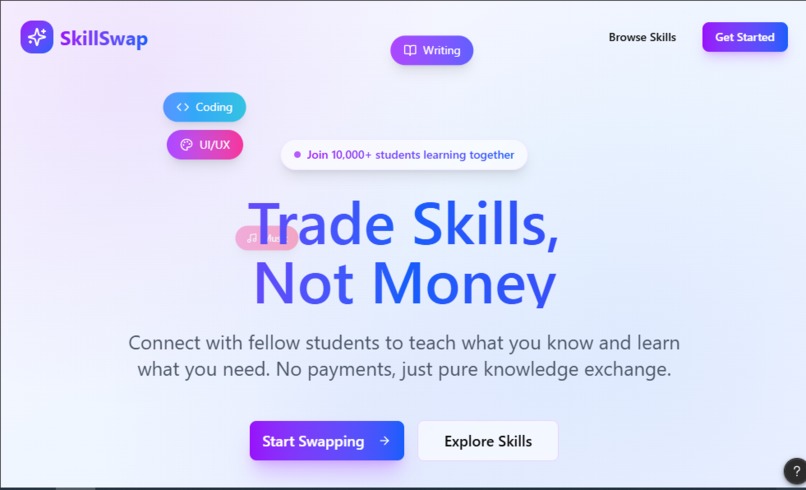
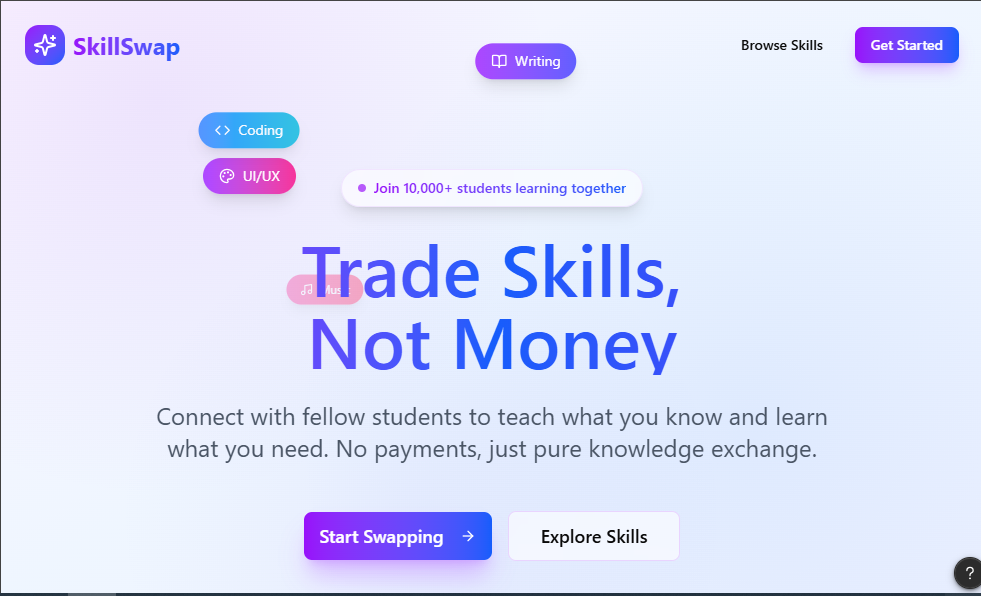
SkillSwap is a cross-platform app that lets university students: Offer the skills they know Discover skills they want to learn Request a skill swap with another student Track upcoming swap sessions It includes an interactive onboarding page, a dashboard with skill cards, a skill detail or swap request flow, and a match confirmation screen. The app encourages collaboration, learning, and peer-to-peer growth.
How we built it
I designed SkillSwap using Figma Make, combining AI-assisted generation and manual design refinements Defined the user flow for both mobile and web Created 3–5 key screens including onboarding, dashboard, skill detail, and swap confirmation Added interactive elements like floating skill tags and micro-animations for buttons and cards Applied a purple blue gradient theme with clean typography, rounded cards, and soft shadows to keep it modern and visually engaging
Challenges we ran into
Designing cross-platform consistency: Making mobile and web flows feel cohesive was tricky. Interactive elements: I wanted animations to be smooth but simple enough to prototype effectively. Prioritizing features: Balancing a clean interface with enough information on each screen took several iterations.
Accomplishments that we're proud of
Successfully created interactive mobile and web prototypes with engaging animations Designed a clean, professional interface that feels like a real 2026 tech startup Created a concept that is scalable and future-ready, ready to integrate AI matching, video calls, and skill credits
What we learned
How to design cross-platform flows with consistency The importance of micro-interactions and animations to improve user engagement How to balance visual appeal with usability, especially in interactive prototypes Improved skills in AI-assisted design tools like Figma Make, while maintaining personal design decisions
What's next for SkillSwap Peer-to-Peer Skill Exchange App
Implement AI-powered skill matching to connect students based on interests and skill level Add video session capabilities and peer reviews Expand the app to full mobile and web functionality, ready for beta testing Integrate campus-wide partnerships to grow the user base
Built With
- figma


Log in or sign up for Devpost to join the conversation.