-
-
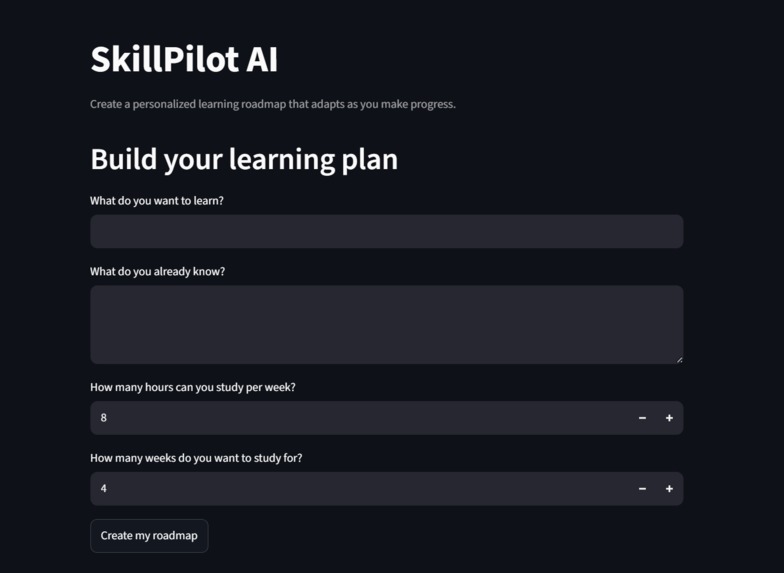
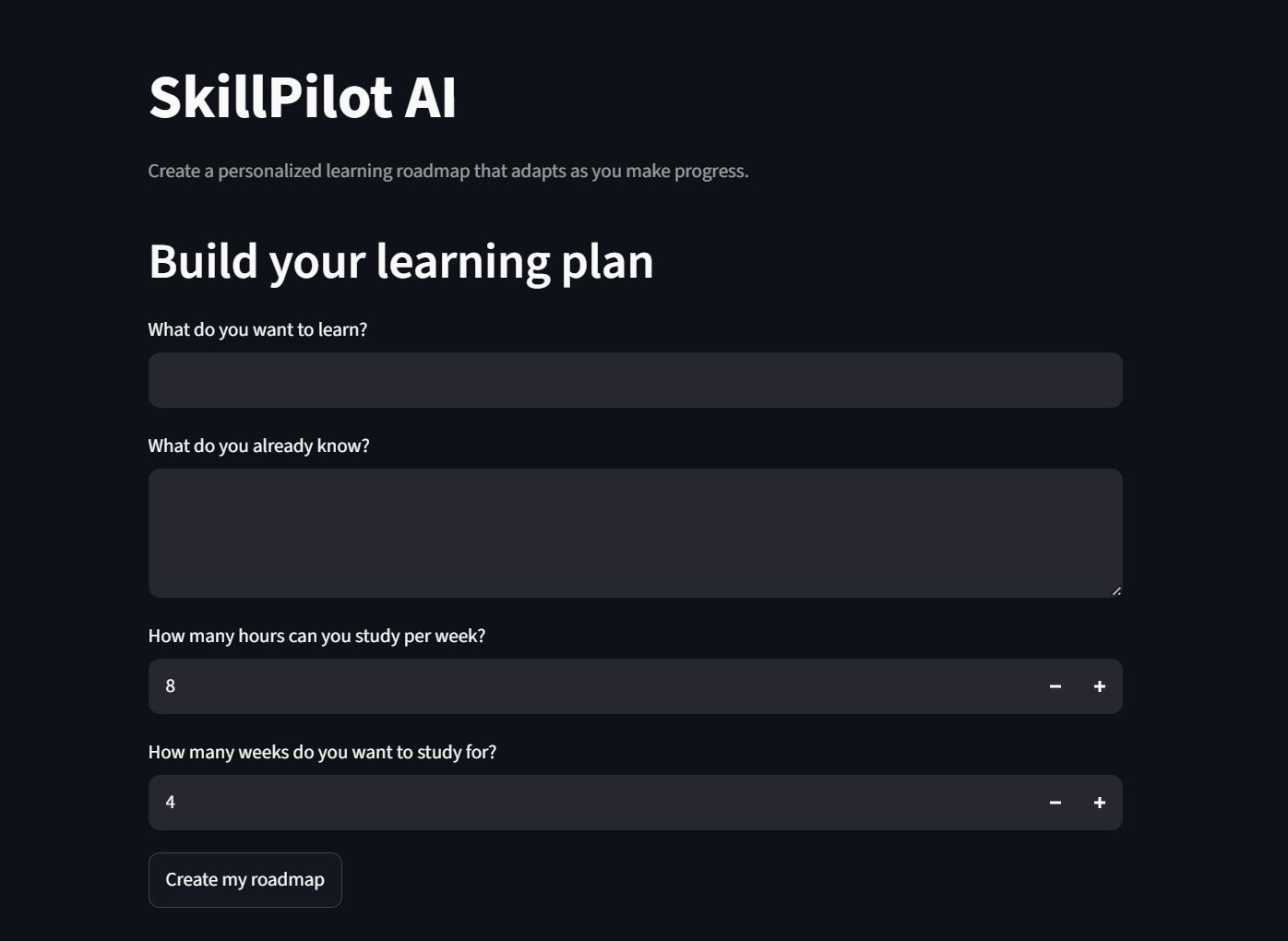
Enter a learning goal, current knowledge, available weekly hours, and preferred roadmap duration.
-
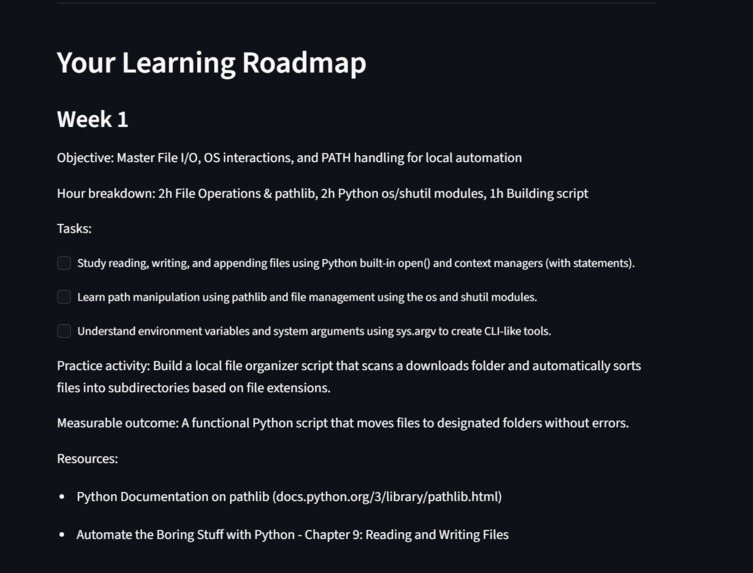
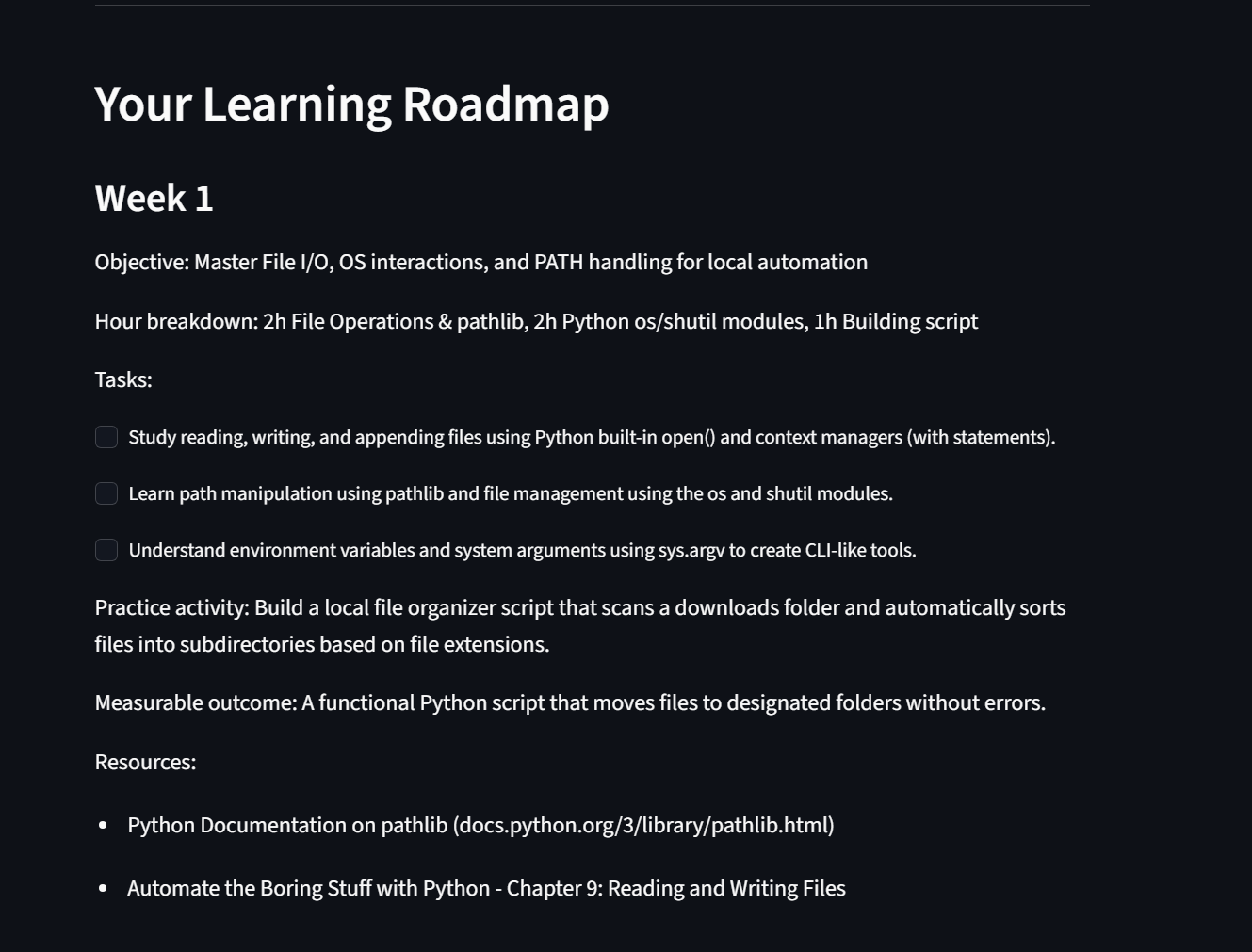
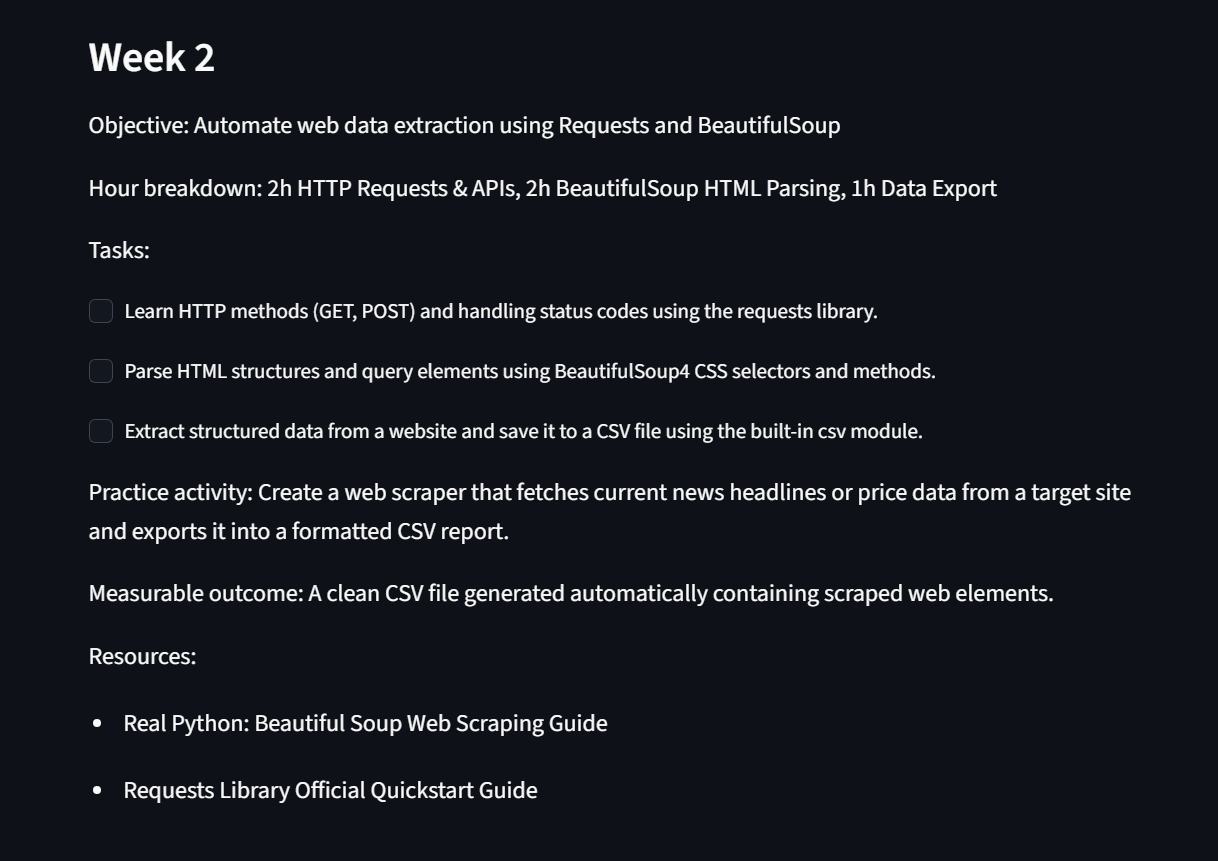
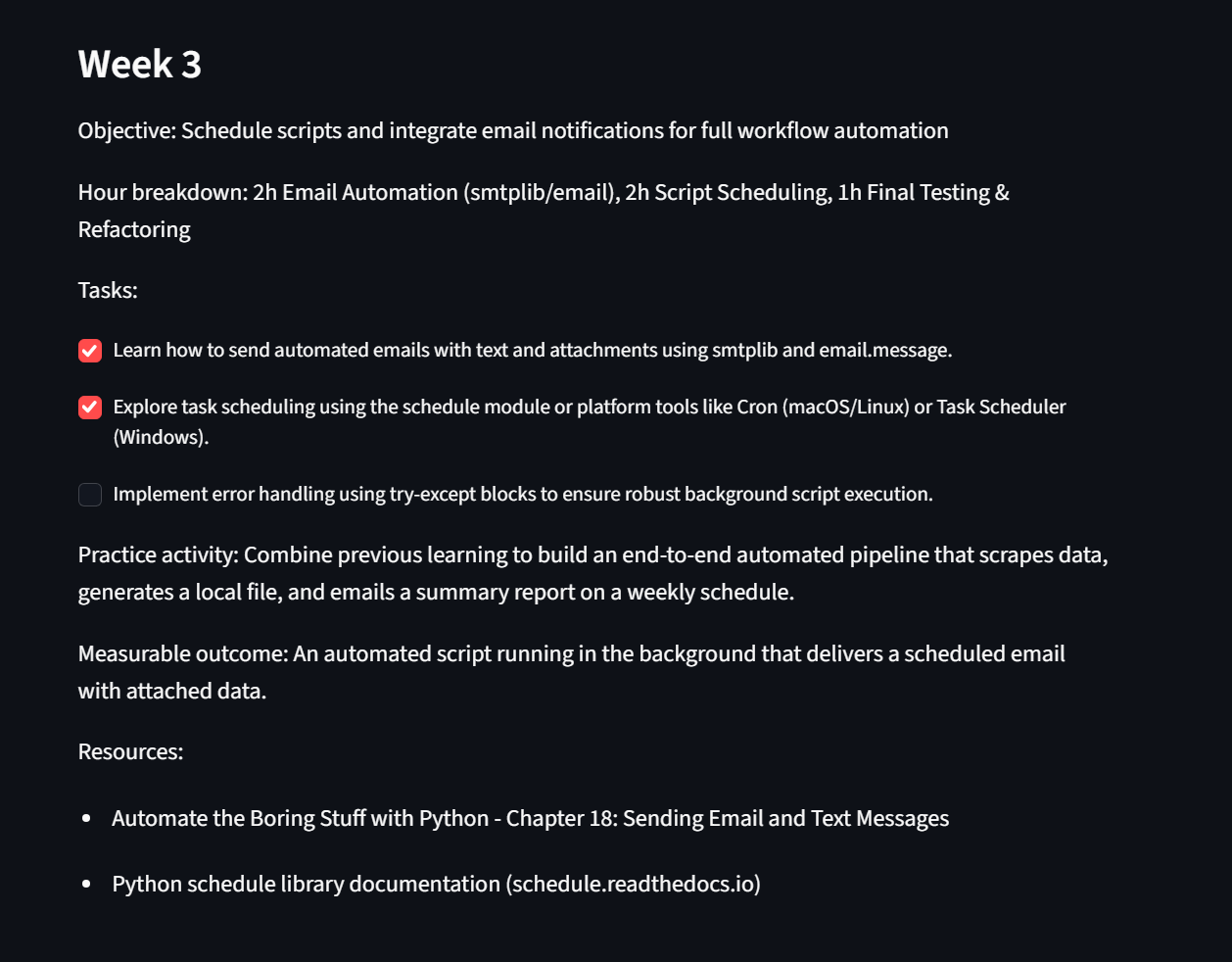
Gemini creates a structured weekly roadmap with tasks, practice activities, outcomes, and resources.
-
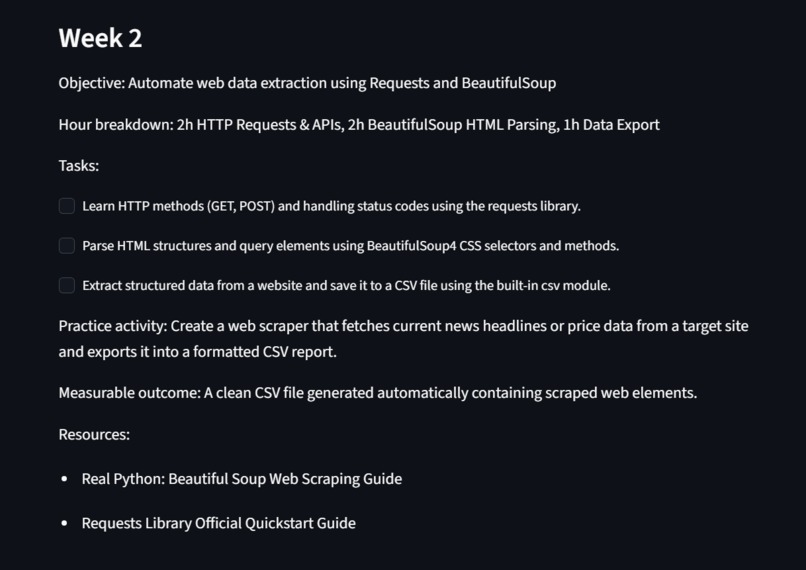
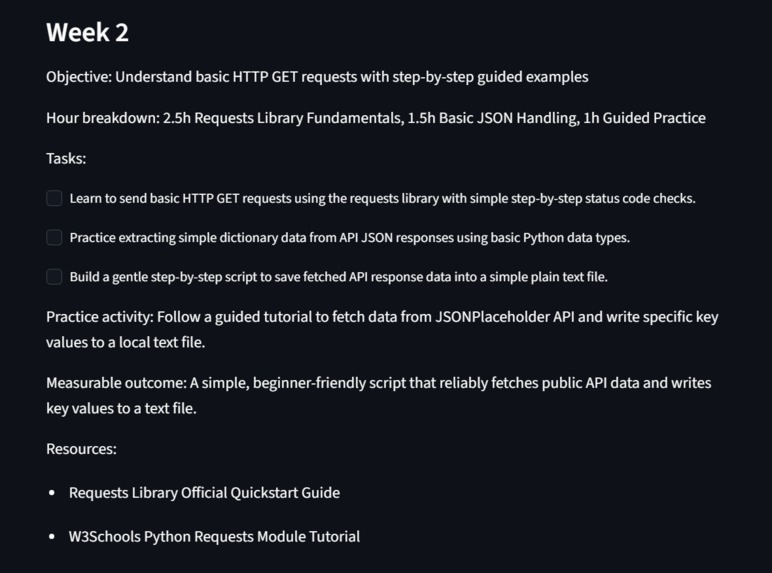
The original Week 2 plan before SkillPilot receives feedback about the learner's experience.
-
-

-
-

Inspiration
I created SkillPilot AI because learning something new can become overwhelming. When searching for content, one finds hundreds of guides and tutorials but has no specific plan of what to learn and when. I aimed to design a tool that would propose a smart plan according to the user’s goals, current skill level, and the time they can dedicate to learning. Additionally, such a tool should be self-learning in the sense that it updates the plan when the user progresses following the outlined weekly objectives.
What it does
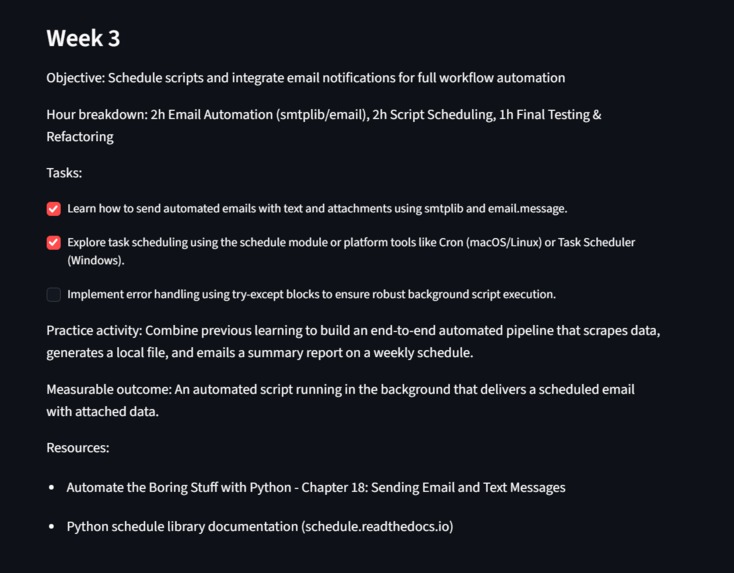
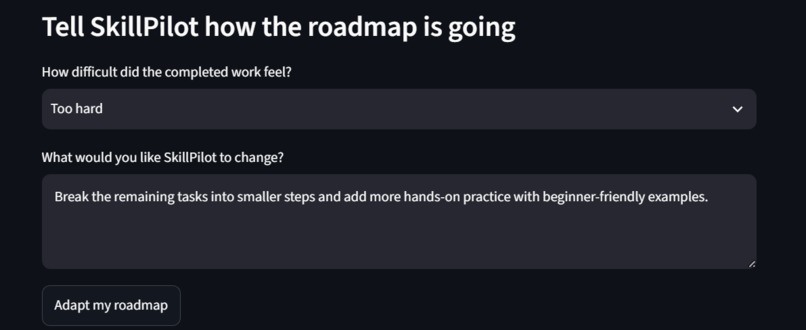
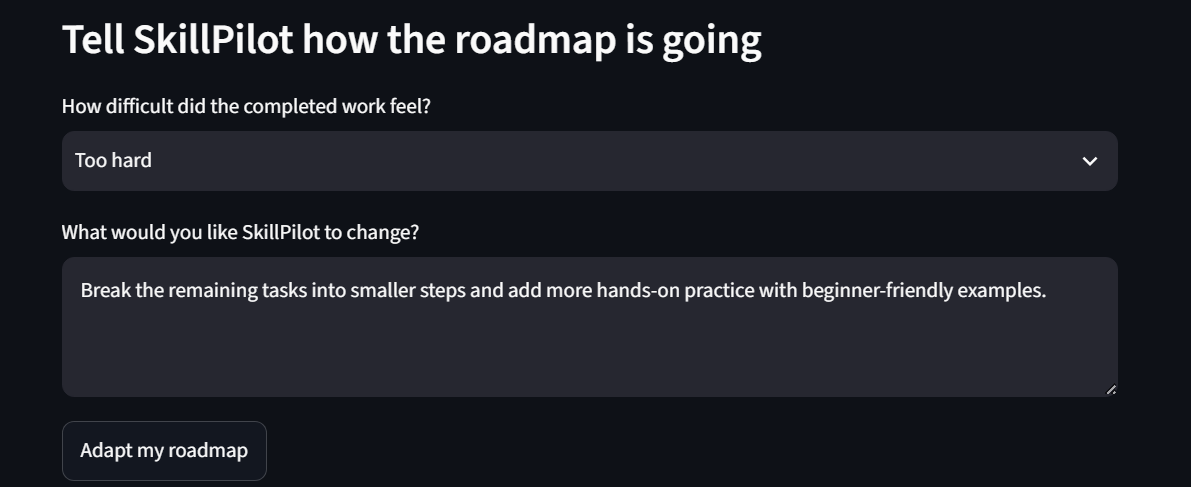
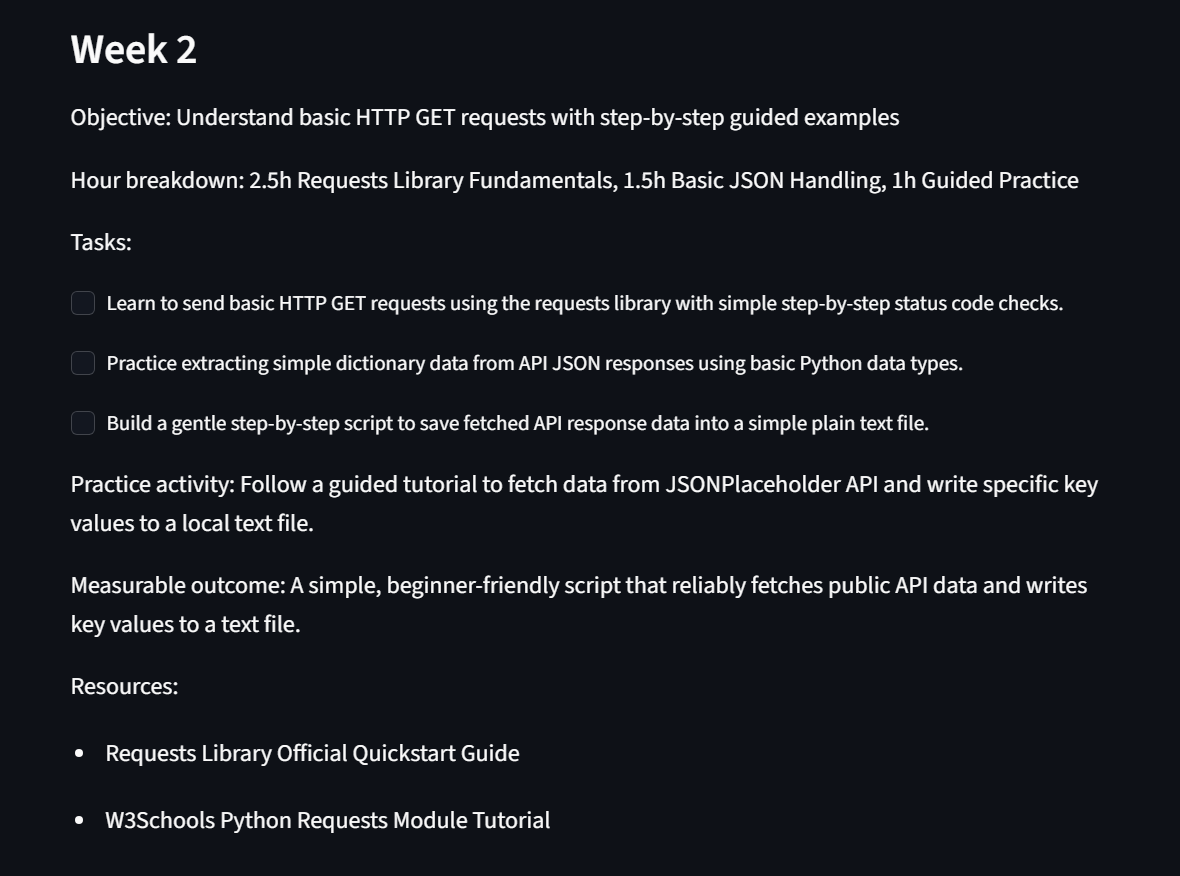
SkillPilot AI asks the user to define their learning goals and provide information about their current skill level, available hours per week, and desired plan period in weeks. Based on this information, it proposes a weekly breakdown of learning goals, including a realistic hourly allocation, learning tasks, a practice task, an outcome, and recommended resources. Furthermore, the user can check-off tasks and track their progress towards the defined goals. After completing certain tasks, the user can report back to SkillPilot AI, specifying whether the task was too easy, just right, or too difficult and provide additional comments. SkillPilot AI utilizes this information to update the learning plan, excluding the completed tasks while adjusting the remaining ones.
How I built it
I built the app in Python using Streamlit Framework and implemented Gemini API to generate and update the learning roadmap. Specifically, Gemini API provides the weekly learning plan in JSON format, which I use in the application to separate weeks, tasks, activities, outcomes, and resources. I applied Streamlit session state to store the learning roadmap and checkbox values after re-running the script. Additionally, I used SQLite to store the user profile, the learning plan, and the progress made. Finally, I pushed the code to GitHub and deployed the app using Streamlit Community Cloud.
Challenges I encountered
One of the main challenges I encountered while building this app was that Gemini API would sometimes throw a 503 error due to high model load. Therefore, I had to implement an error handling procedure that would notify the user of a problem instead of displaying a long error message. I also encountered difficulties while implementing checkboxes because Streamlit reruns the entire script when a checkbox is toggled, making it challenging to retain checkbox values when generating a new plan. Finally, I had to find a way to update the learning plan without affecting already completed tasks. Luckily, Gemini API allows me to update the plan by providing instructions to retain the completed tasks.
What I learned
While building the application, I learned how to connect Python to an AI model, request specific information in JSON format, and implement session state in Streamlit. Moreover, I gained experience in using SQLite and deploying the application on a web server. In addition, I learned how to handle errors when interacting with an API, protect the API key, and push the code to the repository. The most valuable lesson was that while calling an AI model is relatively straightforward, the rest of the application requires significant development to make the AI useful and productive.
What’s next
In the future, I want to improve the app by allowing users to log in with credentials and store their progress separately. It would also be helpful to provide the option to revisit previous progress and update existing plans. I would also like to add reminders, additional features such as verified resources, and quizzes that the user can take to help SkillPilot AI assess their knowledge of the topic to update the learning plan.

