-
-
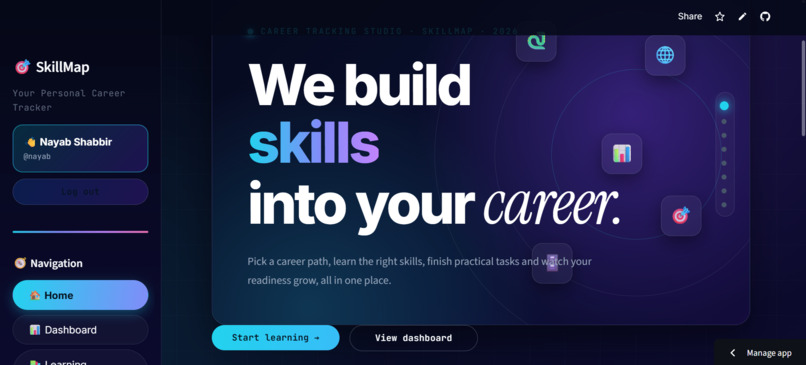
Explore different career options and discover relevant skills.
-
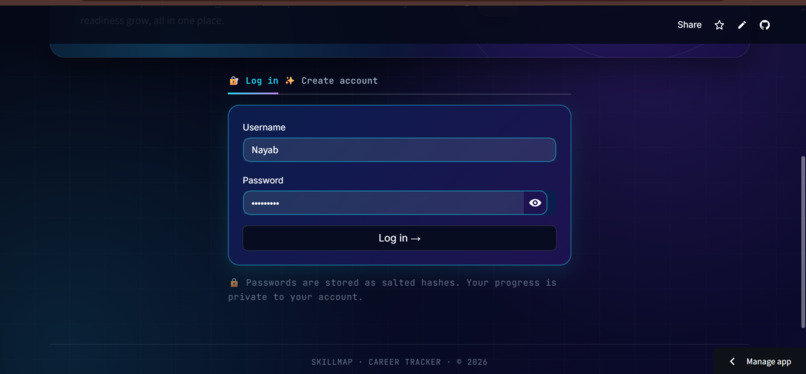
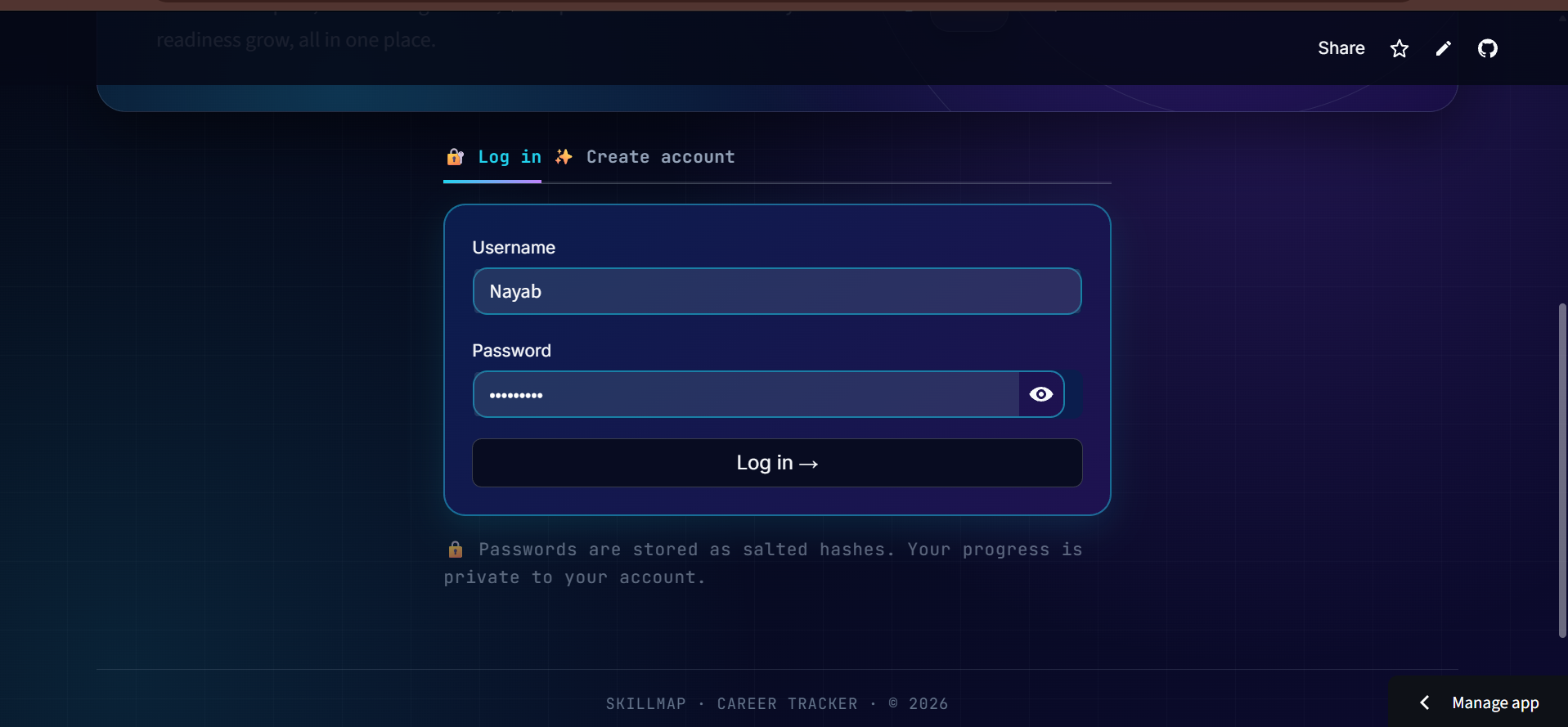
Secure login interface for accessing a personalized SkillMap account.
-
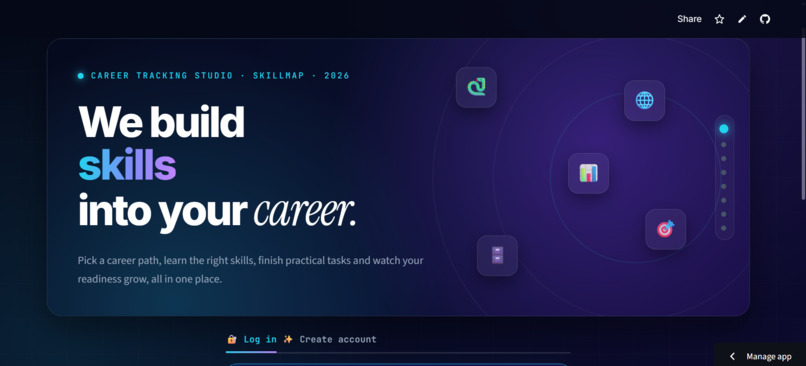
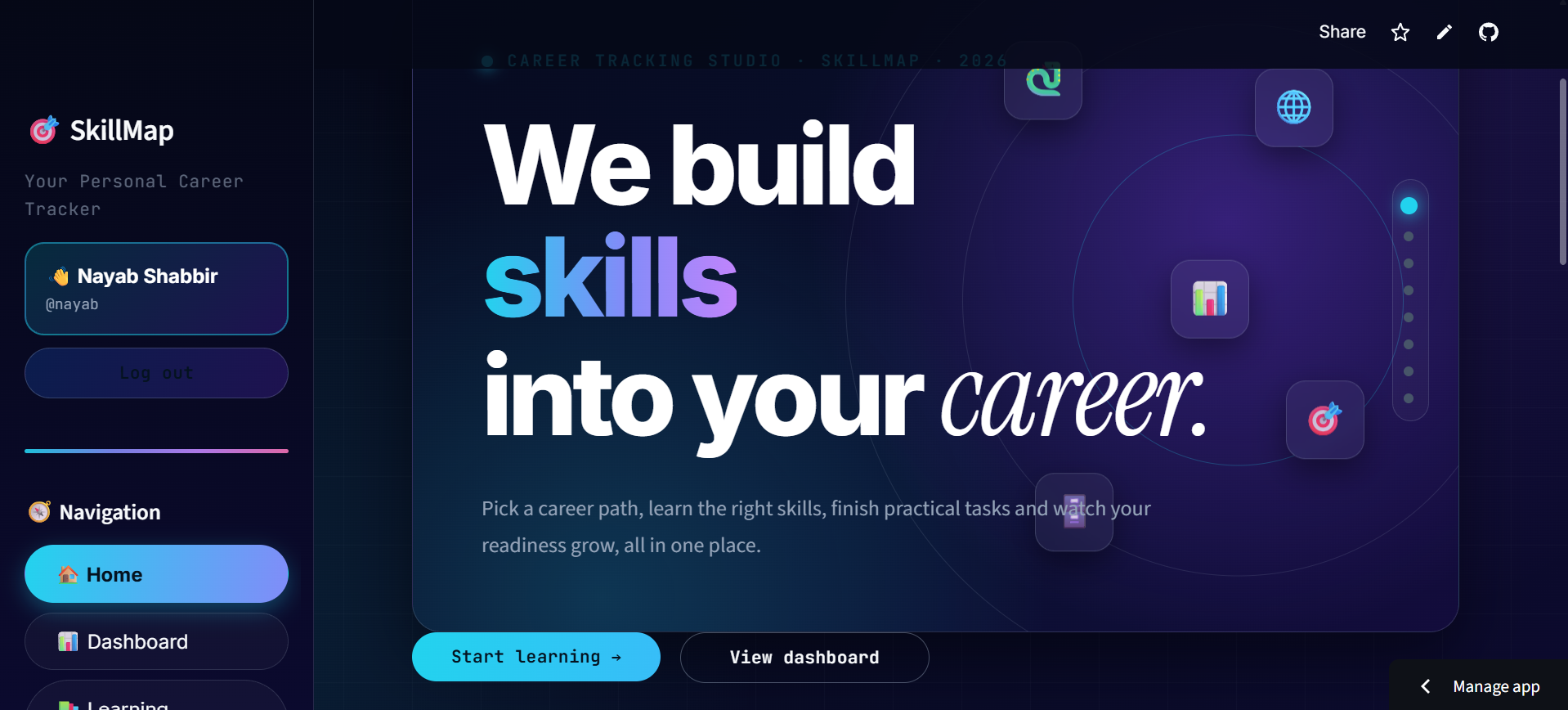
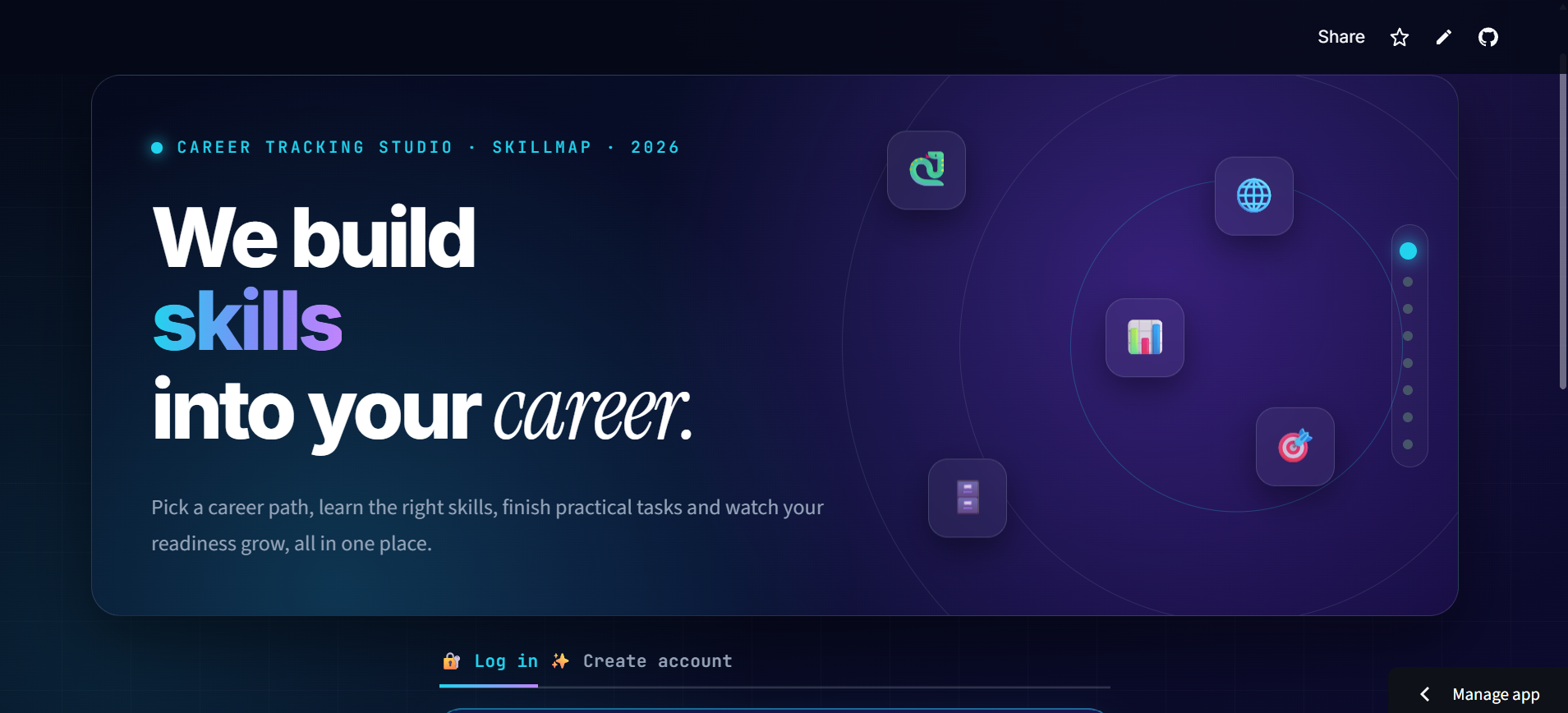
Welcome dashboard introducing SkillMap and its career tracking features.
-
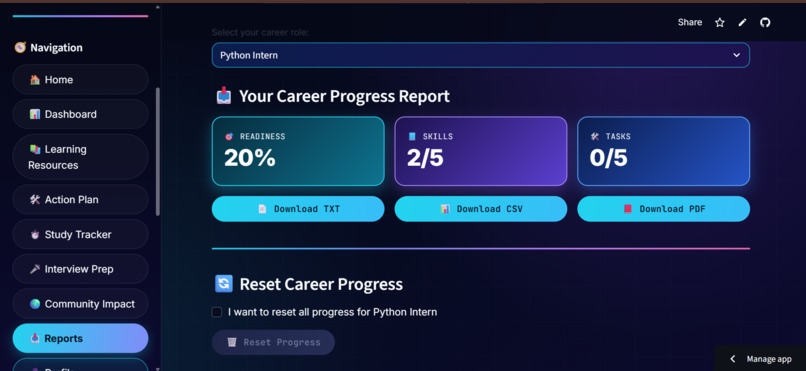
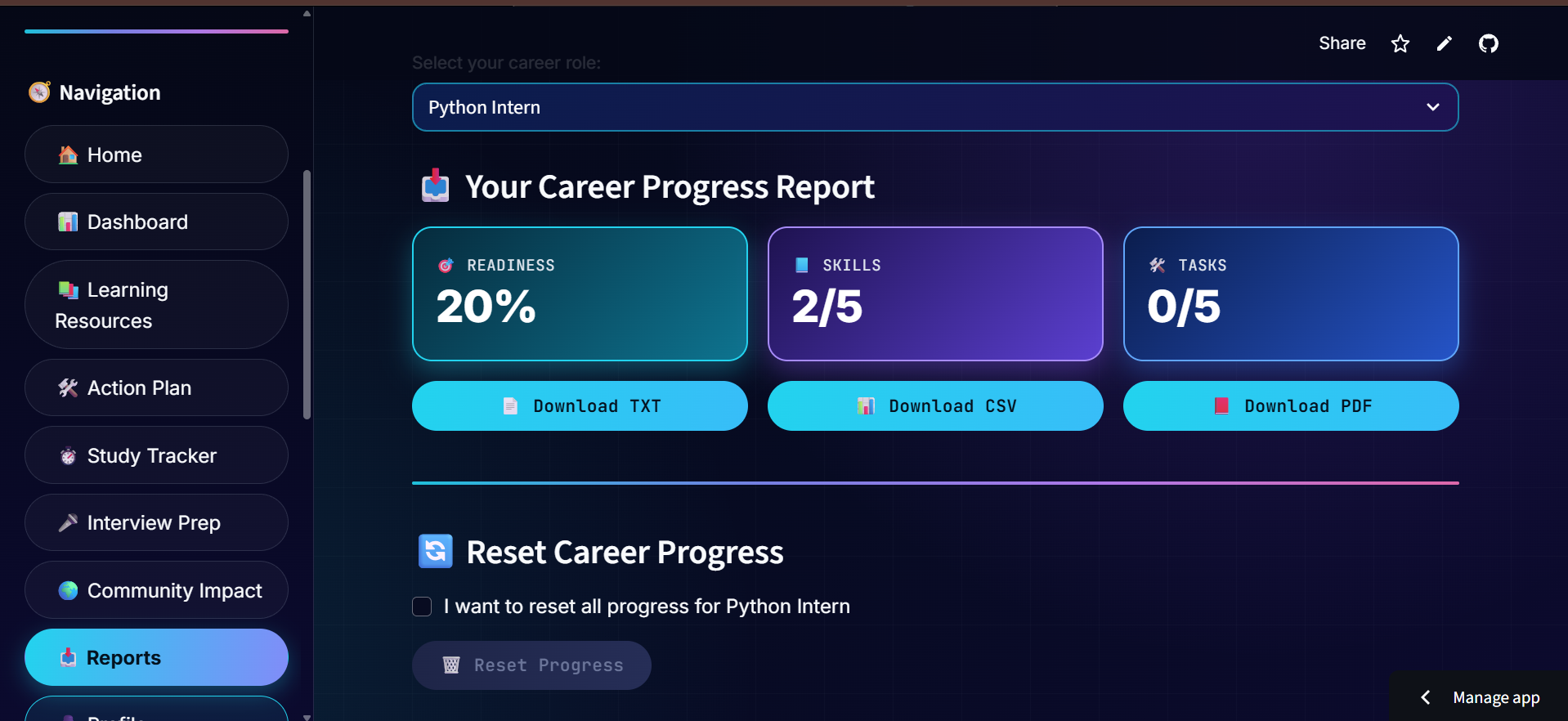
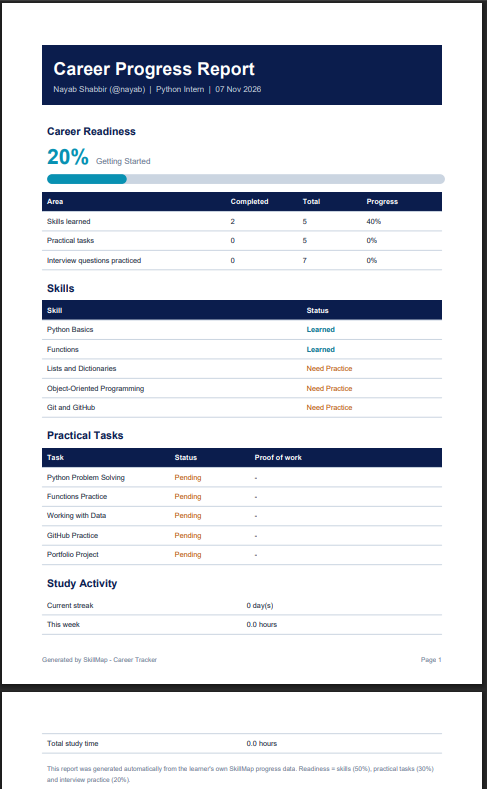
Generate and download learning progress reports.
-
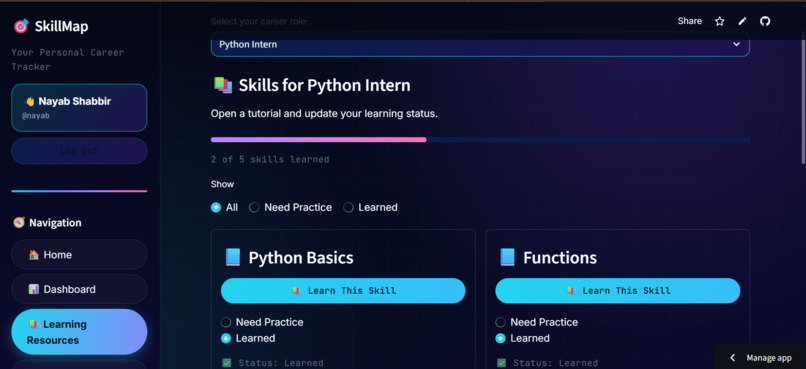
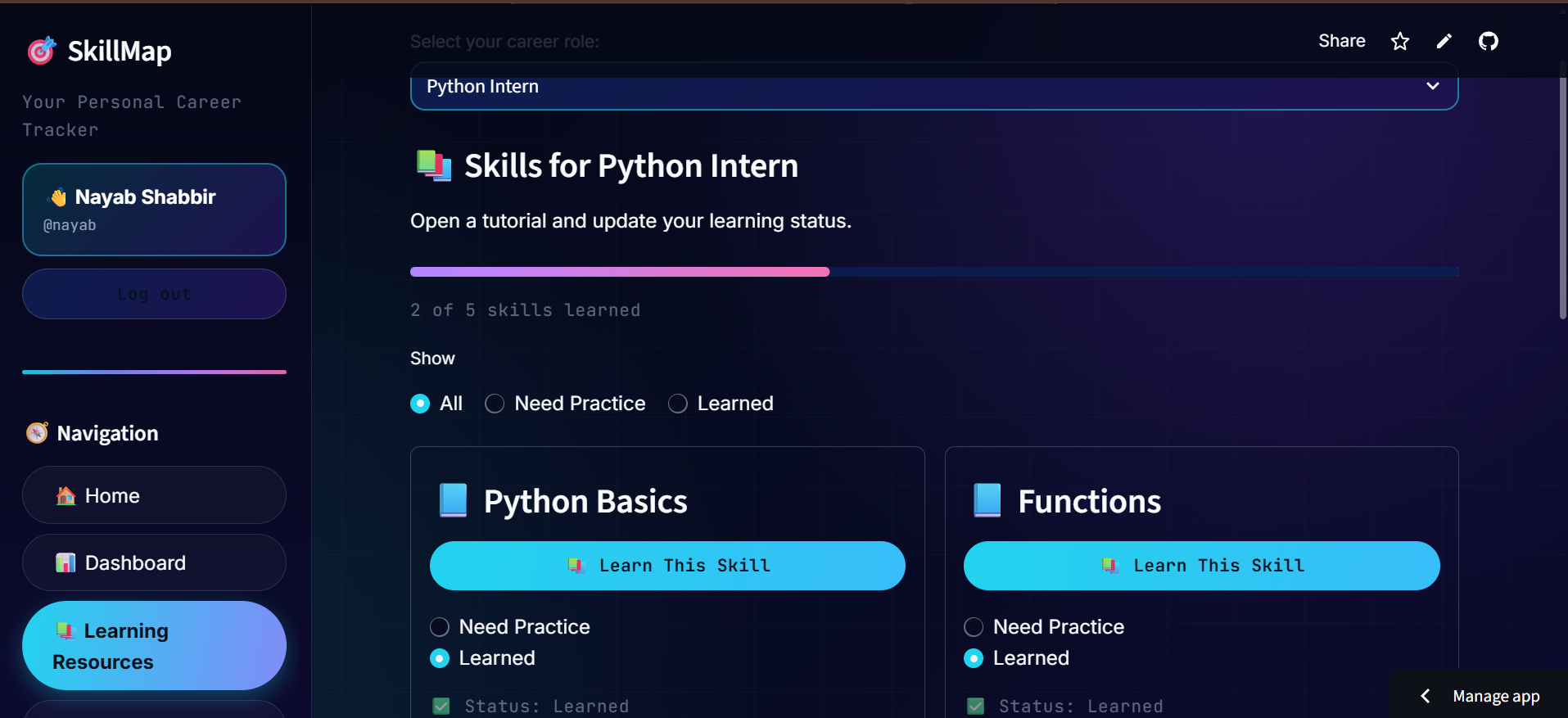
Find useful learning materials to develop career-related skills.
-
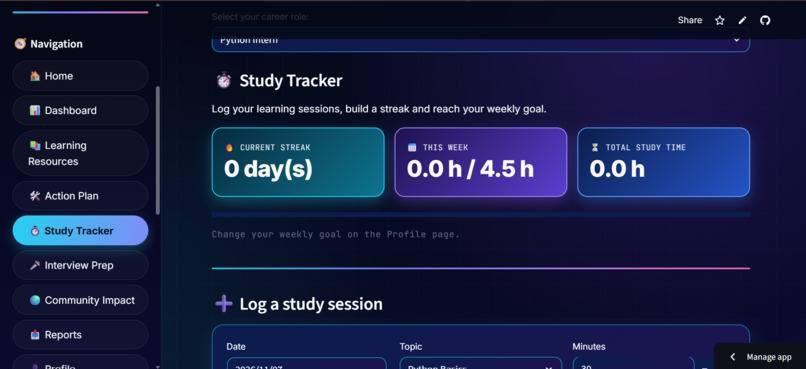
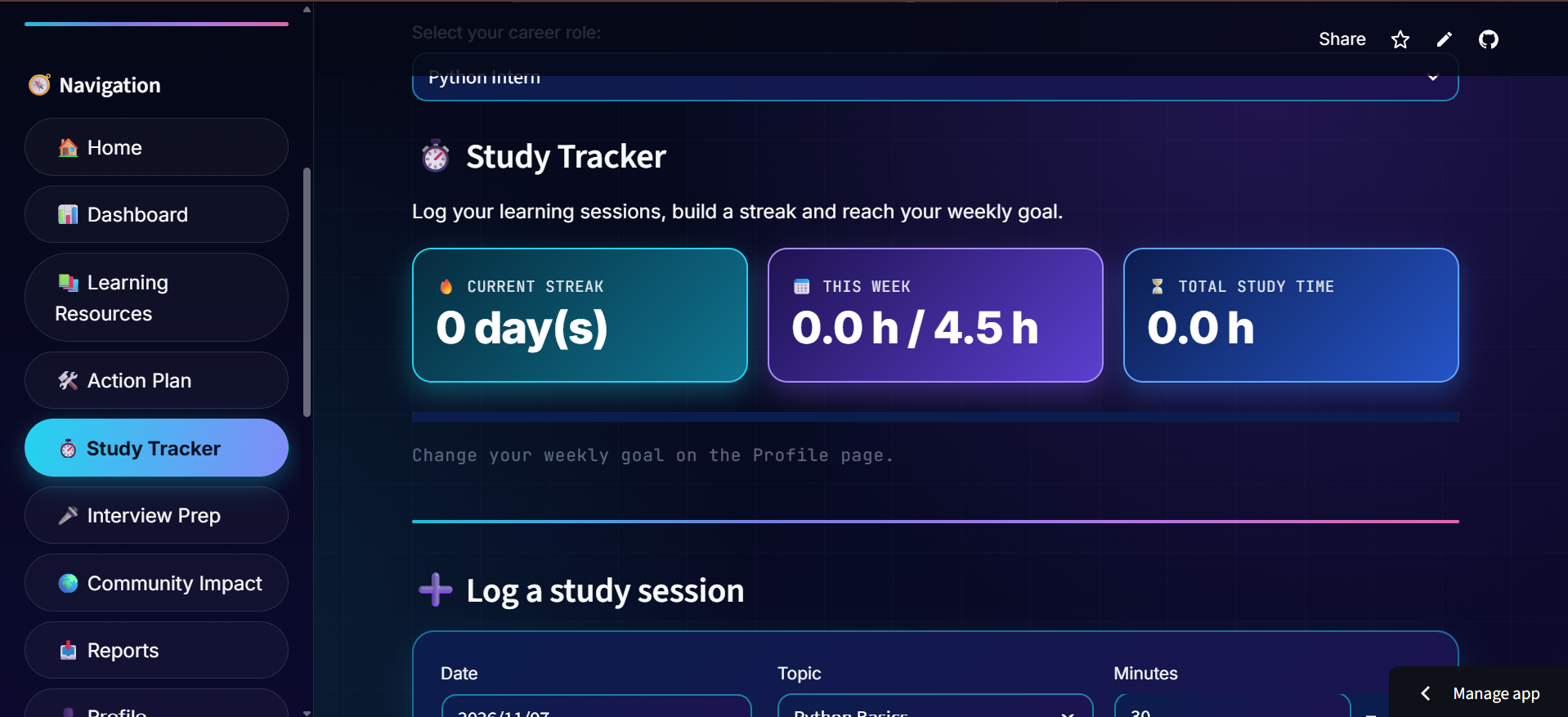
Record study sessions and monitor learning progress.
-
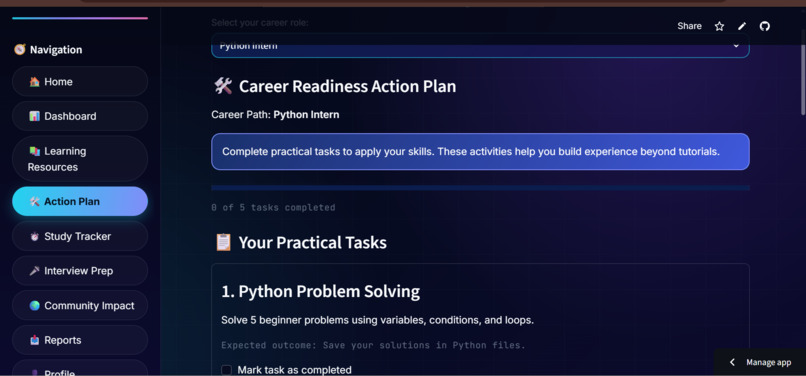
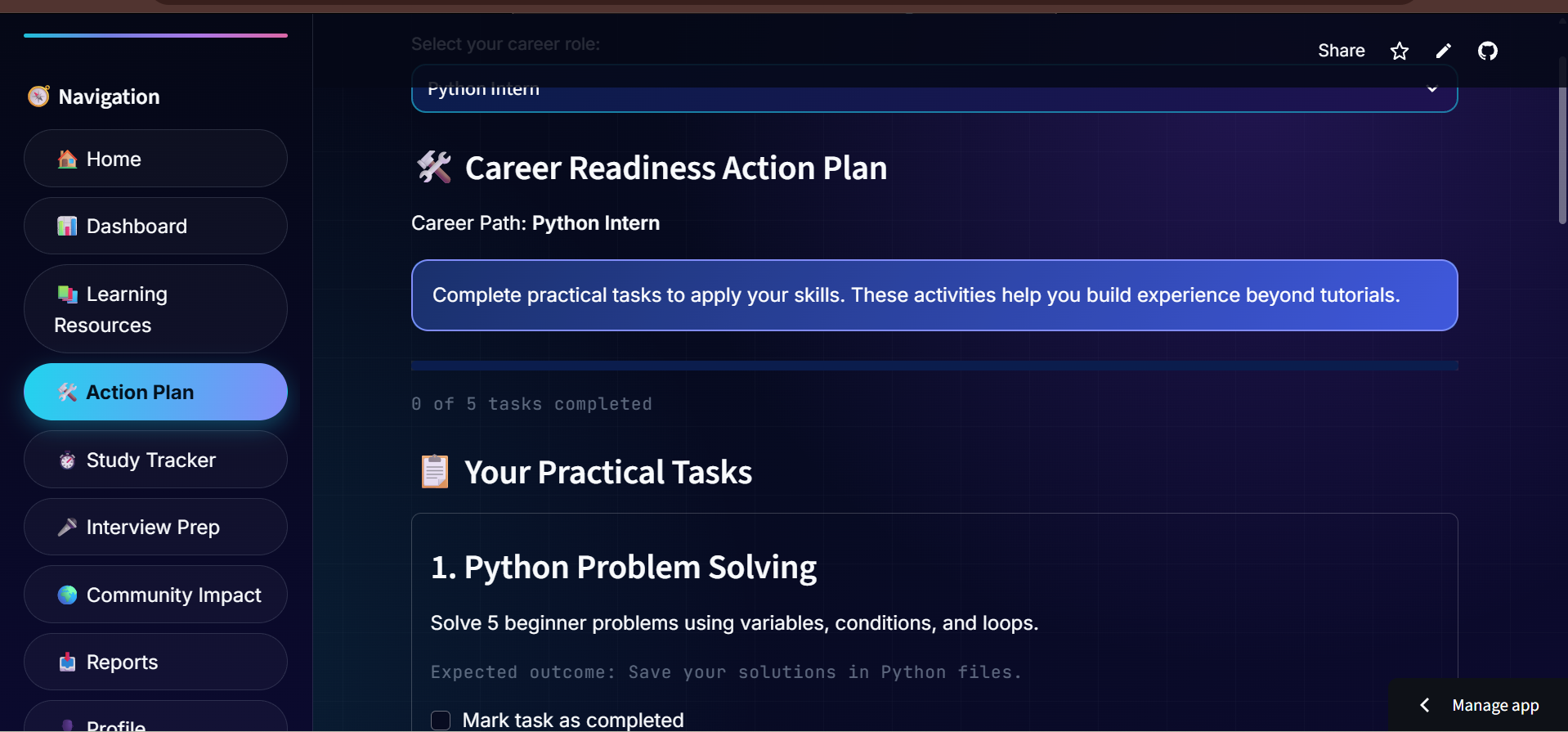
Organize learning tasks and track completed activities with proof links.
-
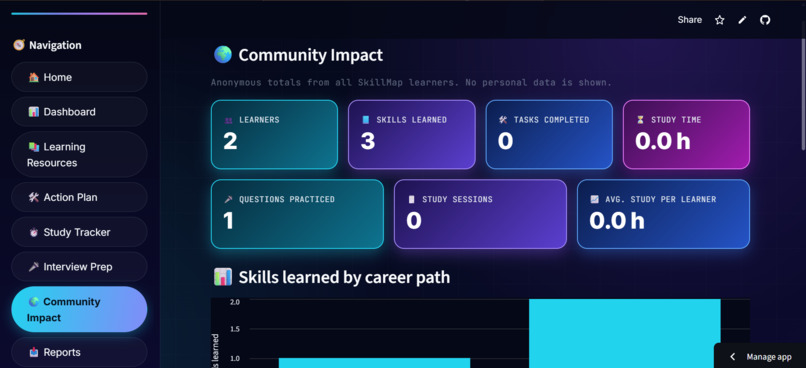
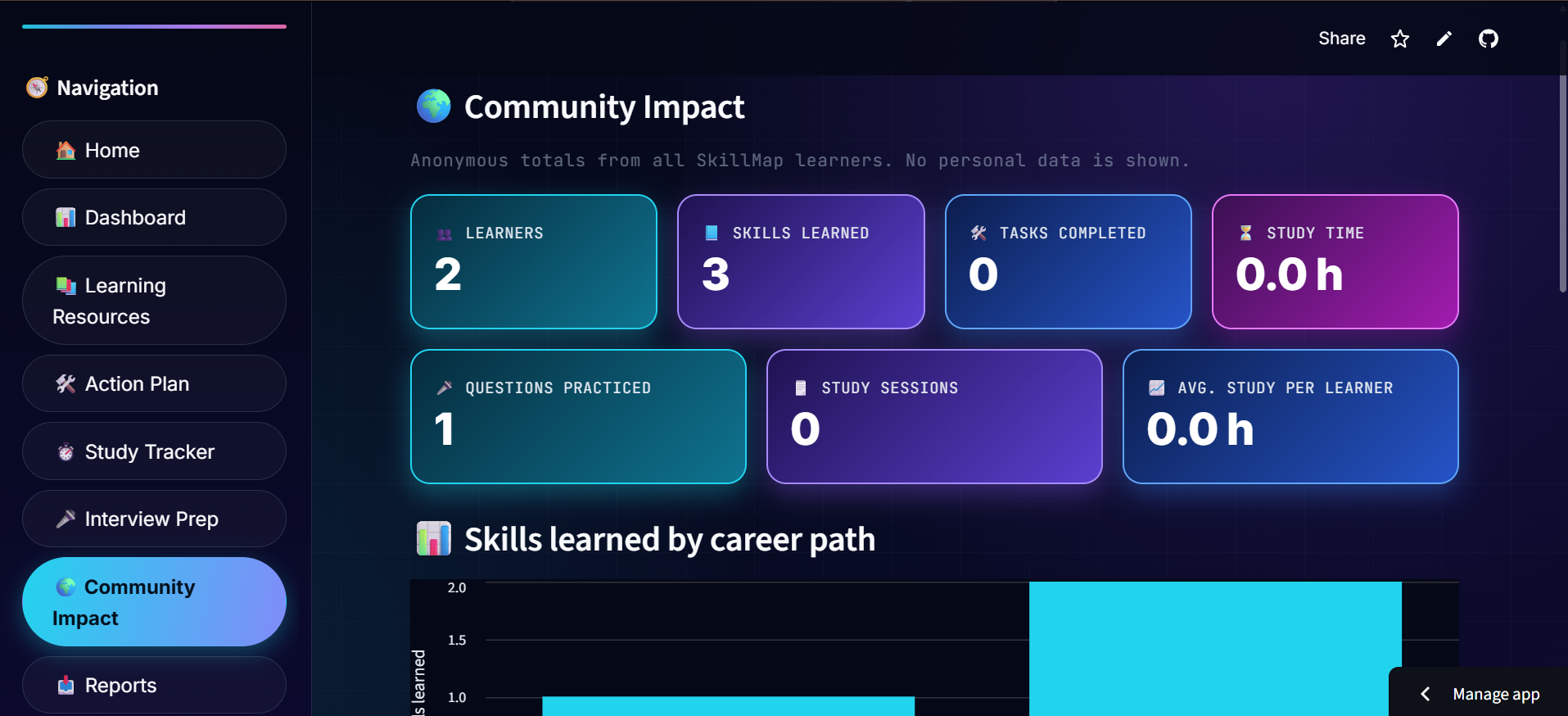
Discover how SkillMap supports students in their learning journeys.
-
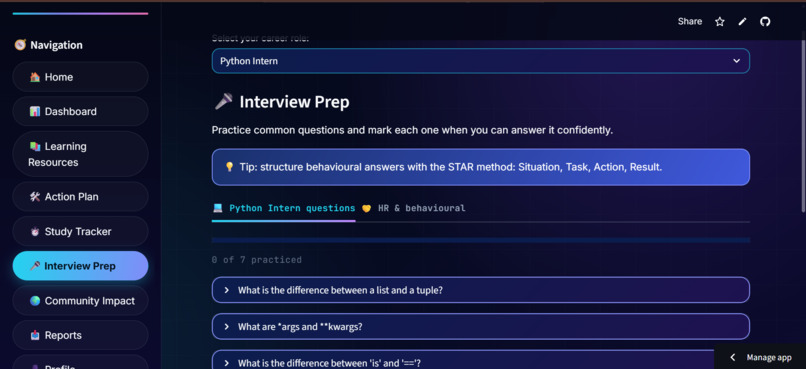
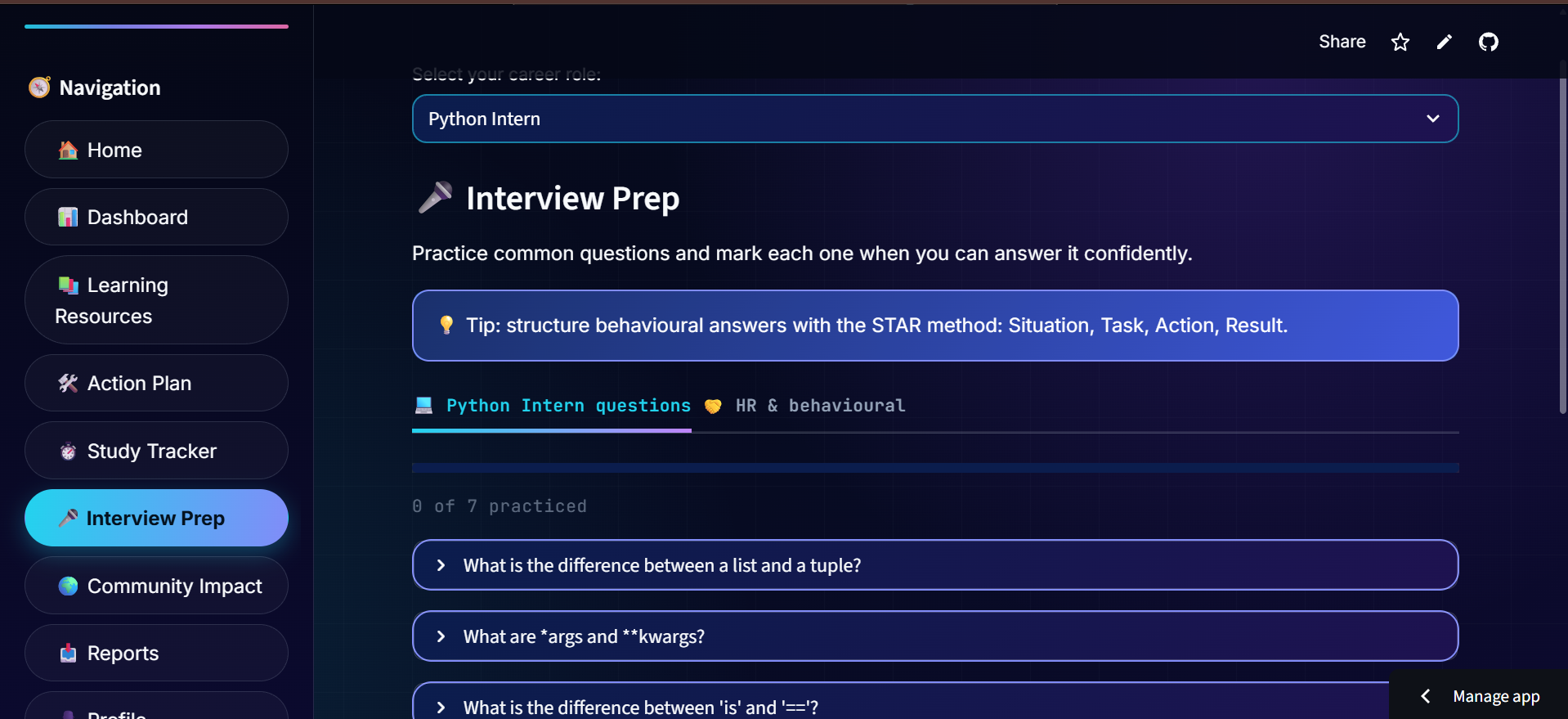
Practice interview questions to improve career readiness.
-
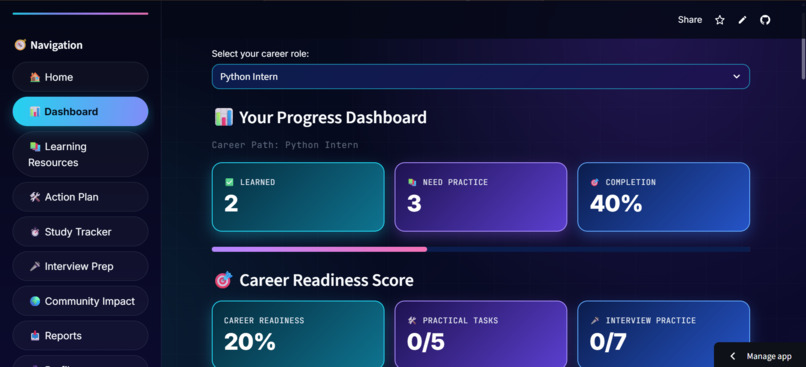
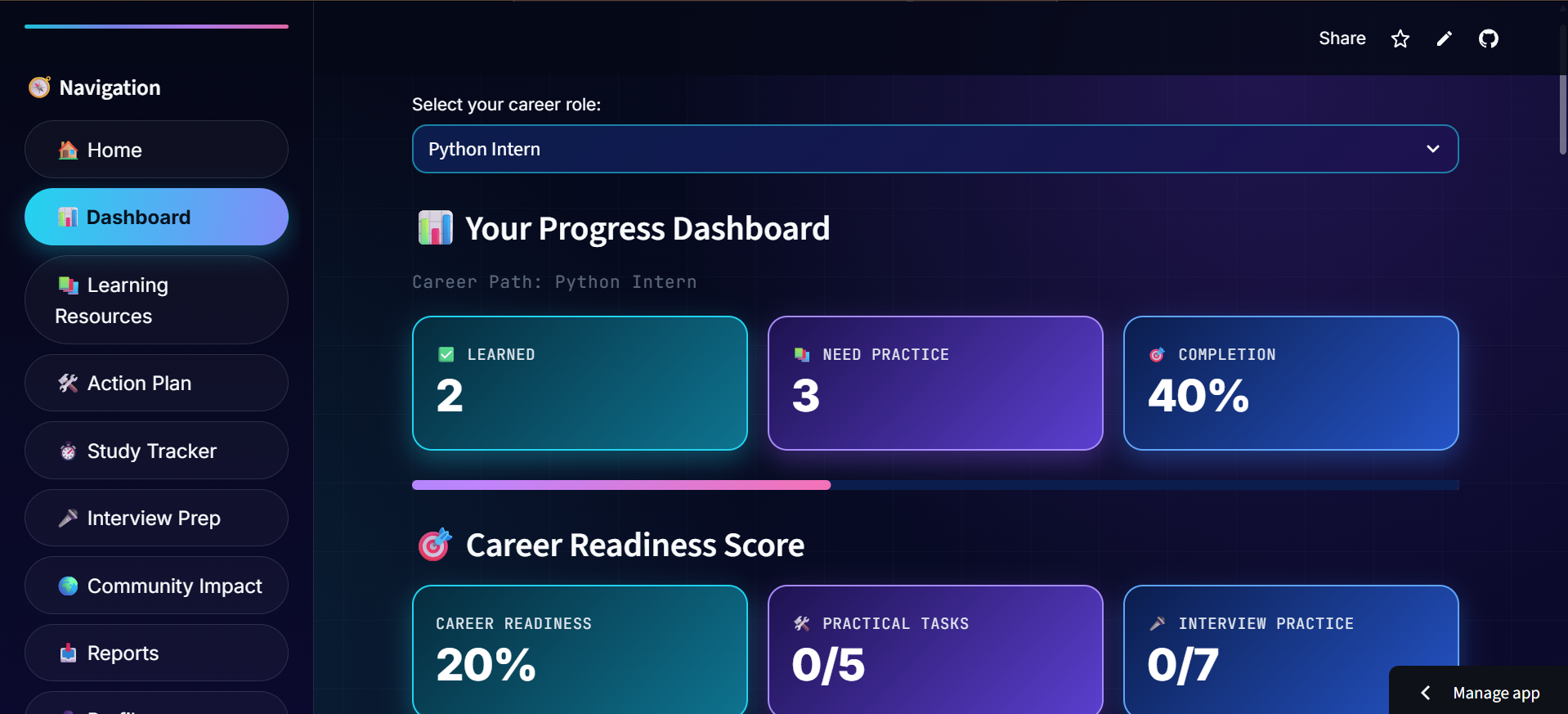
Get an overview of learning progress and completed activities.
-
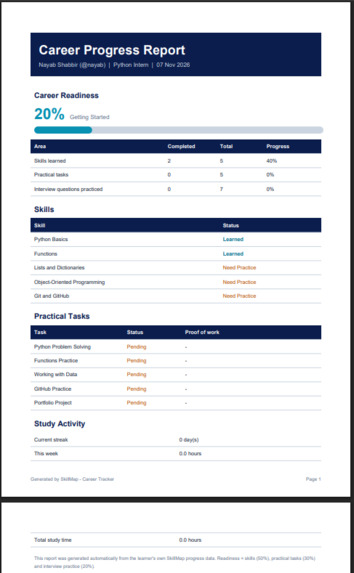
View a downloadable PDF summary of learning progress.
Inspiration
As a student, I realized that many students struggle to decide which skills to learn for their desired career. Learning resources are scattered across different platforms, and it can be difficult to track progress and stay organized.
This inspired me to build SkillMap – Career Tracker, a platform that brings career exploration, learning roadmaps, progress tracking, and interview preparation together in one place.
What it does
SkillMap helps students explore different career paths and organize their learning journey. Its main features include:
- Career Paths: Explore six career paths, including Python, Data Analyst, Web Developer, Data Science, UI/UX Design, and Cybersecurity.
- Learning Resources: Find useful learning materials for selected skills.
- Action Plan: Practical tasks for each career path (like SQL queries or a portfolio project). Learners tick them off and attach a GitHub or project link as proof of work.
- Study Tracker: Record study sessions and monitor learning progress.
- Interview Preparation: Practice interview questions for career readiness.
- Dashboard: A Career Readiness Score (skills 50%, practical tasks 30%, interview practice 20%), achievements and a skill-gap analyzer that suggests the next skill to learn.
- Community Impact: An anonymous dashboard with totals from all learners (skills learned, tasks completed, study hours) plus each user’s own contribution.
- Reports: Generate and download progress reports in TXT, CSV, and PDF formats.
How I built it
SkillMap is built with Python and Streamlit. It has its own login system: passwords are hashed with PBKDF2 and a per-user salt, accounts lock after repeated failed attempts, and each user’s progress is stored separately. The database layer supports SQLite and PostgreSQL (for example Neon) for permanent cloud storage, and a hashed session token keeps users logged in after a page refresh. Pandas powers the charts and CSV export, ReportLab generates the PDF report, and the database code is covered by automated unit tests. The app is deployed on Streamlit Community Cloud and the source code is on GitHub.
I also worked on the user interface, database integration, authentication, and deployment to make the platform accessible online.
Challenges I faced
As a student developer, one of my biggest challenges was connecting different features into one working application. Managing database records, saving progress, handling user sessions, and keeping the interface organized required a lot of testing and debugging.
I learned how to break a larger project into smaller features, troubleshoot errors, connect a database with a Python application, and improve an application through testing.
What I learned
Building SkillMap helped me improve my Python, database, Streamlit, debugging, and project development skills. Most importantly, I learned how to turn an idea into a functional application that addresses a real student problem.
SkillMap is my step toward making career planning and skill development more organized and accessible for students.
What's next for SkillMap
- More career paths with more practical tasks and interview questions
- AI-powered mock interviews with feedback
- A mentor view so teachers can follow a group of learners
- An Urdu and multi-language interface, and PDF reports with full Unicode support
Try it: Create a free account on the live app to explore SkillMap.
I used an AI assistant (Claude) for coding help and code review. I designed the product, tested it and deployed it myself.
